Let’s see some features in my kit
Facebook tags
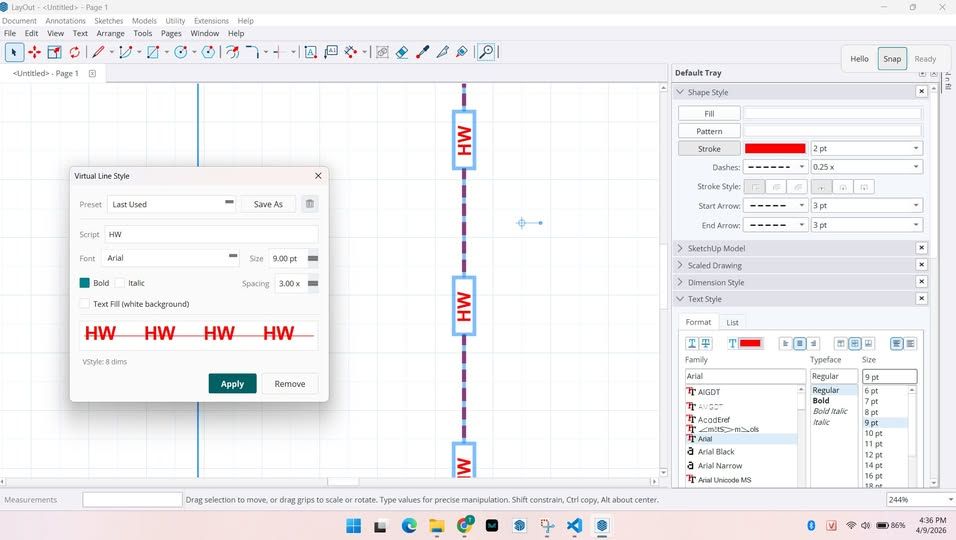
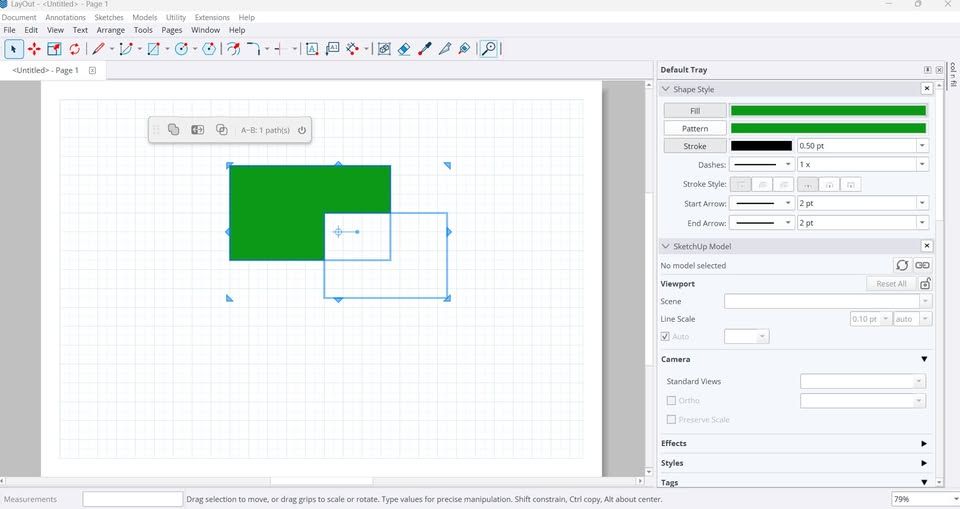
shadow45deg.mp4
AutotextSuggestion.mp4
Want early access? Email me at support@vbosolution.com to join the beta.
Let’s see some features in my kit
Facebook tags
shadow45deg.mp4
AutotextSuggestion.mp4
Want early access? Email me at support@vbosolution.com to join the beta.
Let’s see some features in my kit
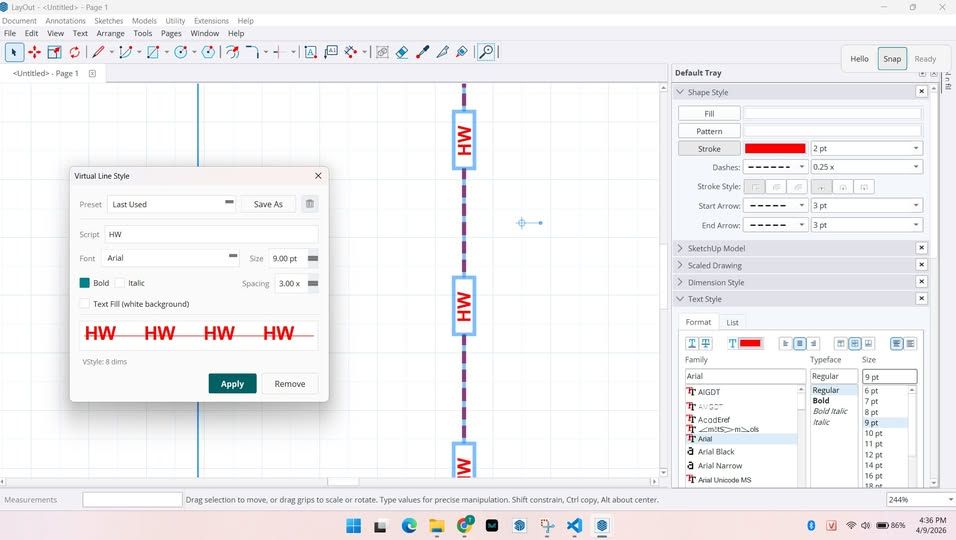
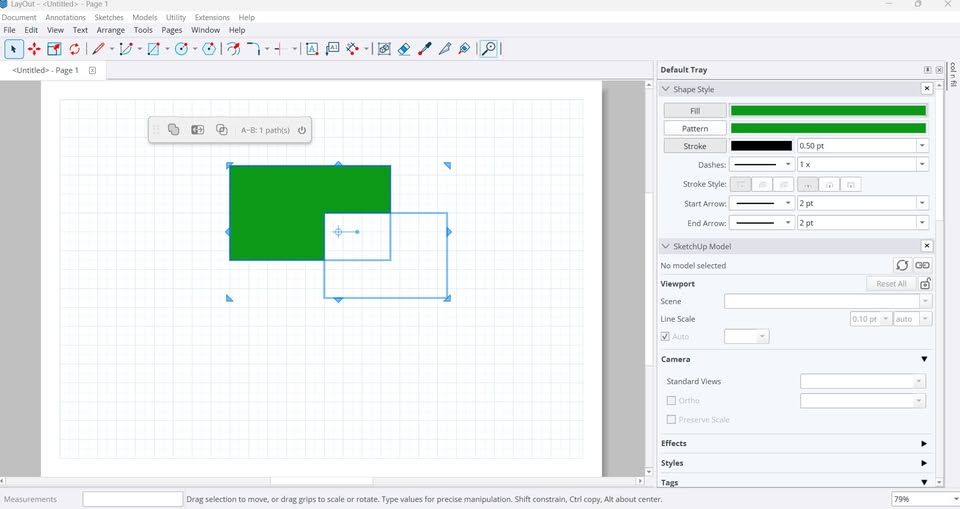
0404.mp4
93abbefb-5dbb-4a26-b47b-ee3f1f97c1ea.mp4
Want early access? Email me at support@vbosolution.com to join the beta.
Let’s be honest: most of us, even experienced developers, are still using AI the hard way.
You ask ChatGPT or Claude to write some Ruby code. You copy it. You paste it into the Ruby Console. It fails. You copy the error. You paste it back. You wait. You copy the fix. You paste it again. Repeat.
It works, but it’s painfully slow. The AI never sees your actual model. It can’t read the error itself. It can’t iterate. You’re the middleman between two systems that could just… talk to each other.
VBO SkAgent removes that gap.
It’s a lightweight bridge that connects AI coding assistants:Claude Code, Cursor, Antigravity (Gemini), Windsurf, GitHub Copilot, and more… directly to SketchUp’s Ruby environment. Your AI writes code, SkAgent runs it, and the result goes right back. No copy-paste. No context switching. The AI can see what happened and keep going.
BUT HERE’S THE BIGGER PICTURE.
Coding is no longer a privilege reserved for developers. If you can think logically and you know the pain points in your daily work, then you CAN build a plugin. AI handles the syntax. You provide the ideas.
Architects, engineers, drafters, people who’ve never written a line of Ruby, are now creating tools that solve their own problems. A pipe fitter who’s tired of placing fittings one by one. A project manager who needs a quick material takeoff. A student who wants to batch-export scenes to PDF.
You don’t need to learn programming. You need to describe what you want clearly. SkAgent gives your AI the hands to make it happen, right inside SketchUp.
And there are things that even the best plugins simply can’t do, because they require REASONING, not just automation:
Translate every text entity in your model from English to Japanese, with industry-specific terminology that respects MEP, structural, or architectural context. Not Google Translate guesses.
Look at 50 components named Group#1, Group#42… and rename them based on what they actually are: “Window_1200x900”, “Door_Double_Main” , by reasoning about shape, position, and context.
Scan your model and explain what’s in it, summarize the structure, count elements, describe the purpose, in plain language you can send to a client or colleague.
Detect inconsistent naming or tagging, spot that “MEP - Pipe”, “MEP_Pipe”, and “mep pipe” are the same convention gone wrong, then fix them all at once.
No plugin can reason like that. But an AI agent can, because it understands your request, writes the code, runs it, checks the result, and iterates until it’s right.
And the more you work with it, the smarter it gets. AI learns your preferences, your naming conventions, your workflow patterns. It adapts. What takes 5 prompts today might take 1 tomorrow, because your agent already knows how you work.
FREE. OPEN SOURCE. MIT LICENSE.
GitHub: https://github.com/vbosolution/vbo-sk-agent
Store: https://kcdallc.com/shop (use code “vbofree” for free download)
Supports SketchUp 2017+. Setup takes about 2 minutes, the dashboard walks you through it.
If you build SketchUp plugins with AI, or if you’ve ever wished AI could just do things in SketchUp instead of just suggesting things , give it a try. I’d love to hear your feedback.
@unknownuser said:
This Bounding Box includes rotation, so X, Y , Z sizes are not object sizes.
Is there a way to get exact sizes of objects (or groups,entities.. any kind of selection)according to local ("objects") or world coordinate system? (Sorry if my terminology is wrong).
Here is my solution:
b = instance.definition.bounds
t = instance.transformation
x = ((b.max.x-b.min.x) * t.xscale)
y = ((b.max.y-b.min.y) * t.yscale)
z = ((b.max.z-b.min.z) * t.zscale)
Hope it helps
Have fun!
Thank you Masters.
I have another problem:
I wrote code to make BOM base on ComponentReport of TIG. Then I place data on a html datatable.So I have to replace all "\n" by "<br>" like this:
des=c.definition.description
des=des.gsub("\n","<br>")
Then the datatable looks good. Then I save data in a .xlsx file. Still look good when openned in Excel. But when I inserted it to LayOut, it create "x000D" before every new line in cell. Please help me how to solve this. Thanks a lottt.
Hi there,
Im beginner to Sketchup ruby,
Im writing something like this:
a = instance.parent.layer.name
with "instance" is a component instance placed inside a group/component. "instance.parent" returns a ComponentDefinition, not the instance, so that i cant get the layer's name i wanted.
Is there some way for me can get this?
Thanks.
I have some tips you can make your Sketchup's 2D scenes better before send to Layout.
http://sketchucation.com/forums/viewtopic.php?f=12%26amp;t=65513
Hope you like it.
Make your scenes ready to LayOut!
Hope you like it
I think that function will be very goood for templating for projects.
There were a log, right? because Sketchup have "undo/redo" functions.
You can record, and than playback for some multi-function, can translate logs to ruby or add a button for it on toolbar, etc...
Were there a plugin can do somthing like that?
