Well you know i did say i was new to these pugins, when were looking for help we are at a disadvantage. Not all of us are techno-wizs. Not trying to offend anyone but beng accused of resisting help seems like he is tired of doing this. I was just looking for help that is all.
Oops, your profile's looking a bit empty! To help us tailor your experience, please fill in key details like your SketchUp version, skill level, operating system, and more. Update and save your info on your profile page today!
Sketchucation Tools 5.0.7 | Licensing improvements and bug fixes Learn More
J
Offline
Posts
-
RE: [Plugin] Boolean--OSCoolean (Dec 2013) for SU 8 up free ver
-
RE: [Plugin] Boolean--OSCoolean (Dec 2013) for SU 8 up free ver
The model is posted if you cant figure it out fine! just say so, dont have an attitude about it
-
RE: [Plugin] Boolean--OSCoolean (Dec 2013) for SU 8 up free ver
Dave have you had a chance to figure out what could be happening with my problem? thanks john
-
RE: [Plugin] Boolean--OSCoolean (Dec 2013) for SU 8 up free ver
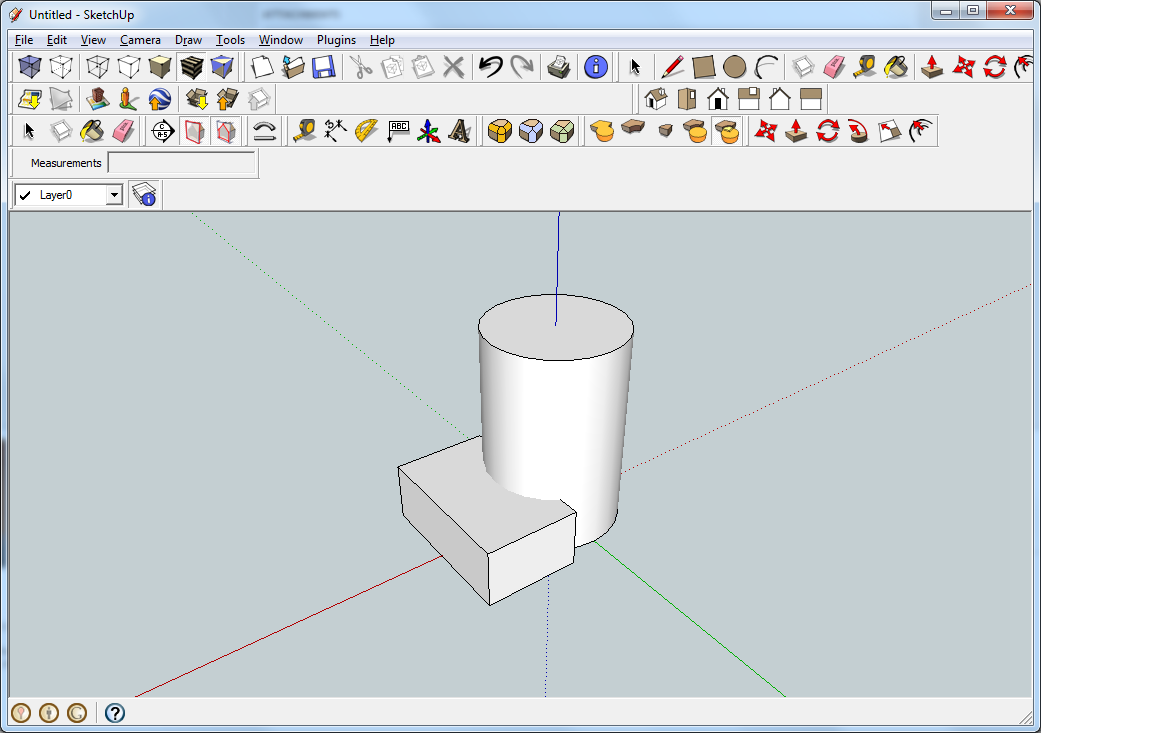
This is just a simple model, that i used to see if it will work, do you think that the plugin round corners some how has affected it somehow?
-
RE: [Plugin] Boolean--OSCoolean (Dec 2013) for SU 8 up free ver
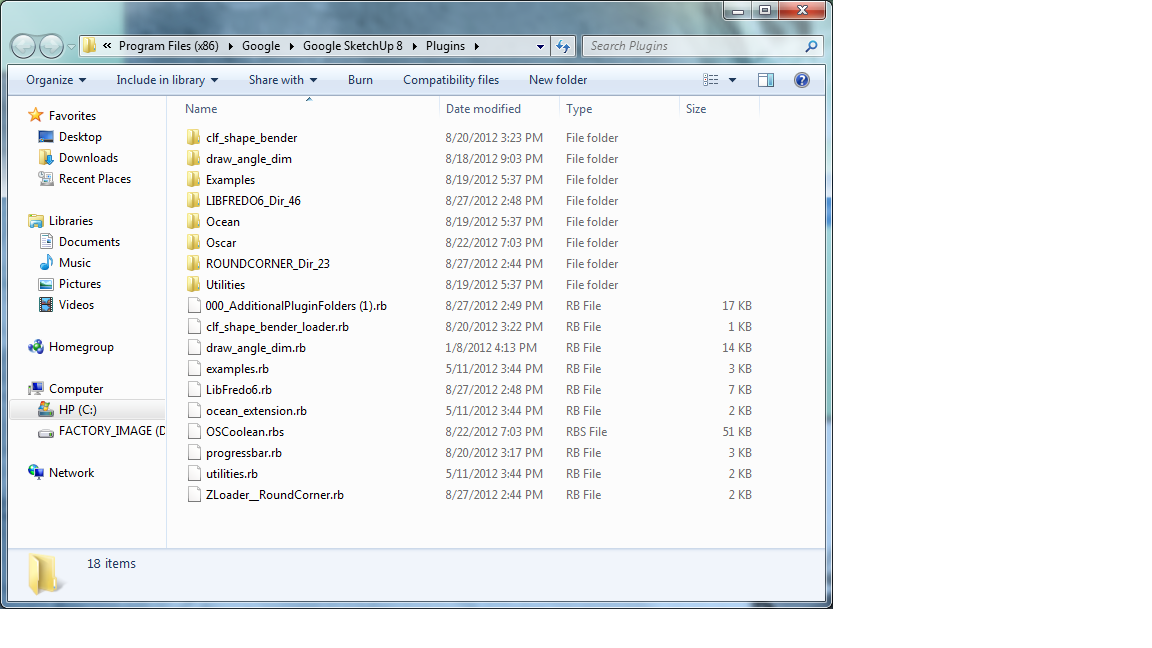
Can you help me in trying to figure out why OSCoolean has stop working? When i have two objects that i have group togther and intersected them, the command doesnt respond? Here a copy of my sketchup plugin folder. Thanks John
-
RE: [Plugin][$] RoundCorner - v3.4a - 31 Mar 24
Yes is there a way in the settings to show the referencing lines in the corners, bevels, as in your video rather showing an object that has been smooth.I like the appearance w/the lines. Thank you John
-
RE: [Plugin][$] RoundCorner - v3.4a - 31 Mar 24
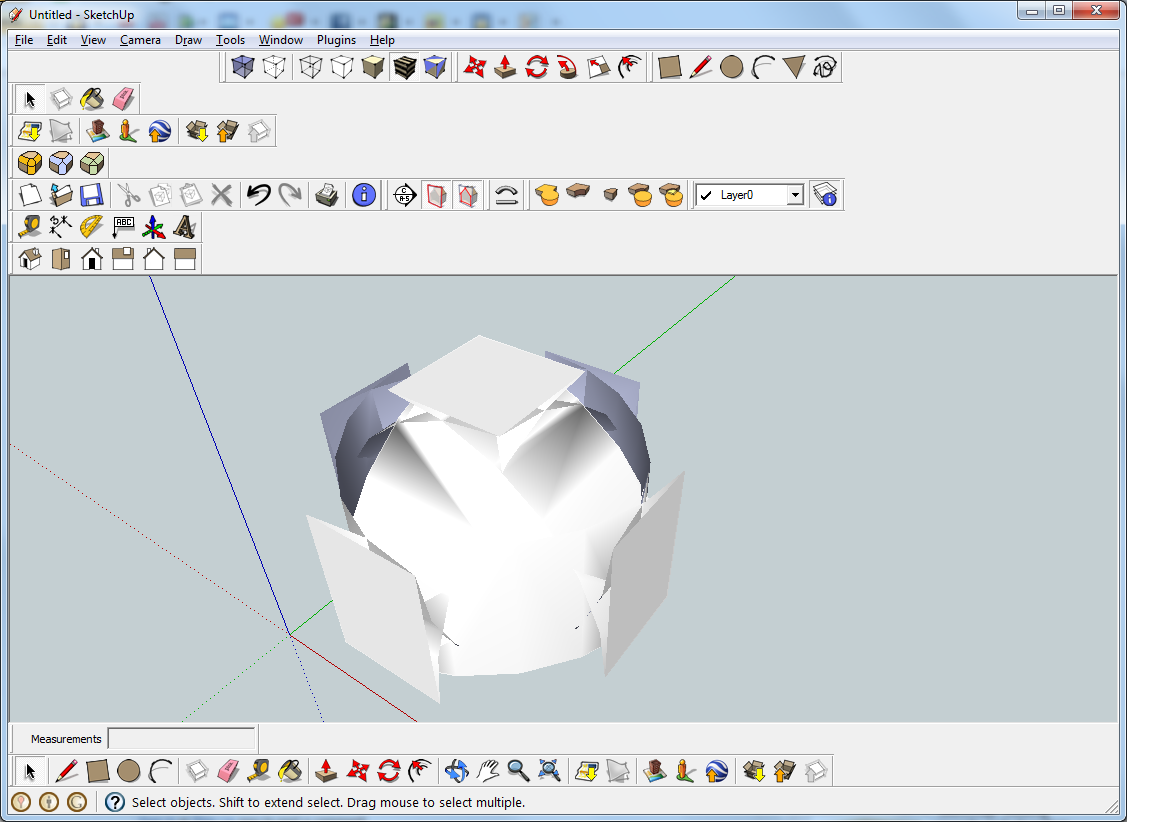
Yes I am a new user to sketch up plugins. I have a loaded Round Corner and it seems to have loaded alright. But when I draw a rectangle it seems to distort as you can see by the picture I have attached. Can you help me find out why it is doing this. Thank you John
-
RE: [Plugin] Boolean--OSCoolean (Dec 2013) for SU 8 up free ver
Hey Dave my agologizes i think ive figured it out it seems to work thanks John
-
RE: [Plugin] Boolean--OSCoolean (Dec 2013) for SU 8 up free ver
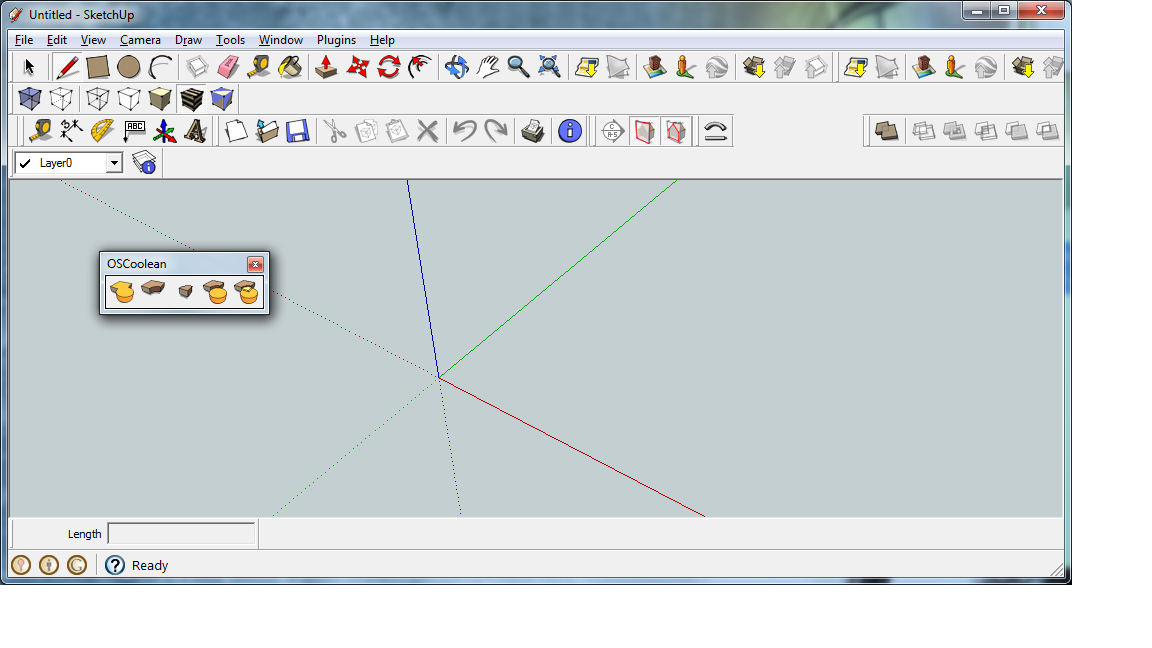
Dave heres the screen shot of the tool bar
-
RE: [Plugin] Boolean--OSCoolean (Dec 2013) for SU 8 up free ver
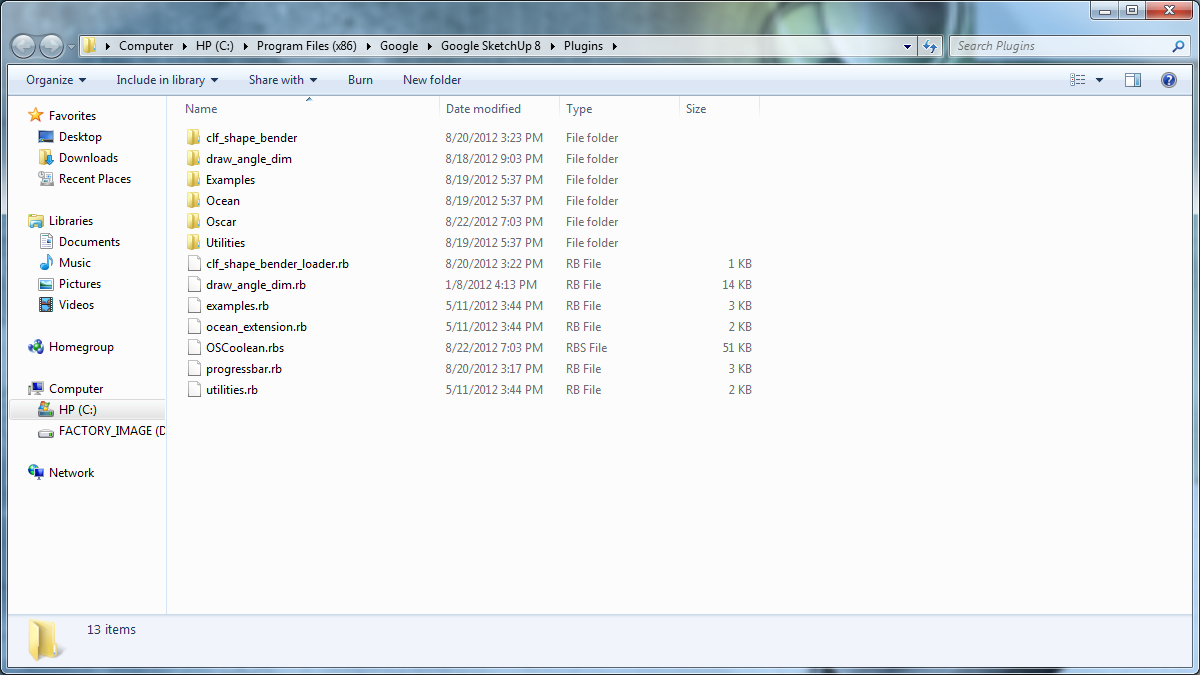
Dave thanks for all your help, the tool bars loaded correctly ,after i have intersected the to groups together ,the first command joins them together, but after that nothing seems to happen? here a pic of my plugin folder
-
RE: [Plugin][$] Curviloft 2.0a - 31 Mar 24 (Loft & Skinning)
Though I am not new to sketchup I am new to plugins and looking at your directions to download this file im confused. The note says IMPORTANT: Requires to download LibFredo6 4.2 or higher if not already installed than underneath the installation it says note there's no need to down that file I'm confused can you help me. Does this question may sound silly I would rather have you help me then go through a crash, I have Windows 7 & Sketchup 8, I would like to use this product. Curviloft 1.2d – 13 Apr 12 curviloft 1.2d - 13 Apr 12.zip So i download this file than i unzip it than i copy and paste into the Sketchup Plugin folder than restart Windows and that should be it? do not need the file LibFredo6 4.2 or higher. Does this sound correct? Thanks John
-
RE: [Plugin] Boolean--OSCoolean (Dec 2013) for SU 8 up free ver
Yes I really had high hopes for this plugin. It seems to load alright but it only join two components together, but would not cut a hole or do any of the other functions. I have version 8 of sketchup hoping that there will be an update so that I can use this
-
RE: [Plugin] Shape Bender Beta
Yes, is there anyone out there that can help me with the plugin Shape Bender by Chris Fullmer ? I believe I loaded it correctly but maybe not I'm getting an load error message , when I go into sketchup. When I downloaded the file I unziped it, I copied the file and pasted it into the plugins folder, restarted windows and when it came back on and i started sketchup with this Load Error ( Error Loading File clf_shape_bender_loader.rb no such file to load -- progressbar.rb ) . Can anyone help me? I tried this twice w/no luck I would like to get this to work. Thank you john