Oops, your profile's looking a bit empty! To help us tailor your experience, please fill in key details like your SketchUp version, skill level, operating system, and more. Update and save your info on your profile page today!
⚠️ Important | Libfredo 15.6b introduces important bugfixes for Fredo's Extensions Update
 Offline
Posts
-
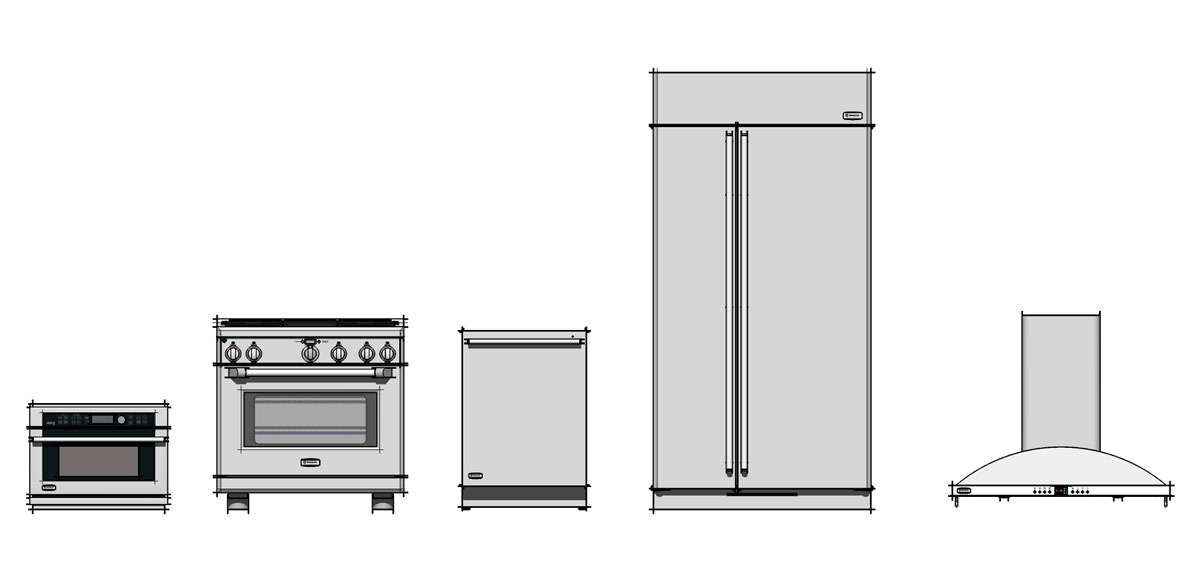
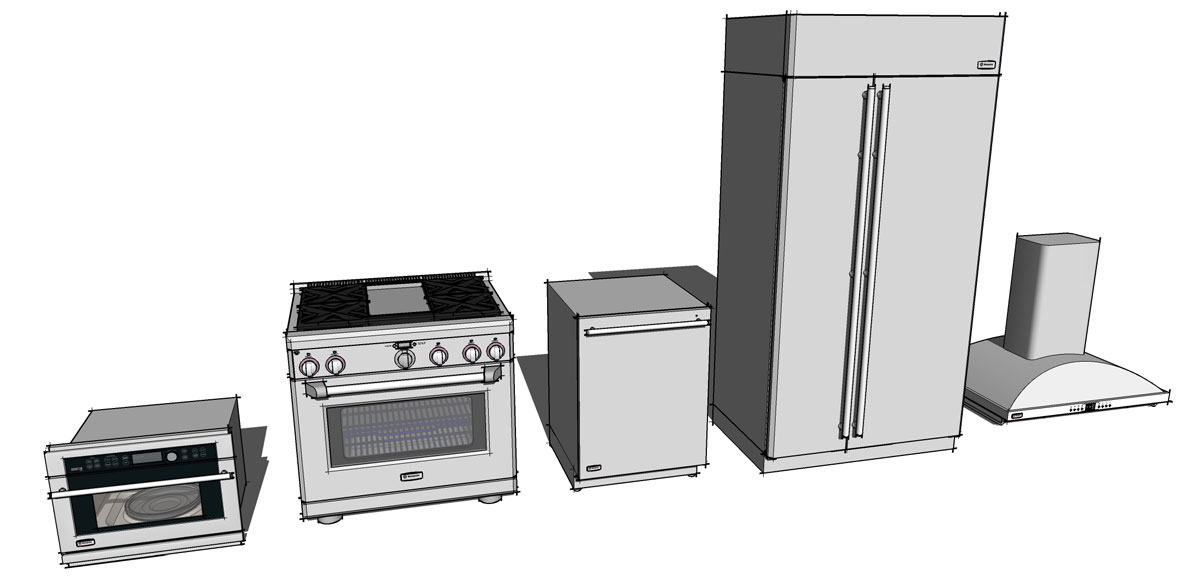
GE Monogram Appliance Collection - Components
Thought I would share these models which are useful for architecture or interior design.
Note: not for resale or redistribution. Professional use is OK.
-
RE: Interior design
Very good modeling and renderings. I need to get Vray or Thea once and for all.
-
RE: Fender Stratocaster - Finished
-
RE: Fender Stratocaster - Finished
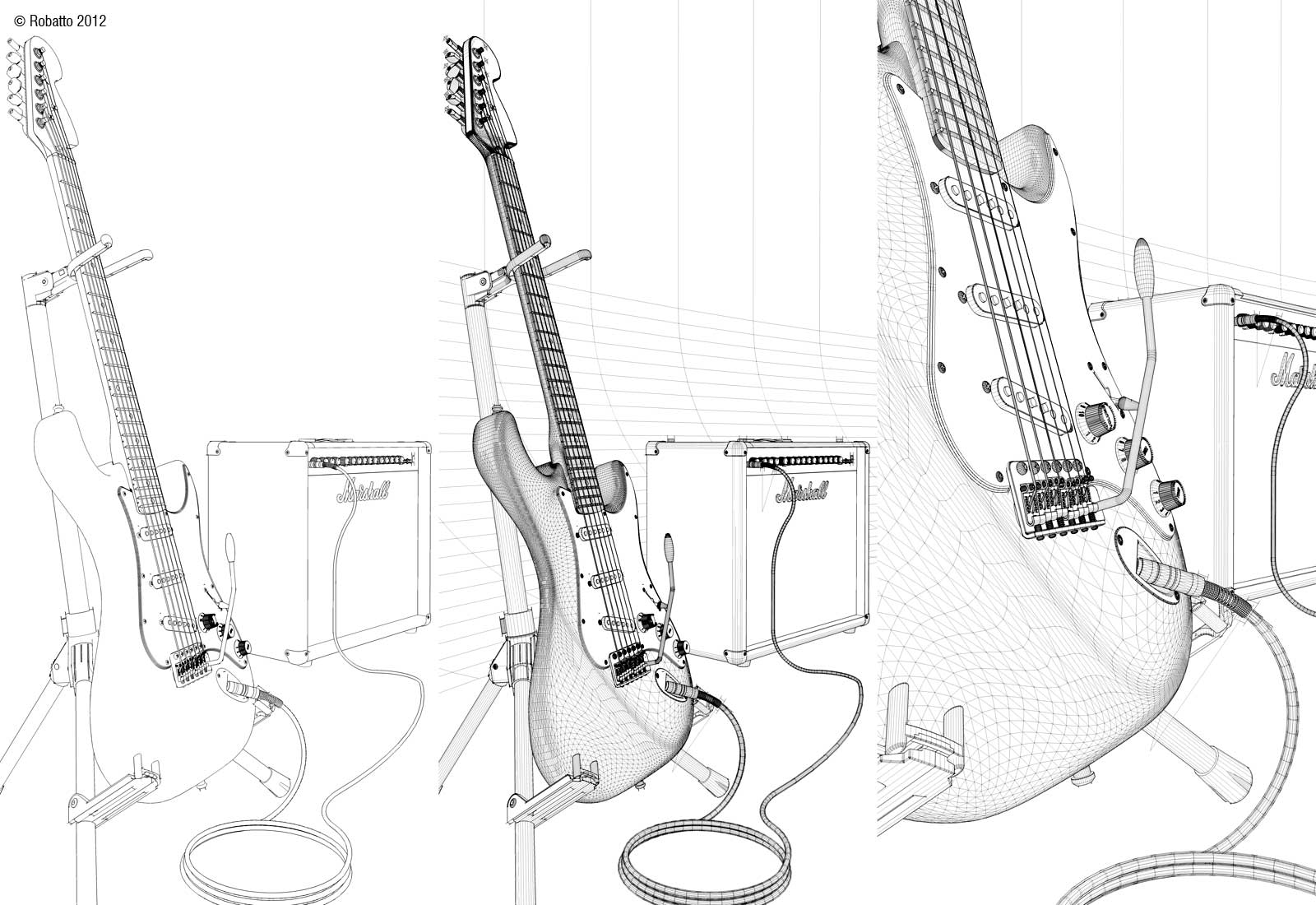
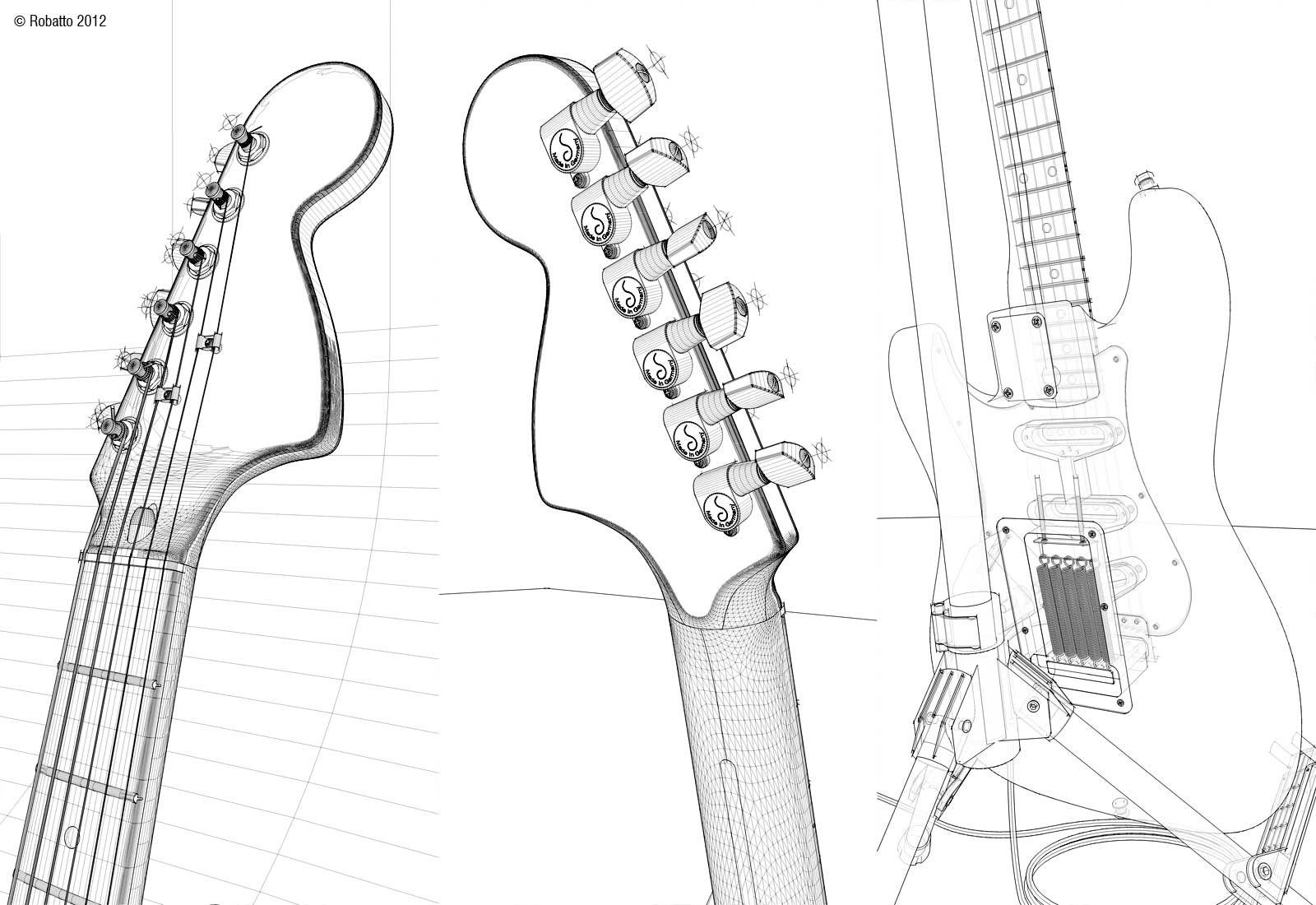
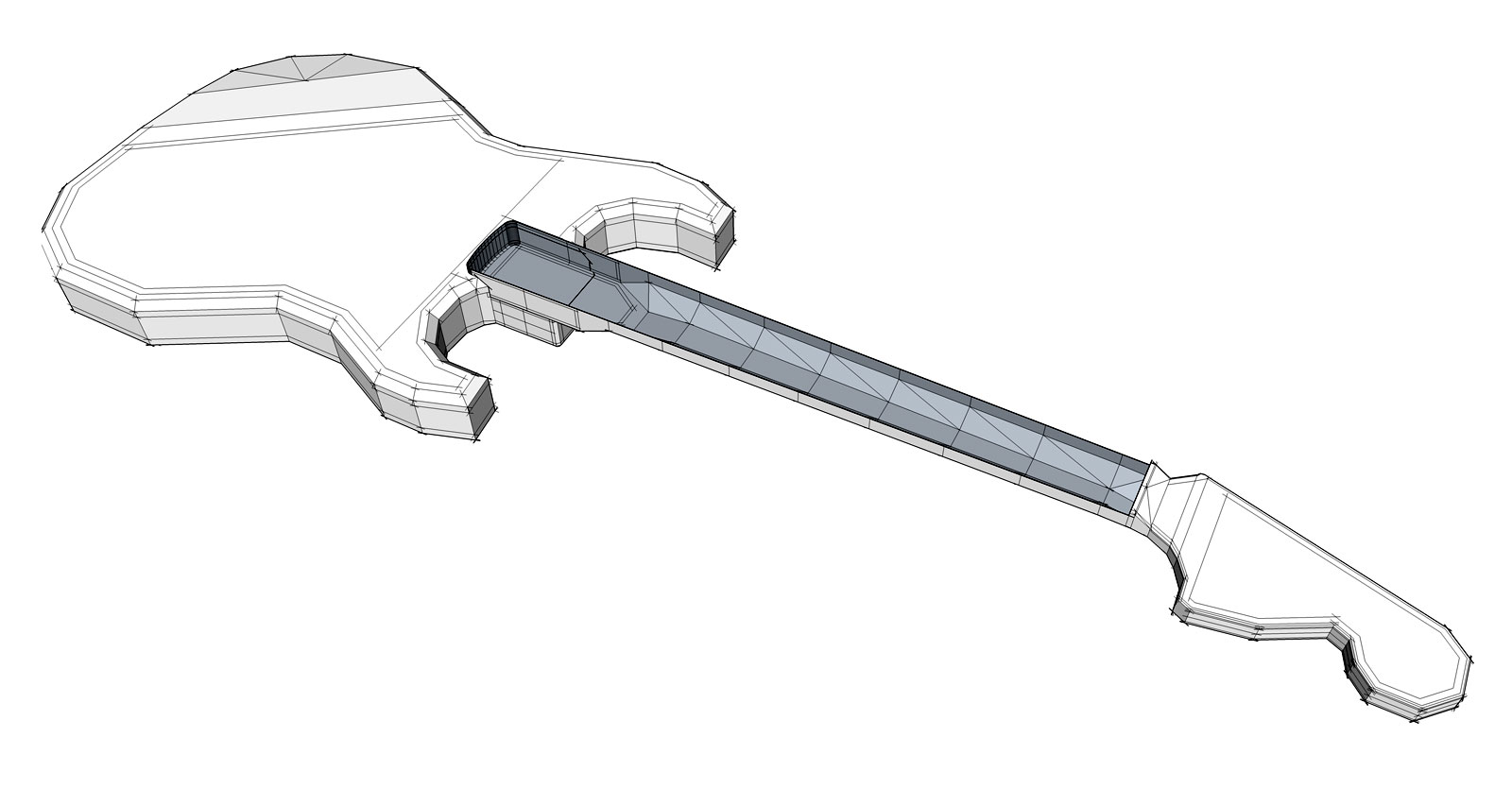
These are the proxies used for creating the body and neck.
-
RE: Fender Stratocaster - Finished
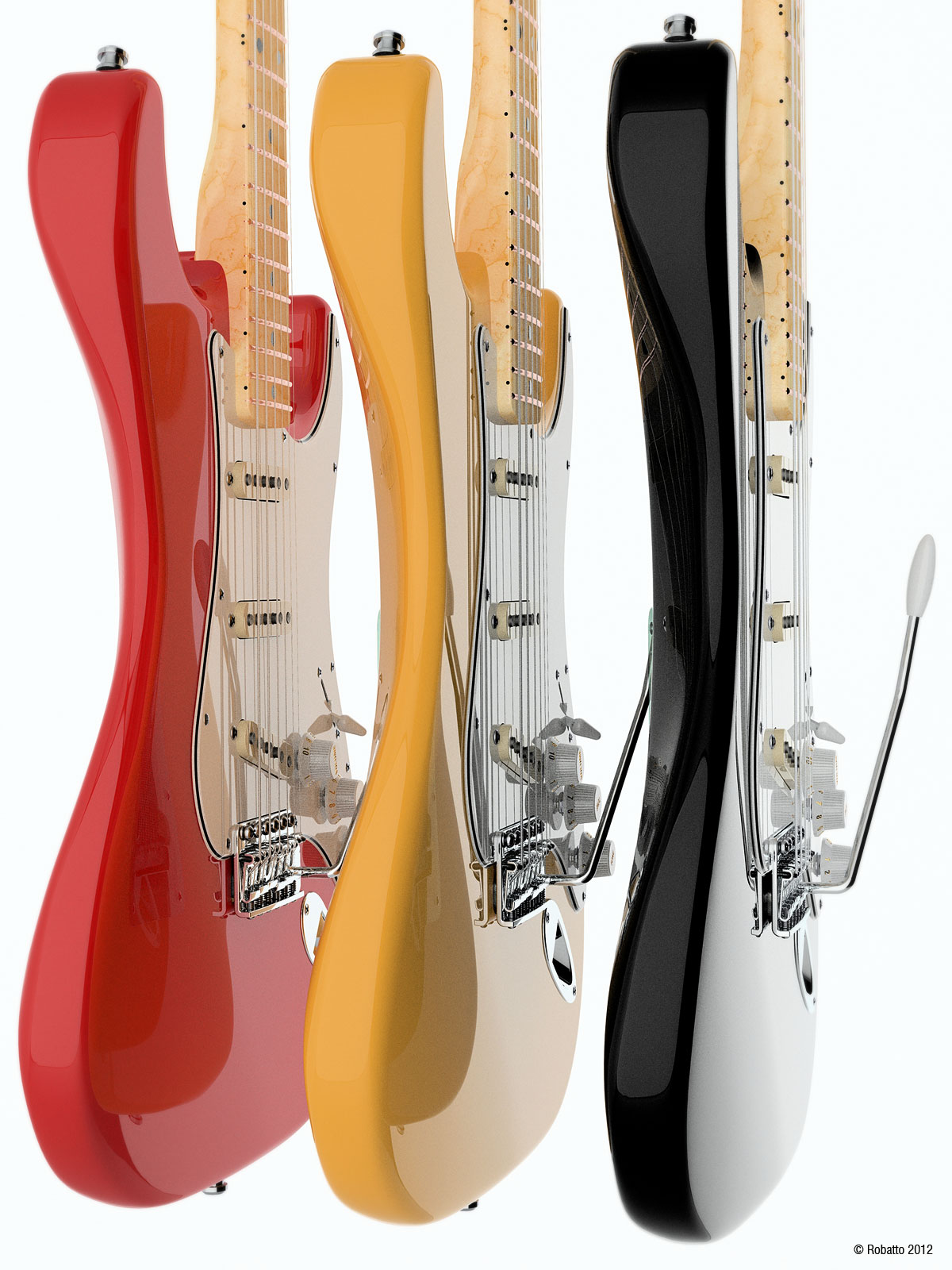
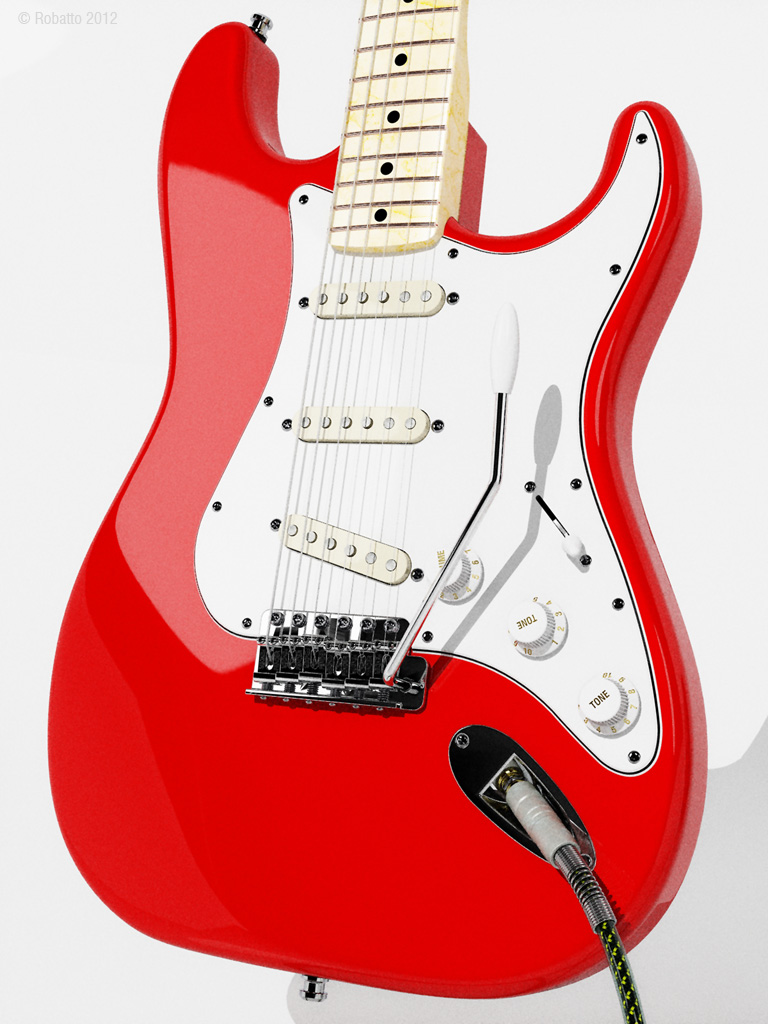
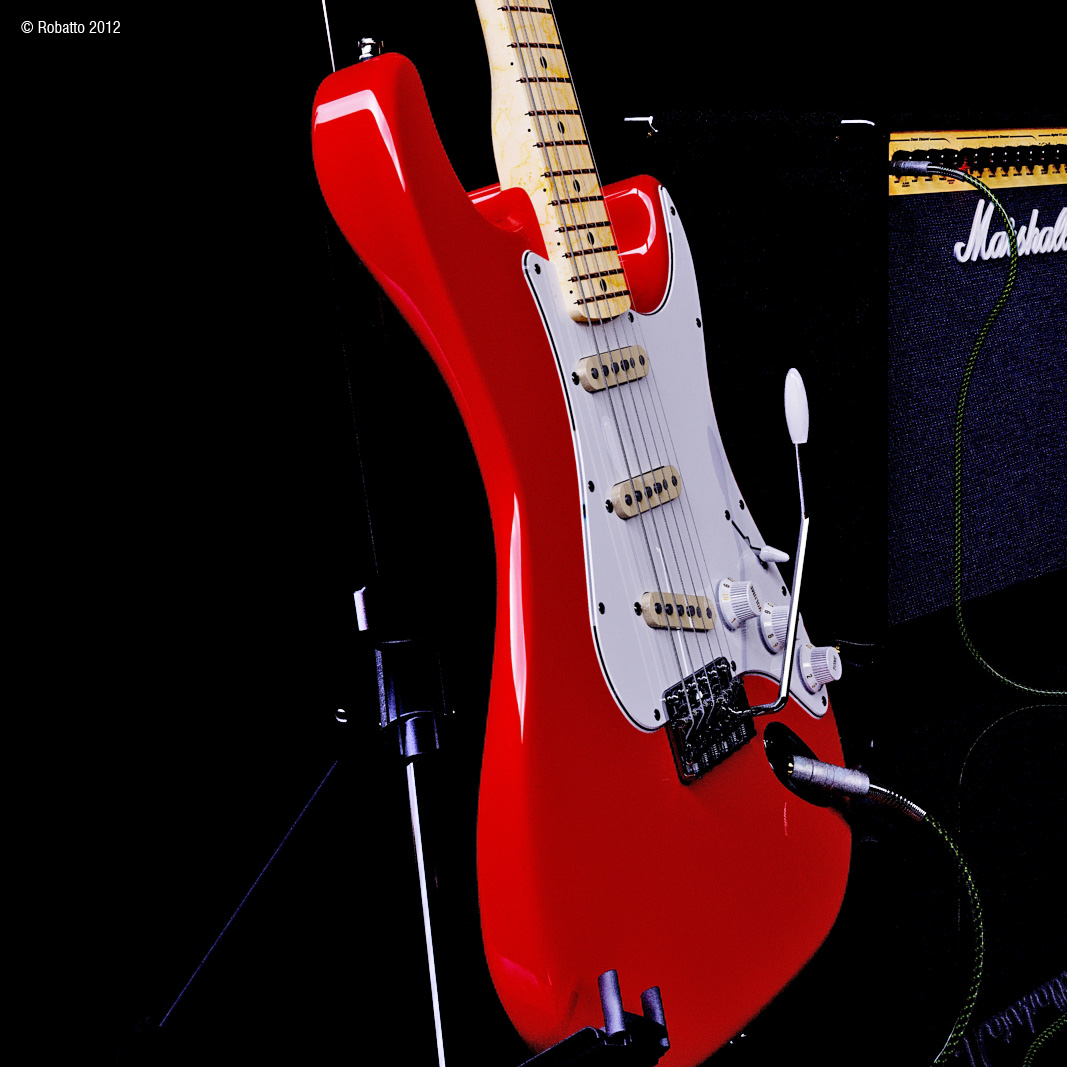
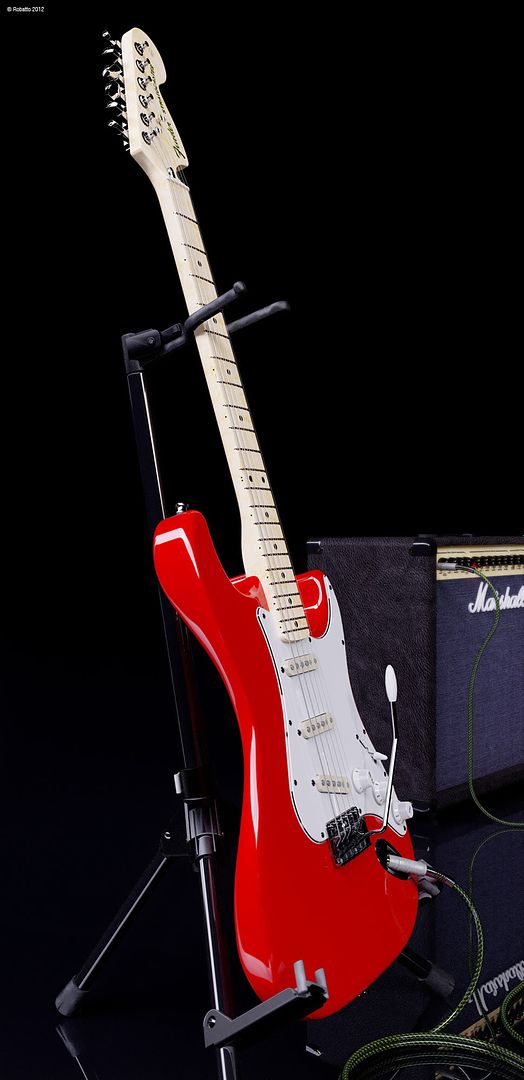
Thought this was a nice high contrast shot. My favorite angle and feature of the Stratocaster body is the cutaway.
-
RE: Fender Stratocaster - Finished
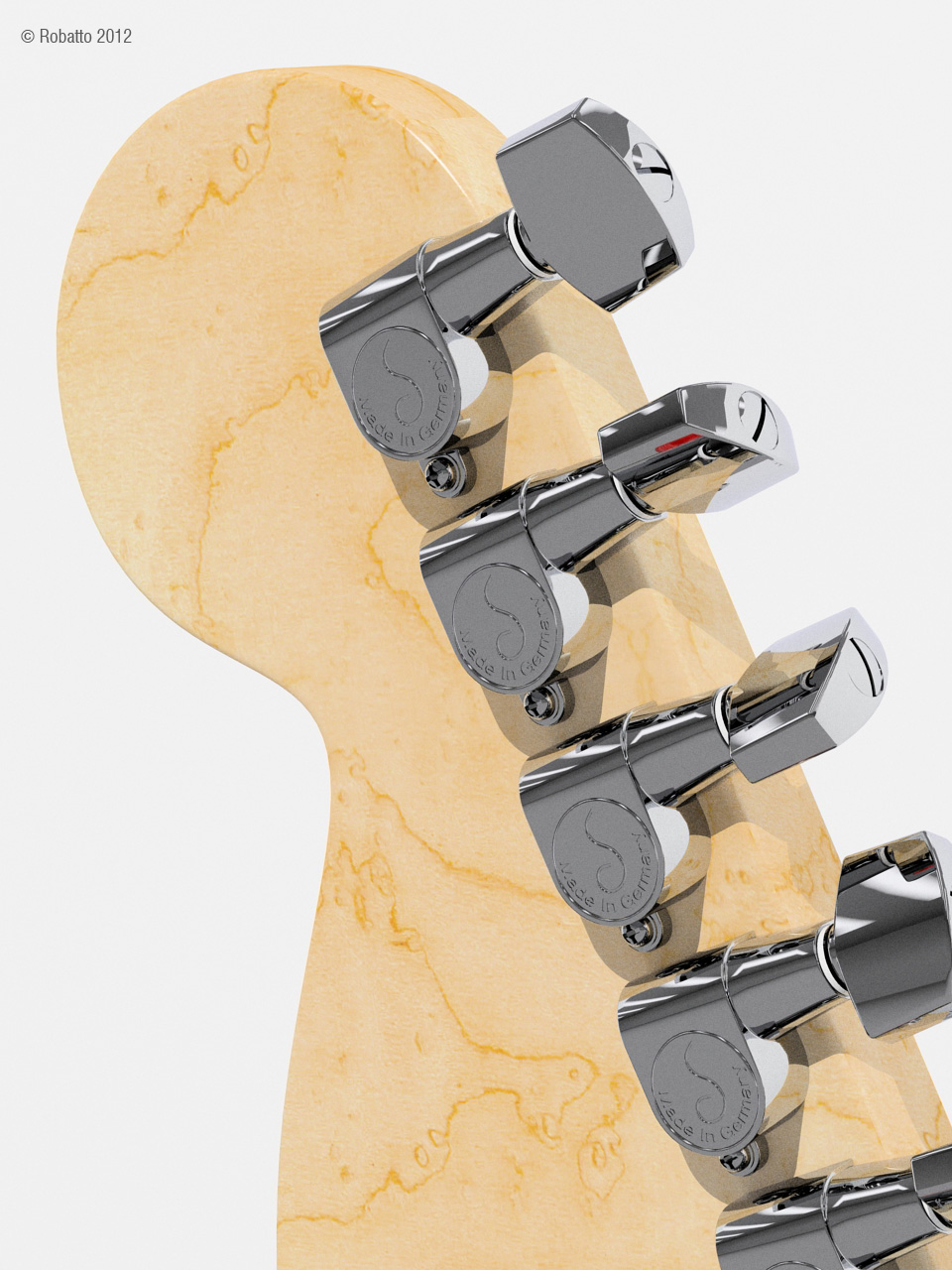
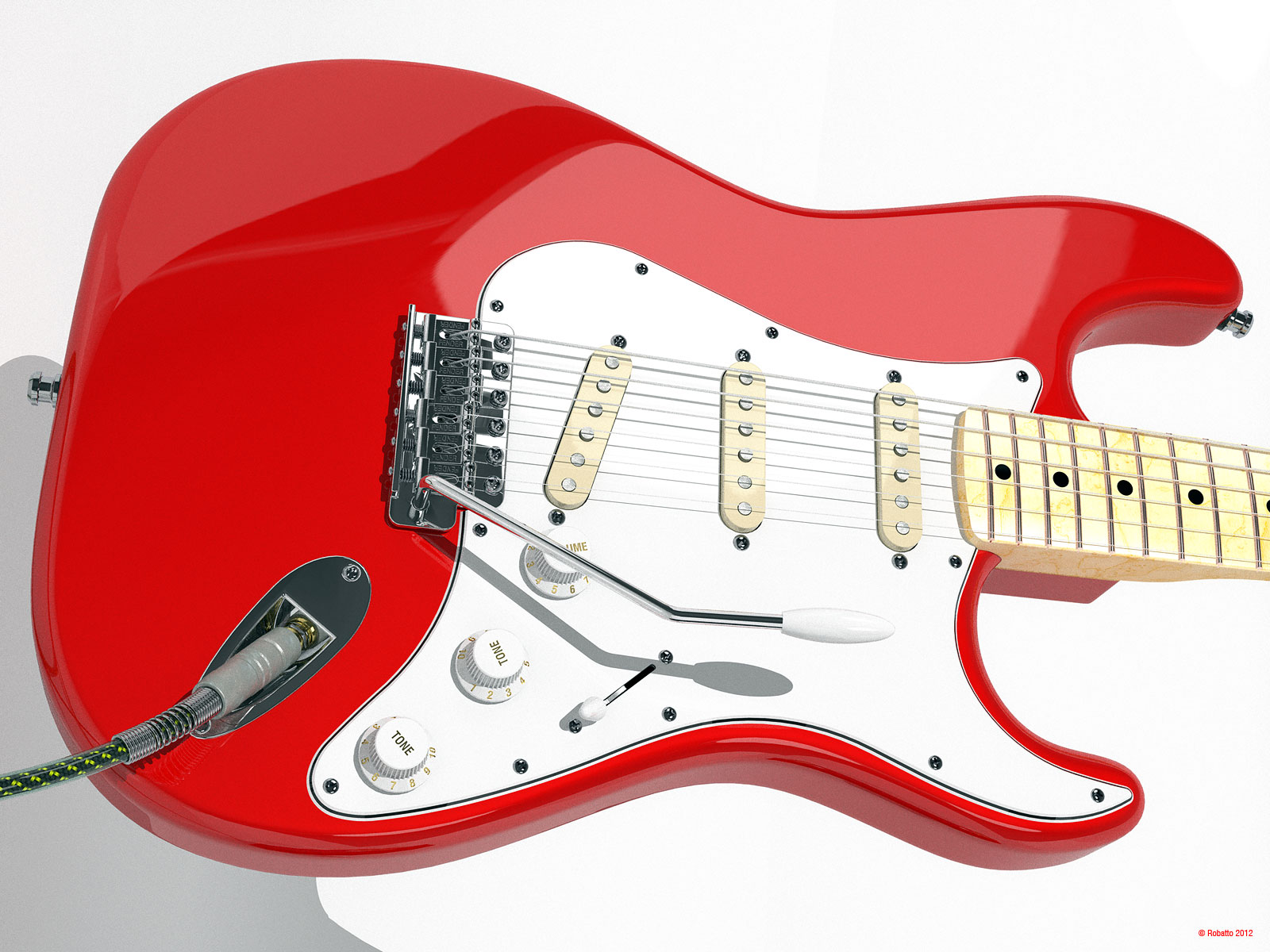
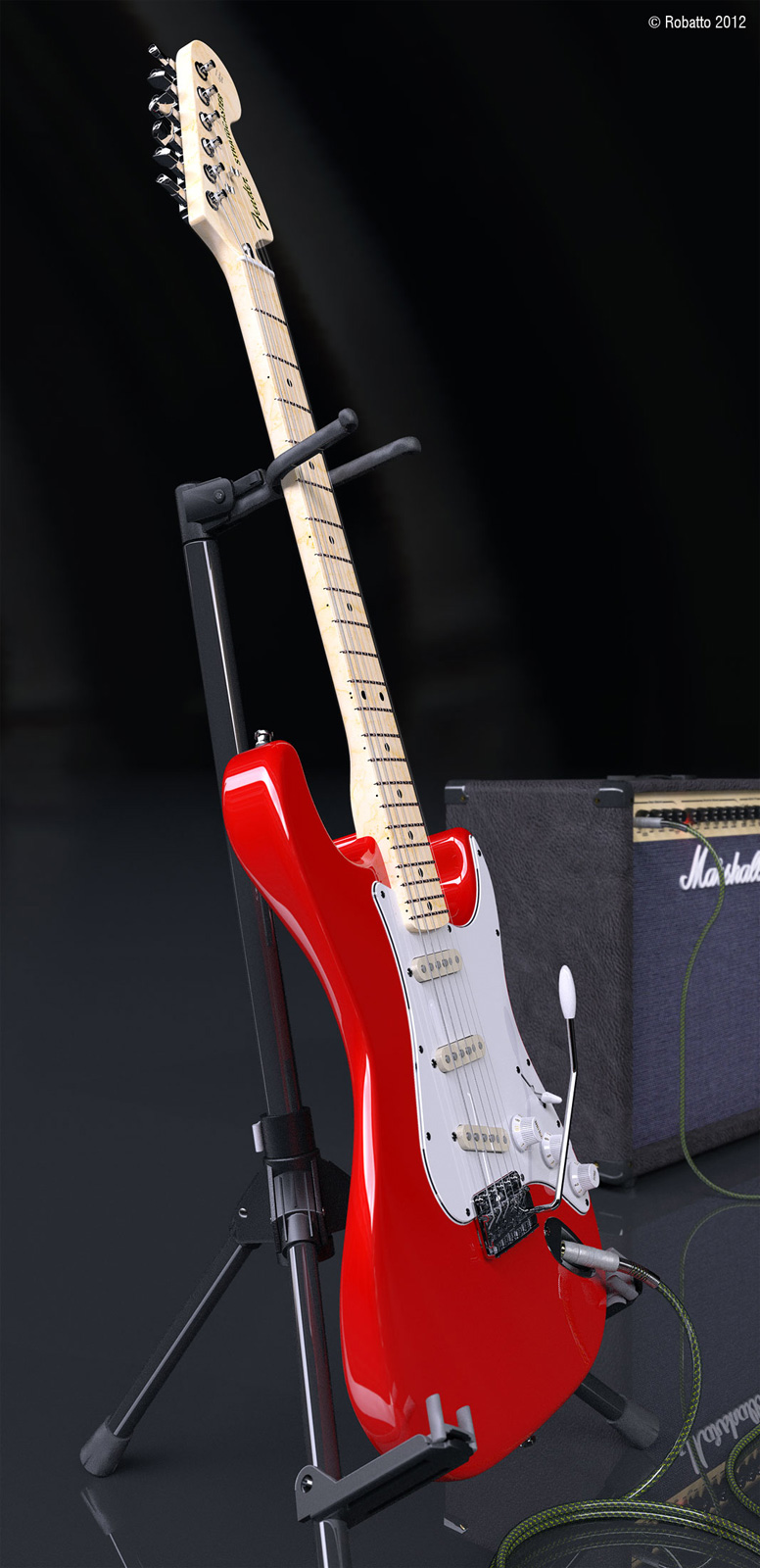
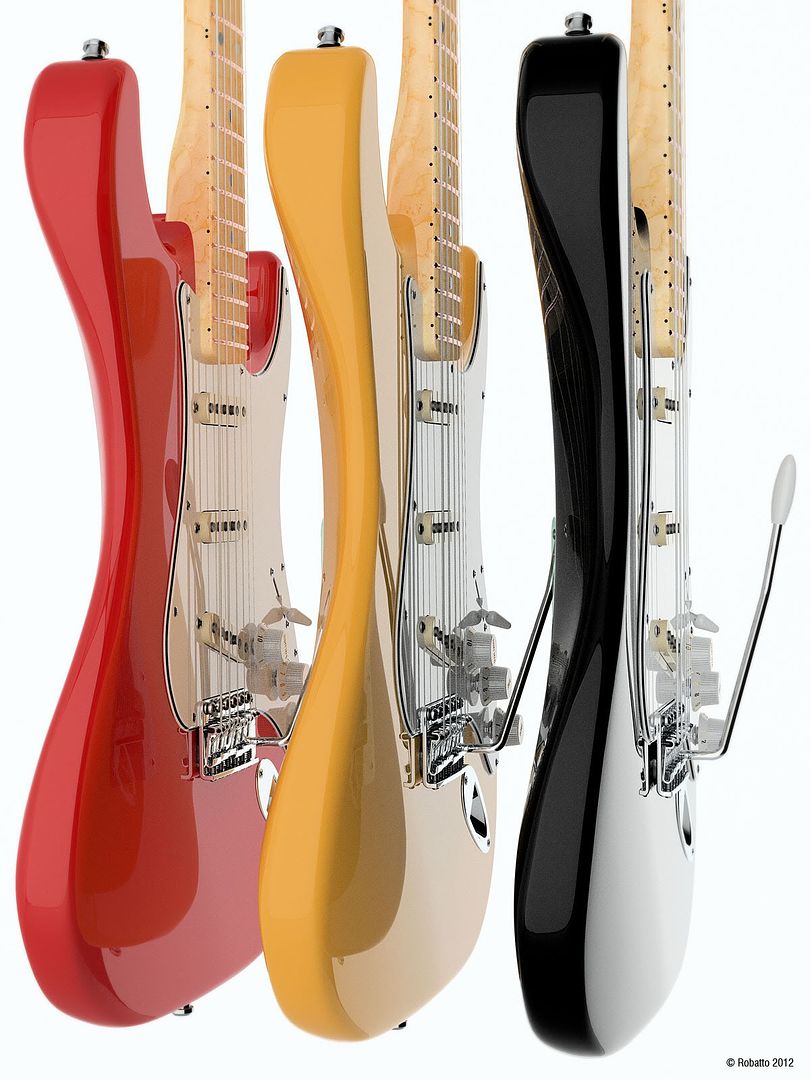
Thanks for all the compliments thus far. Here's another rendering. These are all metropolis light transport (BPT) renderings.
-
Fender Stratocaster - Finished
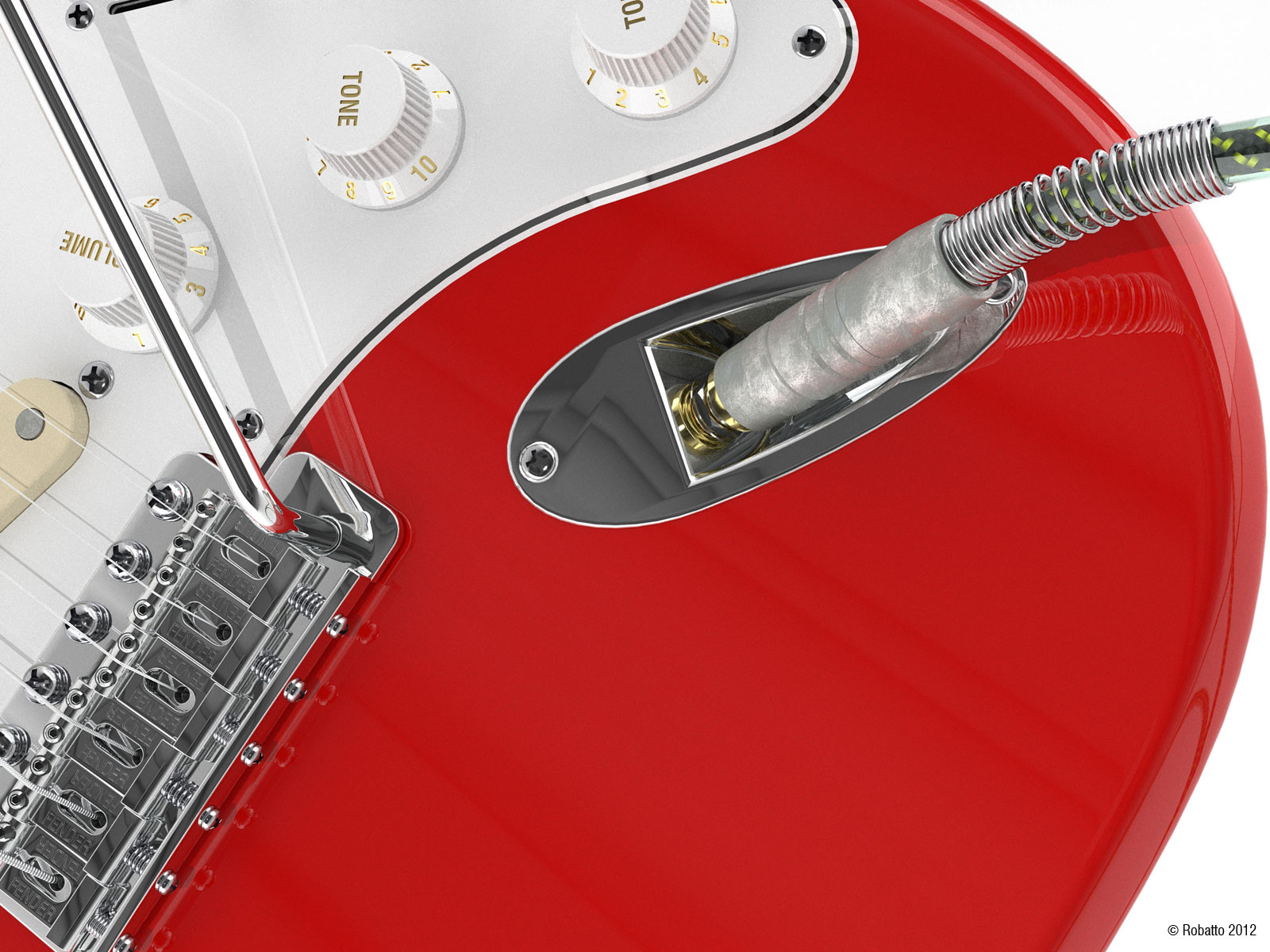
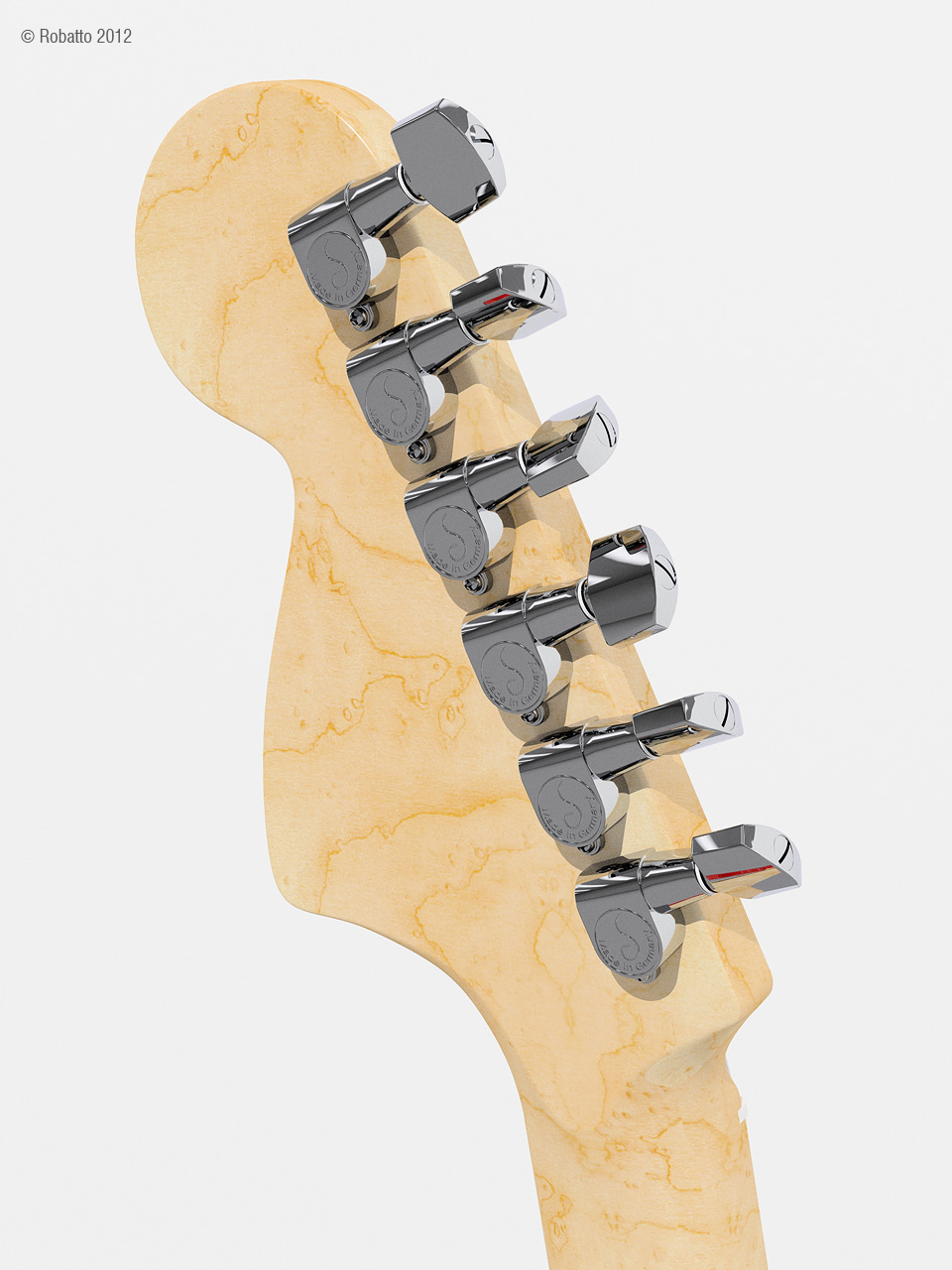
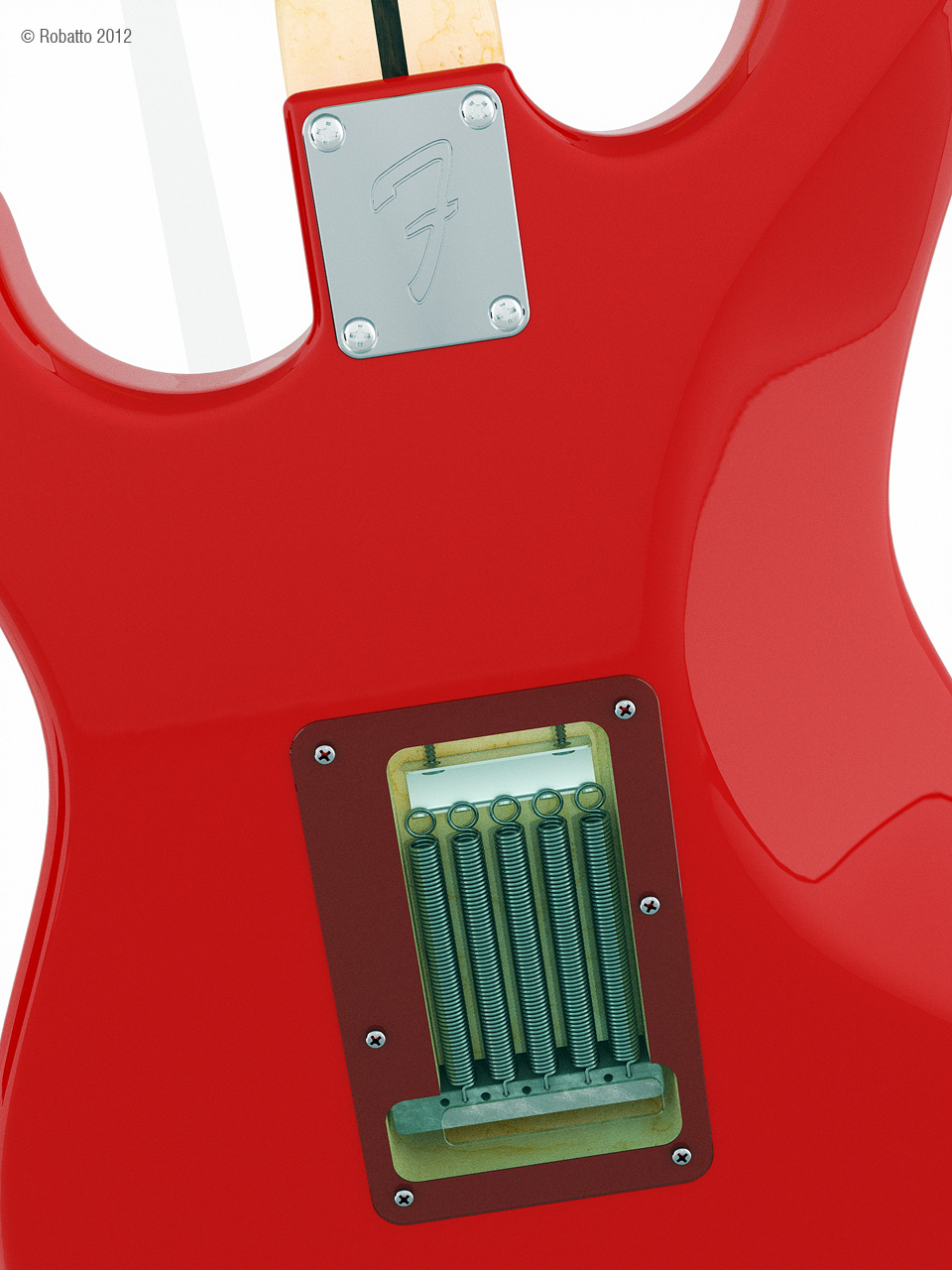
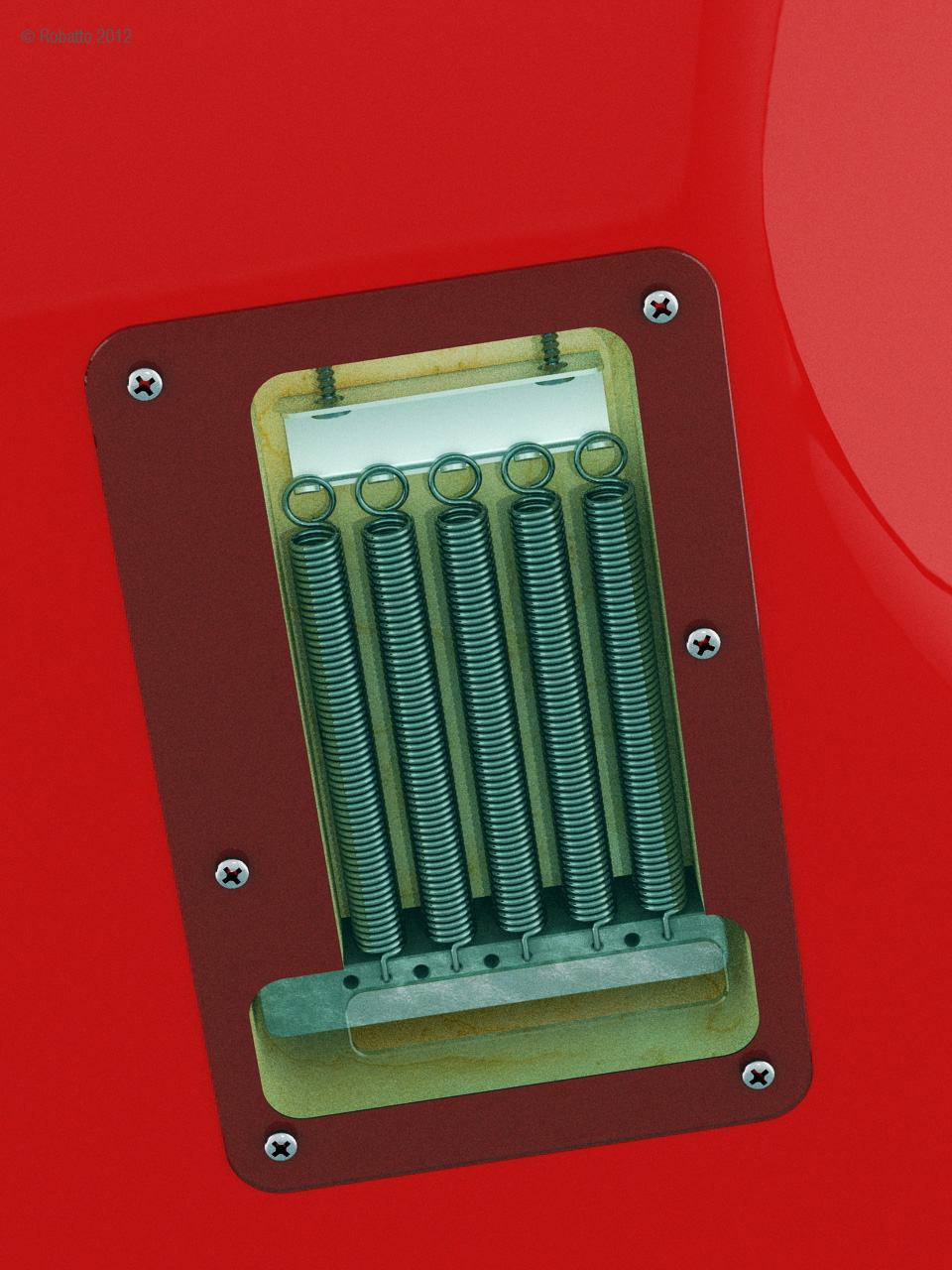
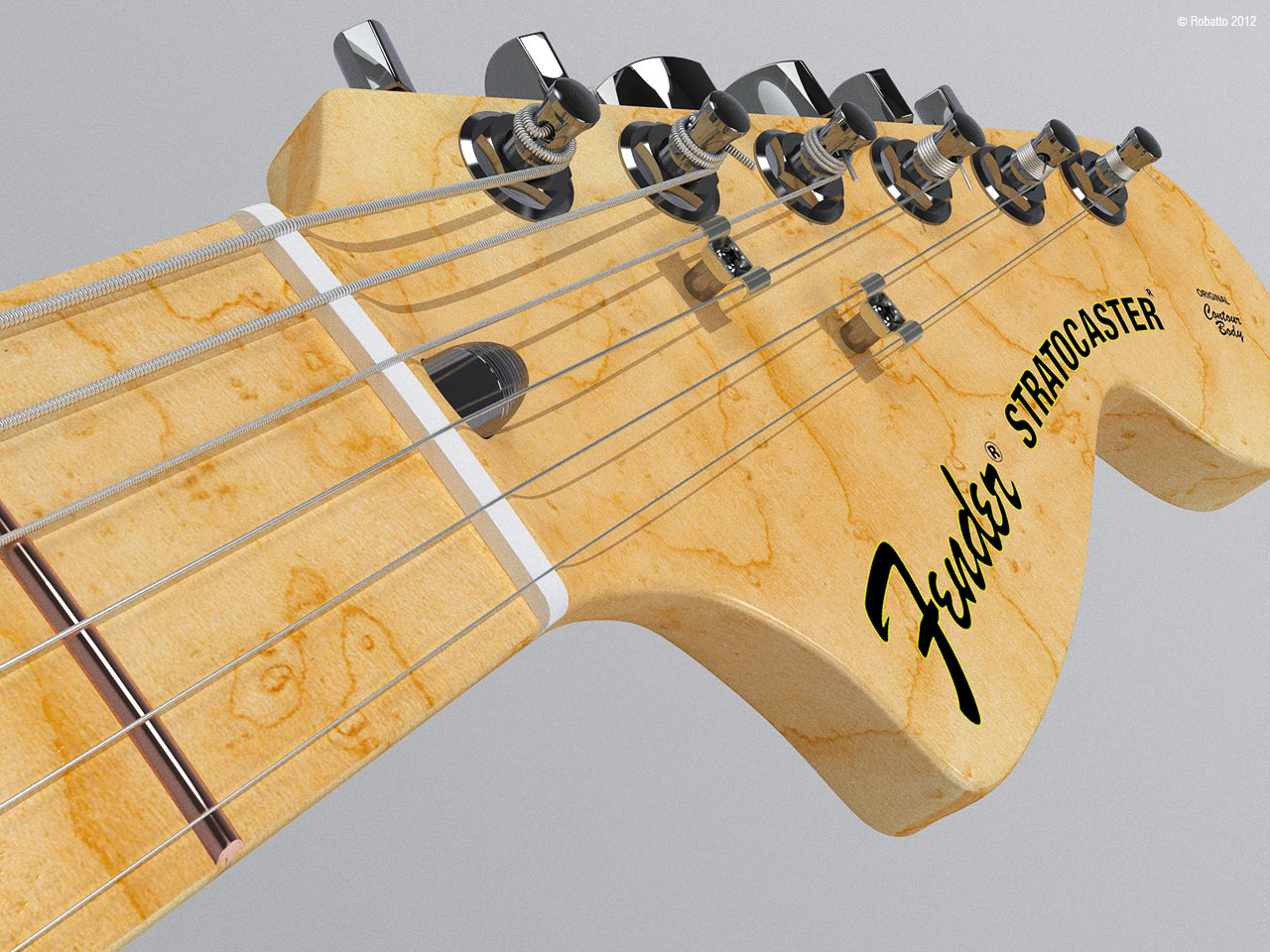
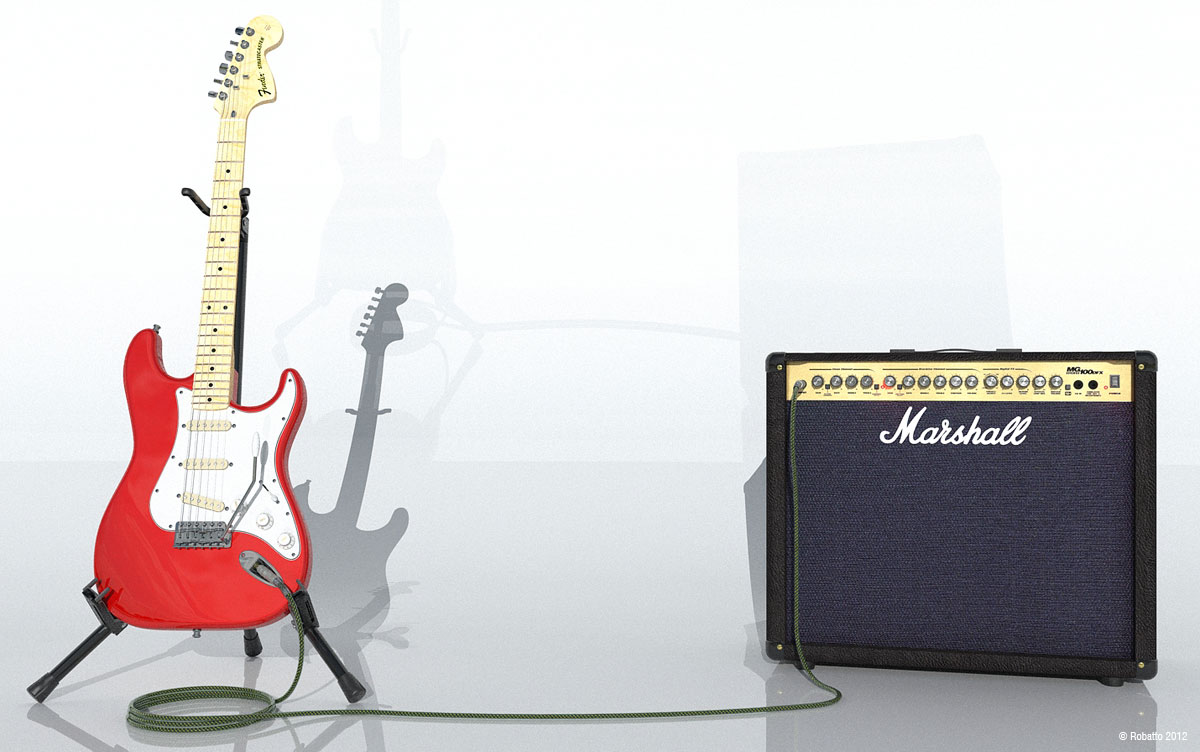
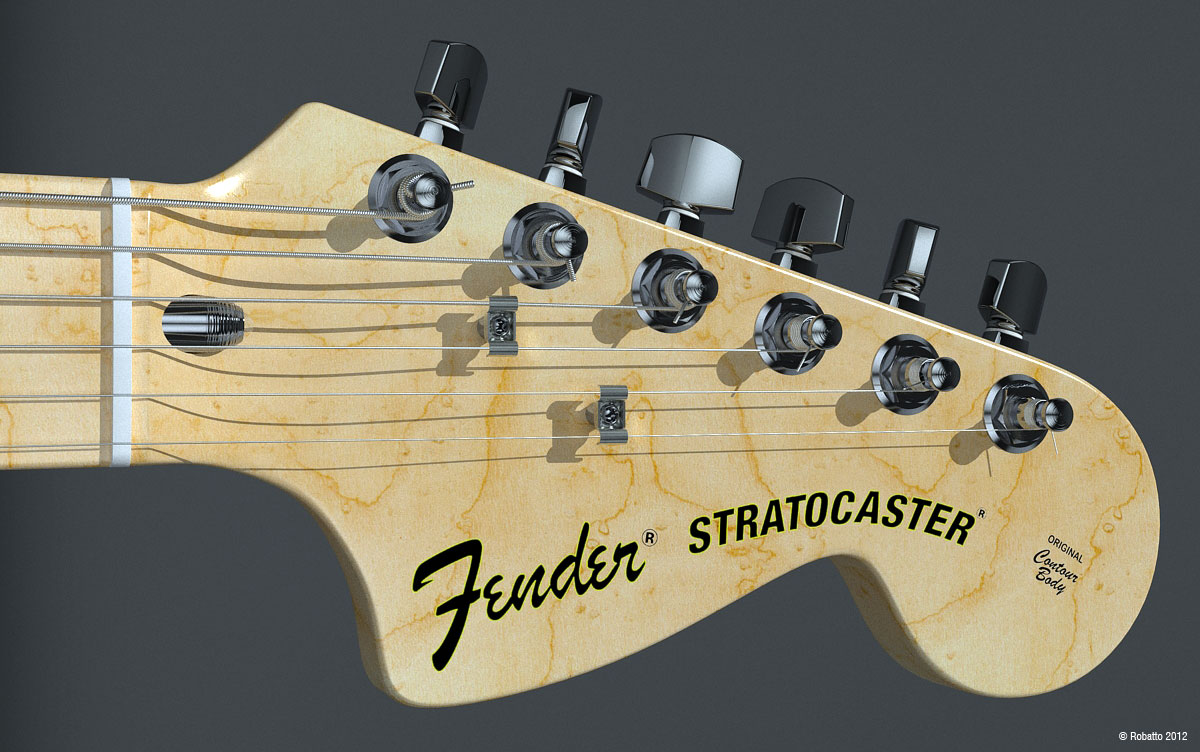
Finally finished the Fender Stratocaster after close to 3 years. This one is a bit of a hybrid since it includes a 1980s style headstock. The Marshall amplifier is an MG 100DFX.
Too many plugins to name but the primary ones are Artisan for creating the body and neck and several other parts of the model. Heavy use of the round corners plugin. SketchUV was used for the wound strings (tubes). This was all done on Sketchup free versions and the rendering is done with Kerkythea.
I was unable to create a UV map of the neck due to its complex nature so I ended up using a box map (using SketchUV) for the time being. The maple texture is a birdeye maple which I believe I found here on Sketchucation.
All modeling working done on Sketchup.
I'll be adding more rendering as they come out of the oven. I'm sure some of you will have some questions so feel free to ask.

-
RE: [SOLVED]Restore Toolbar Positions Stopped Working
@rich o brien said:
Thomthom has a Batch Registry command thing that clear the reg
Worked like a charm.
Just have to reset the toolbar positions and I think I'm good to go. There must have been several 100 toolbar positions in the registry and deleting them by hand would have been tedious. Been working on some rather massive skp files here and I think the crashes and bug splats were the cause.
Thanks Rich and ThomThom!
-
RE: [SOLVED]Restore Toolbar Positions Stopped Working
@rich o brien said:
http://forums.sketchucation.com/viewtopic.php?f=15&t=37990&p=335586&hilit=toolbar+registry#p335586
Thanks for the quick response. Will give it a shot right now and report.
-
[SOLVED]Restore Toolbar Positions Stopped Working
Need some help here. Recently my "Restore Toolbar Positions" stopped working.
So far I've tried resetting the toolbar positions and then attempting to restore to no avail. I ended NVTray.exe (Nvidia) and that didn't work. It only remembers the last position of the toolbars during a session. It's not drawing specific either.
There's also a matter of when I do attempt to "Restore Toolbar Positions"
 it kills my menu functions (File, Edit, View, Camera, etc.).
Latest SU8 (free) and maintenance release. Also did a repair "reinstall" and uninstalling last few plugins. Still doesn't work.
Any ideas? Is there a registry edit anyone can recommend or should I do a reinstall of SU?
-
RE: Trimble SketcUP - free - personal use only?
It's the same wording as the previous Google license agreement.
Google's (2010):
@unknownuser said:
- USE OF THE PRODUCTS; CONTENT IN THE PRODUCTS
Google gives you a personal, worldwide, royalty-free, non-assignable and non-exclusive license to use the object code of the Google Software. This license is for the sole purpose of enabling you to use and enjoy the benefit of the Services as provided by Google, in the manner permitted by these Terms and Conditions. You may not (and you may not permit anyone else to) copy, modify, create a derivative work of, reverse engineer, decompile or otherwise attempt to extract the source code of the Software, unless this is expressly permitted or required by law, or unless you have been specifically told that you may do so by Google, in writing. Unless Google has given you a specific written permission to do so, you may not assign (or grant a sub-license of) your rights to use the Software, grant a security interest in or over your rights to use the Software, or otherwise transfer any part of your rights to use the Software. You may not use the Google Software in any manner that could damage, disable, overburden, or impair Google's services (e.g., you may not use the Google Software in an automated manner), nor may you use Software in any manner that could interfere with any other party's use and enjoyment of Google Services.
Trimble's (2012):
- USE OF THE PRODUCTS; CONTENT IN THE PRODUCTS
@unknownuser said:
Trimble gives you a personal, worldwide, royalty-free, non-assignable and non-exclusive license to use the object code of the Software. This license is for the sole purpose of enabling you to use and enjoy the benefit of the Services as provided by Trimble, in the manner permitted by these Terms and Conditions. You may not (and you may not permit anyone else to) copy, modify, create a derivative work of, reverse engineer, decompile or otherwise attempt to extract the source code of the Software, unless this is expressly permitted or required by law, or unless you have been specifically told that you may do so by Trimble, in writing. Unless Trimble has given you a specific written permission to do so, you may not assign (or grant a sub-license of) your rights to use the Software, grant a security interest in or over your rights to use the Software, or otherwise transfer any part of your rights to use the Software. You may not use the Trimble Software in any manner that could damage, disable, overburden, or impair Trimble's services (e.g., you may not use the Trimble Software in an automated manner), nor may you use Software in any manner that could interfere with any other party's use and enjoyment of Trimble Services.
You can see the complete Google license agreement from 2010 at http://web.archive.org/web/20100328001637/http://sketchup.google.com/download/license.html.