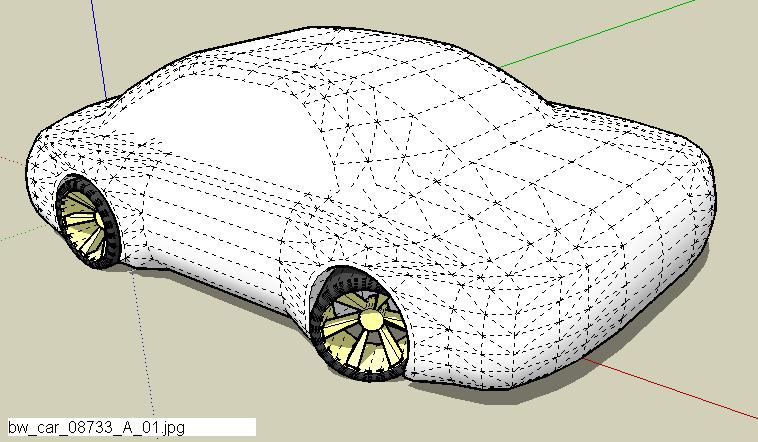
. . . and the first car of the day . . . which will probably be my last for the next several days . . . I'm already having SUSA (SketchUp separation anxiety) . . .  . . .
. . .
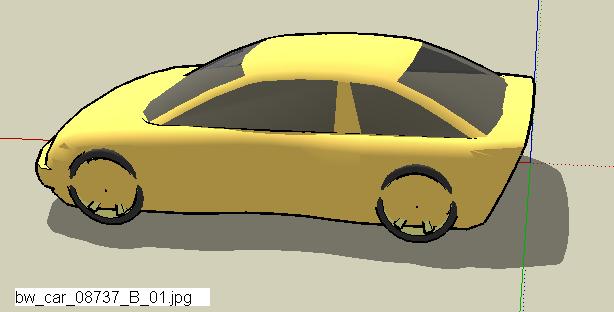
. . . and the first car of the day . . . which will probably be my last for the next several days . . . I'm already having SUSA (SketchUp separation anxiety) . . . . . .
Are you referring to this . . .
@unknownuser said:
• Criminals are buying and selling people's identities online
If so, thanks for the head's up . . . time to get out fast while there's still time . . . BTW, anyone want Coen's ID, including at least one valid CC#? I have it listed on eBay - buy it now for only $99 (no shipping)
@unknownuser said:
why u don t draw on a plan the mid section of a car and after pushing and scalling it until u want and then make the side?
That technique is good - it seems like the technique I illustrated may give a little more flexibility to create a wide variation of transitions where sides join - maybe not. The bottom line is the end result - how someone gets there is important, but not more important than the finished model. No?
. . . not visually stimulating . . . just trying a variation of a technique for creating the transitions between surfaces . . .
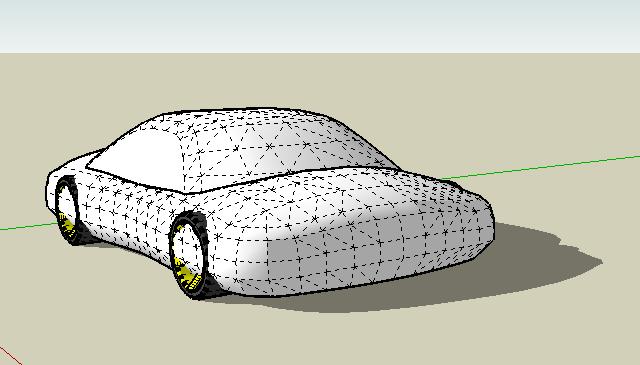
. . . little boxy? Yes, but hideous is a better description . . . here's another quickie - playing with the front bumper just a little bit . . . I tried an older 911 yesterday - it turned out looking like a lump of clay that got run over by a mime riding a unicycle . . .
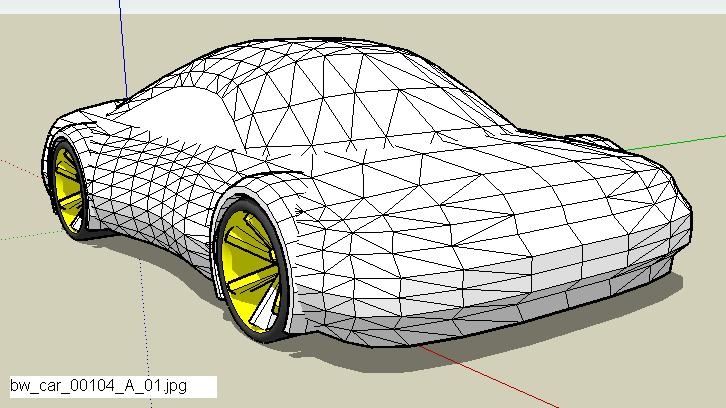
. . . this was supposed to be a limo . . . turned out looking more like an EMT vehicle . . .
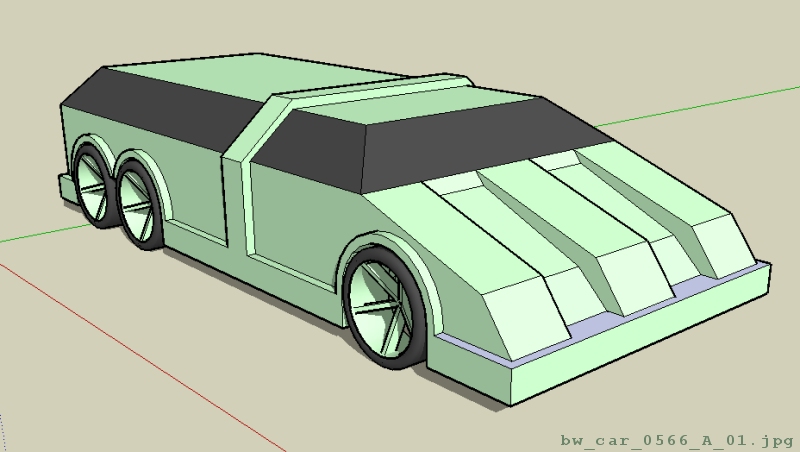
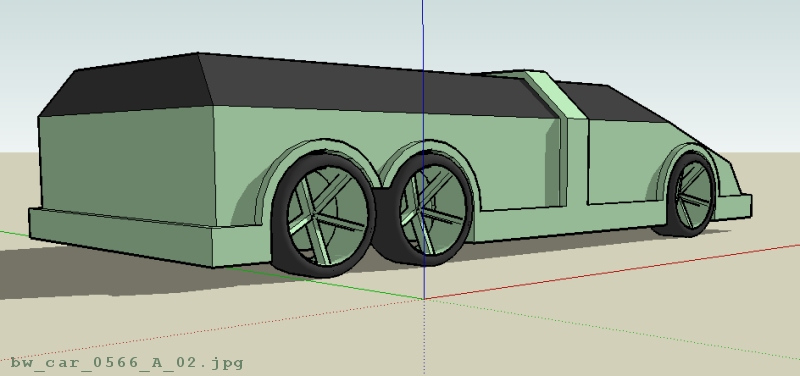
Thanks Bob C & igor.
Please keep in mind, the techniques certainly aren't 'mine' and I tried to demonstrate just one of many techniques which can be used with SketchUp "out of the box". To go a bit further, you can use "plug in's" like a free form deformation (FFD) script to help define geometry as well. I'd probably recommend getting proficient with the basic software first before using an FFD script.
Some SU users are very good at car modeling by creating wire structures and filling in the surf's as they go or other techniques. Although I use other techniques as well, the process I tried to illustrate here is a bit different and could be called "section pulling and shape manipulation" (SPASM)? Perhaps a better name could be "Forming And Reshaping Triangles" . . . oops - no, not that . . . in any event, the envelope needs to be pushed where more and more S/U techniques are shared - I know they already exist.
A great blues guitarist once said "When you can think of a nice little tune in your head and then play it on the axe (guitar) without thinking how to play it, that's when you're a real guitarist." It's my hope that any mastery of the software will produce the ability to document & develop what happens in one's head - modeling an idea. Sometimes only after seeing some geometry do I see how it could be shaped differently - idea development.
It's very satisfying to be able to take an idea in your head and then quickly jot it down on a piece of paper and then model the stuff with CAD. I'm far, far from being good at this but I'm getting a little better at it and I'm convinced SketchUp is truly a wonderful tool for creating some phenomenal very fast 3D models which could be categorized as "conceptual 3D sketching/modeling" (which is my favorite type of hand-generated drawings).
When I see so many truly talented artists out there who create professional quality renderings of truly phenomenal work,
for example http://www.suurland.com/
I sometimes have to really push aside my feelings of inadequacy and force myself to keep posting my dorky, unfinished & primitive shapes . . . for some reason I seem to think my simple contributions may be helpful to others - I hope so anyway and keep modeling with the idea that someday, maybe with enough diligence and effort, perhaps I too can learn how to be a real car design artist.
Enough rambling - let's go & create some more models, eh?
Happy Sketching,
Brad

. . . aaaaaannnnnnnd, another one . . . I'm reminded of a childhood memory where George Jetson is frantically running on the treadmill - "Jane, stop this crazy thing!" . . . when will it end . . . I'm still having too much fun to really care at this point . . .
Cheers,
Brad
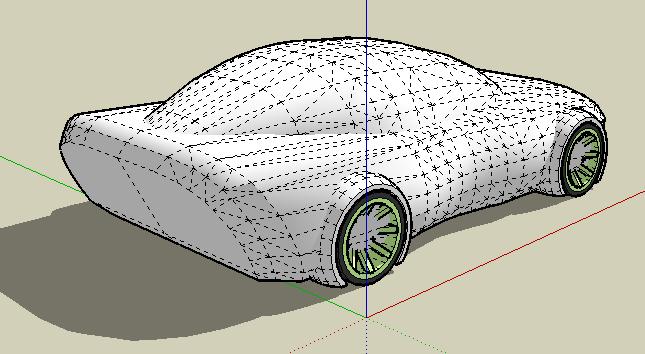
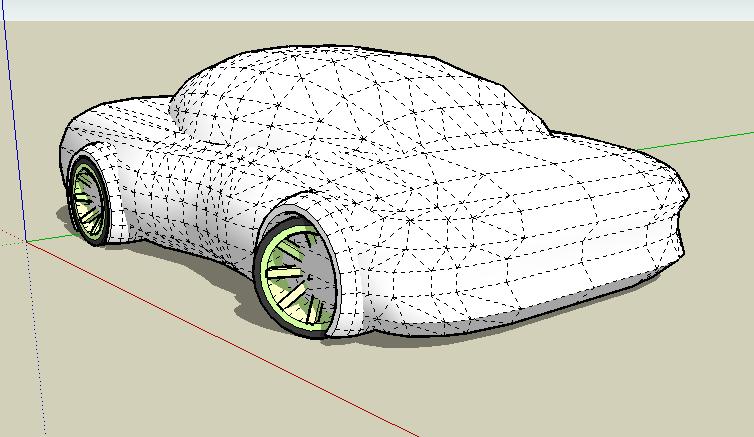
. . . found this one on the hard drive - forgot about it . . . found dozens more too . . . I must be getting old.
This is a "could be" - with enough pulling, chopping, & twisting, most of these designs still have hope.
The speed rate for this one is typical, 10 sph.
Happy modeling - happy Friday,
Brad
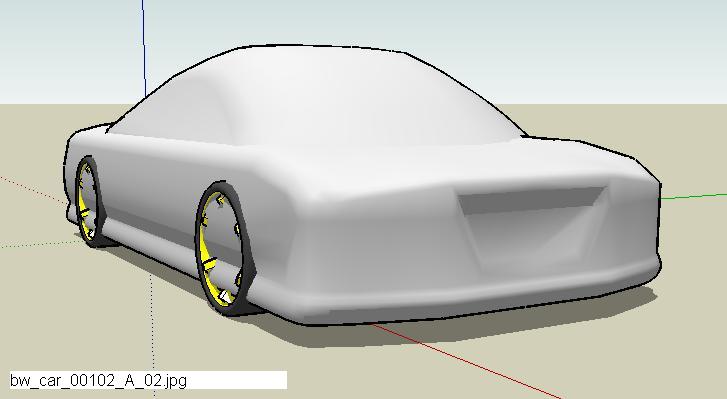
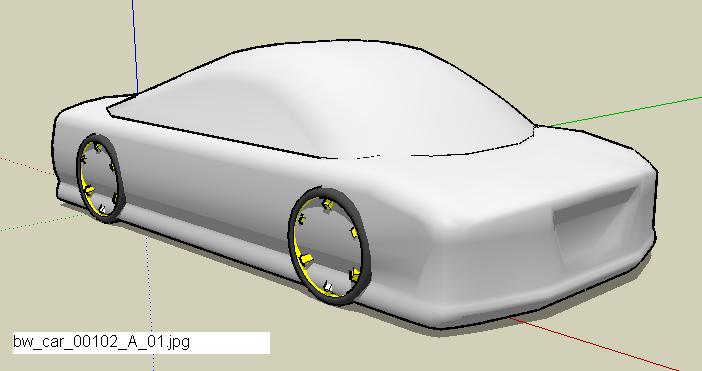
For others who may be new to this
1 - put the script in the following directory/folder (or find the equivalent):
C:\Program Files\Google\Google SketchUp 6\Plugins
2 - create some geometry
3 - create a group from the geometry
4 - select the group, right click, FFD, select a suitable option
I've also found to it necessary to create a new FFD "box of control points":
A - delete the existing "box of control points"
B - explode the group
C - create the group again - this is ultra-quick & easy b/c the entities in the group will remain selected when you explode the group - leave them selected so creating the group again is a simple & quick shortcut
D - do step 4 (above)
Hope this helps - love that script.
@unknownuser said:
Unpacking them, I'm sure, will be very constructive for me and others too I'm guessing.
That's the goal . . . sorry my video tutorials are very poor quality, that was my first attempt using Camtasia . . . now, go, Sketch & enjoy life!
Bob C,
My first Camtasia tutorials are on another thread at this forum - "Six Minute Car" or something like that . . . thanks for the nice comment . . .
Happy Sketching,
Brad
@unknownuser said:
It would be a good idea if you finished this one. It has an Audi TT feeling
Yes, I can sort of see that now that you mentioned it. Okay, I'll finish this one but I'll have to do it on my home machine - believe it or not, my computer at work only has 1/2 GB of RAM so, it's way, way slow . . .
Happy Sketching,
Brad
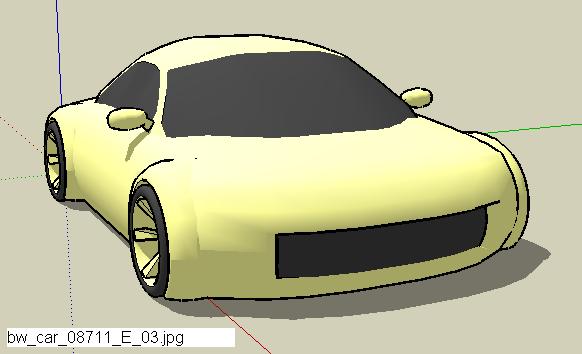
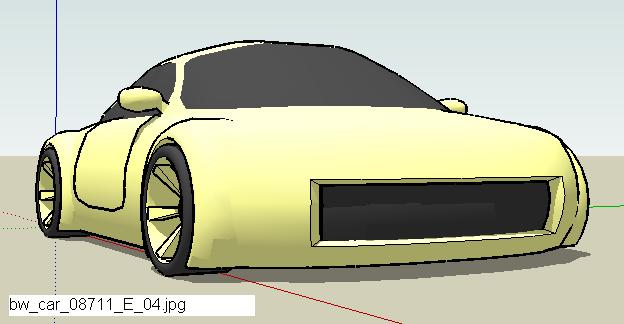
. . . my sketches seem so "bland" compared to models that have details and are finished with rendering software . . . of course, mine are just "concept sketches" and could be developed further . . . I guess . . . here's the Skeeter with wells cut out . . . maybe I'll detail this one and render it . . . might be too shocking for those keeping up with this thread if I actually posted a finished & rendered model . . . after all, I don't want people to faint, or fall out of their chair, right?
Happy Sketching,
Brad
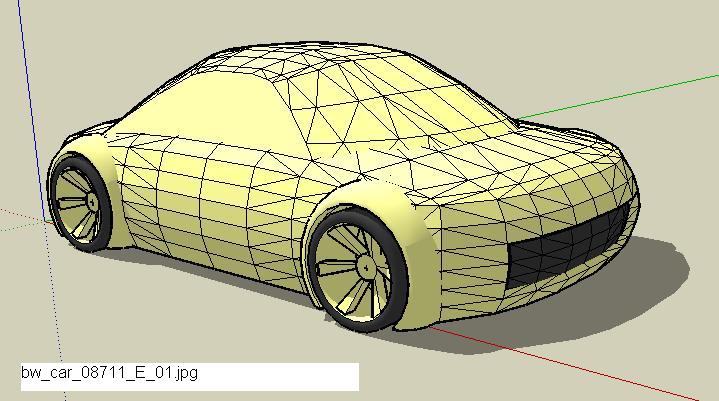
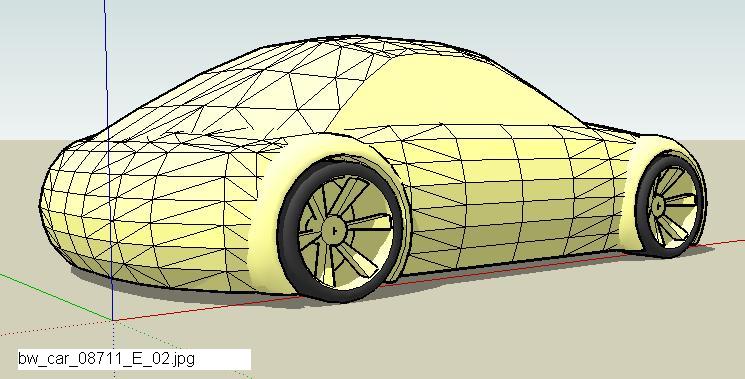
Ray, that's very nice - how long did it take, from start to final render?
EEEK!!! 
What happened? Something happened to the end of that tutorial - the last couple minutes got chopped off somehow - perhaps I didn't do the video right or there's some sort of Camtasia limitation or hosting service limitation? Oh well, I hope it's not too difficult to figure out what happens next - not sure if this is the best sequence, but here's typically what I do at this point:
finish roof
play with proportions
add wheel well areas (important to do this AFTER stretching/squishing the body proportions)
add details (scoops, mirrors, panel lines, vents, et cetera)
make layers
have a bottle of water 
do the next one
blah, blah, blah
. . . here's a "finished" car sketch that I used in this tutorial . . . I didn't finish the wheel well areas - that's almost another tutorial altogether . . . hope this will do for now . . .
I would be most happy if you would share your creations & techniques.
Happy Sketching,
Brad
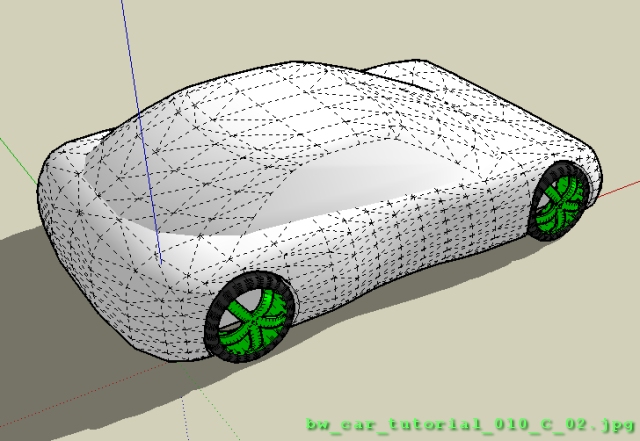
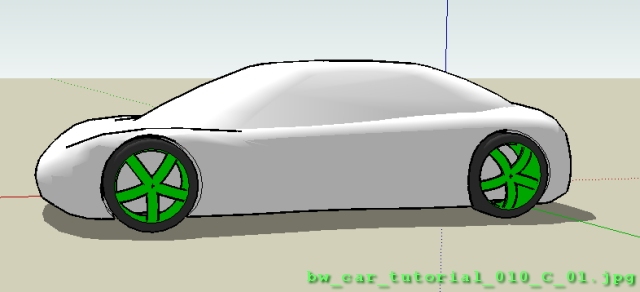
Thanks remus . . . finally got the link right (I think) . . . and BTW, I only use Firefox . . . . . .
Happy Sketching,
Brad
Okay, here's a video showing the top of the car - I really don't like the way this one turns out but the video shows the basic concept - you can make a better one, I'm sure.
Hope this helps - sorry this video is sort of long - I try to slow down, so people can figure out what's going on - hopefully these videos are helpful. Maybe I should add voice? Not sure how to do that - what about some Def Leppard as background music or Daft Punk?
[flash=448,361:1aqqysva]http://i103.photobucket.com/player.swf?file=http://vid103.photobucket.com/albums/m157/ShermanPeabody/SU/bw_car_tutorial_017.flv[/flash:1aqqysva]