@unknownuser said:
...And on the Vectorial part don't miss Xara Xtream 5 free toward 29 april 2013 !!!...
Thanks Pilou! 
 Offline
@unknownuser said:
...And on the Vectorial part don't miss Xara Xtream 5 free toward 29 april 2013 !!!...
Thanks Pilou!
Hehe. No, really, this was an important and valuable feedback. It somehow slipped through our attention while making the changes. The sooner we realize the problem the better as later we can forget what steps were made when and detect what went wrong much harder.
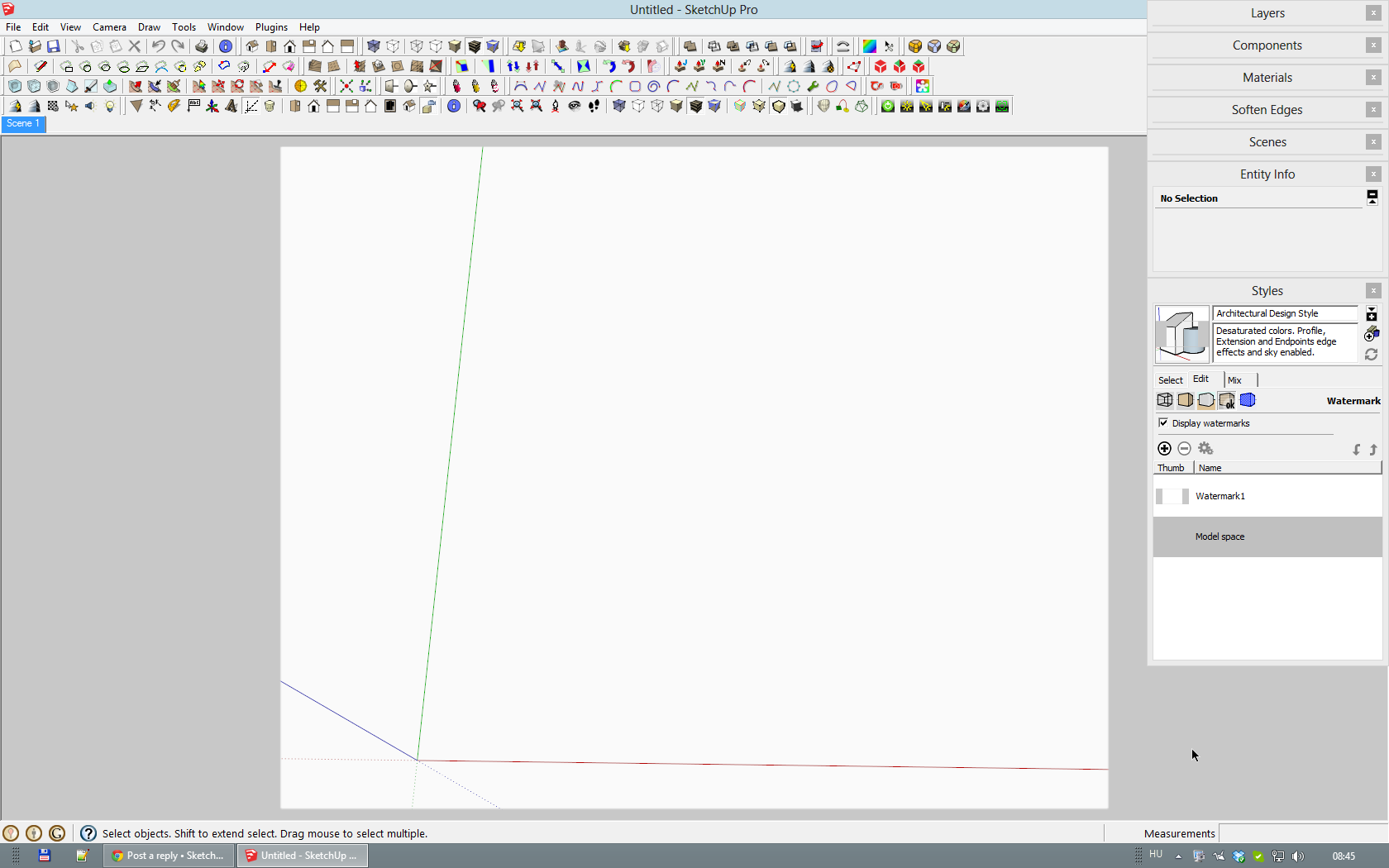
You can also use a watermark image as an overlay. I created this watermarked style for tutorials (either for exports or screen shots) in order to be able to select the grey area in an image editor then reverse selection and crop the image to the selected, inner area.
The size of the white area is not exactly what you mentioned but you can create your own.
Hi Steve,
We are trying to fix some speed issues and improve the overall performance of the site. I cannot comment on the smiles but this disabling of the lightbox sort of image viewing was probably not intentional but something that happened during tweaking the javascripts the site uses (there were too many html requests also due to too many javascripts running on the site).
We'll definitely look into this one (I did not even notice until you mentioned, sorry)
@thomthom said:
You need this plugin:
http://www.smustard.com/script/ProfileBuilderFree version is also available:
http://sketchucation.com/forums/viewtopic.php?t=44237
Exactly. Excellent plugin and does what you listed.
Well, those were only the initial steps - not included the splayed embrasure (thanks for the term, Peter).
Actually I am planning to post a whole series of tuts for these antique pieces so in time, there may be more of them (and more elaborate than that thing showing only the pointed arch)
Note that this discussion started in 2008 (see first post) when there was no such function as "Save toolbar position" or "Restore toolbar position".
People keep re-discovering this topic time-to-time...
@box said:
Perhaps if you attach the model itself someone can have a look.
I bet that would be the best. Also I have no idea what you are trying to do here - so some info (as to what to achieve)) would be nice.
From the screen-shots, it is unclear what you want to "match" at all...
neither to me.
Niclas, I guess you need to close the PM window in order to access other dialogs. In your screenshot, the Styles dialog is greyed out (i.e. inaccessible)
It seems to me that after modifying the style, you did not update it. Click on the thumbnail image of it at the top left (where those circular arrows are now).
It may be me who is confused now. What exactly do you wish to achieve here? That building is apparently not something you modelled using PM from this photo...
@massimo said:
-pick the tool, click on a point in the workspace, press ctrl an move along a direction. Type a measure and press enter;
-click again, move the cursor along the same direction, type the same measure and press enter.
Thanks Massimo - another "doh moment". That Ctrl trick did it.
Press that "Project texture from photo" button in the bottom left panel (of course, only after you actually matched the model with the one in the photo - in your screenshot, only the trees and the sky would be projected).
This will "paint" the photo on the faces of the building.
@niclasbladh said:
Perfect! Is the possible to render that setup in for example Maxwell Render?
I do not know about Maxwell but it is generally possible to render a model image and layer it on top of the original photo IF the renderer's camera is perfectly matched with the SU camera.
@unknownuser said:
Any ideas where to find good quality HDRI's?
There are lots of good resources - see this news article for instance: http://sketchucation.com/all-news/336-free-hdri-resource-at-hdri-hub
Of course all depends on what environment you actually need.
@pbacot said:
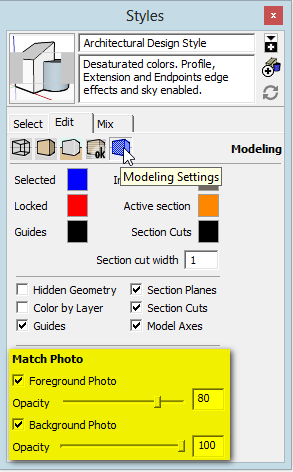
try adjustment to the "watermark" opacity in the styles window.
It's not the watermark settings but under Modelling settings:
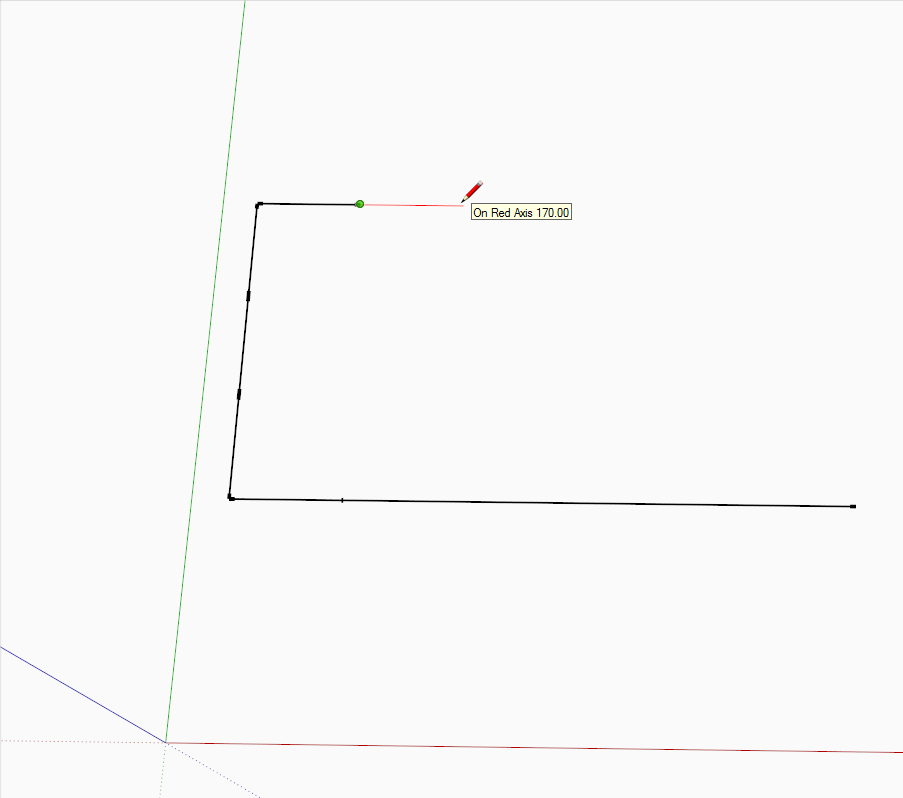
There are a couple of tools that "remember" the last input. The line tool for instance (and the move tool, rotate tool) offer a "soft snap" (as you call it) with the last value (in my case in the below example, 170 cm).
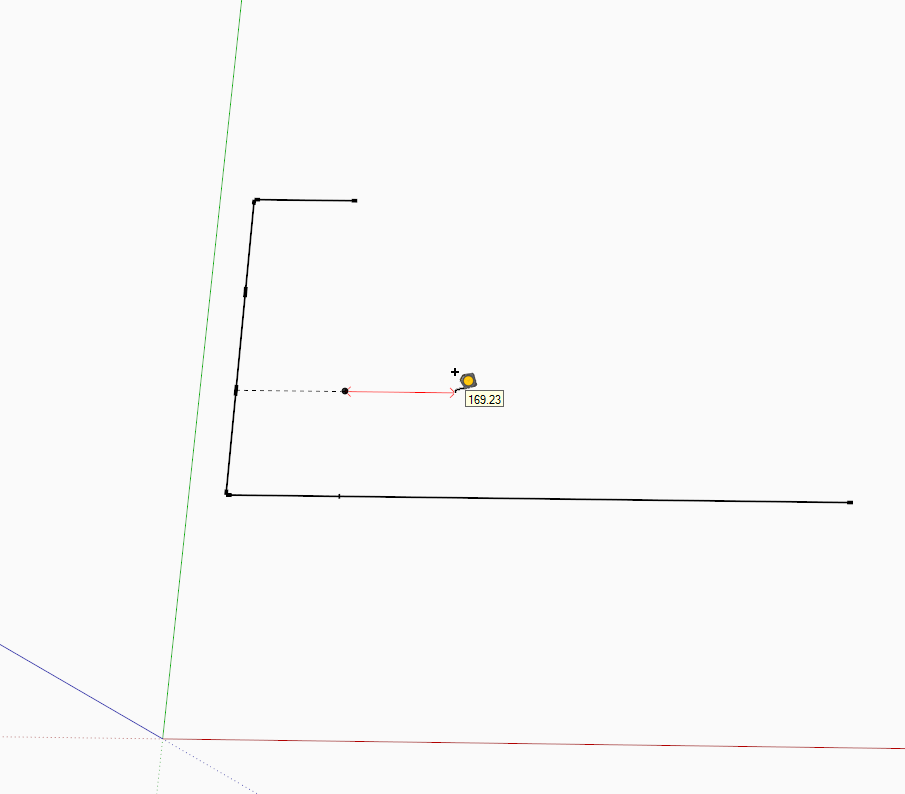
The Tape measure tool does not do this unfortunately - see that no matter how close to 170 I am trying to get it, it would not snap to 170 but only display the distance continuously.
Other tools even work with double clicking an they remember the last input - the PudhPull and Offset tools work this way; once you PP a faec, you can keep double clicking on other faces and it will PP tzhem with the exact same amount.
I only occasionally see the popup (actually, not even disturbing one, at the bottom right). Not trying to "defend" Tapatalk here - just mentioning the fact. In fact, I never react (neither accept anything nor decline) but browse away and it disappears itself.


