sketchucation logo sketchucation
    • Login
    1. Home
    2. EscapeArtist
    3. Posts
    Oops, your profile's looking a bit empty! To help us tailor your experience, please fill in key details like your SketchUp version, skill level, operating system, and more. Update and save your info on your profile page today!
    🚨 Skimp | 25% Off until March 30 Buy Now
    Offline
    • Profile
    • Following 0
    • Followers 0
    • Topics 62
    • Posts 1,294
    • Groups 1

    Posts

    Recent Best Controversial
    • Modeling a meniscus difficulty

      How to, in Sketchup?

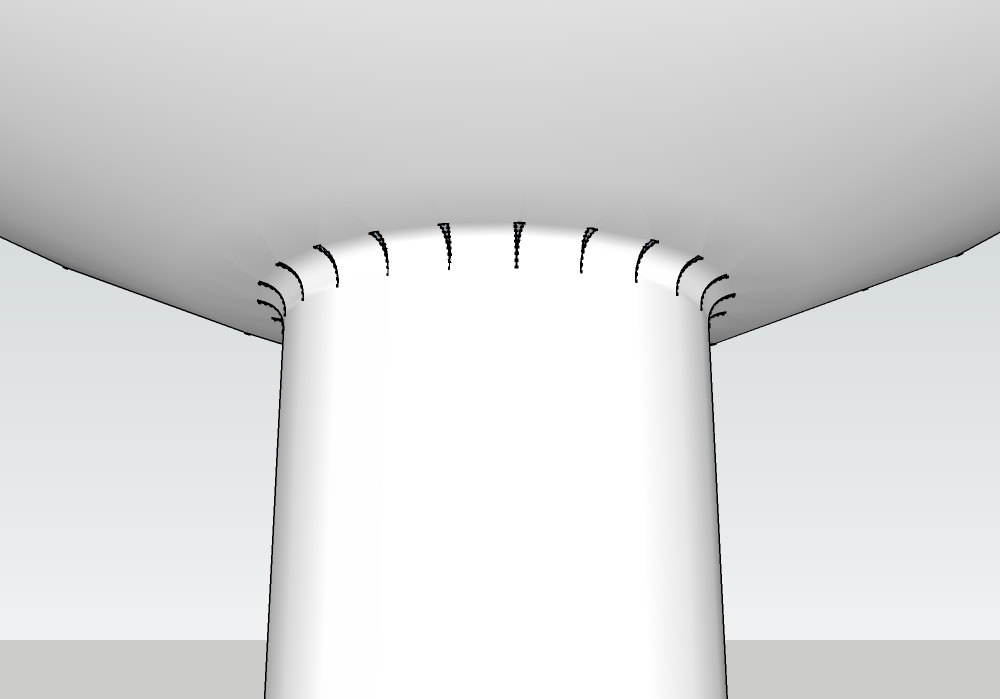
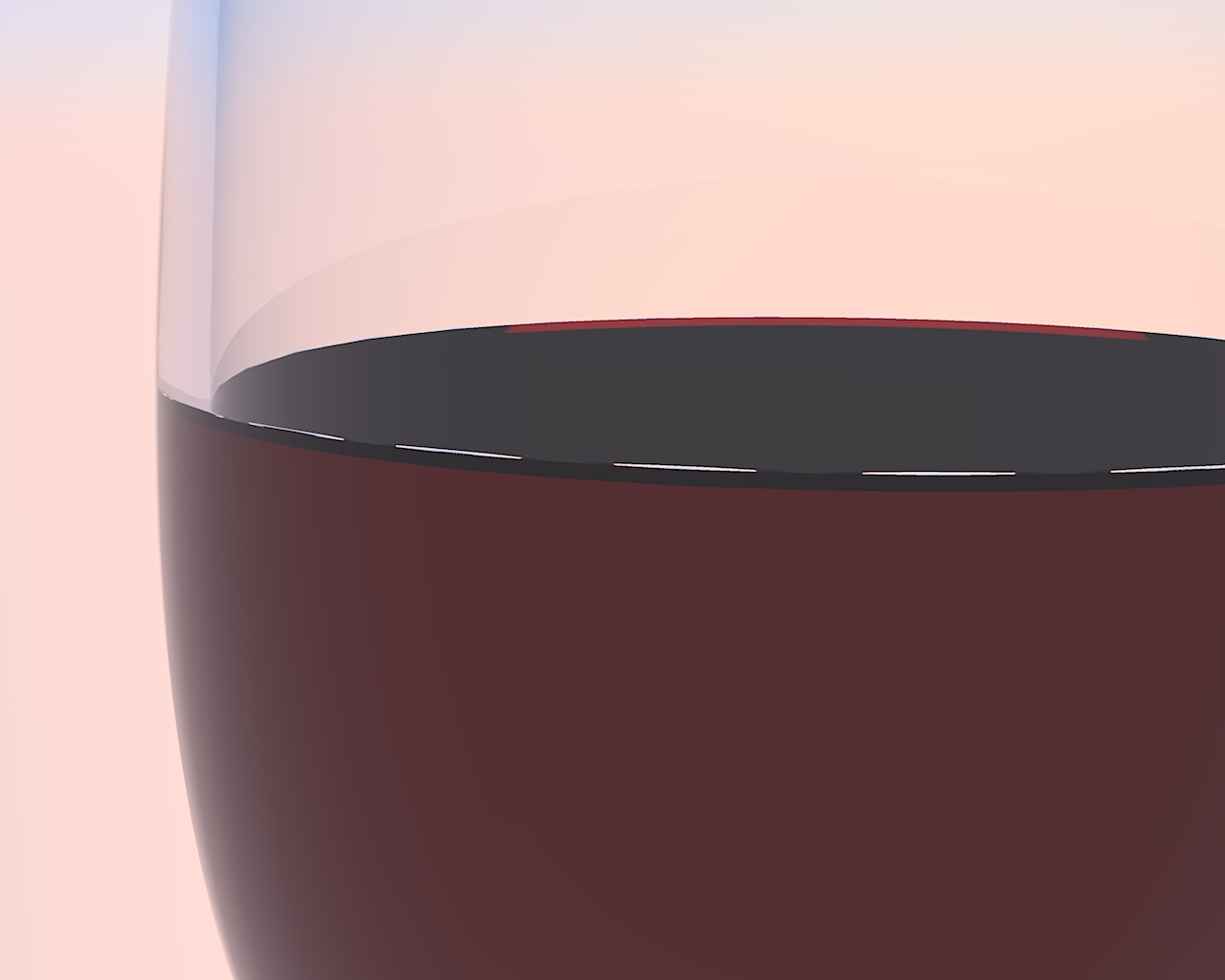
      I created a wineglass and added a surface to create the liquid. The only way I could think of to create the meniscus was to draw a bezier radius at the intersection of the liquid plane and the glass surface and then use the "follow me" tool around the edge. That went well - but when I applied SD&S, it created little "dents" at certain intersections which creates issues when the object is rendered.

      Any suggestions on how to get around this, or how to create a better model in sketchup to avid this issue?
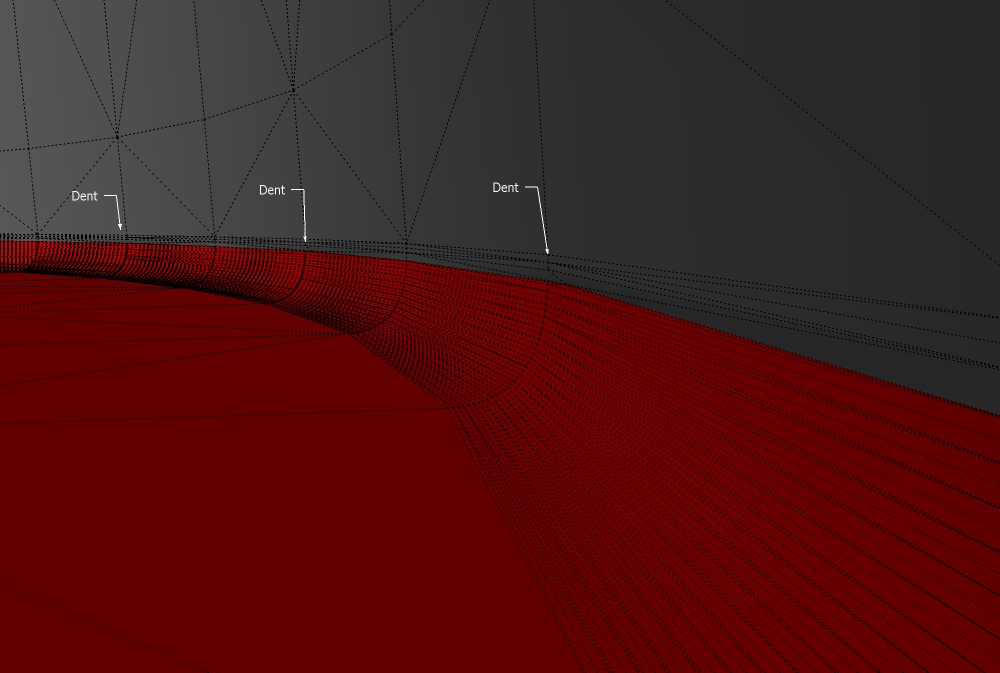
      This is the model showing where the dents are.


      The results when rendered.

      posted in Newbie Forum sketchup
      EscapeArtistE
      EscapeArtist
    • RE: Trainboy2004's showcase and WIP

      Now that's just cool.

      I was waiting for the objects to drive right off the page.

      posted in Gallery
      EscapeArtistE
      EscapeArtist
    • RE: Wallpapers

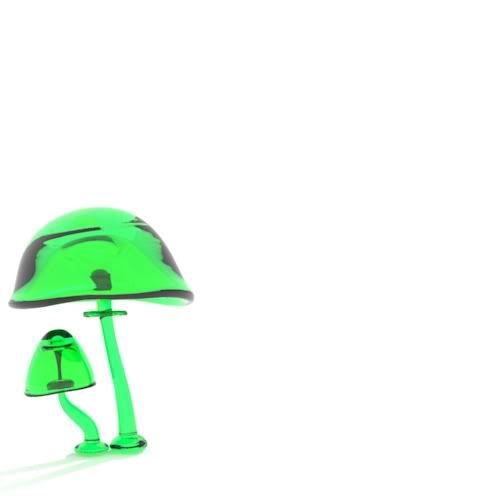
      http://i77.photobucket.com/albums/j80/totallyuncool/Gnomelook/GglassShroomss.jpg

      Green glass mushrooms.

      posted in Gallery
      EscapeArtistE
      EscapeArtist
    • Wallpapers

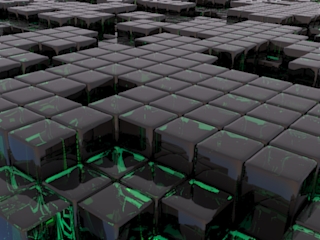
      I made these wallpapers and posted them over at Gnome-Look.org: http://www.gnome-look.org/usermanager/search.php?username=EscpeArtist&action=contents

      All with Sketchup and Kerkythea. Feel free to use them.


      Sample:

      posted in Gallery
      EscapeArtistE
      EscapeArtist
    • RE: Button Injured in F1 accident

      @solo said:

      And to think that he was so close to escape, but just did'nt happen.

      Too bad, one would think that the scales were tilded in his favor...

      posted in Corner Bar
      EscapeArtistE
      EscapeArtist
    • RE: Radius / round edge troubles...

      Tig

      Thanks, that worked.

      The cylinders were only 2.5" dia. and the radius was only 1/2".

      posted in SketchUp Discussions
      EscapeArtistE
      EscapeArtist
    • Radius / round edge troubles...

      I'm trying to radius the intersection between a sphere and a "pipe" and it's not going very well. I'm trying the "round edge" plugin, but it leaves holes and or various other bits of geometry depending on where the pipe intersects the sphere. Am I doing something incorrectly or is there something else I should try?intx.jpg

      posted in SketchUp Discussions sketchup
      EscapeArtistE
      EscapeArtist
    • RE: Sketchup for linux petition - just 24 votes so far

      Done. 30 now.

      posted in Corner Bar
      EscapeArtistE
      EscapeArtist
    • RE: File Exporting SU7 Free

      I didn't know about the other scripts for .obj exports. Thanks.

      posted in Extensions & Applications Discussions
      EscapeArtistE
      EscapeArtist
    • RE: [Plugin][$] FredoScale - v3.6a - 01 Apr 24

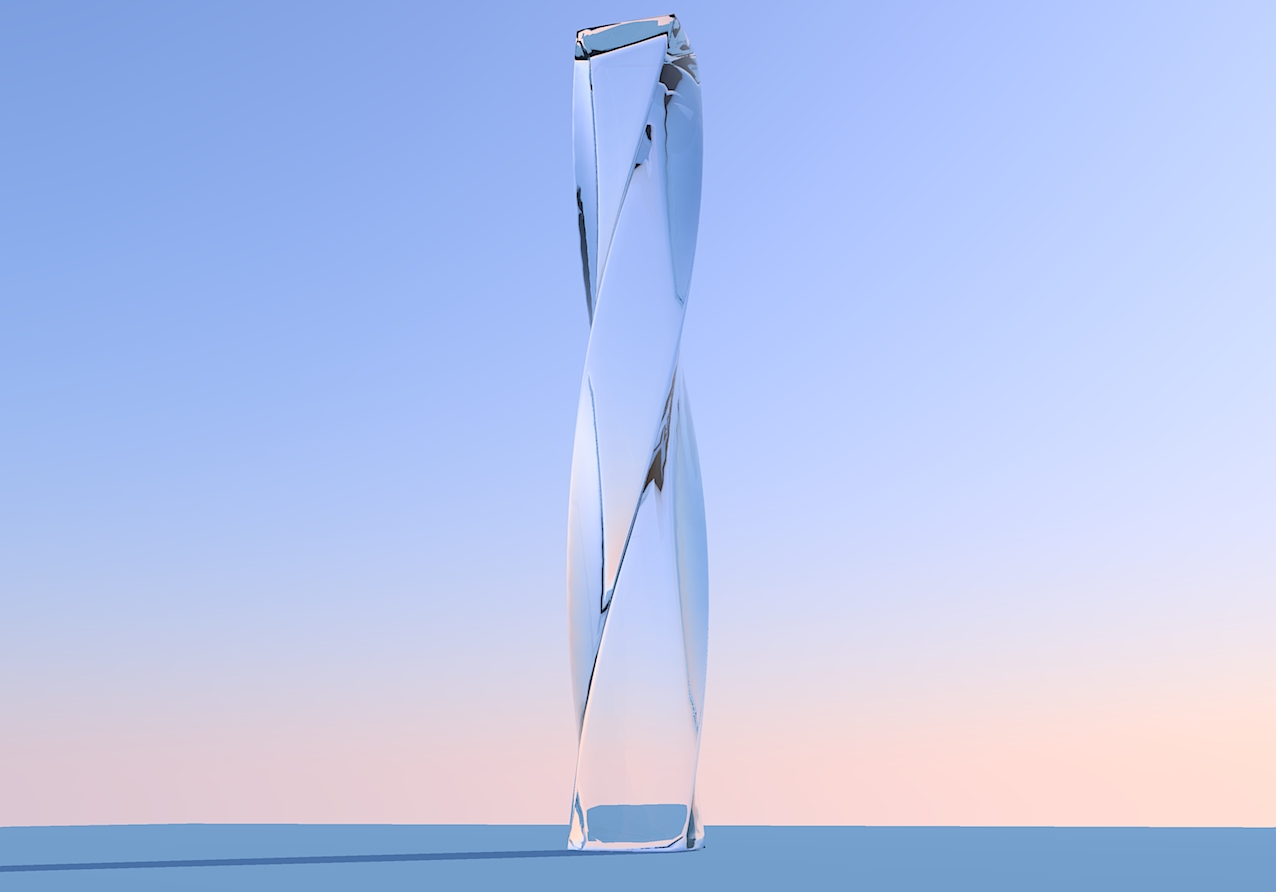
      Thank you for this plugin. It is fantastic!


      twistedglass.jpg

      posted in Plugins
      EscapeArtistE
      EscapeArtist
    • RE: File Exporting SU7 Free

      No, not that I know of. There used to be, but it doesn't work with the current versions.

      You can model in Sketchup and then open it in DoubleCAD XT, and if you don't use the model in DoubleCAD, you can save it in .DXF format and open it in something like Blender or other app that will import that file type.

      posted in Extensions & Applications Discussions
      EscapeArtistE
      EscapeArtist
    • RE: Export selected unwrap only or 2d image?

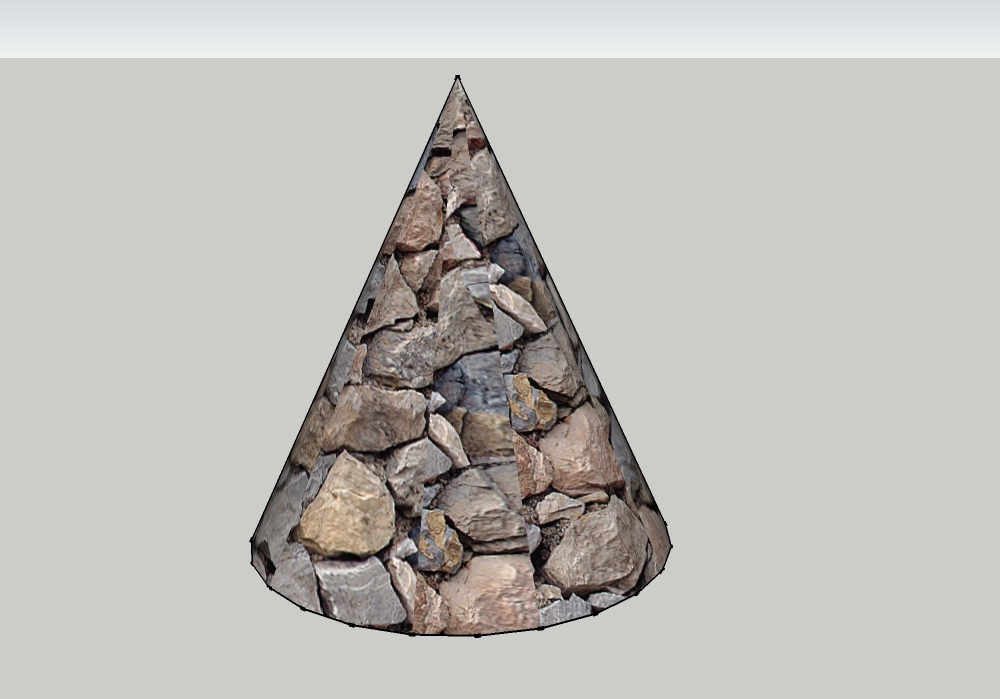
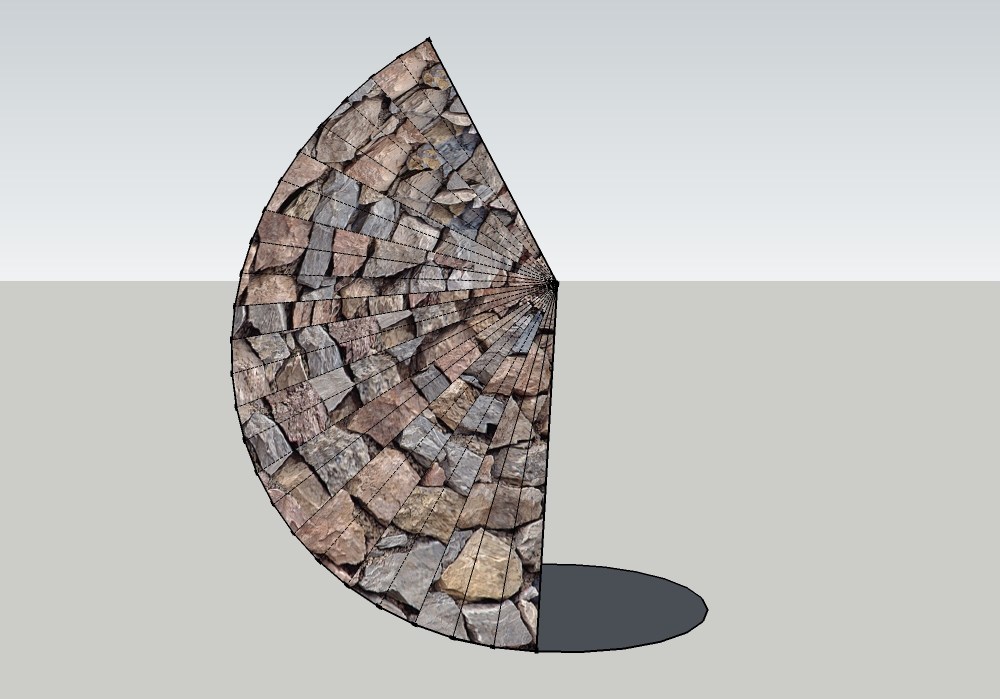
      Ya, that's what I used to unfold the cone.

      It didn't do it in this simple model, but in the model I'm working on, the texture turns black after making it unique and the "texture" selection is unavailable from the right click menu.

      posted in Newbie Forum
      EscapeArtistE
      EscapeArtist
    • RE: Export selected unwrap only or 2d image?

      Chris -

      I was looking more for a way to unwrap an object and apply a texture but that's great! Is that a new feature in Sketchup 7.x (I just updated yesterday from 6.x)? I can't believe I never saw it or used it before if it was there. Unfortunately, after flattening a surface using the Unwrap Tool and then applying "Make Unique Texture", the surfaces goes black, the texture is gone, and the "texture" selection is not available on the menu.

      For those of you that absolutely must unwrap an object I have found a way to make it happen: I use DoubleCAD XT (the free version) to load the .SKP file and then export it as .DXF, then import it to Blender and use Blender's UV unwrap tools. The problem is that you cannot reverse the process, and until the idea by plot-paris comes to fruition, we're kinda stuck with minimal mapping tools. Double CAD is a great little program on its own, and BTW if you absolutely must, you can create an object in Blender or Double CAD, save it as a .DXF, and open it in Sketchup, though it comes out a little messy sometimes.


      cone.jpg


      coneII.jpg

      posted in Newbie Forum
      EscapeArtistE
      EscapeArtist
    • Export selected unwrap only or 2d image?

      The title is a little confusing, I know... What I want to do is be able to export a scale 2d image in order to texture it in Photoshop/Gimp what have you. Is there any way to do this other than just taking a screenshot of the unwrapped item and using that in a graphical editor?

      I guess I could unwrap the item, copy it, open a new Sketchup file, paste it on a plane, use a standard camera view via paralell projection to view a flat image and then export that. Still, it isn't very accurate and the resolution is limited to the screenshot.

      Any plugins or ideas out there that I haven't heard of that can do this?

      (Using Sketchup 7.x free)

      posted in Newbie Forum sketchup
      EscapeArtistE
      EscapeArtist
    • 1
    • 2
    • 61
    • 62
    • 63
    • 64
    • 65
    • 65 / 65