sketchucation logo sketchucation
    • Login
    1. Home
    2. EricBreuerDesigns
    3. Topics
    Oops, your profile's looking a bit empty! To help us tailor your experience, please fill in key details like your SketchUp version, skill level, operating system, and more. Update and save your info on your profile page today!
    Urasik Extensions | Lots of new extensions to check out Learn More
    E
    Offline
    • Profile
    • Following 0
    • Followers 0
    • Topics 4
    • Posts 11
    • Groups 1

    Topics

    • E

      LibFredo6 update ?

      Watching Ignoring Scheduled Pinned Locked Moved Solved Extensions & Applications Discussions
      8
      1
      0 Votes
      8 Posts
      296 Views
      E
      That worked.
    • E

      Soap Bubble

      Watching Ignoring Scheduled Pinned Locked Moved Extensions & Applications Discussions
      9
      0 Votes
      9 Posts
      404 Views
      Gus RG
      It's up! Got the word just now from the author, J. Leibinger. https://extensions.sketchup.com/extension/c8d49537-51db-40a7-ac0e-474a244eb525/soap-skin-and-bubble
    • E

      Update Notices

      Watching Ignoring Scheduled Pinned Locked Moved Extensions & Applications Discussions
      2
      0 Votes
      2 Posts
      92 Views
      Rich O BrienR
      Launch Sketchucation Tools Open SketchUp Go to Extensions > Sketchucation > ExtensionStore If there's a bell icon you have updates pending. If you have the toolbar active we also add a Red Dot to the ExtensionStore icon as a prompt too.
    • E

      Toposhaper

      Watching Ignoring Scheduled Pinned Locked Moved Plugins
      6
      1 Votes
      6 Posts
      359 Views
      E
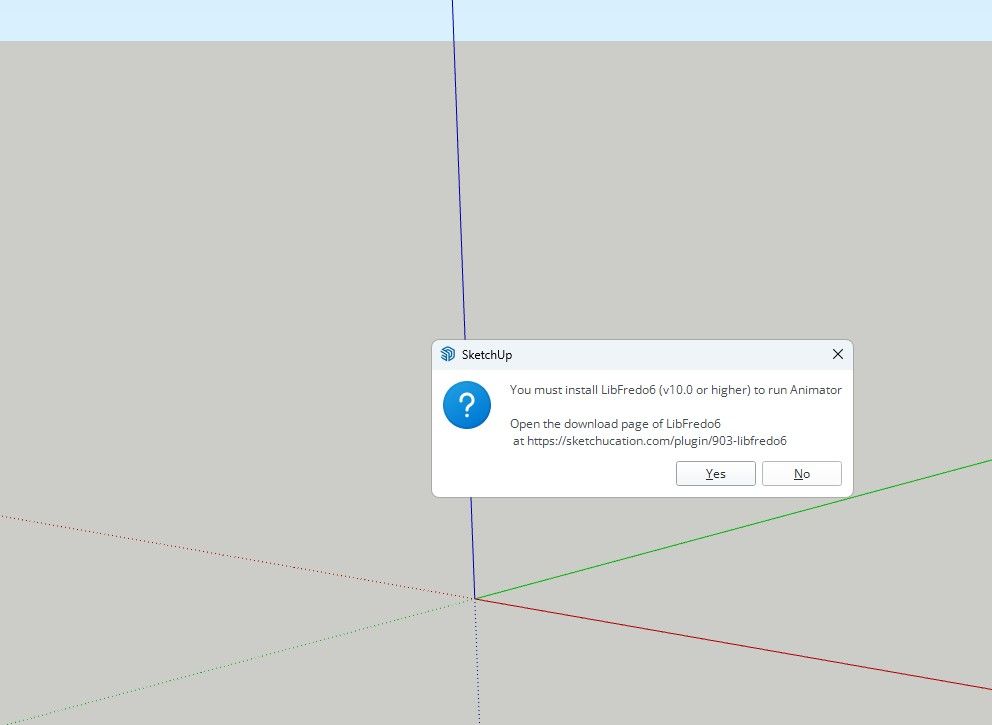
      I was able to solve it my self. I went into the Sketchucation Root Directory Plugins installer and removed all earlier versions of the Libfredo, Closed down the program Opened the program Reinstalled the current version libfredo through Ext. Mng. Closed program Opened program Topo Shaper is now working
    • 1 / 1