Toposhaper
-
Hi, I want to use Toposhaper, but I can't find it on my tool bars ins sketchup. I have it in my plugin folder as Fredo6TopoShaper, but still I do not find it pn any toolbar.
-
Did you also install Libfredo?
https://sketchucation.com/pluginstore?pln=LibFredo6
Restart SketchUp after installing
-
@Rich-O-Brien
I am having difficulty finding that with all the screen clutter
I have attempted three times, and it keeps giving me the same warning, use latest! -
@EricBreuerDesigns said in Toposhaper:
I am having difficulty finding
Use the link provided by Rich and just hit download
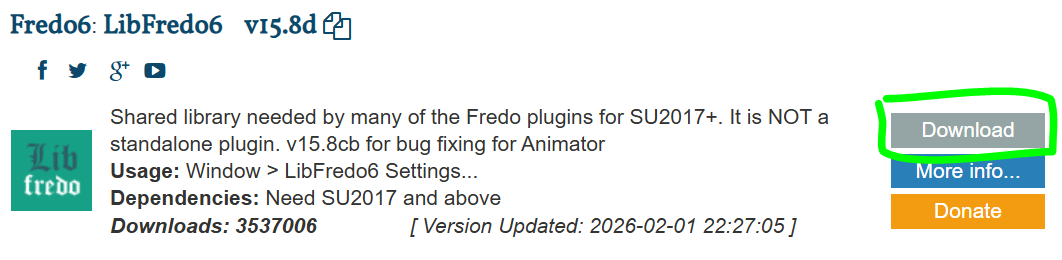
-
That is what I have downloaded.
I still have not been able to get it working.
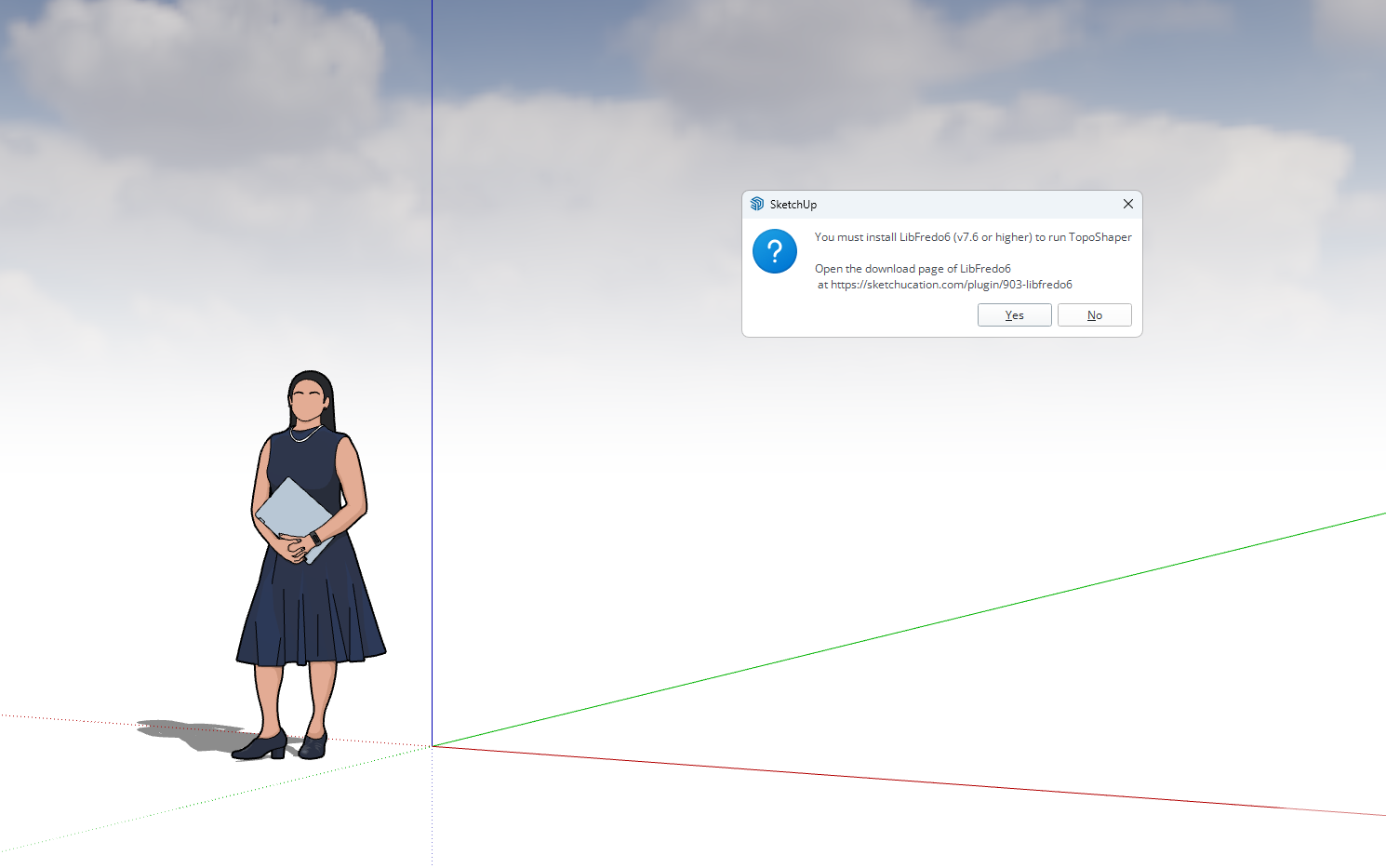
Even when I have gone through the uploading process through Sketchup Extension Manager, I am still getting this error
I have many of the Fredo extension, and this is taking a lot of my time.
Will I have to remove Sketchup and reload just to get this to work?
Not sure what I need to do

-
I was able to solve it my self.
I went into the Sketchucation Root Directory Plugins installer and removed all earlier versions of the Libfredo,
Closed down the program
Opened the program
Reinstalled the current version libfredo through Ext. Mng.
Closed program
Opened program
Topo Shaper is now working


Hello! It looks like you're interested in this conversation, but you don't have an account yet.
Getting fed up of having to scroll through the same posts each visit? When you register for an account, you'll always come back to exactly where you were before, and choose to be notified of new replies (either via email, or push notification). You'll also be able to save bookmarks and upvote posts to show your appreciation to other community members.
With your input, this post could be even better 💗
Register Login


Advertisement