Thanks Fred! Great update to further SU Quad capabilities. Hoping other authors continue with this trend. (hinting Artisan)
Oops, your profile's looking a bit empty! To help us tailor your experience, please fill in key details like your SketchUp version, skill level, operating system, and more. Update and save your info on your profile page today!
Check out Febhouse | New extensions for Shadow Analysis in SketchUp Download
 E
Offline
E
Offline
Posts
-
RE: [Plugin][$] Curviloft 2.0a - 31 Mar 24 (Loft & Skinning)
-
RE: Latest Version of Sketchup
I was still having major issues with grayed out menus even with the latest update. What fixed it for me was removing all of the CadFather toolbars. i.e. Archiland, SCF Power Bar, etc. It appears there was a conflict somewhere in those. I just use the plugins I need from them separately. Haven't had a single gray out since I removed them. Figured I'd mention it in case it helps someone else having a similar issue.
-
RE: [Plugin] ArcByTools v1.2 20120412
Great!! Went through all of them and they all seemed to be working fine on my end. It would great if the arcs could be placed interactively. If perhaps after entering the parameters the first click of the mouse would set them down and establish centerpoint, then dragging the mouse would rotate the arc around the centerpoint until the second click establishes position. Just a thought.
-
RE: [Plugin] FredoTools::ThruPaint - v1.3a - 20 Oct 16
Next drink is on me my friend. Loving this plugin! Donated a little more than I paid for the new commercial UV tool as I think there are more features with ThruPaint. Although I think both tools together have great synergy.

-
RE: Let's have a Hardware speed test for SU
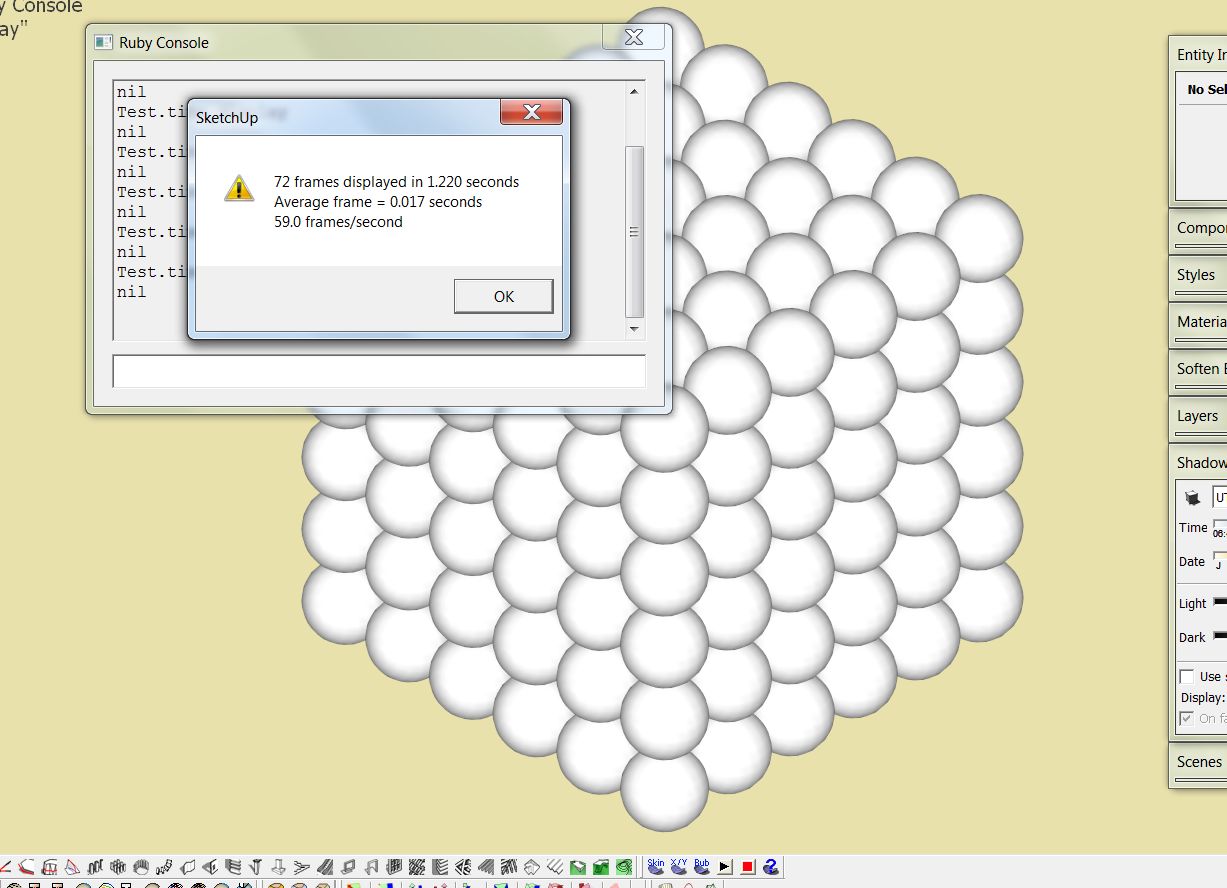
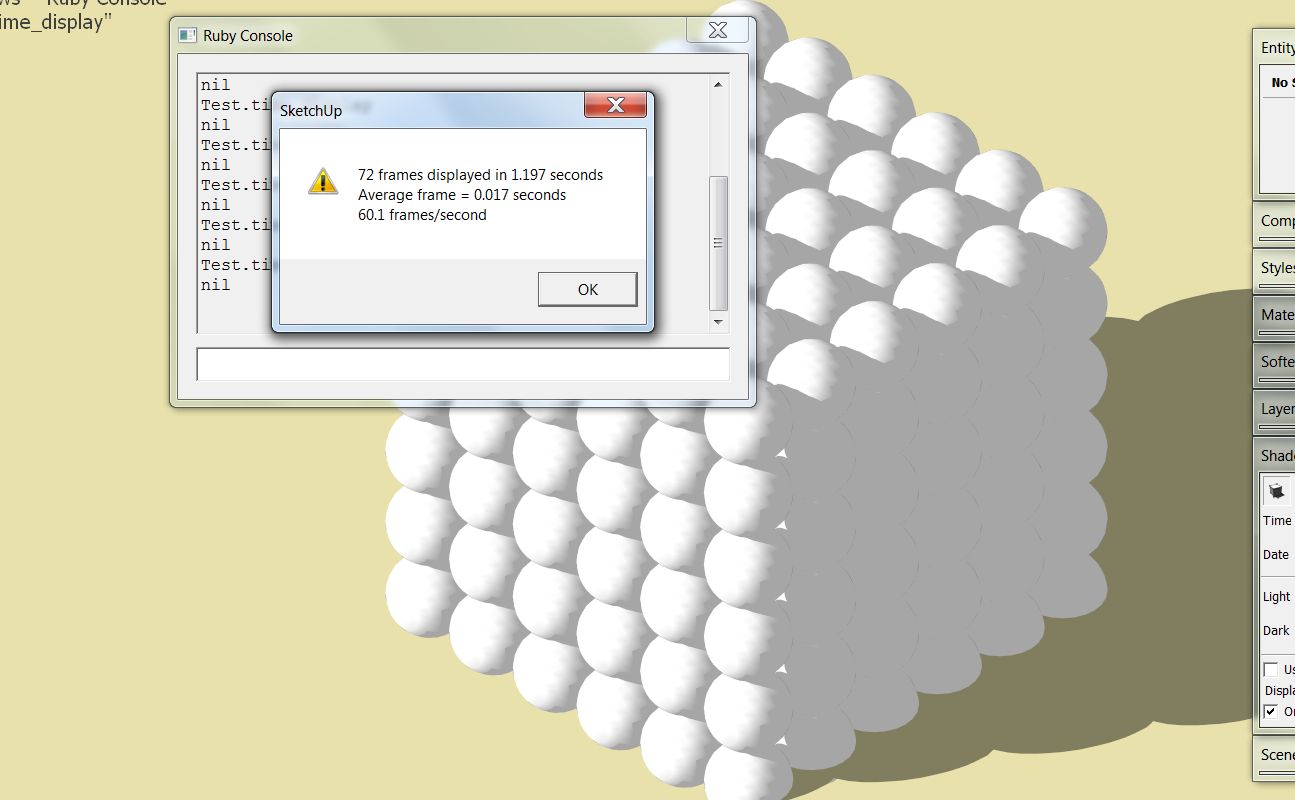
Results on my newer laptop. Video card is Nvidia GTX 560m 3GB GPU. Higher score with shadows on for some reason. SU 8 most recent update.

-
RE: Drawing pitch roofs
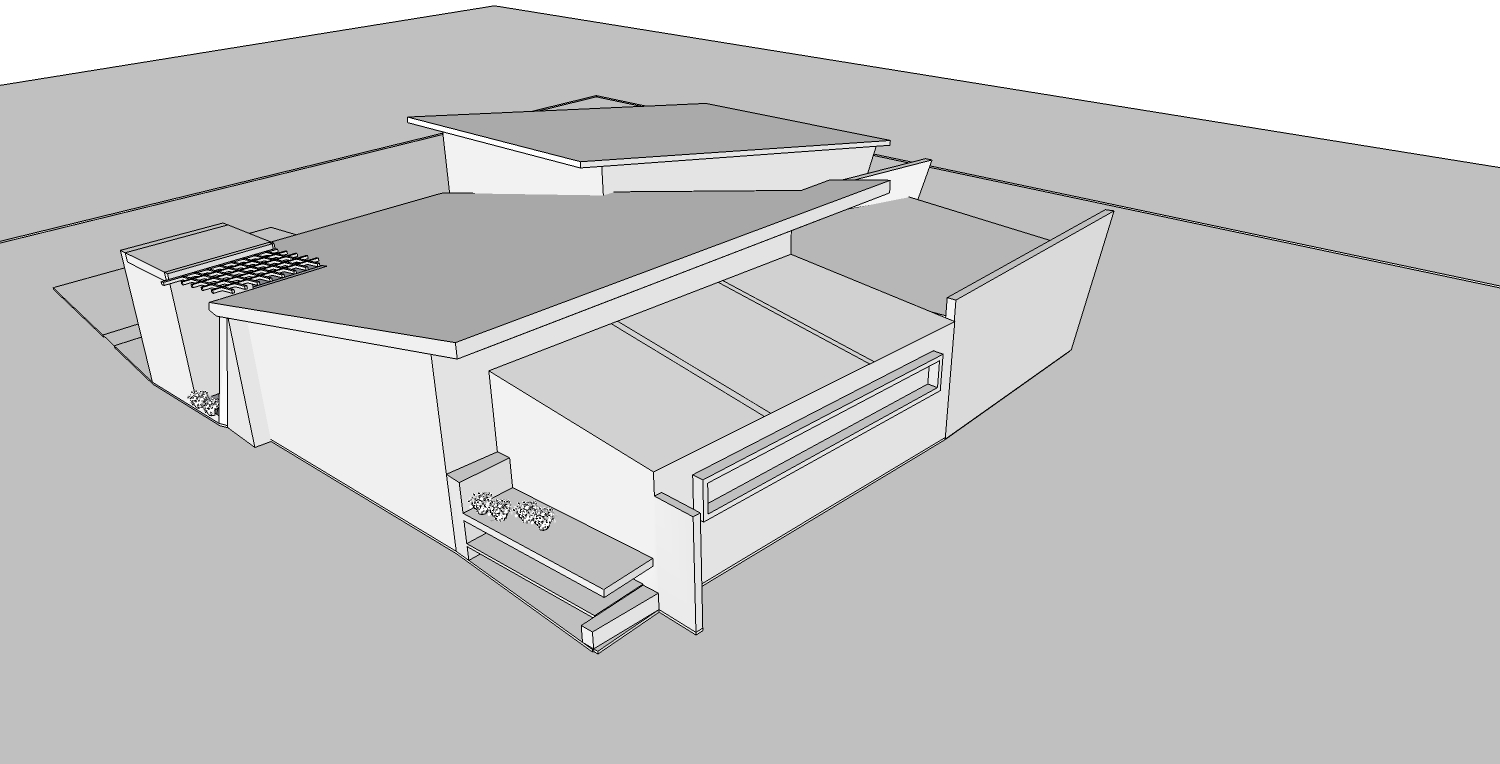
Here is the model cleaned up and sorted. Took a bit to separate the items. Did several CleanUp's with ThomThom's Cleanup plugin. Selected and deleted the ungrouped trees using a plugin called "select faces by size". Then I quickly grouped each section, deleted the messy roof planes and redrew them using a combination of Extrude Edges by Vector and Extrude Edges by Vector to Object.
The biggest issue with the model is that it is not drawn with a strict adherence to the red and green axis, meaning it is not drawn square to itself. This makes modeling very tough and makes it next to impossible to recreate this in the real world. Try to read up on the axis and inferencing. It makes life easier once you grasp how these work.
Keep trying...you've got no where to go but up.

-
RE: [Plugin] FredoTools::ReverseOrientFaces 1.0a - 11 Apr 12
Very useful! Thanks Fredo!

-
RE: [Plugin] FredoTools::ThruPaint - v1.3a - 20 Oct 16
Came here specifically wondering about this plugin and here it is! Fredo we all owe you a huge debt of gratitude. Thanks for all of the great plugins and for continuing to keep them free and available to all. Between Thom's Quad Tools, Whaat's SketchUVs and now ThruPaint, I might have to actually bring models made elsewhere into Sketchup for texturing! Who woulda thunk it?!
-
RE: Night shot
The reflection lighting is exquisite! Beautiful overall composition and tonality!
-
RE: The Blender Tree Generator
Nice Simon. Thanks for compiling links for these great scripts! Kudos to the authors as well!
-
RE: Drawing pitch roofs
On a short deadline, you could always just take the easy road and use the Eraser Tool + Shift to hide the edges you don't want seen. Although this is cheating in a sense, it may allow you to continue working on the model. The roof is an easy fix if you are experienced at problem solving and understand the basic logic of how sketchup works, however this takes time and practice and it sounds as if you are short on time. Perhaps if you posted the model, someone might lend a helping hand.
-
RE: Drawing pitch roofs
Looks as though you are fighting to create a "planar surface" but lacking in "co-planar" edges from the building structure itself. You must remember sketchup only works in flat edges and flat faces. It is rigid and will not conform to framework that is askew. Picture trying to screw dry wall or sheetrock to lumber which is out of plumb and level....it will not work without breaking the sheeting or adding extra framing. Sketchup is the same way. All edges must be plumb and level to each other in order for a solid sheet (face) to be formed.
In your case with the pitched roof I would say your best method to resolve your non-planar edges is to "cut" them so they work. You can do this by creating a cutting plane out of a large rectangle which is grouped. Draw the rectangle off to the side and then position it to the house and at the angle you want your roof to be and aligned with the lowest point. Once it's in place you can run the "intersect" command and intersect the grouped rectangle with the house. This is like a big saw that will slice the irregular surface and make it regular. You have to then delete the excess.
Another option is you could use the plugin Extrude Tools from TIG and use Extrude Edges by Vector tool. This will allow you to select the parallel edge and extrude it perpendicular to create your roof surface. The tool will group the new shape and you can then use it as a cutting plane or just push pull it into the roof you are looking for.
Best of Luck.
-
RE: [Plugin] Image 2 Model
Works great with one exception. Can you perhaps set it to save just the newly created component and not save a copy of "Susan" along with each new .skp? Perhaps that's is the issue you are already referring to. I need to be able to compile these plants through the component folder. Other than that it's working like a charm!!

Also, just noticed that the component is still an "image". Possible to explode that down before the component conversion? Not sure if the final .skp files will work with all render engines with 'images' embedded.
-
RE: [Plugin] Image 2 Model
@sdmitch said:
Adam, Would you post an image that I could test. I have been working on your plugin and I want see if it works the same with one of your images as it does with mine.
Gaieus has a point regarding sizing the images/components.
Here is one of my hi-res .png files for testing.
Yes, I did forget to mention a few steps. The routine is -
-
Import and place 'image' in front viewport.
-
Center on axis as pivot point
-
Explode image
-
Select all
-
Make Component (Check always face camera, shadows face sun
-
Enter component edit and select outer edges and hide them.
-
Exit component and 'Save as' image name.
Thanks for looking into it Sam and for the help TIG. If something can be manifested it would save hours of tedious work.

-
-
RE: Help with terrain
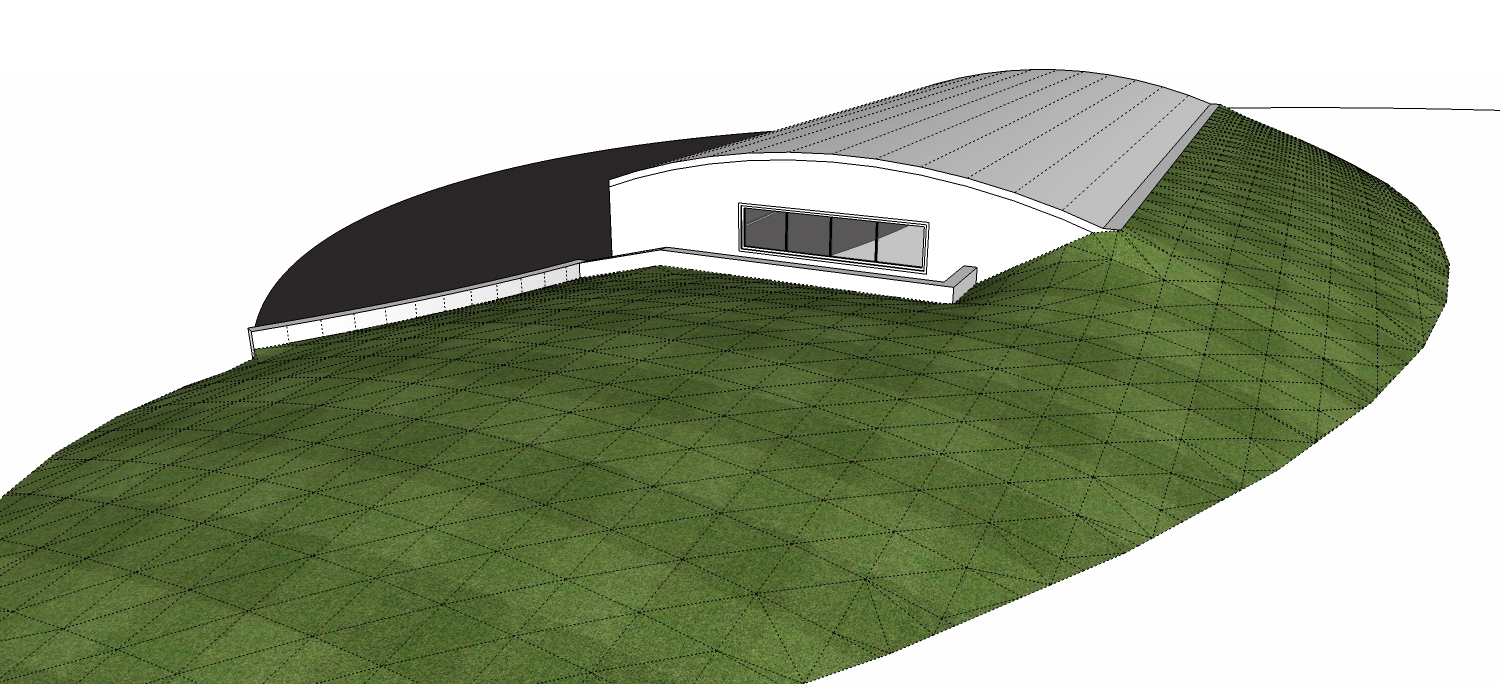
Perhaps give a try with Soap Skin Bubble - http://www.tensile-structures.de/sb_software.html
Select perimeter and skin. Creates a good mesh for sculpting and provides a smooth graduation between changing grades.
-
RE: [Plugin] ArcByTools v1.2 20120412
Nice work TIG! This is not relevant to this plugin perhaps, but I've always been wondering if there were a way to make an arc tool that would draw arcs segmented by distance increments solely. If it were set to say, 6" a 10 linear foot arc would have 20 segments and a 20 LF arc would have 40 segments and so on. Would be great for rationing the segmentation as relative to the size of the arc. Just wondering.
-
RE: External render for client
Nice dramatic tonality to this image. Great work. Perhaps the sky could be a bit more blue and the lights a bit more yellow to push the drama factor even further. Overall...great image. Agreed with the defining of the space on the right.
-
[Plugin] Image 2 Model
Looking for a script to take a folder off the hard drive and batch convert transparent .png files to .skp with a 0,0,0 axis and face camera enabled. A bonus would be if it would hide the perimeter edges of the image. It's not necessary to cut them out for shadows as they will be rendered. Just looking to speed up the conversion process as I have hundreds of plant images that I've taken and isolated and the manual conversion is becoming quite tedious. Not sure if something already exists. Any help would be much appreciated.
EDIT - Much thanks to SDMitch! Most recent plugin attached.
-
RE: Time to get out the garden furniture
Beautiful work. Thanks so much for sharing David!