sketchucation logo sketchucation
    • Login
    1. Home
    2. charly2008
    3. Posts
    Oops, your profile's looking a bit empty! To help us tailor your experience, please fill in key details like your SketchUp version, skill level, operating system, and more. Update and save your info on your profile page today!
    ⚠️ Important | Libfredo 15.8b introduces important bugfixes for Fredo's Extensions Update
    Offline
    • Profile
    • Following 0
    • Followers 0
    • Topics 132
    • Posts 1,241
    • Groups 1

    Posts

    Recent Best Controversial
    • RE: Quick tutorial for road design on a terrain

      Hi Chris,

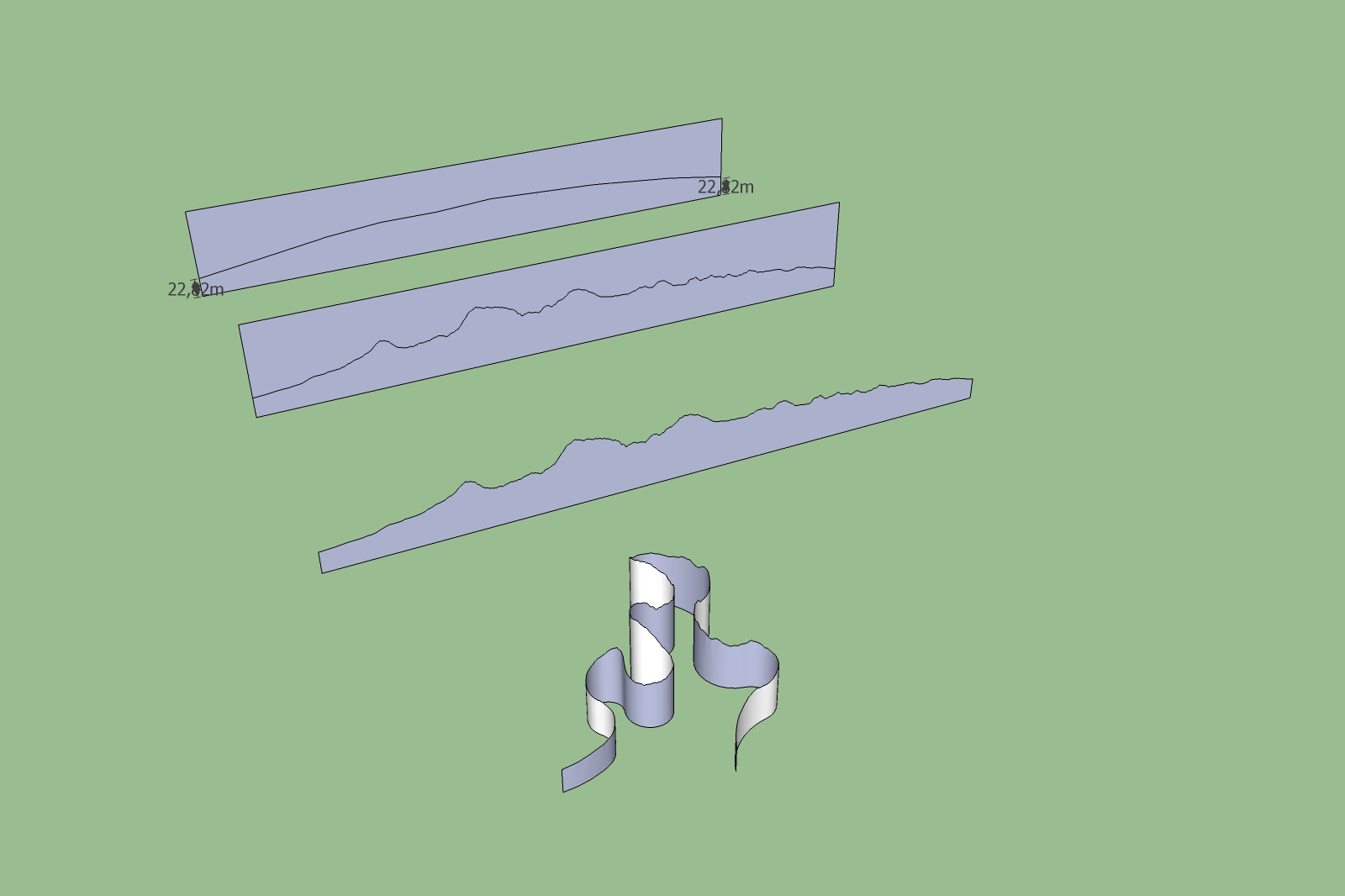
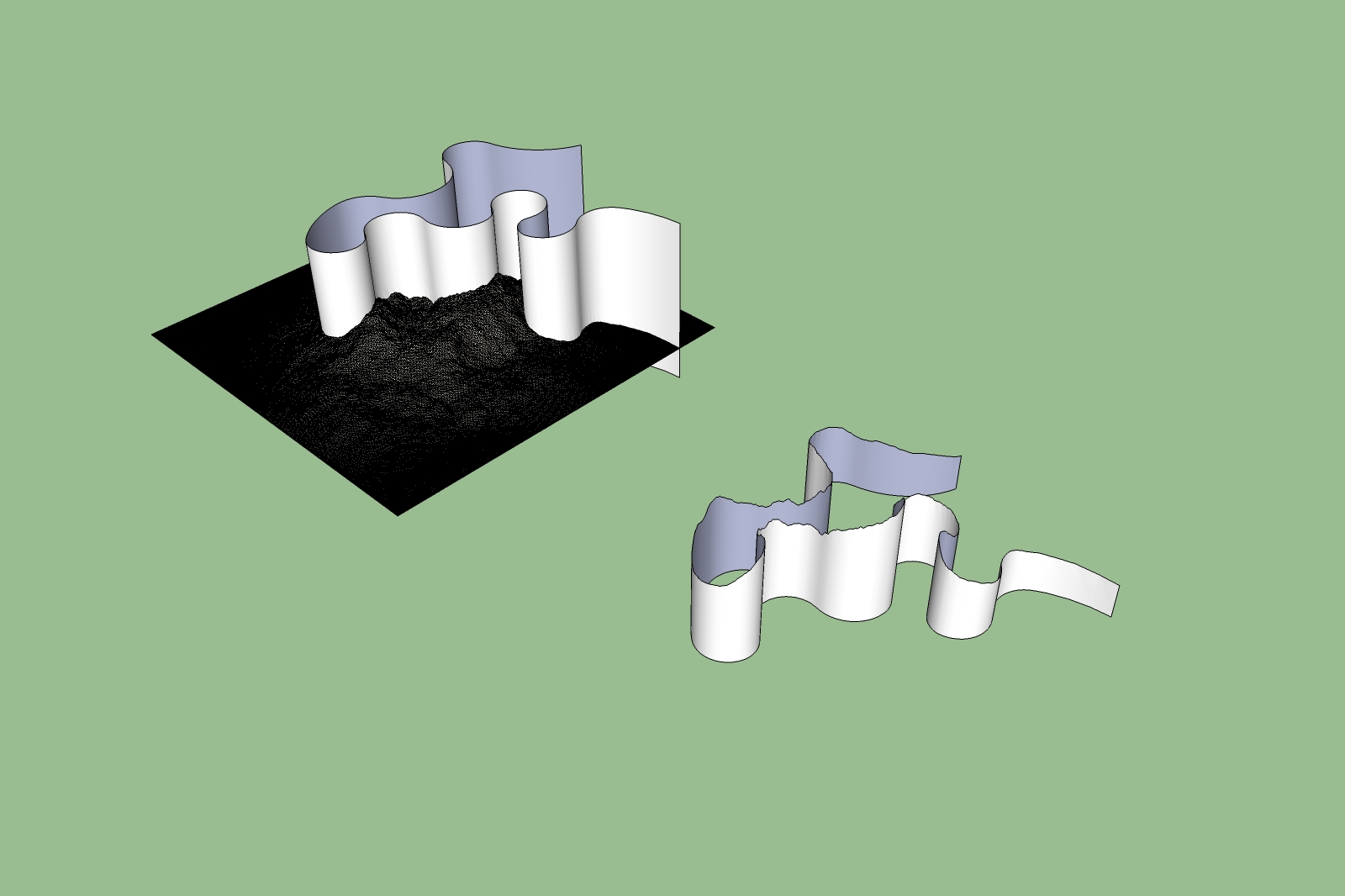
      the second unfolding was done by holding down the Alt-Tab and clicking on one plane after the other. Then each plane is mmmediately unfolded. But It is not a comfortable process but the result was OK.

      I took out also the terrain because it slows down the speed very much. May be PC has not enough power (Intel Celeron 2,8 GHz, 2 Gb memory, Grafic card NVIDIA GeForce 7600 GS 512MB).

      Uploading is not possible because the sizes (24 MB / 42 MB) compressed 6,6 MB and 13,5 MB.

      May be you have a preferred File Hoster.

      Karlheinz

      Vue Terrain.jpg


      Vue Terrain1.jpg

      posted in SketchUp Tutorials
      charly2008C
      charly2008
    • RE: Quick tutorial for road design on a terrain

      Hi to All,

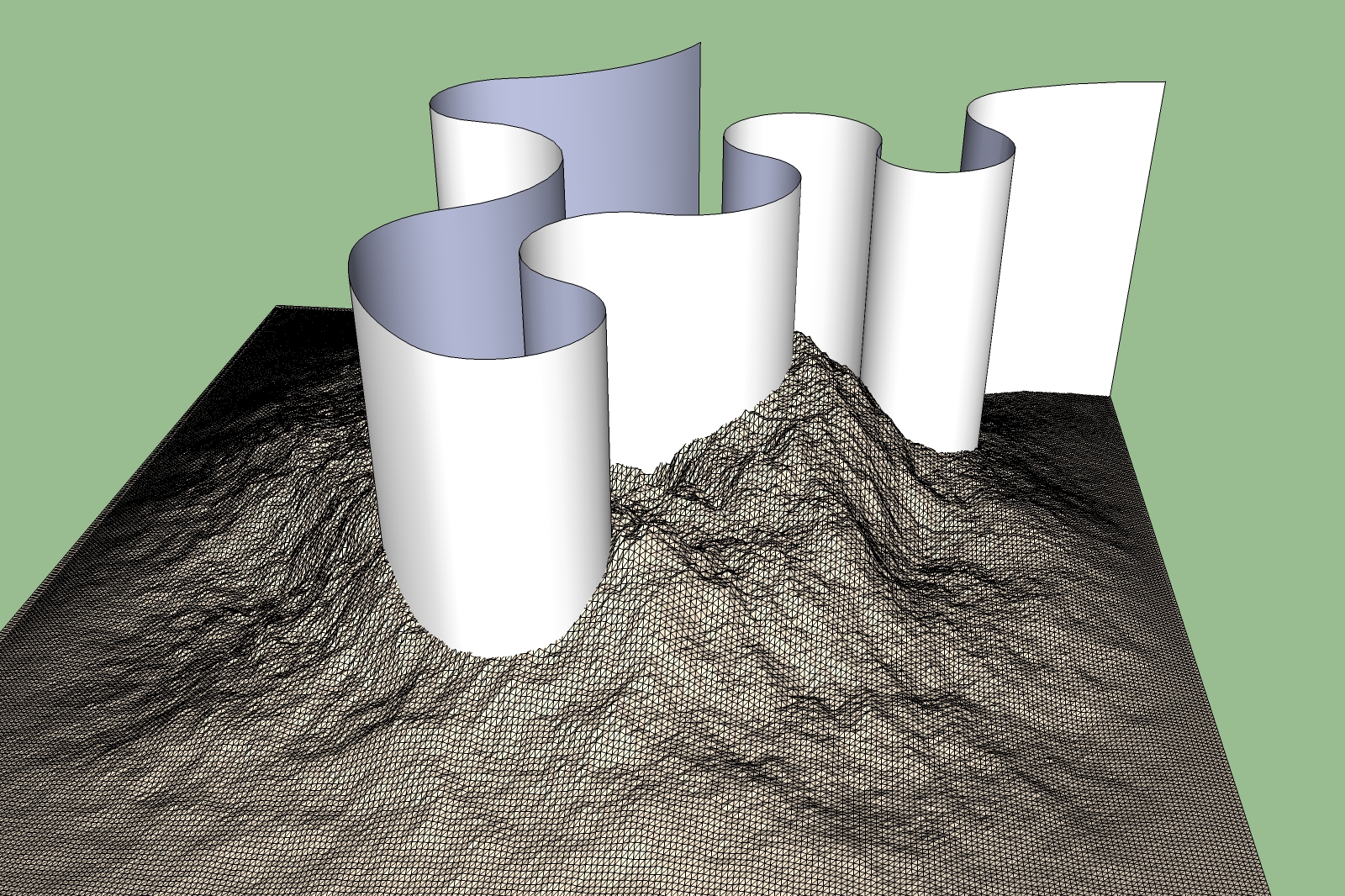
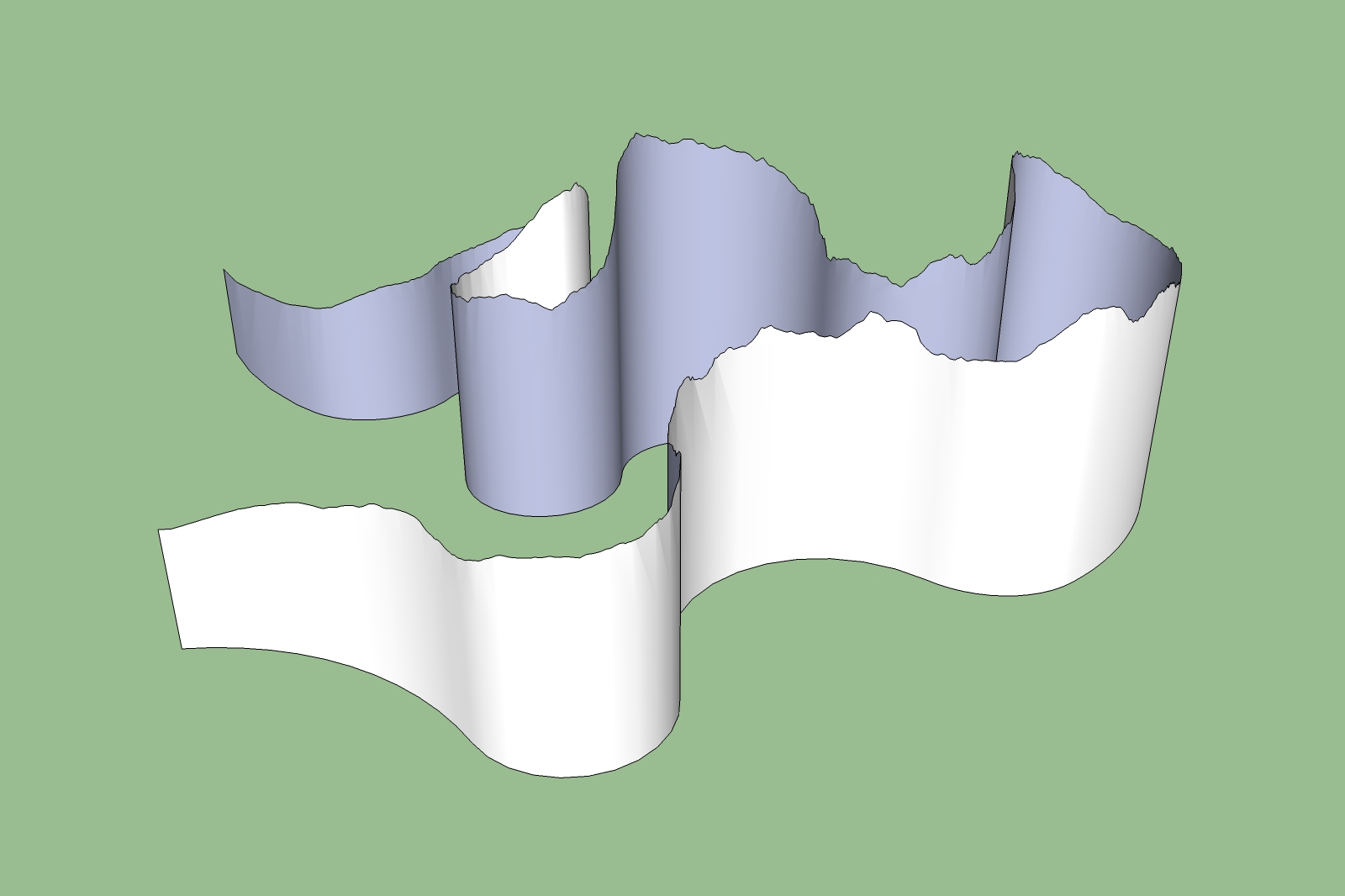
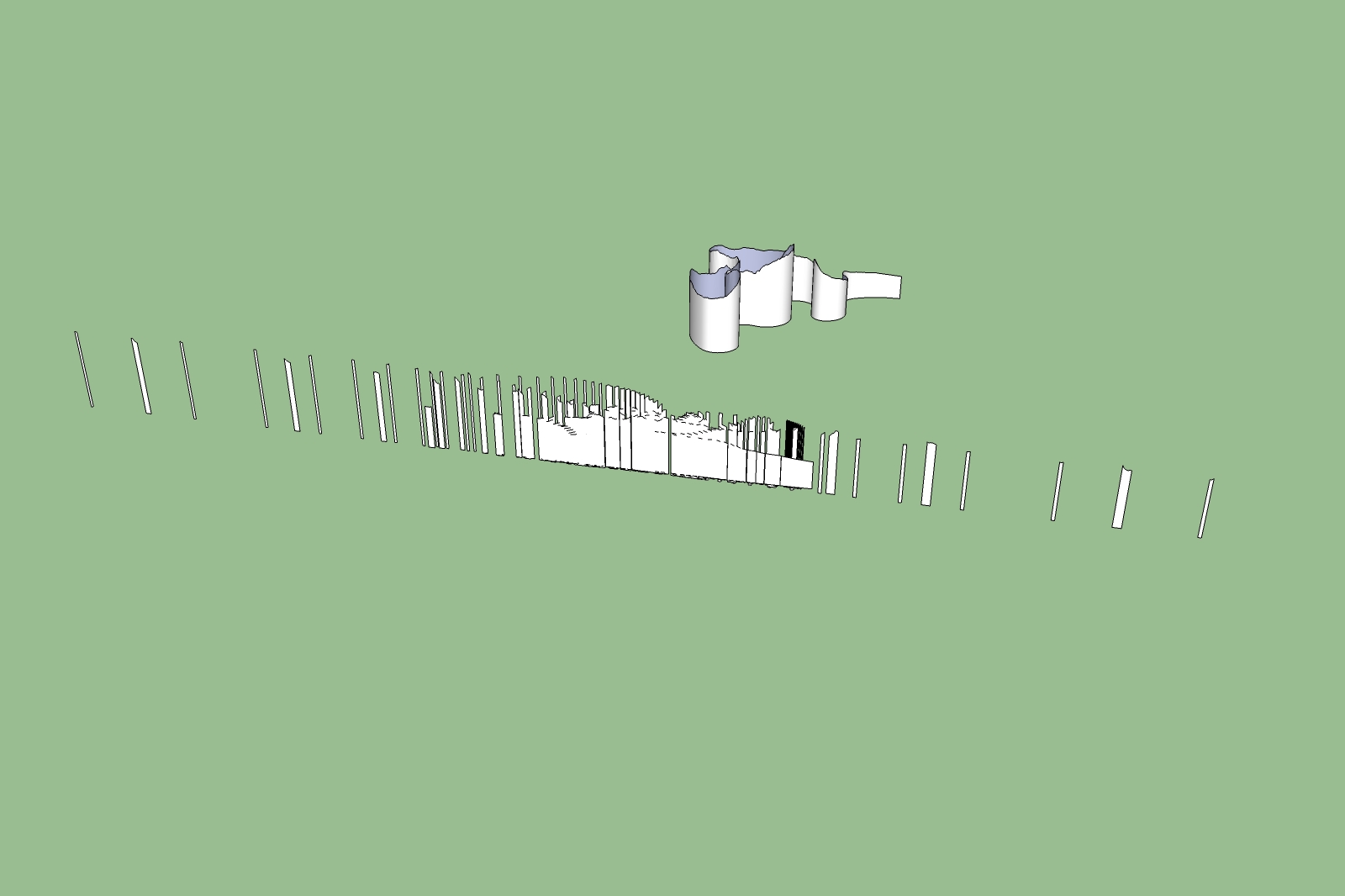
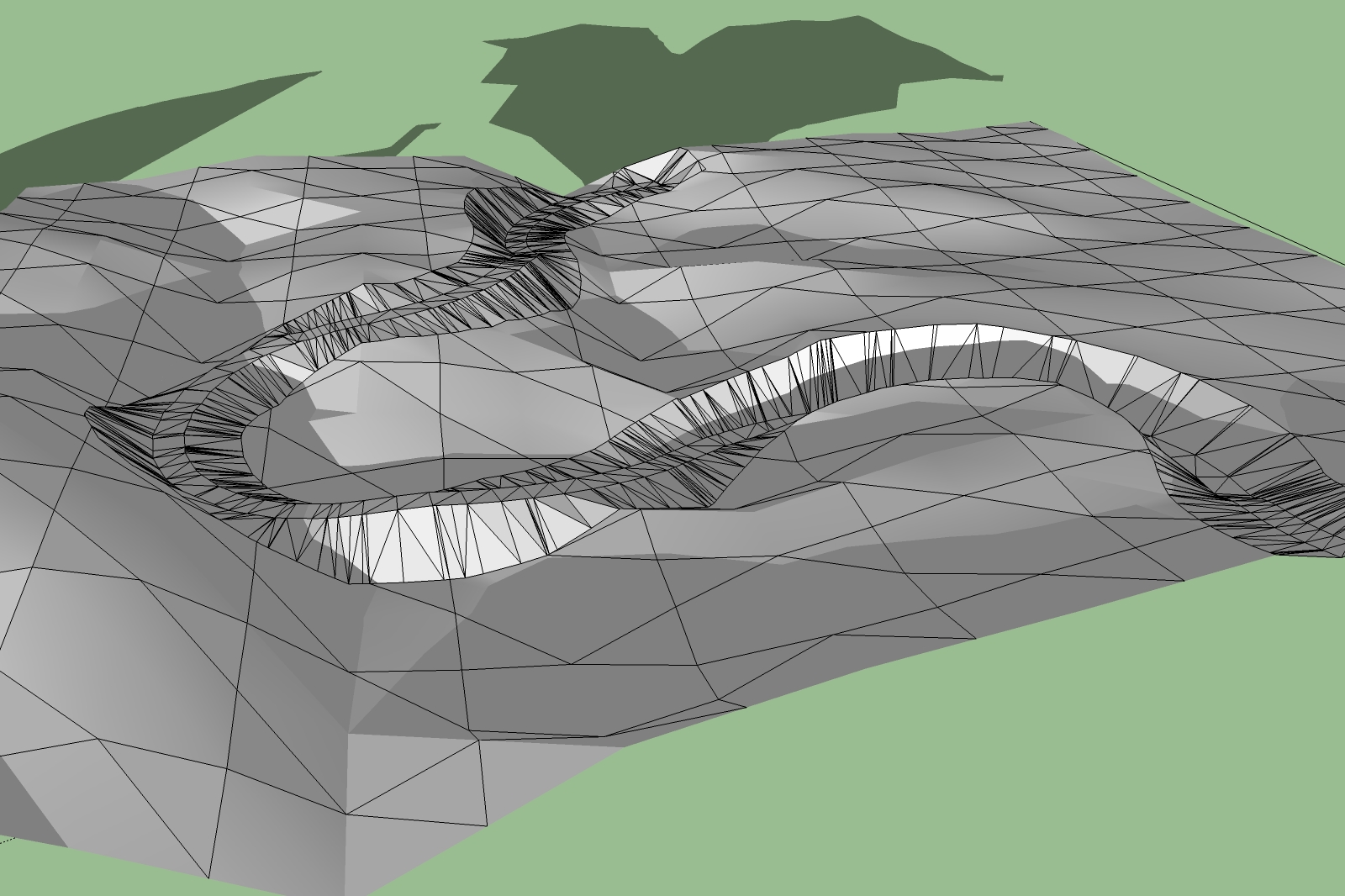
      After I had made my first tests with a simple terrain i took now a more complex Vue-terrain and a winding road. but Now I have a new problem with the unfold tool. I made the selection face by face holding down the shift tab. The result is terrible.

      Does anybody have a solution?

      Karlheinz


      Road on a Vue Terrain.jpg


      Vue Terrain1.jpg


      Vue Terrain2.jpg

      posted in SketchUp Tutorials
      charly2008C
      charly2008
    • RE: Follow me an keep! Need help

      Thank you to all who answered,

      today i tried it again with a copy of the line and it worked. this step belongs to a quick tutorial for road design.

      If you are interested have a look here: http://forums.sketchucation.com/viewtopic.php?f=15&t=19578

      Comments are welcome

      Karlheinz

      posted in SketchUp Discussions
      charly2008C
      charly2008
    • Quick tutorial for road design on a terrain

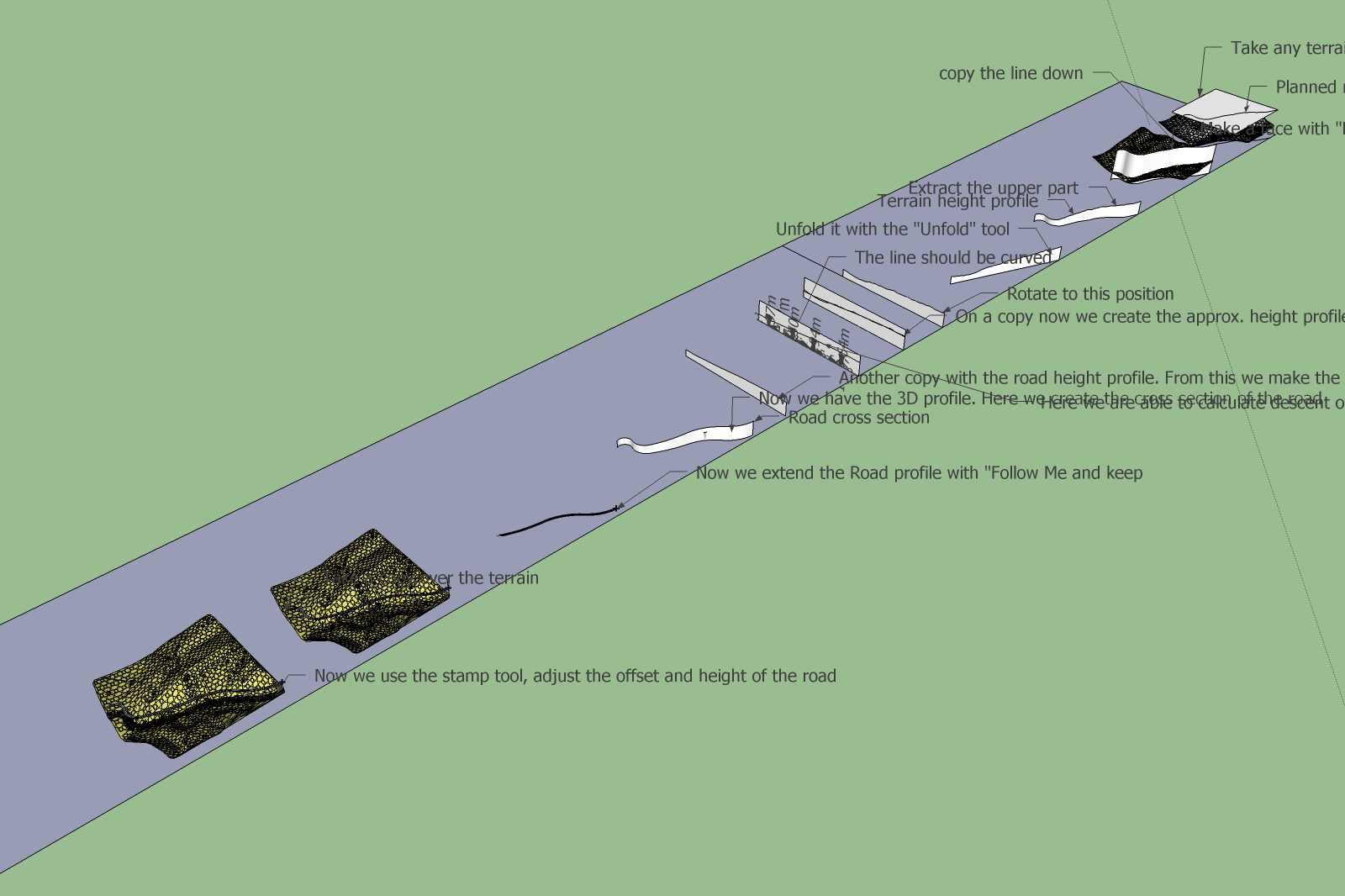
      Hello to All,

      First I would like to thank everyone who gave me help to finalize these Steps. May be somebody is able to improve this concept or is able to develop a different method or creates ruby scripts for simplifying the steps for this special application.

      Particularly the first step may be could be done with the "Tools on surface" to draw the road line directly on the terrain.

      Interesting would be also to create more winding roads also on high triangulated terrains. But there is the problem that high detailed terrains slows down the speed of my PC. I will further work on it.

      May be somebody will optimize the views of this tutorial.

      Constructive comments are welcome

      Karlheinz


      Road tutorial.jpg


      Road tutorial.zip

      posted in SketchUp Tutorials sketchup
      charly2008C
      charly2008
    • Follow me an keep! Need help

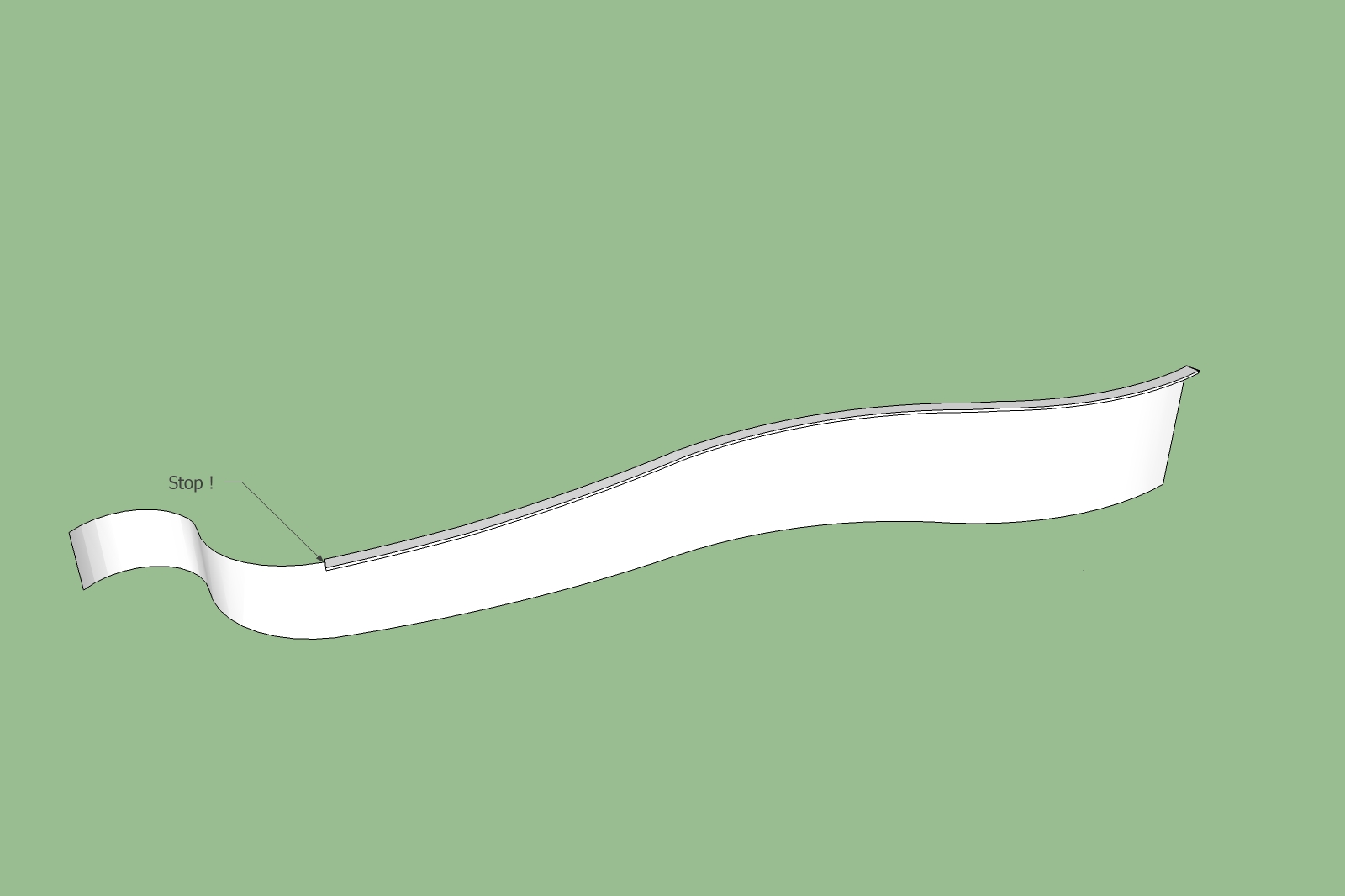
      Hi to all,

      Follow me and keep process stops always at the same point. I couldn't find the reason. Thank you in advance.

      Karlheinz


      Untitled.jpg


      Untitled.skp

      posted in SketchUp Discussions sketchup
      charly2008C
      charly2008
    • RE: Models in realistic Terrains and creation of roads

      Now it looks more realistic

      Karlheinz


      Alpen41-2.skp


      Alpen41-2.jpg

      posted in SketchUp Discussions
      charly2008C
      charly2008
    • RE: Models in realistic Terrains and creation of roads

      Hi Mirjam,

      that's an excellent advice. But Sketchup is very slow now.

      Karlheinz

      posted in SketchUp Discussions
      charly2008C
      charly2008
    • RE: Models in realistic Terrains and creation of roads

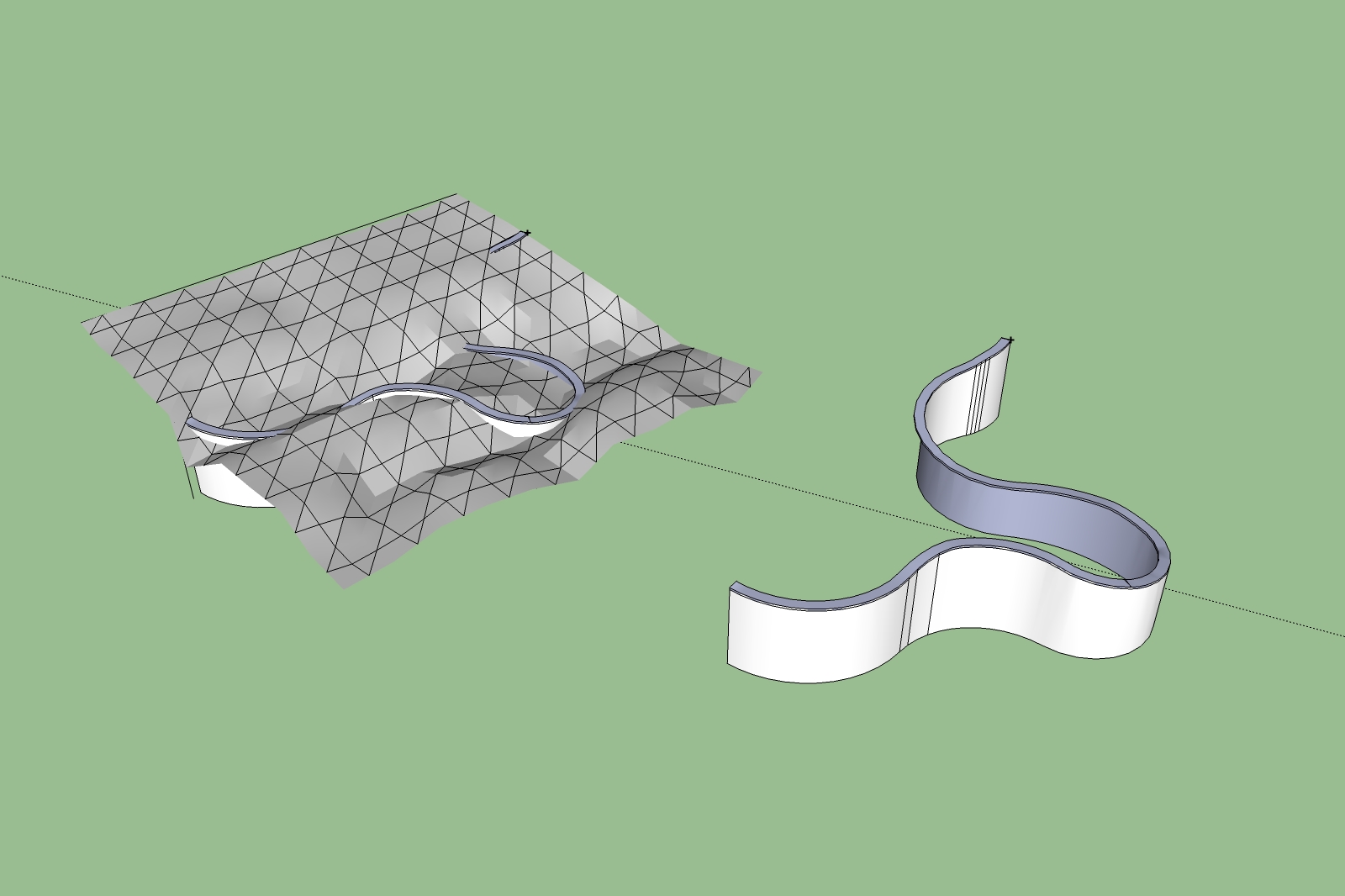
      Hi to All who are interested in the design of roads in Sketchup,

      attached the result of the first trials. The result is not as optimal as it should be. Because the road course at the first step was not exactly planned also the height profile of the road i did only for a quick demonstration.

      As well as the whole steps are neither perfect nor simple. But i think this way could lead to a Method for designing more realistic roads. There is much potential for improvement. Your knowledge is in demand here.

      The next Questions are how to reintegrate the road into the terrain, how to create embankments for example. Or how to create breakthroughs and so on. It is like the real life, Good planning, good result.

      My thanks to all who gave me help.

      Karlheinz

      "There are no problems, only questions"


      Alpen41.skp


      Alpen41.jpg

      posted in SketchUp Discussions
      charly2008C
      charly2008
    • RE: Projecting a line to a curved surface

      Thankyou very much for this advise because i faced a problem with the method i used.
      But after toggeling start and end point, the result shows some faults. I will correct them manually.

      Karlheinz

      There are no problems, only questions.


      Alpen41.jpg


      Alpen41.skp

      posted in SketchUp Discussions
      charly2008C
      charly2008
    • RE: Projecting a line to a curved surface

      Problem solved!

      I had only to flip along component's red axis, then the result is correct.

      Karlheinz


      Alpen41.jpg

      posted in SketchUp Discussions
      charly2008C
      charly2008
    • RE: Projecting a line to a curved surface

      Hi Jean-Franco,

      the next problem is that the shape bended profile is now mirror inverted!!!!!! I tried also before the shape bending process with a rotated 180 degree rotated face but the result was the same.

      Karlheinz


      Alpen41.jpg


      Alpen41.skp

      posted in SketchUp Discussions
      charly2008C
      charly2008
    • RE: Projecting a line to a curved surface

      Hi Jean-Franco,

      Problem solved. I forgot make the face to a component. Now it works. You have helped me very much. I will write a Tutorial about the complete Process soon in this topic : http://forums.sketchucation.com/viewtopic.php?f=15&t=19364

      Karlheinz

      posted in SketchUp Discussions
      charly2008C
      charly2008
    • RE: Projecting a line to a curved surface

      Hello Jean-Franco,

      After i drew the line again and again, somehow it has worked anyway. But now shape bender doesn't highlight the line. I will be crazy soon. What i do wrong?

      Karlheinz


      Alpen41.skp

      posted in SketchUp Discussions
      charly2008C
      charly2008
    • RE: Projecting a line to a curved surface

      Hi Jean-Franco,

      thank you for your fast reply. But i have problem to get it work. I turned the model. Then drew the line along the groups base as shown in your image. Here the first problem appears. The line was divided into two pieces. I tried to weld it, but without success.

      Karlheinz


      Alpen41.skp

      posted in SketchUp Discussions
      charly2008C
      charly2008
    • Projecting a line to a curved surface

      Hi to all,

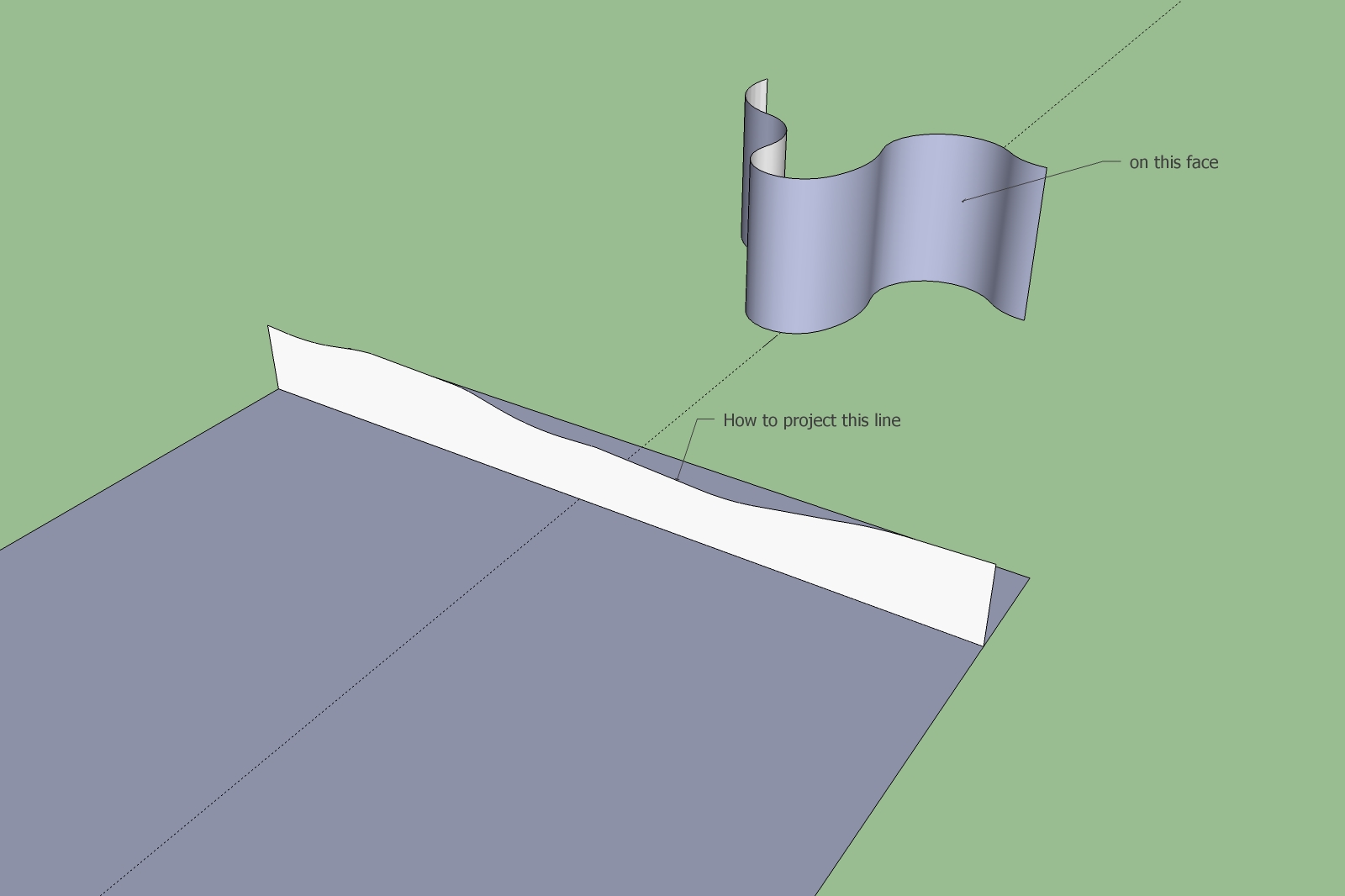
      does anybody have an idea how to project the marked line to the curved surface? I couldn't find not yet a solution. Is there a possibility?

      Karlheinz


      Alpen41.jpg


      Alpen41.skp

      posted in SketchUp Discussions sketchup
      charly2008C
      charly2008
    • RE: Models in realistic Terrains and creation of roads

      Hi Csaba,

      have found the solution. I did it with the unfold tool. See the result below.

      Karlheinz


      Untitled.jpg

      posted in SketchUp Discussions
      charly2008C
      charly2008
    • RE: Models in realistic Terrains and creation of roads

      sorry i mad a mistake.
      Karlheinz

      posted in SketchUp Discussions
      charly2008C
      charly2008
    • RE: Models in realistic Terrains and creation of roads

      after about 10 minutes i saw in the taskbar three options, one of them i choosed (pressing Enter to finalize Bending). But there was no result.

      posted in SketchUp Discussions
      charly2008C
      charly2008
    • RE: [Tutorial > Modeling] Arch in a curved wall.

      Hi Scaba,

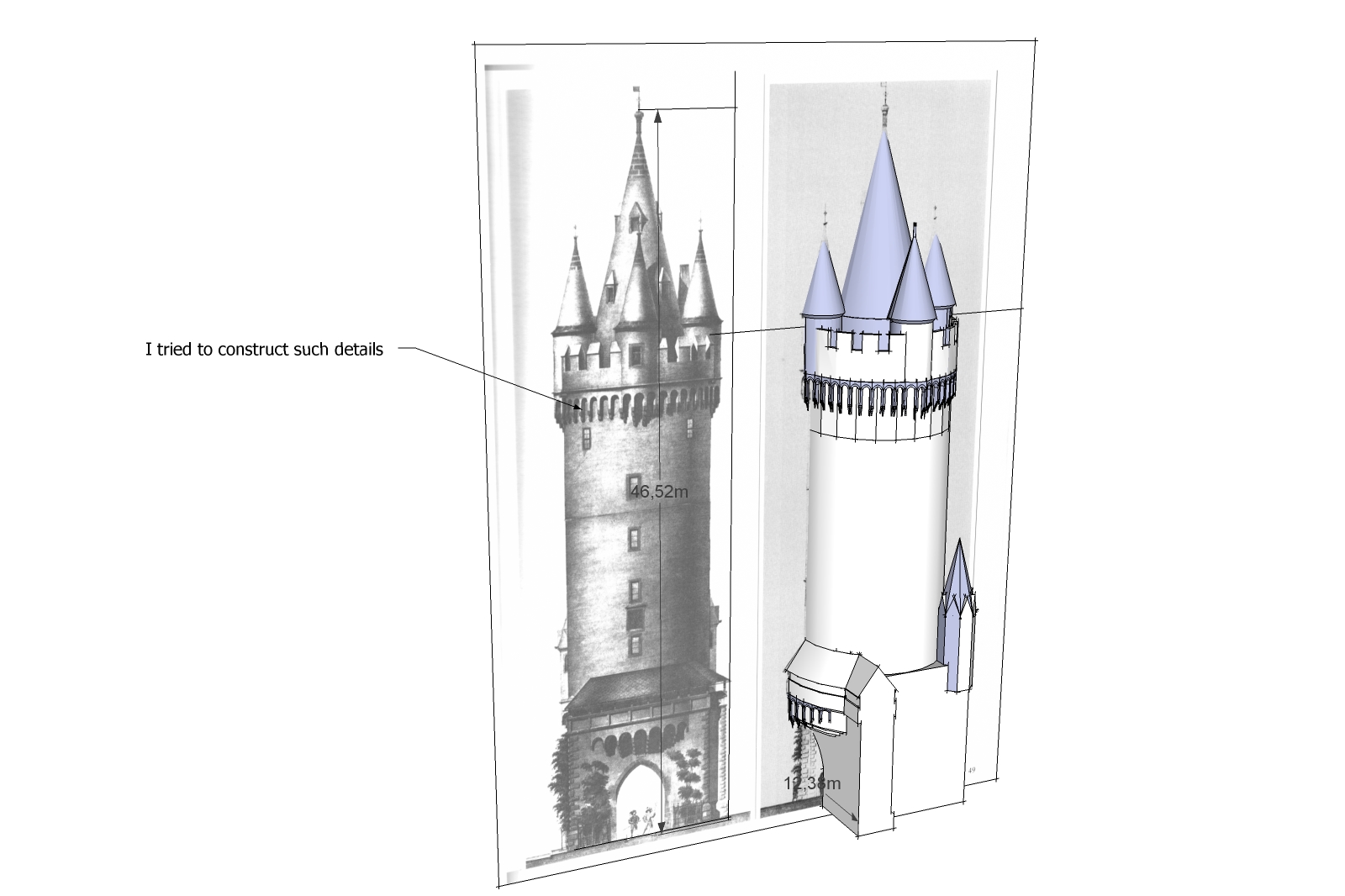
      a like such models. I tried also to construct such details but i was not so successfull like you.

      Karlheinz


      Esch.jpg

      posted in SketchUp Tutorials
      charly2008C
      charly2008
    • RE: Models in realistic Terrains and creation of roads

      Hi Scaba,

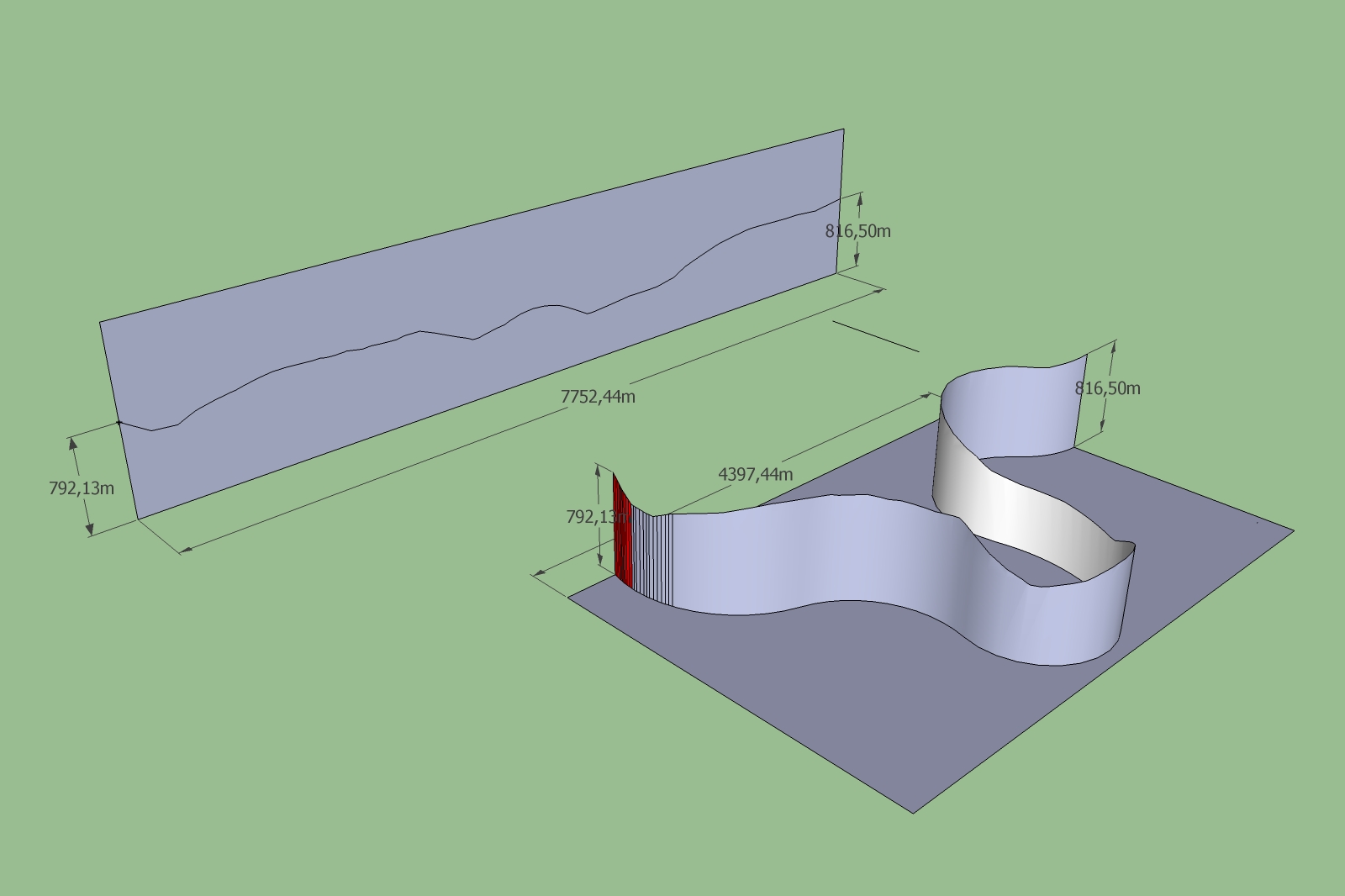
      i didn't think about shape bender. But now i tried it. Im not shure if it is still working.

      Karlheinz


      Bild1.jpg

      posted in SketchUp Discussions
      charly2008C
      charly2008
    • 1
    • 2
    • 57
    • 58
    • 59
    • 60
    • 61
    • 62
    • 63
    • 59 / 63