Hi Gaieus,
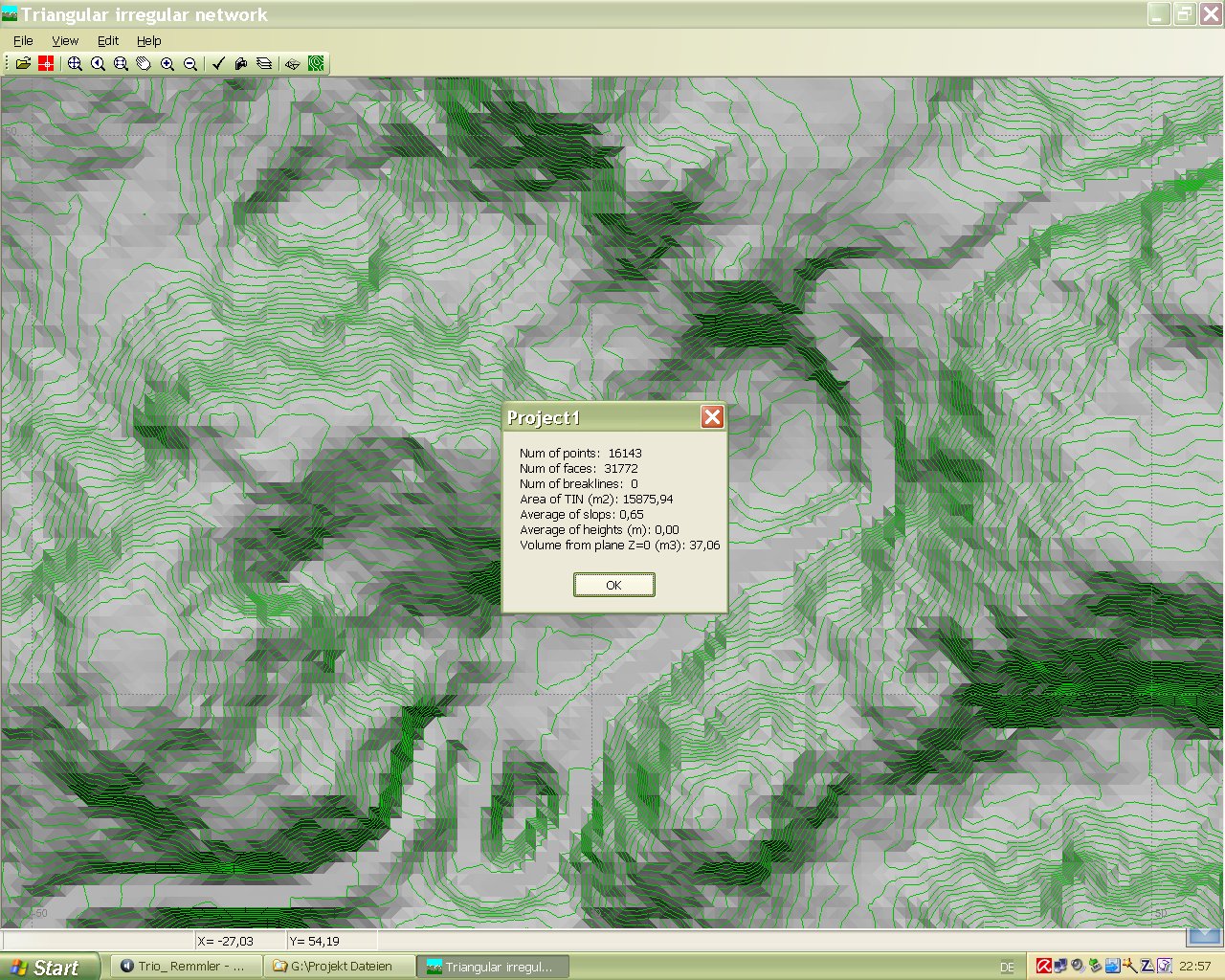
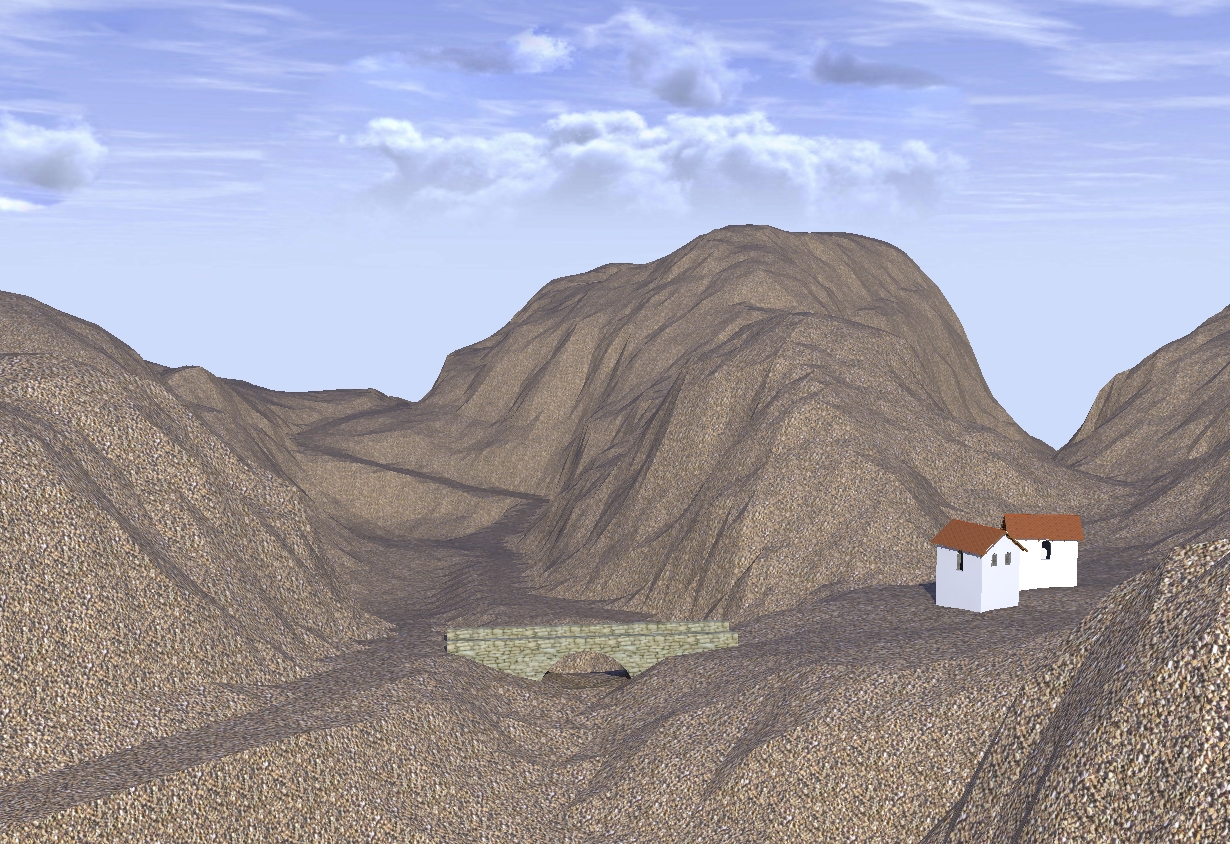
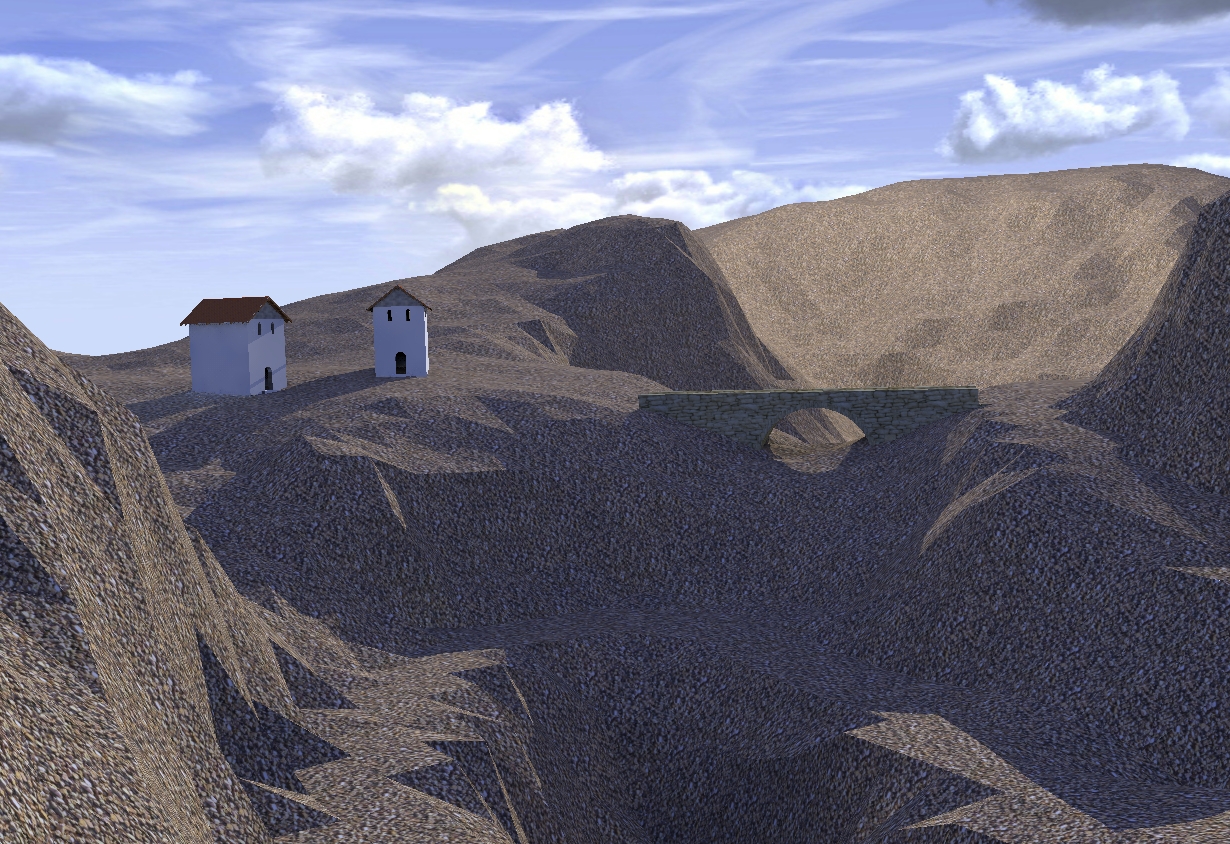
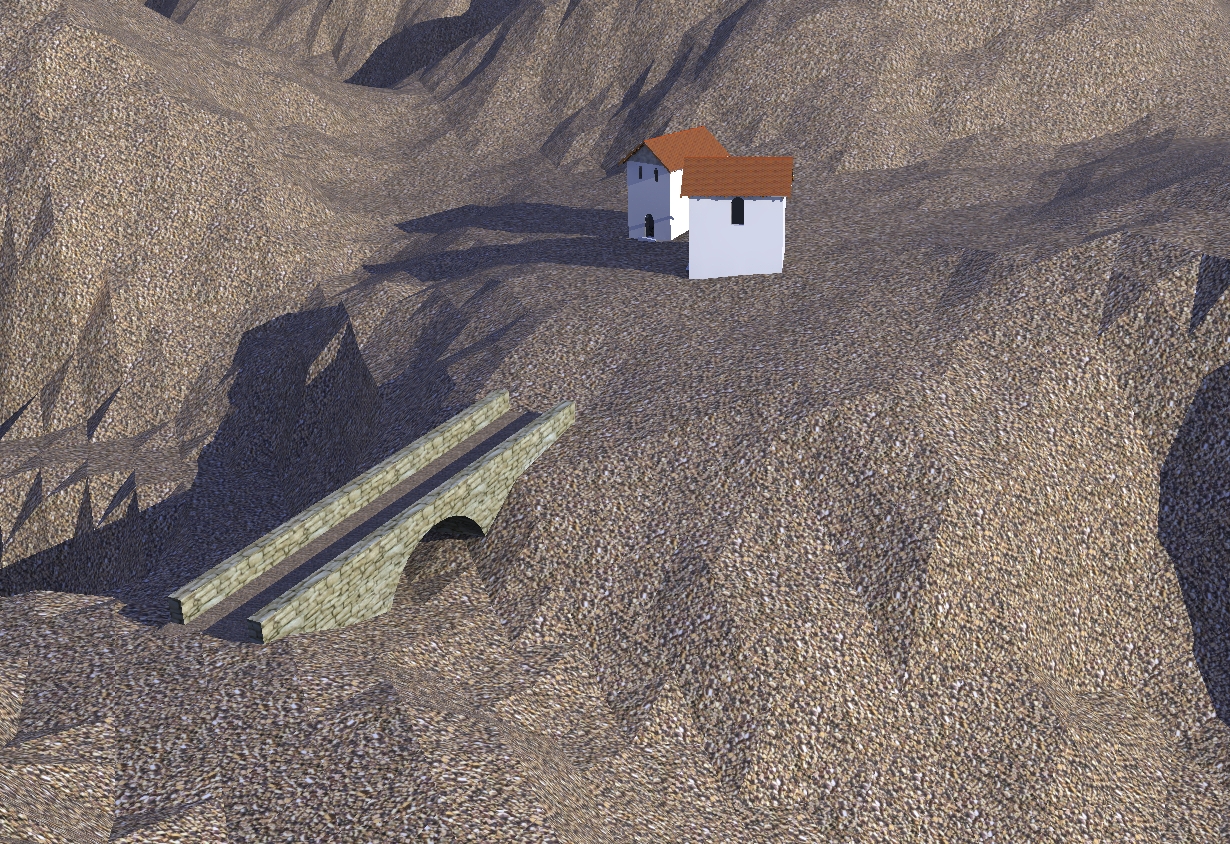
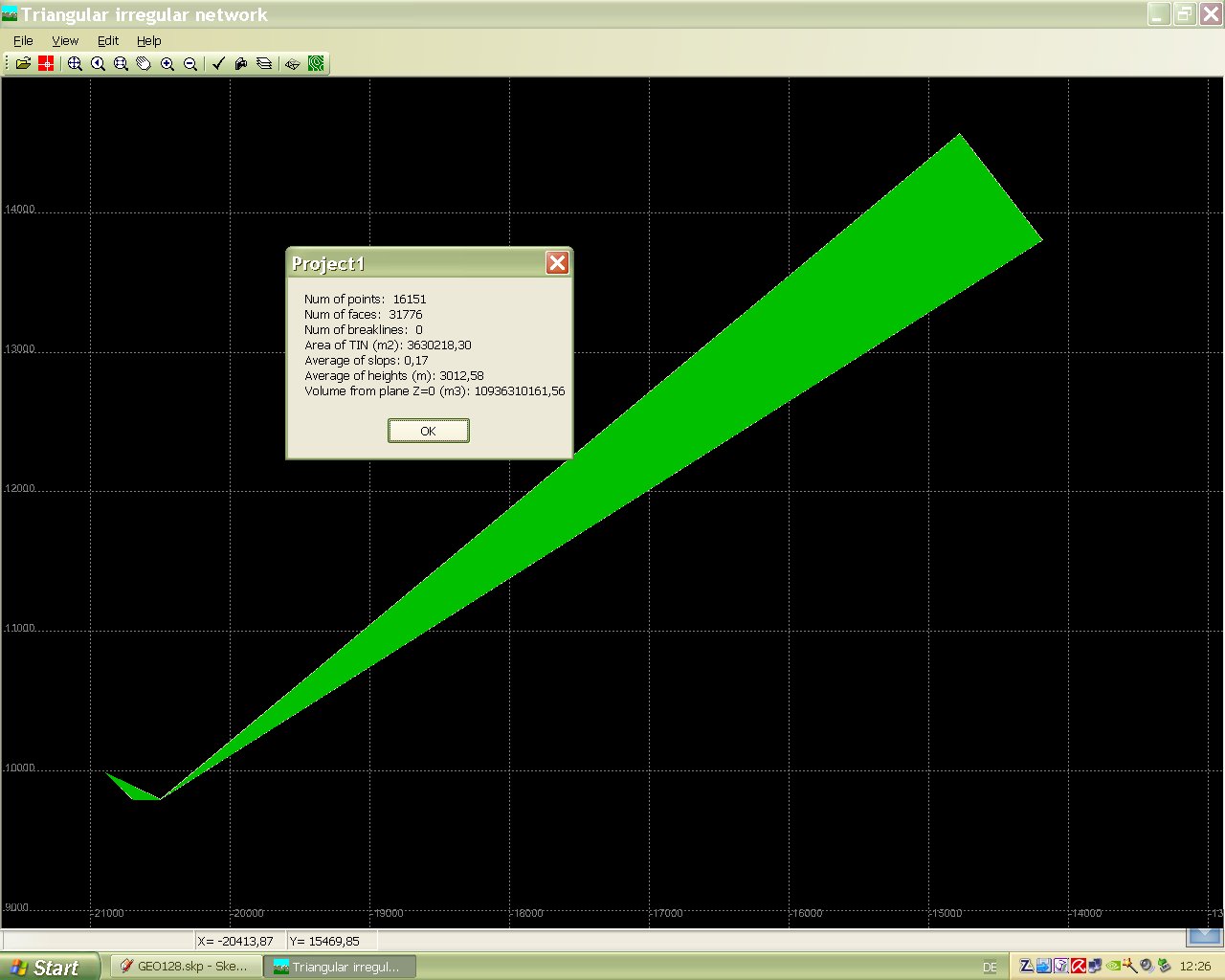
no i didn't smooth the terrain because you know how much time consuming this is within Sketchup. I tried it with subdivide and smooth but this seemed to me a never ending process. This terrain was produced by Geocontrol2 and you can see the road only as a shadow.
At present i try to find a workflow from Geocontrol to Sketchup and then to render which is not so much time consuming. Geocontrol is simple to work with it is fast and powerfull for the terrain generation.
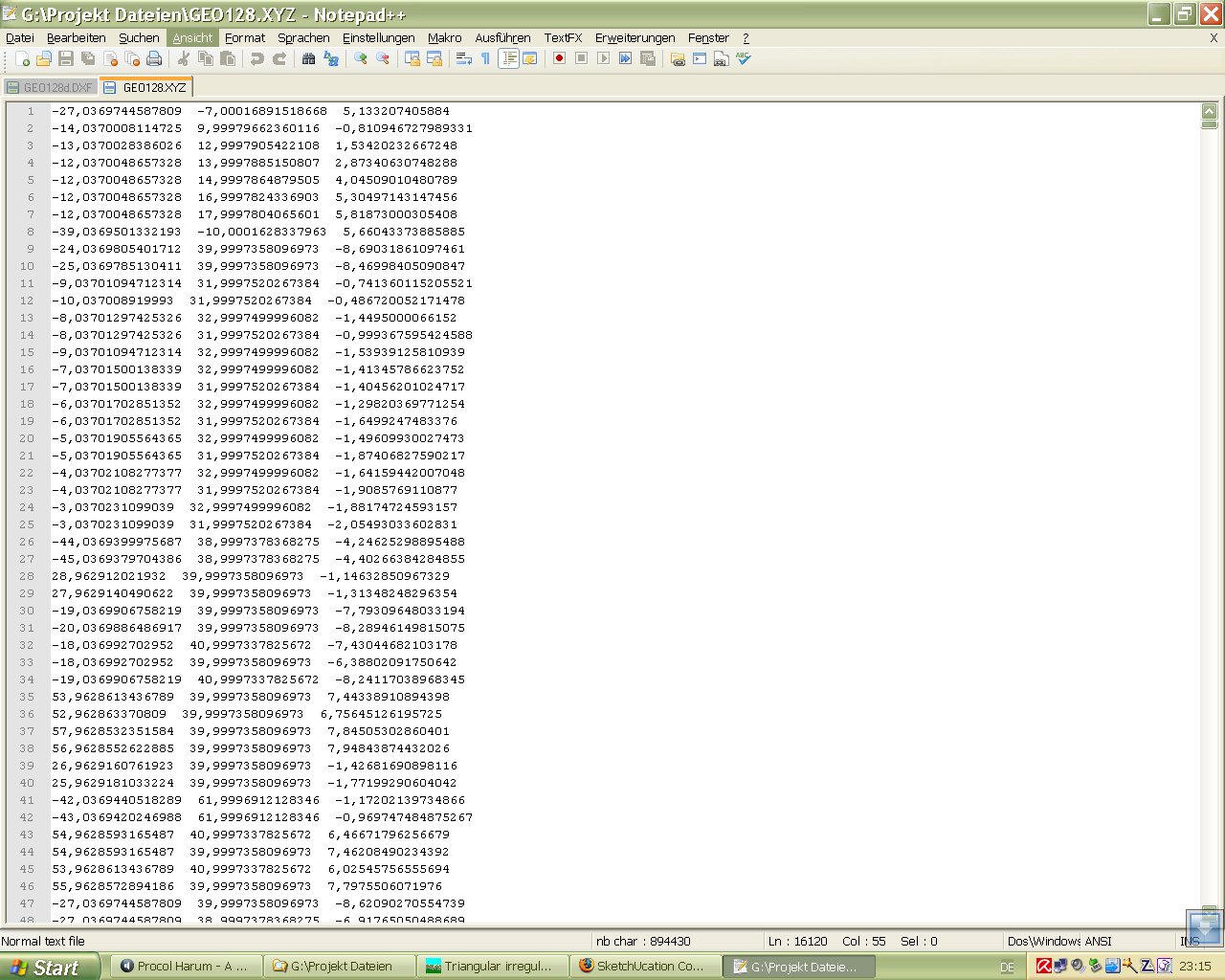
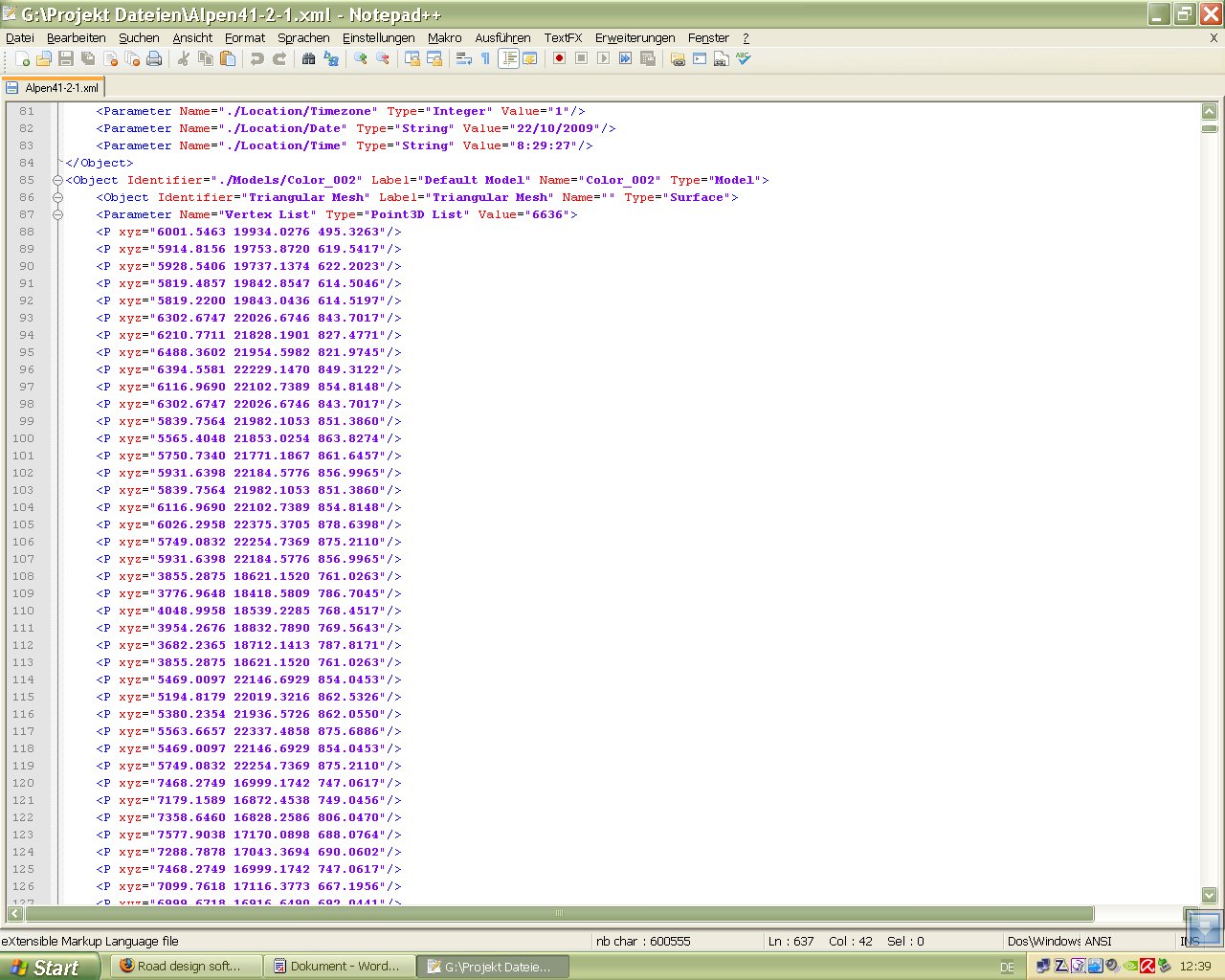
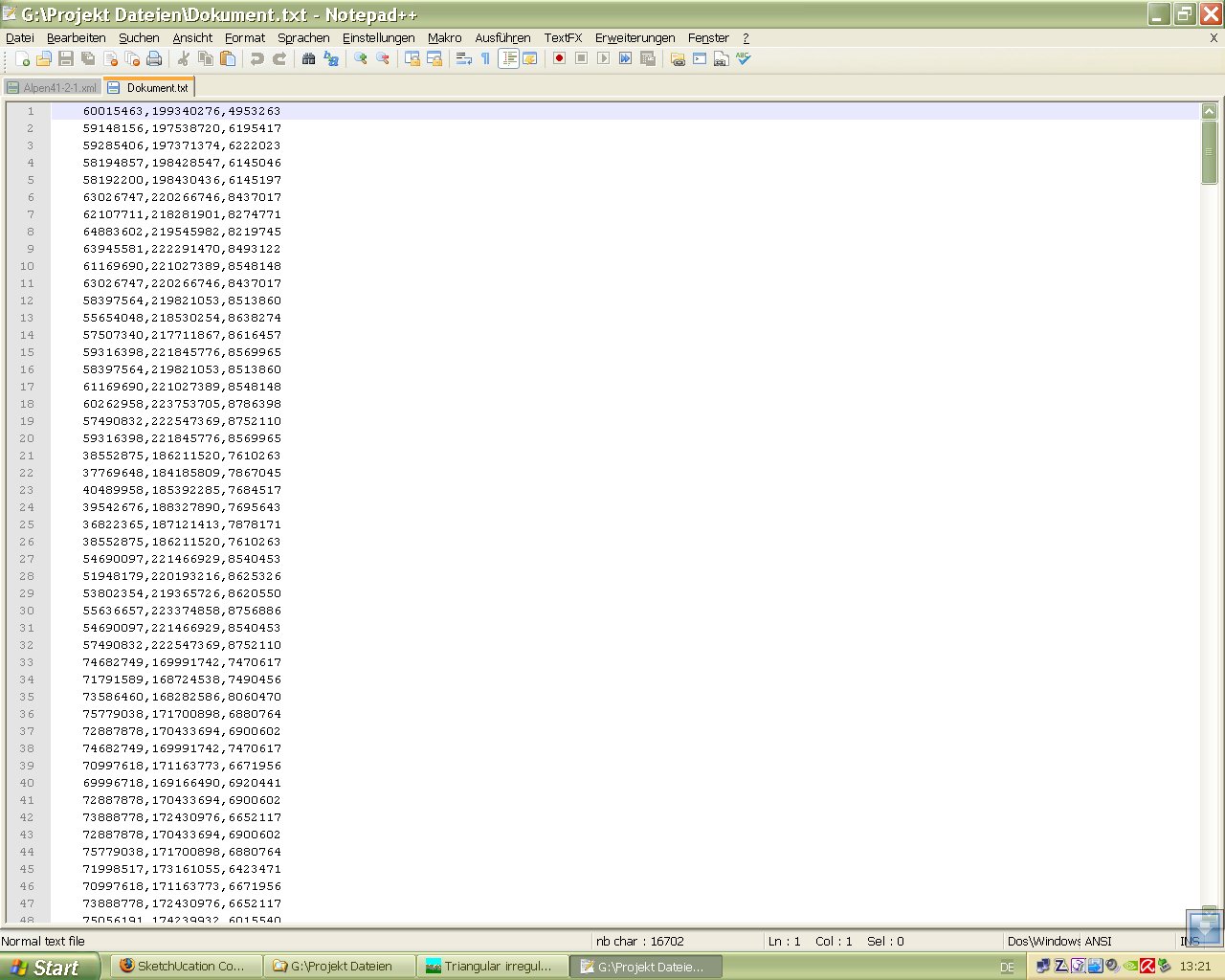
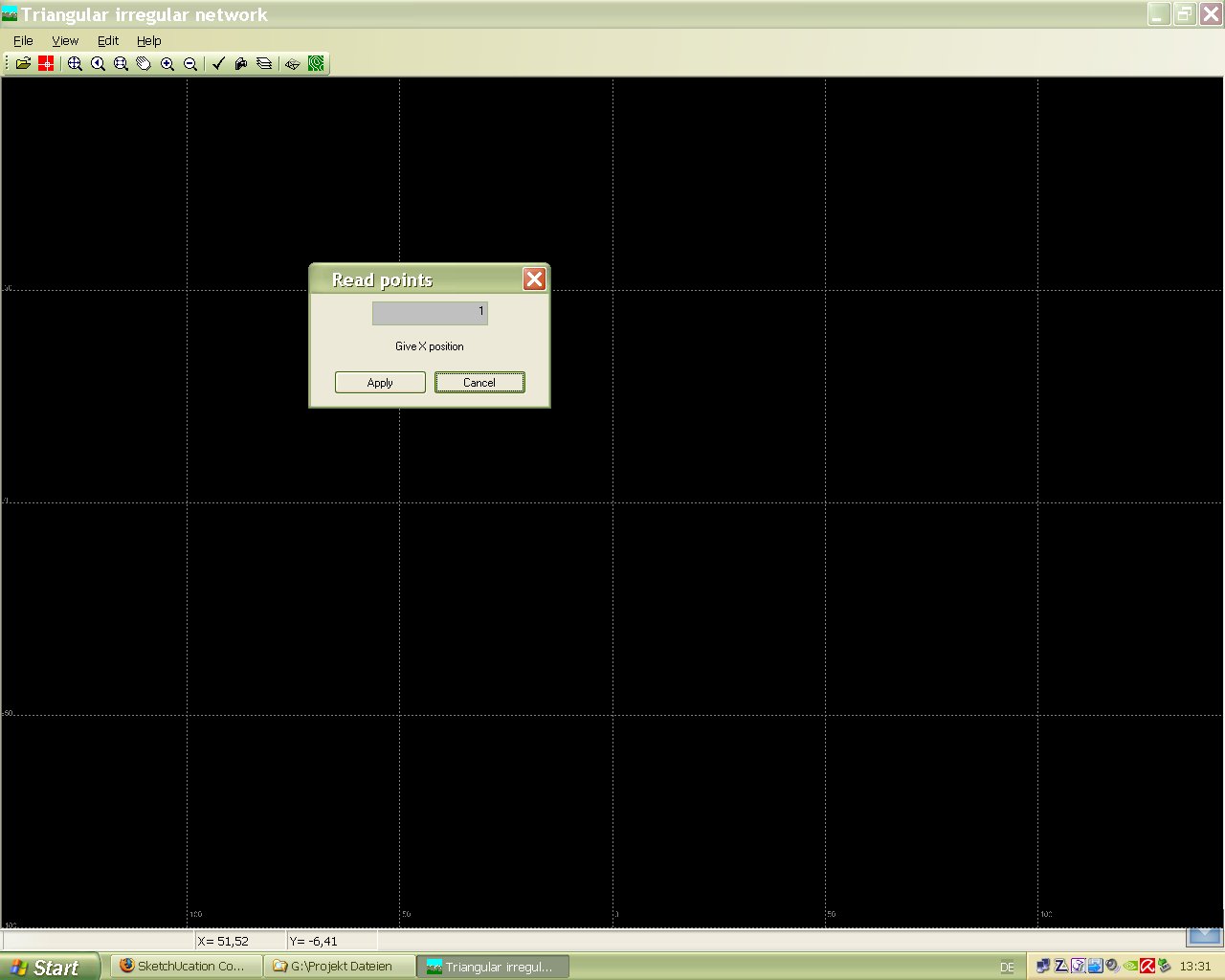
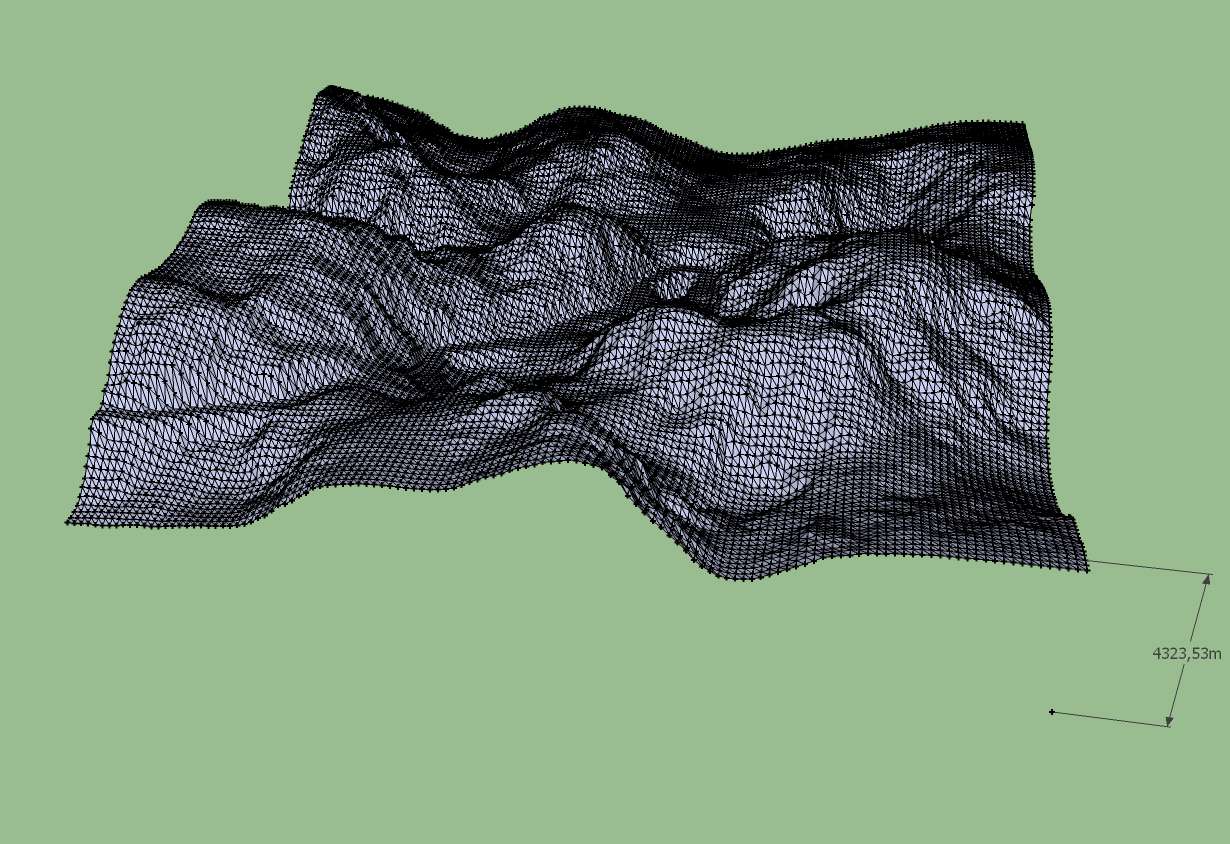
The terrain is simple to export as a tringulated mesh. The road itself can be exported only as a .BMP image. At the export of the terrain you have to find a optimum size where it is acceptable to deal with in Sketchup. A size between 128 and 256 is usefull. For the export format i choosed a Wave object (.obj) file. That file i exchanged to a 3ds file.
If you have imported the 3ds file into Sketchup it is possible at a acceptable speed to place components on the terrain.
I have access to Cinema 4d and 3ds max and Vue 7 xStream. in 3ds max there is a function for smoothing a mesh. It works very fast but the exported 3ds file produced a bugsplat in Sketchup. May be there are some wrong adjustments. Till now i'm not so much experienced with both programs.
The rendering was done by Kerkythea. Later i found in Kerkythea there is also a smooth function which i have to try.
The texture is a simple texture image from Sketchup.
More and more questions open up for me .
How to create a texture or material which is seeming natural rock and placing plants on the terrain
How to create a sharp contoured road and how to texture it in the triangulated mesh
Karlheinz

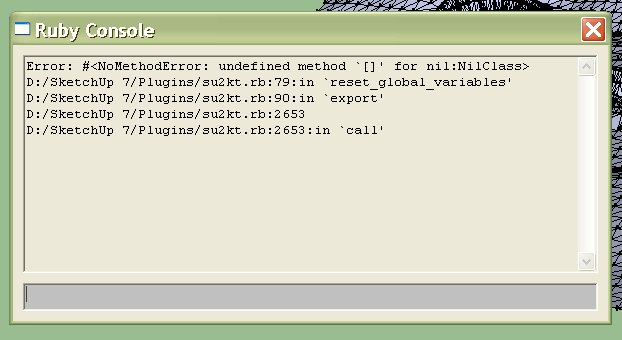
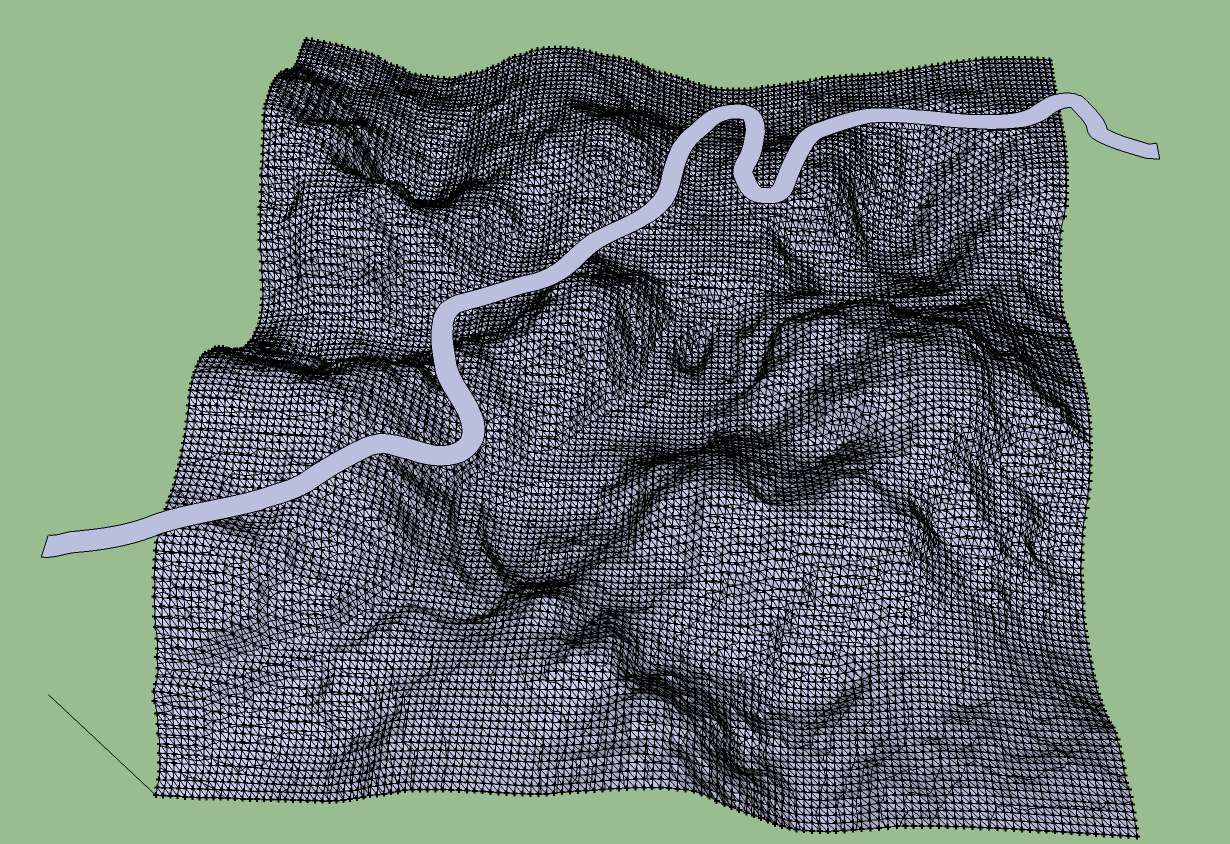
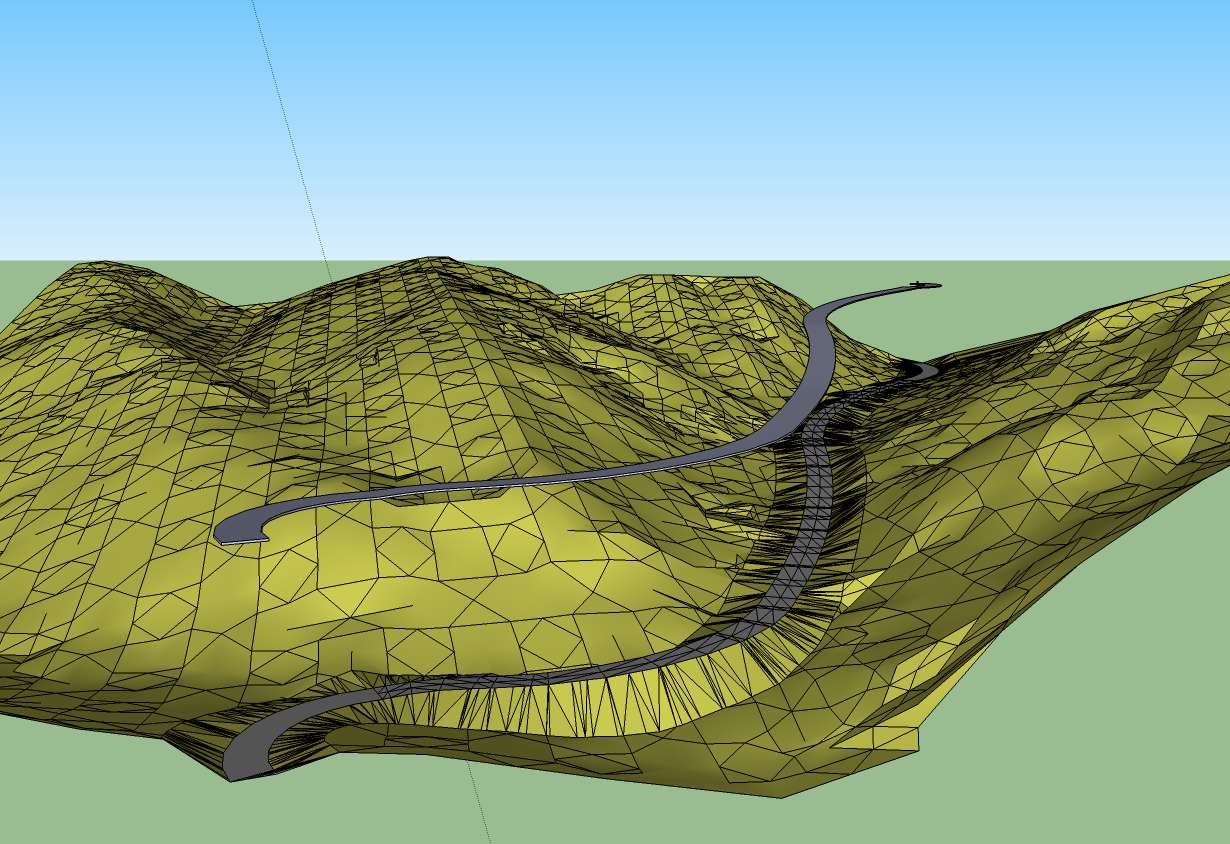
 I'm a little bit confused now.