Is there a way to sort the Plugin pulldown menu?
Oops, your profile's looking a bit empty! To help us tailor your experience, please fill in key details like your SketchUp version, skill level, operating system, and more. Update and save your info on your profile page today!
Urasik Extensions | Lots of new extensions to check out Learn More
B
Offline
Posts
-
RE: [Plugin] Zorro2 (beta)
I don't understand the steps, because once activating zorro, it asks for a line to be drawn?
-
RE: [Plugin] ExtrudeTools - Full Set
TIG, Thank you so much for all your newest releases. I appreciate your generosity in sharing.
-
RE: Period Lights
Scott,
thank you so much for offering these to us. They are wonderful.
-
RE: [Plugin] 2D Tools
@unknownuser said:
Aaargh!

What messages do you get in the Ruby Console ? What is your OS and your Platform SUp version etc... ? It will get sorted - still works for me...
 ops
opsTIG, like I said, the message in the console is "Cancelled 2d Hatching". That's it.
I am running on an HP, quad core, 2.67 ghz, Windows XP/Service Pack 3 and SU 6.4.112.
Sorry.

Ben -
RE: [Plugin] 2D Tools
@tig said:
I think I've fixed this '2D Hatching' glitch that some of you were experiencing - I had to try very hard to make it fail on my PC at all, but now I know what the message is it's a bit clearer !

Here's v3.1 http://forums.sketchucation.com/viewtopic.php?p=185760#p185760
Please try it and see how it goes...

I appreciate how quickly you fix things TIG, however, I still can't get the hatching to work with v3.1. It cancels out right away and I don't even get a chance to see anything in the VCB.
Thanks again for this great script.
Ben
-
RE: [Plugin] 2D Tools
TIG, thank you again for the incredible tools.
Like Majid, the hatching tool has never worked. Here is what I get with Ruby Console open:
"Cancelled 2D Hatching.
Error: #<NoMethodError: undefined methoddisplay_name' for nil:NilClass> C:/Program Files/Google/Google SketchUp 6/Plugins/2Dtools/2DhatchingTool.rb:134:inonMouseMove'
C:/Program Files/Google/Google SketchUp 6/Plugins/2Dtools/2DhatchingTool.rb:134
Error: #<NoMethodError: undefined method `display_name' for nil:NilClass>"Then this message keeps repeating as I move the mouse.
Ben
-
RE: DC StairCaseBuilder
Howard, thank you for the component. I'll have to start using SU7 now.
-
RE: [Plugin] 2D Tools
@tig said:
@ben ritter said:
I click on the tool and nothing happens. The ruby console says, "Cancelled 2d Hatching". That's all it says.
A mystery ! Please give me details of SUp version, OS etc...
But first can you also try typing/pasting this command into the ruby console to see what happens...hatchingtool2DThe only tile you get the "Cancelled 2d Hatching" message is if you open the dialog and then cancel the dialog, the tool is cancelled too...
Does this problem happen on a 'brand new' and 'empty' model and/or existing ones ?
With the ruby console open, if you pick on the tool from the toolbar or menu do you get the cancelled message immediately ? What does the VCB say ? What materials do you have in the Materials Browser ? Any 'PATT' ones ?
I shall get to the bottom of this

TIG,
Tried v 2.6 and same happens.
In the ruby console, tried your suggestion:
hatchingtool2D
Cancelled 2D Hatching.
#Sketchup::Model:0x5047f78I'm running SU 6.4.112, XP Professional Service Pack 3, brand new model, just the default texture. With ruby console open, I get the message immediately, nothing in the VCB.
Thanks for checking into it. Ben
-
RE: [Plugin] 2D Tools
@tig said:
@ben ritter said:
TIG,
Just started to use the tools and all I can say is that they are wonderful. Thank you so much.
One problem I'm having is getting the hatching command to work. Does not want to initialize, no dialog box, etc.
Ben
After hatching has been run once you should get it opening without a dialog, with the last set 'patt' reported on the VCB, right-click in empty-space to get the dialog up to change the 'patt'. Otherwise please run with ruby console open and report error messages...
TIG,
I click on the tool and nothing happens. The ruby console says, "Cancelled 2d Hatching". That's all it says.
-
RE: [Plugin] 2D Tools
TIG,
Just started to use the tools and all I can say is that they are wonderful. Thank you so much.
One problem I'm having is getting the hatching command to work. Does not want to initialize, no dialog box, etc.
Ben
-
RE: [Plugin][$] Tools On Surface - v2.6a - 01 Apr 24
Never mind, I found it. My settings were preventing me from going back to the first page.
By the way, thank you very much.
-
RE: [Plugin][$] Tools On Surface - v2.6a - 01 Apr 24
Fredo6,
I can't find the attachment.
-
RE: [Plugin] extrudeEdgesByLathe
The VCB doesn't say anything in the process, but the screen shows that I'm on the blue axis. For some reason, it only works when I lock down the inferencing with the shift key. Even though it says I'm pointing on the blue axis, somehow it must not lock on without holding the shift.
Thanks TIG
-
RE: [Plugin] extrudeEdgesByLathe
TIG,
That is the process I used, however, without having a short line to define the radius point.
In my attachment, you can see the result with and without a reference line for the radius point. The inference was indicating that I was going up in the blue axis direction, but I still got the result shown.
Thanks. Ben
-
RE: [Plugin] extrudeEdgesByLathe
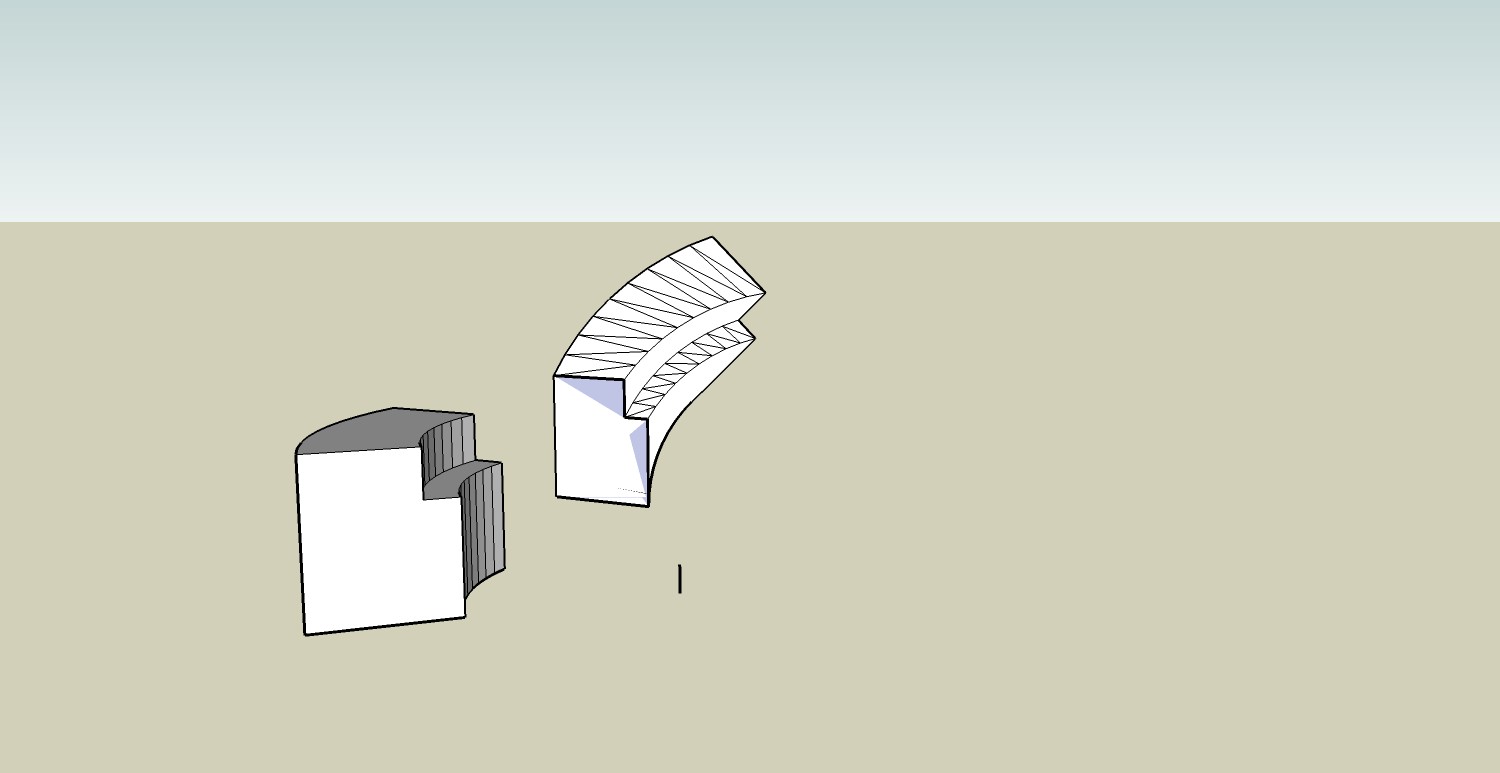
I am not able to create a "donut" shape. My shape is oriented in the vertical direction and I select the blue axis for axis of rotation. What am I doing wrong?
-
RE: [Locked] 2D Toolset - Use Newer Version Link
TIG,
The hatch dialog doesn't appear for me.
Ben