In this post I will do my best to give you a quick preview of SimLab VR for SketchUp, and answer the questions:
What is VR?
What hardware do I need to run?
How can I create a VR experience from SketchUp?
Is it really good for me?
How much will it cost me?
Lets start
What is VR?
What hardware do I need to run?
VR (Virtual reality) is used in many different ways by different groups, it means basically to be able to experience being inside the 3D model or place in a virtual world and to view it as if it was real.
Samples of those experiences include:
- Virtual reality on the Desktop using HTC Vive, or Oculus rift where you can experience and interact with the 3D model
- Virtual reality on the mobile
- 360 images, in this case you get a ghost view of the model you can view it in 3D but you cannot interact with it.
Each type is useful for specific cases, the first one is the best quality experience, the other two are useful for moving the experience for the masses, for users who do not have a VR specific device.
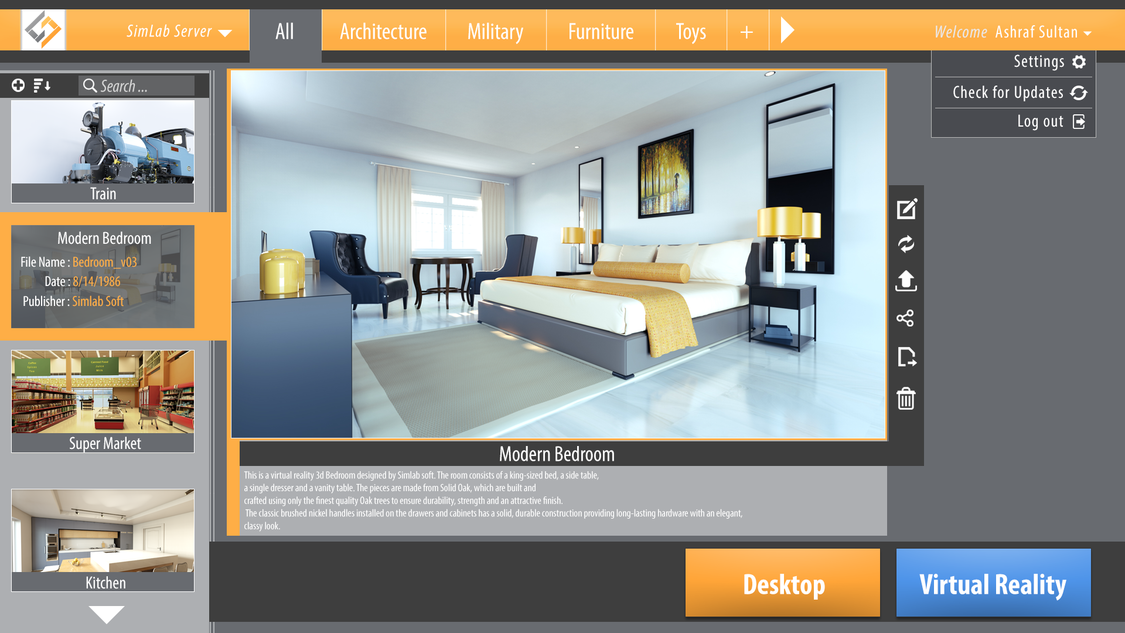
SimLab Composer 8 supports today supports two modes:
- HTC vive full user experience
- Desktop based view mode for users with no HTC vive set
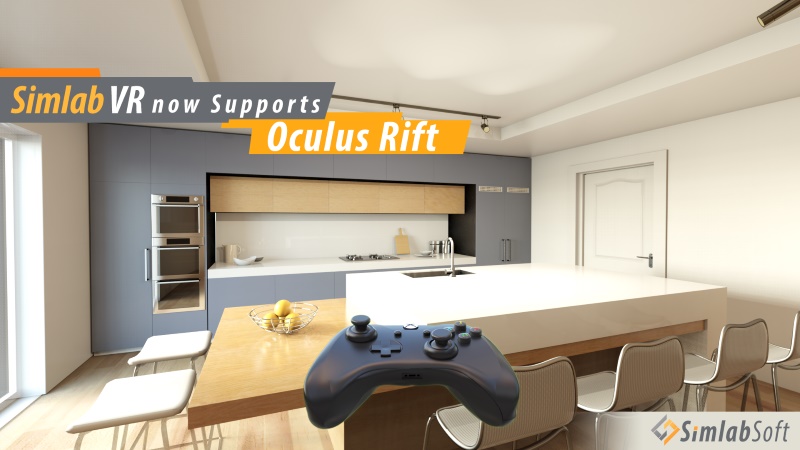
Next week we should have support for Oculus Rift
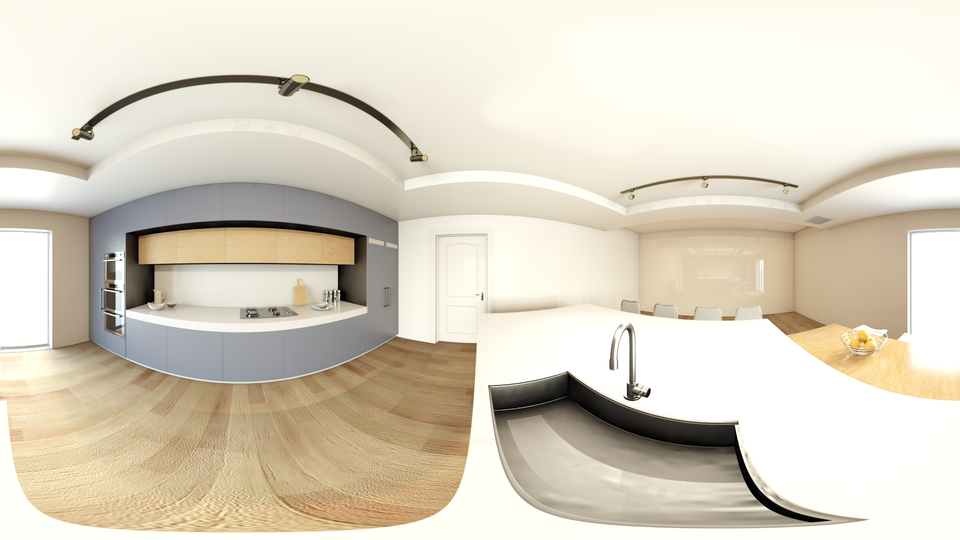
SimLab Composer 8.1 should add support for 360 images and VR mobile viewer, which allows rendering something like the following image
How can I create a VR experience from SketchUp?
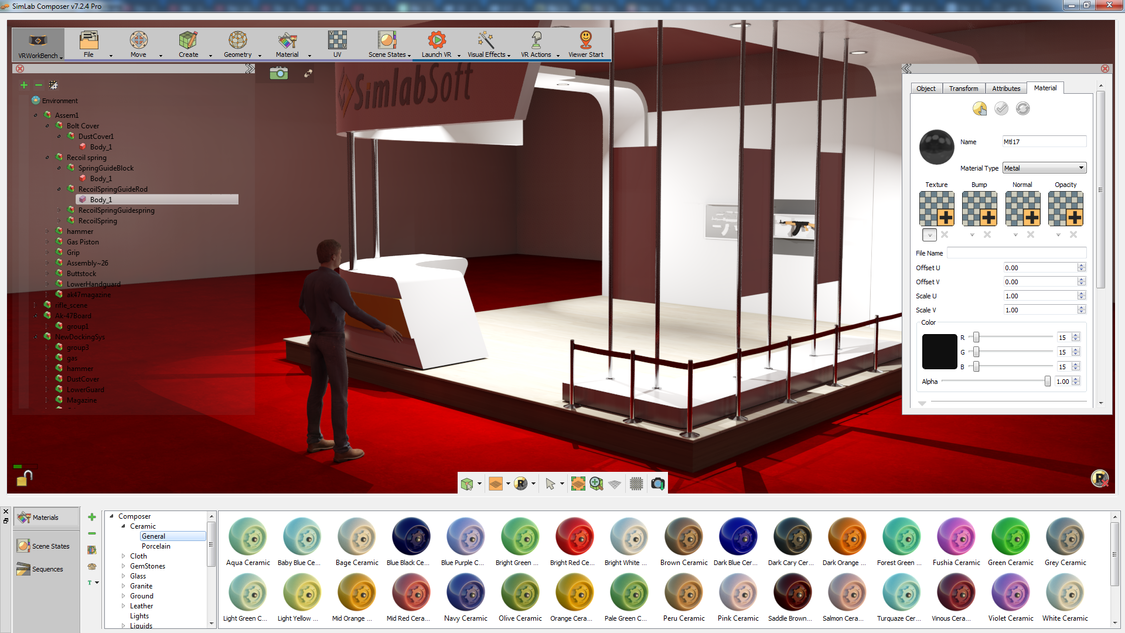
SimLab Composer makes it very easy to create VR experiences for your SketchUp model.
Please check the following tutorial to understand the process.
Is VR really good for me?
The short answer is YES, in the short term it will be a good competitive advantage.
In the long run it will be a must for all 3D model users.
As an Architect it will allow you to sell more designs, and to get complete understanding on the space you are designing.
As interior designer it will get you more work.
Following are sample experiences that shows the value of VR
How much will it cost me?
If you are ready for the top interactive experience, we advise you for SimLab Composer VR edition, the perpetual license costs you $399.
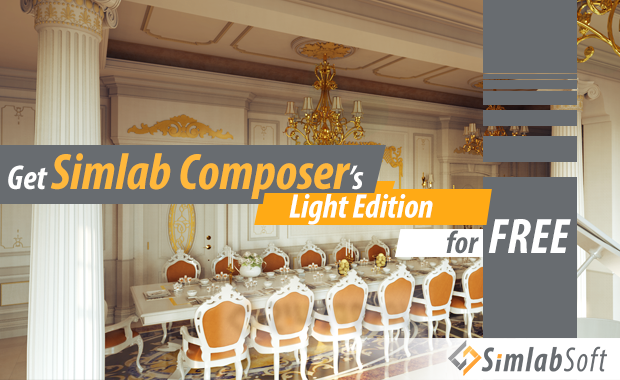
If all what you need it so export your sketchup model, to walk inside it, and experiment with material and lighting, you can get SimLab Composer Lite for free, it also includes free real time rendering.
Ready to start your VR experience, SimLab Composer can be downloaded from the following link
Note: VR experience is currently only support on Windows, sorry our Mac users, we are working on it.
Ashraf Sultan
SimLab Soft
 this is strange, the first time i hear about that.