ET say's Hi.
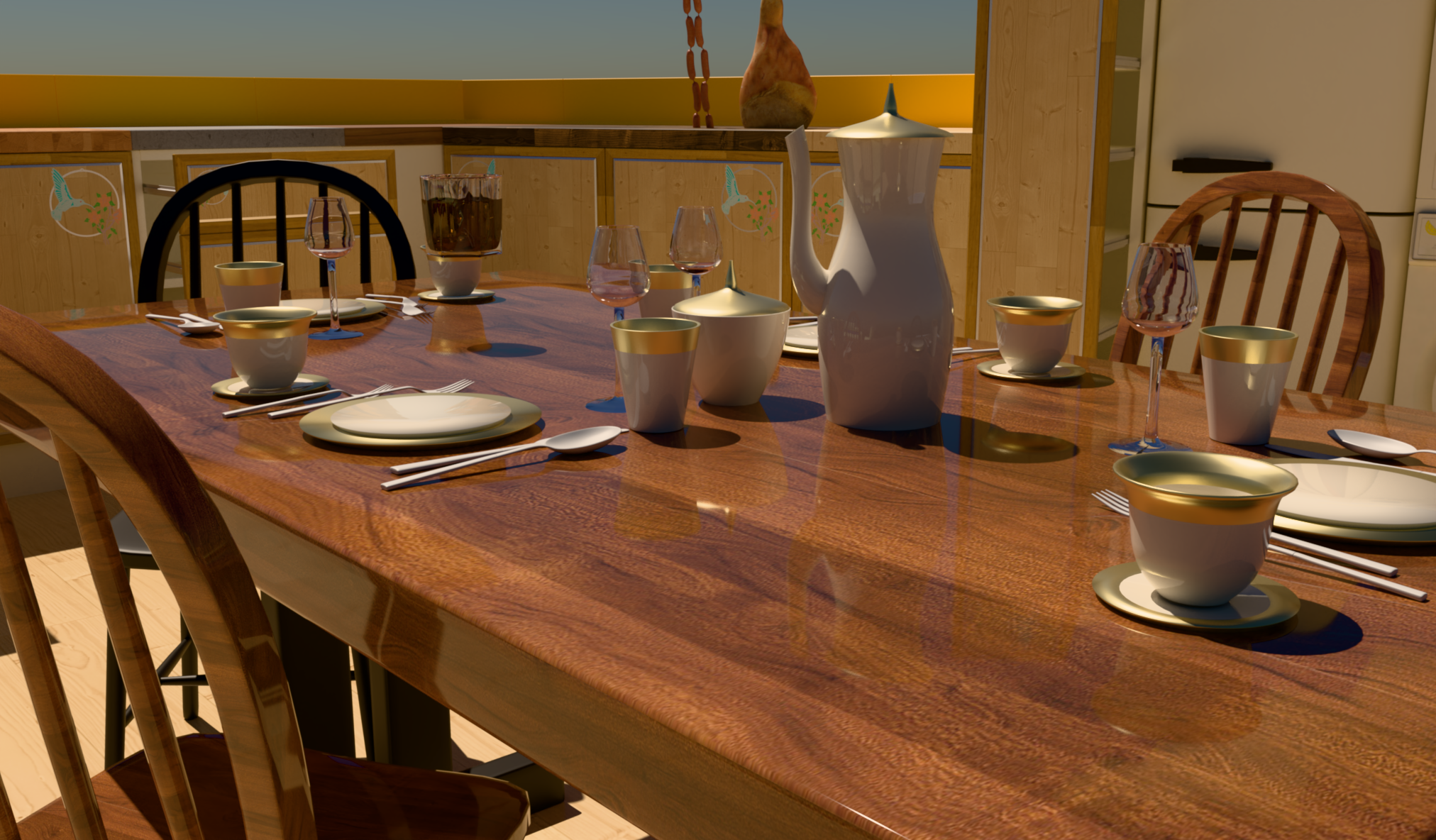
-
@mike-amos Thanks for sharing the scene. That helped me figure out the issue.
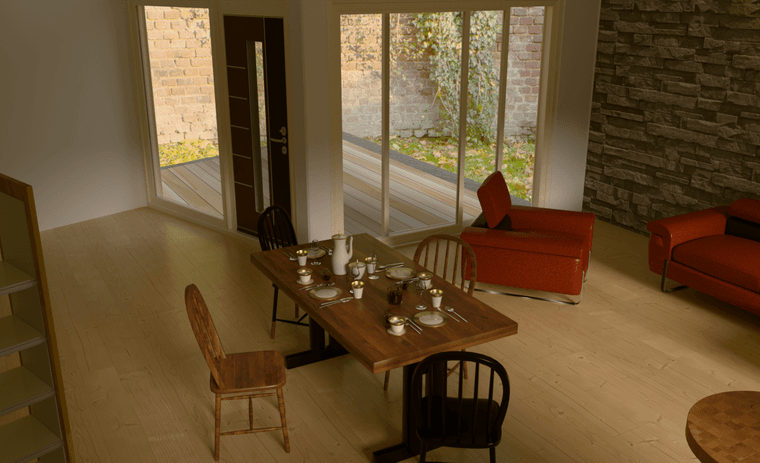
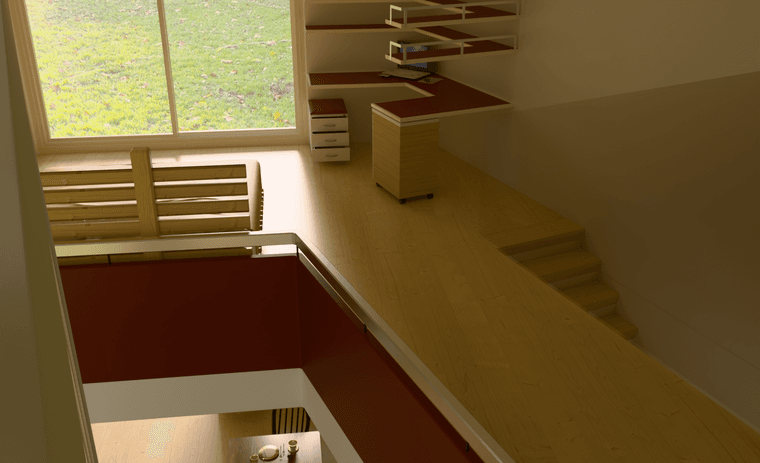
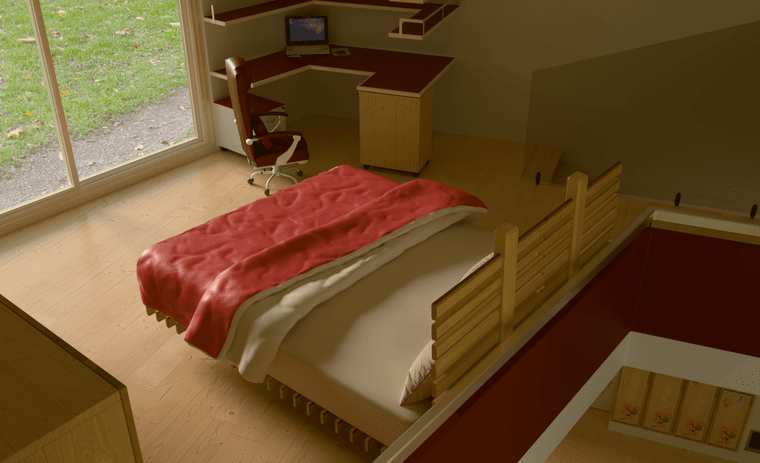
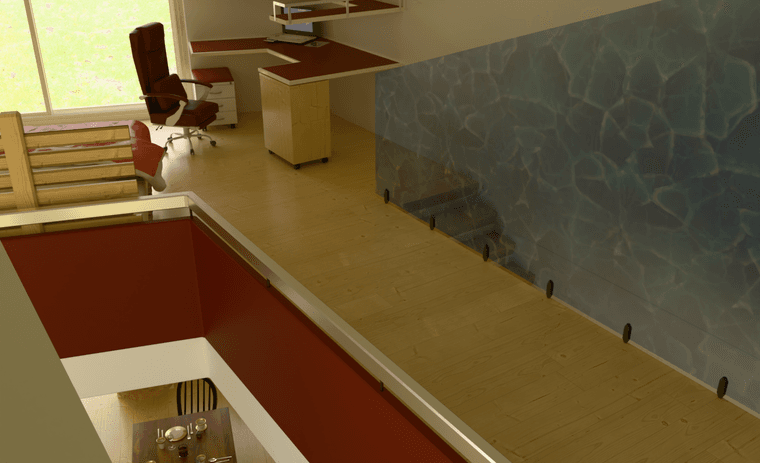
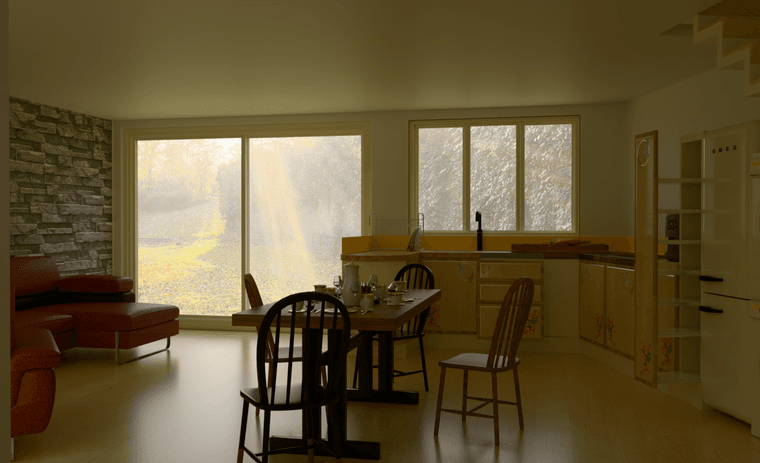
The glass windows in your scene are modelled as 100% transparant (opacity = 0%).
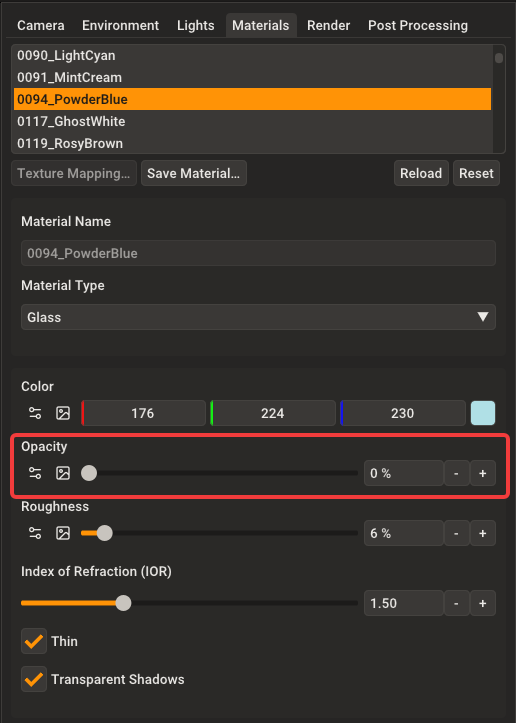
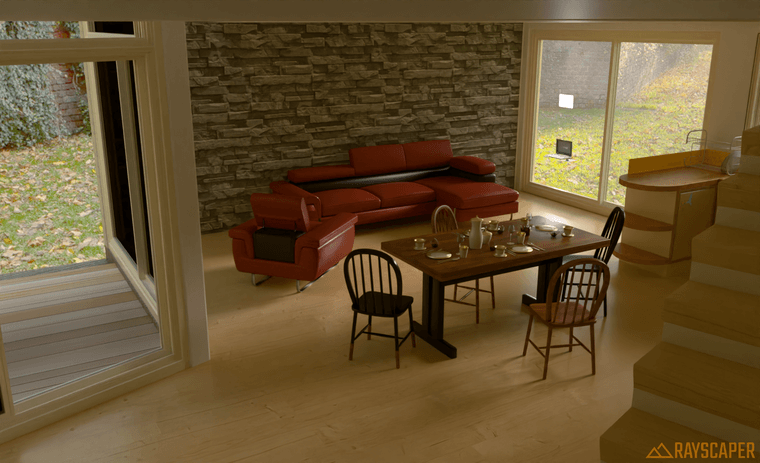
I'm getting technical here, but Rayscaper internally only allows for 8 transparent ray bounces. After 8 bounces, the ray terminates without contributing any light which results in the black windows. In your scene, there's a bit of bouncing around through multiple layers of glass, hence the black windows. In the next release, I will make the number of transparent bounces configurable as well so that you can bump it up to higher values if required.
Before
After
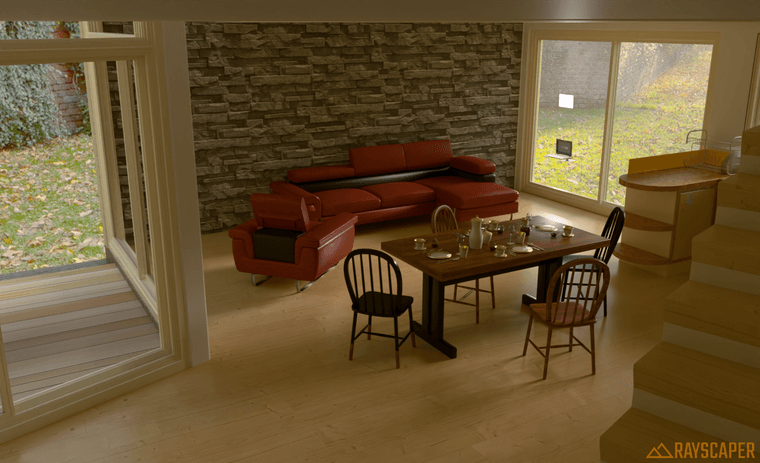
The fix will be available in the next release.
Cheers,
Thomas -
Thanks Thomas, appreciated.
-
-
-
-
-
-

-

-

-

-



Hello! It looks like you're interested in this conversation, but you don't have an account yet.
Getting fed up of having to scroll through the same posts each visit? When you register for an account, you'll always come back to exactly where you were before, and choose to be notified of new replies (either via email, or push notification). You'll also be able to save bookmarks and upvote posts to show your appreciation to other community members.
With your input, this post could be even better 💗
Register Login


Advertisement