-
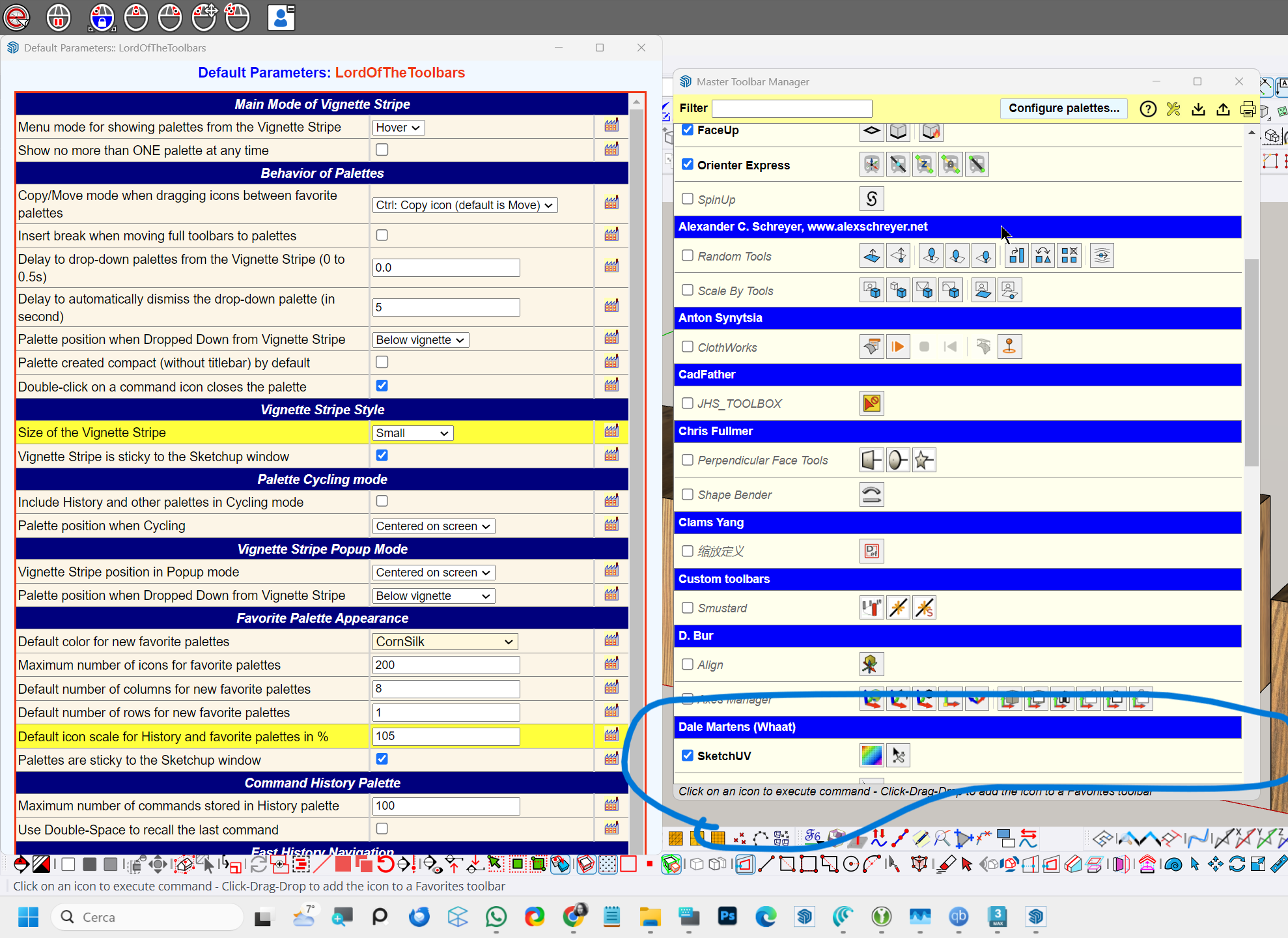
Why is the green section under my custom toolbars no longer visible in the Lord of the Toolbar menu? I tried resizing the window (both enlarging and reducing it), but the green bar still doesn’t appear. It was working correctly until a few days ago, so perhaps the recent freedo6Library update has modified something.

-
 D Dave R moved this topic from SketchUp Components, Materials & Styles on
-
@fredo6
I no longer see my toolbar window in the master toolbar manager, even though the toolbars work properly.
Can anyone help me? Thanks. -
Do you use several monitors.
The latest version of LibFredo did not do anything for that.Possibly,
- Open the Ruby Console
- copy/paste the following command
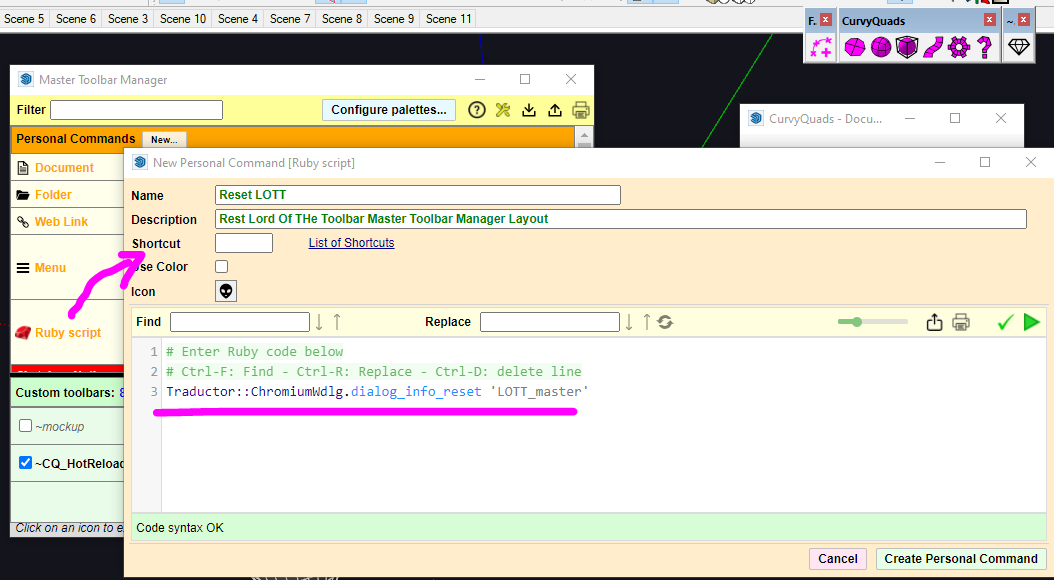
Traductor::ChromiumWdlg.dialog_info_reset 'LOTT_master'and press Return - Keep the Ruby Console open
- Launch the LOTT Master dialog
-
@fredo6 said in Why is the green section under my custom toolbars no longer visible in the Lord of the Toolbar menu?:
Traductor::ChromiumWdlg.dialog_info_reset 'LOTT_master'
Yes, with your script it works but if I close SketchUp I have to launch your ruby script from the console.
I don't have two monitors but I have one that is 3440x1440 wide.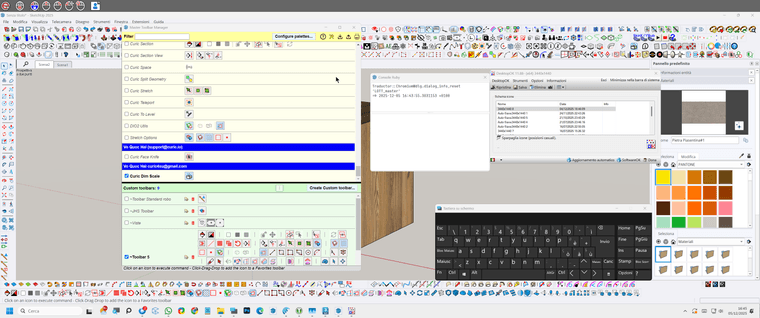
-
@fredo6
And anyway, even with your script it works on the second opening of the Master toolbar manager panel. At the first opening, the Custom toolbar panel is not present.
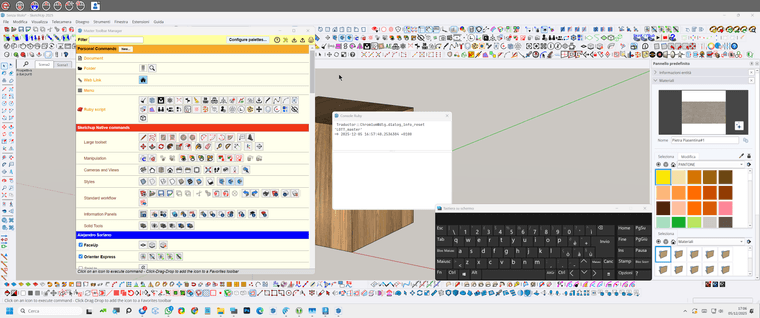
-
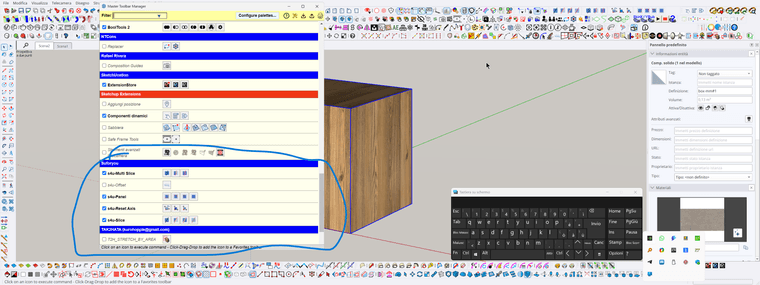
@Fredo6 Hi, with the latest update of the Fredo library the problem with Lord of the Toolbars has come back and I no longer see the green window underneath. You had given me a script to reset the parameters, but I can’t find it anymore. Could you send it to me again? Thanks, and happy new year.
-

Why is the green section under my custom toolbars no longer visible in the Lord of the Toolbar menu?
Do you use several monitors. The latest version of LibFredo did not do anything for that. Possibly, Open the Ruby Console copy/paste the following command T...
sketchucation (community.sketchucation.com)
This?
Download the free D'oh Book for SketchUp 📖
-
@Rich-O-Brien
Thanks, I solved the problem with the script. -
@alexpacio2013 you could try to create a ruby custom toolbar button with that command, usually that's the equivalent of launching a command from the console itself.





Hello! It looks like you're interested in this conversation, but you don't have an account yet.
Getting fed up of having to scroll through the same posts each visit? When you register for an account, you'll always come back to exactly where you were before, and choose to be notified of new replies (either via email, or push notification). You'll also be able to save bookmarks and upvote posts to show your appreciation to other community members.
With your input, this post could be even better 💗
Register Login


Advertisement