Sketchucation Tools 5.0.4
-
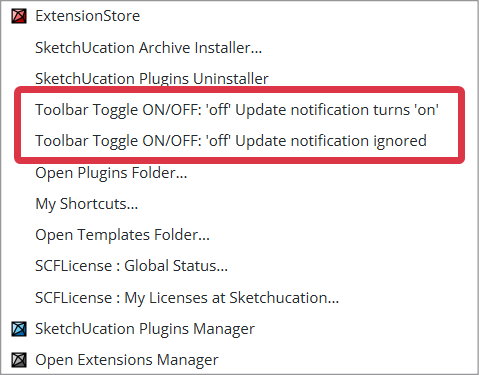
@alexpacio2013 what extensions would you not want to update when the author has made updates?
-
@Dave-R Some plugins have caused me issues with updates, some I want to finish current projects before updating, while others I'm confident are useful updates.
-
Hi, the Sketchucation plugin in SketchUp 2026 displays the following window every time I open the program.

Extension error report
SketchUp: 26.0.429
OS: Windows 10
Ruby: 3.2.2Extensión: SketchUcation (5.0.4)
Error: NameError (uninitialized constant SCF::TOOLBARTOGGLEup)
c:/users/usuario/appdata/roaming/sketchup/sketchup 2026/sketchup/plugins/sketchucation/scf_loader.rbe:193:in<module:SCF>' c:/users/usuario/appdata/roaming/sketchup/sketchup 2026/sketchup/plugins/sketchucation/scf_loader.rbe:13:in<main>'
C:/Program Files/SketchUp/SketchUp 2026/SketchUp/Tools/extensions.rb:197:ineval' C:/Program Files/SketchUp/SketchUp 2026/SketchUp/Tools/extensions.rb:197:inrequire'
C:/Program Files/SketchUp/SketchUp 2026/SketchUp/Tools/extensions.rb:197:inload' C:/Users/Usuario/AppData/Roaming/SketchUp/SketchUp 2026/SketchUp/Plugins/SketchUcation.rb:173:inregister_extension'
C:/Users/Usuario/AppData/Roaming/SketchUp/SketchUp 2026/SketchUp/Plugins/SketchUcation.rb:173:in<module:SCF>' C:/Users/Usuario/AppData/Roaming/SketchUp/SketchUp 2026/SketchUp/Plugins/SketchUcation.rb:17:in<top (required)>' -
This error is very unexpected.
As SketchUp starts it loads from your Plugins folder the ../SketchUcation.rb file to set up the rest of the code.
This in turn loads ../SketchUcation/SCF_loader.rbe
Which makes the toolbars, menus etc, and loads the various other code files needed to work the extension.
It's failing at the loader's line#193 with the NameError uninitialized constant SCF::TOOLBARTOGGLEup
This is one of many Constants set up to set the text for the toolbar button's tool-tips etc.
Because earlier lines of code have already set 27 similar Constants like SCF::TOOLBARTOGGLE, without any errors I can't immediately see what might be causing this issue for you. These Constants are read in from a text file shipped with the set - ../Strings/SCF-EN-US.strings
I've checked them and the correct file is included in the file set archive 5.0.4
Since the TOOLBARTOGGLEup Constant was just added in for this revision, then it looks like you might have a earlier version of the strings file [e.g. <=5.0.3], that the needed newer 5.0.4 l, and the loadedr is then tripping up later as that particular Constant hasn't been defined.How did you install the newest version ? From the ExtensionStore dialog, or from a downloaded RBZ - if that. then how did you install the files/folders ? Using the Native Extension Manager's Install function should copy all over and overwrite any preexisting files etc - which it clearly has for the loader etc; or did you manually copy the RBZ's contents into your Plugins folder ? If you did that then maybe you inadvertently skipped the new strings file version ?
You can see if the existing installation for ../Strings/SCF-EN-US.strings is correct by opening it with Notepad++.exe and around line#31 TOOLBARTOGGLEup= .. defines the Constant. If it's there then something is weirdly adrift, as your other files aren't loading it: but I suggest that it will almost certainly be an older version with that liine missing.
If it is missing something when wrong with the installation - probably skipped that file's newer version etc - if so the some other files might also be suspect.
Please try SketchUp's Extension Manager Install function again and pick the 5.0.4 RBZ . After it installs that, then restart SketchUp and see if the error recurs...
Alternatively you can use a manual way - close SketchUp, then extract the RBZ's contents using 7-Zip or similar [an RBZ is a renamed ZIP file], then manually copy all of its contents - i.e. parts 1) the SketchUcation.rb file and 2) the subfolder SketchUcation [and of course all of that folder's contents intact - files and subfolders of more files etc. When prompted choose to Replace the 118 or so existing files [never Skip them]. Afterwards restart SketchUp to sync everything and see what happens...
Please let us know what happens... -
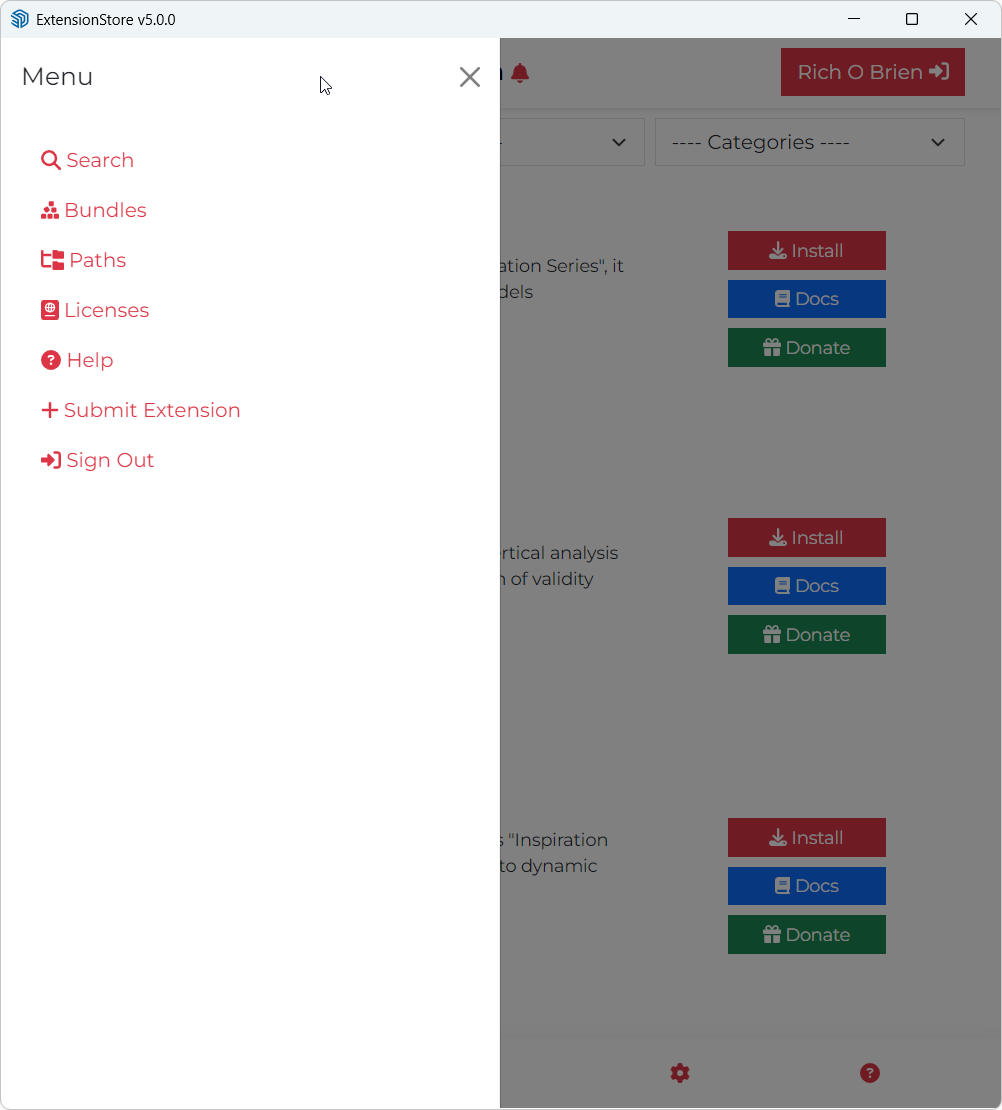
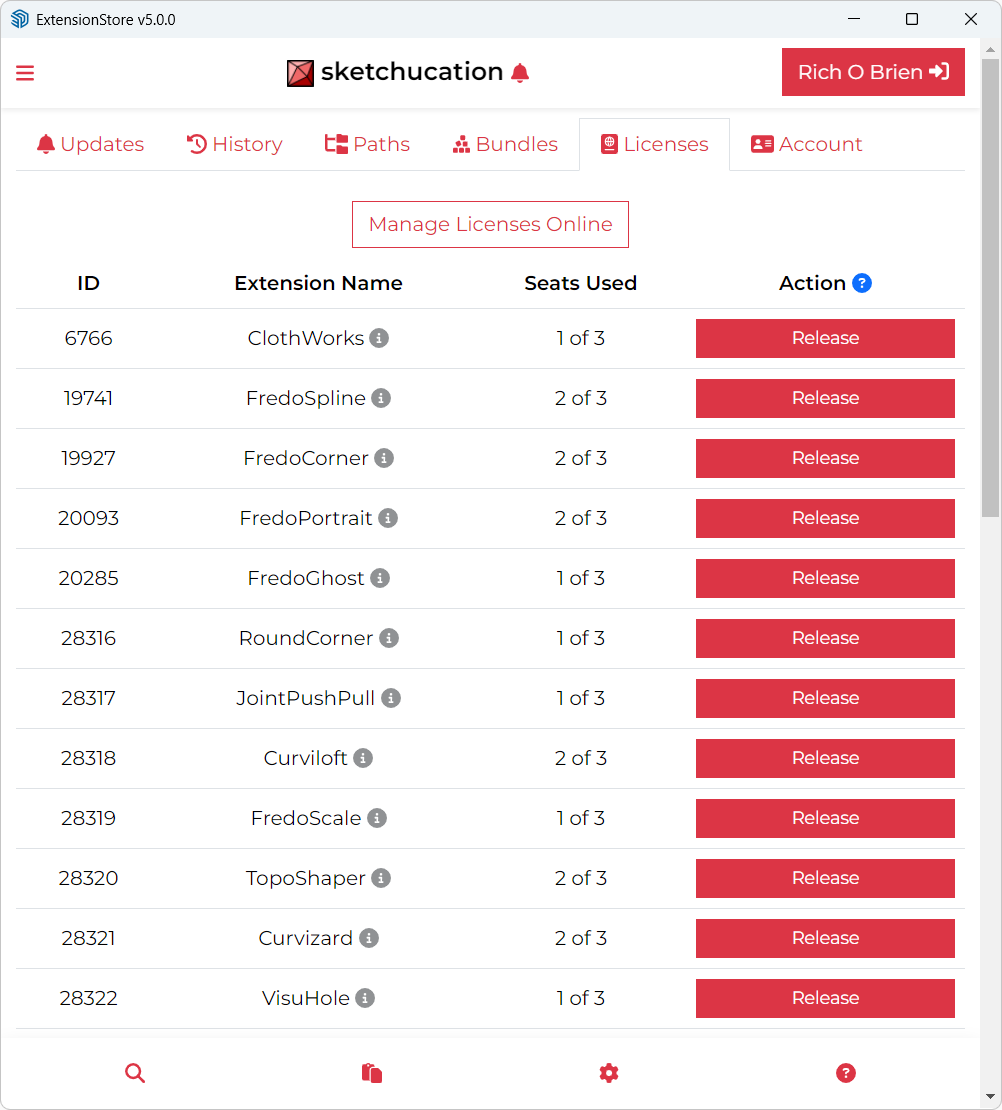
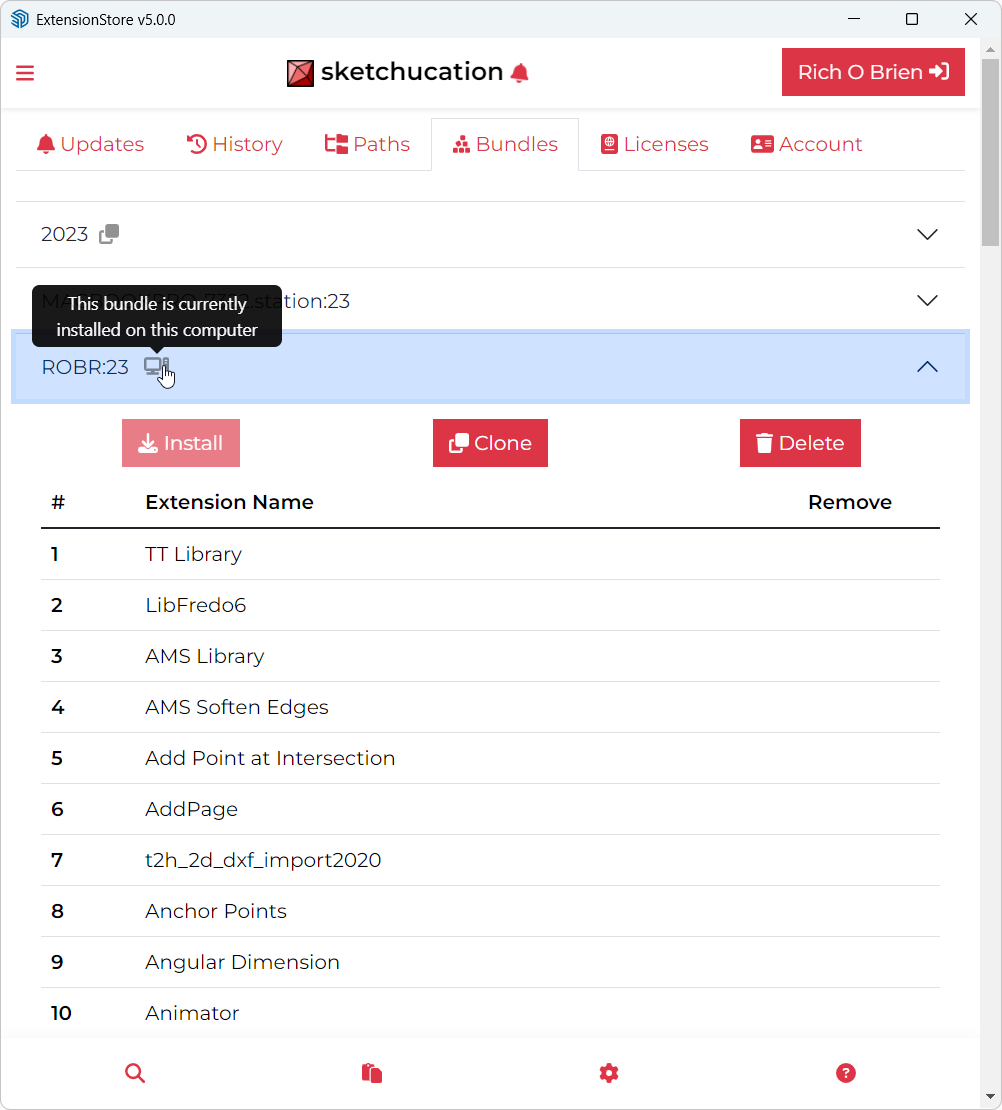
Maybe I'm missing something but I don't see the Update All option from earlier versions. Was it removed?
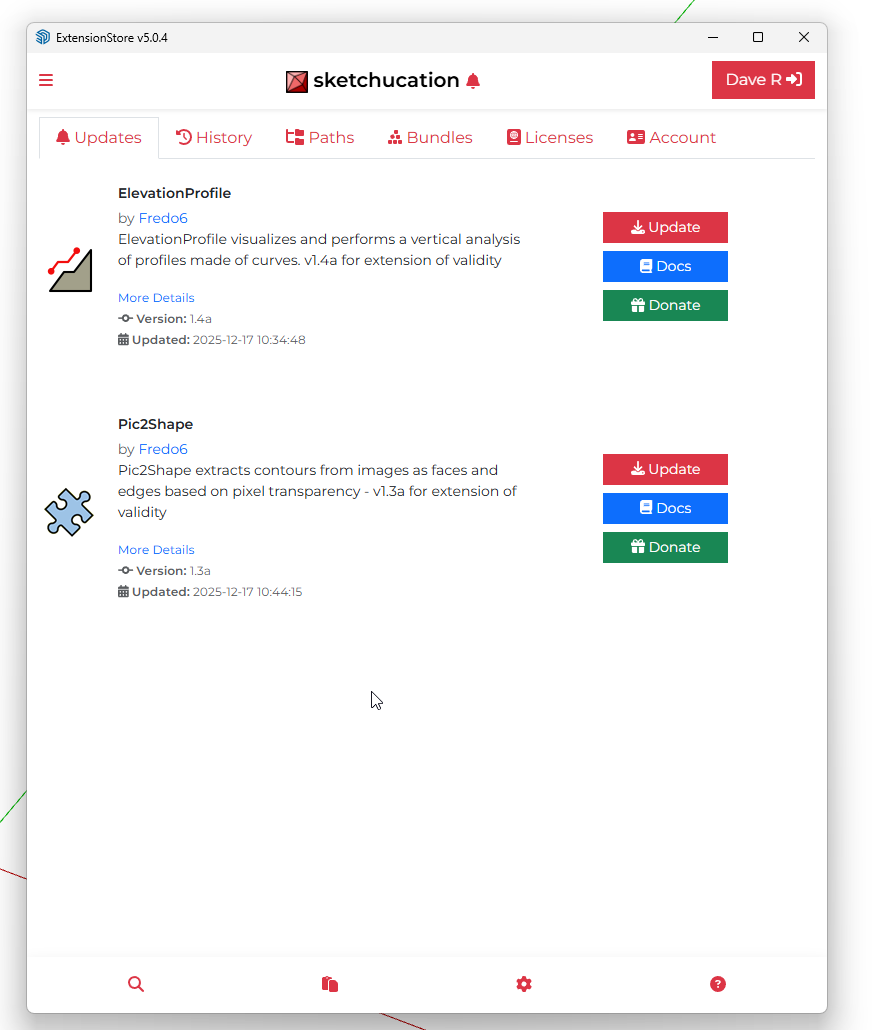
-
I had it but noticed it was not correctly the other day.
We will take a look now.
-
@Dave-R We haven't removed it, for me it is displayed correctly. When you have a few minutes to test, please PM me.
-
@Gábor I did send a PM.
-
said in Sketchucation Tools 5.0.4:
@Dave-R We haven't removed it, for me it is displayed correctly. When you have a few minutes to test, please PM me.
Thank you
-
Thank you for whatever you did. It works as expected now.
-
@Dave-R said in Sketchucation Tools 5.0.4:
Thank you for whatever you did. It works as expected now.
Thank you for checking.







Advertisement