sketchucation logo sketchucation
    • Login
    Oops, your profile's looking a bit empty! To help us tailor your experience, please fill in key details like your SketchUp version, skill level, operating system, and more. Update and save your info on your profile page today!
    Mac User? | Join the Rayscaper Beta for Mac Learn More

    Rayscaper New Releases

    Scheduled Pinned Locked Moved Extensions & Applications Discussions
    rayscaperrender
    757 Posts 14 Posters 323.6k Views 15 Watching
    Loading More Posts
    • Oldest to Newest
    • Newest to Oldest
    • Most Votes
    Reply
    • Reply as topic
    Log in to reply
    This topic has been deleted. Only users with topic management privileges can see it.
    • Rich O BrienR
      Rich O Brien Moderator
      last edited by

      Is the intent to exclude ALL movement types?

      Download the free D'oh Book for SketchUp đź“–

      1 Reply Last reply
      Reply Quote 0
      • Rich O BrienR
        Rich O Brien Moderator
        last edited by

        Actually probably wrong thread to discuss this since its Rayscaper Release

        Download the free D'oh Book for SketchUp đź“–

        1 Reply Last reply
        Reply Quote 0
        • KrassK
          Krass
          last edited by

          That’s a joke!
          It’s like that classic scenario where someone calls a repair technician for their washing machine, only for it to turn out they hadn’t even plugged it in.
          I absolutely refuse to look ridiculous! Why was this option disabled? There must be something that turns it off automatically—I just don’t get it!
          Many thanks!

          Krass

          1 Reply Last reply
          Reply Quote 0
          • pixelcruncherP
            pixelcruncher Extension Creator
            last edited by

            Hi all, thanks for the suggestions!

            @Krass @Alattab Rounded edges: planned for Rayscaper 2.0.

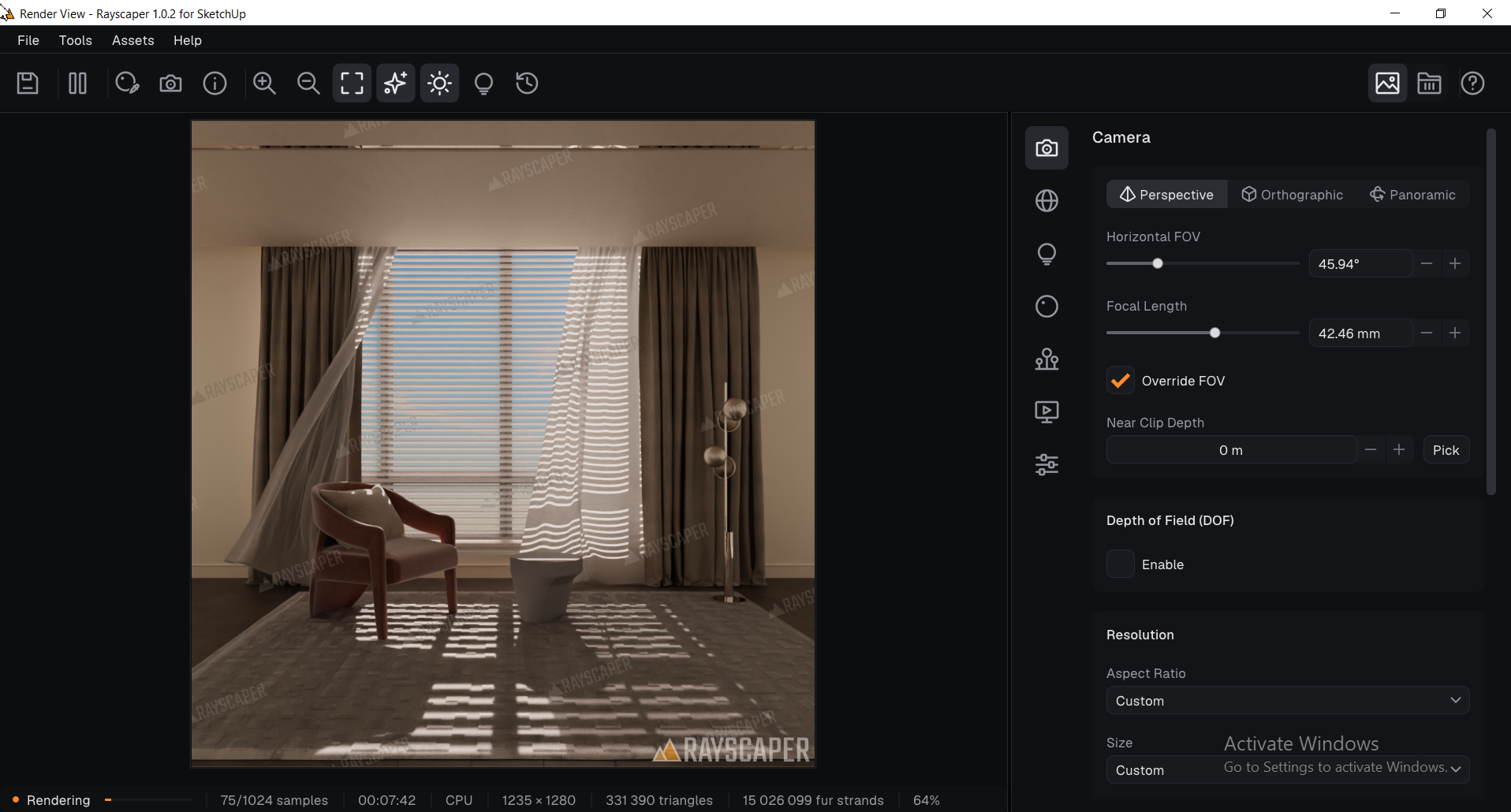
            @Alattab SketchUp sun tracking: we’ll make the tracking toggle accessible from SketchUp, so you don't have to switch back to the Rayscaper window.

            @sashapepperspray Section planes: support is coming soon in a 1.0 update.

            @Alattab @majid I’ve also noted the texture-mapping discussion. Probably will be something for 2.0, but I will need to flesh that out more.

            Cheers,
            Thomas

            I'm the developer of Rayscaper: https://rayscaper.com/ - Fast and easy rendering for SketchUp.

            1 Reply Last reply 👍
            Reply Quote 0
            • A
              Alattab
              last edited by Alattab

              Window.png
              RAYSCAPER

              1 Reply Last reply ♥
              Reply Quote 0
              • A
                Alattab
                last edited by

                It is a good idea to allow the user to export the image along with its background.

                1 Reply Last reply
                Reply Quote 0
                • L
                  lightscape Newcomers
                  last edited by

                  d7ba9d8d-d04c-4efa-bc0f-34a7954c6d4b.jpeg Ray Test.png
                  @pixelcruncher
                  Hi Thomas
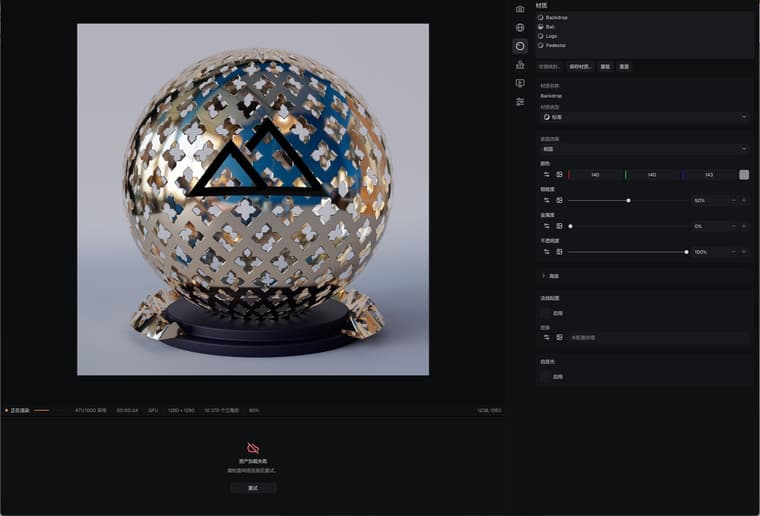
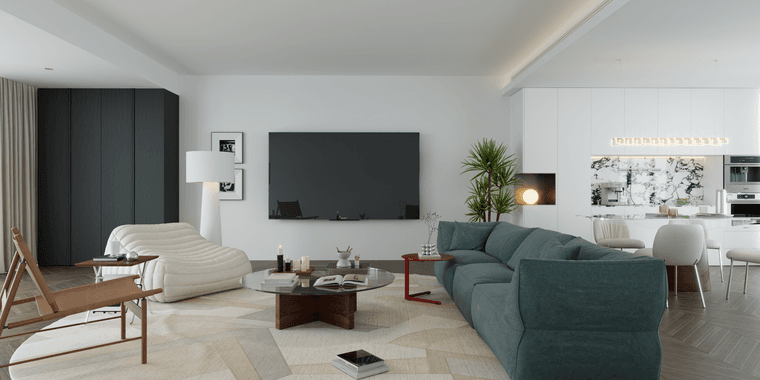
                  Ray's ability is very good. This is the material and indoor space I tested according to the scene. Let me make a suggestion first. I am in China and I need a VPN to access the Asset Browser. I hope this problem can be solved. The important thing is that the materials I save myself also need to be activated in the Asset Browser to see them. Therefore, I suggest providing the offline function of the Asset Browser. In the future, the assets I create myself will be the main content used

                  pixelcruncherP 1 Reply Last reply
                  Reply Quote 1
                  • L
                    lightscape Newcomers
                    last edited by

                    Also, why do I have to restart rendering once to see the effect of normal mapping? Is this a bug?

                    1 Reply Last reply
                    Reply Quote 0
                    • A
                      Alattab
                      last edited by

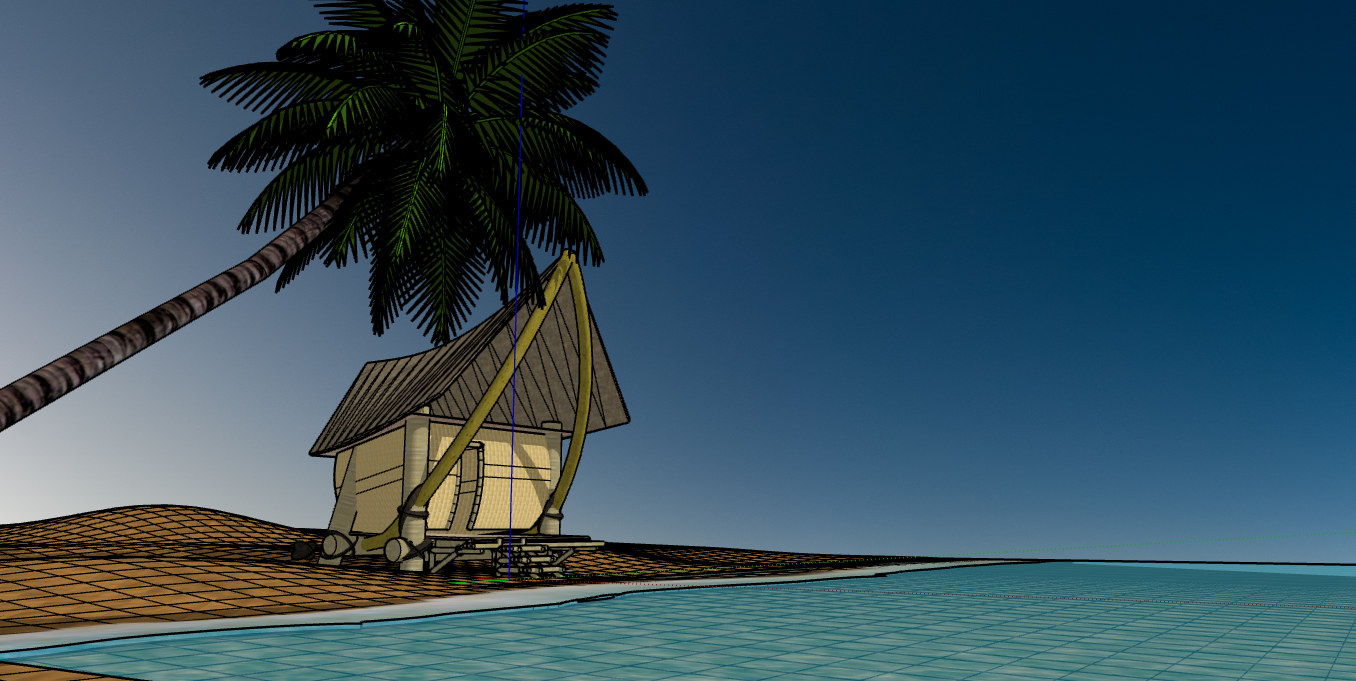
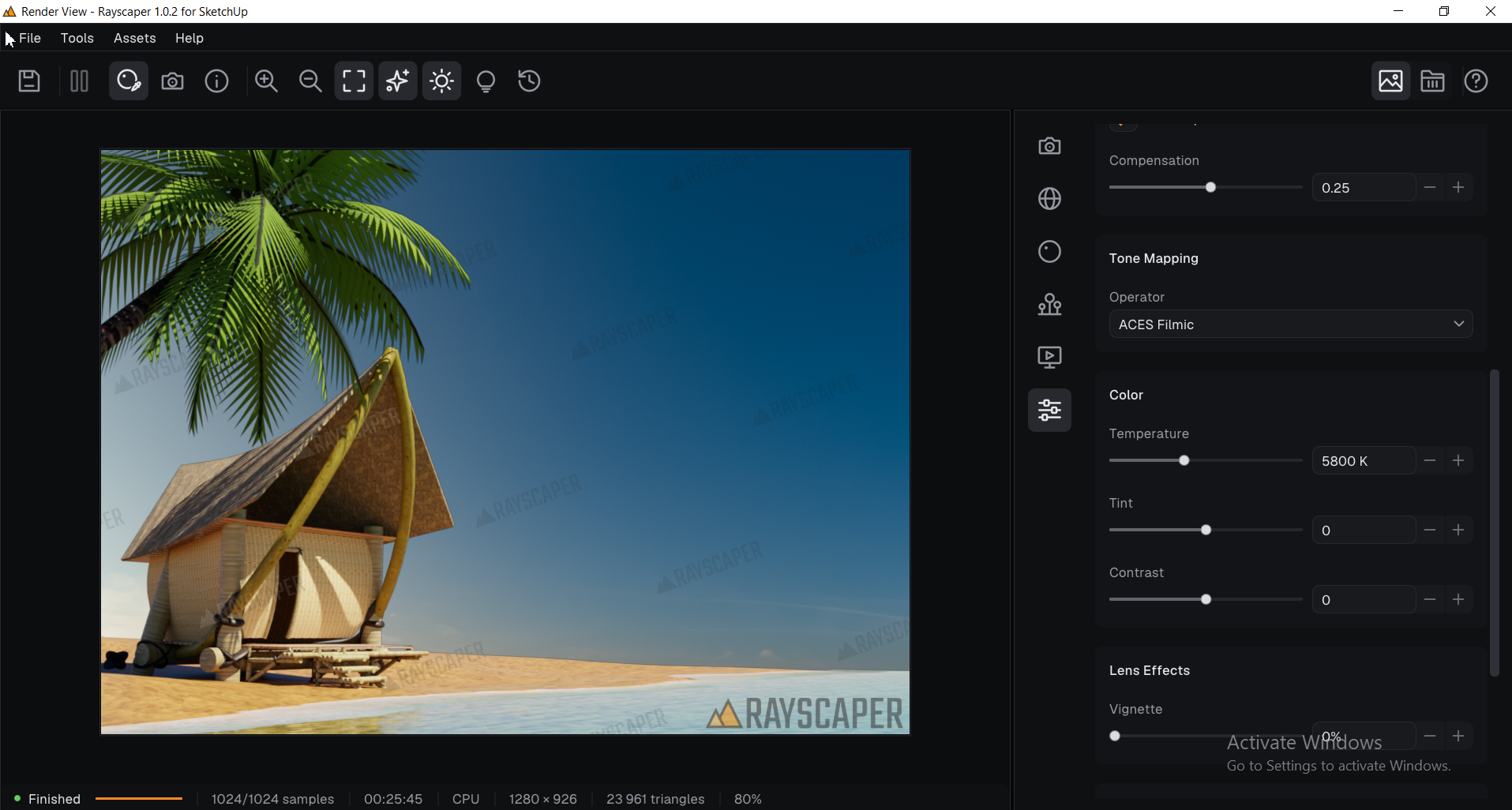
                      We also want an online library where Rayscaper users can share the presets they have created with one another.
                      Rayscaper.png
                      Sketchup (2).png

                      pixelcruncherP 1 Reply Last reply
                      Reply Quote 1
                      • pixelcruncherP
                        pixelcruncher Extension Creator @lightscape
                        last edited by pixelcruncher

                        @lightscape

                        Nice Render!

                        I will have a look at why you need VPN. I wonder if my hosting provider (CloudFlare) is blocked in China? I will make sure you can access your own assets even without a connection.

                        I'm not sure what you mean by the "effects of normal mapping". But if you change the normal map settings, it requires a re-render. Just like any other material changes.

                        Cheers,
                        Thomas

                        P.s. @lightscape, would it be okay to share that render on social media (attributed to lightscape)?

                        I'm the developer of Rayscaper: https://rayscaper.com/ - Fast and easy rendering for SketchUp.

                        L 1 Reply Last reply
                        Reply Quote 0
                        • pixelcruncherP
                          pixelcruncher Extension Creator @Alattab
                          last edited by

                          @Alattab Nice. Very cool use of water. I should start making a gallery on my website.

                          I'm the developer of Rayscaper: https://rayscaper.com/ - Fast and easy rendering for SketchUp.

                          1 Reply Last reply
                          Reply Quote 0
                          • L
                            lightscape Newcomers @pixelcruncher
                            last edited by

                            @pixelcruncher
                            You can share, please sign Henry Liu, from China

                            1 Reply Last reply
                            Reply Quote 0
                            • pixelcruncherP
                              pixelcruncher Extension Creator
                              last edited by

                              Hi folks,

                              Rayscaper now has a showcase on its website: rayscaper.com/showcase

                              I've seen some great renders in this thread over time, and I'd love to show and promote them in the showcase to give your work more visibility. Every render is credited to you and linked to your portfolio or website if you have one.

                              @lightscape, would you like to submit your latest render? It would be great to have it in there.

                              That goes for everyone else too: if you've posted a render here that you're proud of, please submit it on the submit page. It needs to be at least 1920 Ă— 1080 px and watermark-free. More details are in this topic.

                              This really helps me spread the gospel of Rayscaper everywhere! 🙏

                              Cheers,
                              Thomas

                              I'm the developer of Rayscaper: https://rayscaper.com/ - Fast and easy rendering for SketchUp.

                              1 Reply Last reply
                              Reply Quote 0
                              • A
                                Alattab
                                last edited by

                                This post is deleted!
                                1 Reply Last reply
                                Reply Quote 0
                                • A
                                  Alattab
                                  last edited by

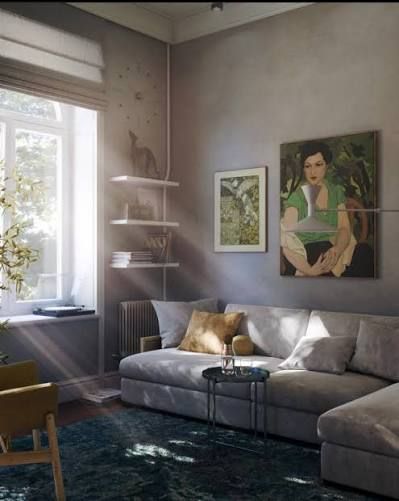
                                  Is it possible to add features like fog, volumetric lights, and god rays to the list of enhancements for the future?
                                  images (5).png

                                  pixelcruncherP 1 Reply Last reply
                                  Reply Quote 1
                                  • pixelcruncherP
                                    pixelcruncher Extension Creator @Alattab
                                    last edited by

                                    @Alattab Yes, those are good features!

                                    I'm the developer of Rayscaper: https://rayscaper.com/ - Fast and easy rendering for SketchUp.

                                    1 Reply Last reply
                                    Reply Quote 0
                                    • A
                                      Alattab
                                      last edited by

                                      When using the "near clip depth" feature, if I move past a surface and then use the "material picker" tool to select a material located behind that surface, the tool still selects the material of the surface I have moved past.


                                      1 Reply Last reply
                                      Reply Quote 0

                                      Hello! It looks like you're interested in this conversation, but you don't have an account yet.

                                      Getting fed up of having to scroll through the same posts each visit? When you register for an account, you'll always come back to exactly where you were before, and choose to be notified of new replies (either via email, or push notification). You'll also be able to save bookmarks and upvote posts to show your appreciation to other community members.

                                      With your input, this post could be even better đź’—

                                      Register Login
                                      • 1
                                      • 2
                                      • 33
                                      • 34
                                      • 35
                                      • 36
                                      • 37
                                      • 38
                                      • 35 / 38
                                      • First post
                                        Last post
                                      Buy SketchPlus
                                      Buy SUbD
                                      Buy WrapR
                                      Buy eBook
                                      Buy Modelur
                                      Buy Vertex Tools
                                      Buy SketchCuisine
                                      Buy FormFonts

                                      Advertisement