Rayscaper New Releases
-
I hold the view that renders should always be generated at high resolution. I still believe that. It allows for error correction during post-production and adds details that you wouldn't get at low resolution. You also gain sharpness. However, I've noticed that using a high number of SPP doesn't make much of a difference. I think that's what you were saying.
-
And I feel compelled to emphasize—for users of true path-tracing renderers—that the denoiser really compromises image quality. You only have to test it yourself: even though Rayscaper’s denoiser is excellent, a 1080p render won't be particularly sharp or detailed. Paradoxically, simply increasing the render resolution actually saves time in the end; once displayed at a smaller size or downsampled, the result is far superior to simply increasing the samples per pixel (spp) at a lower resolution.
-
hello Pixelcruncher,
I tryied to edit a sketchup material of a shrub in photoshop and saved it, save the model and rayscaper did this. Any idea or solution? Thanjs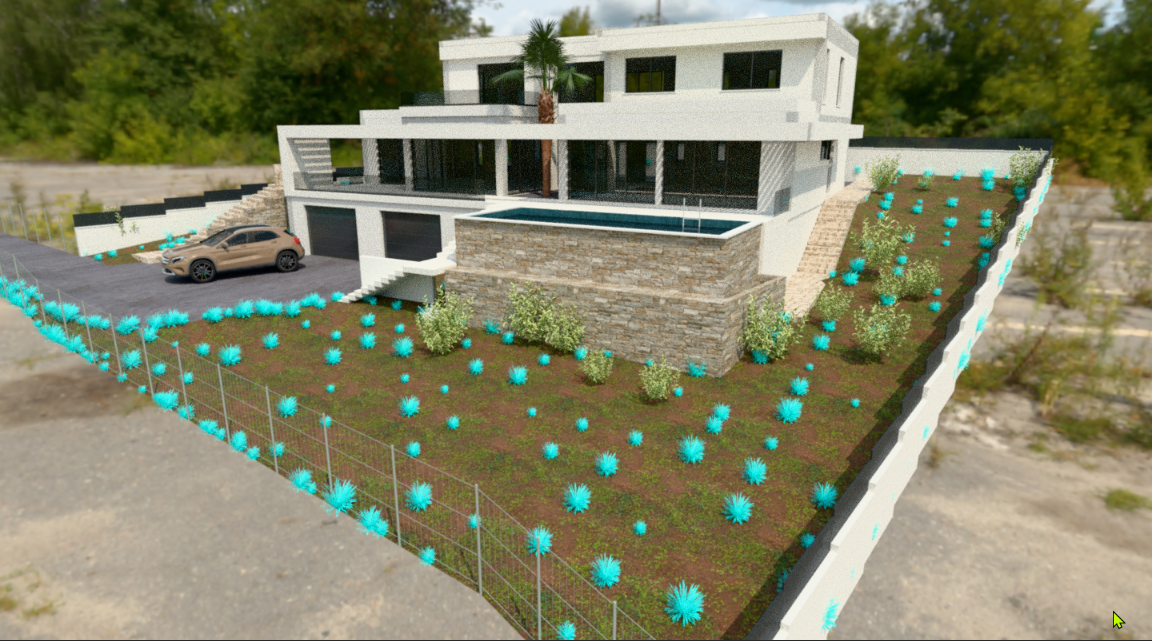
-
@krass - That means Rayscaper can't find the image after you edited it in Photoshop. Did you happen to save it under a different filename?
As a workaround, try reloading this material to see if it works.
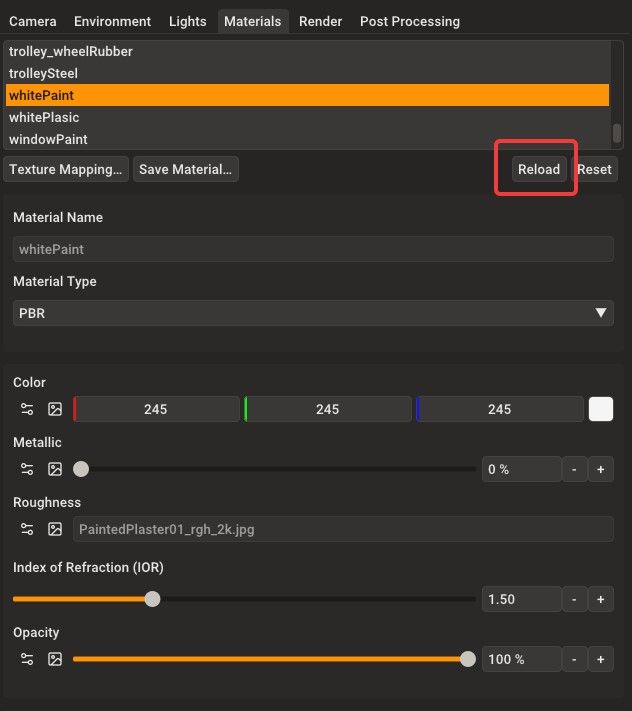
I will have a fix in the next release, which will land shortly.
Regards,
Thomas -
yes thanks Thomas, I made a copy ok the texture file in a other folder, and it works. It Keeps UV's
-
One of the options I’d like to have in Rayscaper is the ability to adjust the colors and values of a photo texture for a PBR material.
-
the Hide assets function is great !
-
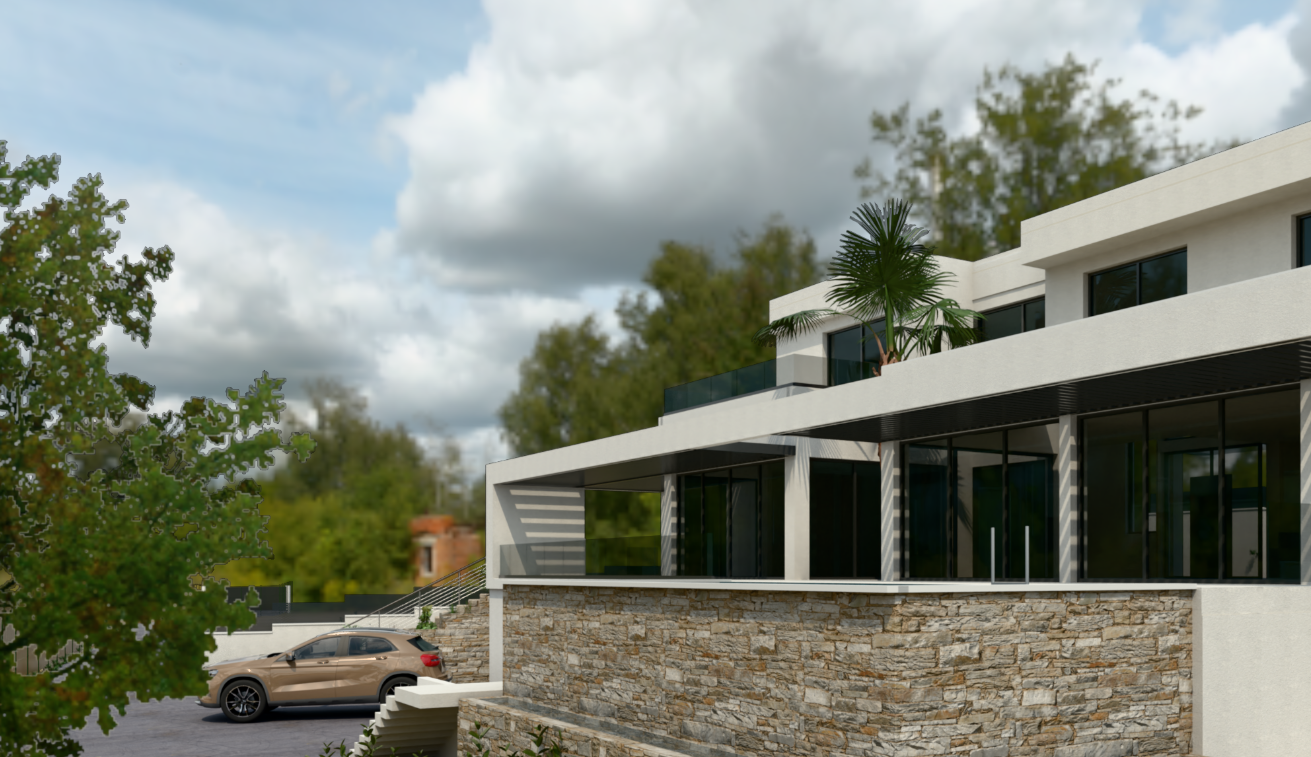
I set the HDRI map resolution to the maximum, but it's quite blurry.
-
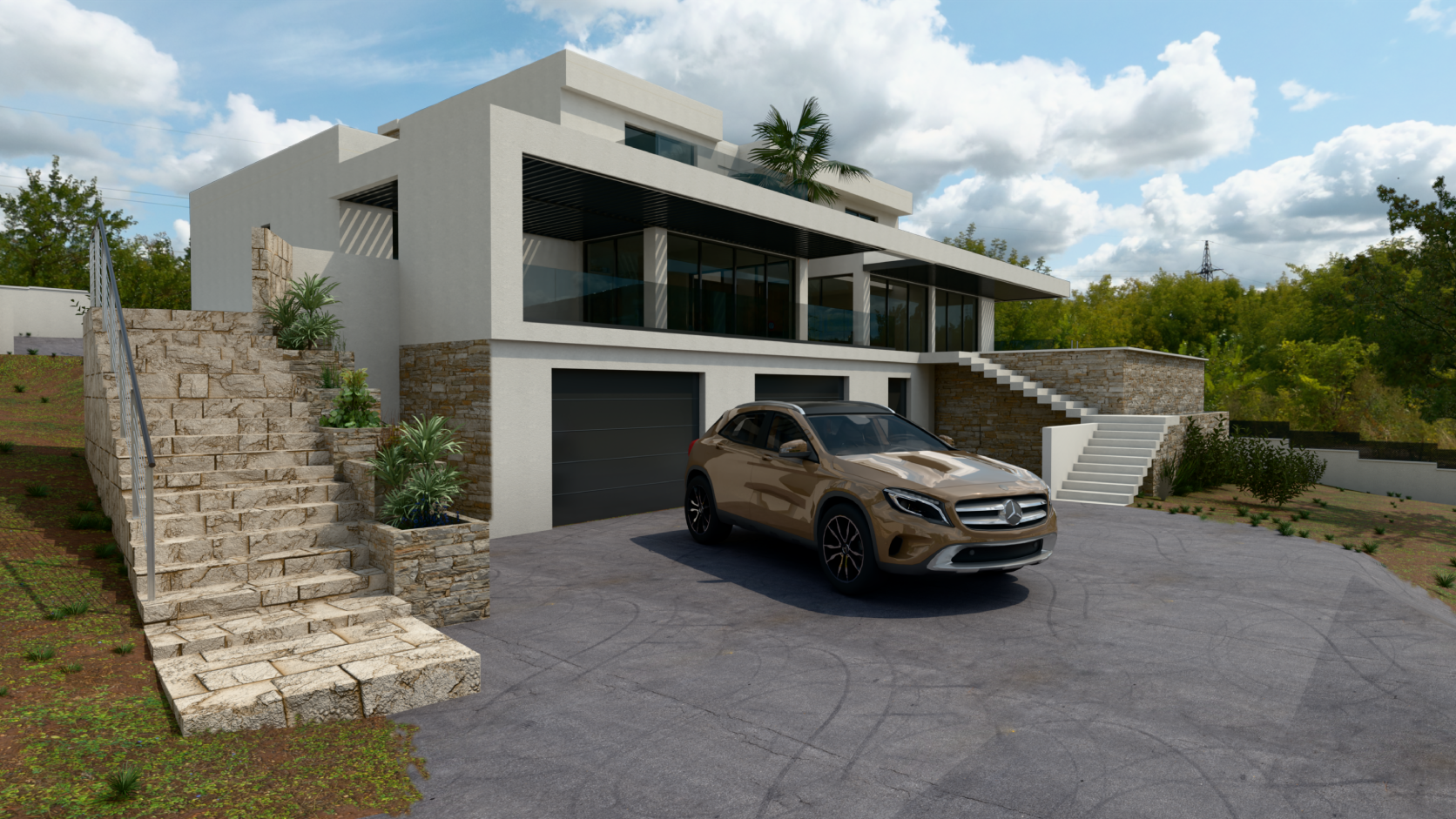
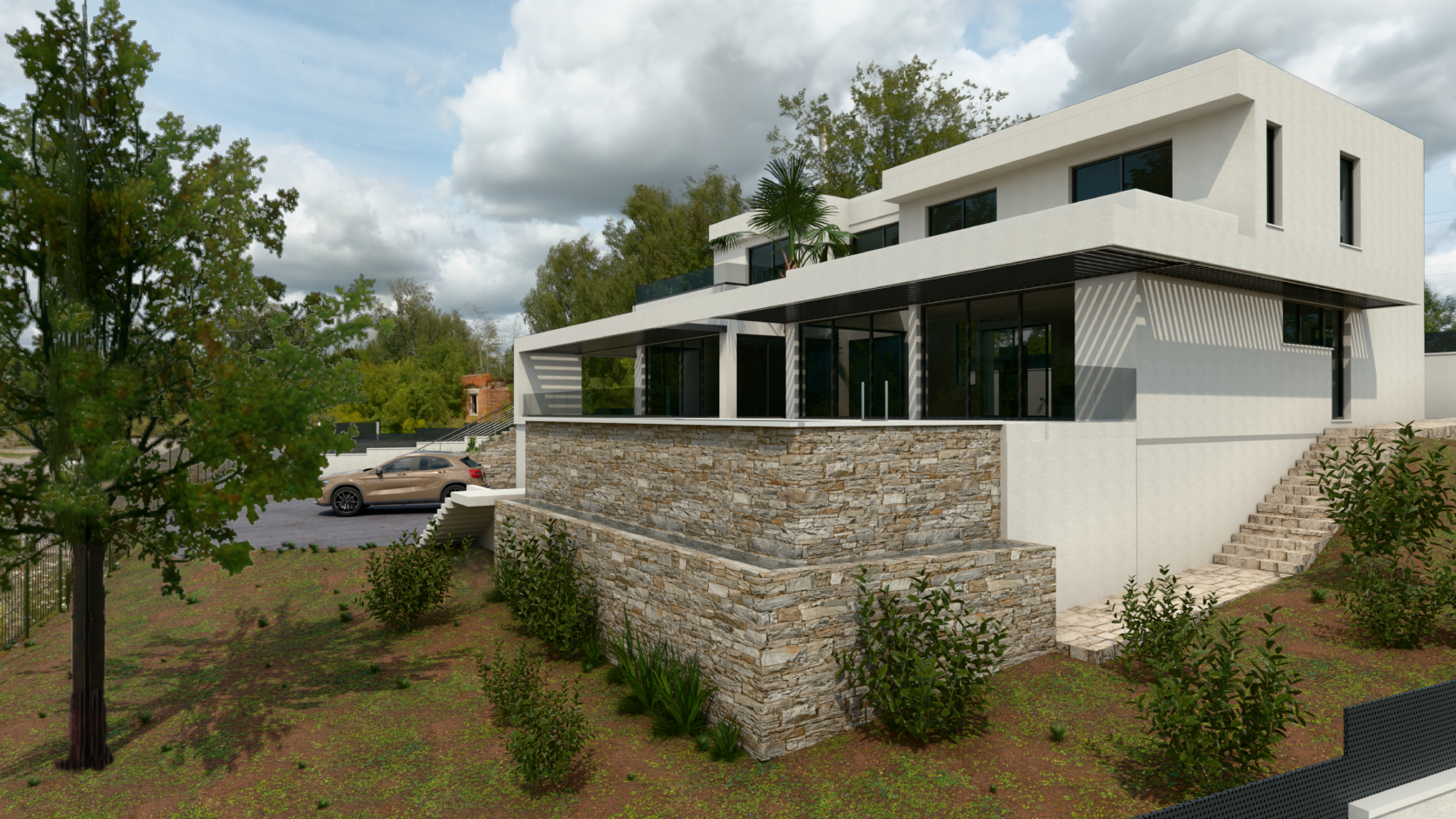
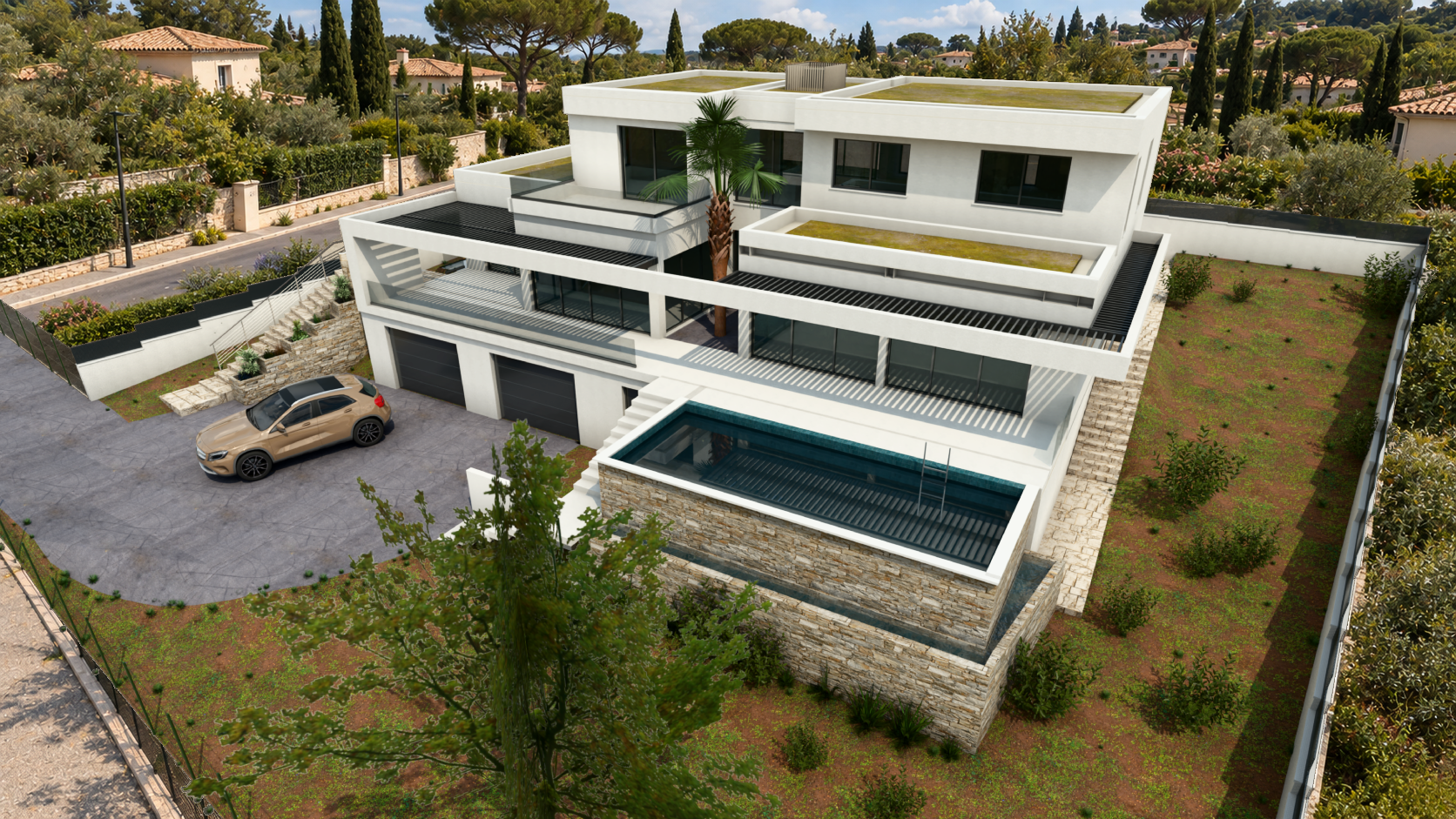
I reloaded the HDRI from Polyhaven. Here are some views with the latest version of Rayscaper. For a bird's eye view chat GPT only produced the context, the background.
-
Hey, Rayscaper users!
Rayscaper 0.9.96 Beta is available. You can get it via:
- The SketchUcation store.
- Direct download: Rayscaper_Win_0.9.96_Beta.rbz.
I recommend upgrading to the latest version. This release is all about water and light


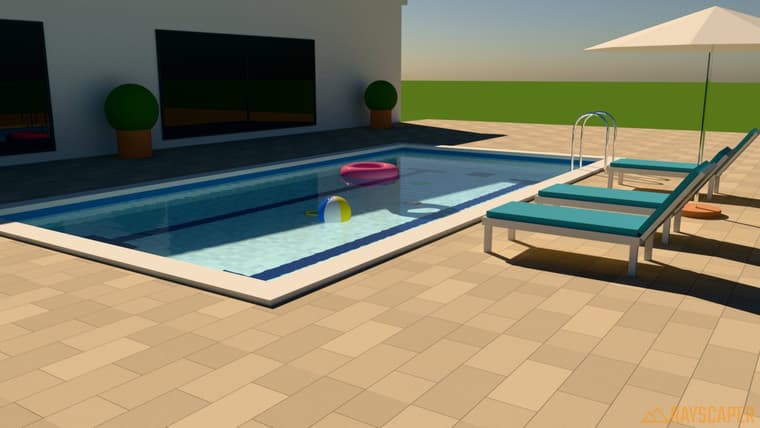
New: Water Material
Rayscaper now has a dedicated Water material for pools, ponds, lakes and spas. Assign it to a single face or a closed box, pick a preset, and you're done.
- Realistic waves: layered swell and fine ripples, with direction, size and strength controls.
- Depth you can see: water gets darker and more tinted as it gets deeper, so a pool's deep end actually looks deep.
- Controllable reflections: from crisp mirror-like water at sunset to soft, choppy reflections.
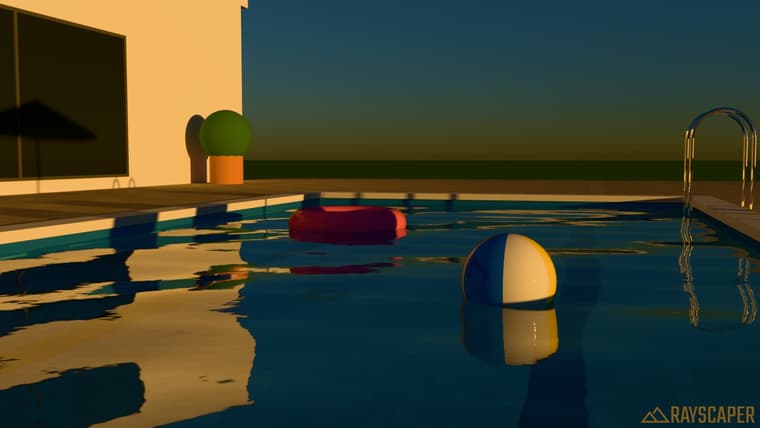
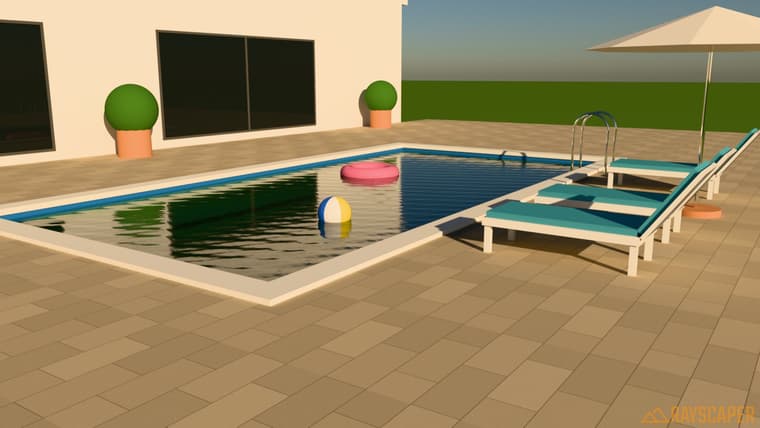
Clarity controls how far you can see into the water:
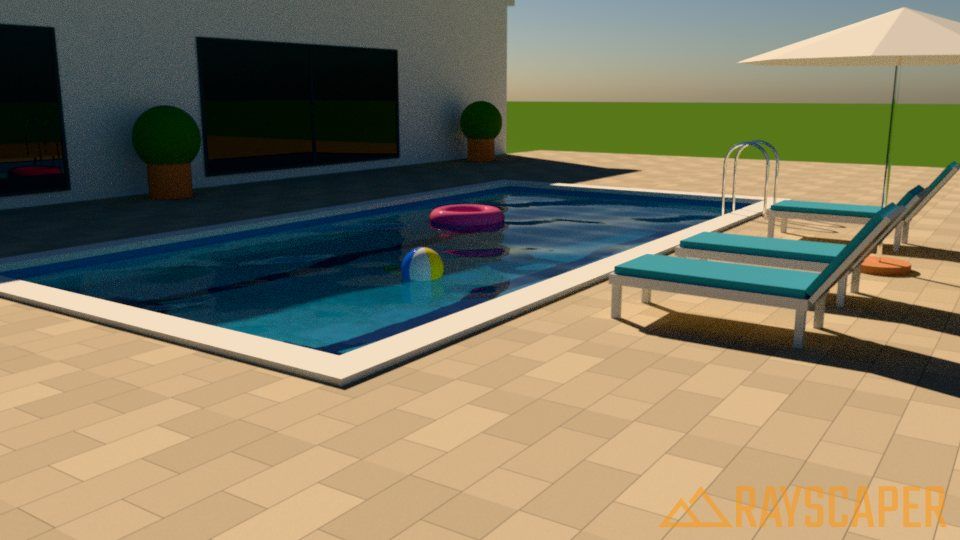
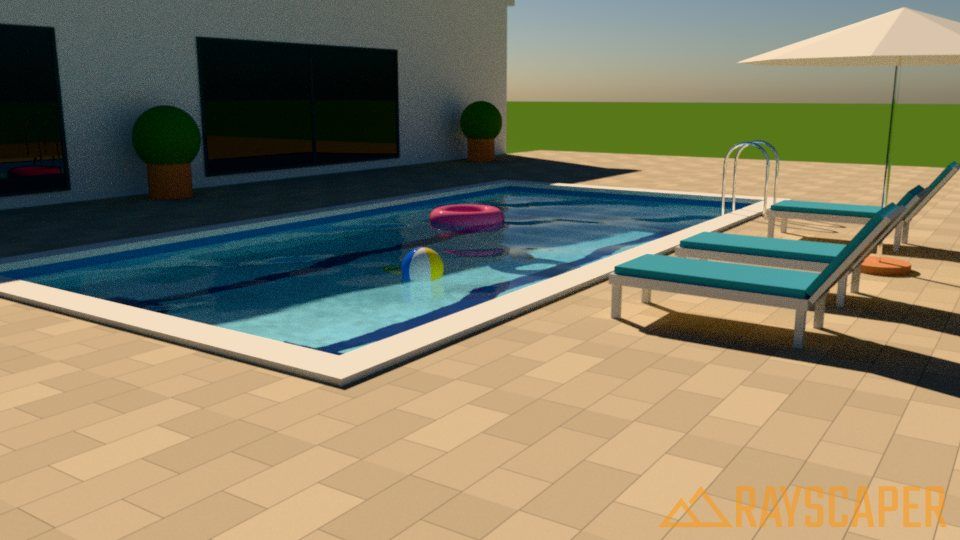
It ships with presets to get you started, including the new Tropical, Reflecting Pool and Spa.
New: IES Light Profiles for Spotlights
Spotlights can now use IES profiles for realistic, architectural light patterns: batwing, wall wash, narrow and medium spot, wide flood and elliptical beam. The light editor shows a preview of each distribution so you can see what you're picking.
Other Improvements
- Add procedural material previews, so material thumbnails render faster and no longer hang.
- Select newly placed lights automatically and show the active light tool in the toolbar.
- Refresh the user interface with a consistent set of toolbar icons, sharper icon scaling, clearer list selection, and a tidier settings layout.
Fixes
- Fix textures rendering cyan after editing a texture image in an external editor, saving, and reopening the model.
- Fix vignette falloff at high strength.
Full release notes: rayscaper.com/manual/release-notes
Help Me Build the Community

If you like Rayscaper, please share your renders (final or work-in-progress, it doesn't matter)! This is motivating
and helps me showcase its capabilities to new users.Follow me on X.
Happy Rendering!
Thomas -
Great, thanks Thomas. I needed water materials this morning and you granted my wish tonight...!

Hello! It looks like you're interested in this conversation, but you don't have an account yet.
Getting fed up of having to scroll through the same posts each visit? When you register for an account, you'll always come back to exactly where you were before, and choose to be notified of new replies (either via email, or push notification). You'll also be able to save bookmarks and upvote posts to show your appreciation to other community members.
With your input, this post could be even better 💗
Register Login


Advertisement