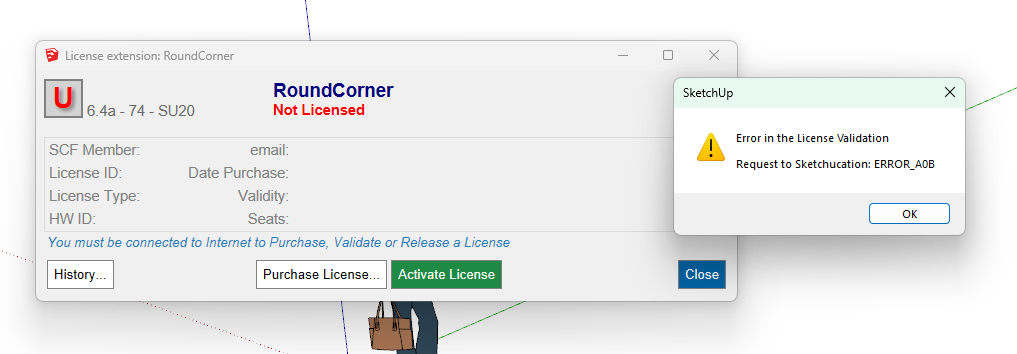
Code Error A0B
-
That error relates to the file time mismatch.
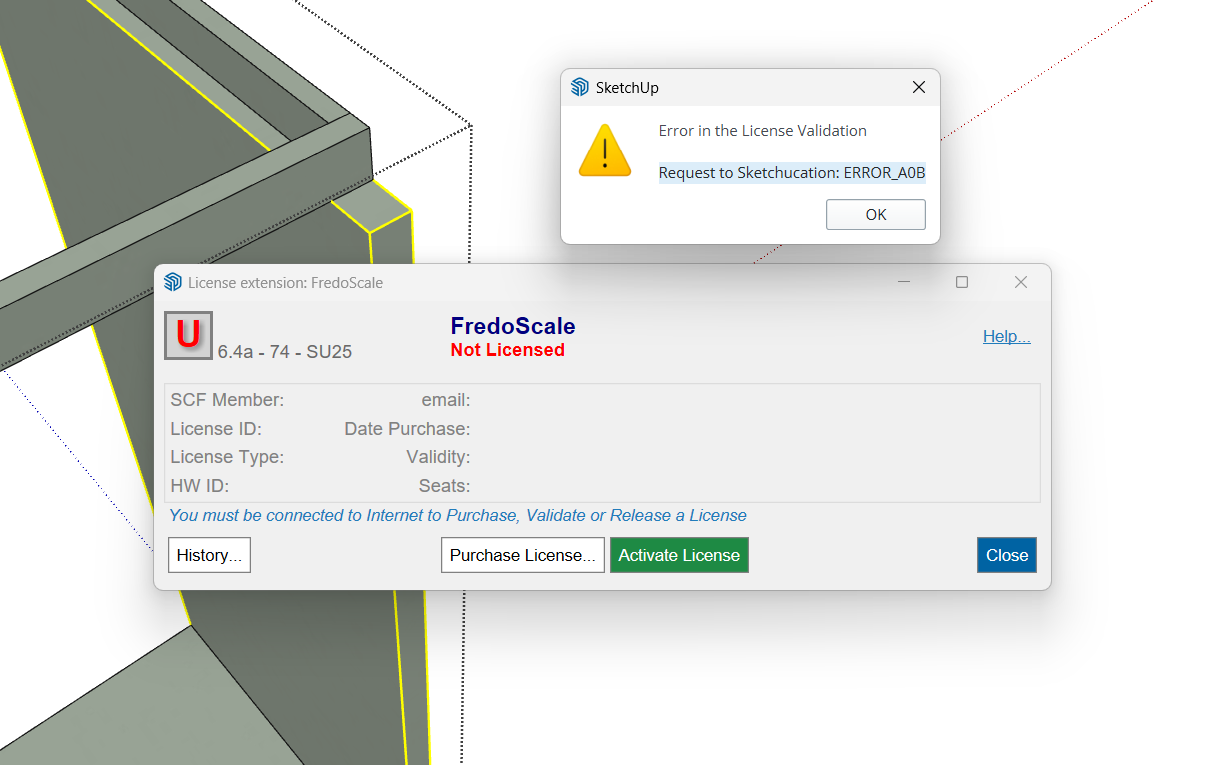
Have you recently changed your computers clock/date ?Can you post a screenshot of the whole error message...
It might help is identify where you've gone wrong... -
Thanks a lot for you help
I didn't change anything about date or hour
I'm really desperate ...

-
Something is amiss with your setup.
If you have Libfredo installed can you run Window > Libfredo Settings > Fredo6 Plugins Information for Sketchucation Support command and copy/paste the output into your reply?
Can you confirm the versions of Clothworks and Sketchucation Tools you are running too?
-
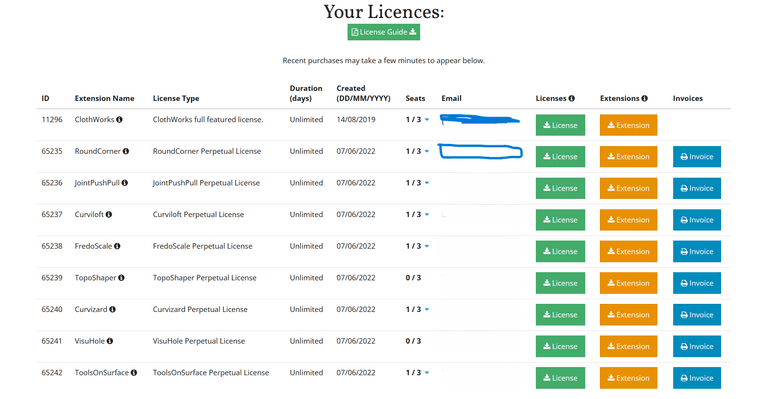
erro: CODE ERROR A0B, como resolver tem as licenças os gulguis foram instalados aparece esse erro: CODE ERROR A0B
-
-
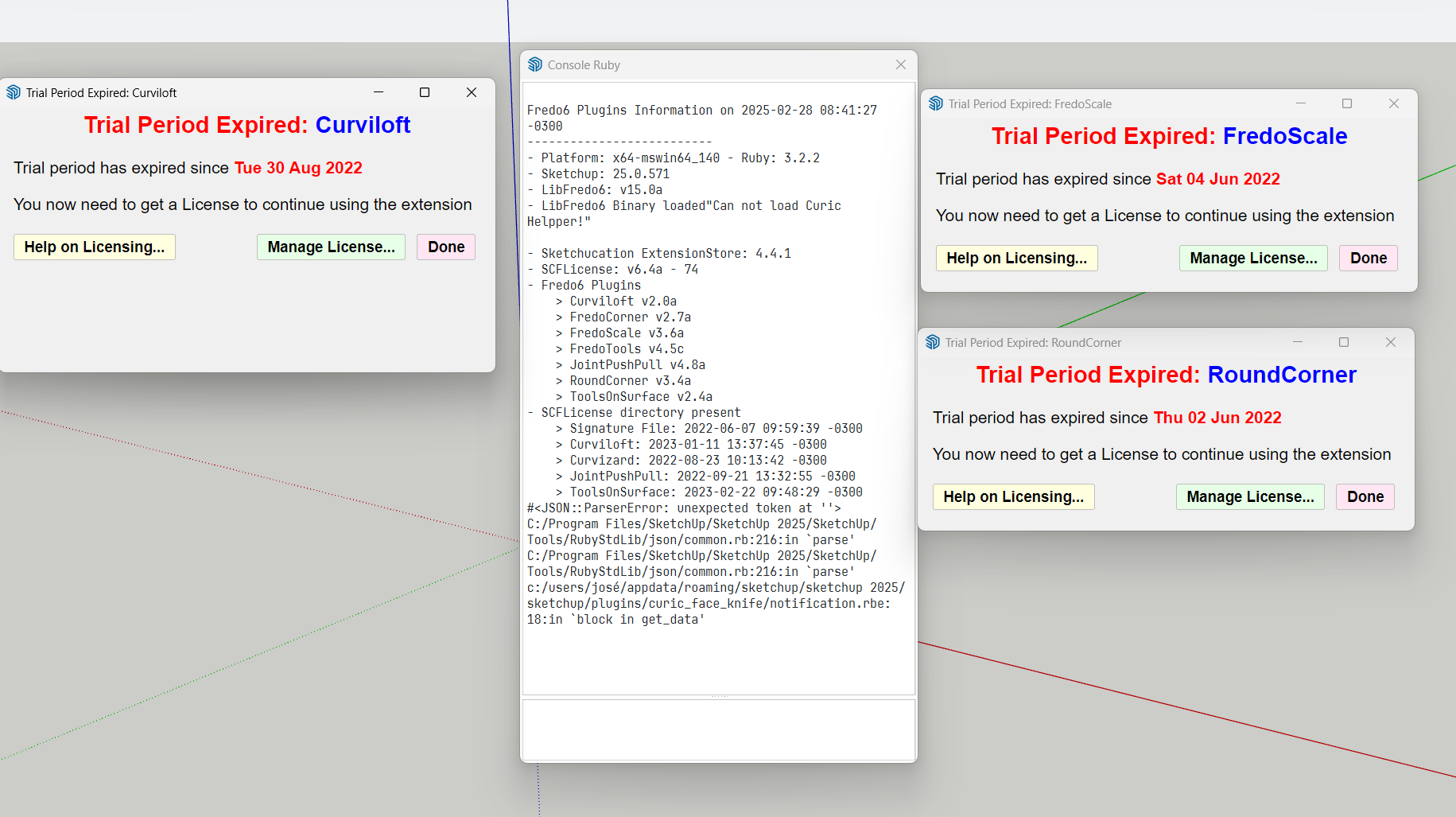
Please run the Window > Libfredo Settings > Fredo6 Plugins Information for Sketchucation Support menu command in SketchUp and copy/paste the output into your reply.
-
Fredo6 Plugins Information on 2025-02-28 07:51:43 -0300
- Platform: x64-mswin64_140 - Ruby: 3.2.2
- Sketchup: 25.0.571
- LibFredo6: v15.0a
- LibFredo6 Binary loaded
- Sketchucation ExtensionStore: 4.4.1
- SCFLicense: v6.4a - 74
- Fredo6 Plugins
Curviloft v2.0a
FredoCorner v2.7a
FredoScale v3.6a
FredoTools v4.5c
JointPushPull v4.8a
RoundCorner v3.4a
ToolsOnSurface v2.4a - SCFLicense directory present
Signature File: 2022-06-07 09:59:39 -0300
Curviloft: 2023-01-11 13:37:45 -0300
Curvizard: 2022-08-23 10:13:42 -0300
JointPushPull: 2022-09-21 13:32:55 -0300
ToolsOnSurface: 2023-02-22 09:48:29 -0300
-
-
Please delete your signate file at C:\Users\SomeName\AppData\Local\SCF Licenses
Restart SketchUpand activate any license
-
Thanks for your help, they're working now.
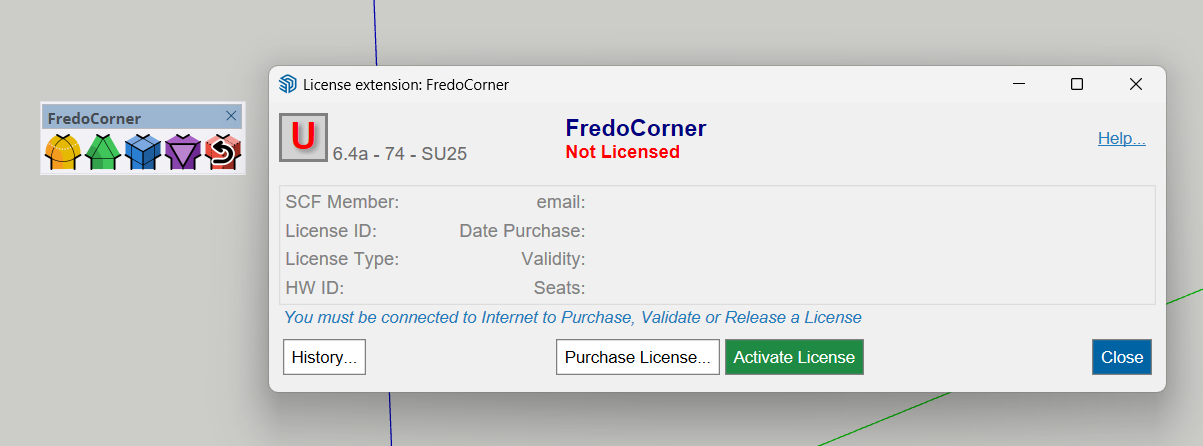
That one didn't work ?
-
Yes, because it is Fredo Corner not Round Corner. Different extensions
-
Ok, I understand
-
I have the same problem. I bought roundcourner and i can't activate license.
Fredo6 Plugins Information on 2025-08-21 14:47:11 +0200
- Platform: x64-mingw32 - Ruby: 2.5.5
- Sketchup: 20.2.172
- LibFredo6: v15.4d
- LibFredo6 Binary loaded
- Sketchucation ExtensionStore: 4.4.1
- SCFLicense: v6.4a - 74
- Fredo6 Plugins
Curviloft v1.8a
FredoScale v3.1a
FredoTools v4.0b
JointPushPull v4.4e
RoundCorner v3.4a - SCFLicense directory present
Signature File: 2020-11-03 19:38:01 +0100
ClothWorks: 2021-02-02 11:29:08 +0100
-
Might be a permissions issue. Repair your SketchUp install by downloading the SketchUp installer. Right-click the .exe and choose Run as Admin and choose Repair when prompted
If your device is named using non-alphanumeric characters, áéíóú etc, please change it to only use alphanumeric.
Other option is to go to C:\Users\SomeName\AppData\Local\SCF Licenses and delete your signature file. Restart SketchUp to generate a new one and try license.
The error is related to the signature file.


Hello! It looks like you're interested in this conversation, but you don't have an account yet.
Getting fed up of having to scroll through the same posts each visit? When you register for an account, you'll always come back to exactly where you were before, and choose to be notified of new replies (either via email, or push notification). You'll also be able to save bookmarks and upvote posts to show your appreciation to other community members.
With your input, this post could be even better 💗
Register Login


Advertisement