sketchucation logo sketchucation
    • 登入
    Oops, your profile's looking a bit empty! To help us tailor your experience, please fill in key details like your SketchUp version, skill level, operating system, and more. Update and save your info on your profile page today!
    ⚠️ Important | Libfredo 15.6b introduces important bugfixes for Fredo's Extensions Update

    SCFLicense: Extension Licensing on Sketchucation

    已排程 已置頂 已鎖定 已移動 Plugins
    2.2k 貼文 480 Posters 834.0k 瀏覽 485 Watching
    正在載入更多貼文
    • 從舊到新
    • 從新到舊
    • 最多點贊
    回覆
    • 在新貼文中回覆
    登入後回覆
    此主題已被刪除。只有擁有主題管理權限的使用者可以查看。
    • Rich O BrienR 離線
      Rich O Brien Moderator @Rich O Brien
      最後由 編輯

      What happens now if you license using your license file/s at https://sketchucation.com/webshop/my-licences.php ?

      Please follow this guide for activation instructions

      Can you provide us info on these steps above?

      @da800429 said in SCFLicense: Extension Licensing on Sketchucation:

      My license is permanent, do I need to purchase it again?

      No

      Download the free D'oh Book for SketchUp 📖

      D 1 條回覆 最後回覆 回覆 引用 0
      • A 離線
        antoniopedromolinari
        最後由 編輯

        Cant find where to instal the latest version of "Sketchucation Store Extension"
        When I click, it takes me nowhere I can find the "download" button.

        TIGT Rich O BrienR 2 條回覆 最後回覆 回覆 引用 0
        • D 離線
          da800429 Newcomers @Rich O Brien
          最後由 編輯

          @Rich-O-Brien
          How to send videos to you?
          Why does everyone have to have problems after updating?
          Makes me feel angry!

          Rich O BrienR 1 條回覆 最後回覆 回覆 引用 1
          • TIGT 離線
            TIG Moderator @antoniopedromolinari
            最後由 編輯

            @antoniopedromolinari
            An extension is an RBZ archive [like a ZIP file], it contains all of the files and subfolders needed for the code to work.
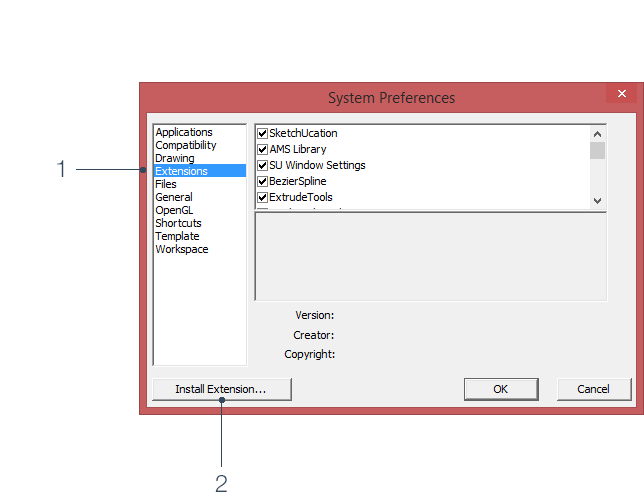
            You install an RBZ file using the native Extensions > Extension Manager > dialog > install... button.
            Find the RBZ file when prompted and it gets installed.
            Restart SketchUp afterwards to sync everything.

            Once you have the SketchUcation toolset installed you can manager your plugins/extensions and auto-install any available extensions direct from the ExtensionStore³ dialog, sidestepping the RBZ download etc.
            There's also an Archive installer in the SketchUcation submenu items than will install RBZ & ZIP files for you...

            TIG

            1 條回覆 最後回覆 回覆 引用 0
            • Rich O BrienR 離線
              Rich O Brien Moderator @da800429
              最後由 編輯

              @da800429 you can email support@sketchucation.com or you can provide here.

              You have yet to provide us info. What happens if you license an extension using your license file/s at https://sketchucation.com/webshop/my-licences.php ?

              @da800429 said in SCFLicense: Extension Licensing on Sketchucation:

              Why does everyone have to have problems after updating?

              If you can't get it to work then we can refund but I would like an answer to my query above.

              Download the free D'oh Book for SketchUp 📖

              D 1 條回覆 最後回覆 回覆 引用 0
              • Rich O BrienR 離線
                Rich O Brien Moderator @antoniopedromolinari
                最後由 編輯

                @antoniopedromolinari said in SCFLicense: Extension Licensing on Sketchucation:

                Cant find where to instal the latest version of "Sketchucation Store Extension"
                When I click, it takes me nowhere I can find the "download" button.

                Link Preview Image
                Sketchucation Tools | SketchUcation

                3D SketchUp Community for Design and Engineering Professionals.

                favicon

                (sketchucation.com)

                Download the free D'oh Book for SketchUp 📖

                1 條回覆 最後回覆 回覆 引用 0
                • D 離線
                  da800429 Newcomers @Rich O Brien
                  最後由 編輯

                  @Rich-O-Brien
                  I don't want a refund
                  I just want to solve the problem with you
                  I sent the video to support@sketchucation.com

                  Rich O BrienR 1 條回覆 最後回覆 回覆 引用 1
                  • Rich O BrienR 離線
                    Rich O Brien Moderator @da800429
                    最後由 編輯

                    @da800429 I replied via email. But for others I'll post here.

                    The error was a communication issue with our server. This occurs when either the network environment your device is connected has strict rules or you are running some piece of software that detects something with SketchUp is trying to connect to a server.

                    The remedy is to whitelist our server by either using the following address

                    *.sketchucation.com

                    Or using our IP addresses

                    178.63.47.155
                    144.76.69.227

                    Download the free D'oh Book for SketchUp 📖

                    D 1 條回覆 最後回覆 回覆 引用 0
                    • D 離線
                      da800429 Newcomers @Rich O Brien
                      最後由 da800429 編輯

                      @Rich-O-Brien
                      My network uses WIFI. I turned off the firewall and couldn't add the license normally.
                      I don't know how to join the whitelist, can you teach me?

                      Rich O BrienR 1 條回覆 最後回覆 回覆 引用 0
                      • Rich O BrienR 離線
                        Rich O Brien Moderator @da800429
                        最後由 編輯

                        @da800429 It is likely there is hardware or software running protective measures that see the licensing system as a threat.

                        Your other option is to tether your device to your phone's network and try that.

                        For whitelisting if you are running Defender you could try adding a custom rule

                        https://answers.microsoft.com/en-us/windows/forum/all/add-ip-address-and-url-to-windows-defender/5a96cd4c-aa36-414d-aa7a-2d14b6a6dc79

                        Have you tried repairing your SketchUp install?

                        Attention Required! | Cloudflare

                        favicon

                        (help.sketchup.com)

                        In some instances that may cause the error.

                        If none of the above fix it then we will refund.

                        Download the free D'oh Book for SketchUp 📖

                        L 1 條回覆 最後回覆 回覆 引用 0
                        • L 離線
                          LOAR @Rich O Brien
                          最後由 編輯

                          @Rich-O-Brien @da800429 I had this same error, which was quite frustrating for a while. Eventually I closed all the sketchup windows I had open and only opened one model. Then the validation worked. So maybe it's something to do with multiple models being open that gets in the way of validation? Hope this helps

                          1 條回覆 最後回覆 回覆 引用 0
                          • V 離線
                            vitalisvitalis Newcomers
                            最後由 編輯

                            hi,I just brought a fredo scaLE but bit aasks for license,what to do?

                            Rich O BrienR 1 條回覆 最後回覆 回覆 引用 0
                            • Rich O BrienR 離線
                              Rich O Brien Moderator @vitalisvitalis
                              最後由 編輯

                              @vitalisvitalis said in SCFLicense: Extension Licensing on Sketchucation:

                              hi,I just brought a fredo scaLE but bit aasks for license,what to do?

                              Following activation guide https://downloads.sketchucation.com/licensing/SCFLicense-Instructions_to_Users.pdf

                              Download the free D'oh Book for SketchUp 📖

                              1 條回覆 最後回覆 回覆 引用 0
                              • G 離線
                                g_petinati
                                最後由 編輯

                                Hi Fredo. I'm having an issue with my FREDO CORNER license.

                                I get the message that "License Seats Exceeded".

                                I reinstalled Sketchup, and did not release the license from the old installation. Is there a way to correct this issue?

                                Thank you.

                                1 條回覆 最後回覆 回覆 引用 0
                                • L 離線
                                  labaruss
                                  最後由 編輯

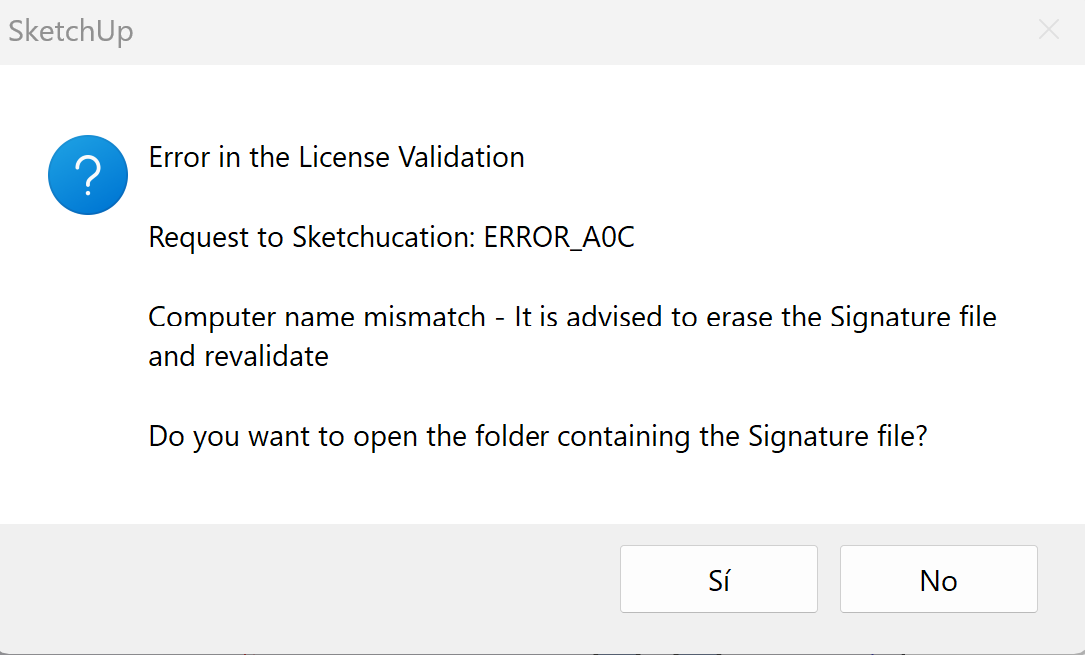
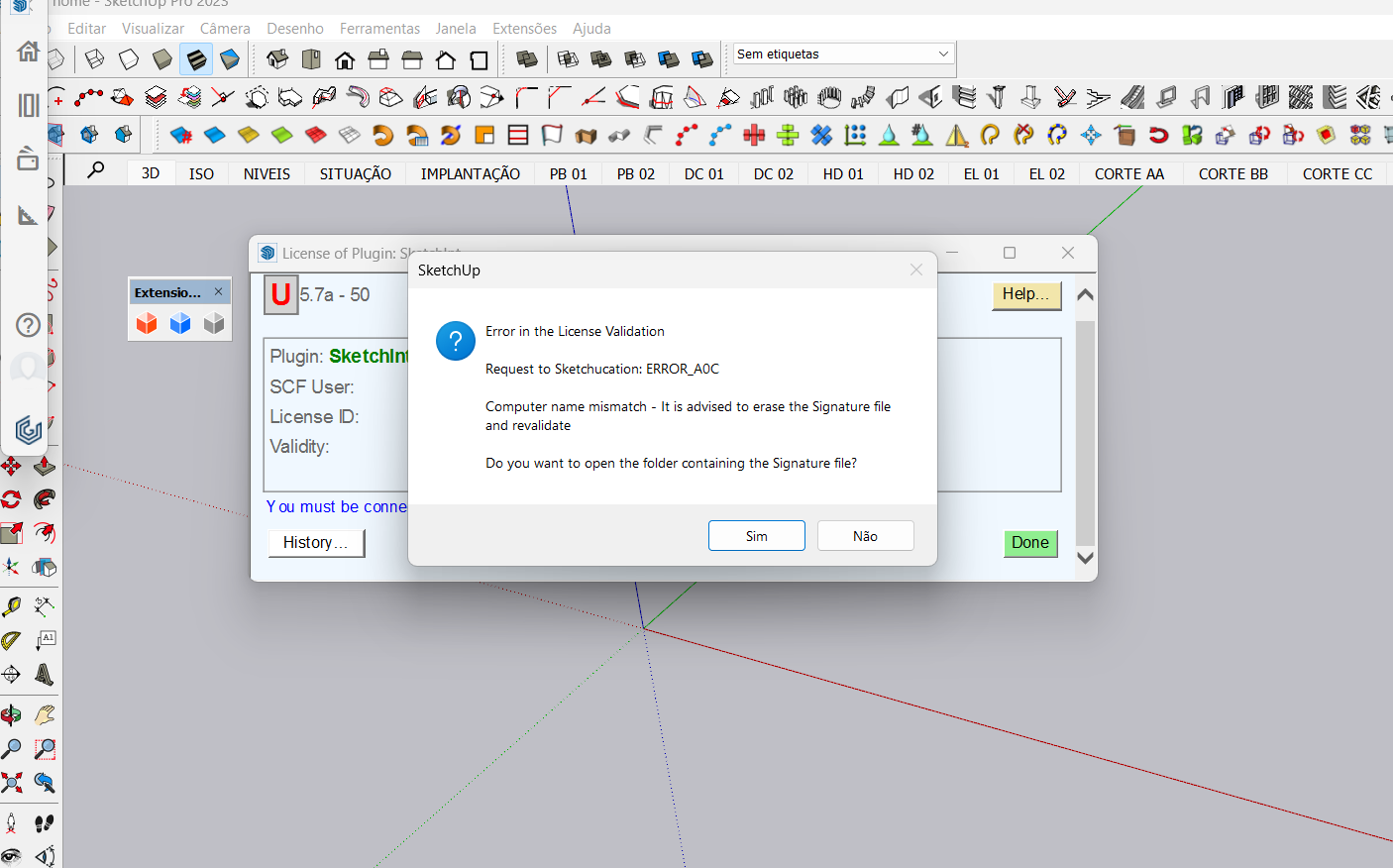
                                  Hi Fredo and others. Since I change the name of my computer the license fail of your tools. What shuld I do ? Thank you.

                                  fredo6F 1 條回覆 最後回覆 回覆 引用 0
                                  • L 離線
                                    labaruss
                                    最後由 編輯

                                    此回覆已被刪除!
                                    1 條回覆 最後回覆 回覆 引用 0
                                    • fredo6F 離線
                                      fredo6 @labaruss
                                      最後由 編輯

                                      @labaruss
                                      You can manage your licenses at this page, My Licenses at Sketchucation.

                                      1 條回覆 最後回覆 回覆 引用 0
                                      • T 離線
                                        titty456
                                        最後由 編輯

                                        @Rich-O-Brien
                                        I have purchased curviloft, but I encounter a problem with A04. How to solve it?

                                        Fredo6 Plugins Information on 2024-05-03 18:38:51 +0800

                                        • Platform: x64-mswin64_140 - Ruby: 2.7.2
                                        • Sketchup: 23.0.397
                                        • LibFredo6: v14.3d
                                        • LibFredo6 Binary loaded
                                        • Sketchucation ExtensionStore: 4.4.1
                                        • SCFLicense: v6.4a - 74
                                        • Fredo6 Plugins

                                          Curviloft v1.9b
                                          JointPushPull v4.4e

                                        • SCFLicense directory present

                                          Signature File: 2024-05-03 18:31:59 +0800

                                        TIGT 1 條回覆 最後回覆 回覆 引用 0
                                        • TIGT 離線
                                          TIG Moderator @titty456
                                          最後由 TIG 編輯

                                          @titty456

                                          An A04 error means it can't decode the signature file.
                                          Have you tried deleting that file and redoing it again ?
                                          Do you have any non-ASCII characters in your computer's user-name ?

                                          In case it's a permissions issue have you installed SketchUp properly ?

                                          You can 'Repair' it thus...
                                          Log out of SketchUp.
                                          Find the installer's exe file - usually in your Downloads folder.
                                          Select the exe file's icon, right-click > context-menu > Run as administrator.
                                          When prompted choose 'Repair'.
                                          Reboot your computer and retry SketchUp.
                                          Installing a complex app by double-clicking its icon is not the same - even if you are an admin.
                                          Doing that can lead to all kinds of unpredictable issues - often relating to reading/writing files...

                                          TIG

                                          1 條回覆 最後回覆 回覆 引用 0
                                          • T 離線
                                            titty456
                                            最後由 編輯

                                            @TIG Thank you for your help!
                                            My problem solved because my computer's name have non-ASCII characters.
                                            thank you!

                                            1 條回覆 最後回覆 回覆 引用 0
                                            • 1
                                            • 2
                                            • 85
                                            • 86
                                            • 87
                                            • 88
                                            • 89
                                            • 108
                                            • 109
                                            • 87 / 109
                                            • 第一個貼文
                                              最後的貼文
                                            Buy SketchPlus
                                            Buy SUbD
                                            Buy WrapR
                                            Buy eBook
                                            Buy Modelur
                                            Buy Vertex Tools
                                            Buy SketchCuisine
                                            Buy FormFonts

                                            Advertisement