sketchucation logo sketchucation
    • 登入
    Oops, your profile's looking a bit empty! To help us tailor your experience, please fill in key details like your SketchUp version, skill level, operating system, and more. Update and save your info on your profile page today!
    ⚠️ Important | Libfredo 15.6b introduces important bugfixes for Fredo's Extensions Update

    Some tips and tricks from out of the Box

    已排程 已置頂 已鎖定 已移動 SketchUp Tutorials
    sketchup
    203 貼文 20 Posters 183.1k 瀏覽 20 Watching
    正在載入更多貼文
    • 從舊到新
    • 從新到舊
    • 最多點贊
    回覆
    • 在新貼文中回覆
    登入後回覆
    此主題已被刪除。只有擁有主題管理權限的使用者可以查看。
    • BoxB 離線
      Box
      最後由 編輯

      That's good, I'm glad a few people get something out of my ramblings.

      1 條回覆 最後回覆 回覆 引用 0
      • BoxB 離線
        Box
        最後由 編輯

        Here's a pretty simple twilight render of a basic scene animation. Two components, 17 scenes, odd number because it loops.
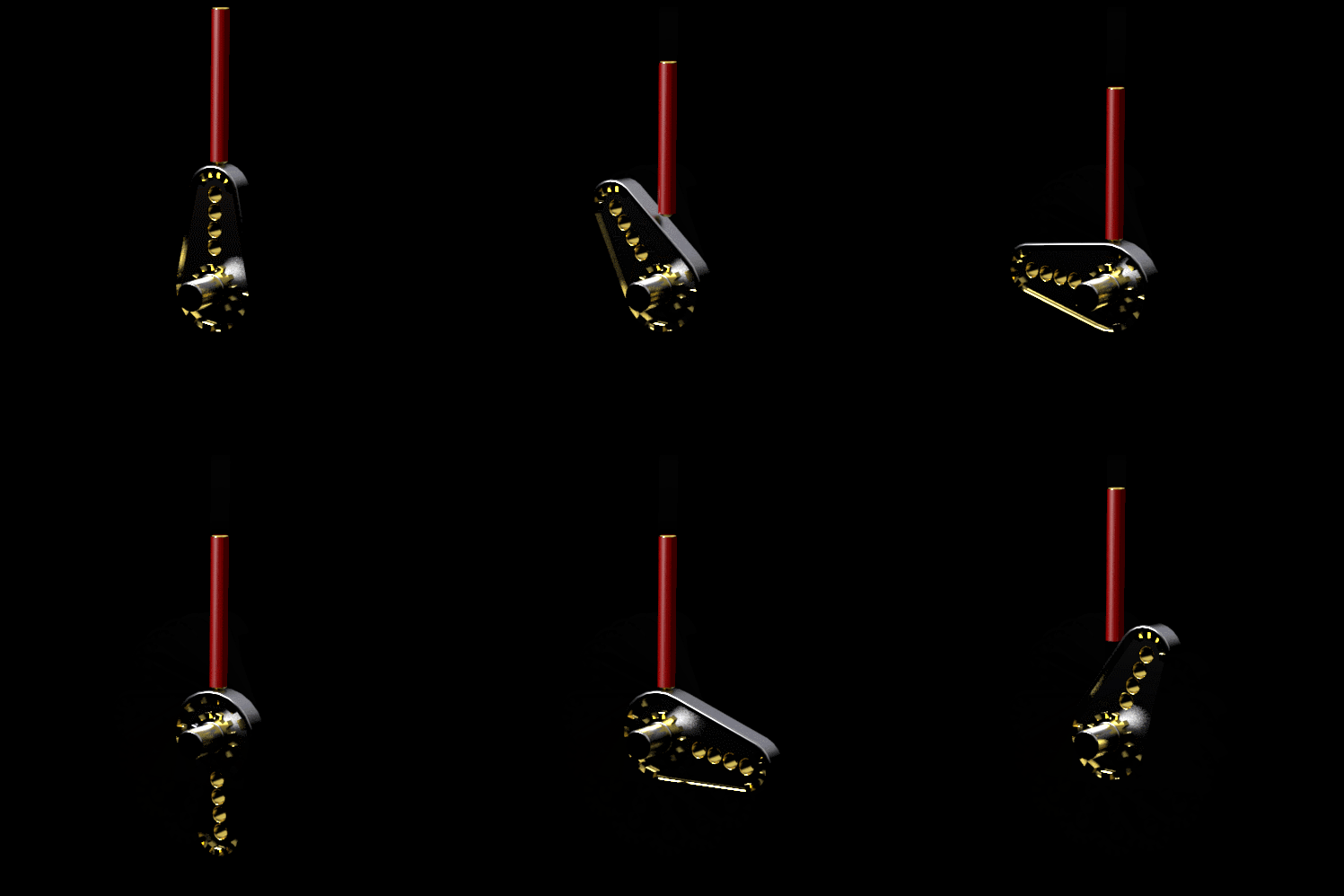

        Cam2.gif

        1 條回覆 最後回覆 回覆 引用 0
        • HornOxxH 離線
          HornOxx
          最後由 編輯

          @gd3design said:

          ...Every time I check this thread, I either learn something new or realize a different way to approach a problem. Thanks for sharing, Box!
          So do I 👍 👍

          never trust a skinny cook

          1 條回覆 最後回覆 回覆 引用 0
          • BoxB 離線
            Box
            最後由 編輯

            Here's a dose of Fredo.
            Curved wall framing for windows.

            https://i.imgur.com/tRG8zEU.gif

            1 條回覆 最後回覆 回覆 引用 0
            • HornOxxH 離線
              HornOxx
              最後由 編輯

              👍 👍 Thanks! an extremely instructive Dose of Fredo video! Everything 3D is generated from this "curved sheet of paper" 😄

              never trust a skinny cook

              1 條回覆 最後回覆 回覆 引用 0
              • BoxB 離線
                Box
                最後由 編輯

                I did miss one pane of glass though, so it will be a bit drafty.

                1 條回覆 最後回覆 回覆 引用 0
                • BoxB 離線
                  Box
                  最後由 編輯

                  Some things in Sketchup aren't immediately obvious, one is that when you use the 'Hide Rest of Model' option, you can still intersect faces with things that aren't visible.

                  https://i.imgur.com/EsOhh7U.gif

                  1 條回覆 最後回覆 回覆 引用 0
                  • BoxB 離線
                    Box
                    最後由 編輯

                    Here's a little tip for making all those fancy railing fences.
                    Note: I'm using keyboard shortcuts for copy and paste in place.

                    https://i.imgur.com/TxSrwOA.gif

                    1 條回覆 最後回覆 回覆 引用 0
                    • tuna1957T 離線
                      tuna1957
                      最後由 編輯

                      Bravo ! The Box goodness never ends 👍

                      1 條回覆 最後回覆 回覆 引用 0
                      • BoxB 離線
                        Box
                        最後由 編輯

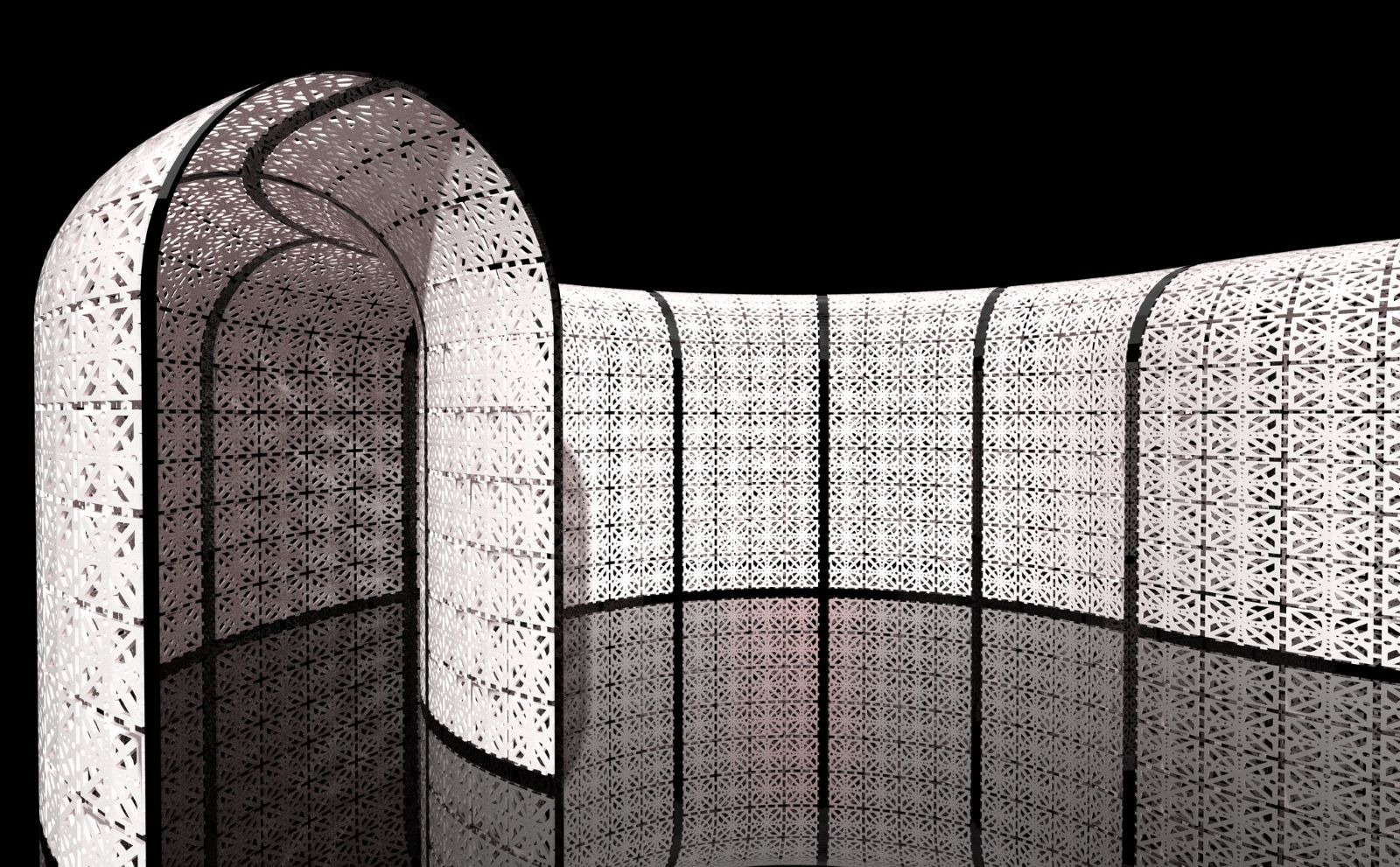
                        Here's a Sunday doodle
                        Arch tunnel.jpg
                        and the method used to make it.

                        https://i.imgur.com/DQwkN8l.gif

                        1 條回覆 最後回覆 回覆 引用 0
                        • HornOxxH 離線
                          HornOxx
                          最後由 編輯

                          ...toll toll toll! 👍 👍

                          never trust a skinny cook

                          1 條回覆 最後回覆 回覆 引用 0
                          • pilouP 離線
                            pilou
                            最後由 編輯

                            Simple is beautiful! ☀

                            Frenchy Pilou
                            Is beautiful that please without concept!
                            My Little site :)

                            1 條回覆 最後回覆 回覆 引用 0
                            • BoxB 離線
                              Box
                              最後由 編輯

                              Some pipes and the basic method used to make them.
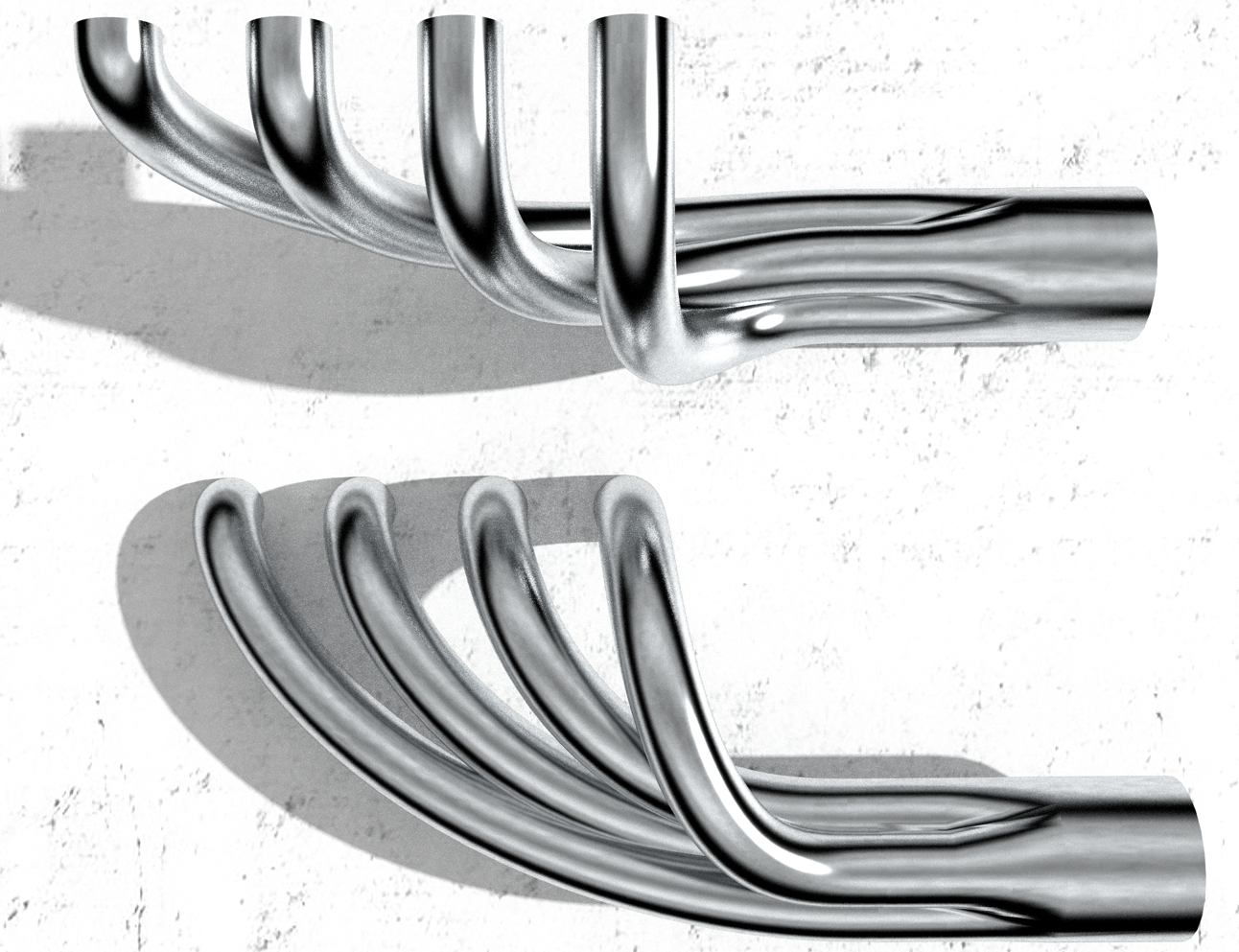
                              Headers.png

                              https://i.imgur.com/2UOLV8d.gif

                              1 條回覆 最後回覆 回覆 引用 0
                              • BoxB 離線
                                Box
                                最後由 編輯

                                Tig's excellent Grow plugin makes creating tapering dots very simple.
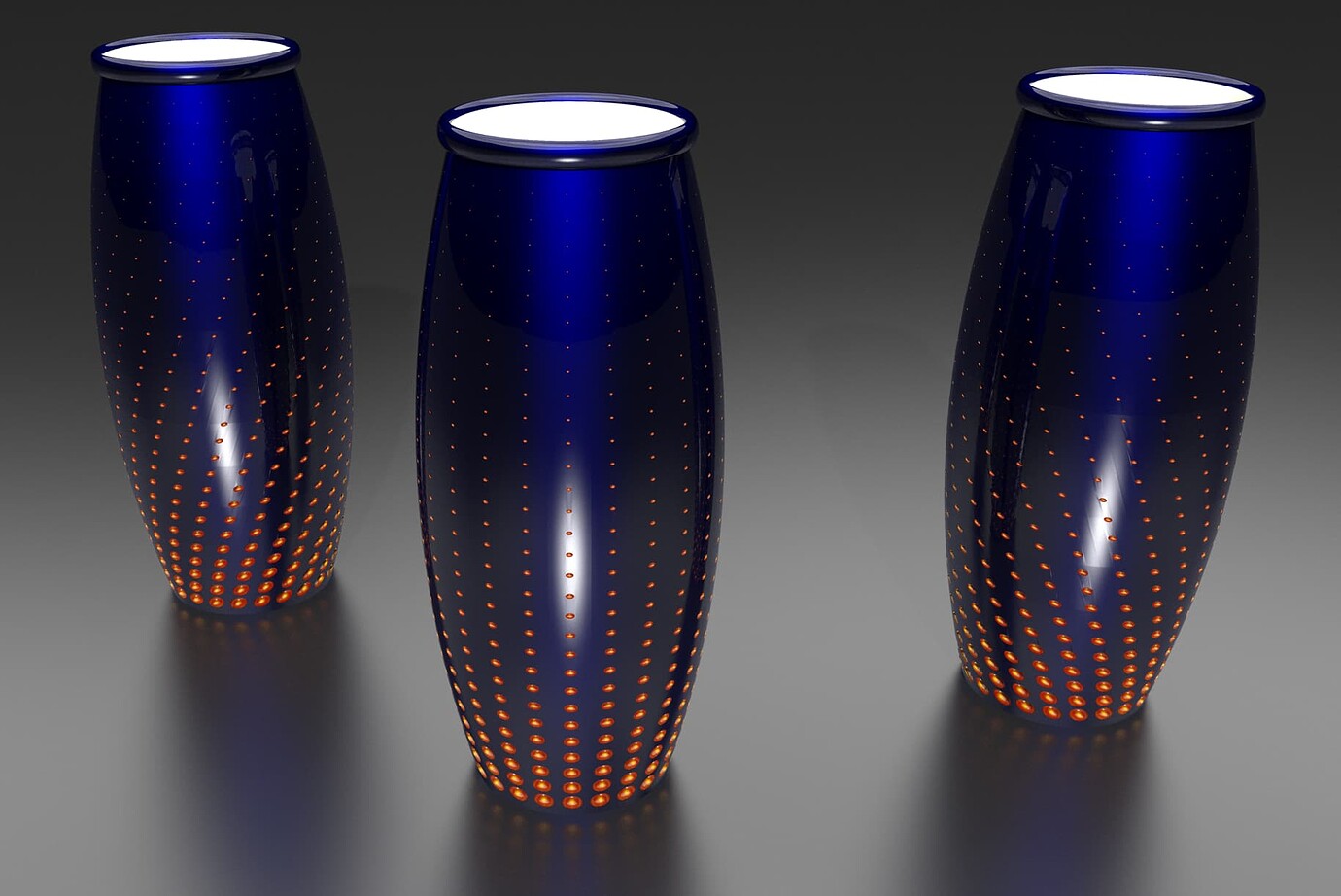

                                2bbd3420fbdab83124c4ffb154baaf8153da2052_2_1380x922.jpeg.jpg

                                1 條回覆 最後回覆 回覆 引用 0
                                • G 離線
                                  Glenn at home
                                  最後由 編輯

                                  LOL, nice exhaust header tutorial, great stuff! I just had some installed on my car last week. I should have took a shot at designing my own 😉
                                  Thanks for sharing.

                                  SketchUp Pro 2025/2026 Dell XPS 8950 i9-12900K 64GB Ram RTX 3080

                                  1 條回覆 最後回覆 回覆 引用 0
                                  • BoxB 離線
                                    Box
                                    最後由 編輯

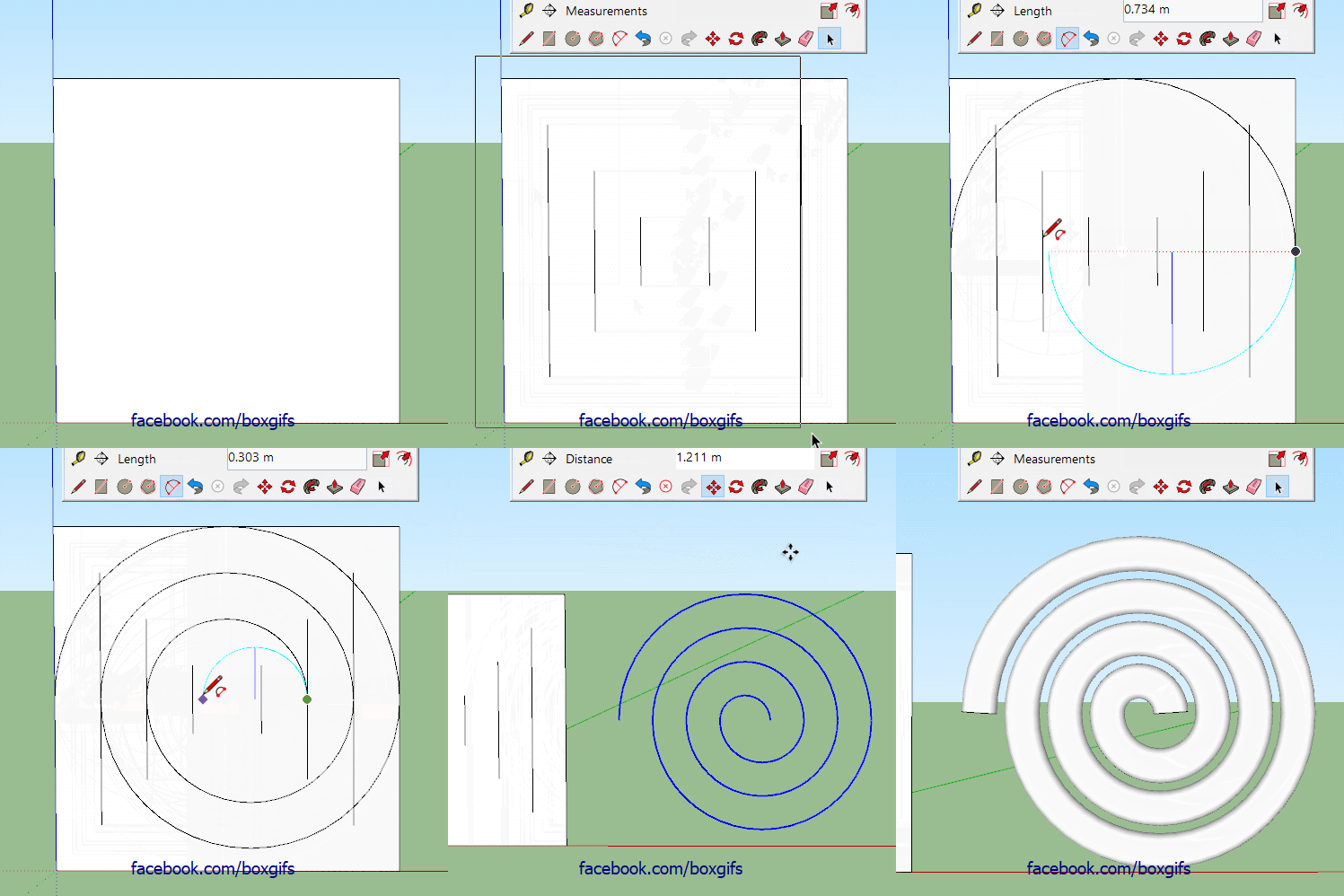
                                    A little something for people using the web version or deliberately avoiding extensions.
                                    There are various extensions that can be used to draw spirals but it is useful to know how to draw them manually. By using offset on a square I can layout the number and size of the rotations I want. Then join the midpoints with 'half circles'. Watch for the inference either Tangent if the arc is the right way around or Half Circle if you need to make it go the other way.

                                    Spiral.gif

                                    1 條回覆 最後回覆 回覆 引用 0
                                    • BoxB 離線
                                      Box
                                      最後由 編輯

                                      A tip for people using Truebend and wondering about the hole in the middle. It can easily be filled with a circle using the same number of segments as used in the bend. An edge drawn between two opposite vertices will give you a midpoint from which to draw your circle. Here you can see I've used inferencing to create the edge needed.

                                      https://i.imgur.com/w5FzBzH.gif

                                      1 條回覆 最後回覆 回覆 引用 0
                                      • BoxB 離線
                                        Box
                                        最後由 編輯

                                        Split is a great tool when you want to make a shape that is basically the junction of two other shapes. Split will divide two shapes into their component parts rather than removing the one or the other or the bits that join. This keeps that bit that is often discarded.
                                        I should point out that the Intersect Option is the correct tool for this result. I usually use split though because I tend to want the other pieces too.

                                        https://i.imgur.com/EMjyb3o.gif

                                        1 條回覆 最後回覆 回覆 引用 0
                                        • BoxB 離線
                                          Box
                                          最後由 編輯

                                          This is a better example of how to use the split tool, it lets you pick and choose which parts you want to keep.

                                          https://i.imgur.com/Mj388pM.gif

                                          1 條回覆 最後回覆 回覆 引用 0
                                          • BoxB 離線
                                            Box
                                            最後由 編輯

                                            This is a tip mostly for 3d printing.
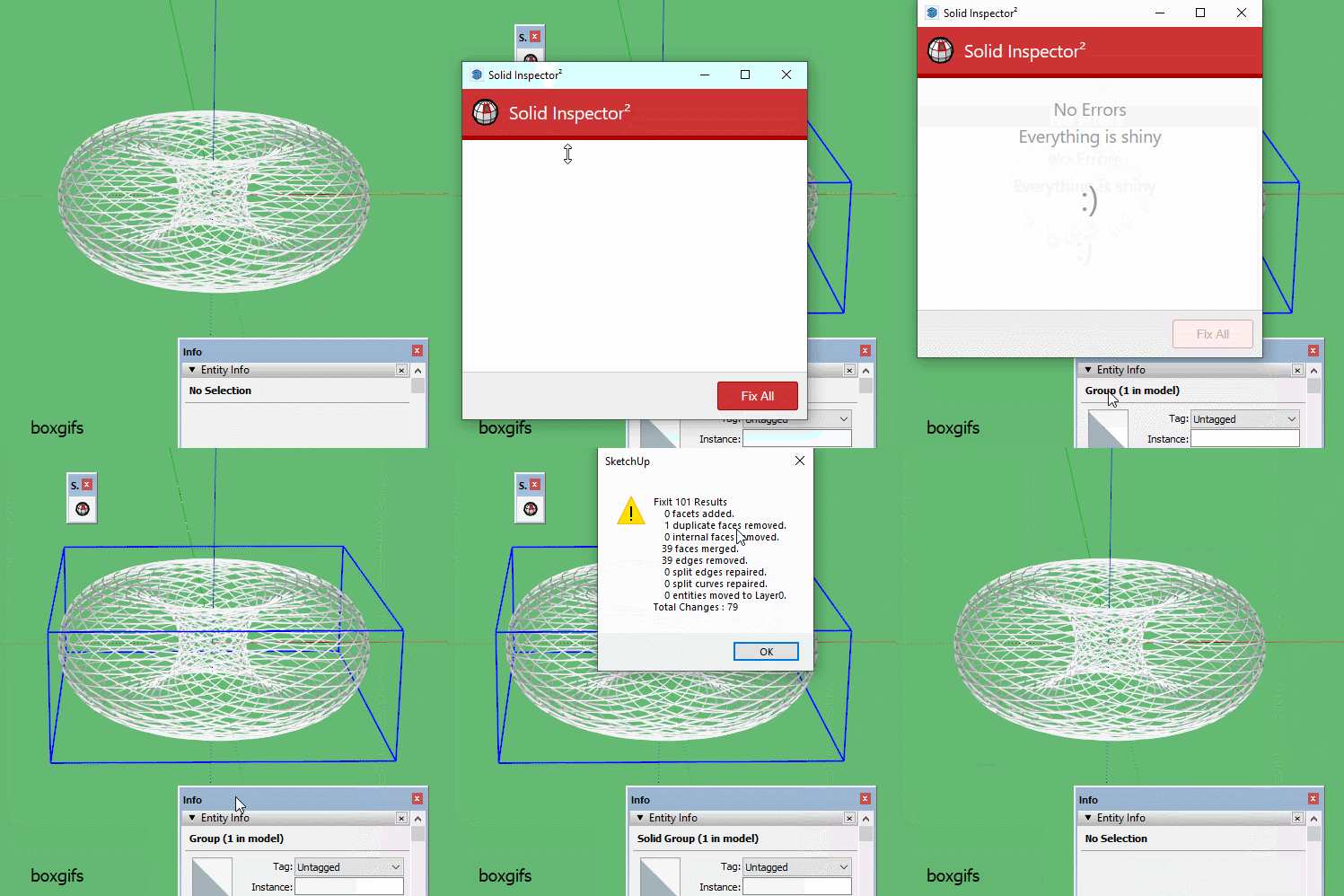
                                            When creating solids Thomthom's Solid Inspector is a brilliant tool, but sometimes it doesn't find and fix all the errors leaving you with a non solid and no real clue as to what the issue may be.

                                            Anton S' very handy Fixit101 can often find and fix the missing issues for you. I must admit it is one of my most used, most liked extensions.


                                            Fixit101.gif

                                            1 條回覆 最後回覆 回覆 引用 0
                                            • 1
                                            • 2
                                            • 5
                                            • 6
                                            • 7
                                            • 8
                                            • 9
                                            • 10
                                            • 11
                                            • 7 / 11
                                            • 第一個貼文
                                              最後的貼文
                                            Buy SketchPlus
                                            Buy SUbD
                                            Buy WrapR
                                            Buy eBook
                                            Buy Modelur
                                            Buy Vertex Tools
                                            Buy SketchCuisine
                                            Buy FormFonts

                                            Advertisement