sketchucation logo sketchucation
    • Login
    Oops, your profile's looking a bit empty! To help us tailor your experience, please fill in key details like your SketchUp version, skill level, operating system, and more. Update and save your info on your profile page today!
    ⚠️ Important | Libfredo 15.6a introduces important bugfixes for Fredo's Extensions Update

    [Plugin] Physically-Based Rendering - v1.5.9 - 19 Apr. 2020

    Scheduled Pinned Locked Moved Plugins
    119 Posts 14 Posters 95.9k Views 14 Watching
    Loading More Posts
    • Oldest to Newest
    • Newest to Oldest
    • Most Votes
    Reply
    • Reply as topic
    Log in to reply
    This topic has been deleted. Only users with topic management privileges can see it.
    • samuel_tS Offline
      samuel_t
      last edited by

      PBR plugin v1.3.6 includes a library of 73 materials!
      Most have been converted from texturehaven.com.
      All these materials contain at least one normal map.
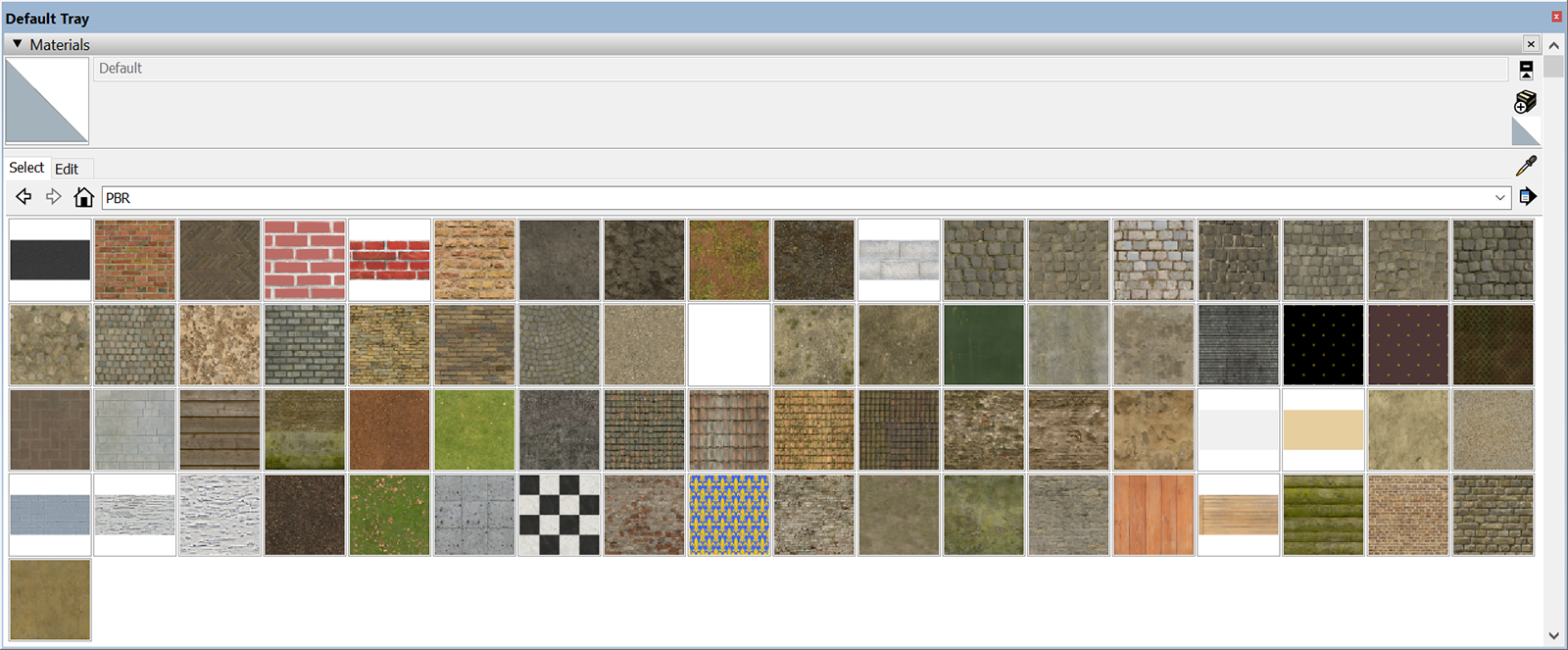
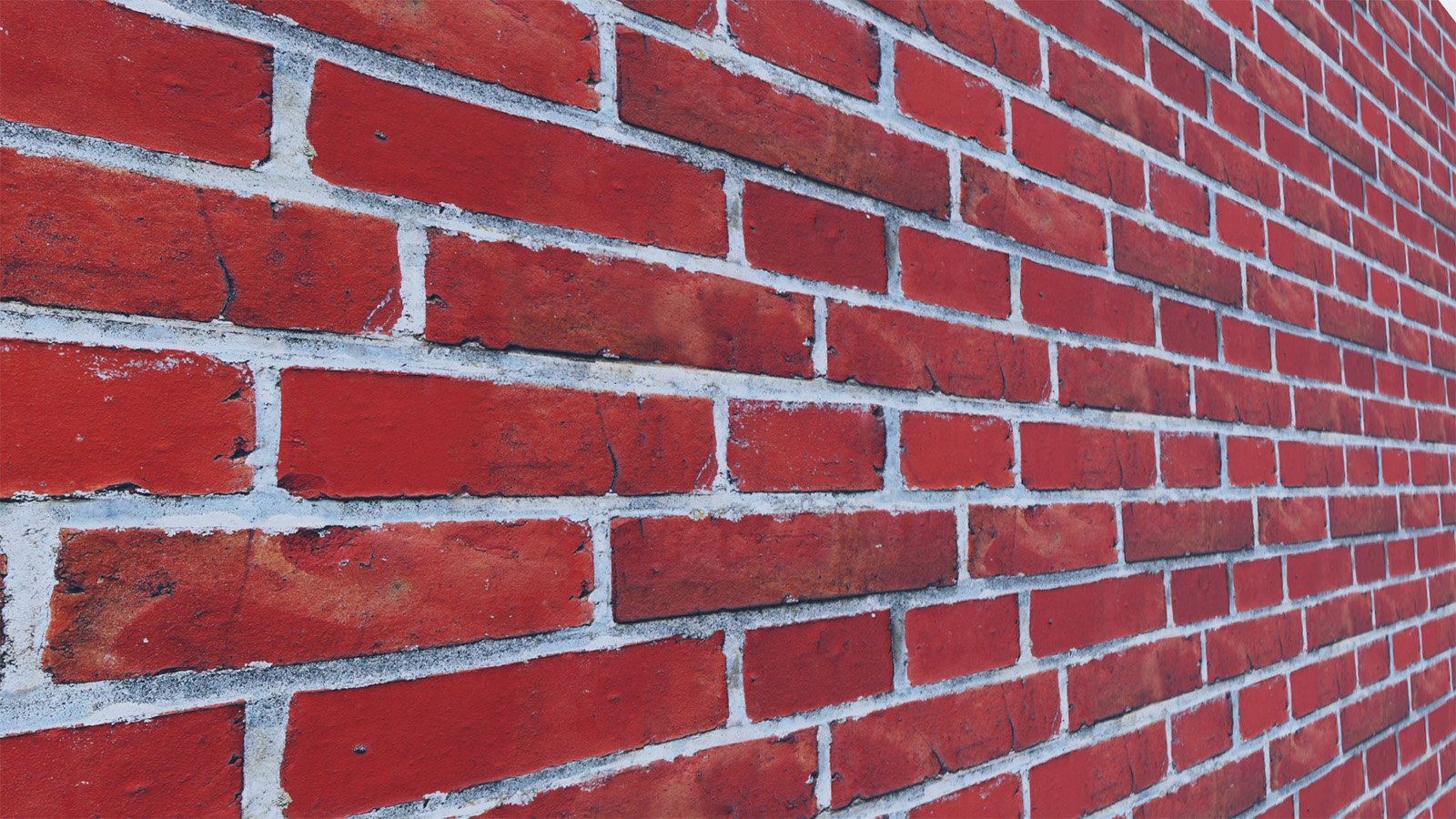
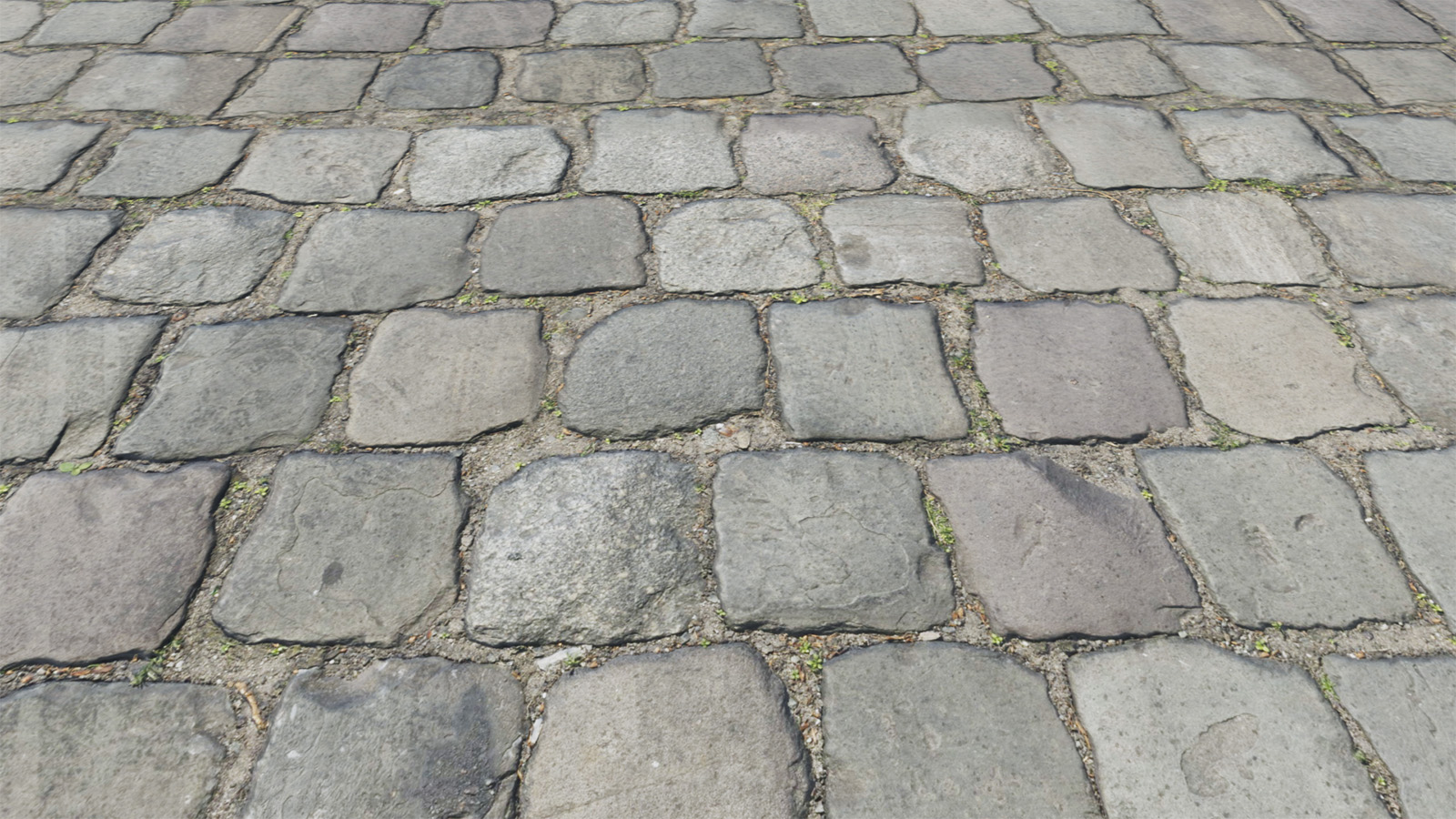
      PBR Materials.png

      Brick Wall.jpg

      Cobblestone.jpg

      1 Reply Last reply Reply Quote 0
      • samuel_tS Offline
        samuel_t
        last edited by

        The next PBR plugin version will include a virtual atmosphere (sun and stars). Demonstration:
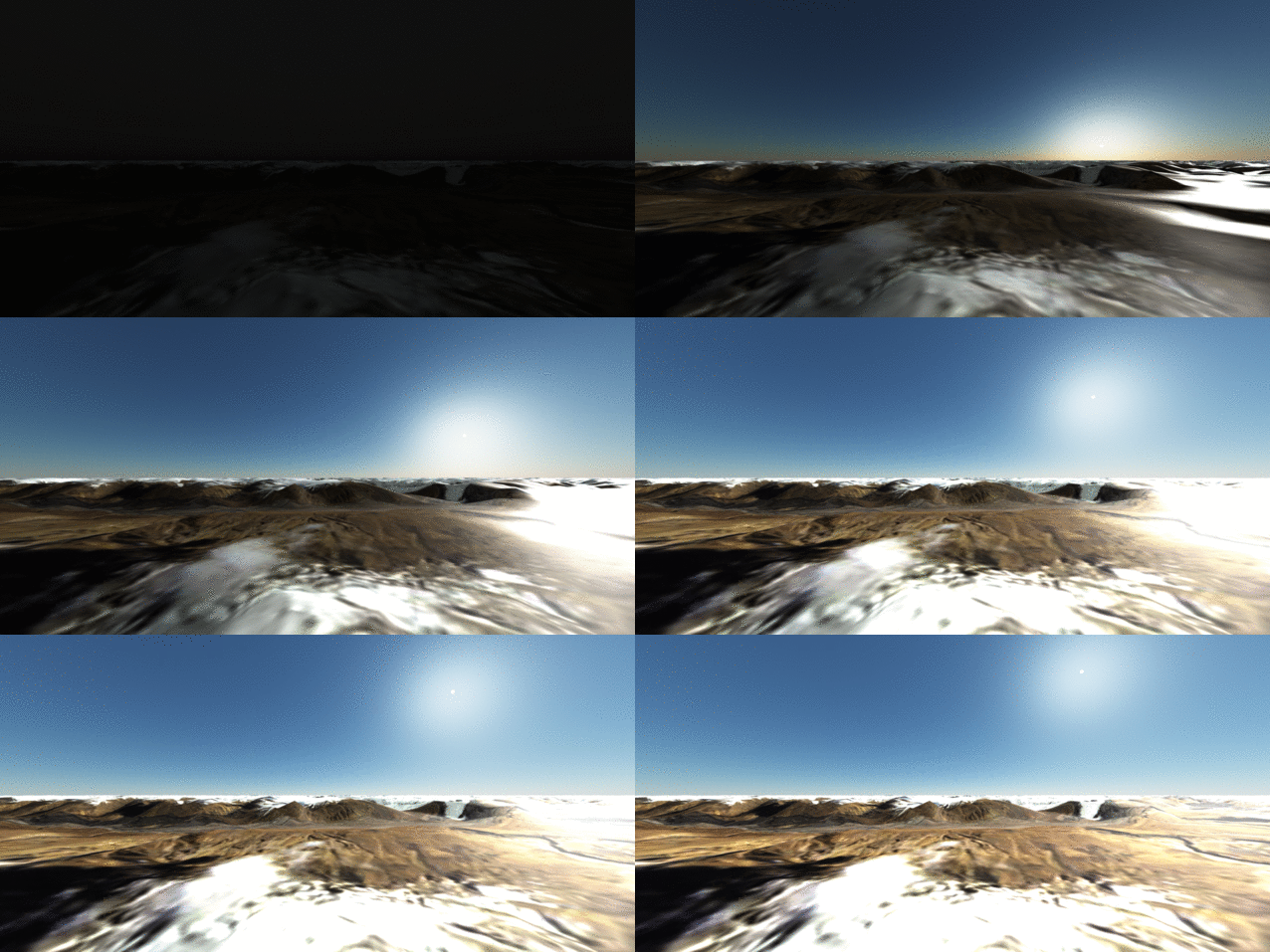
        pbr atmosphere demo.gif

        1 Reply Last reply Reply Quote 0
        • samuel_tS Offline
          samuel_t
          last edited by

          PBR plugin v1.4.0 is out!

          What's new?

          • You can change sun elevation in Viewport. Sun and stars rise. πŸ˜„
          • You can save image in Viewport just by clicking on camera icon.
          • Hold mouse middle button to zoom more quickly in Viewport!
          • You can enter VR mode in Viewport β€” if you own a VR headset.
          • You can't change environment map from menu anymore. Sorry.
          • Material Library includes 79 materials! Thanks to Texture Haven.
          1 Reply Last reply Reply Quote 0
          • samuel_tS Offline
            samuel_t
            last edited by

            PBR plugin v1.4.1 is out.

            • Enhances Material Editor UX.
            • Library includes 82 materials.
            1 Reply Last reply Reply Quote 0
            • chippwaltersC Offline
              chippwalters
              last edited by

              Great stuff! Just found out about this plugin. Look forward to trying it πŸ˜„

              Currently working with Cross-Reality technologies

              1 Reply Last reply Reply Quote 0
              • samuel_tS Offline
                samuel_t
                last edited by

                @chippwalters said:

                Great stuff! Just found out about this plugin. Look forward to trying it πŸ˜„

                Thank you! πŸ˜‰

                1 Reply Last reply Reply Quote 0
                • samuel_tS Offline
                  samuel_t
                  last edited by

                  The latest PBR plugin version (downloadable here) includes a toolbar
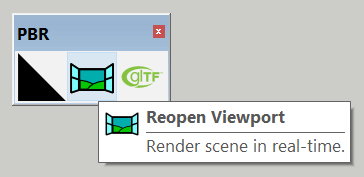
                  sketchup-pbr-plugin-toolbar.png
                  and one more material.

                  1 Reply Last reply Reply Quote 0
                  • pilouP Offline
                    pilou
                    last edited by

                    πŸ‘

                    https://2img.net/h/s6.postimg.cc/9zsltvmlt/GIF_samu93.gif

                    Frenchy Pilou
                    Is beautiful that please without concept!
                    My Little site :)

                    1 Reply Last reply Reply Quote 0
                    • samuel_tS Offline
                      samuel_t
                      last edited by

                      PBR plugin v1.4.3 :

                      • Checks required plugin.
                      • Externalizes material lib.
                      1 Reply Last reply Reply Quote 0
                      • samuel_tS Offline
                        samuel_t
                        last edited by

                        I'm happy to announce that PBR plugin is now available through the SketchUcation PluginStore. πŸ˜„

                        1 Reply Last reply Reply Quote 0
                        • pilouP Offline
                          pilou
                          last edited by

                          πŸ‘

                          https://o.aolcdn.com/images/dims3/GLOB/legacy_thumbnail/630x315/format/jpg/quality/85/http%3A%2F%2Fi.huffpost.com%2Fgen%2F3708096%2Fimages%2Fn-CHAMPAGNE-628x314.jpg

                          https://s6.postimg.cc/c6p1c3ru9/mer_du_sud.jpg

                          Frenchy Pilou
                          Is beautiful that please without concept!
                          My Little site :)

                          1 Reply Last reply Reply Quote 0
                          • samuel_tS Offline
                            samuel_t
                            last edited by

                            v1.4.5 of PBR plugin fixes a light exposure issue in Viewport.

                            1 Reply Last reply Reply Quote 0
                            • samuel_tS Offline
                              samuel_t
                              last edited by

                              Material Library of PBR plugin includes 100 materials --> Direct link to download it.

                              1 Reply Last reply Reply Quote 0
                              • M Offline
                                macchu
                                last edited by

                                I've downloaded the plugin and seems successfully installed but I'm unable to get a viewport to open. I've applied a PBR material and click on Reopen Viewport from the toolbar. I get a dialog box with "Propagate materials to whole model (Recommended)". Whether I select Yes or No, nothing happens. It's likely I'm not following the correct procedure?

                                1 Reply Last reply Reply Quote 0
                                • samuel_tS Offline
                                  samuel_t
                                  last edited by

                                  @macchu said:

                                  I've downloaded the plugin and seems successfully installed but I'm unable to get a viewport to open. I've applied a PBR material and click on Reopen Viewport from the toolbar. I get a dialog box with "Propagate materials to whole model (Recommended)". Whether I select Yes or No, nothing happens. It's likely I'm not following the correct procedure?

                                  PBR plugin requires this other plugin : glTF Exporter. Do you have installed it?

                                  1 Reply Last reply Reply Quote 0
                                  • M Offline
                                    macchu
                                    last edited by

                                    Yes, sorry I forgot to mention that, but the glTF exporter is also installed.

                                    1 Reply Last reply Reply Quote 0
                                    • samuel_tS Offline
                                      samuel_t
                                      last edited by

                                      @macchu said:

                                      Yes, sorry I forgot to mention that, but the glTF exporter is also installed.

                                      Please open a Ruby Console* and paste this code:

                                      
                                      PBR;;Viewport.reopen


                                      Then send me resulting text or a screen capture.

                                      (*) Window > Ruby Console

                                      1 Reply Last reply Reply Quote 0
                                      • M Offline
                                        macchu
                                        last edited by

                                        Here is a screenshot of the resulting text.
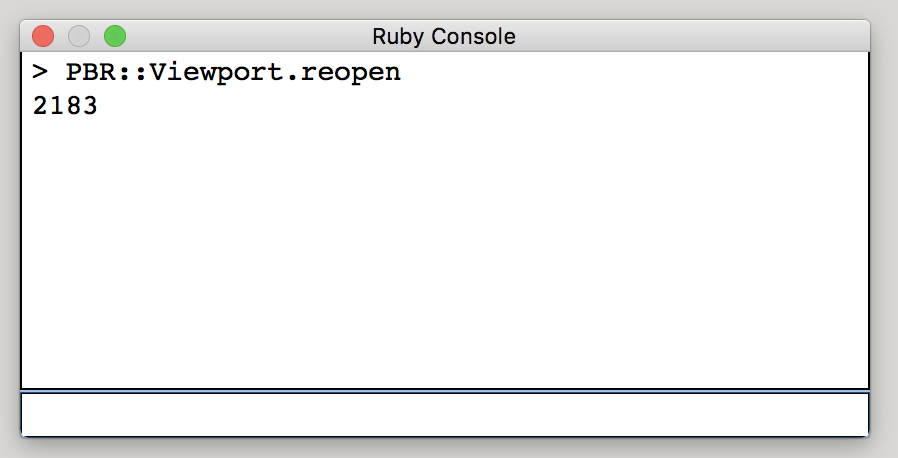
                                        Screen Shot 2018-09-12 at 1.31.36 PM.png

                                        1 Reply Last reply Reply Quote 0
                                        • samuel_tS Offline
                                          samuel_t
                                          last edited by

                                          @macchu said:

                                          Here is a screenshot of the resulting text.

                                          [attachment=0:14hqw0ge]<!-- ia0 -->Screen Shot 2018-09-12 at 1.31.36 PM.png<!-- ia0 -->[/attachment:14hqw0ge]

                                          Looks good. I don't understand why Viewport doesn't open. πŸ˜•

                                          1 Reply Last reply Reply Quote 0
                                          • M Offline
                                            macchu
                                            last edited by

                                            It should open in a Chrome browser?

                                            1 Reply Last reply Reply Quote 0
                                            • 1
                                            • 2
                                            • 3
                                            • 4
                                            • 5
                                            • 6
                                            • 5 / 6
                                            • First post
                                              Last post
                                            Buy SketchPlus
                                            Buy SUbD
                                            Buy WrapR
                                            Buy eBook
                                            Buy Modelur
                                            Buy Vertex Tools
                                            Buy SketchCuisine
                                            Buy FormFonts

                                            Advertisement