Error Msg "Invalid ID" - SU can't fix
-
Just got an error message on a file. Not sure what this means but I can't save the file. Help.
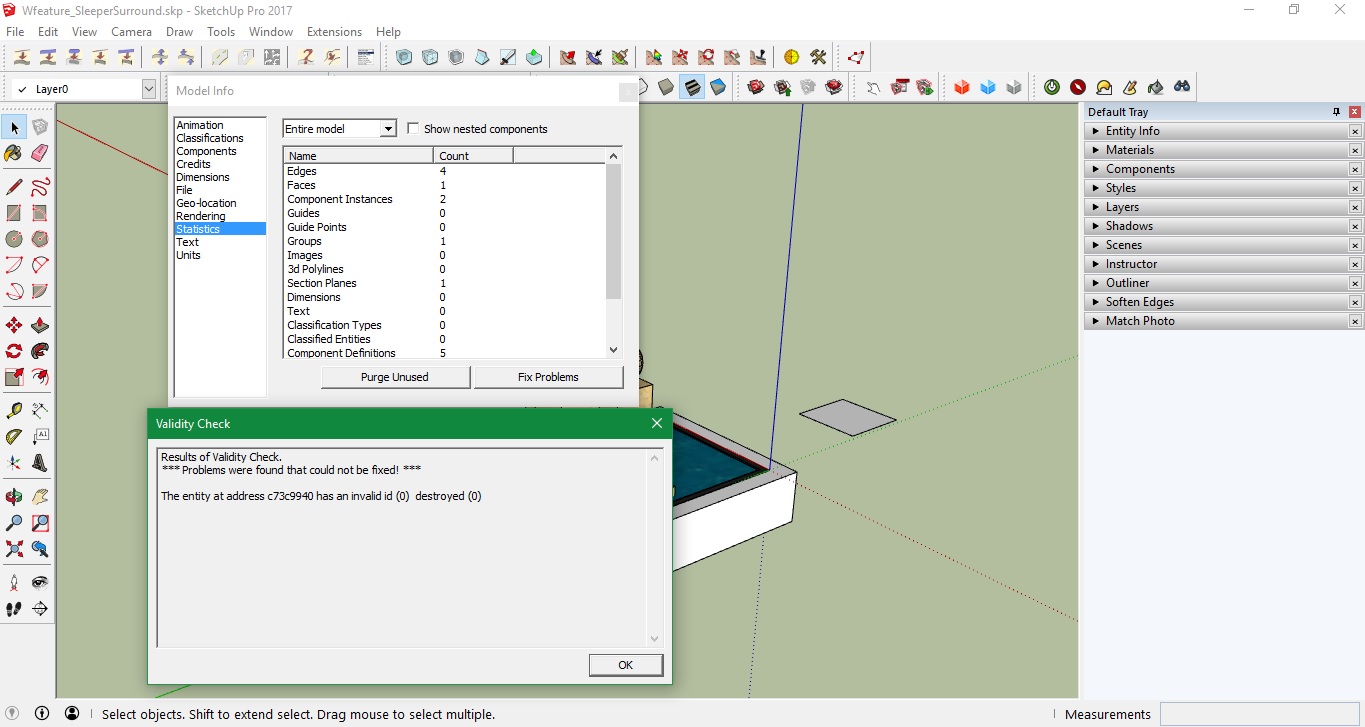
-
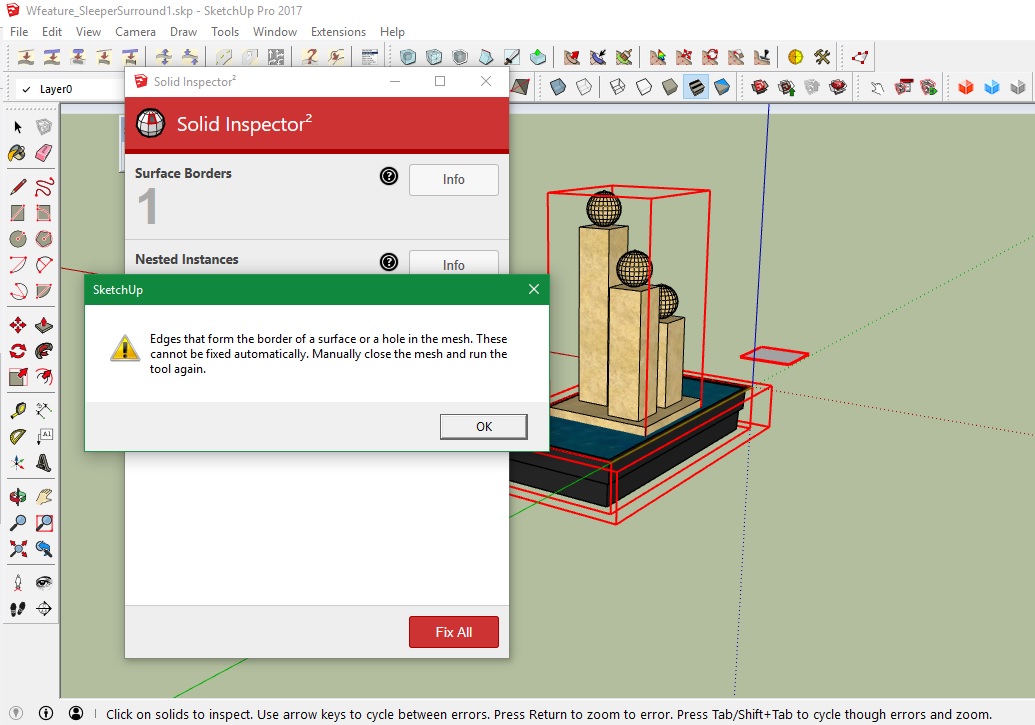
Not sure what happened there! Just had to delete that file. Couldn't save even if I deleted every thing in it. Weird. I did run solid inspector2 on it & got the following msg. I tried to fix the 'border edges' in question but obviously didn't, just made it worse.
What exactly does it mean when it says "close the mesh?"
-
I just now got this same message on a model file.
I have not closed the file yet because I am afraid I will loose work.
Are you saying you could no longer open the file after closing it?
I suspect it is due to one of several imported components as it happened after I put a bunch of kitchen components in the model.
windows 10
latest build sup
-
@sjs66 said:
What exactly does it mean when it says "close the mesh?"
It means that the mesh is not manifold. It is not a solid volume and there's a hole somewhere that need to be filled.
If you make a cube and group it SU Entity Info will report it as Solid. Delete a face and it becomes non-solid.
Solid Inspector is hunting and finding this exact problem.



Hello! It looks like you're interested in this conversation, but you don't have an account yet.
Getting fed up of having to scroll through the same posts each visit? When you register for an account, you'll always come back to exactly where you were before, and choose to be notified of new replies (either via email, or push notification). You'll also be able to save bookmarks and upvote posts to show your appreciation to other community members.
With your input, this post could be even better 💗
Register Login


Advertisement