Exporting a portion of view as 2d vector?
-
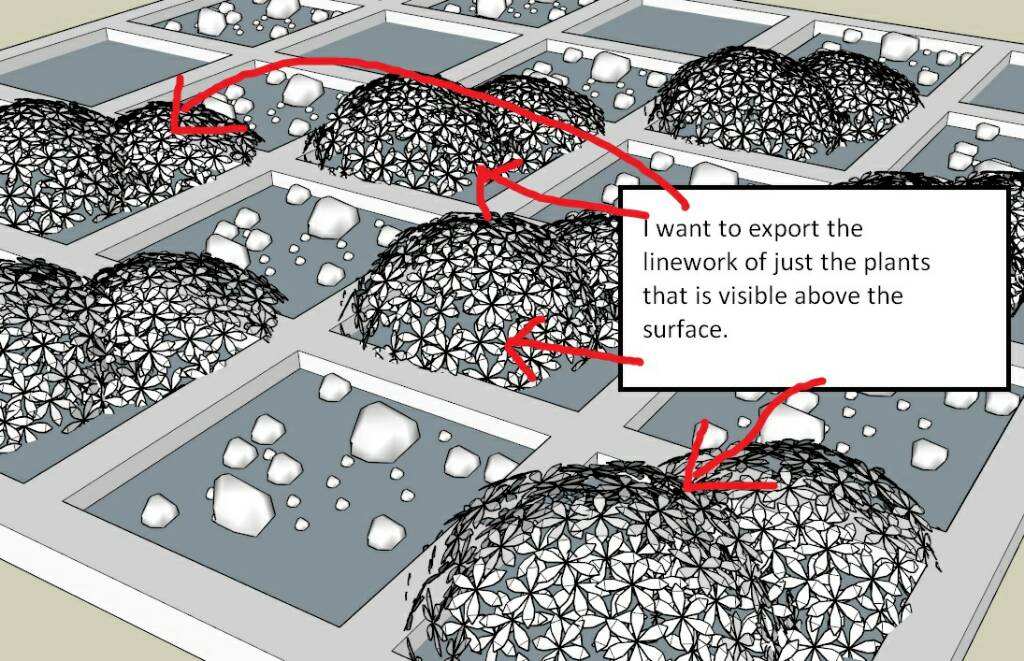
How can I export just the visible part of a shrub of which some portion is slightly hidden below, as an eps or a pdf file? Usually, I have to cover the unwanted surface with a white box. Is there any smarter or quicker way to do so?
-
Copy them to another instance of SketchUp and export from there.
-
@rich o brien said:
Copy them to another instance of SketchUp and export from there.
That wouldn't make a difference if I use another instance or the same instance of sketchup. The whole scene will get exported anyway. I'm not getting it.

-
Use layers to control what is visible and what isn't for each image export.
I do this quite frequently. You just need to be deliberate in your organization and use of layers. Here's an example. The chairs in the background are a hidden line export while the sling in the foreground is done using Shaded with Textures. Easily combined in an image editor.

And another to show the bench hardware.

-
Hi John,
Rich´s suggestion means that you only copy the plants but not the surface beneath it into a new su instance. And if the plant´s positioning is further on important, use "paste in place" here.
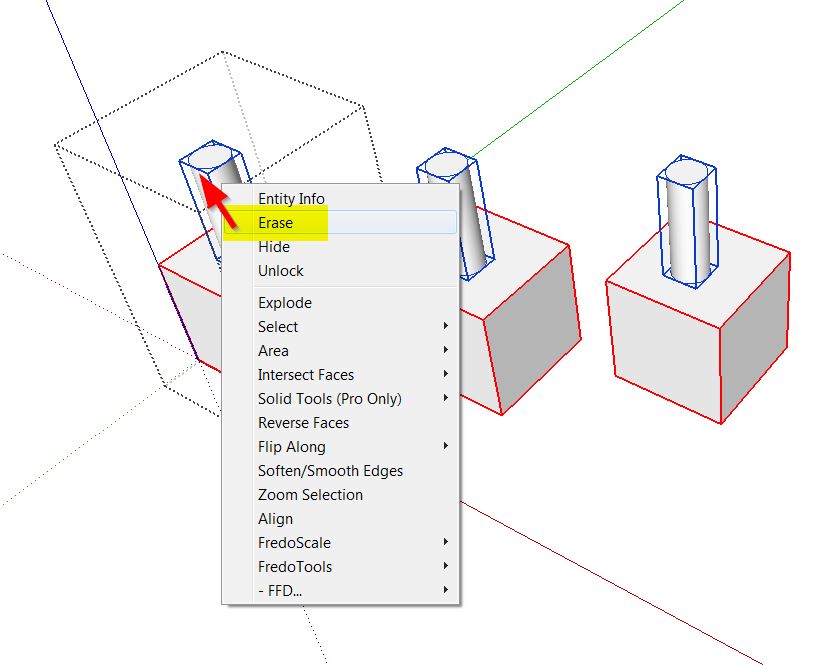
Now you can lock the visible parts for example, than enable visibility of the hidden geometry which shouldn´t been locked and delete it. Now, only the plants should remain in your new SU file...
-
Thanks for the tips. I'll try these methods to fulfill my requirements.




Hello! It looks like you're interested in this conversation, but you don't have an account yet.
Getting fed up of having to scroll through the same posts each visit? When you register for an account, you'll always come back to exactly where you were before, and choose to be notified of new replies (either via email, or push notification). You'll also be able to save bookmarks and upvote posts to show your appreciation to other community members.
With your input, this post could be even better 💗
Register Login


Advertisement