[Plugin] Animator - v4.6a - 18 Dec 25
-
The information on Animator is maintained on the Plugin Home Page of Animator. This is also where you can download the RBZ file.

- LibFredo6: v15.6a or above
- Sketchup version: SU2017 and above
- Platform: Windows and Mac OSX
- Usage: Licensed under Sketchucation SCFLicense as of 01 Oct 25
- Free Trial period (full features): 30 days from activation
- Perpetual license (3 seats): $30
If you land on this page and are unfamiliar with how to install Sketchup Extensions such as LibFredo6 or how to register on Sketchucation, please watch this video or refer to the Plugin page of LibFredo6.
Credit: all toolbar icons and cursors by Daniel S
Animator is a script dedicated to the animation of Sketchup models. It provides a parametric, interactive framework to control movements of objects and cameras along a timeline.
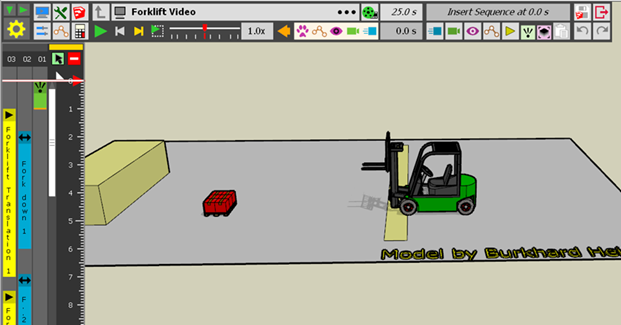
Animations are based on the following concepts:
- Sequences are reusable unit transformations for objects (such as translation, rotation, spin, scaling, explosion, ...) and for cameras (still view, traveling camera, ...)
- Clips are grouping of Sequences instantiated along a timeline, called Clip Elements. When you instantiate a Sequence as a Clip Element, you can change a few parameters, such as duration, easing, ...
- A Clip can contain other Clips. So a Clip is also seen as a Sequence.
- By convention the topmost clip is called a Film.
Notes on Features in the current release of Animator
- Object transformations: translation, rotation, spin, screw, explosion, scaling, along path, apparition, all with easing and oscillation
- Cameras: Still views, Scene views, Tracking camera, Camera Around, all with fade-out
- Visual Effects: Layer visibility, rendering style, shadow, Layer on-off, visual zoom, visual extents, trajectory, visual target
- Kinematic Constraints: Same Movement, Rigidity, Global Instance
- Visit Controller: not finished and therefore disabled as of v2.0

No written documentation at the moment.
Please watch the video tutorials.
0) A long introduction to Animator basic concepts (commented)
-
New Release: Animator - v1.0q - 20 May 16
Main changes:
- fixed a major bug for non-English keyboard (say French!), whereby movements would not load due to the problem of decimal separator in Sketchup for length. I noticed it in a model by Pilou (thanks).
- TheaRender: implemented a timeout so that Animator stops the rendering and goes to the next frame if the rendering of a frame is > 3 times the rendering of the previous frame. So you shoudl now be able to launch a rendering with Thea and go take a coffee or lunch.
See main post for RBZ files
-
Thanks Fredo, I'm starting it now!
-
New Release: Animator - v1.0r - 23 May 16
Main changes:
- Fixed tentatively a number of problems on Mac OSX signaled by Oxer, such as the size of the Video Generation dialog box and the video file generation by FFmpeg
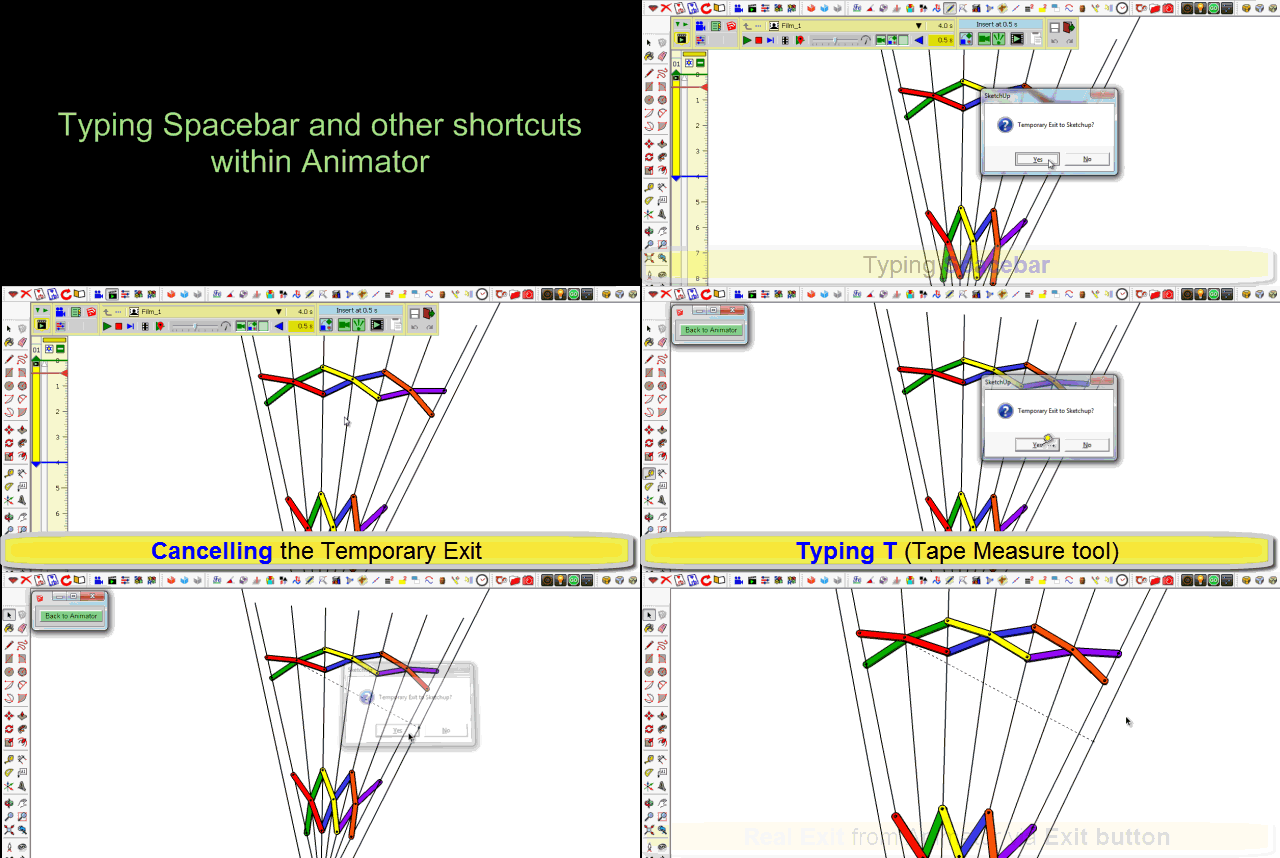
- Typing SpaceBar or a shortcut provoking a change of interactive tool now switch to Temporary Exit. A confirmation message is displayed. An option in Default Parameters allows to skip confirmation.
- other bug fixing, in particular to avoid empty sequences
See main post for RBZ files
-
Thanks for providing this solution so fast!
I will resume my endeavours with animator asap!
-
Started to build a new animation with v1.0r. Was in the process of adding a translation sequence for the car and decided I had made an error so I hit X icon to escape without saving the sequence and now I have the screen below. I do not seem to be able to stop Animator or restart it. I did finally get the button to Back to Animator but the screen stayed the same.
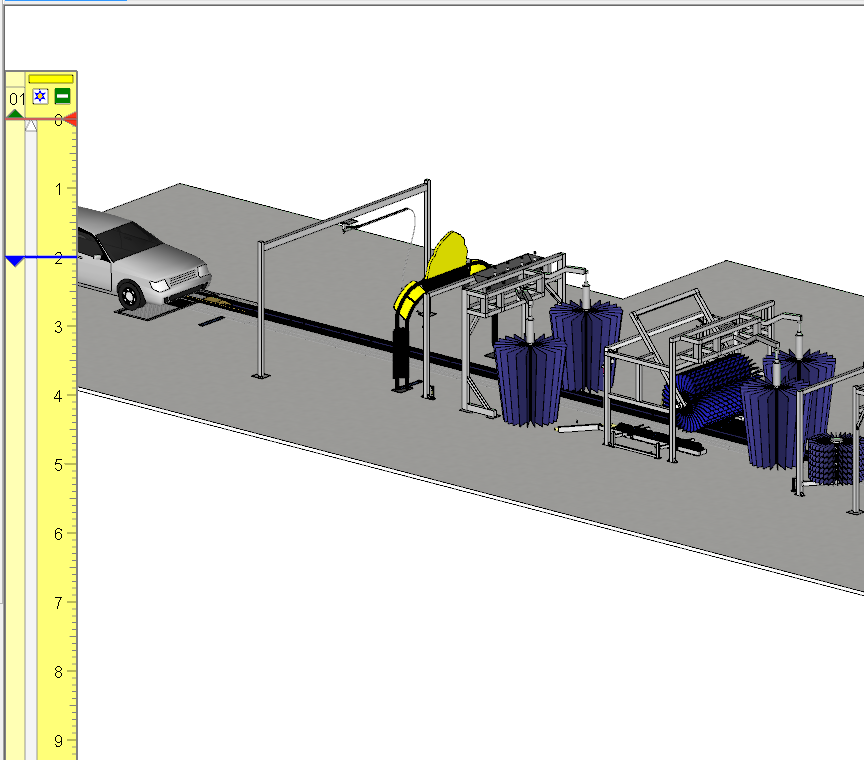
I was finally able to continue by triple clicking in the viewport which killed Animator and I was able to restart it.
This has happened 3 times now.........
-
Dave,
Just republished Animator 1.0r with the fix. Sorry for that.
LibFredo6 7.0r is unchanged.I need also to think of an Escape, in case of bugs, because with the new Temporary exit feature, I got into a circular issue.
Fredo
-
@fredo6 said:
Dave,
Just republished Animator 1.0r with the fix. Sorry for that.
LibFredo6 7.0r is unchanged.I need also to think of an Escape, in case of bugs, because with the new Temporary exit feature, I got into a circular issue.
Fredo
Thanks.......I will update immediately

Tried the same thing - exiting the creation of a motion and it seemed back to normal (yes-it worked properly)

-
New update downloaded today.
Thank you so much.
-
New Release: Animator - v1.0t - 02 Jun 16
-
New Features
-
Visual Effects: Layer visibility, rendering style, shadow. This allows to set these parameters independently of views
-
Support of SketchFX Ex (thanks to Alberto and Fluid)
-
Preview in timeline (you need to set it up in Default Parameters)
-
Maintenance - Fixes and adjustments
-
Bug in Make film from selection
-
Non-ascii characters in model path and name made FFmpeg to fail - fixed
-
Position of the timeline (horizontal or vertical) is now retained across Sketchup sessions
-
Bug in Previw of video and sample image on Mac
-
Cosmetic changes in GUI
I'll try to make some videos to demo the features more in details.
In the meantime, here is a small GIF showing that you can play with styles, layer visibility and shadows independently of views (watch the palette, shadows and background style).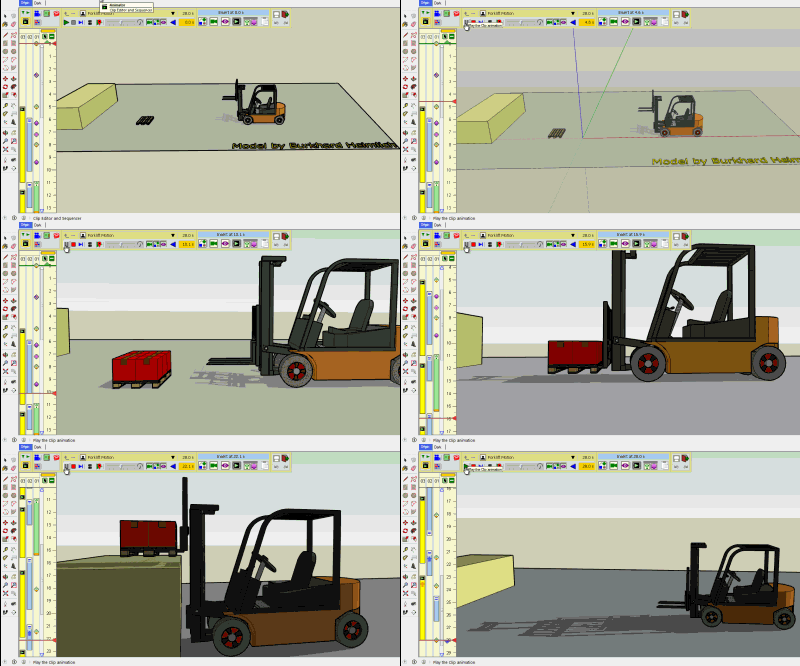
See main post for RBZ files
-
-
I am having issues with this release, see video.
-
Hey Pete - that stuff looks familiar

-
@ntxdave said:
Hey Pete - that stuff looks familiar
lol, yeah, I was trying something out that I thought could help you but I am having issues making my idea work.
-
-
Trying to figure out how to do the water spray
-
@solo said:
Trying to figure out how to do the water spray
I have it working (not as an animated texture) but have it showing up and then hiding. I also did one where I used the Video Texture plugin that animates the spray but it did not work well with Animator. The animation of the texture did not show at all.
Take a look at this thread: http://sketchucation.com/forums/viewtopic.php?f=401%26amp;t=65021%26amp;p=597074#p597074
-
New Release: Animator - v1.0u - 04 Jun 16
Maintenance and small evolutions
- Rendering Style bug is fixed. Should now work
- A Layer visibility element will now restore previous layer visibility when it is finished if it has a non-zero duration (as requested by ntxdave)
- Consistent numbering in naming by default (as suggested by Rich O Brien)
- You can now open components and groups when in temporary exit to Sketchup
- Cosmetic changes in Video generation dialog box
See main post for RBZ files
-
@fredo6 said:
New Release: Animator - v1.0u - 04 Jun 16
Maintenance and small evolutions
- Rendering Style bug is fixed. Should now work
- A Layer visibility element will now restore previous layer visibility when it is finished if it has a non-zero duration (as requested by ntxdave)
- Consistent numbering in naming by default (as suggested by Rich O Brien)
- You can now open components and groups when in temporary exit to Sketchup
- Cosmetic changes in Video generation dialog box
See main post for RBZ files
Ran some quick tests........
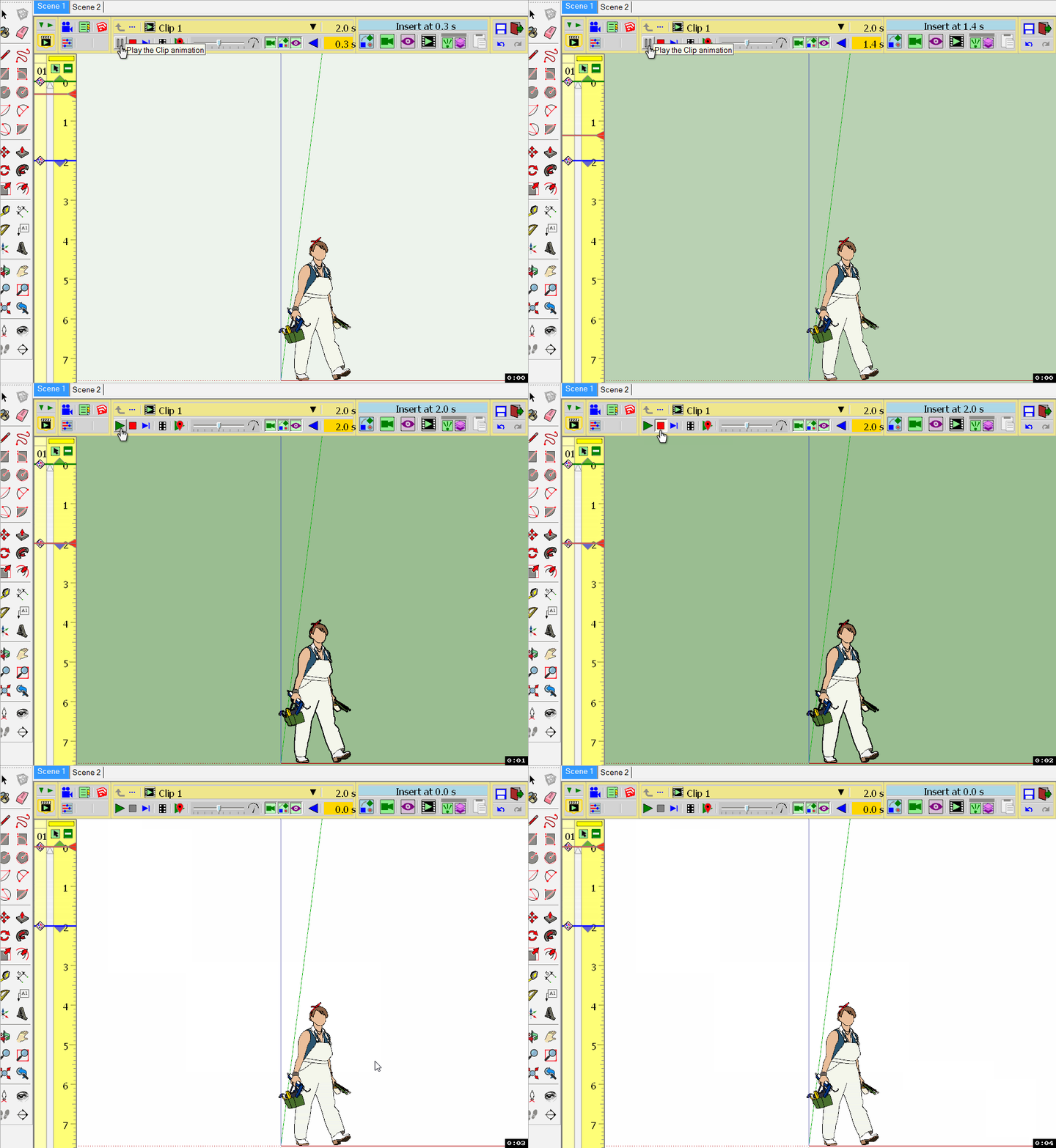
Style now changes........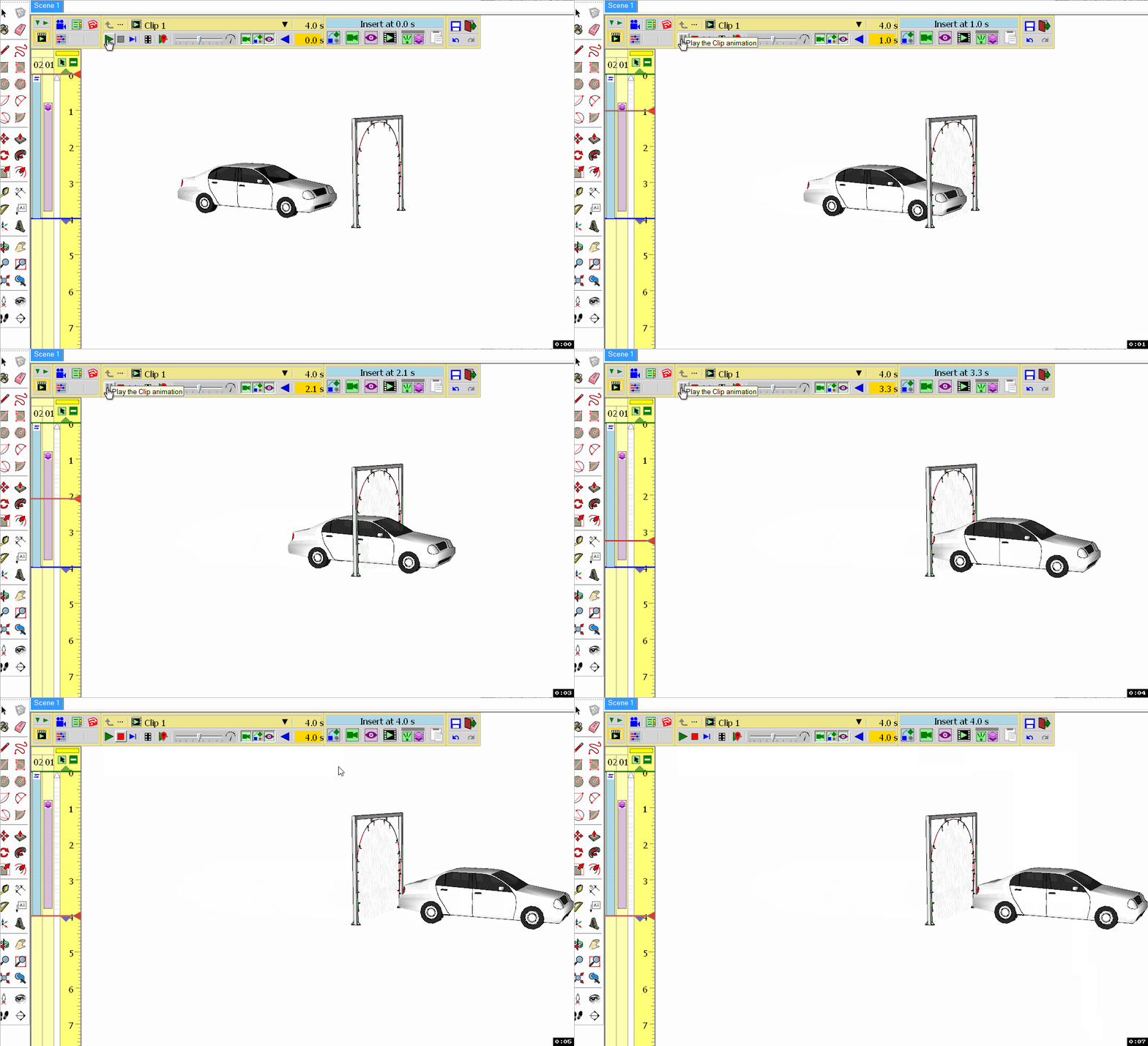
Layer turned on but did not turn off at the end of the duration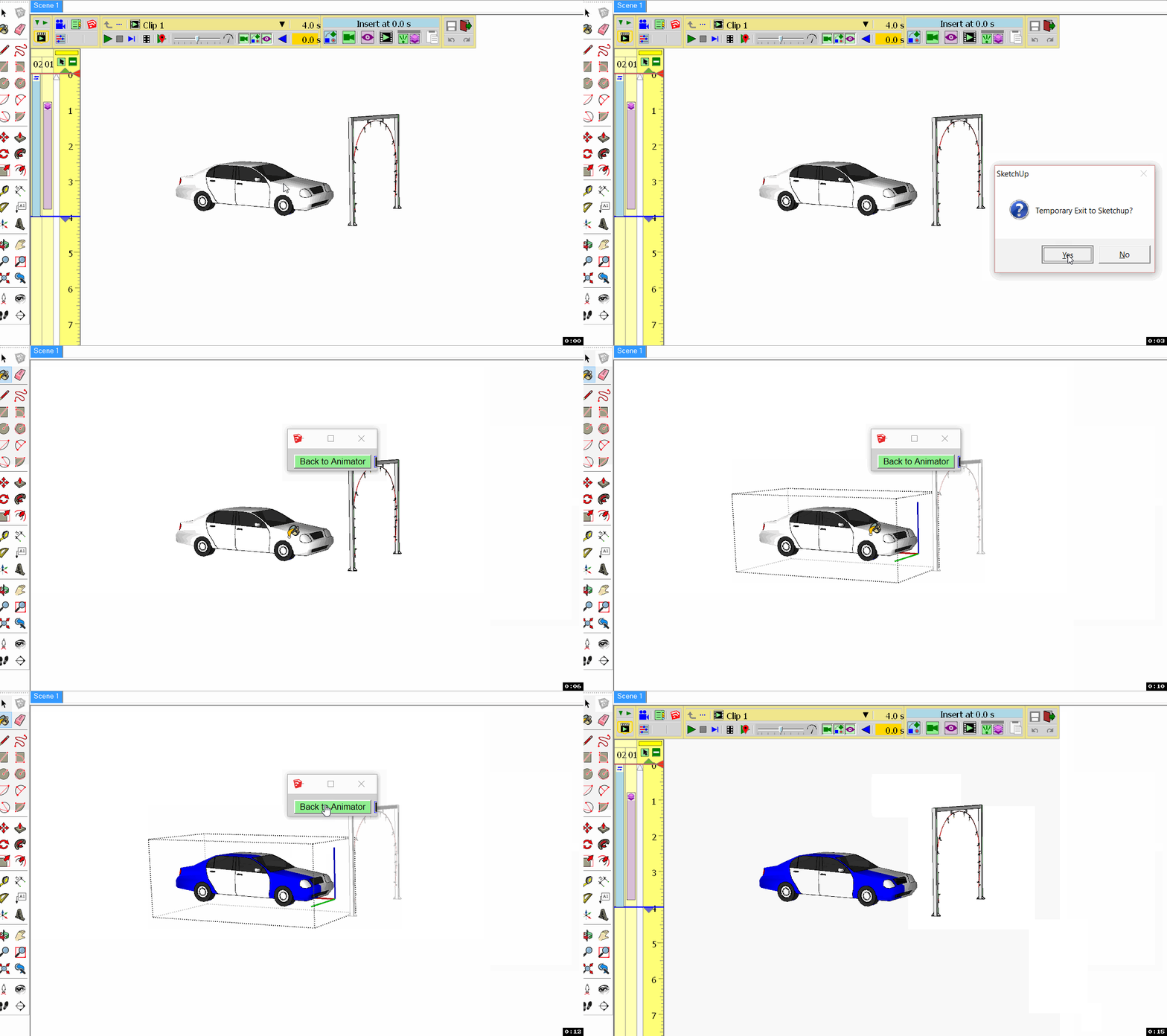
Was able to temporally exit and change the use the paint brush to edit an object.My observation was that sequences were sequentially numbered...
Did not try to create a video yet.........
-
@ntxdave said:
Layer turned on but did not turn off at the end of the duration
You need to hve a defined state for the layer visibility before your Layer visibility element.
In general, it's a good idea to place a view with shadow, style and layer visibility at the beginning of the film so that the animation always starts in a determined state.
Fredo
-
@fredo6 said:
@ntxdave said:
Layer turned on but did not turn off at the end of the duration
You need to hve a defined state for the layer visibility before your Layer visibility element.
In general, it's a good idea to place a view with shadow, style and layer visibility at the beginning of the film so that the animation always starts in a determined state.
Fredo
Tried just putting a normal view at the beginning and it did not change anything. Then I added a layer view at the beginning with 0 seconds and all works well (see below).
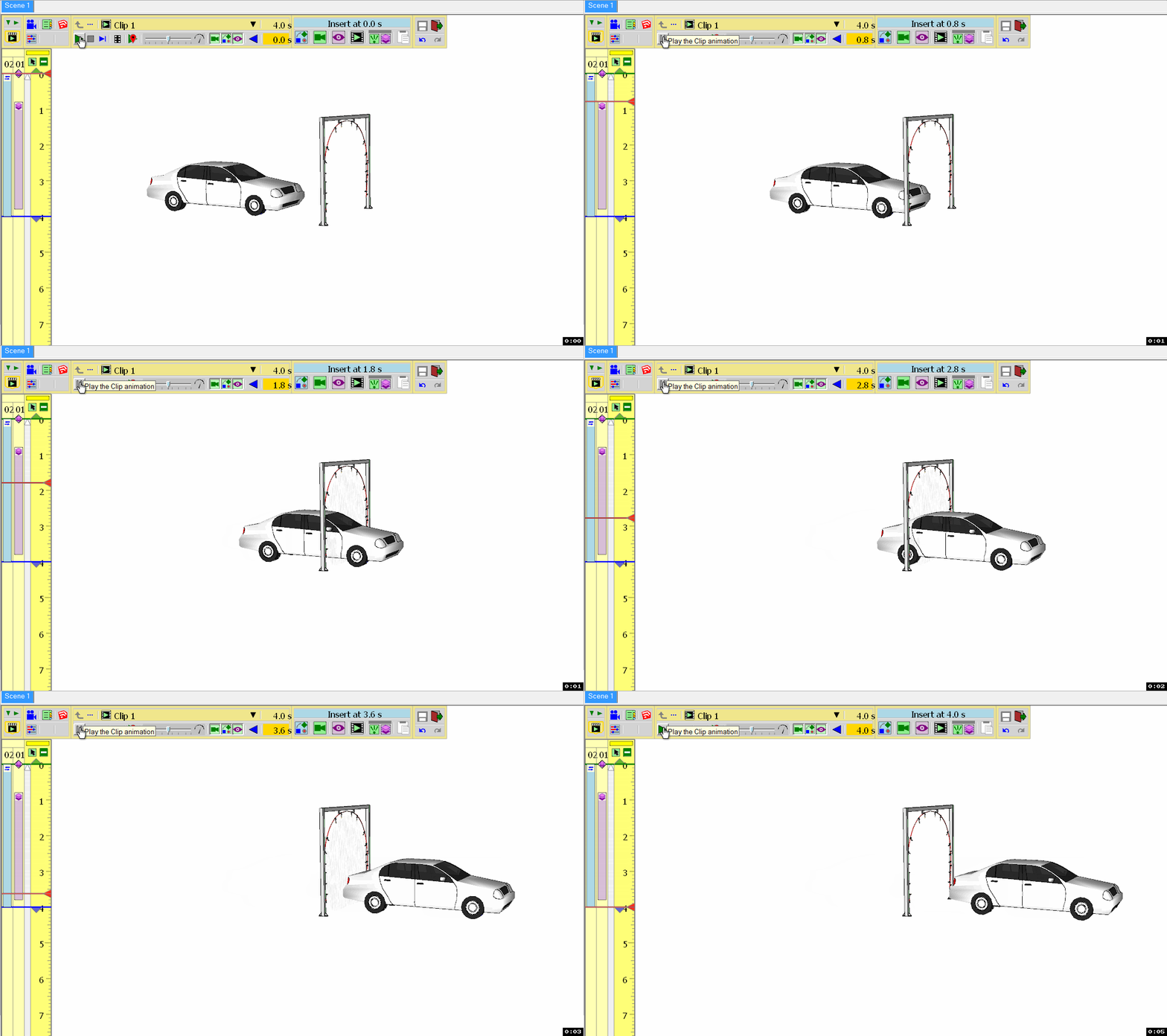
Fredo, I am fine with this. I fully understand having to place this view at the beginning. It helps insure that we have captured the "default" setting for all layers. I like using the duration to control when the layer returns to its original state. It give me a better visual of when the layer state will be changed in one control rather than having to identify 2 controls which could wind up in different time lines. Thanks very much for implementing it this way.
I only have one last item to be able to do my full car wash (as I currently see it
 ). I need to be able to scale a couple of pieces. Now I have to go off and generate several different materials for different types of sprays/foams.





Hello! It looks like you're interested in this conversation, but you don't have an account yet.
Getting fed up of having to scroll through the same posts each visit? When you register for an account, you'll always come back to exactly where you were before, and choose to be notified of new replies (either via email, or push notification). You'll also be able to save bookmarks and upvote posts to show your appreciation to other community members.
With your input, this post could be even better 💗
Register Login


Advertisement