Animator: Parametric Animation plugin - Discussion
-
I assume you want the corner to stay along the path.
If so, then your scaling should be done from the opposite corner handle.
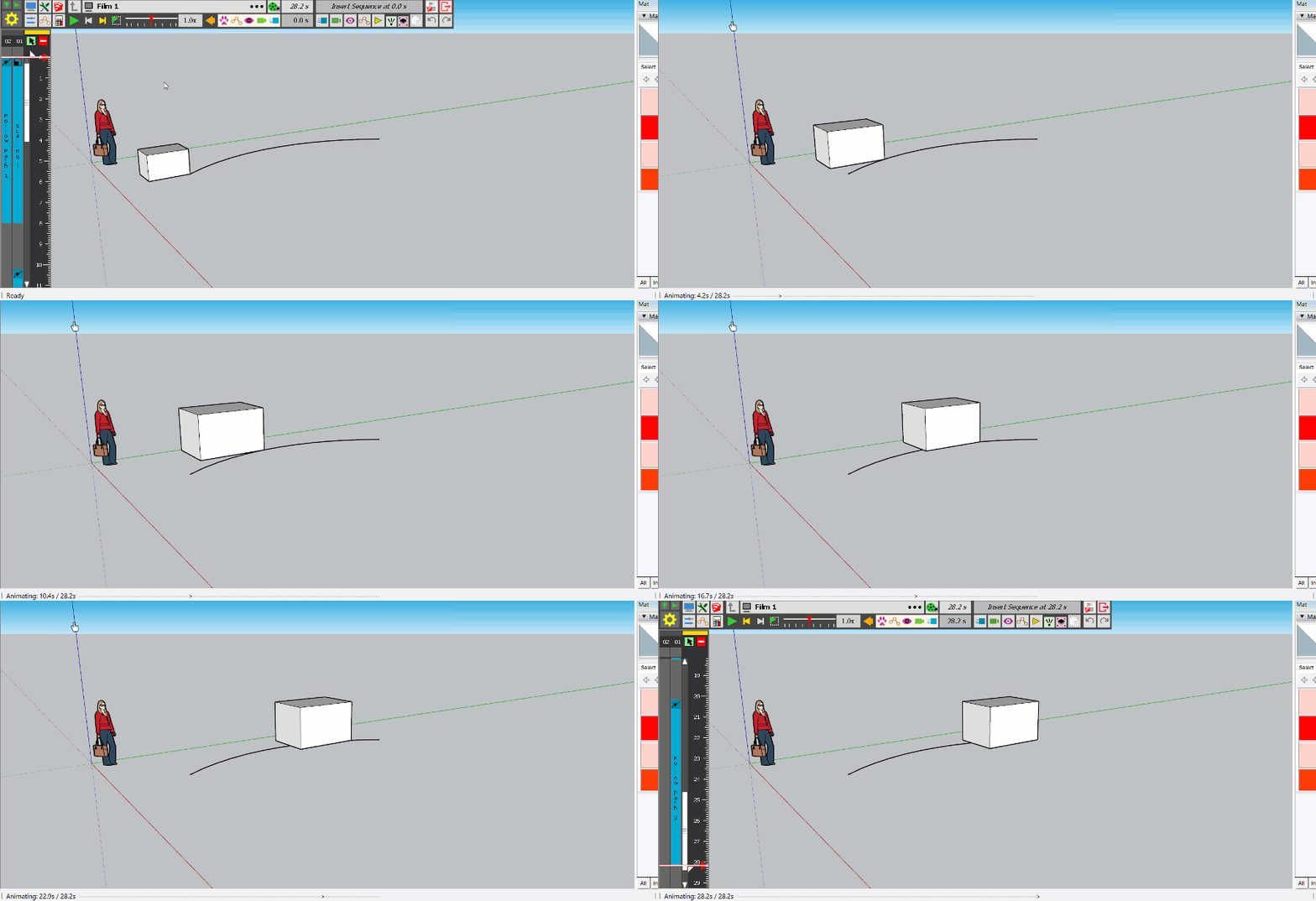
Here is the file corrected
-
Thanks for taking the time to answer such a dumb question! I'm starting to get comfortable with Animator and loving it. Thanks again!
-
Hi,
I´m having a problem with Animator after not using it for months. I used to put "tracking cameras" for following objects and trying to smooth the transition between the "sketch up cameras". But everything works well except de "tracking cameras" which block the Animator and don´t allow you to continue with the video.Sketch up 2020
Animator_v3.2a
LibFredo6_v11.6a
SketchFXEx-3.0.2
AmbientOcclusionEx-2.8.0Thank you very much for any suggestions
-
@carlurcia said:
Hi,
I´m having a problem with Animator after not using it for months. I used to put "tracking cameras" for following objects and trying to smooth the transition between the "sketch up cameras". But everything works well except de "tracking cameras" which block the Animator and don´t allow you to continue with the video.Could you post or PM me the model so that I have a look.
Many thanks
Fredo
-
Hello,
I’ve got a decent handle on Animator now (thanks again!). However, I’m not quite sure how to proceed with my current project: I’ve started this little animation, but I want to animate both VU meters in parallel. I’m wondering how best to go about this.
For this animation, I created a small rectangle that I scale up to gradually cover the indicator lights.
I need a way to copy and paste this animation so I can position it over the VU meter on the right. Is it possible to copy this rectangle—along with its grouped animation properties? Or, alternatively, can I create a copy and then apply the settings from the first animation to it?
I do see an option to clone the clip...
Thanks for your suggestions!I have just paid for my license
I am also looking for a way to repeat this animation throughout the entire duration of the main clip, without having to copy and paste this short clip multiple times...
-
Hello,
I found the solution by taking a closer look at the user manual.
It’s perfect and couldn’t be simpler. Thanks again for this brilliant program!Simply select two objects to which the same animation will be applied when creating a new movement.
-
le souci est que je n'arrive pas à répéter cette série de mouvements pour les vu mètre que j'ai convertie en clip. Si j'affecte -1 à a valeur de répétition, (forever) il ne joue qu'une seule fois. Si je place d'autres copies du clip l'une après l'autre, les copies ne jouent pas.
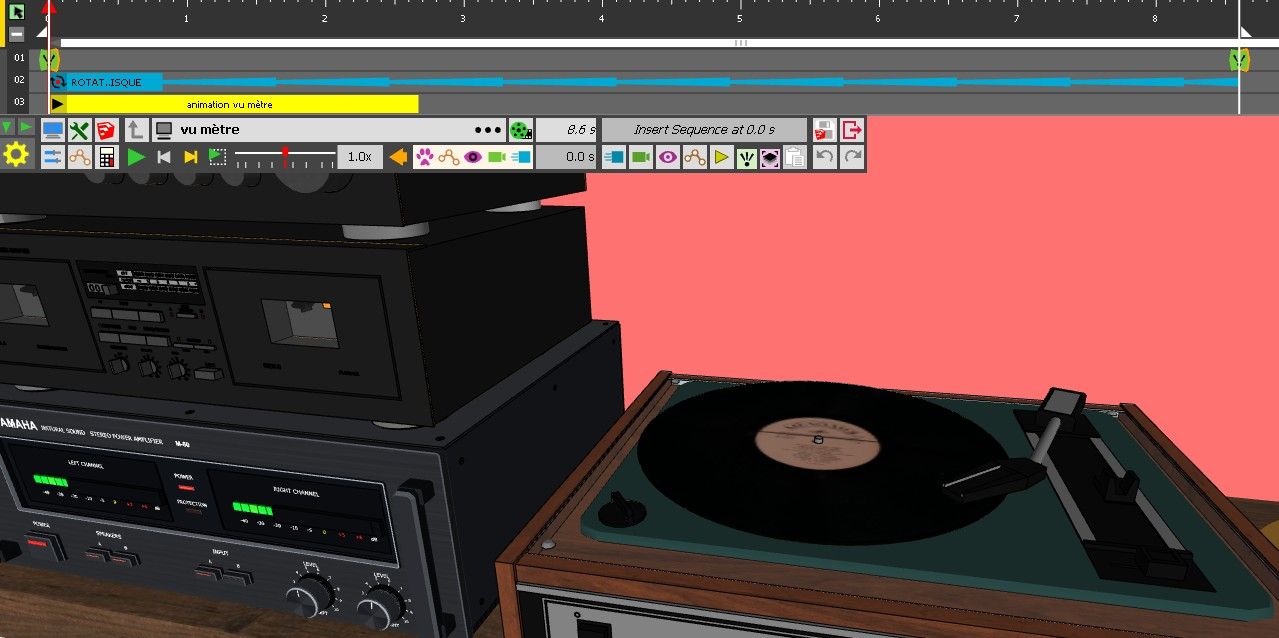
-
Difficile d'aider sans voir le fichier.
La repetition suppose que le clip a une duree definie -
Bonsoir,
veux tu le fichier? -

SwissTransfer - Send large files securely and free of charge
Send up to 50 GB - Free and no registration required - Keep your transfers for 30 days
SwissTransfer (www.swisstransfer.com)
un lien vers le fichier https://www.swisstransfer.com/dl/01a1bda1-f434-7164-9ea8-a97f73fa6a29
mais depuis j'ai installé une extension concoctée par Chat GPT pour un mode sombre sketchup qui marchait très bien et Animator a perdu toute fluidité, la petite animation des vu mètres semble inactive et la lecture dans le viewport du clip est saccadée c'est difficilement utilisable. avant l'installation de l'extension, c'était fluide, je ne comprends pas. Cette extension utilise les palettes Qt (je n'y connaîs rien) et le fait de la désinstaller n'a rien changé. mais je me suis quand même dit qu'il y avait un lien..

Hello! It looks like you're interested in this conversation, but you don't have an account yet.
Getting fed up of having to scroll through the same posts each visit? When you register for an account, you'll always come back to exactly where you were before, and choose to be notified of new replies (either via email, or push notification). You'll also be able to save bookmarks and upvote posts to show your appreciation to other community members.
With your input, this post could be even better 💗
Register Login


Advertisement