Texture position bug
-
Perhaps you could share the SKP file?
-
I just test the texture position tool on an empty scene and the bug was not there. So this could be my .skp's fault.
File was too big though. So I tried to delete a huge chunk of stuff.
But then I found out the bug will occur if the object is too far from the center of origin!
I'll just work with the workaround I just come up! But then this still need to be fixed. Thanks!
-
So it's not a bug in SketchUp after all? It's a problem with your model?
-
Nope. Its not my skp. I just tested it in an empty scene with a cube with texture. Moving that cube far away and use the texture position tool will create the bug.
-
How far away from the origin? Please share an example SKP file that demonstrates the problem.
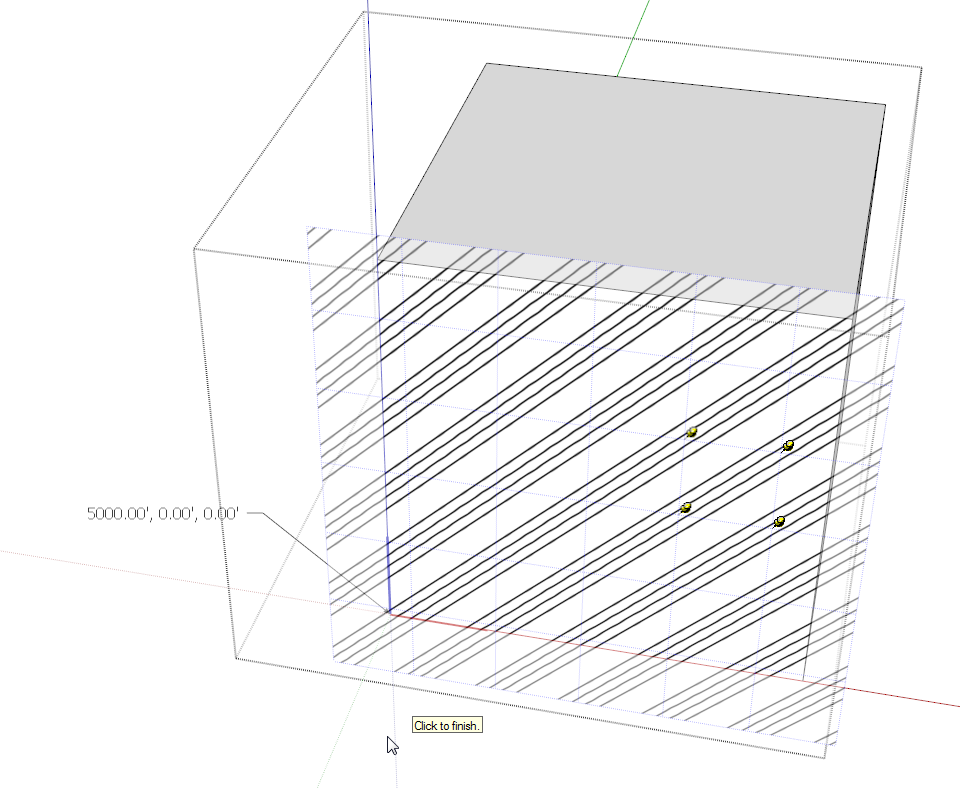
Here's a cube nearly a mile from the origin. I don't see any problem.
-
-
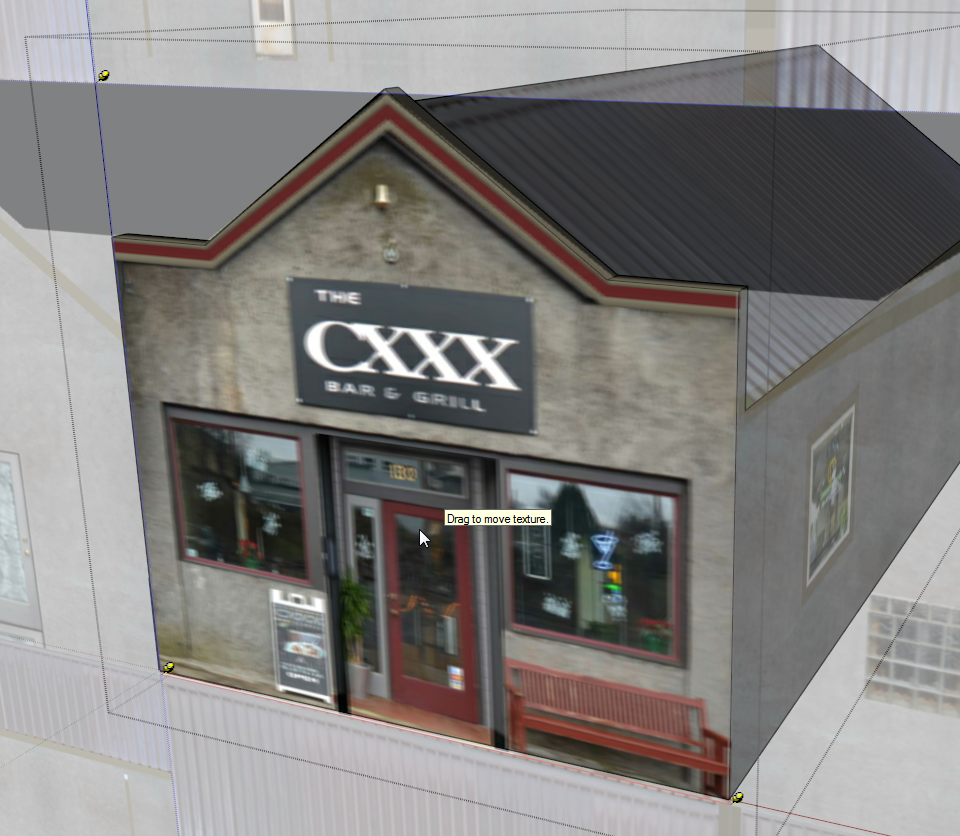
The resolution of the image is reduced while editing to reduce load on the GPU but I don't see the double image you reported.
-
On my laptop (with old Intel gfx) I see a small 'jump' in the texture as soon as I enter the component. So, just guessing here: could it be a limitation of the hardware? Do you use an embedded gfx solution or dedicated gfx card?
-
generally, it worked as expected on my mac...
however I did invoke the 'ghosting' by placing the yellow pin in certain positions...
hard to repeat, or I'd make a gif...
john
-
@dave r said:
The resolution of the image is reduced while editing to reduce load on the GPU but I don't see the double image you reported.
[attachment=0:1ip2r5ix]<!-- ia0 -->Screenshot - 12_6_2015 , 9_36_37 AM.png<!-- ia0 -->[/attachment:1ip2r5ix]That's not a reduced image. That is exactly the double image I'm saying!
@kaas said:
On my laptop (with old Intel gfx) I see a small 'jump' in the texture as soon as I enter the component. So, just guessing here: could it be a limitation of the hardware? Do you use an embedded gfx solution or dedicated gfx card?
I have no knowledge about graphics card but I'm on a Windows 7 laptop from 2009 or 2010. ATI Mobility Radeon HD 5145 and it says its dedicated.
-
@tailgater said:
That's not a reduced image. That is exactly the double image I'm saying!
It's not a double image but your computer must be displaying something different than mine is.
-
Um, could there be confusion about the fact that the texture position tool tiles the material over a plane, so that you can see how it will repeat/tile depending on where you position and scale it?

Hello! It looks like you're interested in this conversation, but you don't have an account yet.
Getting fed up of having to scroll through the same posts each visit? When you register for an account, you'll always come back to exactly where you were before, and choose to be notified of new replies (either via email, or push notification). You'll also be able to save bookmarks and upvote posts to show your appreciation to other community members.
With your input, this post could be even better 💗
Register Login


Advertisement