sketchucation logo sketchucation
    • 登入
    Oops, your profile's looking a bit empty! To help us tailor your experience, please fill in key details like your SketchUp version, skill level, operating system, and more. Update and save your info on your profile page today!
    🔌 Smart Spline | Fluid way to handle splines for furniture design and complex structures. Download

    Always face center-line/ Magnetic tool

    已排程 已置頂 已鎖定 已移動 Plugins
    56 貼文 9 Posters 3.6k 瀏覽 9 Watching
    正在載入更多貼文
    • 從舊到新
    • 從新到舊
    • 最多點贊
    回覆
    • 在新貼文中回覆
    登入後回覆
    此主題已被刪除。只有擁有主題管理權限的使用者可以查看。
    • jeff hammondJ 離線
      jeff hammond
      最後由 編輯

      @flippie123 said:

      I just made this and gave it a twist.

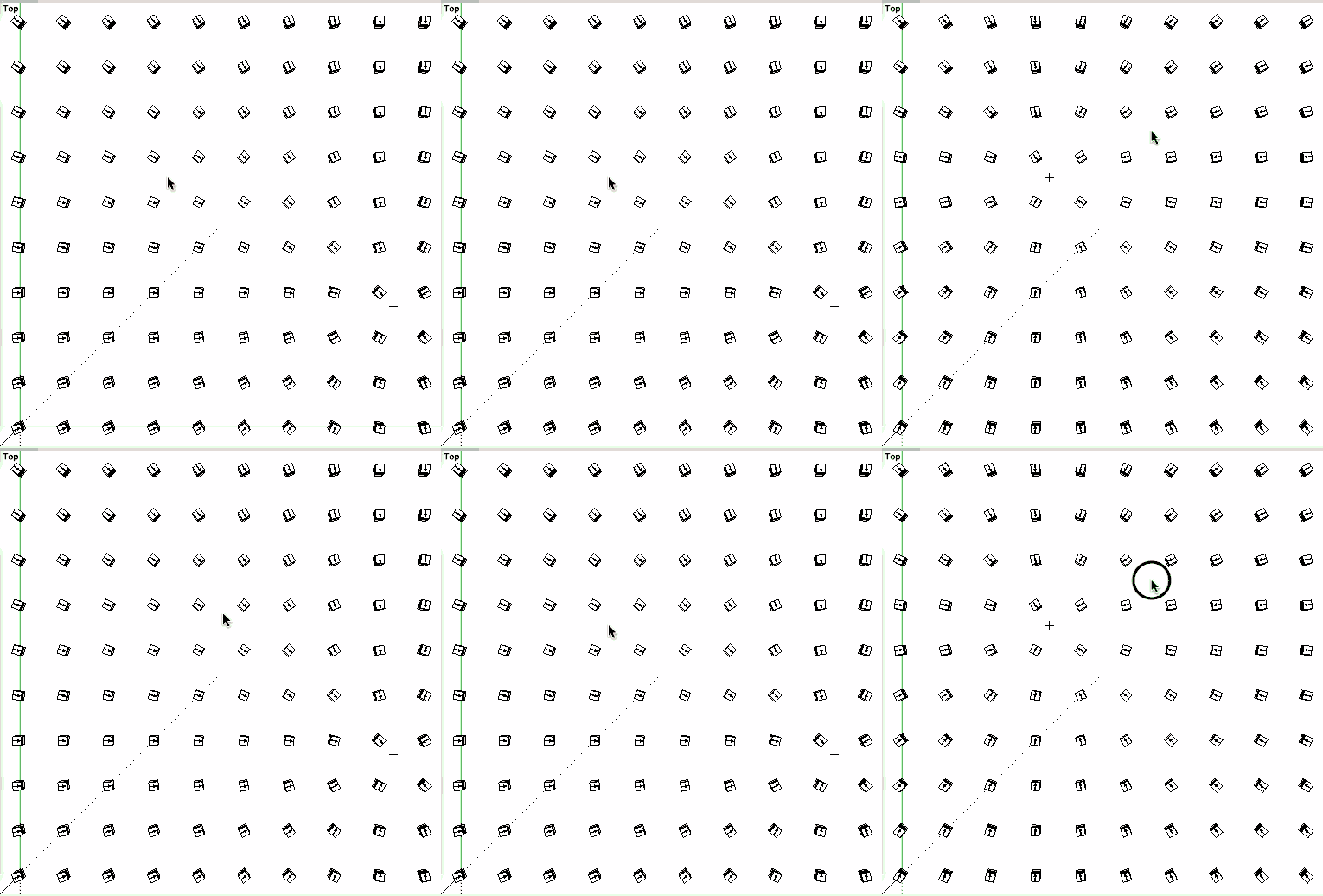
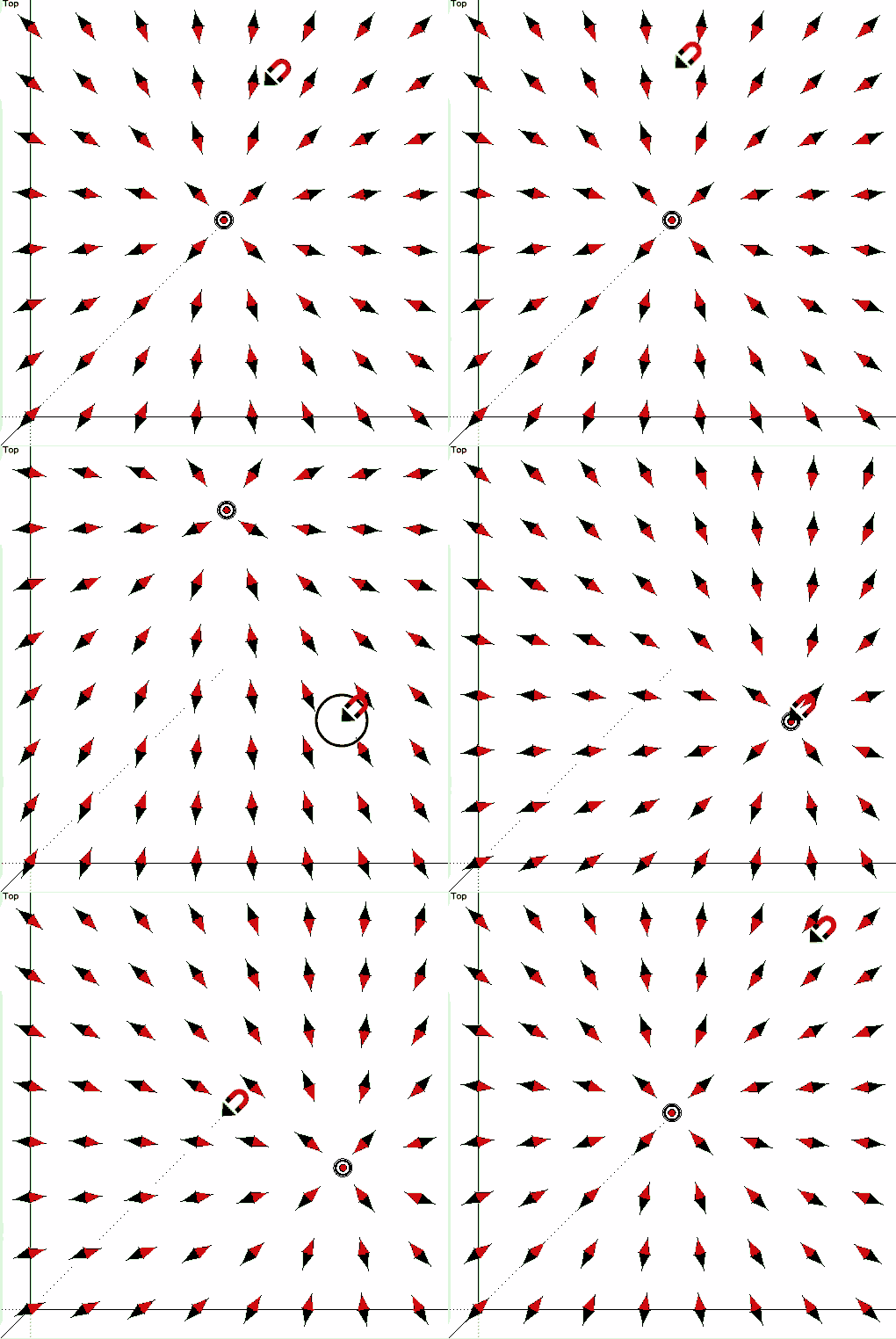
      yeah, it's something to do with replacing the box component with one on a different axis.. haven't quite figured out how to control it properly.. i made it this far:
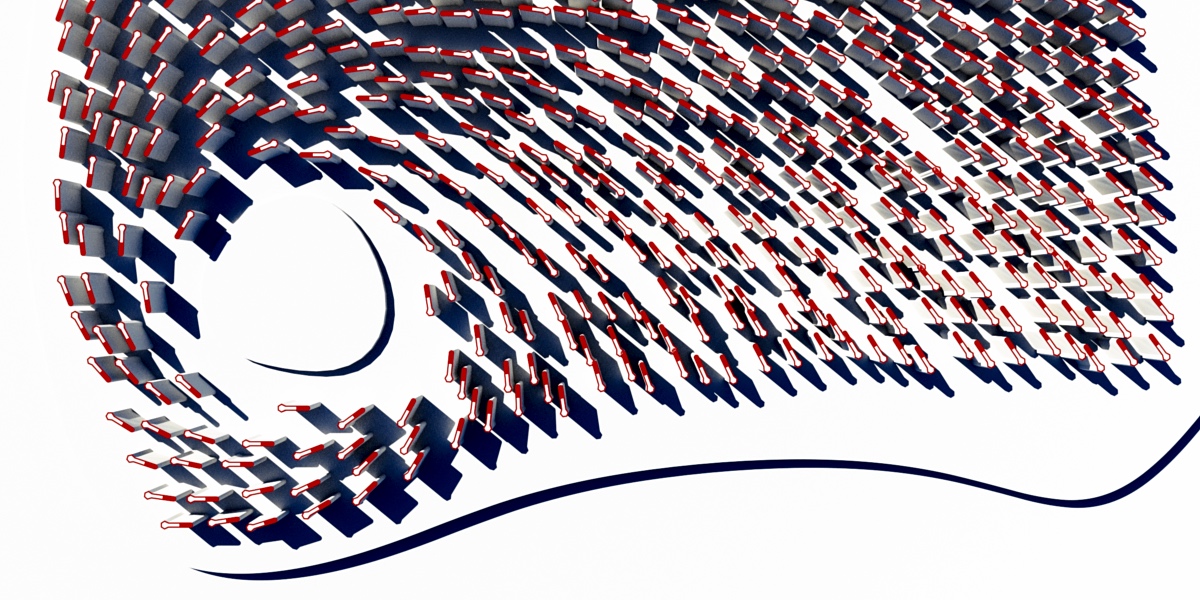
      beermag2.jpg

      dotdotdot

      1 條回覆 最後回覆 回覆 引用 0
      • jeff hammondJ 離線
        jeff hammond
        最後由 編輯

        sweet!
        (i'm not sure how to use the code but the gif looks cool 😉 👍 )

        dotdotdot

        1 條回覆 最後回覆 回覆 引用 0
        • D 離線
          driven
          最後由 編輯

          @jeff hammond said:

          ...i'm not sure how to use the code ...

          just paste into 'Ruby Console' hit return, will run till end of session...
          it's only active when inside the DC so you can do other modelling...

          I can put it in a rbz with the DC if you want...

          john

          learn from the mistakes of others, you may not live long enough to make them all yourself...

          1 條回覆 最後回覆 回覆 引用 0
          • jeff hammondJ 離線
            jeff hammond
            最後由 編輯

            @driven said:

            @jeff hammond said:

            ...i'm not sure how to use the code ...

            just paste into 'Ruby Console' hit return, will run till end of session...
            it's only active when inside the DC so you can do other modelling...

            I can put it in a rbz with the DC if you want...

            john

            oh nice. i see now.
            it works along with the dynamic component i posted.. i didn't realize things like that were possible.

            but yeah, that's a lot better than manually triggering the redraw 👍

            dotdotdot

            1 條回覆 最後回覆 回覆 引用 0
            • D 離線
              driven
              最後由 編輯

              @jeff hammond said:

              ... i didn't realize things like that were possible.

              nor did I...

              I improved the script to only do one redraw after the move [was trigging twice]...

              there are probably other ways to do this, but it seams to work...

              john

              learn from the mistakes of others, you may not live long enough to make them all yourself...

              1 條回覆 最後回覆 回覆 引用 0
              • D 離線
                driven
                最後由 編輯

                updated working version...

                class JcB_MoveToolObserver < Sketchup;;ToolsObserver
                    def onToolStateChanged(tools, tool_name, tool_id, tool_state)
                      attractor = Sketchup.active_model.selection[0].definition.name == 'attractor'
                      moved = tool_state.to_s == '0' && tool_name.to_s == 'MoveTool'
                      @count = 0 unless @count == 1
                      
                      update = attractor && moved
                        if update
                          selection = Sketchup.active_model.selection[0].parent.instances[0]
                          @count = @count + 1
                          puts(" first click of " + tool_name.to_s ) if @count == 1
                          if @count == 2
                            puts(" second click of " + tool_name.to_s )
                            $dc_observers.get_latest_class.redraw_with_undo(selection)
                            @count = 0
                          end
                        end
                    end
                 end
                
                 Sketchup.active_model.tools.add_observer(JcB_MoveToolObserver.new) if not defined? JcB_MoveToolObserver


                learn from the mistakes of others, you may not live long enough to make them all yourself...

                1 條回覆 最後回覆 回覆 引用 0
                • D 離線
                  driven
                  最後由 編輯

                  here's a fun bit of code...
                  now it does what the OP asked...
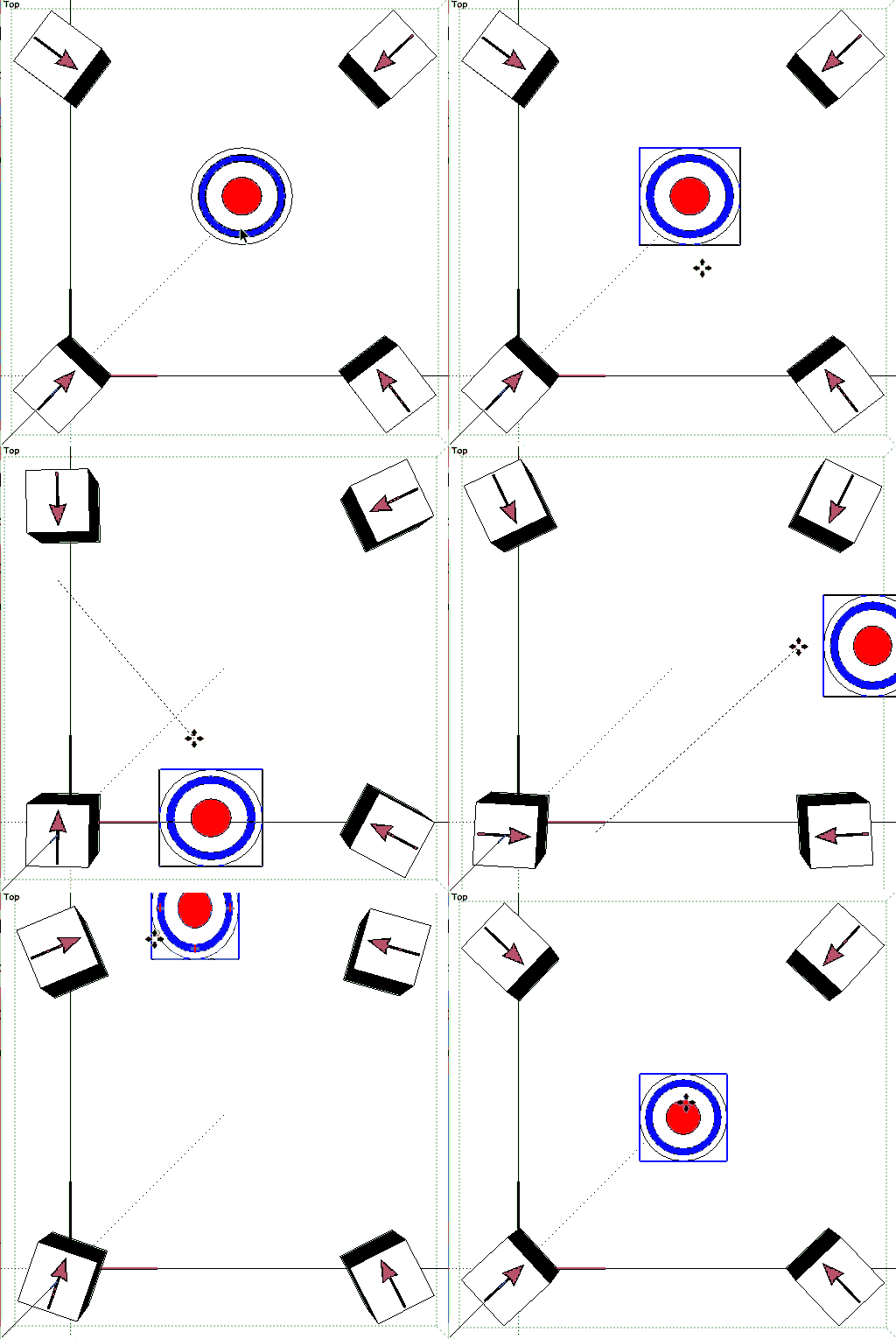
                  auto update, slows a bit over 64 items...

                   look below...
                  

                  john
                  EDIT: changed back to original as my counter was failing

                  BETTER CODE BELOW...

                  learn from the mistakes of others, you may not live long enough to make them all yourself...

                  1 條回覆 最後回覆 回覆 引用 0
                  • J 離線
                    Jim
                    最後由 編輯

                    @unknownuser said:

                    the other thing I was wondering if arrow keys can be used to move the dc's 'attractor'

                    You need a Tool to get the key-presses, then read-update-write the position values depending on which key was pressed, then redraw the DC.


                    This file was made specifically for Jeff's DC Magnet Beer model.

                    Hi

                    1 條回覆 最後回覆 回覆 引用 0
                    • D 離線
                      driven
                      最後由 編輯

                      cheers Jim,
                      that works and is much cleaner than i was attempting...

                      what other thing can we do with ruby to manipulate DC's?

                      I'll see if I can turn this into a pick point version...

                      john

                      learn from the mistakes of others, you may not live long enough to make them all yourself...

                      1 條回覆 最後回覆 回覆 引用 0
                      • sdmitchS 離線
                        sdmitch
                        最後由 編輯

                        Hey, I want in on the fun too.

                        Nothing is worthless, it can always be used as a bad example.

                        http://sdmitch.blogspot.com/

                        1 條回覆 最後回覆 回覆 引用 0
                        • D 離線
                          driven
                          最後由 編輯

                          @sam yours looks cooler than my effort...

                          click anywhere to move 'magnet'...
                          driven-dc-tool_v2_2.gif
                          john

                          learn from the mistakes of others, you may not live long enough to make them all yourself...

                          1 條回覆 最後回覆 回覆 引用 0
                          • sdmitchS 離線
                            sdmitch
                            最後由 編輯

                            @driven said:

                            @sam yours looks cooler than my effort...

                            [attachment=1:3ueqjjsy]<!-- ia1 -->driven-dc-tool_v2.rb<!-- ia1 -->[/attachment:3ueqjjsy]
                            [attachment=0:3ueqjjsy]<!-- ia0 -->driven-dc-tool_v2_2.gif<!-- ia0 -->[/attachment:3ueqjjsy]
                            john

                            😮 😳 😆

                            Nothing is worthless, it can always be used as a bad example.

                            http://sdmitch.blogspot.com/

                            1 條回覆 最後回覆 回覆 引用 0
                            • D 離線
                              driven
                              最後由 編輯

                              with cursor...modified <a class=@Jeff's DC, @Jim's code..." title="modified @Jeff's DC, @Jim's code..." class=" img-fluid img-markdown" />

                              learn from the mistakes of others, you may not live long enough to make them all yourself...

                              1 條回覆 最後回覆 回覆 引用 0
                              • gillesG 離線
                                gilles
                                最後由 編輯

                                Next step is multi- attractors 💚

                                " c'est curieux chez les marins ce besoin de faire des phrases "

                                1 條回覆 最後回覆 回覆 引用 0
                                • jeff hammondJ 離線
                                  jeff hammond
                                  最後由 編輯

                                  @gilles said:

                                  Next step is multi- attractors 💚

                                  heh.. yeah.. i thought about it but it would be really weird to do in DC..
                                  that kind of math is probably possible in DC but once things start getting complex, it's either hard to keep track of or you end up with really long/weird formulas that are equally hard to keep track of 😉

                                  i guess first you'd have to apply a 'strength' to a single magnet (so far, these aren't really magnets.. the objects just all point at the 'magnet' but the attractor isn't actually pulling on them)

                                  then make two of those magnets and let the strengths fight each other

                                  dotdotdot

                                  1 條回覆 最後回覆 回覆 引用 0
                                  • Flippie123F 離線
                                    Flippie123
                                    最後由 編輯

                                    @jeff hammond said:

                                    @gilles said:

                                    Next step is multi- attractors 💚
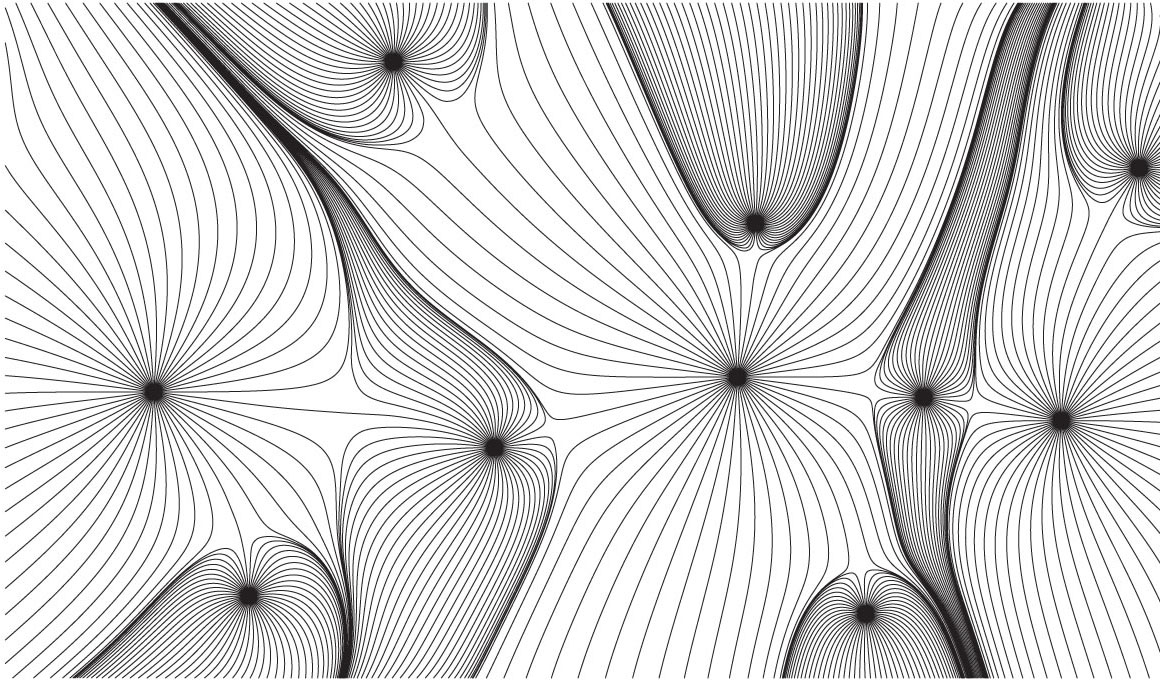
                                    make two of those magnets and let the strengths fight each other

                                    Yep like this image


                                    Magnetic architecture.jpg

                                    1 條回覆 最後回覆 回覆 引用 0
                                    • Flippie123F 離線
                                      Flippie123
                                      最後由 編輯

                                      @jolran said:

                                      Interesting!

                                      I'm working on a parametric modeler that could hopefully(one day 😒 ) do this sort of things.

                                      I was able to make this urban plan combining Jeff's Beer tool 👍 and this new Modelur Pre Beta, urban design plugin which in combination with a 'height-' 'and a build-up-area'-map really awesomefies Jeff's beer tool. 🎉 🤓

                                      Click on the image for a larger one!
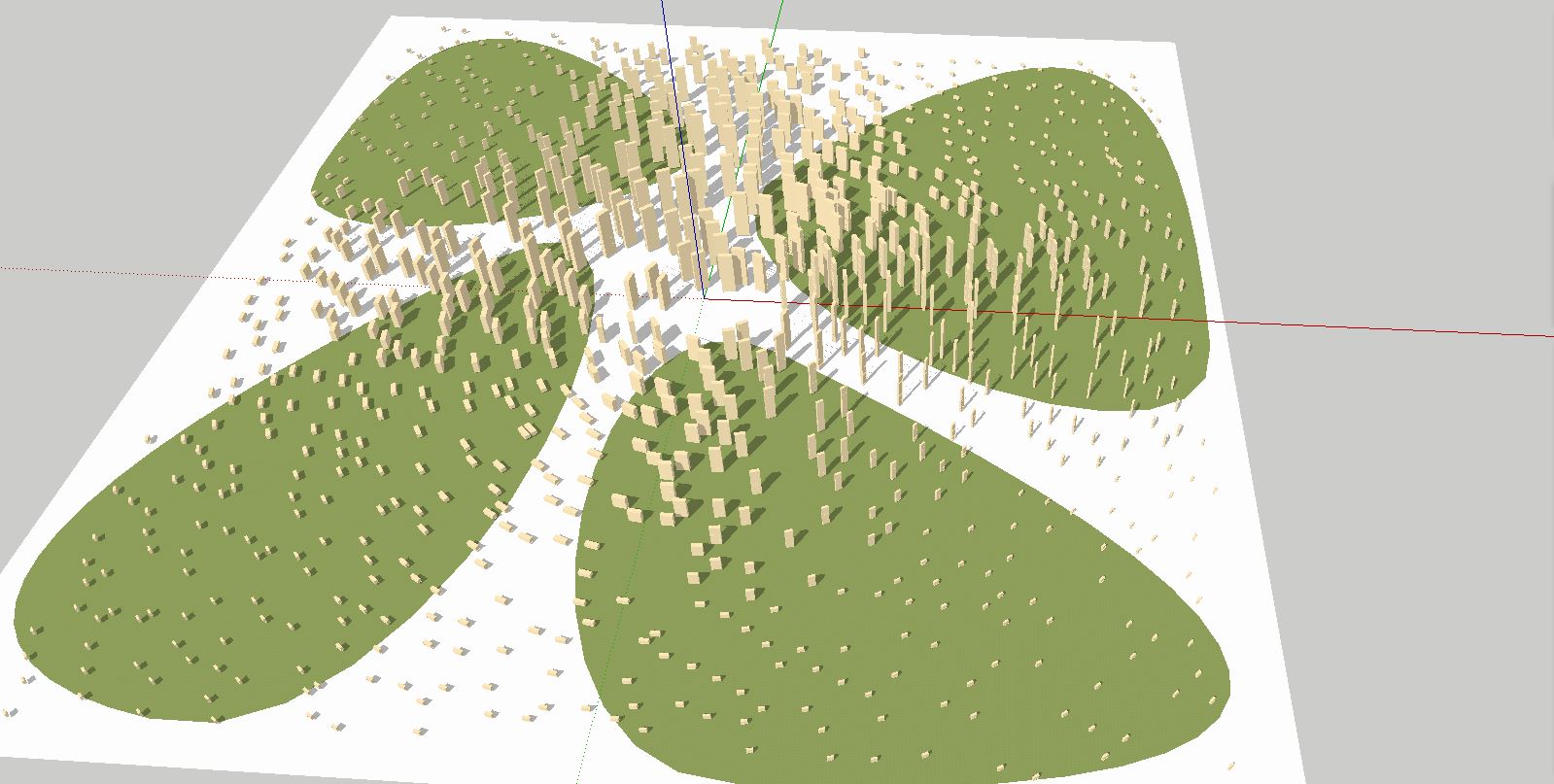

                                      Urban plan.JPG

                                      1 條回覆 最後回覆 回覆 引用 0
                                      • jeff hammondJ 離線
                                        jeff hammond
                                        最後由 編輯

                                        nice Philip 👍

                                        dotdotdot

                                        1 條回覆 最後回覆 回覆 引用 0
                                        • 1
                                        • 2
                                        • 3
                                        • 2 / 3
                                        • 第一個貼文
                                          最後的貼文
                                        Buy SketchPlus
                                        Buy SUbD
                                        Buy WrapR
                                        Buy eBook
                                        Buy Modelur
                                        Buy Vertex Tools
                                        Buy SketchCuisine
                                        Buy FormFonts

                                        Advertisement