sketchucation logo sketchucation
    • 登入
    Oops, your profile's looking a bit empty! To help us tailor your experience, please fill in key details like your SketchUp version, skill level, operating system, and more. Update and save your info on your profile page today!
    ⚠️ Important | Libfredo 15.6b introduces important bugfixes for Fredo's Extensions Update

    Sketchup and Blender

    已排程 已置頂 已鎖定 已移動 Extensions & Applications Discussions
    extensions
    170 貼文 26 Posters 30.6k 瀏覽 26 Watching
    正在載入更多貼文
    • 從舊到新
    • 從新到舊
    • 最多點贊
    回覆
    • 在新貼文中回覆
    登入後回覆
    此主題已被刪除。只有擁有主題管理權限的使用者可以查看。
    • Rich O BrienR 離線
      Rich O Brien Moderator
      最後由 編輯

      Most I just muddle into...

      I see a technique used for something different and tend to adapt it.

      Here I realised that the Cell Fracture tool and some keyframing on scaling might look nice.

      Not quite but something to file away....

      There's an extensive tutorial on Cell Fracture on how to shoot a coffee cup with a bullet.

      Download the free D'oh Book for SketchUp 📖

      1 條回覆 最後回覆 回覆 引用 0
      • soloS 離線
        solo
        最後由 編輯

        Found it: http://www.youtube.com/watch?v=DEo_9AopfoQ

        http://www.solos-art.com

        If you see a toilet in your dreams do not use it.

        1 條回覆 最後回覆 回覆 引用 0
        • Rich O BrienR 離線
          Rich O Brien Moderator
          最後由 編輯

          That's the one. Pretty involved but covers some killers parts of blender. Expect 4 days to complete that.

          You really should pick an object or topic and run with it.

          I remember nearly 3yrs ago starting off on v2.5 and doing the same tutorial nearly 10 times until I didn't need to reference the video.

          That helped loads. Boring but worth it.

          Another good one is Kent Tramell's human male head modelling series. Nearly 12hrs but mesmerising stuff.

          Download the free D'oh Book for SketchUp 📖

          1 條回覆 最後回覆 回覆 引用 0
          • soloS 離線
            solo
            最後由 編輯

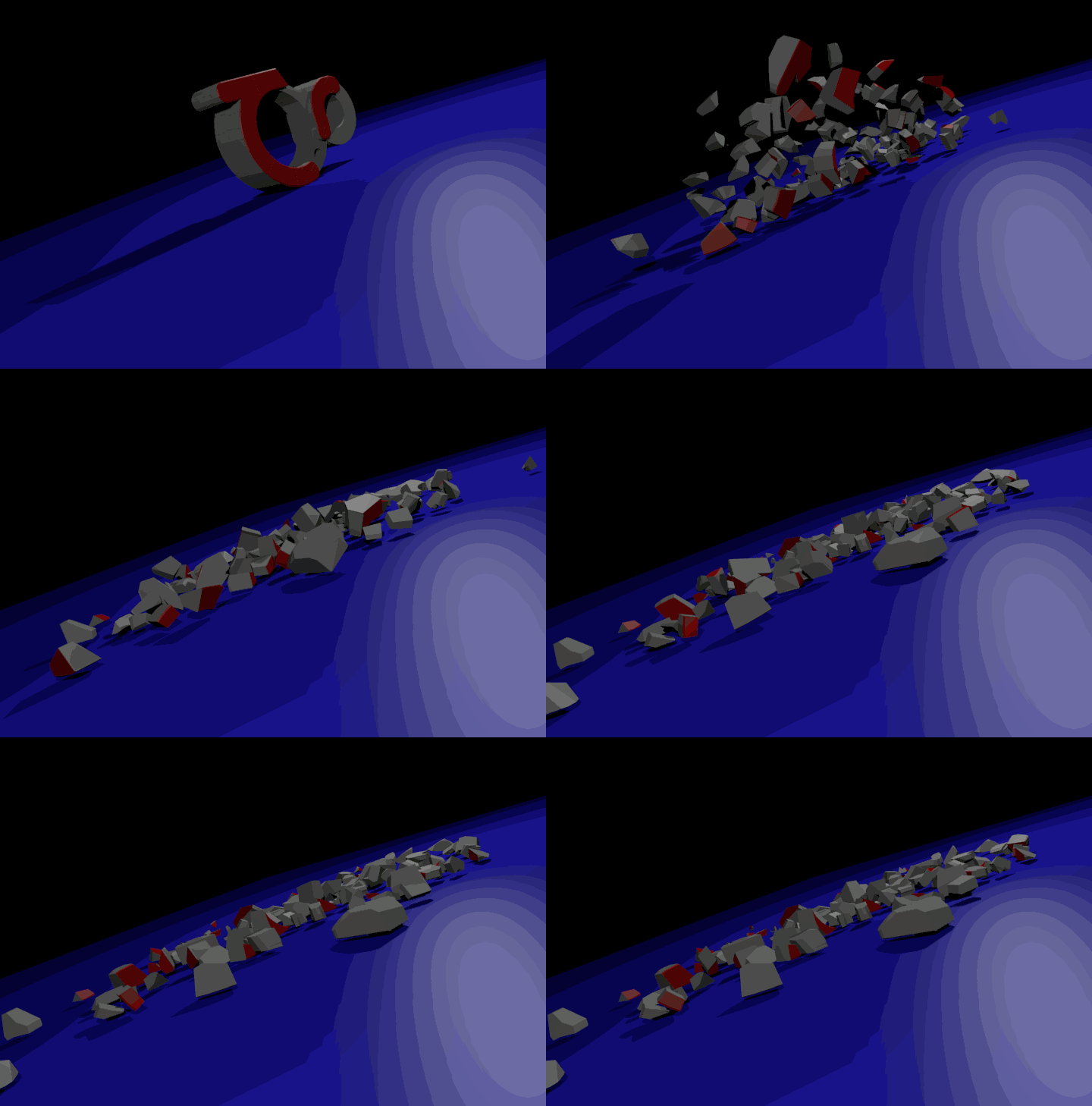
            That was fun, here is a very low resolution gif of my first try.
            Animation1.gif

            Click on image to animate.

            http://www.solos-art.com

            If you see a toilet in your dreams do not use it.

            1 條回覆 最後回覆 回覆 引用 0
            • Rich O BrienR 離線
              Rich O Brien Moderator
              最後由 編輯

              Great stuff.

              Next is to see what the Build modifier can do. You like that I think.

              Download the free D'oh Book for SketchUp 📖

              1 條回覆 最後回覆 回覆 引用 0
              • michaliszissiouM 離線
                michaliszissiou
                最後由 編輯

                Hey guys…
                You really need a lot of help.
                We could try a meeting
                google hangout.
                Sharing screens etc
                I do it all the time.

                for instance, you won't find a good UV tutorial around
                neither a good tutorial on cycles.

                @unknownuser said:

                Another good one is Kent Tramell's human male head modelling series. Nearly 12hrs but mesmerising stuff

                Oh my,

                You could join the blender sculpting club instead.

                TIP OF THE DAY

                [0] num pad for camera view.
                Select your object or something in the center of the scene
                On [N] panel, check LockCameraToView.
                Navigate now, zoom etc.
                Uncheck LockCamera, zoom so the camera window fill your view port, check LockCamera again, navigate
                More friendly to SUpUsers?

                1 條回覆 最後回覆 回覆 引用 0
                • D 離線
                  DOD3R
                  最後由 編輯

                  Hi solo,
                  Can you share story about your journey from SU to blender. I know you mentioned some Cinema4d somewhere.
                  I think it must be interesting.

                  I am myself was lurking around blender for a long time. It supposed to be a solution for uv mapping absence in SU, but i so far had no time to invest my time into it.

                  D.

                  1 條回覆 最後回覆 回覆 引用 0
                  • A 離線
                    archigrafix
                    最後由 編輯

                    Hi Solo and everyone I think I will join youonthis Blender trip...
                    I myself many times tried to jump from SU to Blender or SU to Modo, but always switched back to SU. Why? Mostly because I work on architectures and I feel so well an easy for that in Sketchup. Anyway if I want to go further on architectural renderings: HighPoly,UVs, integrated renderer etc... Blender feels a good choice

                    I recently booked to Andrew Price Architectural academy and I feel it very nice and exciting, if only I get more time to spend on it of course 😳

                    Agir comme un homme de pensée, et penser comme un homme d'action...

                    1 條回覆 最後回覆 回覆 引用 0
                    • soloS 離線
                      solo
                      最後由 編輯

                      @dod3r said:

                      Hi solo,
                      Can you share story about your journey from SU to blender. I know you mentioned some Cinema4d somewhere.
                      I think it must be interesting.

                      I am myself was lurking around blender for a long time. It supposed to be a solution for uv mapping absence in SU, but i so far had no time to invest my time into it.

                      D.

                      DOD3R, I really have no story, I did try Cinema4D and thought it was great but it was pricey and not as comprehensive as Blender that has everything one could possibly need and free. The thing is when I initially tried to learn Blender in 2005 it was one big mess, the UI was all over the place and short cuts and keys did not match between modeling tools, now with the whole new UI it's a hell of a lot better but still not as polished as say Maya, but certainly getting there fast. The best resource for Blender is Google as I can Google any question and I get a solution or even a YouTube tutorial.

                      That being said I am also very lazy, and learning new software is like scraping nails across a blackboard, I usually only learn things I need to know relevant to a project. However I decided to find fun stuff to do in Blender and follow tutorials in order to create them, doing so I will learn all the other stuff around them and hopefully by the end of a few cool tutorials I will have the knowledge to try something on my own.

                      http://www.solos-art.com

                      If you see a toilet in your dreams do not use it.

                      1 條回覆 最後回覆 回覆 引用 0
                      • cottyC 離線
                        cotty
                        最後由 編輯

                        Is that the new basecamp hat in your avatar? 😉

                        my SketchUp gallery

                        1 條回覆 最後回覆 回覆 引用 0
                        • J 離線
                          jpalm32
                          最後由 編輯

                          Really enjoying this thread solo.
                          I loaded and unloaded Blender so many times.
                          Maybe I should give another try.

                          1 條回覆 最後回覆 回覆 引用 0
                          • soloS 離線
                            solo
                            最後由 編輯

                            When I get time I will play, this time I tackled UV mapping. The globe has got a basic map, a bump map, a specular map and then a larger cloud map.

                            http://www.solos-art.com

                            If you see a toilet in your dreams do not use it.

                            1 條回覆 最後回覆 回覆 引用 0
                            • CadFatherC 離線
                              CadFather
                              最後由 編輯

                              great idea Solo, and i see fast developments in this thread, i shall lock it on my speed dials. i also play with Blender once in a while, but nothing worth showing yet.

                              one thing that comes to mind, is the danger of scattering the information in the thread, perhaps creating a second wiki-like thread, with only the 'working stuff' (which can be updated) and no comments?

                              1 條回覆 最後回覆 回覆 引用 0
                              • andybotA 離線
                                andybot
                                最後由 編輯

                                @cadfather said:

                                one thing that comes to mind, is the danger of scattering the information in the thread, perhaps creating a second wiki-like thread, with only the 'working stuff' (which can be updated) and no comments?

                                Interesting point - this thread might become like the "D'oh" thread - many good nuggets buried in miles of posts.
                                [By "good nuggets" I mean: each user will find different things useful - but not everything for everyone...]

                                http://charlottesvillearchitecturalrendering.com/

                                1 條回覆 最後回覆 回覆 引用 0
                                • soloS 離線
                                  solo
                                  最後由 編輯

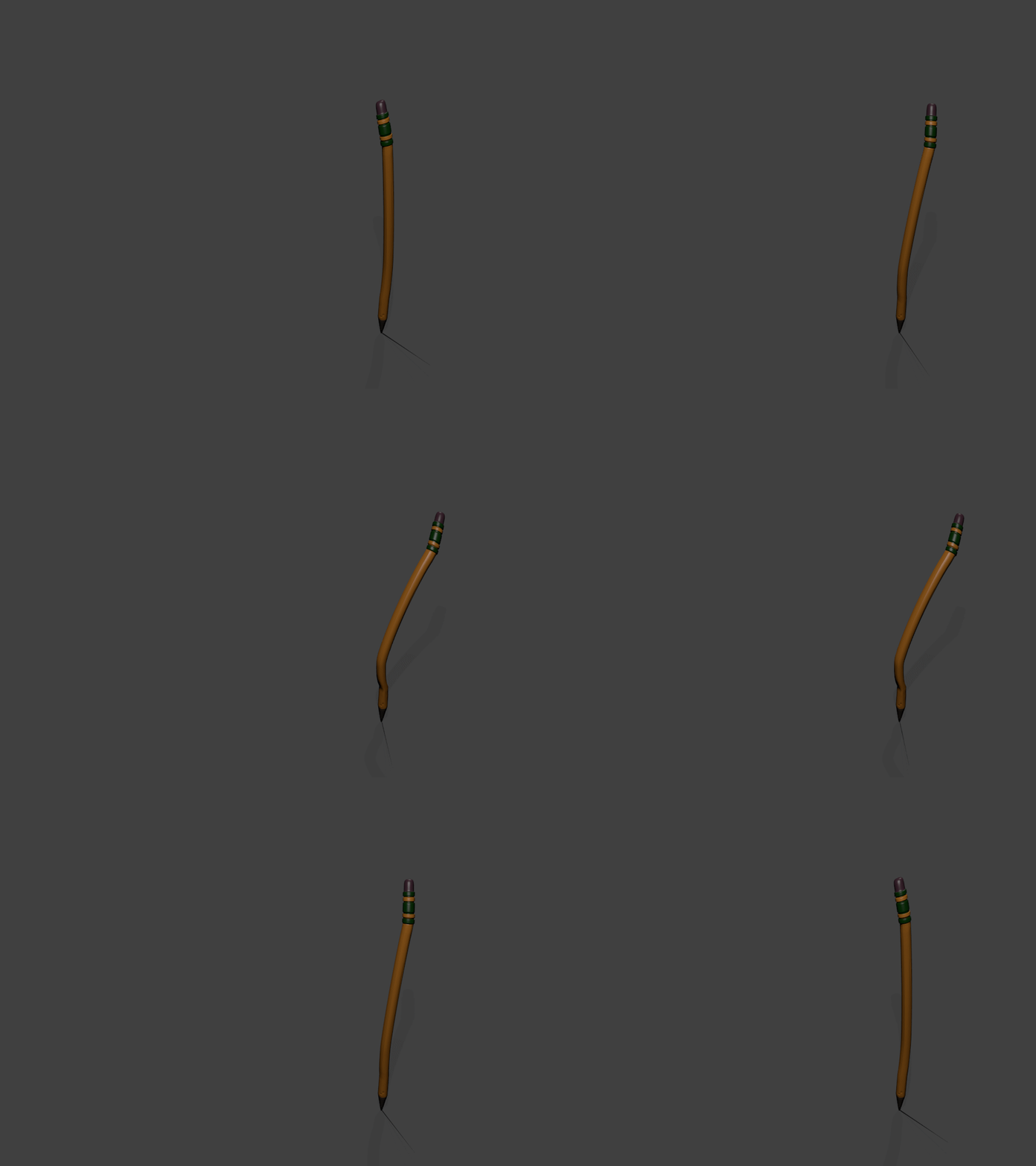
                                  I have found a great resource, an online quick-start course for Blender and it's free, it will take you through modeling a pencil from start to end, teaching you a lot of stuff as you go including UV mapping, face painting, creating bump and specular maps, rigging, posing,the works.

                                  Just a moment...

                                  favicon

                                  (www.udemy.com)

                                  And here is a quick view of what I achieved half assed, something went wrong with my rigging that I need to figure out.

                                  CLICK TO ANIMATE
                                  pencil.gif

                                  http://www.solos-art.com

                                  If you see a toilet in your dreams do not use it.

                                  1 條回覆 最後回覆 回覆 引用 0
                                  • olisheaO 離線
                                    olishea
                                    最後由 編輯

                                    This is a great thread 👍

                                    oli

                                    1 條回覆 最後回覆 回覆 引用 0
                                    • arail1A 離線
                                      arail1
                                      最後由 編輯

                                      When I first started using modo I found this short, simple video to be a helpful explanation of sub d modeling:

                                      1 條回覆 最後回覆 回覆 引用 0
                                      • soloS 離線
                                        solo
                                        最後由 編輯

                                        Andrew Price from Blender guru created this awesome trailer for the Architecture academy.

                                        http://www.solos-art.com

                                        If you see a toilet in your dreams do not use it.

                                        1 條回覆 最後回覆 回覆 引用 0
                                        • boofredlayB 離線
                                          boofredlay
                                          最後由 編輯

                                          Thanks for sharing that Pete. 👍

                                          http://www.coroflot.com/boofredlay

                                          1 條回覆 最後回覆 回覆 引用 0
                                          • daleD 離線
                                            dale
                                            最後由 編輯

                                            I thought I would post this as "Another Reason I Should Learn Blender"
                                            This gent has developed a 3D printer using the sound card of the computer operating lasers to harden resin. The model needs to be created in blender, and uses an add on software he has developed. Oh and did I mention he plans to market it for around $100. Or you can build it yourself, because he will be posting plans.

                                            http://www.cbc.ca/news/canada/saskatchewan/3-d-printer-by-sask-man-gets-record-crowdsourced-cash-1.2417416

                                            Just monkeying around....like Monsanto

                                            1 條回覆 最後回覆 回覆 引用 0
                                            • 1
                                            • 2
                                            • 5
                                            • 6
                                            • 7
                                            • 8
                                            • 9
                                            • 9 / 9
                                            • 第一個貼文
                                              最後的貼文
                                            Buy SketchPlus
                                            Buy SUbD
                                            Buy WrapR
                                            Buy eBook
                                            Buy Modelur
                                            Buy Vertex Tools
                                            Buy SketchCuisine
                                            Buy FormFonts

                                            Advertisement







