LIGHTUP Help
-
Im new to lightup and have being searching for a fix for this problem, its proberly something simple but i just cant figure out whats going on here, maybe someone could help me understand this and how to fix it.
Here is an image export from sketchup of a very simple lowpoly tree with the texture used to the left.
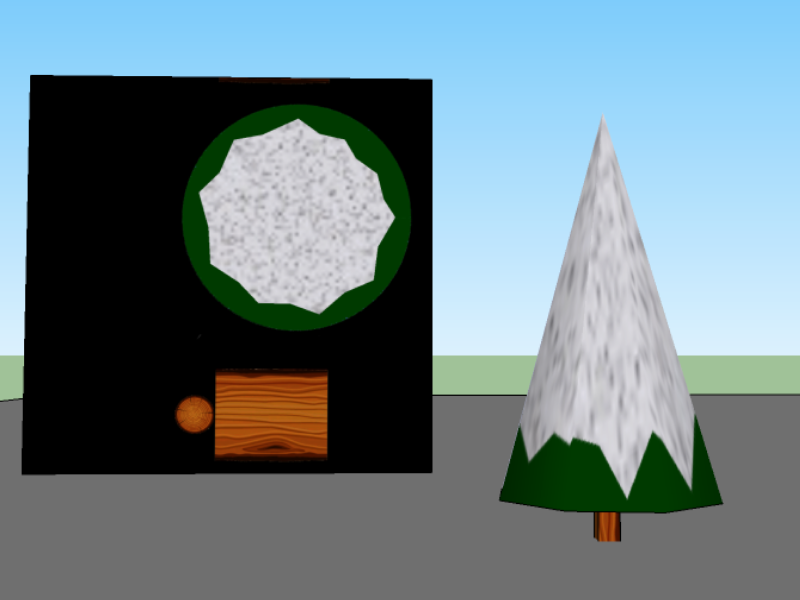
And once rendered in lightup this is what i get

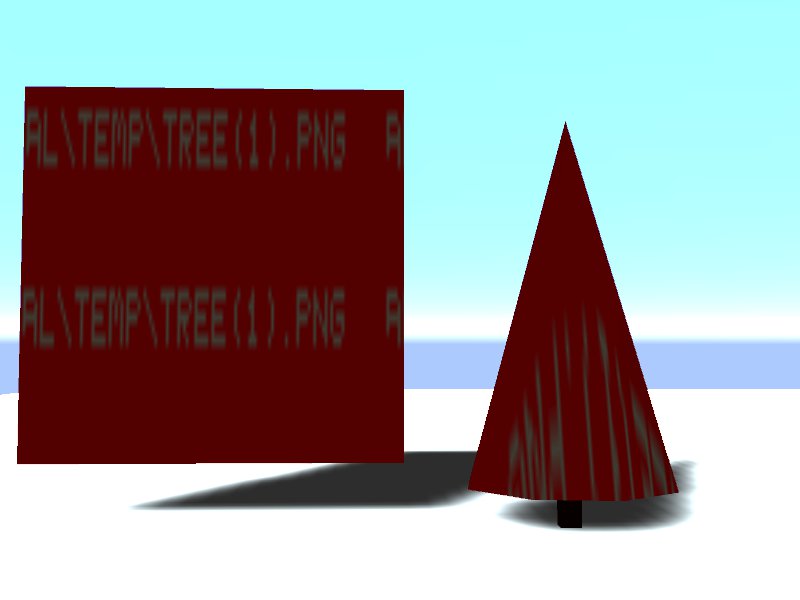
I have tried searching the lightup forums for this issue but couldnt find anything so i said id try here instead

-
Maybe your PNG must have background "transparent" ?
-
Believe it or not but i taught it was just that png but it happened here too, no transparency on the png

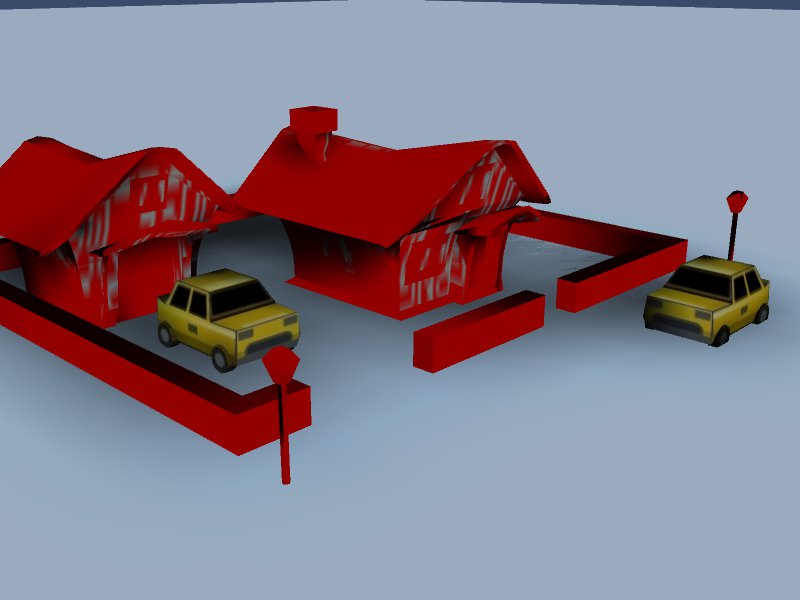
-
everything in red is on the same texture, the cars are on a separate texture, this is really starting to bug me, i had high hopes for lightup, it never occured when i was using the trial version a couple of months back

-
Hi iichiversii,
Can you post your model.
We have LU and maybe I could help. -
@iichiversii said:
Believe it or not but i taught it was just that png but it happened here too, no transparency on the png
[attachment=0:2seo0zfj]<!-- ia0 -->HOUSE_WIP_LP_lightup(no scene)_2012-11-07_2313.jpg<!-- ia0 -->[/attachment:2seo0zfj]
Hi,
If LightUp cannot read a texture for any reason, it creates a red texture with the pathname of the file it was unable to read written "into" the texture.
LightUp reads most texture formats, but does not support "JPEG Progressive" which is a not widely used variant of the regular JPEG image format. I can see the file has a .png extension, but are you certain its not actually a jpeg?
The solution is to convert it to a supported file format. PNG is well supported by LightUp, as are TGA, BMP,HDR,VTF formats.
Adam
-
What's the colour channel of the images? I really do not know if it is relevant but when trouble shooting weird things,one tends to think of everything that comes into his mind. I have seen issues with images that are not RGB channel in SU (although I have no idea if it can cause problems in LU)
Edit: Adam beat me but since he's here, at least he can confirm if CMK colours can properly be read.
-
This I did not know, thanks Adam, ill check it this evening to be sure but normally I only use png format images in sketchup, ill post to see if that is or not the issue

Ill check that also Gaieus just to be sure
-
@beginner said:
Hi iichiversii,
Can you post your model.
We have LU and maybe I could help.Thanks for the offer, ill try out what Adam suggests and if it isn't the issue ill post
-
Ok the texture was a png and it never worked, to double check i exported the image and converted to png to be sure and had the same issue, but i then converted to a TGA image and it works just fine, still cant understand why the PNG image didnt work
-
What software are you using to convert and make your images? Photoshop? GiMP?
-
Hi Chris, i use GIMP
-
Hmm, I'm not as familiar with that one. I know in photoshop for saving png it gives an option for Interlace - either none or interlaced. Typically none is what I always use. and probably make it an 8bit rgb mode png. That's all I've got. And I don't have lightup experience, just general png usage experience, so its just a guess.
-
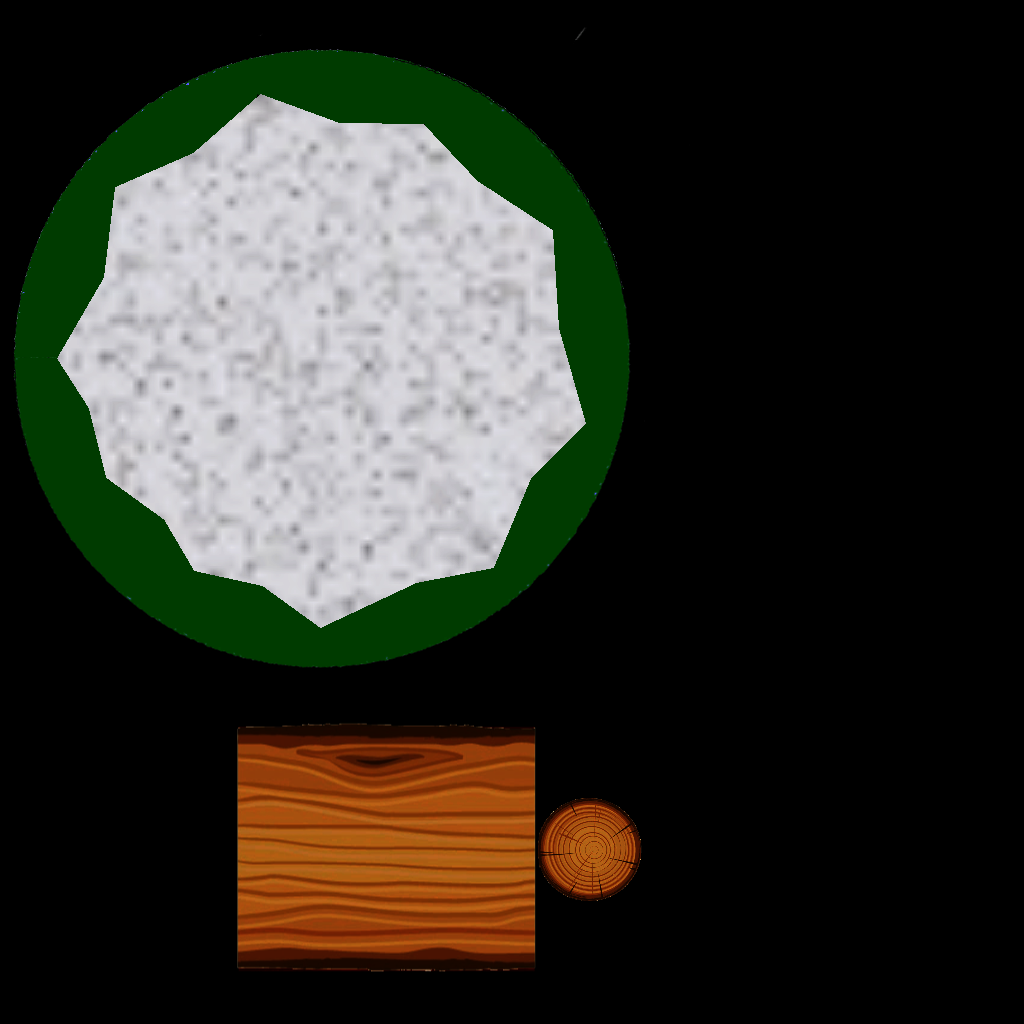
Share the texture to remove the mystery
-
-
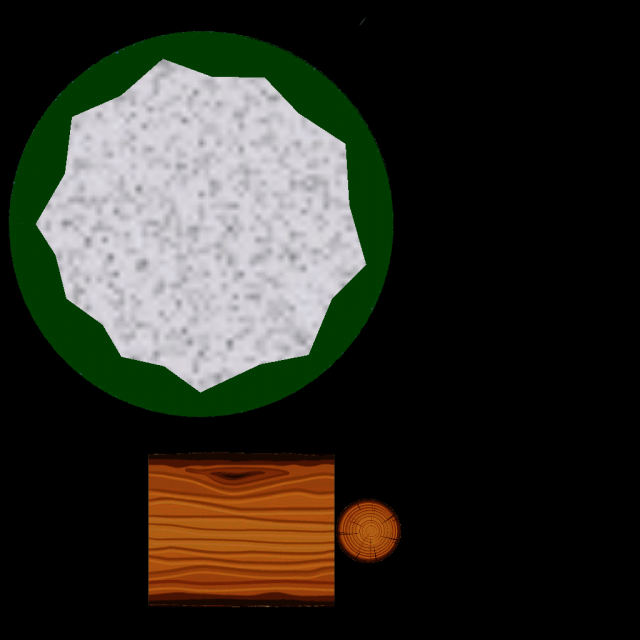
try this
-
Ok that worked Rich, so what was wrong with my PNG ? and what should i have done to make it work?
-
I want to know how you went about saving....
-
@iichiversii said:
Ok that worked Rich, so what was wrong with my PNG ? and what should i have done to make it work?
Perhaps what you've done is export the texture and done "save as" a PNG. Which converts it to a PNG file.
But the embedded Material texture you had before that went red (named "TREE(1).PNG") was actually a jpeg with a misleading extension.
but glad you've resolve it!
Adam







Hello! It looks like you're interested in this conversation, but you don't have an account yet.
Getting fed up of having to scroll through the same posts each visit? When you register for an account, you'll always come back to exactly where you were before, and choose to be notified of new replies (either via email, or push notification). You'll also be able to save bookmarks and upvote posts to show your appreciation to other community members.
With your input, this post could be even better 💗
Register Login


Advertisement