[Plugin] Material Renamer
-
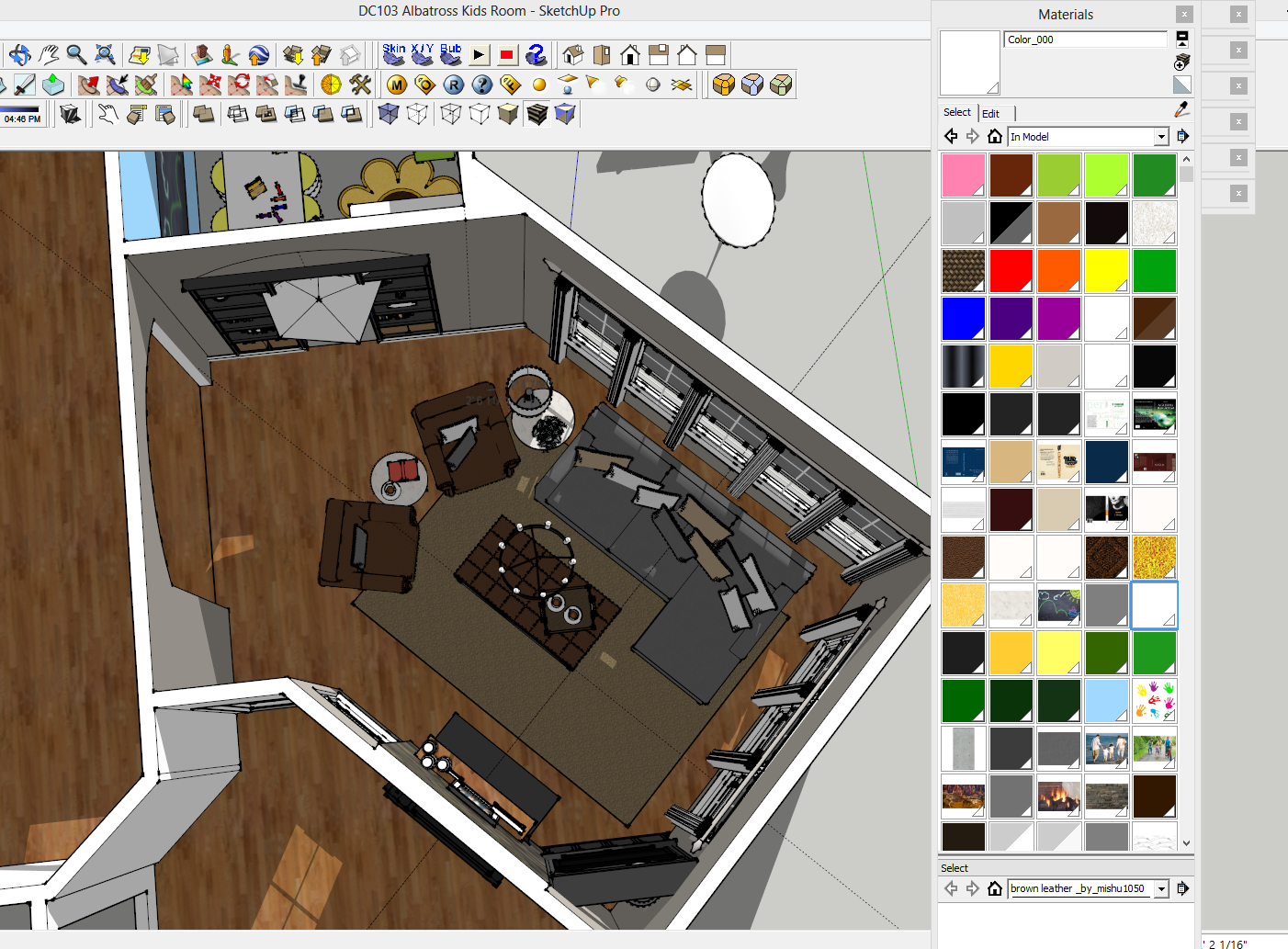
Not sure this has been brought up in this thread or in another, but I am looking for a way to organize my materials within each project. It would be so great to be able to organize them into folders or some sort of system that lets me group items together... I have a ton of materials in the project i am currently working on and have been trying to keep track of them by renaming them etc... but it becomes very daunting to look through them all. For example I downloaded a sketchup 3d file of books for my bookshelves in a family room I am designing... obviously I don't want to re paint all the books with colors in my model... and when I add the component into my model it also brings in all the new generic colors that further clutter up my materials library. It would be so great to create a folder or file system to group all the colors that are in the books together so that I don't get them mixed up with my other materials... needless to say it is a hot mess in my materials library. Please tell me someone has created a cool plugin for this or has a solution for me : ) Or am I missing something very obvious???
-
@unknownuser said:
and when I add the component into my model it also brings in all the new generic colors that further clutter up my materials library..
I hate to ask. You do do know you can purge unused materials ?
In case not. In the Materialpalette, click the house to get to modelmaterials.
The icons furthest to the right(blueish) click and choose purge unused.Otherwise there is maybe this:
http://sketchucation.com/forums/viewtopic.php?t=17587
or this ?
http://sketchucation.com/forums/viewtopic.php?t=48933
Take care.
-
@jolran said:
@unknownuser said:
and when I add the component into my model it also brings in all the new generic colors that further clutter up my materials library..
I hate to ask. You do do know you can purge unused materials ?
In case not. In the Materialpalette, click the house to get to modelmaterials.
The icons furthest to the right(blueish) click and choose purge unused.Otherwise there is maybe this:
http://sketchucation.com/forums/viewtopic.php?t=17587
or this ?
http://sketchucation.com/forums/viewtopic.php?t=48933
Take care.
Thanks, i will look those up. I do know about purge un-used (but I did just learn about it the other day so you are not so far off
 )Thanks! I will look up the two topics and see if there is something there that works for me... I was looking at the open or create a collection section... and was going to explore how that might work for what I am trying to do...
 -
@bagatelo said:
@tig said:
@unknownuser said:
...it would be possible to get the base name for the materials from file skp name automatically?
Yes, where the earlier code says
m.name = "mat#{'%03d' % i}"
change it to read
m.name = "#{Sketchup.active_model.title}#{'%03d' % i}"GREAT!!! Thanks...
Sketchup.active_model.start_operation('Rename Materials',true); Sketchup.active_model.materials.each_with_index { |m,i| m.name = "#{Sketchup.active_model.title}#{'%03d' % i}"; p m.name };Sketchup.active_model.commit_operation
I want to add a shurtcut for this function. Can you make a plugin for me, please?

-
def matrename Sketchup.active_model.start_operation('Rename Materials',true); Sketchup.active_model.materials.each_with_index { |m,i| m.name = "- #{'%03d' % i}"; p m.name };Sketchup.active_model.commit_operation end if( not file_loaded? "TT_materials_renamer.rb" ) UI.menu("View").add_item("Materials Rename") { matrename.new } file_loaded("TT_materials_renamer.rb") end -
@cadfather said:
> def matrename
>
> Sketchup.active_model.start_operation('Rename Materials',true); Sketchup.active_model.materials.each_with_index { |m,i| m.name = "- #{'%03d' % i}"; p m.name };Sketchup.active_model.commit_operation
> end
>
> if( not file_loaded? "TT_materials_renamer.rb" )
> UI.menu("View").add_item("Materials Rename") { matrename.new }
> file_loaded("TT_materials_renamer.rb")
> end
Great! Thanks!
One thing that would be really interesting would be that this script index materials application in areas with higher per square meter first. Thus, a material that was on all the walls would be in first place. A material that was in small areas (a decorative object for example) would be the end of the numbering.
-
Is it possible for this plugin to allow one to rename individual materials. For example, let's say my model is imported into SU as Material 1, and I'd like to rename it Window, and Material 2 to be renamed Door, etc.
-
This plugin appears to be buggy for me... it seems to be applied as soon as Sketchup has started, so when I open a file by double-clicking it in explorer, the materials get renamed immediately. The same happens when I activate the plugin via the Sketchucation Plugin Store. Will leave it deactivated until the cause is found...
-
Currently, I have this plug-in disabled (i.e., "tt_materials_renamer.rb" to "tt.materials.renamer.rbDISABLE"). Is there a way to turn this option on or off as needed. Many of my projects are uploaded into Vue 10 Esprit for rendering. I've been "building" a database of materials from SU. When the files are automatically renamed to "mat00", "mat01", etc., it's near impossible to determine whether the material has been saved to it's converted ".mat" format. Your help is appreciated. Jo Ann

-
Beware: It runs silently in background on the file opening! I managed to spoil a couple of files with this one
It should be written on the top. -
Plugin name and menu text
PLUGIN_NAME = 'Rename Materials by File Name'.freeze
Plugin class
class RenameMaterials
def self.rename
# Get the active model
model = Sketchup.active_model# Get the file name and remove the extension file_name = File.basename(model.path, ".*") # Get all materials in the model materials = model.materials # Iterate through all materials and assign new names based on the file name materials.each_with_index do |material, index| new_name = "#{file_name}_#{format('%02d', index + 1)}" material.name = new_name end puts "Materials have been successfully renamed based on the file name."end
endMenu item that activates the plugin
UI.menu('Plugins').add_item(PLUGIN_NAME) { RenameMaterials.rename }








Advertisement