Where is Susan?
-
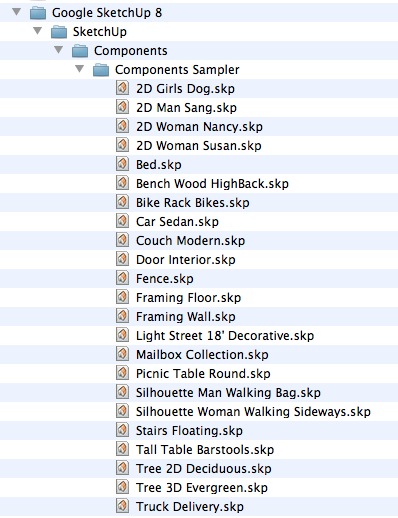
C:\Program Files\Google\Google SketchUp 8\Components\Components Sampler
-
@charly2008 said:
Hi All,
Where Susan is hiding? In the Components window is displayed, a path that I can not find on my hard disk. Any help is welcome.
Charly
i think she's inside the template .skps
(and not available as her own susan.skp component)
could be wrong of course...and that path appears to be a mac path.. the same path is listed on my computer for susan's loaded from..
so, more likely than not, snicolo is the user name of whoever created the sketchup templates.. -
Simone is hiding her.

-
@unknownuser said:
C:\Program Files\Google\Google SketchUp 8\Components\Components Sampler
damn.. what a rip-off..
i guess window sketchup actually IS superior to the mac version
[edit]
hahaha.. holy s
she's right there in the screenshot!
i'm blind.
(2D Woman Susan.skp) -
@unknownuser said:
i'm blind
Yes you are. Next time you're in a shop buying a laptop open your eyes and get a PC.
-
@unknownuser said:
@unknownuser said:
i'm blind
Yes you are. Next time you're in a shop buying a laptop open your eyes and get a PC.
haha. ok
-
Thanks for your comments,
I asked this question because I somehow managed to eliminate Sang at the start in Sketchup 7 and i would like to do the same in Sketchup 8.
Charly
-
Why not just delete Susan from your template then overwrite that template? No need to remove her completely from system to that.
-
And even if you remove from the system, she will remain in your template.
-
@unknownuser said:
In a new SketchUp window, delete Sang/Susan/Bryce/Csaba and then click File > Save As Template.
Also do not forget to purge unused components before saving as a template.
-
@charly2008 said:
I asked this question because I somehow managed to eliminate Sang at the start in Sketchup 7 and i would like to do the same in Sketchup 8.
In a new SketchUp window, delete Sang/Susan/Bryce/Csaba and then click File > Save As Template. Give it a name and set it as your default template. You can also use this method to change your default view when you open SketchUp. Just orbit/pan/zoom around to your desired default view and save the template again.
Hope I was clear.

Edit: Rich beat me but I'll leave this up in case you're not sure how to do it.
-
@gaieus said:
@unknownuser said:
In a new SketchUp window, delete Sang/Susan/Bryce/Csaba and then click File > Save As Template.
Also do not forget to purge unused components before saving as a template.
 I never thought of that! Thanks!
 -
-
@unknownuser said:
I've no little angry lunatic in my SU?
Sure you do - what did you think was causing BugSplats...

-
Thanks Rich,
it Is so simple. I saved my workspace as a template without Susan, problem solved. Sorry Susan.
Charly
-
No worries Charly and no offence to Susan but I don't like it loading either. Although having Csaba loading would be a novelty.
Pete, if you read this we need a 2D of that Green Csaba you posted months back

-
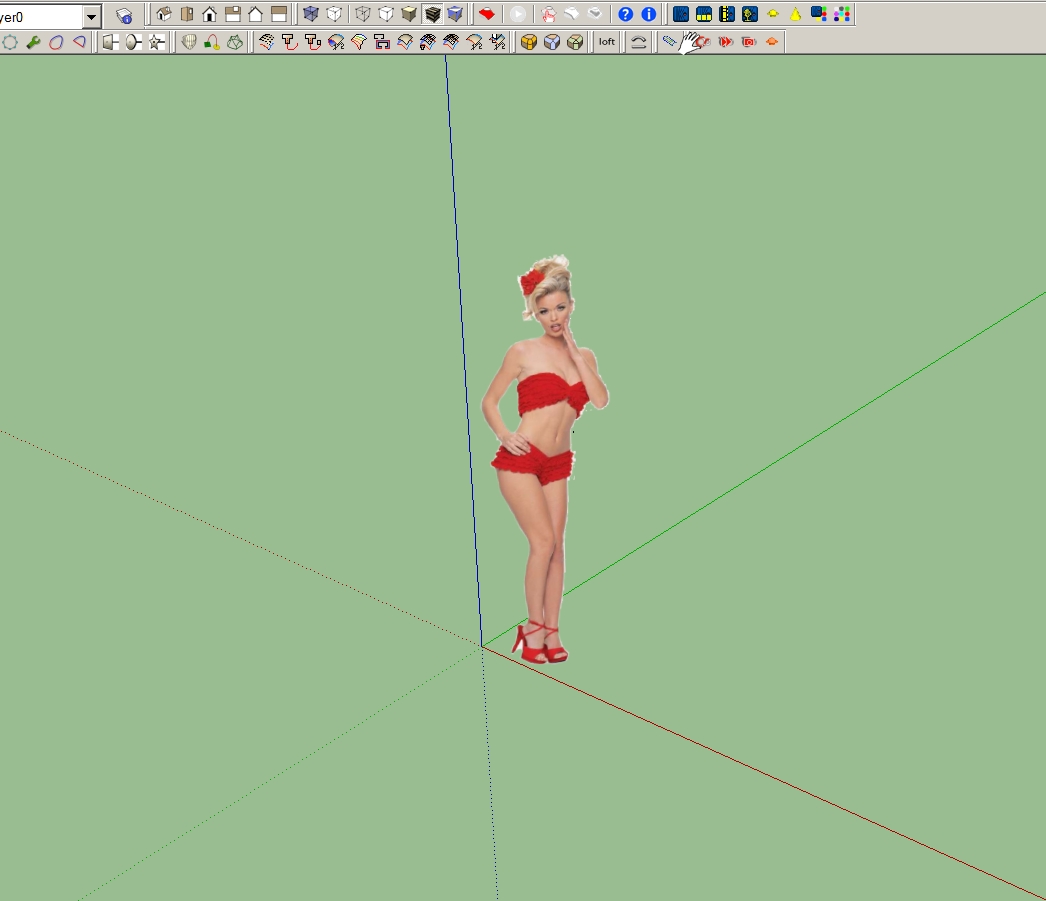
But I've found a replacement.
-
Ah well, I doubt Susan would have posed like that for modelling...
-
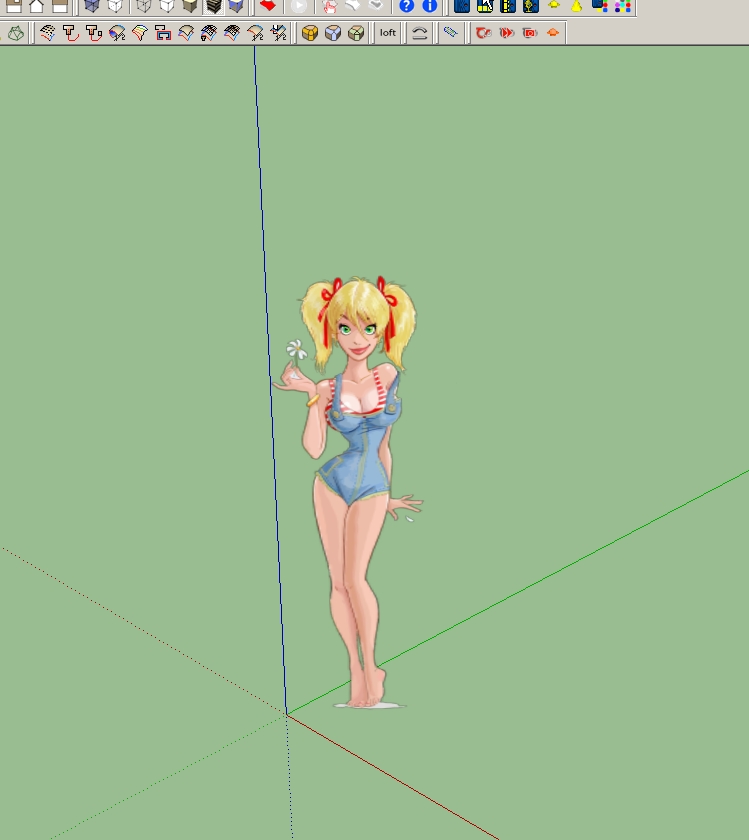
Hi Gaieus,
You're right, I doubt that too.
-
@gaieus said:
Also do not forget to purge unused components before saving as a template.
likewise, purging will rid the template of all her colors so you'll be able to start off with a blank slate of materials..






Hello! It looks like you're interested in this conversation, but you don't have an account yet.
Getting fed up of having to scroll through the same posts each visit? When you register for an account, you'll always come back to exactly where you were before, and choose to be notified of new replies (either via email, or push notification). You'll also be able to save bookmarks and upvote posts to show your appreciation to other community members.
With your input, this post could be even better 💗
Register Login


Advertisement