[Plugin] Sketchup Ivy
-
Hi Rombout,
I use Sketchup 8 on Mac and Sketchupivy 0.6beta works fine for me, you can see this video on You Tube http://www.youtube.com/embed/RGV8jU9HK_Y
If you want i send you the plugin again.
Usually SketchyPhisics3 plugin gives errors and conflicts with other plugins like shape_bender.rb, round_corner.rb, Extrude Tools and others
perhaps with Sketchupivy too, have you installed SketchyPhisics3? -
Hi,
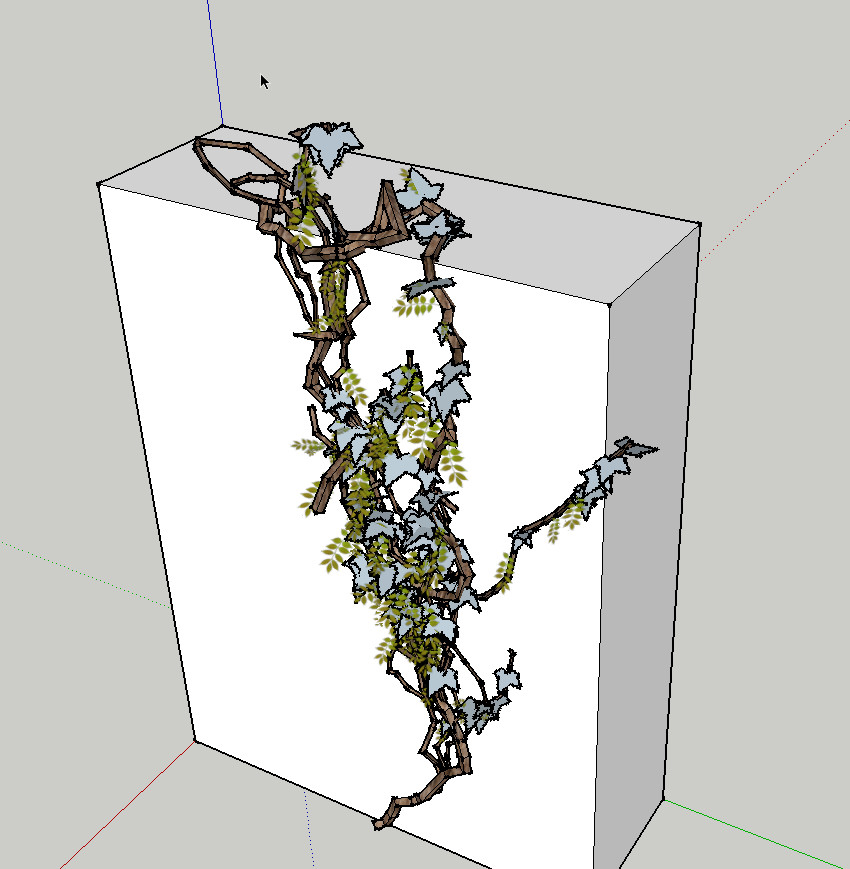
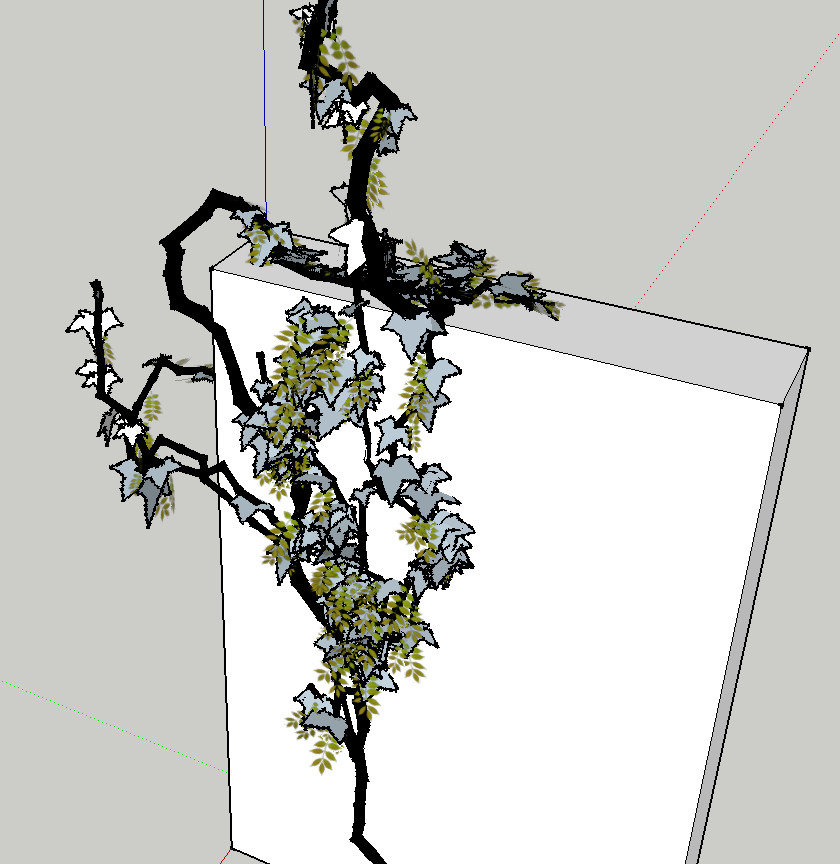
I've recently experimented a bit to produce a Wisteria. Unfortunately I was not so successful. Then I have reinstalled the "0.63 beta". The result is now that no Ivy texture appears and Wisteria leaves also still appears. What is wrong?
Charly
-
I do have a couple of those installed as well. But I think it due to the sketchy physics, I installed this lately and before that it was always working. But I got it to work again after changes to lines of code (see tomasz's tips) there's one doneside on that. I hardly renders leaves know!? So I think I need to take a closer look now.
What's also weird is that io never got your version to work in iether su7 or 8, I would only work in su6. -
Charley,
are the Materials showing up in the browser when you launch Ivy?
and does the script have Tigs mod??
john -
Hi John,
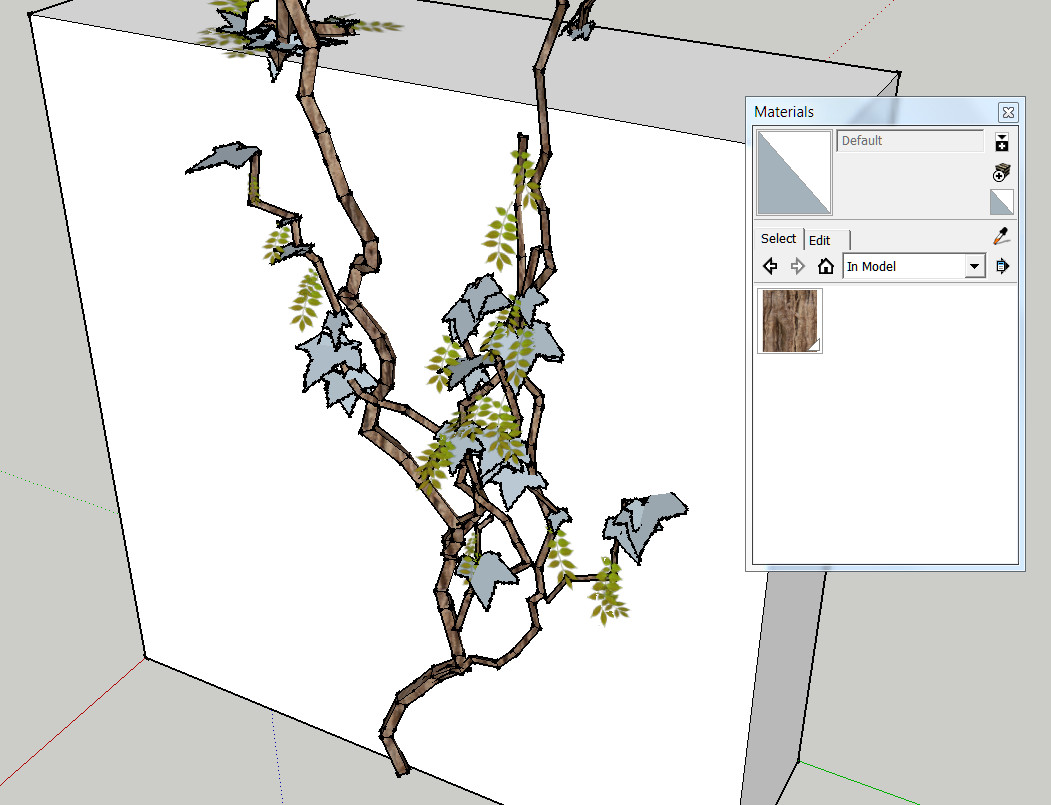
no, only the material for the tribe. Yes I have installed the "TIG mod".
-
did you try it without the mod... john
-
John,
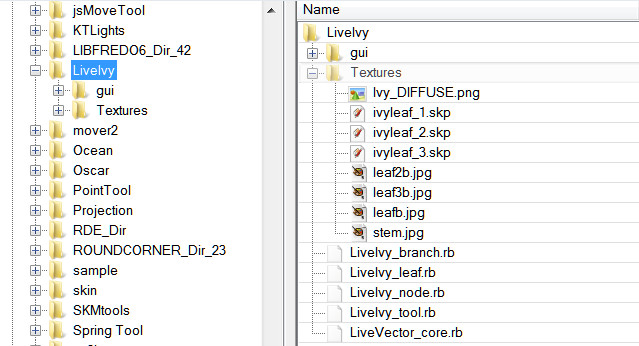
yes i did. I have looked again at the contents of the texture folder (see pictures below). Can it be that something is missing here?

-
I think it's to do with the image file name, I remember re-naming a complete set to replace the originals when I was playing with it.
early in the thread someone supplied a modified Textures folder [with different leafs], maybe look at that...
john
-
John,
I've tried the modified folder but no change. Even if the textures folder was deleted, wisteria, and ivy leaves appear the same. I do not understand, this is crazy!
Charly
-
Dear members,
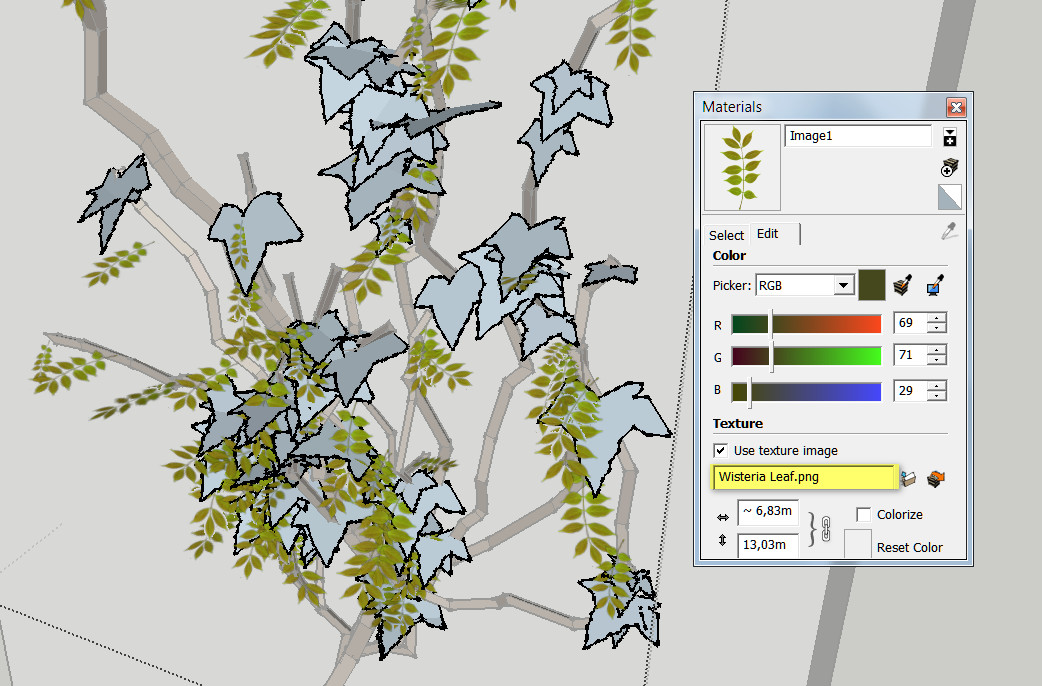
I need an idea from you. How can I eliminate this material Wisteria? I've searched the entire hard disk, but these "Wisteria.png" is nowhere to be found. But these png must be stored somewhere. I feel like a beginner.
Charly
-
Problem solved. The png was saved in my template.
-
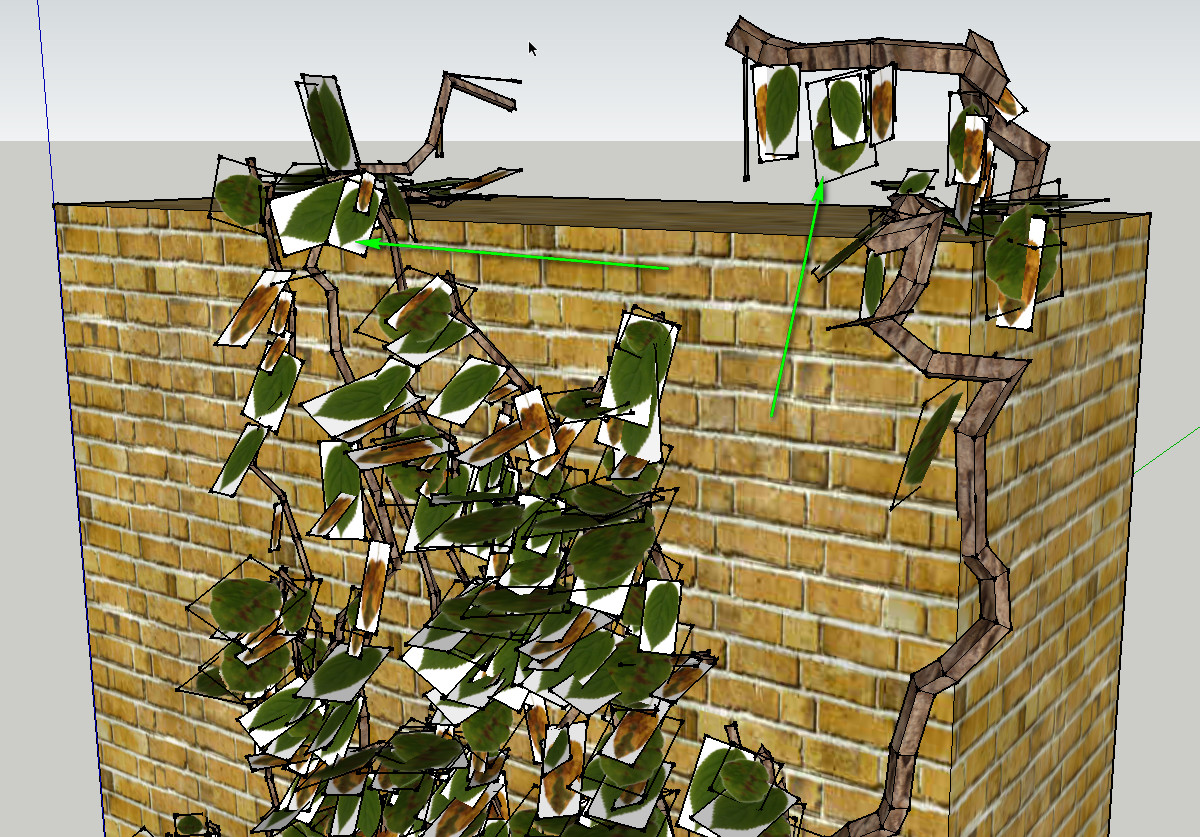
I give it up now. Now the plugin is working again. But now some leaves are again transparent and others not. I probably do not understand the workings of this plugin. I'll wait for an update.

Charly
-
@charly2008 said:
I give it up now. Now the plugin is working again. But now some leaves are again transparent and others not. I probably do not understand the workings of this plugin. I'll wait for an update.
Charly
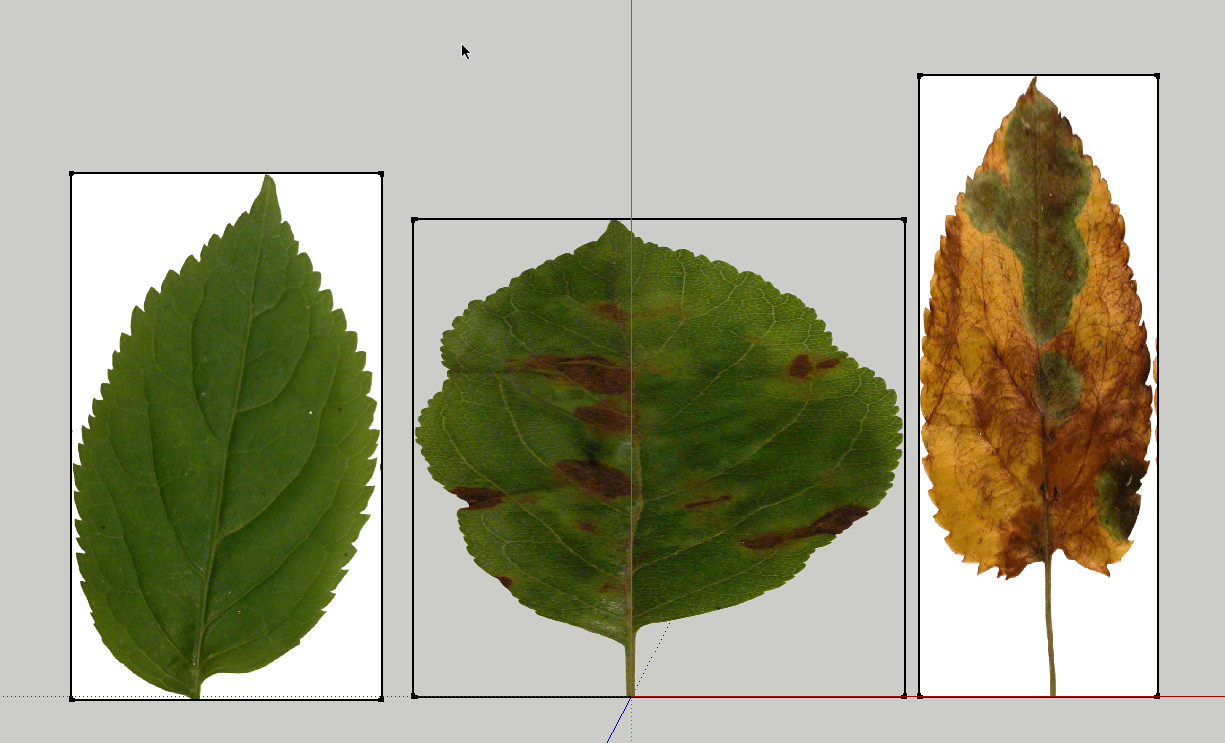
THat's due to the prob that 2 images arent transparent png's open these to in a image editor and make them transparent and than re-import them into SU
-
Hi Rombout,
@unknownuser said:
THat's due to the prob that 2 images arent transparent png's open these to in a image editor and make them transparent and than re-import them into SU
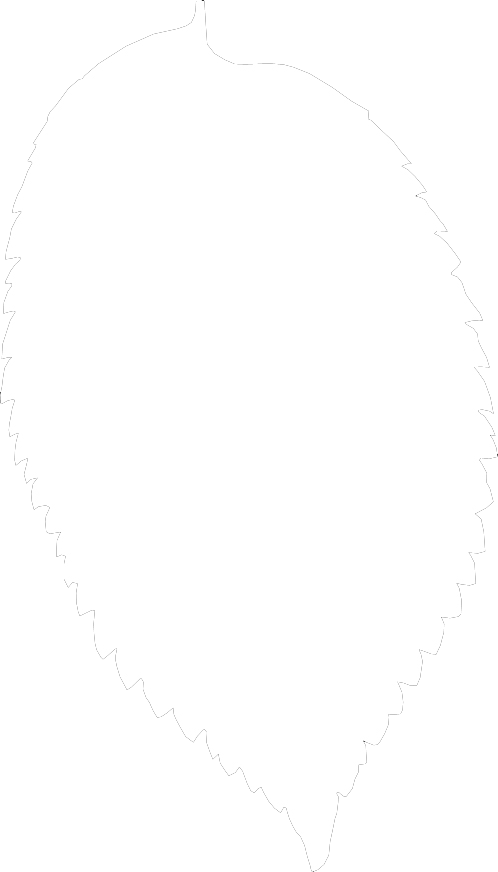
Thanks for your answer. I have converted the jpg to png. I do not know if I've done anything wrong. I have attached the pngs below. If you watch it once I would be grateful.
Charly



-
You seem to be going round in circles.

This zip containing the three adjusted SKPs [and PNGs] that have hidden edges and already use proper transparent PNG files...
Replace those in the Textures folder...
Retry...IvyTexturesSKPs.zip -
TIG,
I do not know how I can thank you. Sometimes you appear to me like the Robin Hood of the forum.
Charly
-
you need to make reset button. i have made a lot of changes in numbers...and now my ivy don't grow on a wall, it grows in every direction...please can someone share default settings?
-
@romb said:
you need to
Did you mean, "it would be nice with" or "Could you please"?

Just saying, the wording can make a difference. Making freeware stuff and you end up with lots of demands from your users, it can get a bit tiresome. (Spoken by someone who makes lots of freeware.)
-
hsh = {
            ;branch   => {
                ;nodesize    => 3,
                ;pattern     => 0.8,
                ;probability => 0.97,
                ;radius      => 0.8,
                ;floatlength => 150,
                ;detail      => 4,
                ;spread      => 0

            },
            ;leaf     => {
                ;pattern     => 1,
                ;probability => 0.7,
                ;size        => 5
            },
            ;gravity  => {
                ;weight => 1,
                ;vector => [0, 0, -1]
            },
            ;wind     => {
                ;weight => 0.1
            },
            ;random   => {
                ;weight => 0.3
            },
            ;adhesion =>{
                ;max_adhesion_distance => 50,
                ;weight                => 0.2
            },
            ;legacy   => {
                ;weight => 0.8
            }

}
The default settings as extracted from the code.
Now you do some work resetting your values manually...
-
No worries.






Hello! It looks like you're interested in this conversation, but you don't have an account yet.
Getting fed up of having to scroll through the same posts each visit? When you register for an account, you'll always come back to exactly where you were before, and choose to be notified of new replies (either via email, or push notification). You'll also be able to save bookmarks and upvote posts to show your appreciation to other community members.
With your input, this post could be even better 💗
Register Login


Advertisement