[Plugins]$ Create image(rotate)
-
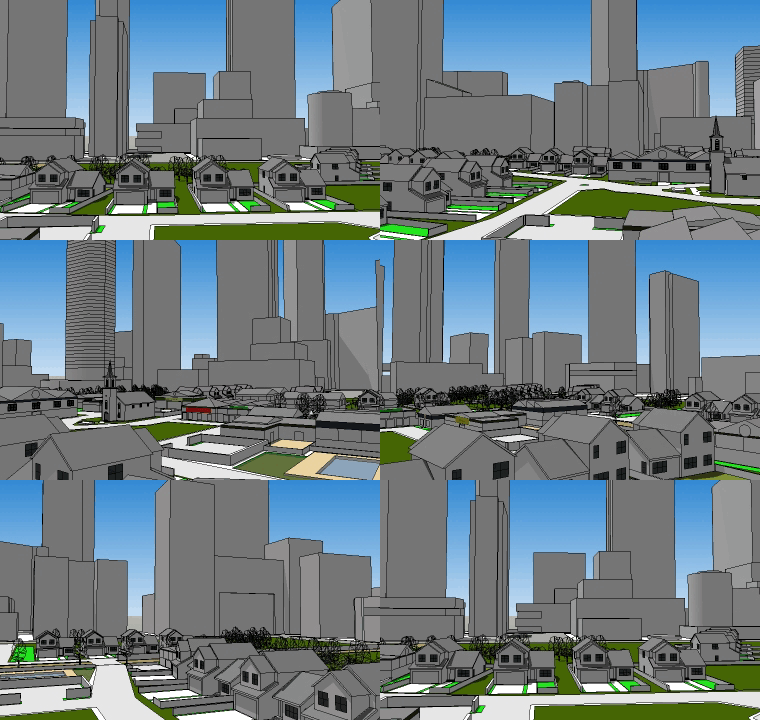
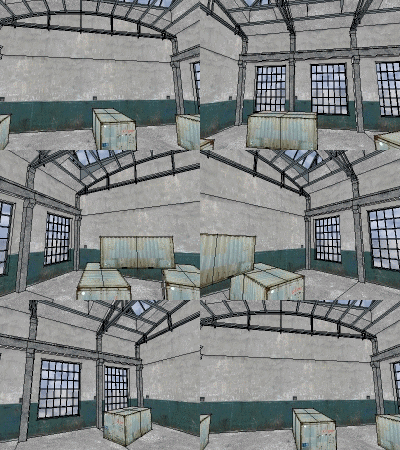
The script takes a snapshot and saves the image in the folder where the file resides. Skp
[flash=750,550:2e31286n]http://www.youtube.com/v/bHsZbK90YAQ[/flash:2e31286n]
Before installation remove a script "animaciya_create.rb" from a folder "Plugins"
-
Hi,
Cool. It reminds me my old VR Object exporter
here: http://rhin.crai.archi.fr/RubyLibraryDepot/plugin_details.php?id=467 -
-
Thank you Sahi!
Daniel S -
thank you
-
Thank you, Sahi! Super cool and couldn't be easier to use.
Hehe

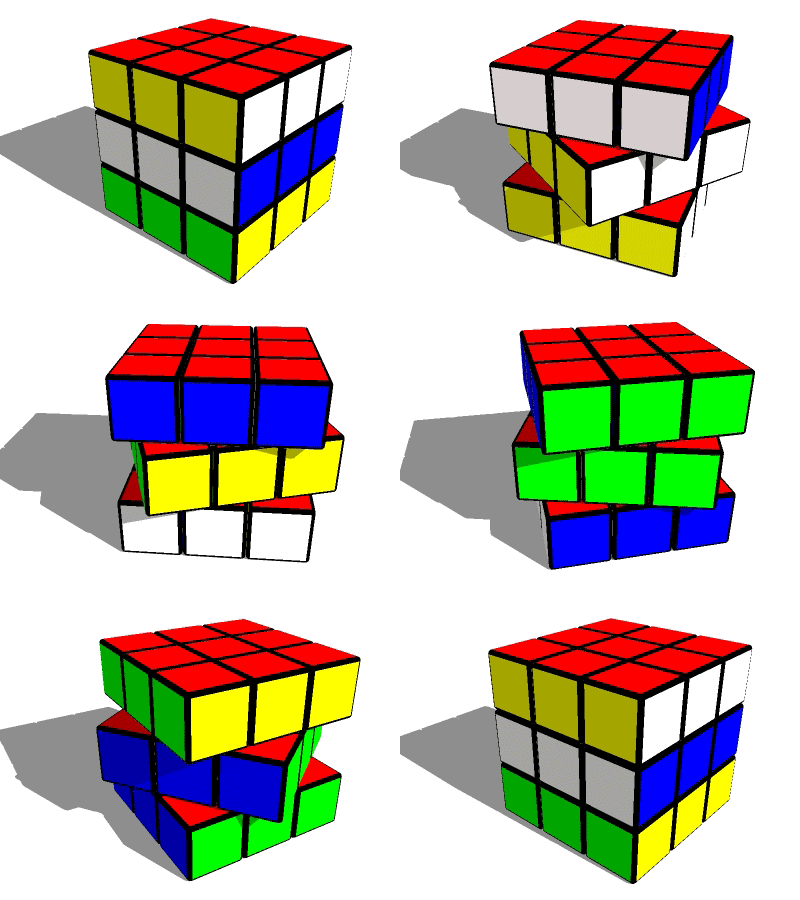
Is there a way to use this with a render engine, to make a photorealistic animation? -
Thanks Sahi,
I think this is going to be a very popular one

Mike
-

-
Wicked!!! Thank you so much

-
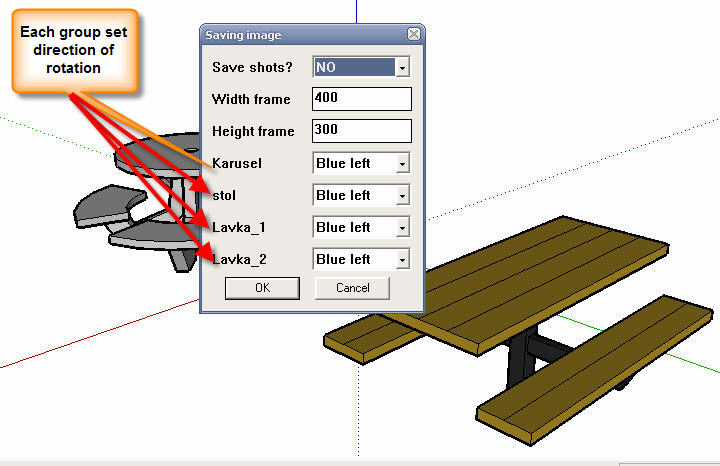
Modified script, added the ability to select each group the direction of rotation
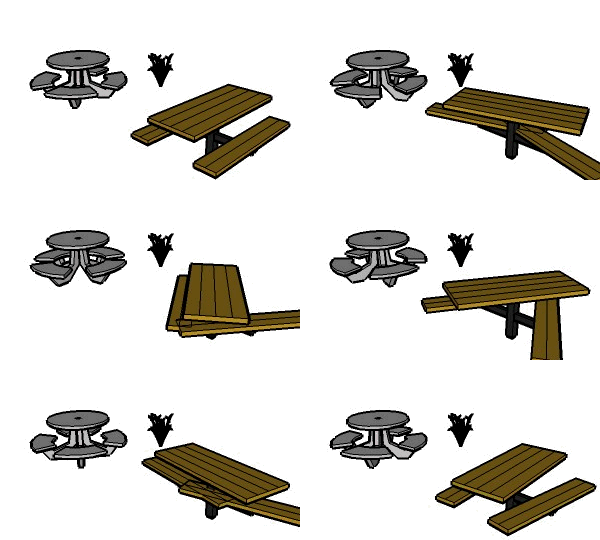
In the first message -
Modified script, added the rotation of the whole scene, as well as selecting the folder to save the
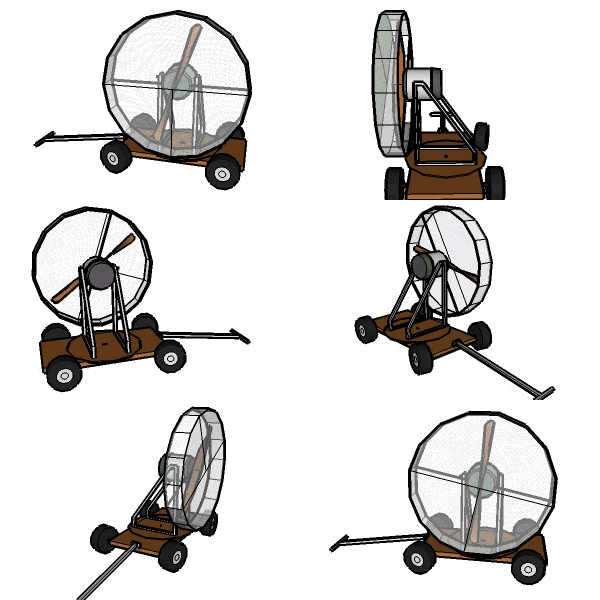
In the first message -
@sahi said:
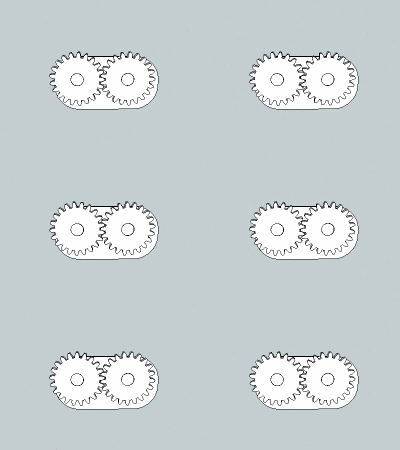
For the test added to the script to choose the speed of rotation for each group (component)
It is necessary?Useful for gears
 ...so yes!
 -
Your work is so great
Can you provide a multi-language version
Thank you -
This works really well, thanks. But is seems to take a long time to export the images, and why encrypt it?
-
@jim said:
But is seems to take a long time to export the images, and why encrypt it?
In the first message is the source file (animaciya_create.rb>> not encrypted)
animaciya_create_7.zip - Trial until 12/01/2010 - so it is encrypted
Cost $ 8
-
For the test added to the script to choose the speed of rotation for each group (component)
It is necessary?
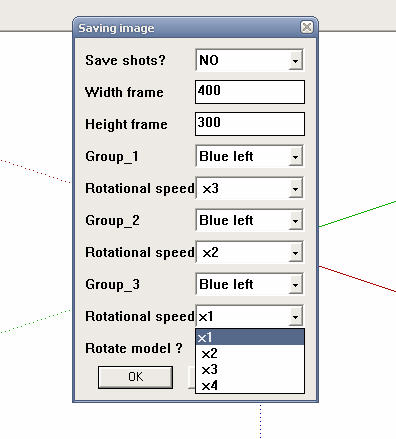
In the first message -
I love this...I have a rookie question...Can this be expoted and then impoted into a program such as Bryce and still rotate or only run in SketchUp...
-
only run in SketchUp.
-
fwiw, i'm getting a consistent bug splat with OS X.
all seems to go well until i click 'start' then splat.. everytime.
-
There are mistakes, I'll work on them.
Use the button "Undo" and not "Pause"




Hello! It looks like you're interested in this conversation, but you don't have an account yet.
Getting fed up of having to scroll through the same posts each visit? When you register for an account, you'll always come back to exactly where you were before, and choose to be notified of new replies (either via email, or push notification). You'll also be able to save bookmarks and upvote posts to show your appreciation to other community members.
With your input, this post could be even better 💗
Register Login


Advertisement