[Plugin] Manifold v2.2
-
Cheers! I found a tool called solid Inspector which shows some red and orange lines. I'm not 100% sure what the problem is in some cases (although in others it's obvious). I'll see if I can track down where to ask about those tools

Thanks again
-
@pdwyer said:
Cheers! I found a tool called solid Inspector which shows some red and orange lines. I'm not 100% sure what the problem is in some cases (although in others it's obvious). I'll see if I can track down where to ask about those tools
Thanks again
You can ask about Solid Inspector here: http://forums.sketchucation.com/viewtopic.php?f=323&t=30504&p=267832#p267832
IT circles red/orange around edges where there is a hole, or the edge connect to internal faces. In a solid all edges should have two connected faces - if there are more or less it means it's not a solid. These are the areas which the inspector highlights. So check if the faces are connected to internal faces, or if it's a hole. Note that the whole could be very small and you'd have to zoom a lot to see it.
-
Hi!
Thanx for creating this awsome plugin! I have been working on converting 3D objects from some GIS application and it has been so difficult, until now, that is.
I just have one small and kind of silly question but please bear with me:
After running Manifold a copy of the selected group is created. Wich one is the fixed one? Are both fixed? The way i interpret what happens right now is that the one created is just a "showcase" of what changes have been made and that it should be removed./ KJ
-
@unknownuser said:
It then processes the group, making a modified copy of it set off to
one side.
If it has errors then a nested group is overlaid that has these
errors highlighted - red for removals, green for healing.
This error-group has a 'text-handle' so you can easily select it to
move it away or erase it later...
There is a closing dialog which either tells there were no major
errors [although it might have removed non-face/edge entities or
oriented faces and done some triangulation] or it reports the number
of errors.
If X-ray mode is off it asks you if you want to change to X-ray Mode
to look inside the group to see what has been affected.
On Yes/No the tool closes, with the new 'manifold' group now selected.
Otherwise OK to end, with the new 'manifold' group now selected.Does this answer your query?
-
Thanx for the quick reply!
Sadly the answer is no. This quoted text is the reason I wrote this post in the first place. And no: I am not trying to be a pain in the ass, I just don´t get it.

"It then processes the group, making a modified copy of it set off to
one side."
This sentence kind of implies that the first "original" group has not been modified but that the generated one has."This error-group has a 'text-handle' so you can easily select it to
move it away or erase it later..."
This implies both groups have changed, but in different ways.So I am thinking the logic could be that the program leaves the original group unchanged for comparison, as that seems to be a big deal further down the text, or that the original group is fixed along with the generated group but that the latter one is just a showcase.
/ KJ
-
It works on a copy of the original group that it has made and offset to one side.
The third 'error group' [if any] simply highlights these errors and it is overlaid onto the original group...However... please note that this particular 'Manifold' tool is a slow old crock and it has long been superseded by some newer better things... so I no longer 'support it'...
Thomthom's 'SolidInspector' shows where errors occur that are causing non-solidity.
My newer 'SolidSolver' tries to fix them [affecting the original, but 'undo-able'].
There are also one or two other tools that try to do this kind of thing too...I recommend you get those and retry.
-
Works brilliantly for my purposes. Cheers!
-
While this plugin is running, does it get interrupted if my computer goes into standby mode?
-
@worldwiz said:
While this plugin is running, does it get interrupted if my computer goes into standby mode?
I really don't know.
BUT there are now several better tools like SolidSolver and SolidInspector anyway
-
Using version 8 free BTW
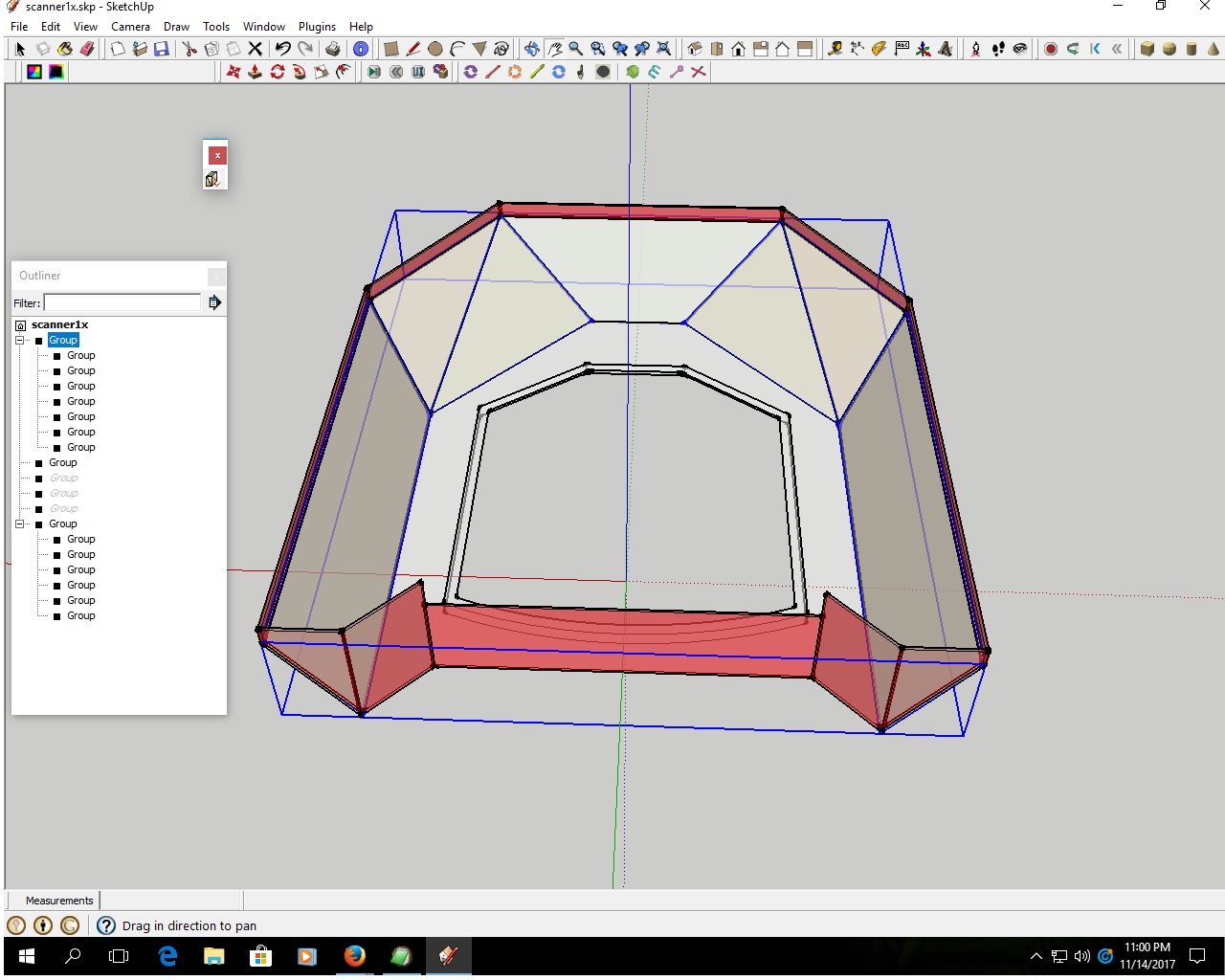
I have been trying to make use of this plugin. But it does not seem to work . I am getting an error message when i look in console
here is a copy of the messages i get .manifold
Error: #<TypeError: wrong argument type (expected Sketchup::Entity)>
C:/Program Files (x86)/Google/Google SketchUp 8/Plugins/manifold.rb:199:inadd_group' C:/Program Files (x86)/Google/Google SketchUp 8/Plugins/manifold.rb:199:incopy_group'
C:/Program Files (x86)/Google/Google SketchUp 8/Plugins/manifold.rb:142:inactivate' C:/Program Files (x86)/Google/Google SketchUp 8/Plugins/manifold.rb:1039:inselect_tool'
C:/Program Files (x86)/Google/Google SketchUp 8/Plugins/manifold.rb:1039:in `manifold'
(eval):42
#Sketchup::Model:0xcf41cb0Can you look and tell me where the error is ?
Thanks
-
This is a very old Plugin.
It has issues with all current versions, and v8 which is no longer supported...
I suggest you try my SolidSolver or thomthom's SolidInspector² ?





Advertisement