[Plugin] Manifold v2.2
-
Manifold has to start somewhere in its checking - the first entity it encounters might not always be the same so you get differing results if there's a big mess...
Manifold was written to do specific job - check that a group is 'manifold' and if not try to fix it - it is so that when you export your model - e.g. to 3D-printer software - it will work. As it says at the start 'give us break' and try and at least offer it a set of geometry you hope might be manifold - it is NOT a boolean tool to merge volumes - it tries to decide which is the face to keep but sometimes removing or healing something changes the form - hence the colored 'report' group.
Before using 'manifold' try manually to get rid of at least a few known internal faces etc [x-ray mode + hide is good for this] - then the processing is quicker and more consistent...

-
I well understand

The only curious thing is that it not the same result for 2 similar groups inspected
-
Thank you for your plug-ins!


-
Here's v2.2 - updated FR lingvo file [thanks to Didier Bur] and glitches with Tooltips and other strings deBabelizing now sorted...
http://forums.sketchucation.com/viewtopic.php?p=218691#p218691 -
Does/should this work with SU 8?
I'm not seeing any colours or new models created, even with the downloaded example but the example skp file is v7.
I suspect v8 needs a plugin like this too. If there is some other way to find doubles/duplicates/manifolds etc I'd love to know
Cheers
-
@pdwyer said:
Does/should this work with SU 8?
I'm not seeing any colours or new models created, even with the downloaded example but the example skp file is v7.
I suspect v8 needs a plugin like this too. If there is some other way to find doubles/duplicates/manifolds etc I'd love to know
Cheers
In v8 there are 'manifold' functions built in...
-
Really?

What are they called?
-
The new solid tools. Outer shell (available in the free version, too), should do (more or less) what manifold plugin would (unless I am completely mistaken as I have never used this plugin yet)
-
Solid Tools. The Entity Info window will indicate "Solid Group" when a Group is manifold.
And here's a great plugin for trouble-shooting non-manifold Groups that should be:
-
Cheers! I found a tool called solid Inspector which shows some red and orange lines. I'm not 100% sure what the problem is in some cases (although in others it's obvious). I'll see if I can track down where to ask about those tools
Thanks again
-
@pdwyer said:
Cheers! I found a tool called solid Inspector which shows some red and orange lines. I'm not 100% sure what the problem is in some cases (although in others it's obvious). I'll see if I can track down where to ask about those tools
Thanks again
You can ask about Solid Inspector here: http://forums.sketchucation.com/viewtopic.php?f=323&t=30504&p=267832#p267832
IT circles red/orange around edges where there is a hole, or the edge connect to internal faces. In a solid all edges should have two connected faces - if there are more or less it means it's not a solid. These are the areas which the inspector highlights. So check if the faces are connected to internal faces, or if it's a hole. Note that the whole could be very small and you'd have to zoom a lot to see it.
-
Hi!
Thanx for creating this awsome plugin! I have been working on converting 3D objects from some GIS application and it has been so difficult, until now, that is.
I just have one small and kind of silly question but please bear with me:
After running Manifold a copy of the selected group is created. Wich one is the fixed one? Are both fixed? The way i interpret what happens right now is that the one created is just a "showcase" of what changes have been made and that it should be removed./ KJ
-
@unknownuser said:
It then processes the group, making a modified copy of it set off to
one side.
If it has errors then a nested group is overlaid that has these
errors highlighted - red for removals, green for healing.
This error-group has a 'text-handle' so you can easily select it to
move it away or erase it later...
There is a closing dialog which either tells there were no major
errors [although it might have removed non-face/edge entities or
oriented faces and done some triangulation] or it reports the number
of errors.
If X-ray mode is off it asks you if you want to change to X-ray Mode
to look inside the group to see what has been affected.
On Yes/No the tool closes, with the new 'manifold' group now selected.
Otherwise OK to end, with the new 'manifold' group now selected.Does this answer your query?
-
Thanx for the quick reply!
Sadly the answer is no. This quoted text is the reason I wrote this post in the first place. And no: I am not trying to be a pain in the ass, I just don´t get it.

"It then processes the group, making a modified copy of it set off to
one side."
This sentence kind of implies that the first "original" group has not been modified but that the generated one has."This error-group has a 'text-handle' so you can easily select it to
move it away or erase it later..."
This implies both groups have changed, but in different ways.So I am thinking the logic could be that the program leaves the original group unchanged for comparison, as that seems to be a big deal further down the text, or that the original group is fixed along with the generated group but that the latter one is just a showcase.
/ KJ
-
It works on a copy of the original group that it has made and offset to one side.
The third 'error group' [if any] simply highlights these errors and it is overlaid onto the original group...However... please note that this particular 'Manifold' tool is a slow old crock and it has long been superseded by some newer better things... so I no longer 'support it'...
Thomthom's 'SolidInspector' shows where errors occur that are causing non-solidity.
My newer 'SolidSolver' tries to fix them [affecting the original, but 'undo-able'].
There are also one or two other tools that try to do this kind of thing too...I recommend you get those and retry.
-
Works brilliantly for my purposes. Cheers!
-
While this plugin is running, does it get interrupted if my computer goes into standby mode?
-
@worldwiz said:
While this plugin is running, does it get interrupted if my computer goes into standby mode?
I really don't know.
BUT there are now several better tools like SolidSolver and SolidInspector anyway -
Using version 8 free BTW
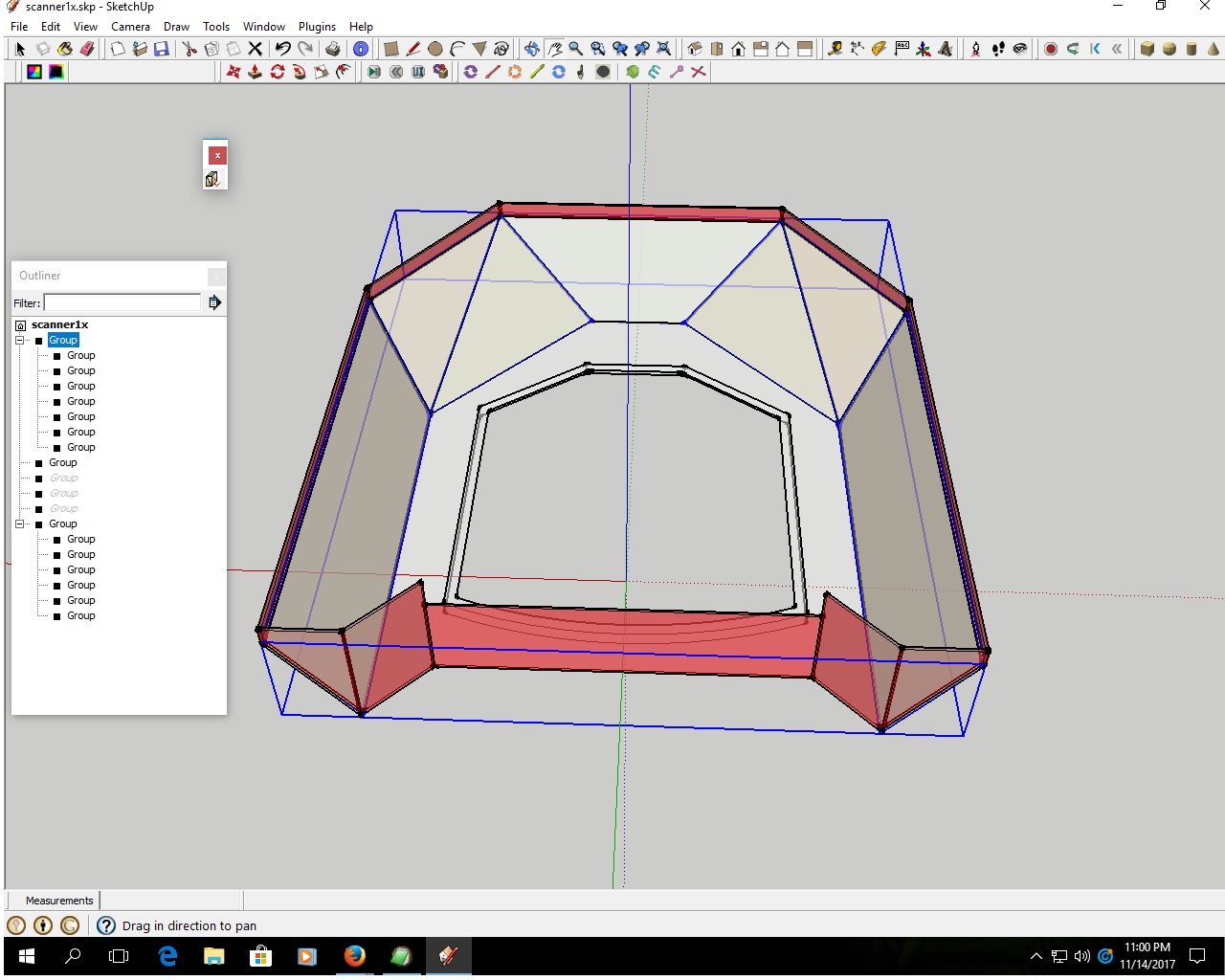
I have been trying to make use of this plugin. But it does not seem to work . I am getting an error message when i look in console
here is a copy of the messages i get .manifold
Error: #<TypeError: wrong argument type (expected Sketchup::Entity)>
C:/Program Files (x86)/Google/Google SketchUp 8/Plugins/manifold.rb:199:inadd_group' C:/Program Files (x86)/Google/Google SketchUp 8/Plugins/manifold.rb:199:incopy_group'
C:/Program Files (x86)/Google/Google SketchUp 8/Plugins/manifold.rb:142:inactivate' C:/Program Files (x86)/Google/Google SketchUp 8/Plugins/manifold.rb:1039:inselect_tool'
C:/Program Files (x86)/Google/Google SketchUp 8/Plugins/manifold.rb:1039:in `manifold'
(eval):42
#Sketchup::Model:0xcf41cb0Can you look and tell me where the error is ?
Thanks
-
This is a very old Plugin.
It has issues with all current versions, and v8 which is no longer supported...
I suggest you try my SolidSolver or thomthom's SolidInspector² ?





Hello! It looks like you're interested in this conversation, but you don't have an account yet.
Getting fed up of having to scroll through the same posts each visit? When you register for an account, you'll always come back to exactly where you were before, and choose to be notified of new replies (either via email, or push notification). You'll also be able to save bookmarks and upvote posts to show your appreciation to other community members.
With your input, this post could be even better 💗
Register Login


Advertisement