sketchucation logo sketchucation
    • 登入
    Oops, your profile's looking a bit empty! To help us tailor your experience, please fill in key details like your SketchUp version, skill level, operating system, and more. Update and save your info on your profile page today!
    🔌 Smart Spline | Fluid way to handle splines for furniture design and complex structures. Download

    [Plugin][$] RoundCorner - v3.4a - 31 Mar 24


    已排程 已置頂 已鎖定 已移動 Plugins
    1.5k 貼文 473 Posters 3.4m 瀏覽 472 Watching
    正在載入更多貼文
    • 從舊到新
    • 從新到舊
    • 最多點贊
    回覆
    • 在新貼文中回覆
    登入後回覆
    此主題已被刪除。只有擁有主題管理權限的使用者可以查看。
    • S 離線
      Splunk
      最後由 編輯

      @dave r said:

      @splunk said:

      Hi,
      Where is the download link? I cannot find it in the opening thread post.
      Cheers for any help in advance.
      Splunk

      Apparently you didn't read the first post in the thread as it is very clearly indicated.
      [attachment=0:ad62yv1w]<!-- ia0 -->Screenshot - 1_18_2017 , 5_12_32 AM.png<!-- ia0 -->[/attachment:ad62yv1w]

      As sirtet mentioned, Get extensions from the SCF Plugin Store. Install the tool from Resources at the top of the page and automatically install the extensions correctly.

      Thank you, but 'apparently' I did find the link after I weighed through the lengthly first post again and found that tiny little line you describe while you were moderating my email.

      That first post is a visual disaster and needs a clean-up. A myriad of text colors (which you think may be links) and a myriad text thicknesses and sizes. There's no consistency. It looks like Willy Wonka threw up on a Thread post.

      We don't need to click on garish colored graphic button links like the 'Overview - Purpose' graphic that serves no purpose and leads nowhere.

      Show us image results of the corner plugin in action and that's it.

      That main post should have all Black, Regular Type. Black Bold for Small Headings.
      ONE up-to-date Download Link Button for the latest LibFredo.
      ONE up-to-date Download Link Button for the latest RoundCorner Plugin.

      Love the Plug-In....though it already should be in the App....and after nearly 8 years, that first post seriously needs a makeover.

      1 條回覆 最後回覆 回覆 引用 0
      • Dave RD 離線
        Dave R
        最後由 編輯

        Most users are using the Sketchucation Extension Store to automatically install extensions like Round Corner and to keep them updated. They aren't downloading them individually to install them manually. You could do the same.

        Etaoin Shrdlu

        %

        (THERE'S NO PLACE LIKE)

        G28 X0.0 Y0.0 Z0.0

        M30

        %

        1 條回覆 最後回覆 回覆 引用 0
        • fredo6F 離線
          fredo6
          最後由 編輯

          @splunk said:

          That first post is a visual disaster and needs a clean-up. A myriad of text colors (which you think may be links) and a myriad text thicknesses and sizes. There's no consistency. It looks like Willy Wonka threw up on a Thread post.

          You are free to have and express an opinion.

          The design of the main post is intentional. The big colorful fonts highlight what is important. If you had read them, and just them, I guess you have not even raised your question on installation.

          Fredo

          1 條回覆 最後回覆 回覆 引用 0
          • E 離線
            edd21
            最後由 編輯

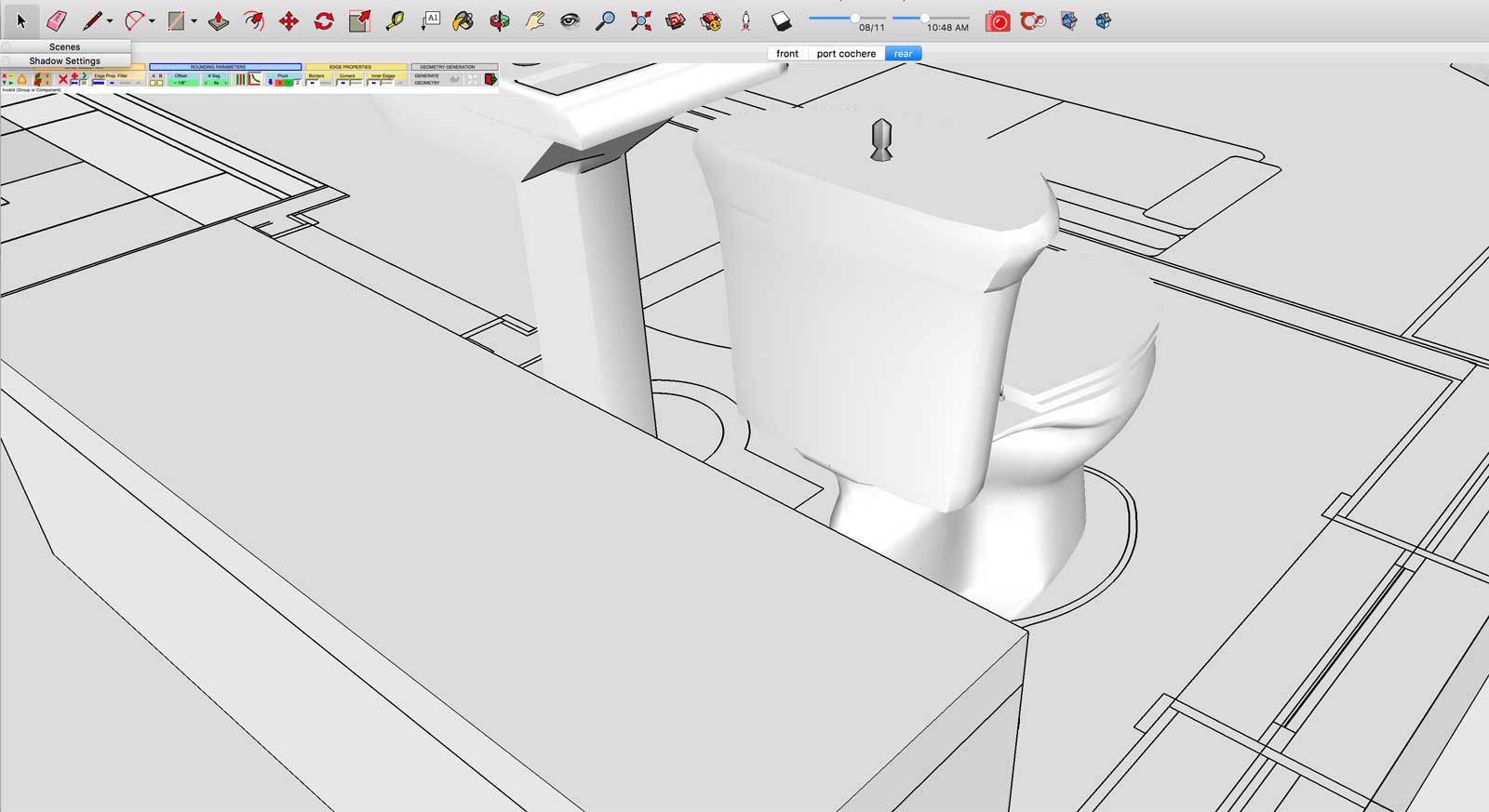
            Screen-Shot-2017-01-25-at-2.28.09-PM.jpg

            Not sure if I've done something wrong, but the toolbox seems very small on my screen? Does anyone else have the same issue? Thanks.

            Mac OS X El Capitan. SketchUp 2017 Pro.

            1 條回覆 最後回覆 回覆 引用 0
            • H 離線
              Hamodat
              最後由 編輯

              why can't i download it no download to click on!!!!!!help please

              1 條回覆 最後回覆 回覆 引用 0
              • G 離線
                Gábor
                最後由 編輯

                @hamodat said:

                why can't i download it no download to click on!!!!!!help please

                http://sketchucation.com/pluginstore?pln=RoundCorner
                You have to be logged in to the site to see the download button at the above link.

                1 條回覆 最後回覆 回覆 引用 0
                • S 離線
                  san5475
                  最後由 編輯

                  這個工具很棒,用了好多年喇

                  1 條回覆 最後回覆 回覆 引用 0
                  • R 離線
                    rdea
                    最後由 編輯

                    i laready download this plugins and the libfredo buy plugins doesnt show on the extentions toolbar ? i'm using sketchup 2015. can someone help me ?

                    1 條回覆 最後回覆 回覆 引用 0
                    • Dave RD 離線
                      Dave R
                      最後由 編輯

                      @rdea said:

                      i laready download this plugins and the libfredo buy plugins doesnt show on the extentions toolbar ? i'm using sketchup 2015. can someone help me ?

                      What did you do with the files after you downloaded them?

                      Etaoin Shrdlu

                      %

                      (THERE'S NO PLACE LIKE)

                      G28 X0.0 Y0.0 Z0.0

                      M30

                      %

                      1 條回覆 最後回覆 回覆 引用 0
                      • pilouP 離線
                        pilou
                        最後由 編輯

                        In the V15 you have Round Corner as

                        • Icon
                        • Menu Tools / Fredo 6 Collection / Round Corner
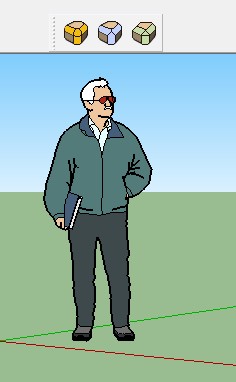
                        roundc.jpg

                        Frenchy Pilou
                        Is beautiful that please without concept!
                        My Little site :)

                        1 條回覆 最後回覆 回覆 引用 0
                        • TIGT 離線
                          TIG Moderator
                          最後由 編輯

                          @rdea said:

                          i laready download this plugins and the libfredo buy plugins doesnt show on the extentions toolbar ? i'm using sketchup 2015. can someone help me ?

                          You will have already downloaded twp RBZ archives [probably now in your Downloads folder??].
                          These need to be properly installed, one after the other [Lib first is best, but not essential].
                          In v2015 the installation is done using [PC=Window >] Preferences > Extensions > Install button [in v2017 this is now found under Window > Extension Manager [dialog button]
                          Click that button, find the RBZ and install it...
                          After both RBZ files are installed you will need to restart SketchUp to ensure that the Lib methods are fully set up and the tool is available.
                          Under the Extensions dialog ensure the LibFredo is enabled, also ensure that the RoundCorner extension is enabled.
                          That extension should now have a Tools submenu menu entry and a matching Toolbar available...
                          As @Pilou explained above...

                          TIG

                          1 條回覆 最後回覆 回覆 引用 0
                          • B 離線
                            Banda
                            最後由 編輯

                            Thank you.It's all I need.

                            1 條回覆 最後回覆 回覆 引用 0
                            • V 離線
                              valerostudio
                              最後由 編輯

                              First, this plugin is one of the best. Thanks for all of your hard work. Second, any chance that we can expect a parametric option in the future? I would love to be able to turn off the corners, work, than turn back on, similar to how SubD works. Thanks again!!!

                              1 條回覆 最後回覆 回覆 引用 0
                              • R 離線
                                Ricardo Marquez
                                最後由 編輯

                                Es muy util, gracias

                                1 條回覆 最後回覆 回覆 引用 0
                                • D 離線
                                  Denisferragut
                                  最後由 編輯

                                  Hi im new in this, and i dont know where to click and download de plug in...somo help please!
                                  Thanks

                                  1 條回覆 最後回覆 回覆 引用 0
                                  • jujuJ 離線
                                    juju
                                    最後由 編輯

                                    @denisferragut said:

                                    Hi im new in this, and i dont know where to click and download de plug in...somo help please!
                                    Thanks

                                    scroll to the top of the page, click on "Pluginstore", search for it there, select download

                                    Save the Earth, it's the only planet with chocolate.

                                    1 條回覆 最後回覆 回覆 引用 0
                                    • L 離線
                                      lilywater
                                      最後由 編輯

                                      hope it would be helpful,thanks!

                                      1 條回覆 最後回覆 回覆 引用 0
                                      • fredo6F 離線
                                        fredo6
                                        最後由 編輯

                                        NEW RELEASE: RoundCorner v3.2a - 03 Jun 17

                                        RoundCorner 3.2a is a maintenance release. It is now certified for SU2017 and also comply with a new publishing model where the Plugin information is on the Extension Store.


                                        Home Page of RoundCorner for information and Download.

                                        Main post of this thread.

                                        1 條回覆 最後回覆 回覆 引用 0
                                        • T 離線
                                          tyuiop
                                          最後由 編輯

                                          Dur a installer mais très utile, prise en main très rapide, utile pour la conception d'objets pour imprimante 3d.
                                          Merci! 😉

                                          1 條回覆 最後回覆 回覆 引用 0
                                          • fredo6F 離線
                                            fredo6
                                            最後由 編輯

                                            @tyuiop said:

                                            Dur a installer

                                            Ou sont les 'points durs' de l'installation ?

                                            Fredo

                                            1 條回覆 最後回覆 回覆 引用 0
                                            • 1
                                            • 2
                                            • 3
                                            • 4
                                            • 5
                                            • 6
                                            • 7
                                            • 73
                                            • 74
                                            • 5 / 74
                                            • 第一個貼文
                                              最後的貼文
                                            Buy SketchPlus
                                            Buy SUbD
                                            Buy WrapR
                                            Buy eBook
                                            Buy Modelur
                                            Buy Vertex Tools
                                            Buy SketchCuisine
                                            Buy FormFonts

                                            Advertisement