sketchucation logo sketchucation
    • Login
    Oops, your profile's looking a bit empty! To help us tailor your experience, please fill in key details like your SketchUp version, skill level, operating system, and more. Update and save your info on your profile page today!
    โš ๏ธ Update | Sketchucation Tools 5.0.8 released with licensing improvements and bugfixes Download

    The "Duh!" thread (aka the Doh! thread)

    Scheduled Pinned Locked Moved SketchUp Discussions
    sketchup
    696 Posts 135 Posters 579.7k Views 135 Watching
    Loading More Posts
    • Oldest to Newest
    • Newest to Oldest
    • Most Votes
    Reply
    • Reply as topic
    Log in to reply
    This topic has been deleted. Only users with topic management privileges can see it.
    • Dave RD
      Dave R
      last edited by

      @rich o brien said:

      you should have a group hug

      You mean a component hug, right? ๐Ÿ˜„

      Etaoin Shrdlu

      %

      (THERE'S NO PLACE LIKE)

      G28 X0.0 Y0.0 Z0.0

      M30

      %

      1 Reply Last reply
      Reply Quote 0
      • Rich O BrienR
        Rich O Brien Moderator
        last edited by

        no, if components hug you get a scaling issue

        Download the free D'oh Book for SketchUp ๐Ÿ“–

        1 Reply Last reply
        Reply Quote 0
        • BoxB
          Box
          last edited by

          Groups, components or unique's doesn't matter! If you lot get close enough to be hugging there will be dubious 'plugin' accusations. As Rich says, there is a front door and a back passage...........

          1 Reply Last reply
          Reply Quote 0
          • jiminy-billy-bobJ
            jiminy-billy-bob
            last edited by

            Everyone know that deep down, groups and components are the same.

            25% off Skatter for SketchUcation Premium Members

            1 Reply Last reply
            Reply Quote 0
            • Rich O BrienR
              Rich O Brien Moderator
              last edited by

              ๐Ÿ˜›

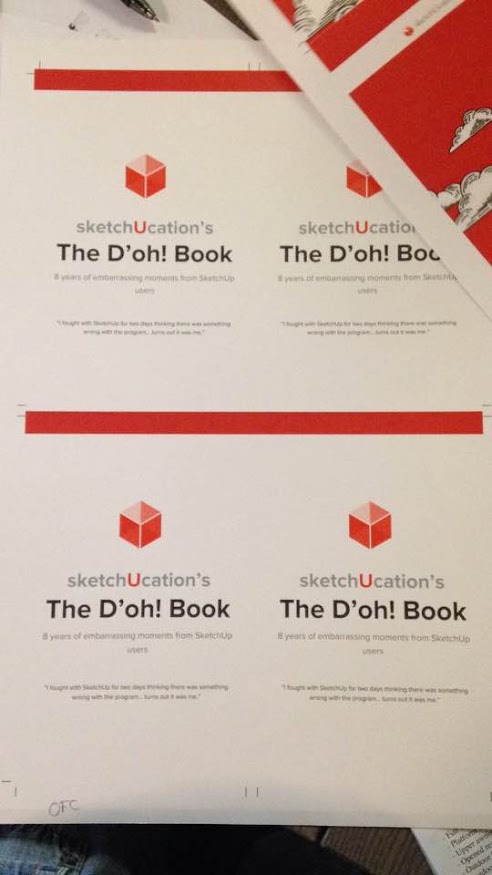
              2016-05-31.jpg

              ๐Ÿ˜ฎ

              2016-05-27.jpg

              Download the free D'oh Book for SketchUp ๐Ÿ“–

              1 Reply Last reply
              Reply Quote 0
              • JQLJ
                JQL
                last edited by

                So... are we starting chapter 2? Will it be a trilogy?

                www.casca.pt
                Visit us on facebook!

                1 Reply Last reply
                Reply Quote 0
                • Rich O BrienR
                  Rich O Brien Moderator
                  last edited by

                  @jql said:

                  So... are we starting chapter 2? Will it be a trilogy?

                  It's been a love/hate project I've tackled on and off when I had time.

                  So to finally draw a line under it is great.

                  Now to see what happens next.... ๐Ÿ˜›

                  Download the free D'oh Book for SketchUp ๐Ÿ“–

                  1 Reply Last reply
                  Reply Quote 0
                  • cottyC
                    cotty
                    last edited by

                    ๐Ÿ‘

                    my SketchUp gallery

                    1 Reply Last reply
                    Reply Quote 0
                    • jiminy-billy-bobJ
                      jiminy-billy-bob
                      last edited by

                      Are you bringing these to the Basecamp? ๐Ÿ˜„

                      25% off Skatter for SketchUcation Premium Members

                      1 Reply Last reply
                      Reply Quote 0
                      • Rich O BrienR
                        Rich O Brien Moderator
                        last edited by

                        @jiminy-billy-bob said:

                        Are you bringing these to the Basecamp? ๐Ÿ˜„

                        Who said that?

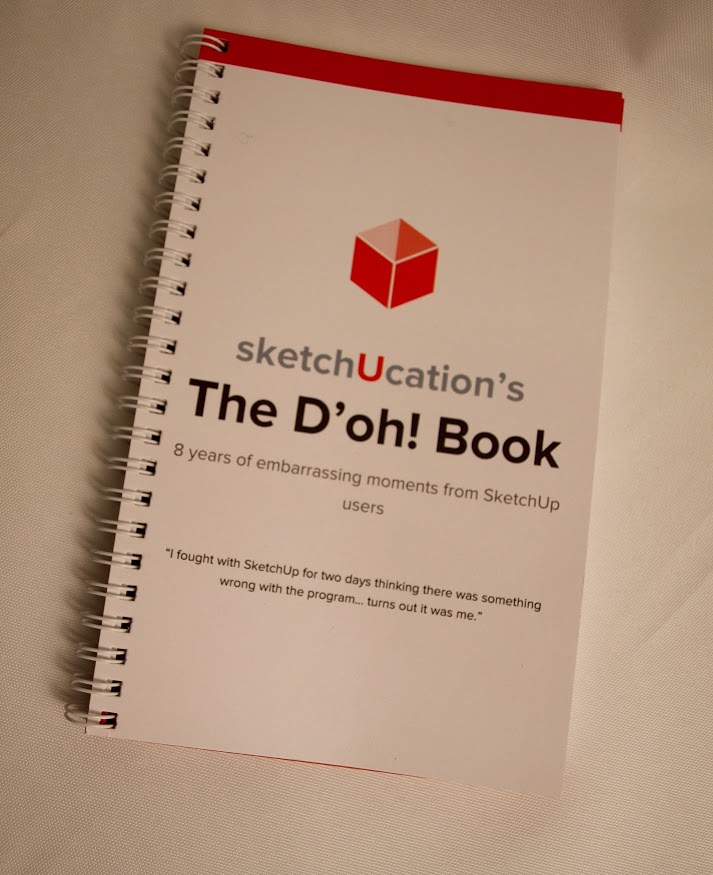
                        doh-front.jpg

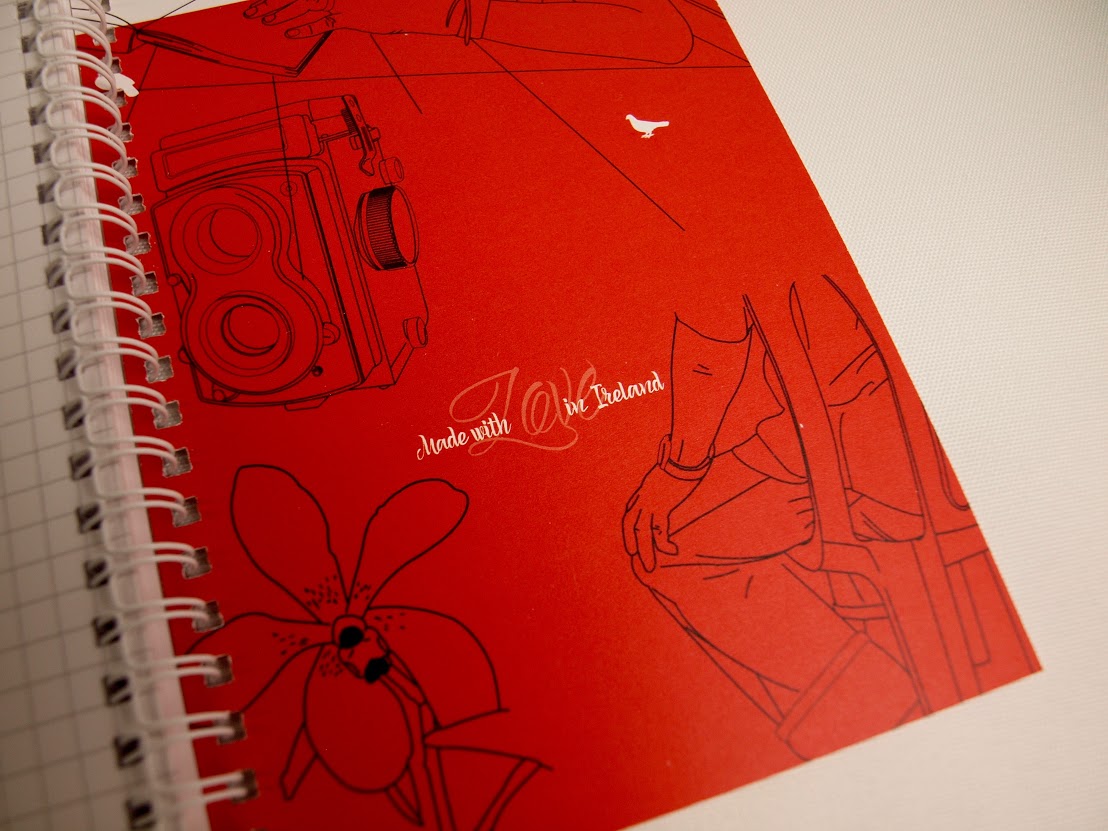
                        doh-inside.jpg

                        Download the free D'oh Book for SketchUp ๐Ÿ“–

                        1 Reply Last reply
                        Reply Quote 0
                        • jiminy-billy-bobJ
                          jiminy-billy-bob
                          last edited by

                          Nobody, I'm just wondering

                          25% off Skatter for SketchUcation Premium Members

                          1 Reply Last reply
                          Reply Quote 0
                          • Rich O BrienR
                            Rich O Brien Moderator
                            last edited by

                            I'm not bringing them. But they could be there.

                            Download the free D'oh Book for SketchUp ๐Ÿ“–

                            1 Reply Last reply
                            Reply Quote 0
                            • jiminy-billy-bobJ
                              jiminy-billy-bob
                              last edited by

                              You're not coming?

                              25% off Skatter for SketchUcation Premium Members

                              1 Reply Last reply
                              Reply Quote 0
                              • sfto1S
                                sfto1
                                last edited by

                                I like to place section planes at specific locations. So, when I learned that if I hold down CTRL before clicking to locate section plane, it will stick to the face it is near. Then I move the plane using the move tool relative to that face. Duh or D'oh, I don't know, but I like it.

                                1 Reply Last reply
                                Reply Quote 0
                                • E
                                  Ecuadorian
                                  last edited by

                                  Hey, everyone! I just downloaded the book. Thank you for the good memories! ๐Ÿ˜ƒ

                                  -Miguel Lescano
                                  Subscribe to my house plans YouTube channel! (30K+ subs)

                                  1 Reply Last reply
                                  Reply Quote 0
                                  • GarethG
                                    Gareth
                                    last edited by

                                    Great book....love it....!!

                                    Well done.

                                    1 Reply Last reply
                                    Reply Quote 0
                                    • genki.ttG
                                      genki.tt
                                      last edited by

                                      I found a small miss type on The D'oh! Book P61(ver.1.0) P63(ver.1.1)

                                      [20mm, 10mm, 30mm] absolute move -> <20mm, 10mm, 30mm> relative move

                                      By the way I could find Doh about Array Command, we can change operation 'x' to '/' with using 'x1' , or we can change '/' to 'x' with using '/1'.

                                      copy(move + 'alt') some object and type VCB
                                      <1000,,>
                                      x4
                                      10000
                                      x1
                                      /4
                                      20000
                                      /1
                                      <1000, 1000, 1000>
                                      x10
                                      .... we can continue 'x', '/', distance value, relative vertics, absolute vertics.
                                      'x1' or '/1' is important.

                                      Thank you for GREAT BOOK!!

                                      1 Reply Last reply
                                      Reply Quote 0
                                      • pilouP
                                        pilou
                                        last edited by

                                        Doh of the day! Surely trivial but never remarked! ๐Ÿ’š
                                        Saving a file with objects who are not Components and Groups
                                        New File
                                        Import this file : it's converted in a Component! ๐Ÿ˜ฎ

                                        Frenchy Pilou
                                        Is beautiful that please without concept!
                                        My Little site :)

                                        1 Reply Last reply
                                        Reply Quote 0
                                        • Dave RD
                                          Dave R
                                          last edited by

                                          @pilou said:

                                          Doh of the day! Surely trivial but never remarked! ๐Ÿ’š
                                          Saving a file with objects who are not Components and Groups
                                          New File
                                          Import this file : it's converted in a Component! ๐Ÿ˜ฎ

                                          And if you create a component and save it using File>Save as... and then import it, it'll be double wrapped.

                                          Etaoin Shrdlu

                                          %

                                          (THERE'S NO PLACE LIKE)

                                          G28 X0.0 Y0.0 Z0.0

                                          M30

                                          %

                                          1 Reply Last reply
                                          Reply Quote 0
                                          • pilouP
                                            pilou
                                            last edited by

                                            And Making a Component creates a new context menu on the Right Click Menu!
                                            "Save As" (+ "Reload" + "Detach")
                                            So more speed than the menu "File Save as" ! ๐Ÿ˜‰

                                            Frenchy Pilou
                                            Is beautiful that please without concept!
                                            My Little site :)

                                            1 Reply Last reply
                                            Reply Quote 0

                                            Hello! It looks like you're interested in this conversation, but you don't have an account yet.

                                            Getting fed up of having to scroll through the same posts each visit? When you register for an account, you'll always come back to exactly where you were before, and choose to be notified of new replies (either via email, or push notification). You'll also be able to save bookmarks and upvote posts to show your appreciation to other community members.

                                            With your input, this post could be even better ๐Ÿ’—

                                            Register Login
                                            • 1
                                            • 2
                                            • 31
                                            • 32
                                            • 33
                                            • 34
                                            • 35
                                            • 35 / 35
                                            • First post
                                              Last post
                                            Buy SketchPlus
                                            Buy SUbD
                                            Buy WrapR
                                            Buy eBook
                                            Buy Modelur
                                            Buy Vertex Tools
                                            Buy SketchCuisine
                                            Buy FormFonts

                                            Advertisement