Medeek Wall Plugin
-
Version 4.1.6 - 11.30.2025
- Updated the context menus for walls with an “Edit Opening…” option if the selected (right click) wall contains a door, window or garage door.
- Added “Arial Bold” as a font within the Annotation Formatting section of the General tab of the Global Settings.
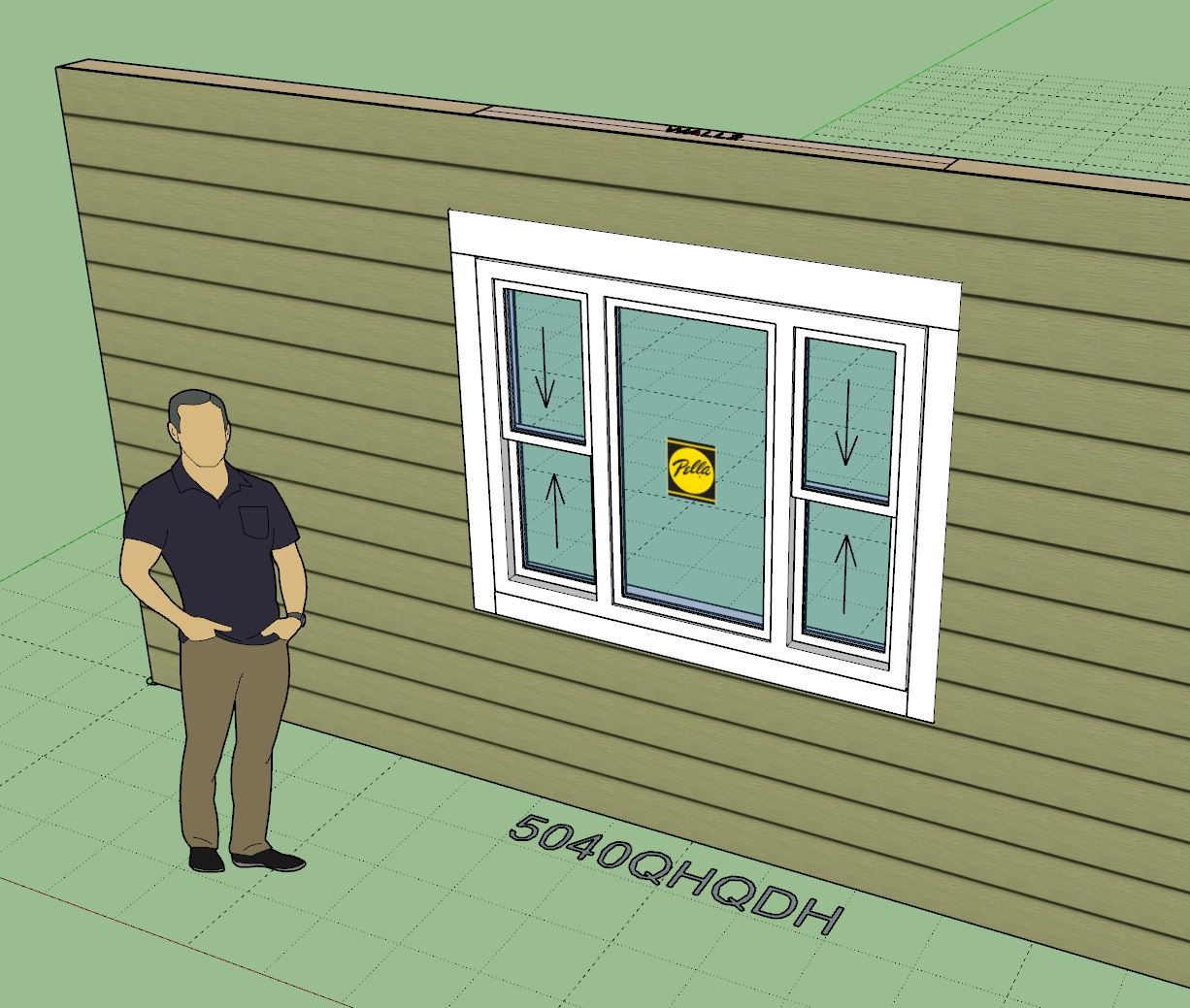
- Fixed a bug with Single and Double Hung QHQ windows.
- Added a QHQ Double Hung window to the window draw and edit menus.
-
Tutorial 75 - Updated Context Menu (5:22 min.)
-
Version 4.1.7 - 12.05.2025
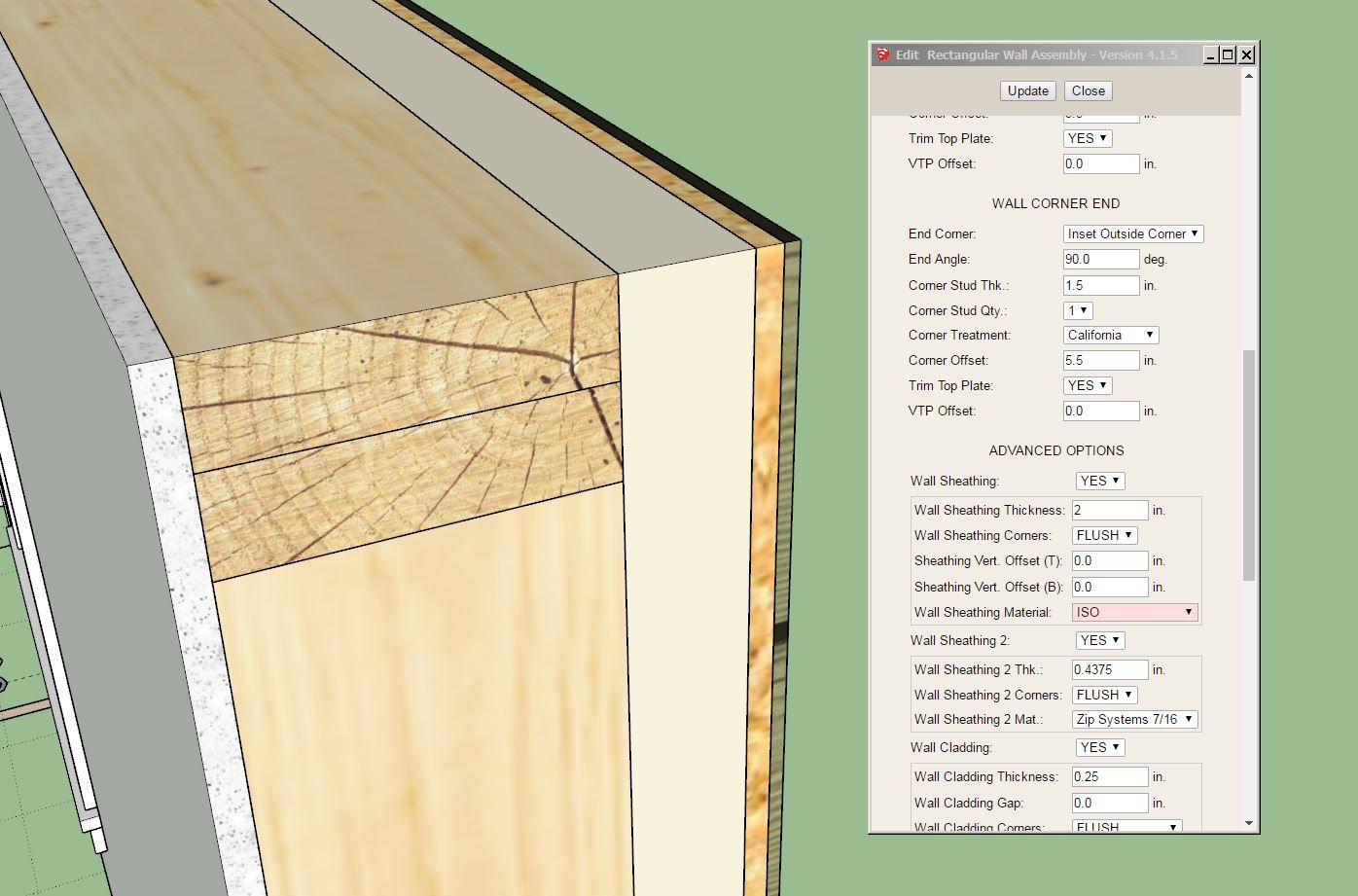
- Enabled XPS (blue, green, pink and grey), ISO, EPS, GPS, and PU foam insulation within the wall sheathing options.
-
Tutorial 76 - Double Stud Walls (18:03 min.)
-
Tutorial 77 - Mitek vs. Simpson (11:00 min.)
-
Version 4.1.8 - 12.13.2025
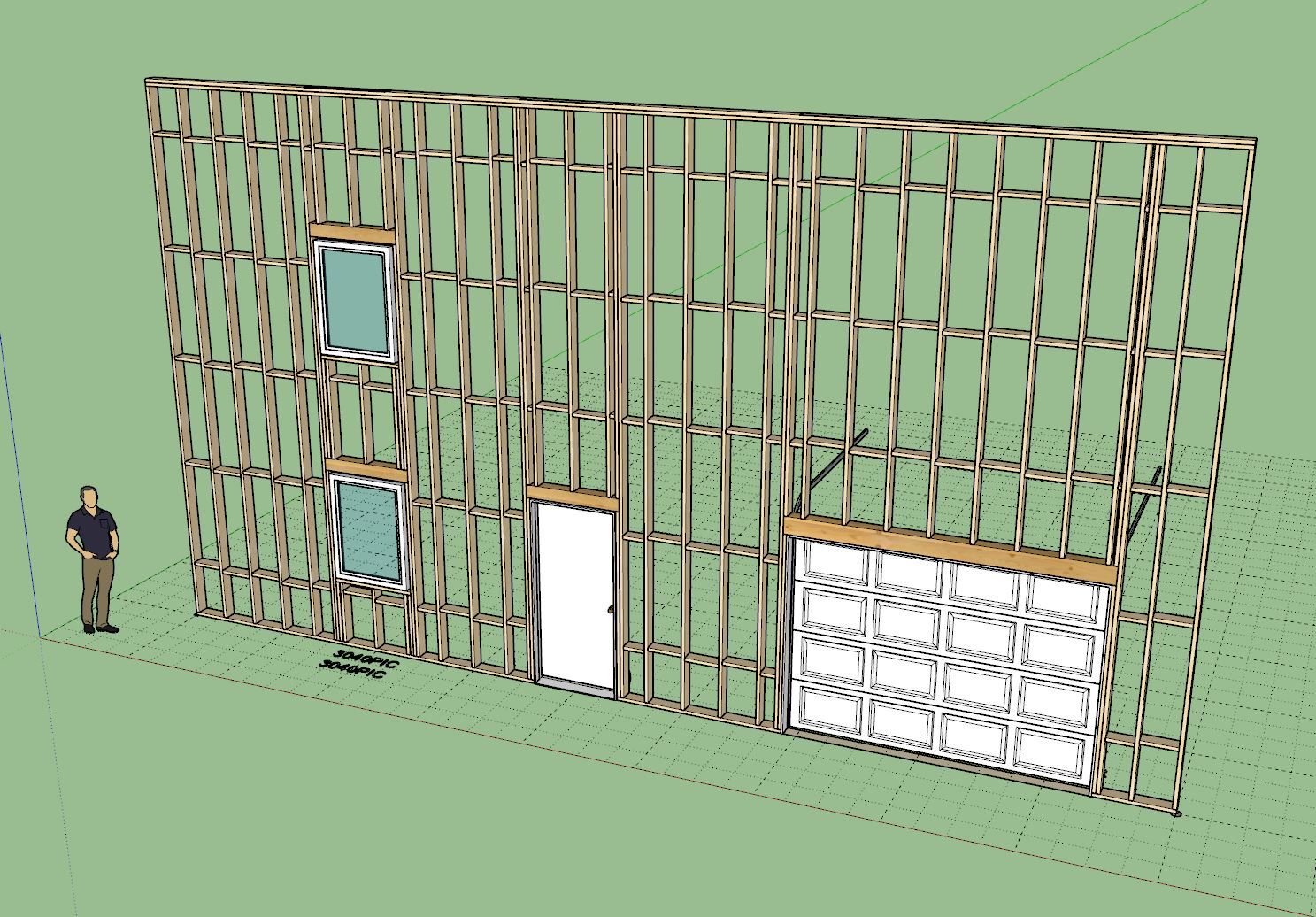
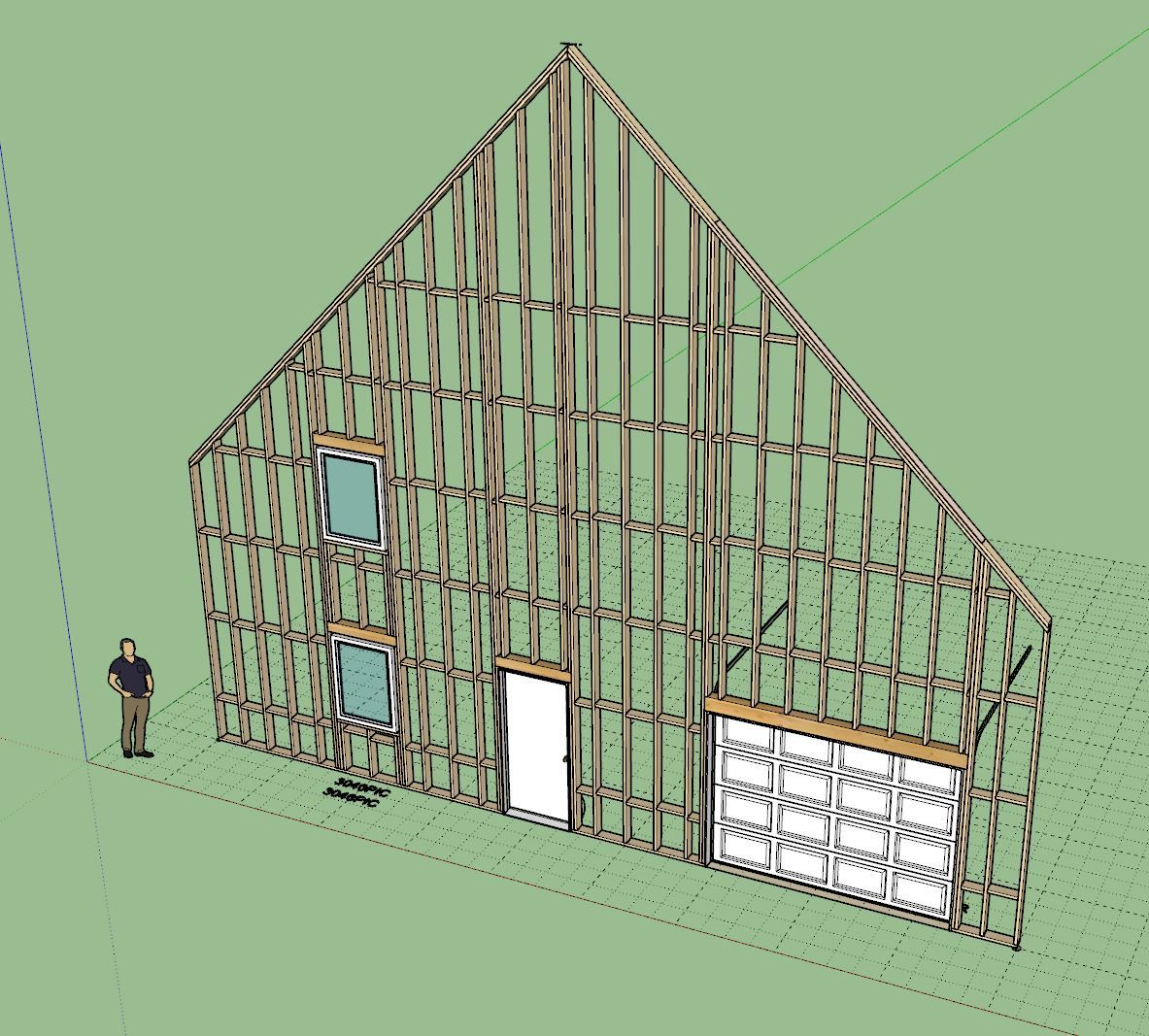
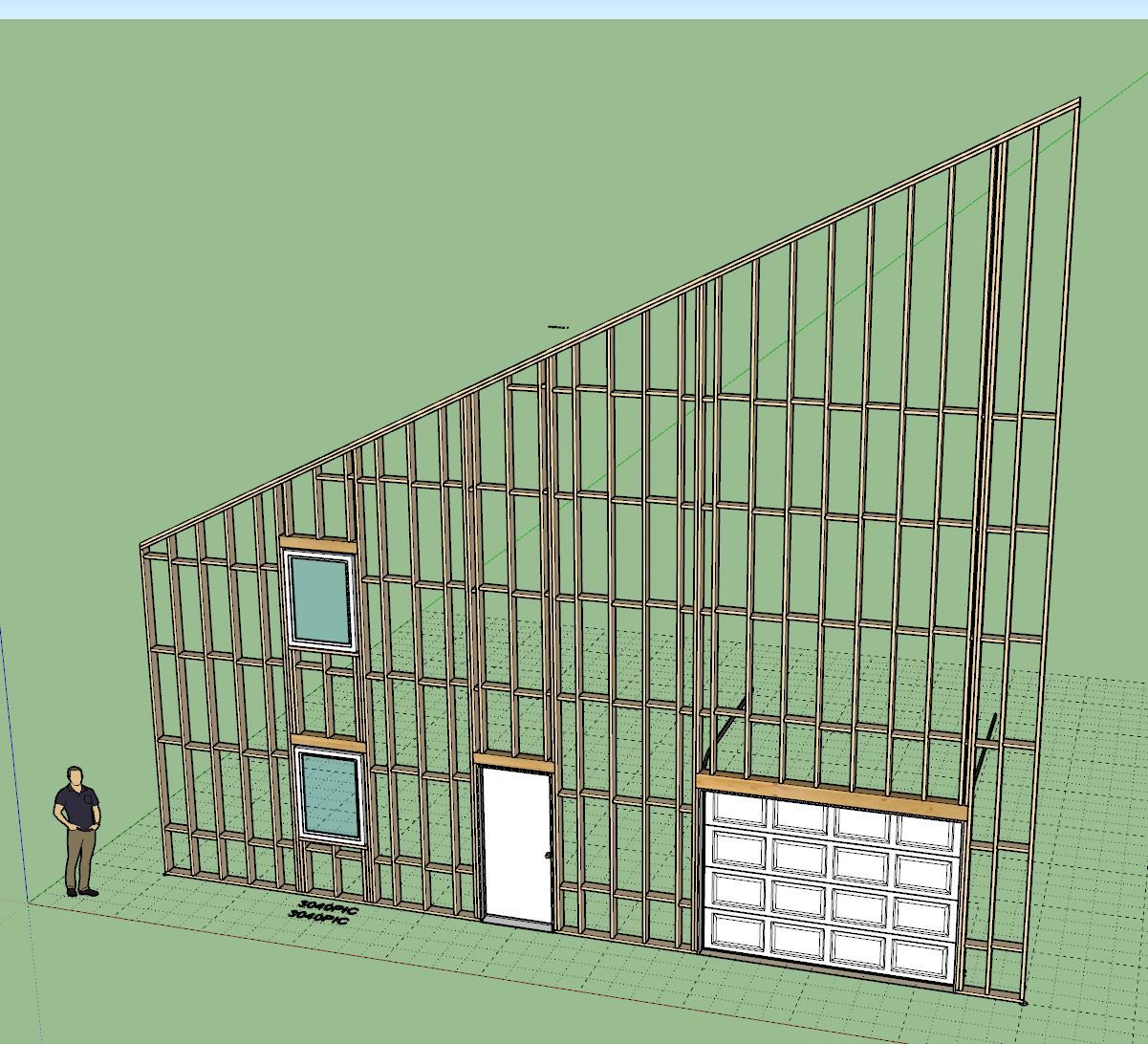
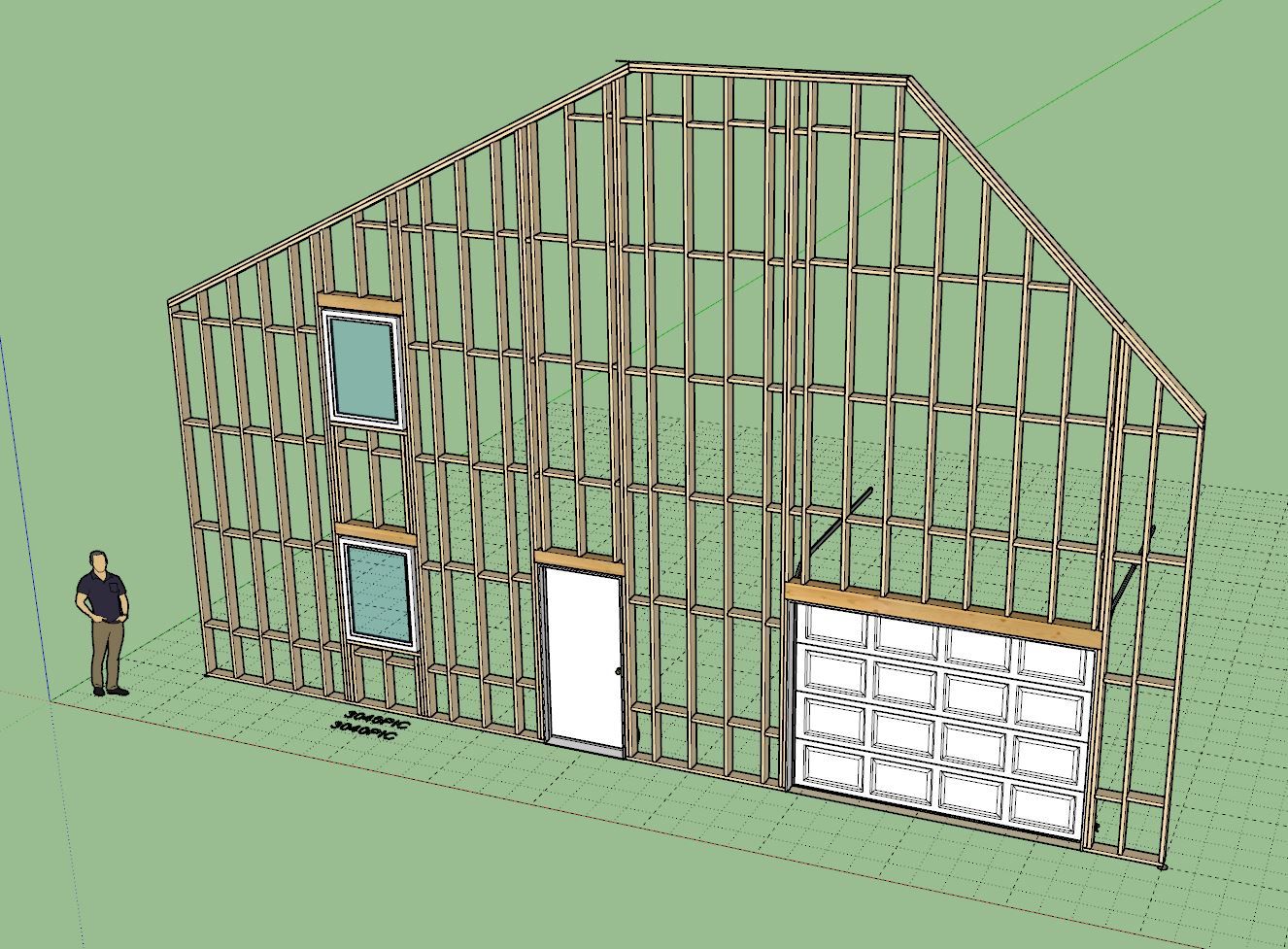
- Fixed a long standing bug where blocking was not created above and below doors, windows and garage doors.
- Fixed the blocking bug for rectangular, gable, shed and hip walls.
- Fixed a context menu bug (Edit Opening...) for gable, shed and hip walls.
-
Version 4.1.9 - 12.16.2025
- Enabled the "Add Studs" feature for the following wall types: rectangular, gable, shed and hip.
Tutorial 79 - Adding Studs (5:31 min.)
-
Version 4.1.9b - 12.18.2025
- Fixed a bug (door presets) introduced with door hardware material update on 11/29/2015 (Version 4.1.5).
-
Version 4.2.0 - 12.22.2025
- Updated the opening and closing algorithm for all (panel) garage doors.
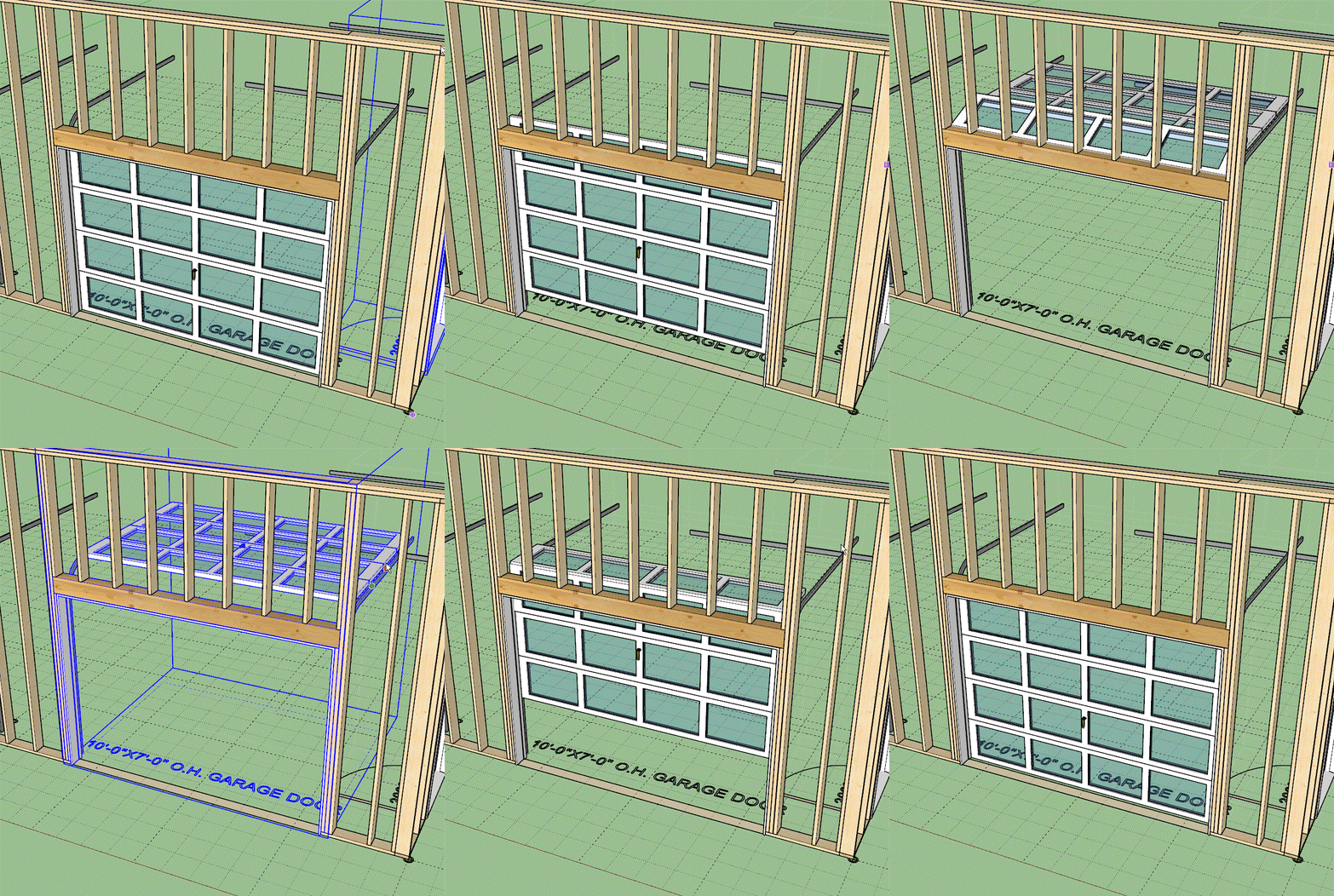
Not a customer request, just an interesting kinematic challenge that I felt like addressing at some point. I found the previous garage door opening animation largely unsatisfactory for panel doors like these. Hopefully you can indulge me with a little gold plating... now back to the real stuff.
-
I have posted a FAQ for licensing questions on my website with the most common questions that I am asked, hopefully this is helpful:
Medeek Design Inc. - Medeek Extensions - Licensing
Medeek Design Inc. - Medeek Licensing
(design.medeek.com)
-
Version 4.2.1 - 01.09.2026
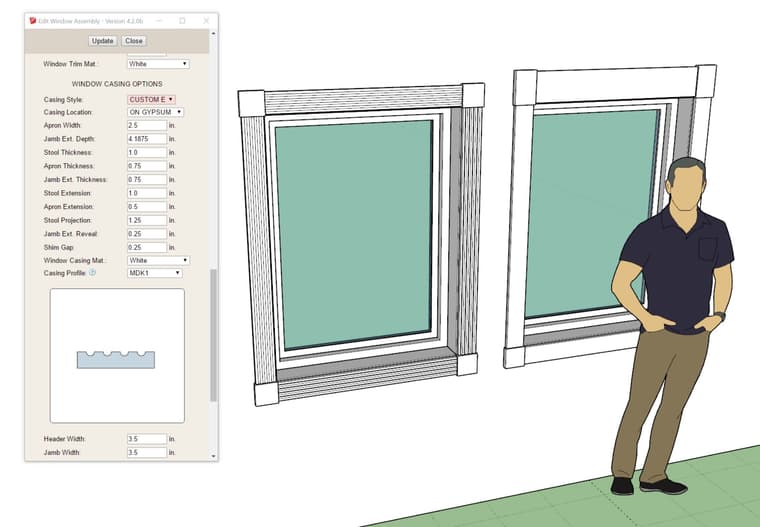
- Enabled the CUSTOM E casing for rectangular windows.
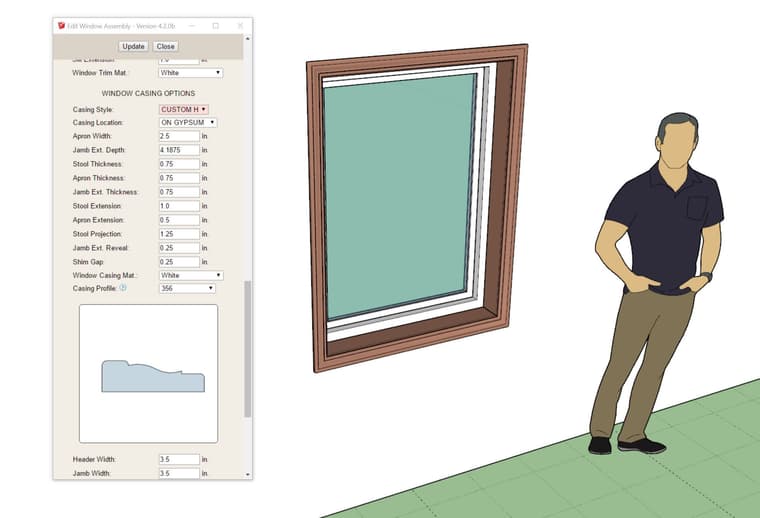
- Enabled the CUSTOM H casing for rectangular windows.
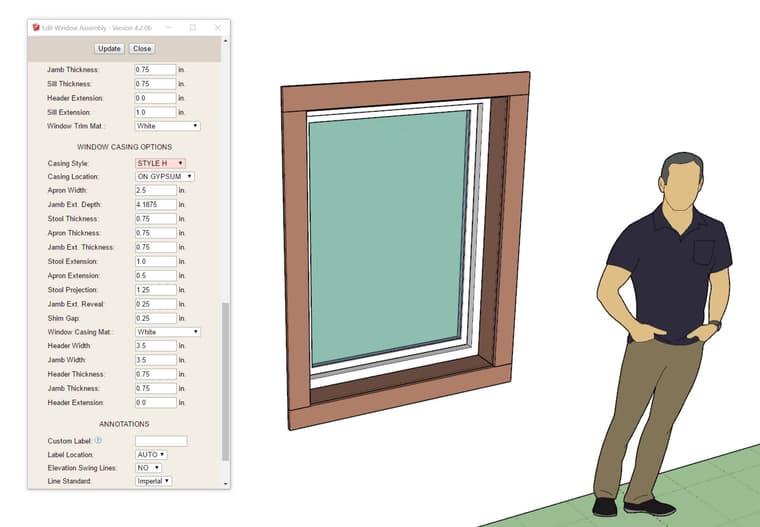
- Added a STYLE H casing option for rectangular windows.
-
Version 4.2.2 - 01.11.2026
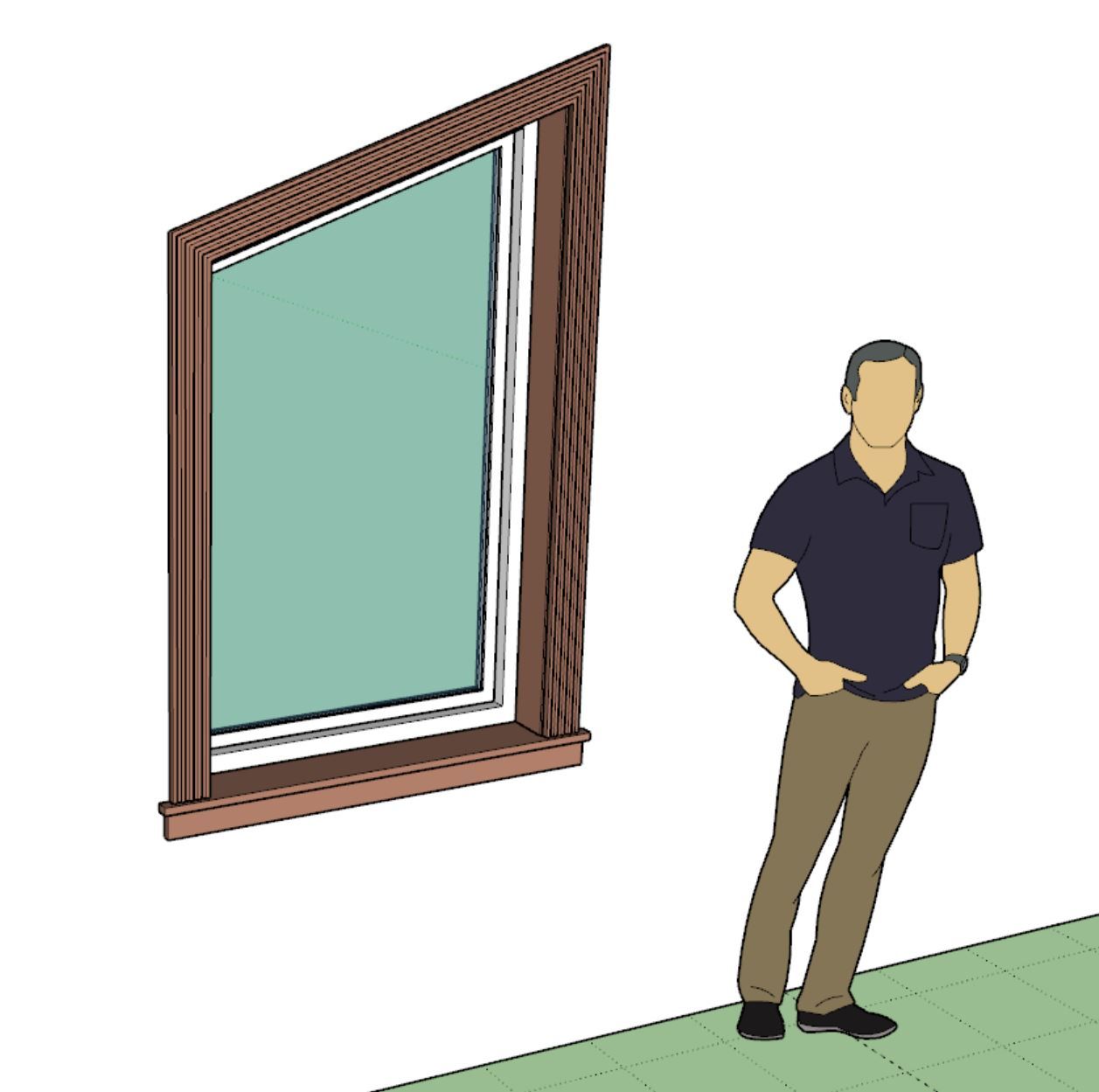
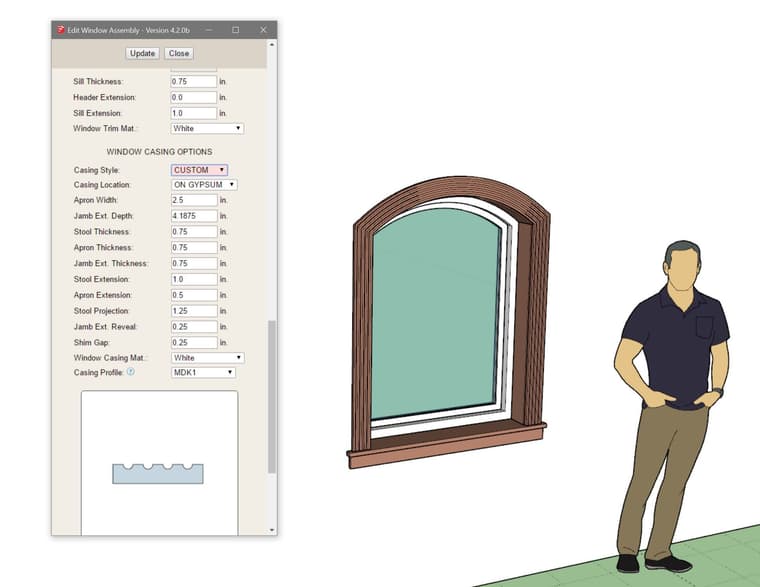
- Enabled the CUSTOM casing for trapezoid windows.
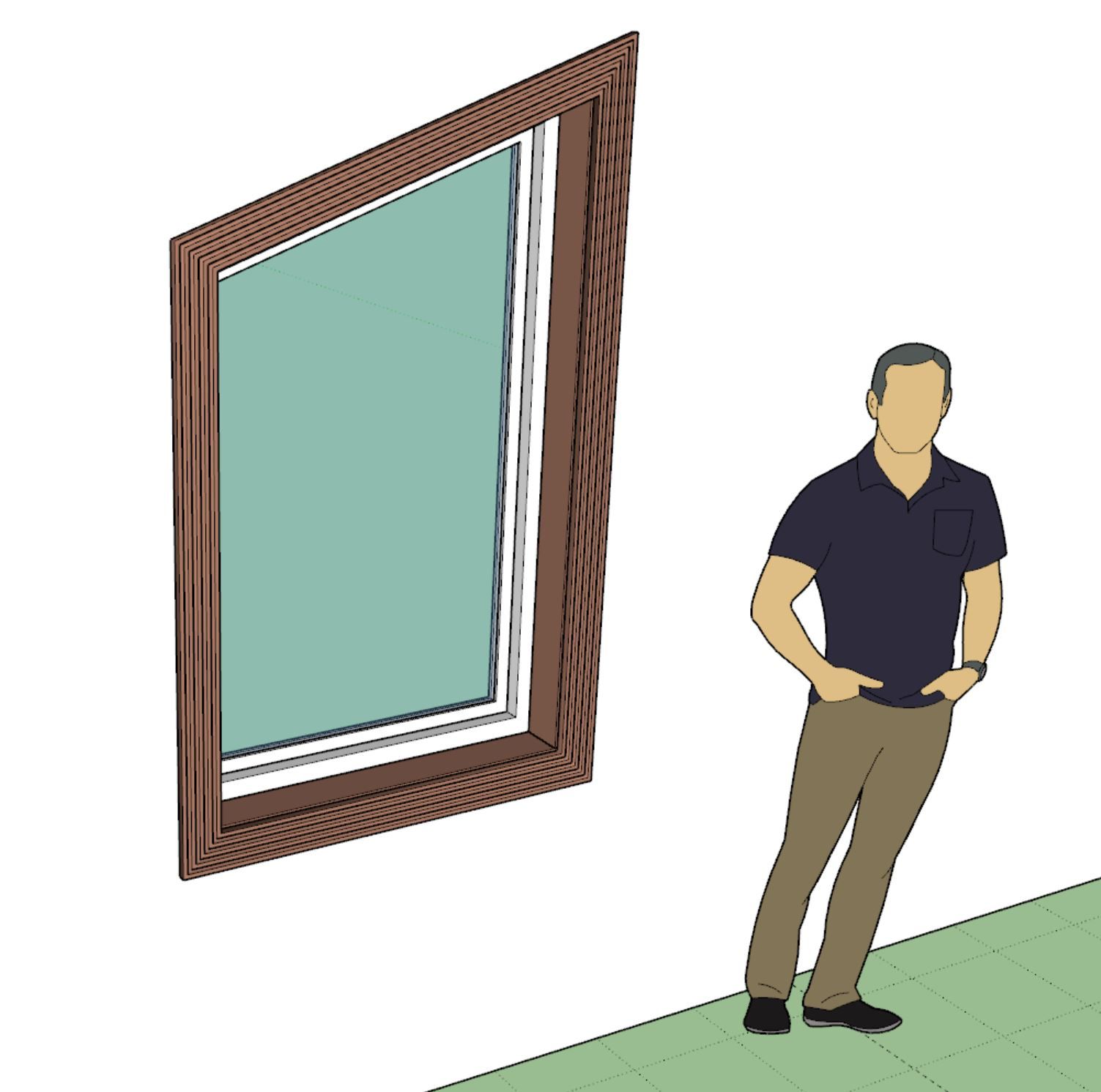
- Enabled the CUSTOM H casing for trapezoid windows.
- Enabled the CUSTOM casing for arched windows.
-
I just received a very long and detailed email from one of my power users and I was thoroughly impressed with many of the suggestions and usability notes provided to me.
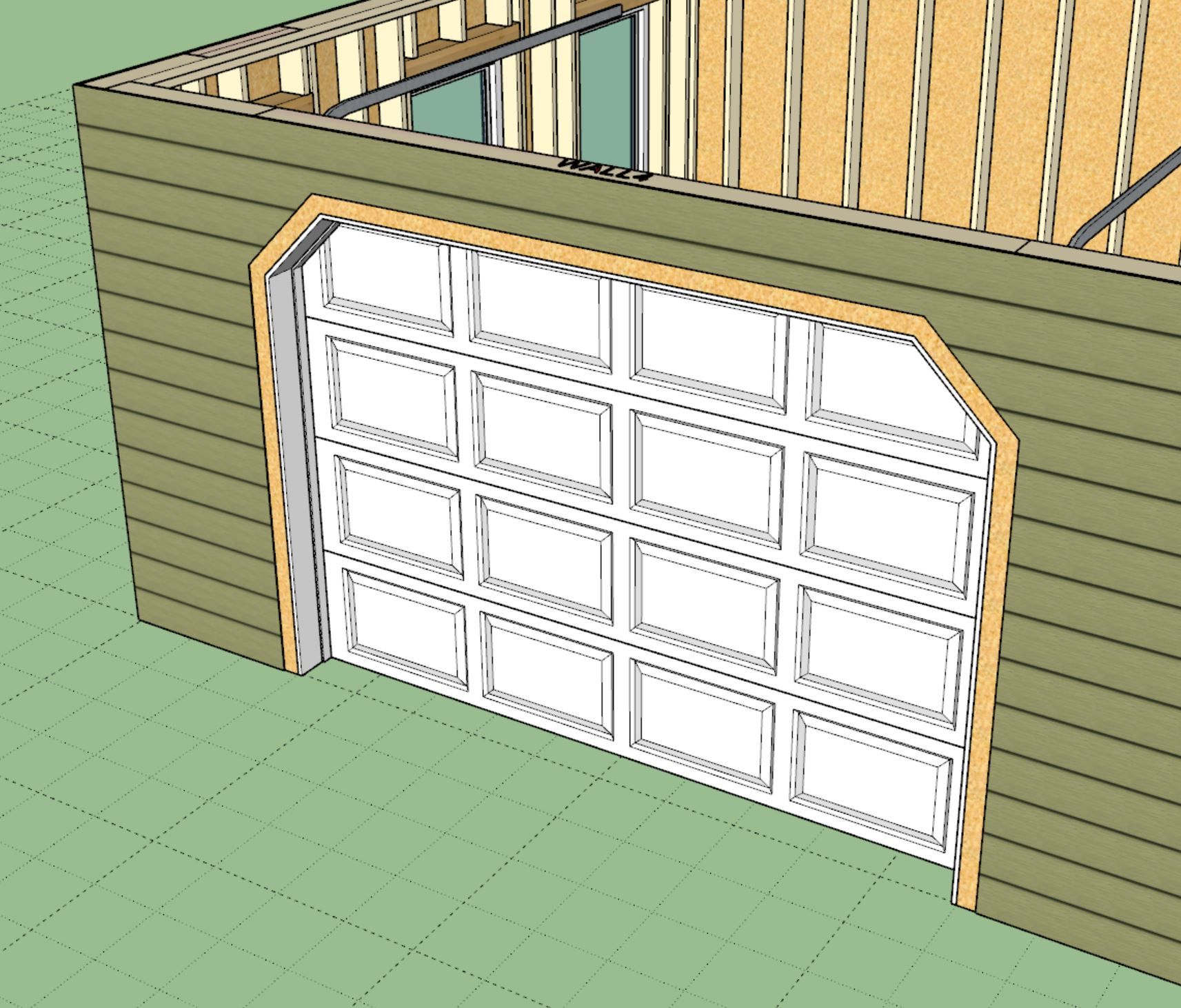
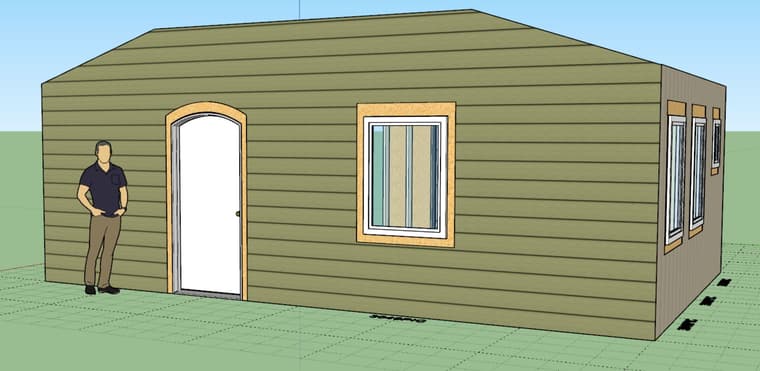
A long standing issue has been wall cladding as it relates to exterior trim of windows and doors. Up until now if you place your trim on the sheathing (not on cladding) then the trim interferes with the cladding. This usually isn't too big of a problem (visually) provided your cladding is not thicker than your trim. However, in the real world you generally install your trim first and then butt your cladding up to it, so there is no interference. When your cladding is thicker than your trim or you are using one of the 3D cladding options (ie. board and batten) this does become a bit of an issue and for me personally has been an annoying lack of realism now for a few years.
To fix this I needed to enable an option where one can toggle the trimming of the cladding by the exterior trim and then add some logic and geometry into the current algorithms so that the end result is as follows:
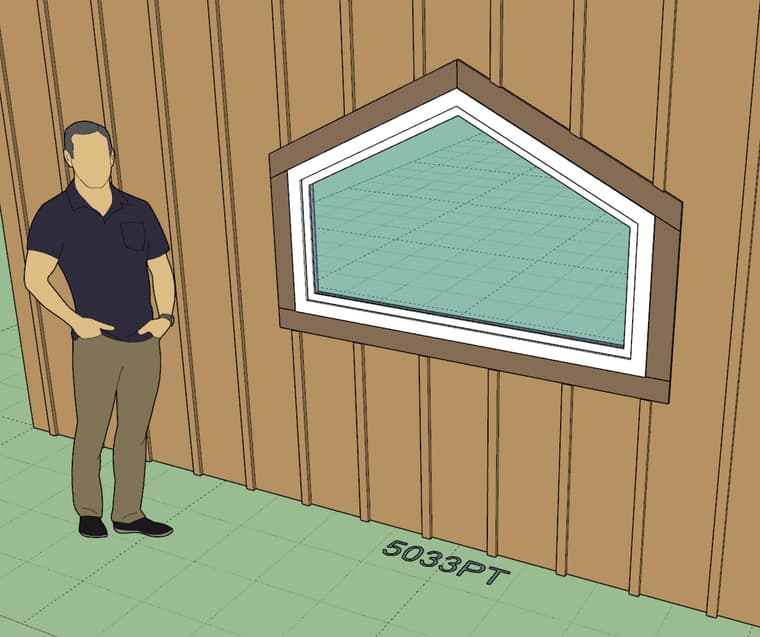
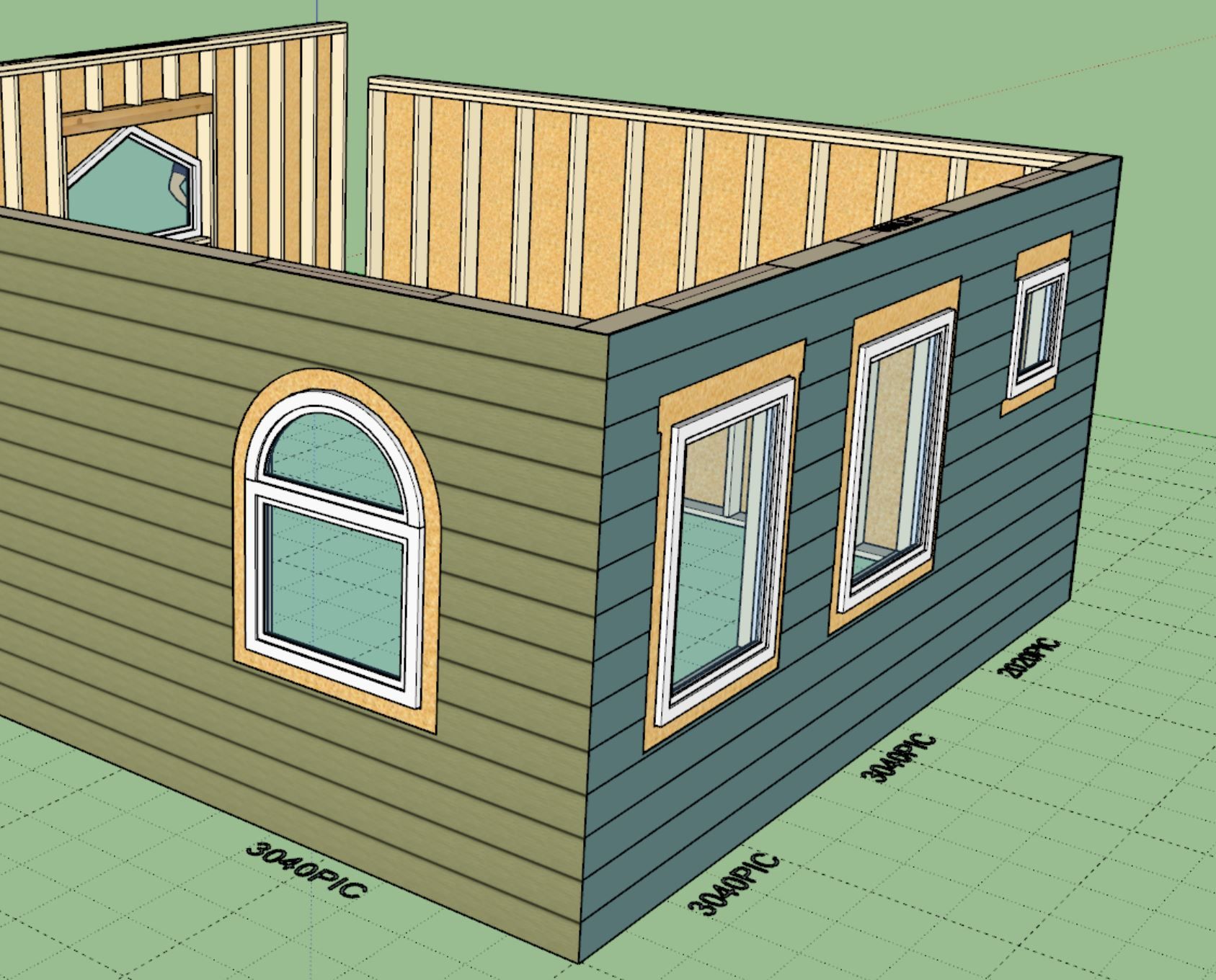
I won't bore you with the details of the rather complicated logic under the hood that accomplishes this but suffice it to say it is not trivial. It will take about 4-5 days to complete this update.
The window algorithms are now updated but I will need to update the door and garage door methods as well now.
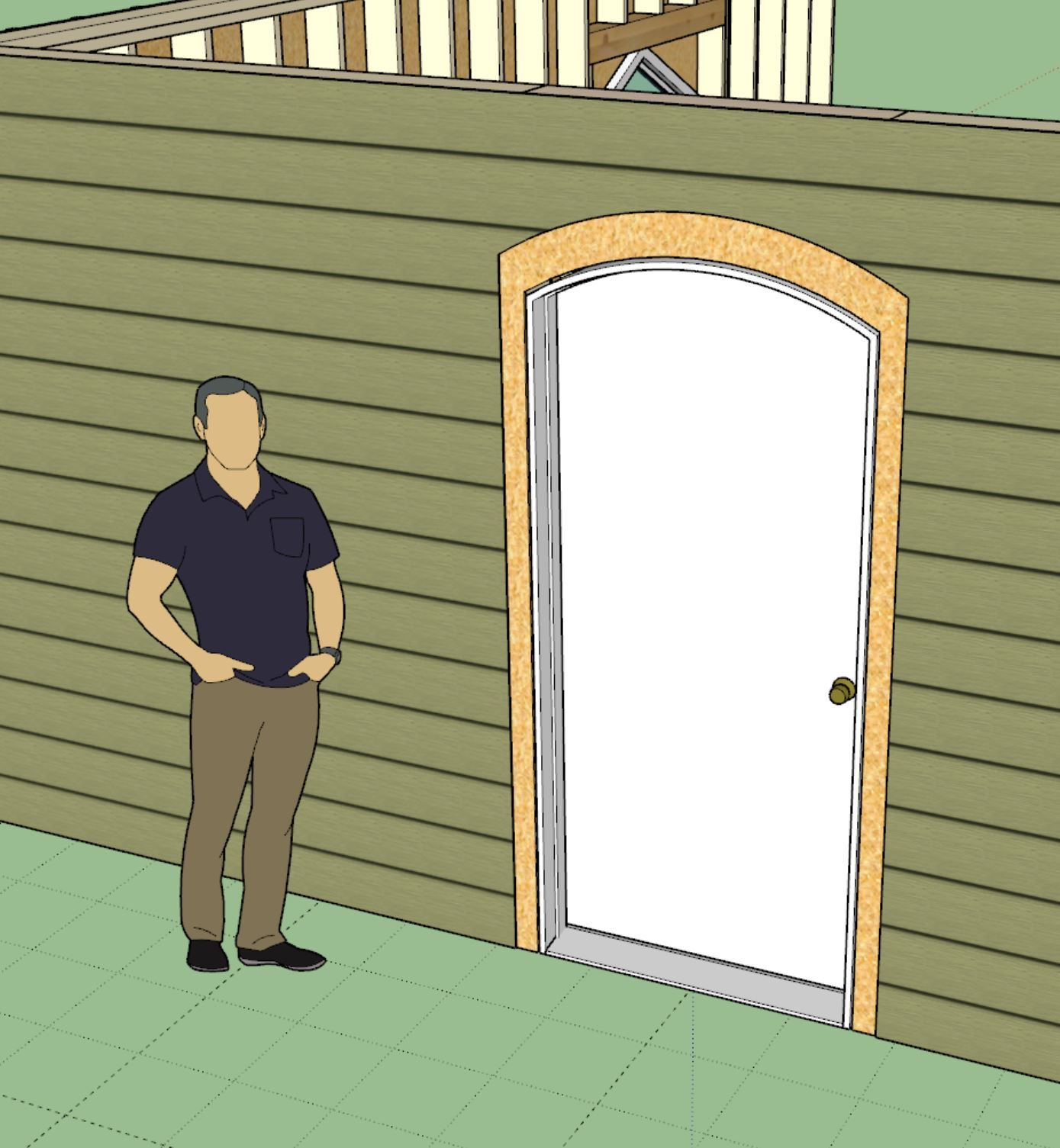
In the global settings one will be able to independently toggle this on and off for windows, doors and garage doors. I will also probably put out another tutorial video on this feature specifically so that everyone is clear on how it works.
-
Version 4.2.3 - 01.18.2026
- Added an option (global settings) to remove cladding with the exterior trim of doors, windows and garage doors.
-
Tutorial 80 - Removing Cladding (5:43 min.)
-
Version 4.2.4 - 01.19.2026
- Added bypass (2 panel - solid) doors to the door module.
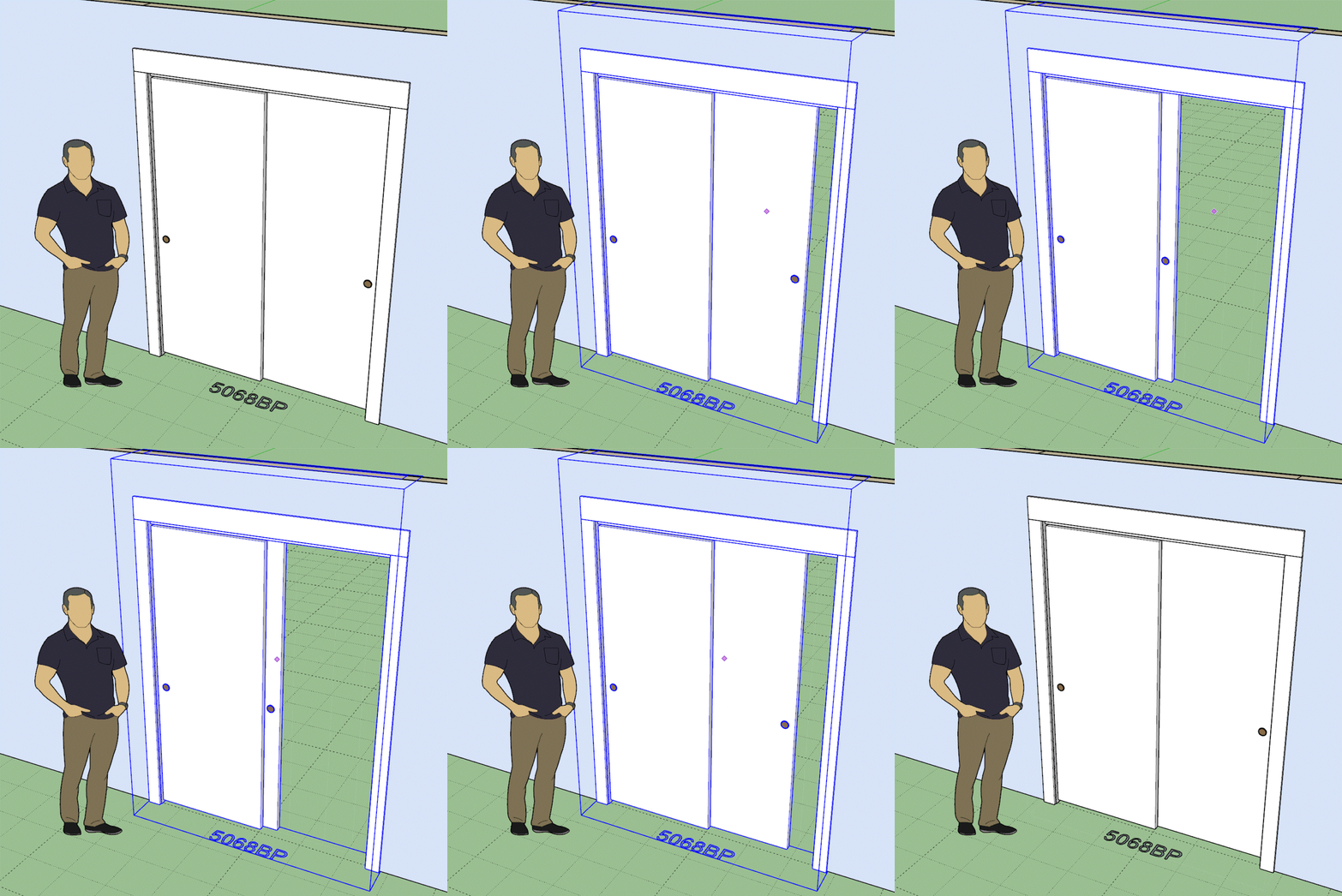
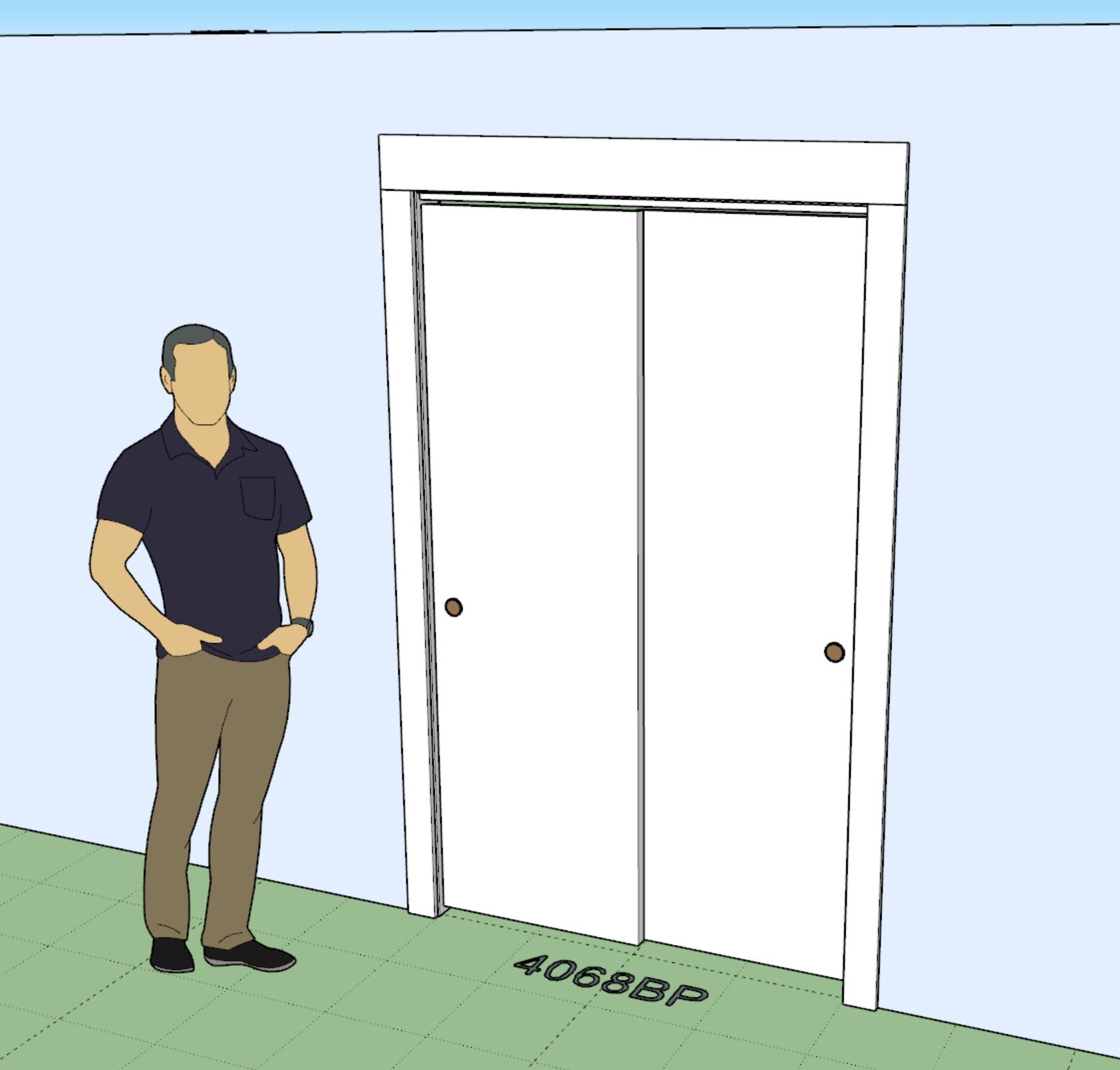
This door type added per customer request.
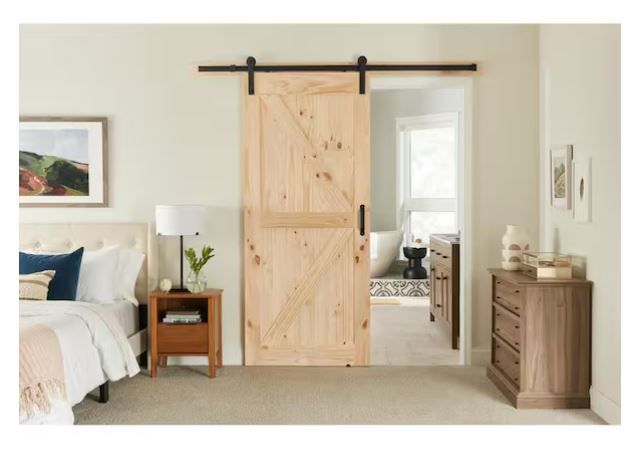
At some point I should probably add in the "barn door" type, these seem to be quite popular these days.
-
Popular now, but give it another 5 years and there will be a new "it" feature to work with.
Highest Regards,
Alan T. Hendry, RA
Architect -
Version 4.2.5 - 01.20.2026
- Added an option (global settings) to miter trim for rectangular doors and windows.
- Fixed a minor bug with the remove cladding feature introduced in Version 4.2.3.
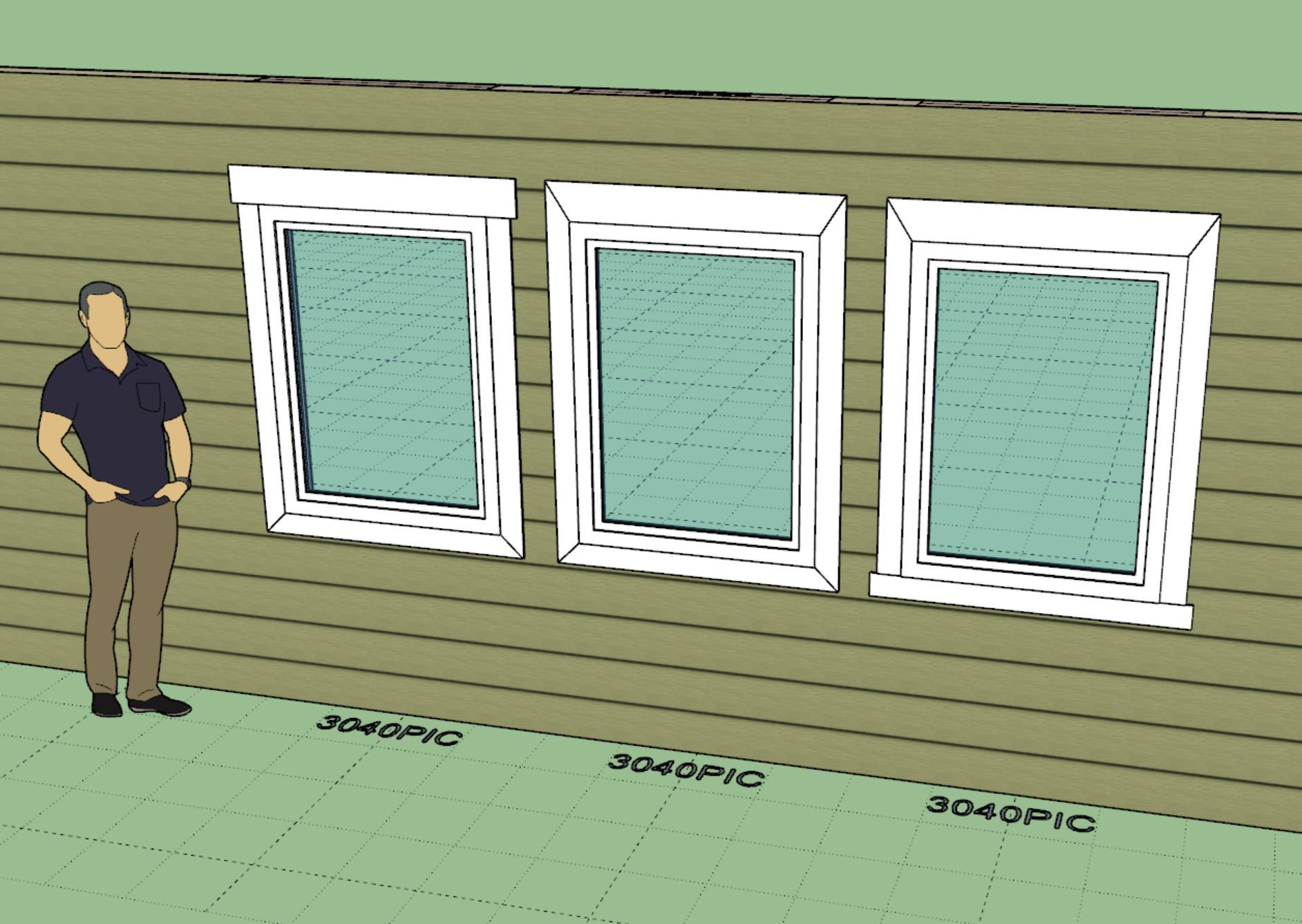
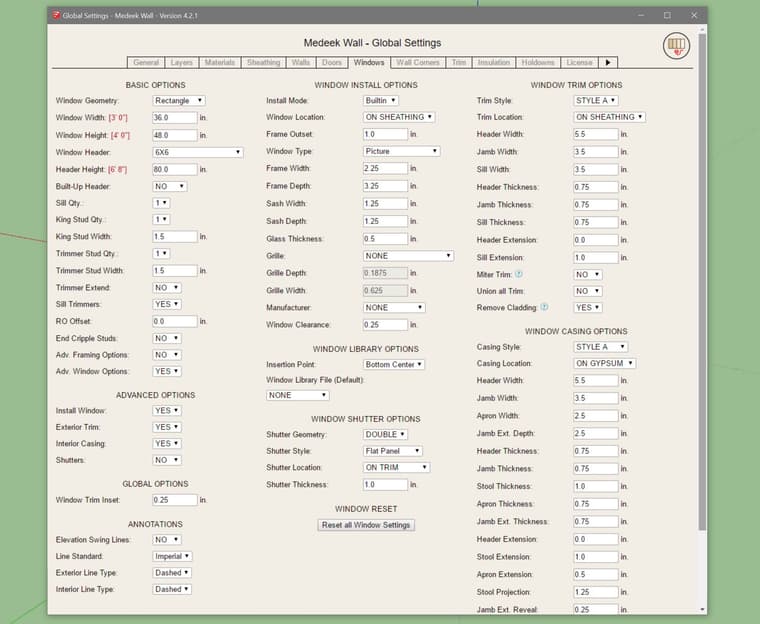
This update per customer request.
-
@MtnArch
My last house had three of them and I found them quite clunky to use. They look nice but functionality is marginal. -
And privacy next to non-existent. I can see in a primary bedroom for the ensuite, but I see them being used for powder baths now, too. Yikes!

Hello! It looks like you're interested in this conversation, but you don't have an account yet.
Getting fed up of having to scroll through the same posts each visit? When you register for an account, you'll always come back to exactly where you were before, and choose to be notified of new replies (either via email, or push notification). You'll also be able to save bookmarks and upvote posts to show your appreciation to other community members.
With your input, this post could be even better 💗
Register Login


Advertisement