Road Test
-
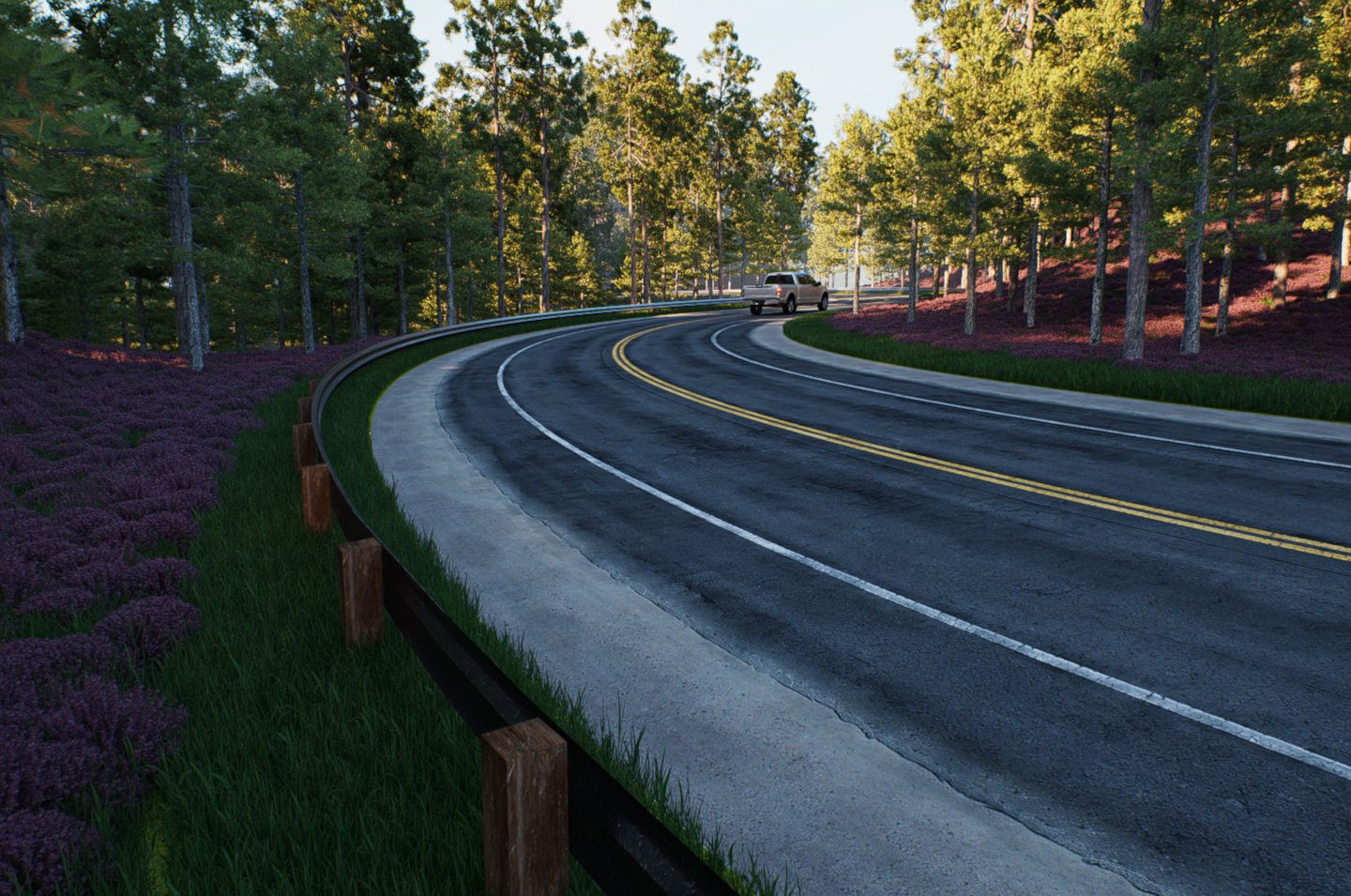
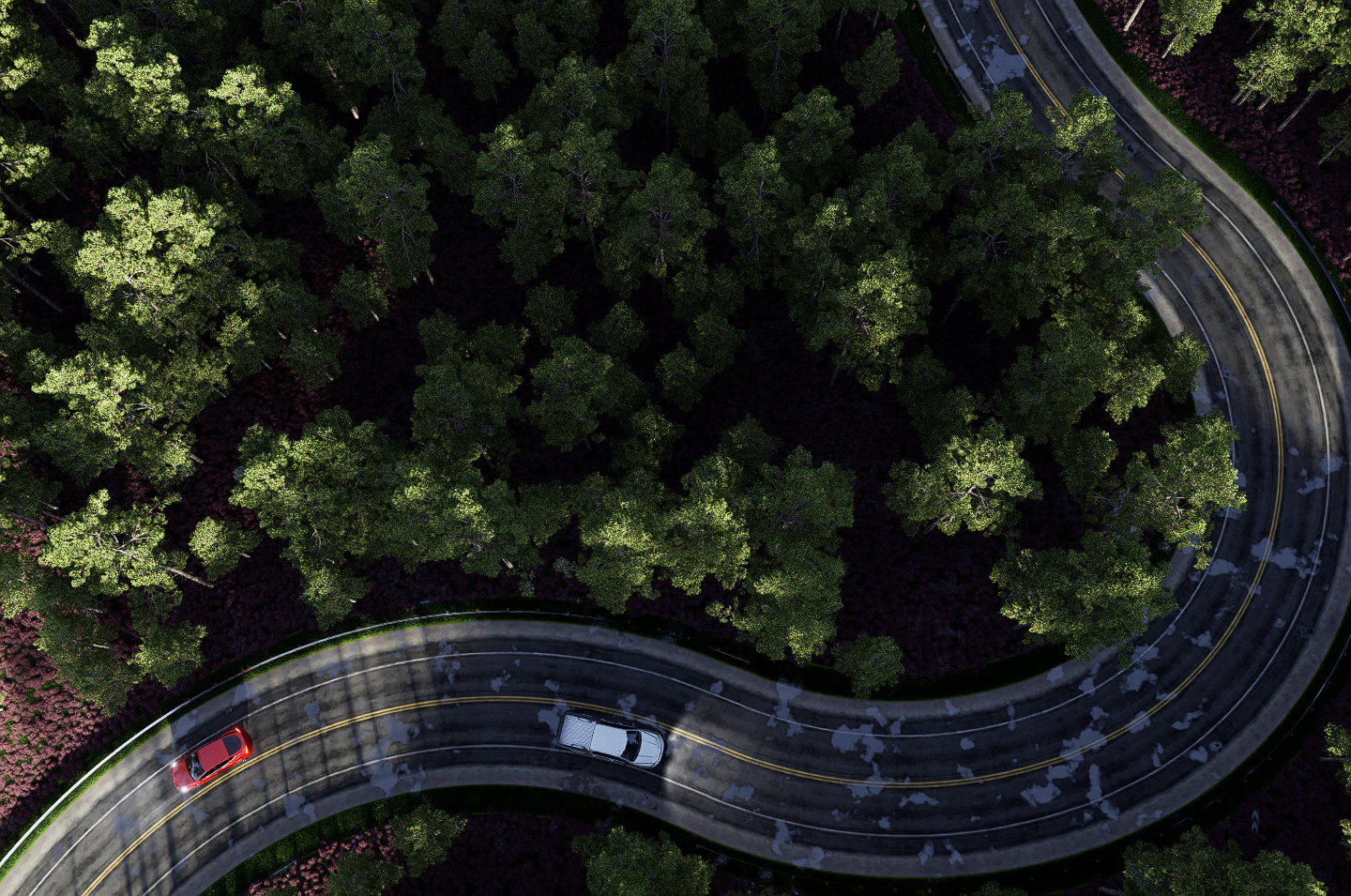
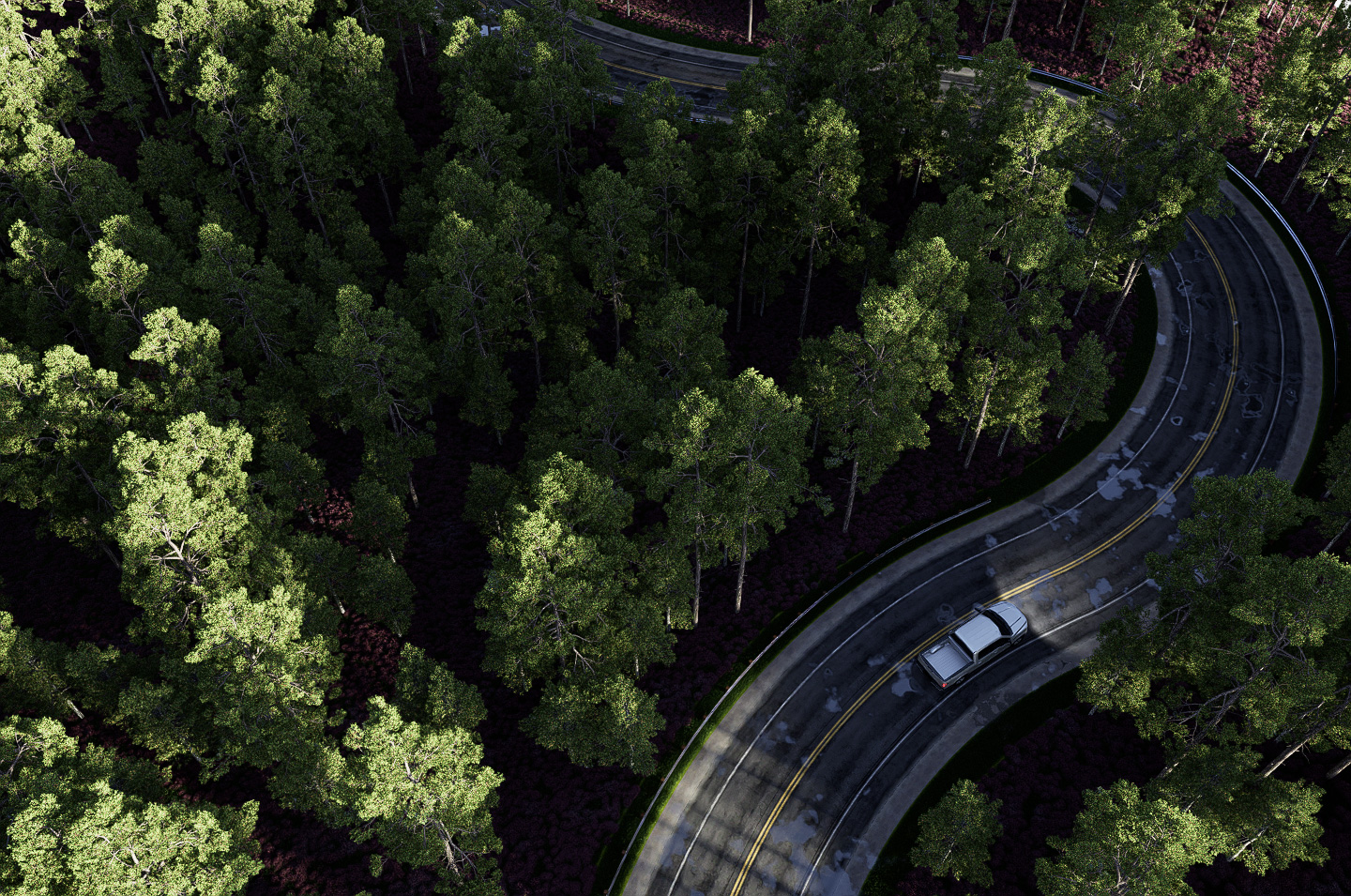
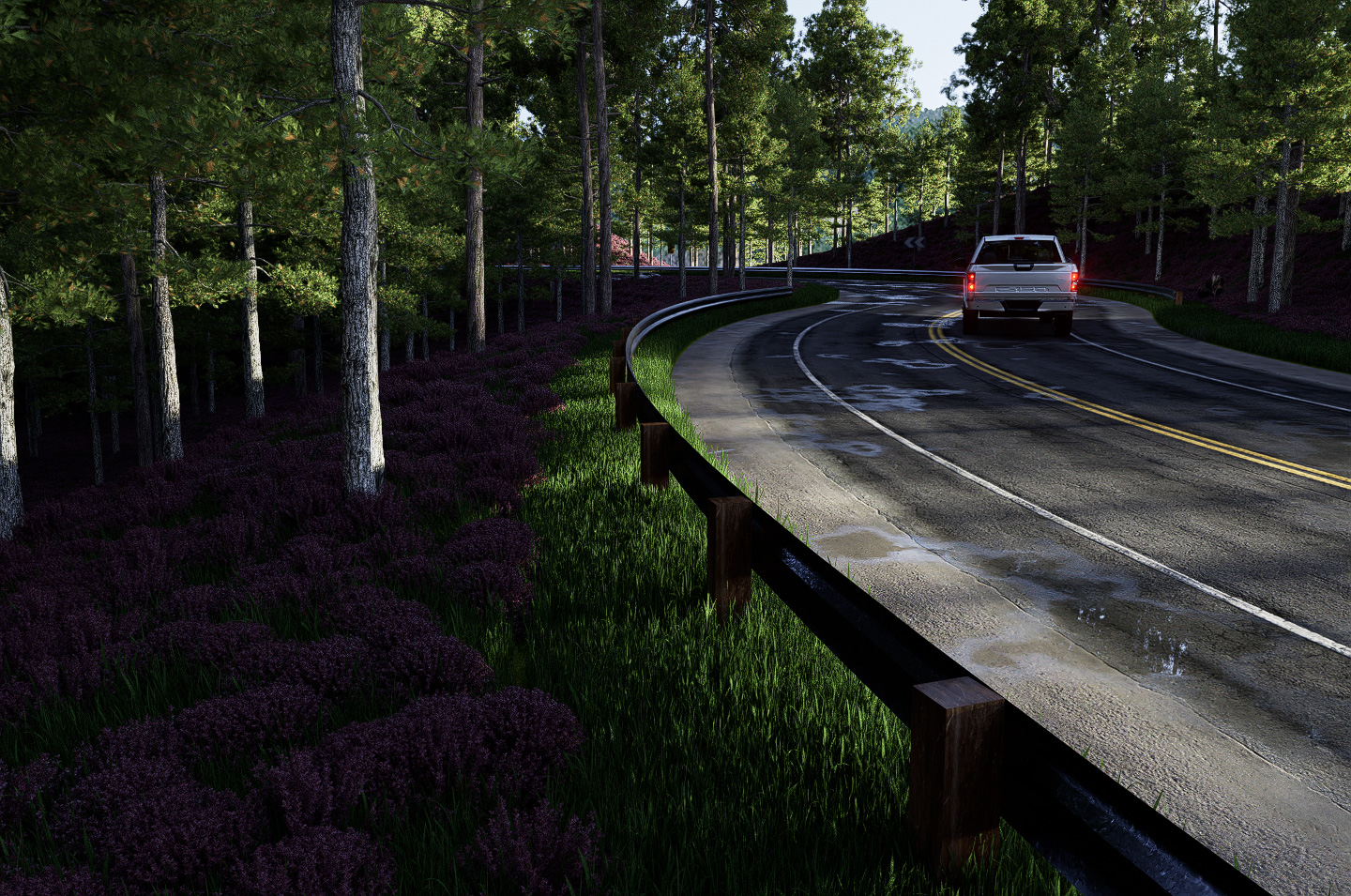
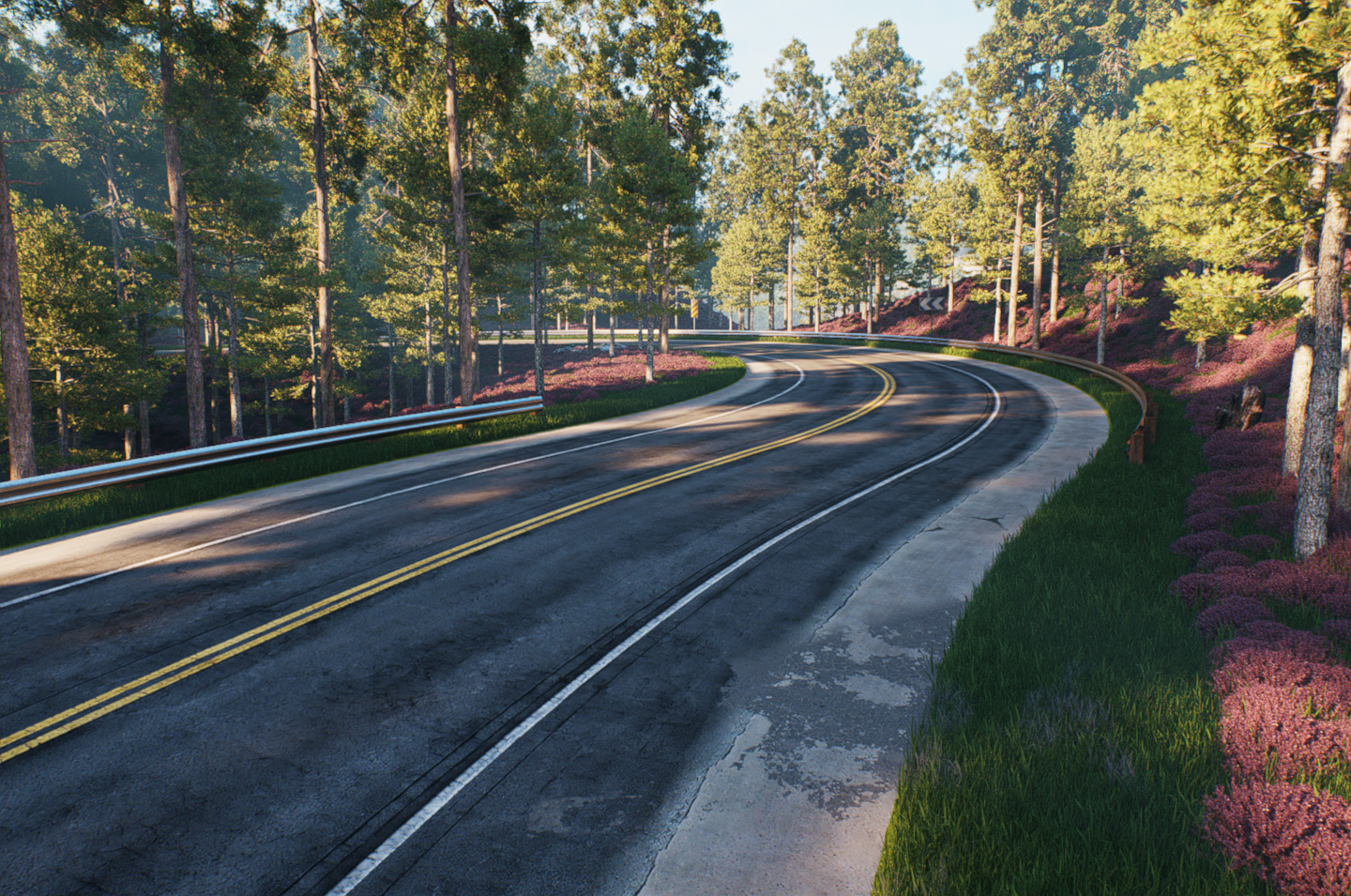
Finally honed down a process for creating quads on a roadway surface on terrain in Sketchup. It mostly involved Vertex Tools, Fredo’s Curviloft and Thrupaint.
The terrain is just a random surface I created with SU’s native tools and Smoove. It’s a variation on what I learned from a video by 3D Artistree on Youtube.
Mostly involved SU work and I hope I can remember every step I used.
This is a D5 Render.
-
So cool, frozen mate.

-
@mike amos said:
So cool, frozen mate.
Thanks Mike. Saved me from doing 100 entry inputs on Blender. I really wanted to get this down for once.
-
Very nice work Gus, I should watch the tutorial
-
...prima!
-
-
Thanks guys.
You'll need:
Sandbox Tools
Vertex Tools
Fredo Curviloft
Align Ends
Fredo Thru PaintQuadface Tools to add more loops. Optional.
Profile Builder 3 for guardrails. Optional.
Sandbox tools is default SU. I just used SU arcs for the roadway plan.
If you're interesed in D5 you should be able to do something similar with their free version.
I'm going to put together a narrative as soon as I can for what I did.
-
The road surface looks very real.
-
These are really awesome..thanks for sharing.






Hello! It looks like you're interested in this conversation, but you don't have an account yet.
Getting fed up of having to scroll through the same posts each visit? When you register for an account, you'll always come back to exactly where you were before, and choose to be notified of new replies (either via email, or push notification). You'll also be able to save bookmarks and upvote posts to show your appreciation to other community members.
With your input, this post could be even better 💗
Register Login


Advertisement