Subtract from a non solid
-
Hi all. I cannot for the life of me figure this out. I would like to make a hole throught the body of this group by means of subtracting the pin group. I understand the body must be a solid but cannot fathom out how to make such. Have highlighted the axis in colour and can identify the non axix areas. How can I rectify this situation please. Perhaps subtraction is not the way to go. Many thanks
-
Run Fixit by AntonS and it'll fix the issue and make it solid

-
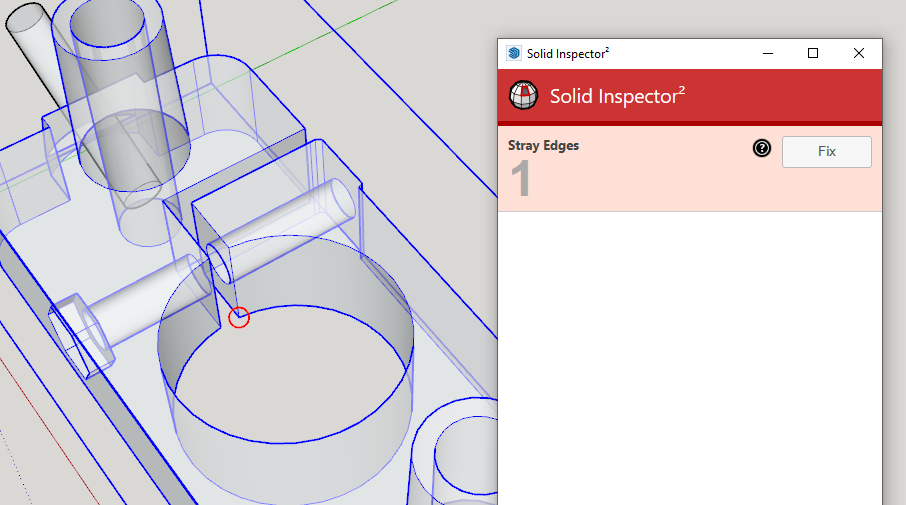
Solid Inspector 2 identifies a stray edge. Remove that from the group and it'll be solid.
-
Edit>Cut the two pins and open the main-group for editing, Edit>Paste-in-Place.
Select and Explode the pins.
Select everything and right-click > context-menu to Intersect everything.
Delete the unwanted parts of the pins.
Erase the 'caps' in the ends of the hole.
Reverse a few of the faces that are not properly oriented...
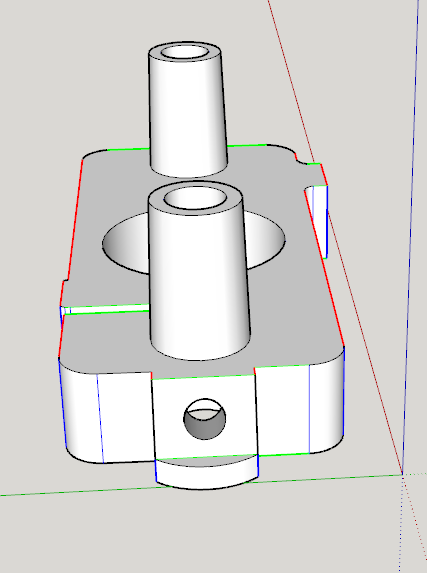
Now you have a solid with the desired pin-holes...SolidInspector or FixIt might report some errors, which are fixable, but the object still reports as a non-solid.
But it looks OK !
Weird...
-
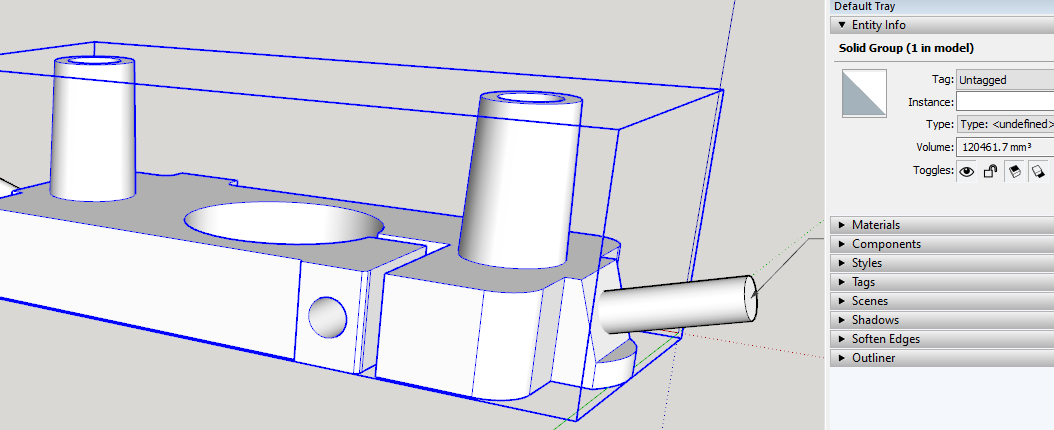
SketchUp reports it as a solid for me after Solid Inspector 2 has completed.
-

FixIt plus Union and I get Solid.
-
Thanks to all for the speedy replies. Appreciate the free knowledge this forum has to offer.



Hello! It looks like you're interested in this conversation, but you don't have an account yet.
Getting fed up of having to scroll through the same posts each visit? When you register for an account, you'll always come back to exactly where you were before, and choose to be notified of new replies (either via email, or push notification). You'll also be able to save bookmarks and upvote posts to show your appreciation to other community members.
With your input, this post could be even better 💗
Register Login


Advertisement