AmbientOcclusion for SketchUp released
-
We are glad to announce the release of AmbientOcclusionfor SketchUp.
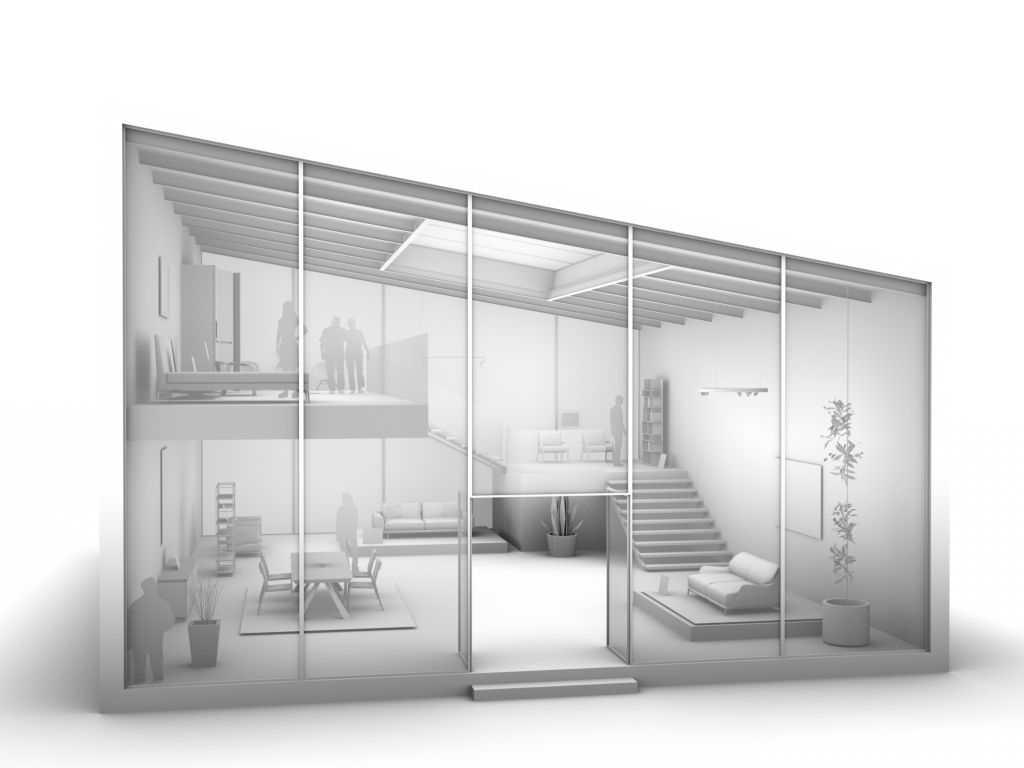
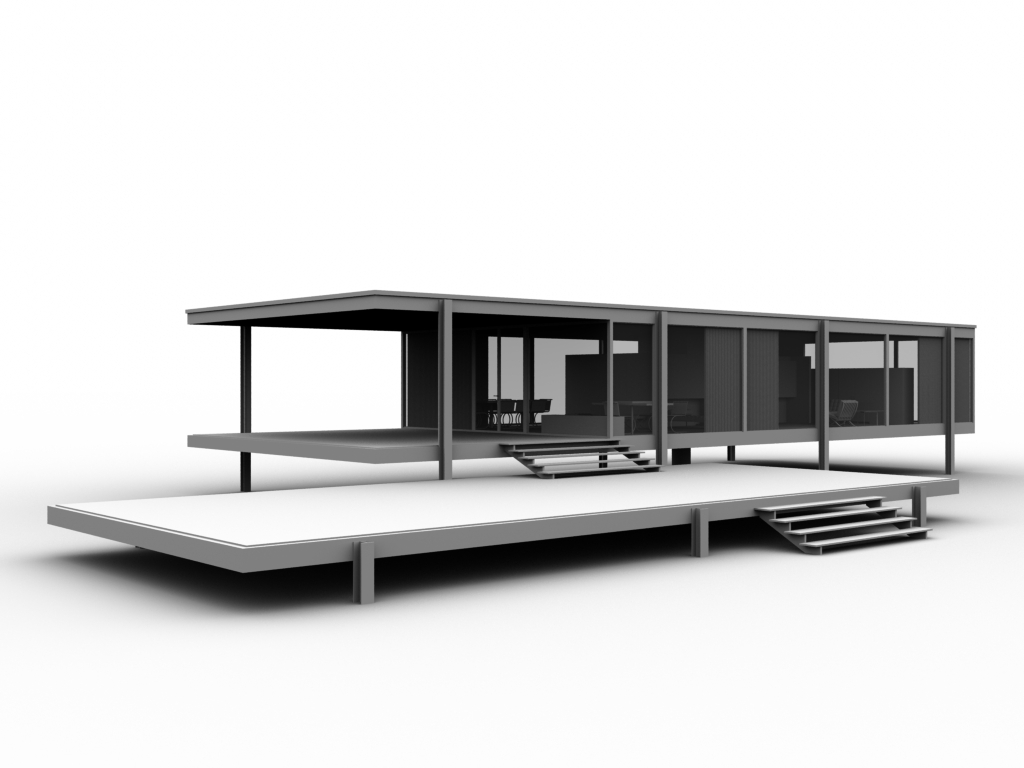
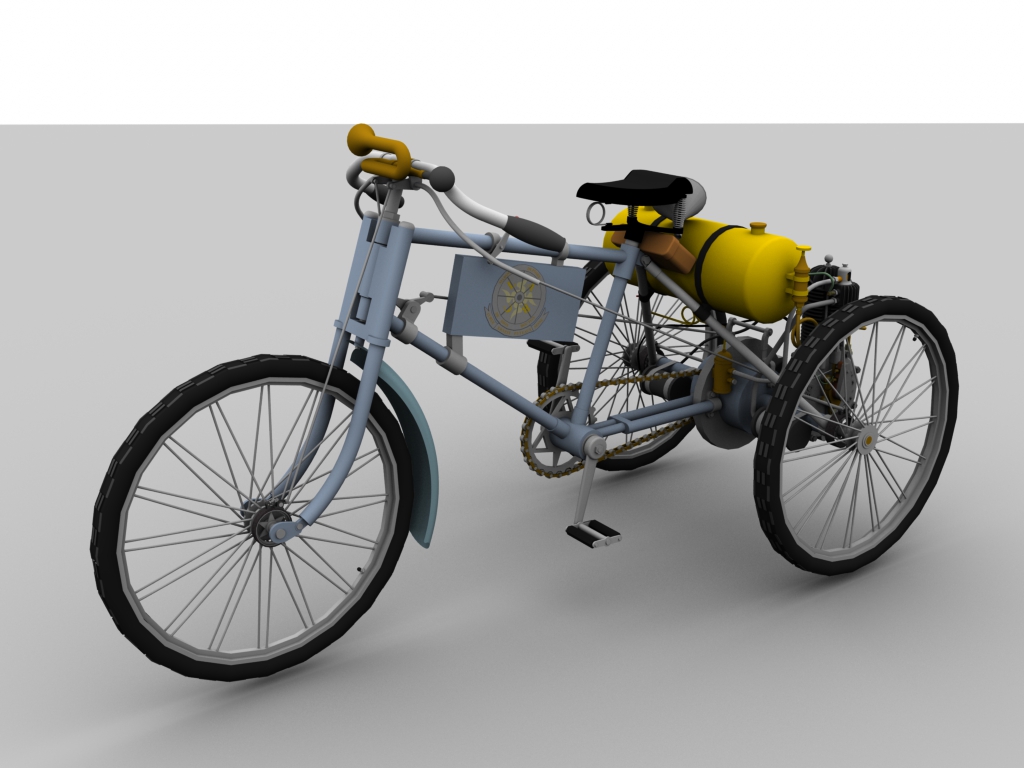
AmbientOcclusionis a very fast visualization plugin that requires no learning. In just one click, you will create a visually compelling preview of your 3d models, highlighting space and relations among objects.
You can download a free 15 days trial here.
-
Is this baked into a realtime model? Or a rendered still?
I'm trying to figure out how this differs from already existing tools.
-
Calling it a renderer would be a little too much... It does just one thing, real-time ambient occlusion in one click. No materials or lighting to tweak. It's just a simple tool for people that need a nice and quick visualization without having to learn (and spend for) a full rendering software.
-
The result is displayed in a seperate window, not the Sketchup viewport, right?
-
Yes, unfortunately the SketchUp api doesn't allow to render directly into the standard viewport
-
@fluid said:
Yes, unfortunately the SketchUp api doesn't allow to render directly into the standard viewport
Isn't that what LightUp does?
-
@fluid said:
Yes, unfortunately the SketchUp api doesn't allow to render directly into the standard viewport
Within a custom Tool, you can draw in the viewport. http://www.sketchup.com/intl/en/developer/docs/ourdoc/view#draw2d
Tomasz from Thea Render even found a way to inject the render in the assembly to be able to see the render in the viewport while using any tool. But that's another master level

-
I'm trying to figure out how this differs from Visualizer...
-
Repeated BUGSPLATs, on Windows 7 under Parallels.

-
@juju said:
I'm trying to figure out how this differs from Visualizer...
Visualizer is a true renderer (although very limited features). This is "just" Ambient Occlusion.
It could actually be very interesting if it was happening in the viewport. For client presentation/interaction, etc
Sometimes you just want to add some depth to the model without a realistic render. -
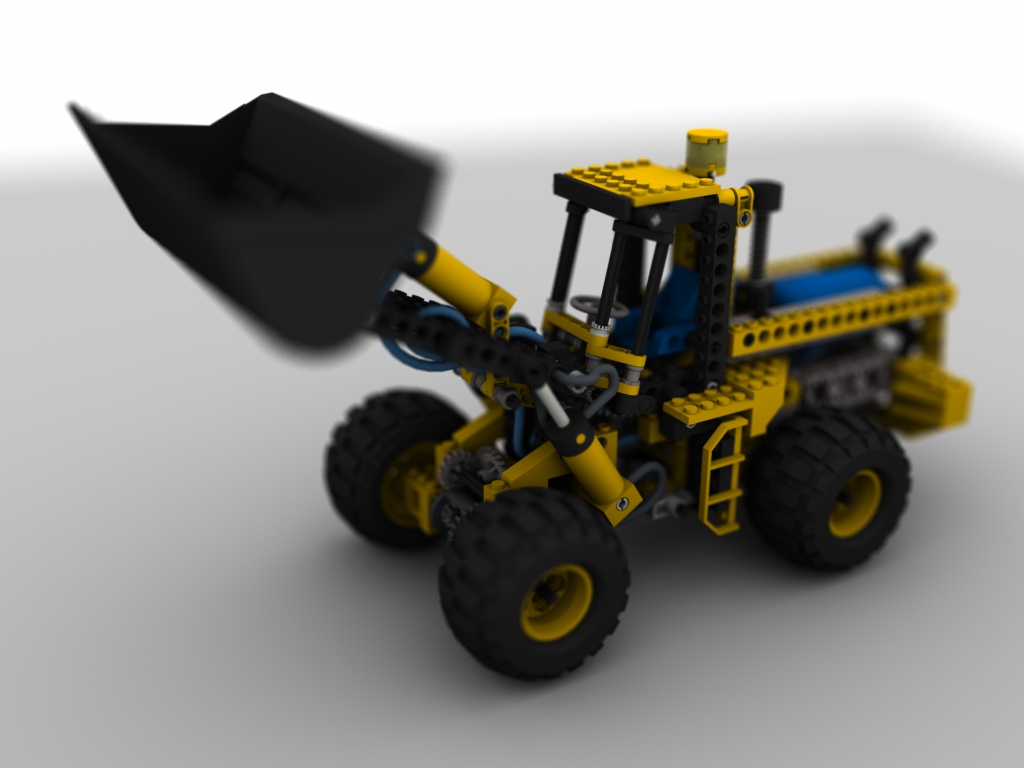
Is the blur in the last image a part of the plugin's function or post pro?
-
The blur is a ray-traced depth of field done directly by the plugin (in the pro version)
-
-
Thanks for pointing that out, we'll look into it for the upcoming release
-
We just did a new release, fixing the Bugsplat that some users were experiencing. You can get it here
-
Hmmm...The output looks like Podium version 1.x with no lighting and AO preset. I remember it well as wrote a preset and it was damn fast. If is not real time in the SU viewport it is step backward IMHO.
-
What would realtime in the SU Viewport mean? You could view your models like this while navigating and working on them?
-
would be cool if it baked the textures
-
-
@fluid said:
We just released a new version of AmbientOcclusion, you can get it here: http://www.ambientocclusion-sketchup.com
This new version adds rendering directly inside the SketchUp viewport.
[flash:7ci503sq]https://www.youtube.com/v/Rst3-SoYAvA[/flash:7ci503sq]
nice...









Hello! It looks like you're interested in this conversation, but you don't have an account yet.
Getting fed up of having to scroll through the same posts each visit? When you register for an account, you'll always come back to exactly where you were before, and choose to be notified of new replies (either via email, or push notification). You'll also be able to save bookmarks and upvote posts to show your appreciation to other community members.
With your input, this post could be even better 💗
Register Login


Advertisement