Render Quality/ Sharpness
-
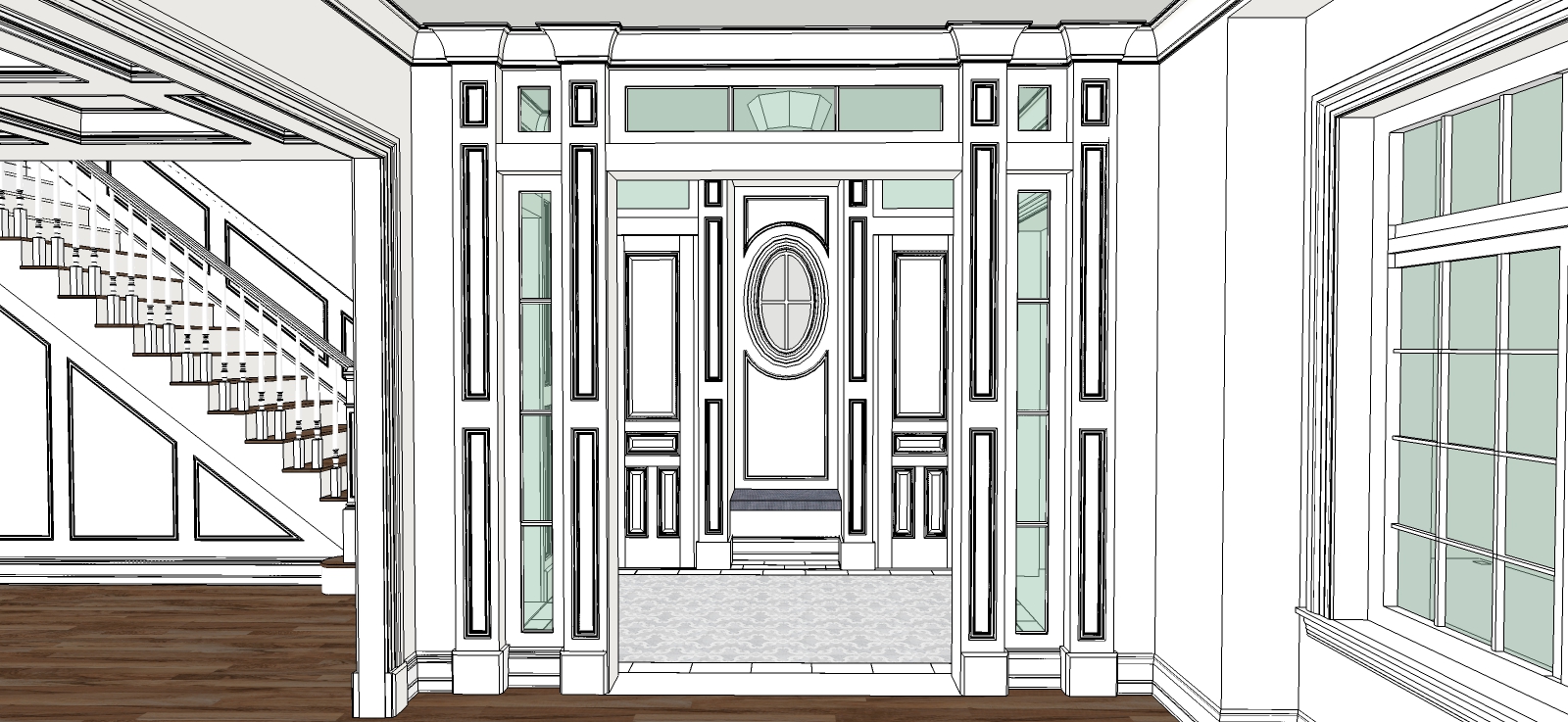
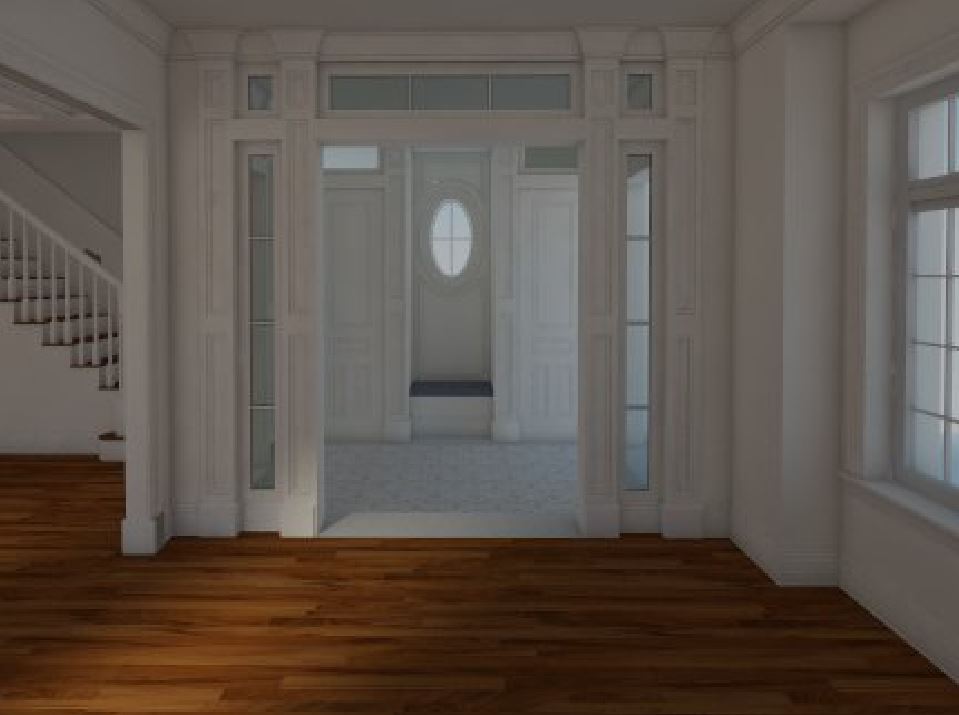
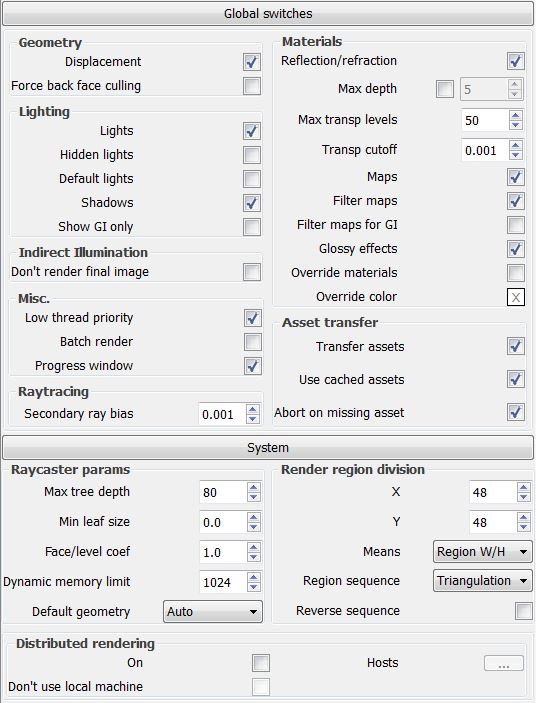
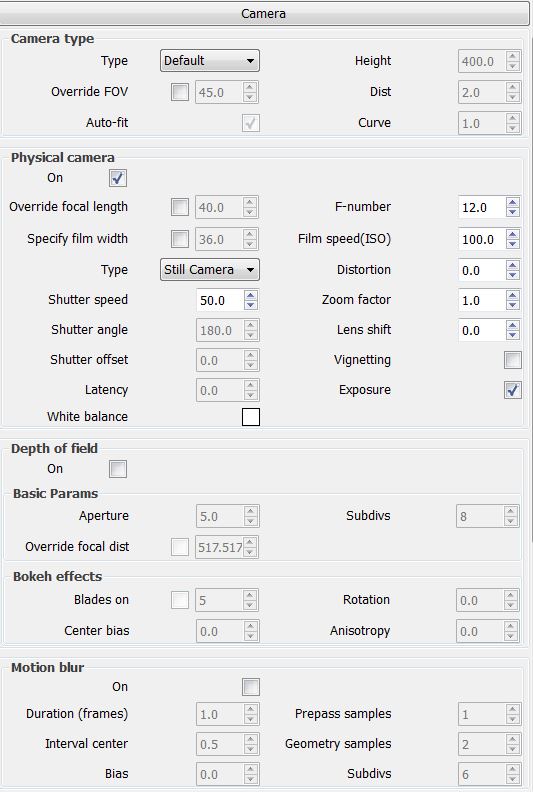
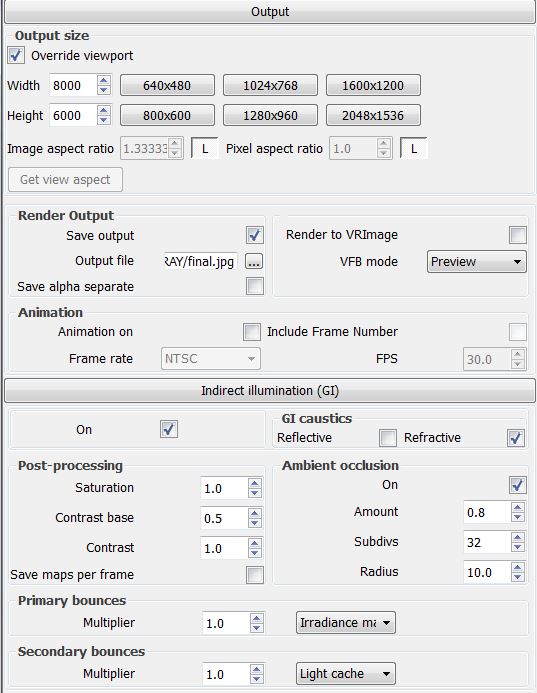
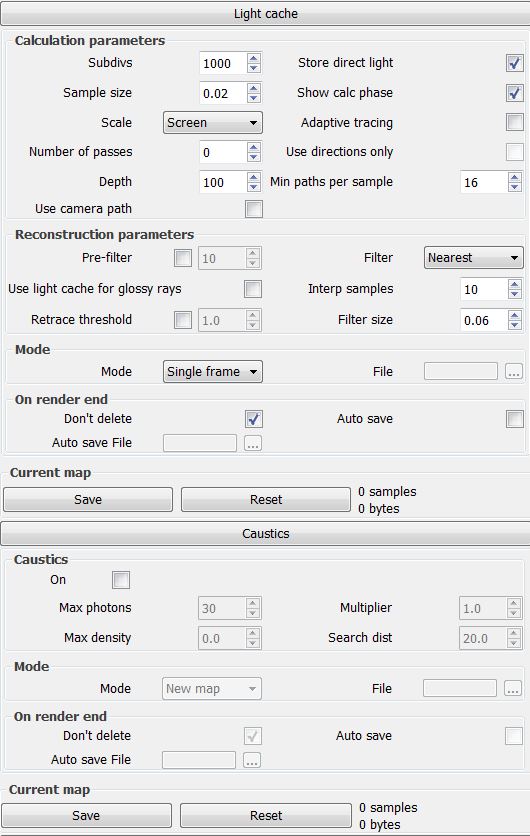
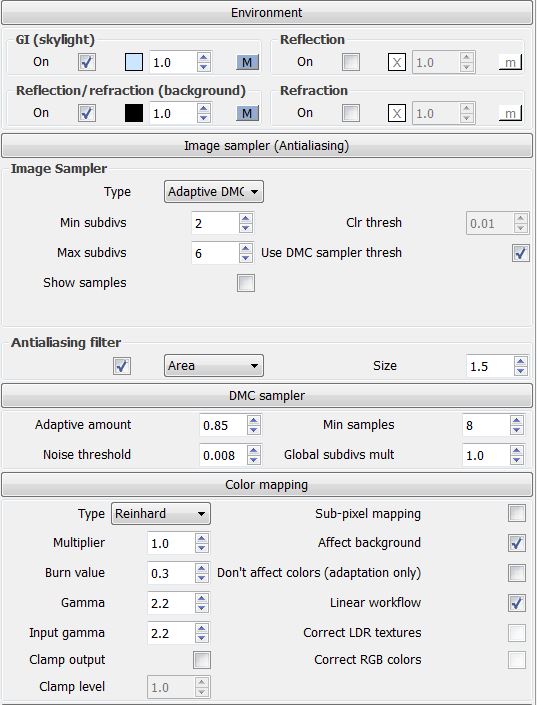
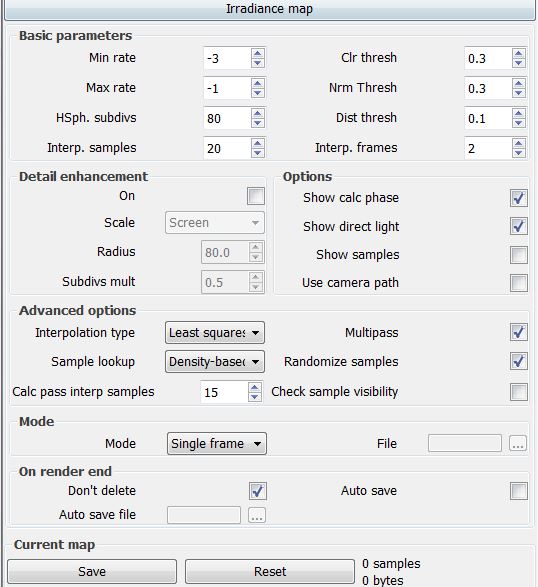
How do I sharpen the image? The output is already high so I imagine it has nothing to do with this. Screenshots of my settings are below.
Thanks for the help!
-
hmmm, first what i see, i would try with a .png output image.
-
It also seems relatively dark, perhaps adding some more light might help. Also having ambient occlusion on effectively adds shadows to all the corners, since the shadows are soft you are going to lose any sharpness you have to edges. You could export a hidden line image from SU and overlay it in post to help define edges a little more.
-
Those are great pieces of advice! I'll try them out.
-
On second thought, I'm currently using a demo of V-Ray. I wanted to make sure I liked it before I bought it. Could that also be part of the problem?
-
Rendering with the demo version limits the output resolution as well as other elements in the scene.
- Distributed Rendering limited to 2 render nodes
- produces watermarked images
- resolution up to 600x400
- rendered results limited to 4 lights
More light in the space will help though. Try adding some interior lighting this may give better results.
-
Yeah, there is no way thats a 8000 pixel image. Your demo limit is only rendering at 600.
Hello! It looks like you're interested in this conversation, but you don't have an account yet.
Getting fed up of having to scroll through the same posts each visit? When you register for an account, you'll always come back to exactly where you were before, and choose to be notified of new replies (either via email, or push notification). You'll also be able to save bookmarks and upvote posts to show your appreciation to other community members.
With your input, this post could be even better 💗
Register Login


Advertisement