UV mapping trouble
-
@pixero said:
You could try my UVprojection script: http://forums.sketchucation.com/viewtopic.php?f=323&t=34552
ajn,
thanks for the tip: i did not know your plugin.
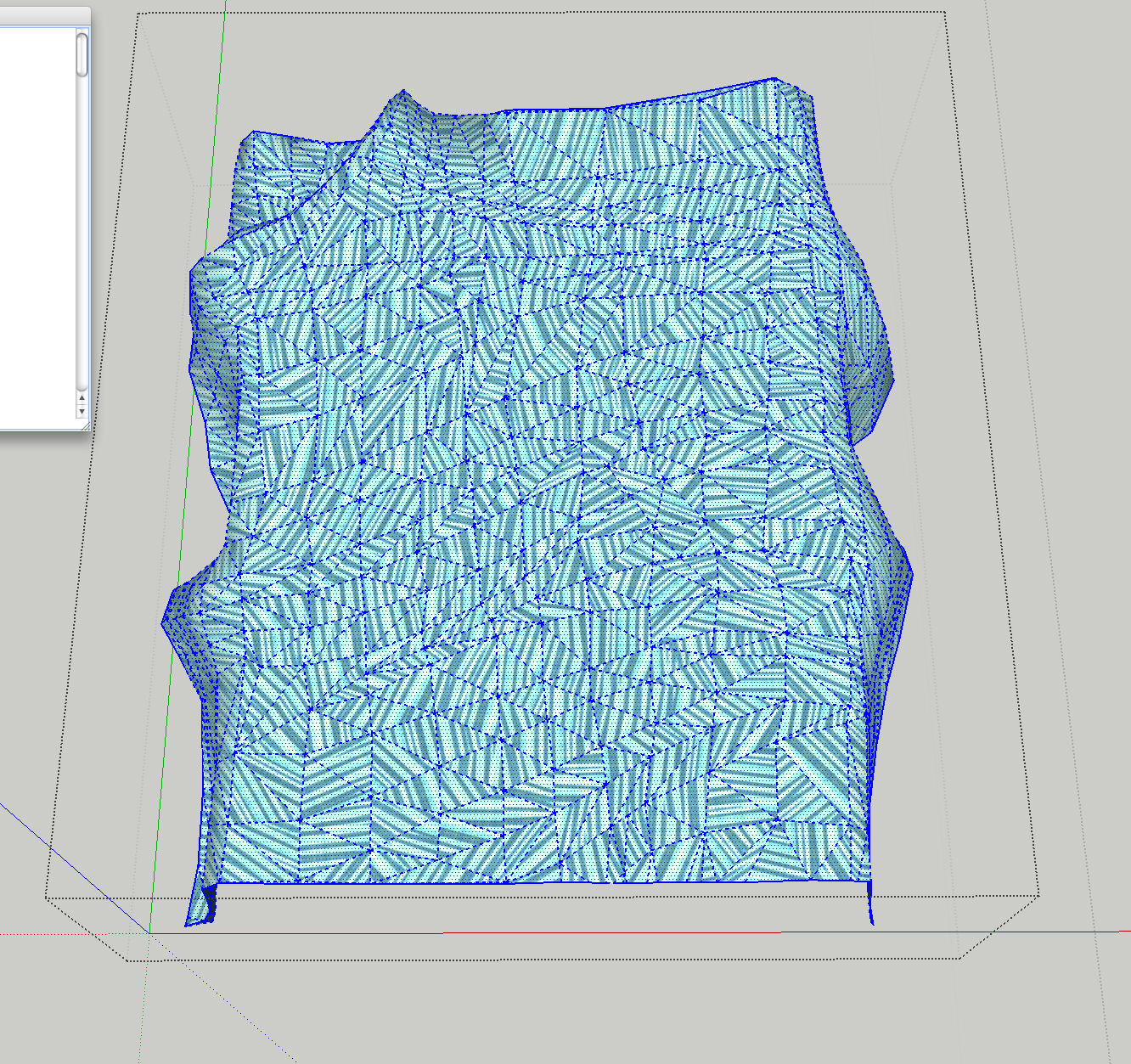
 however, I surely do not know how to apply it as I am getting no results. I even tried it on a bed spread but nothing changes. for one, I do not understand the issue of choosing an axis for faces that are at an angle to the axes. can you tell me how to apply UV Projection? I am afraid the topic on it is not explanatory enough.
-
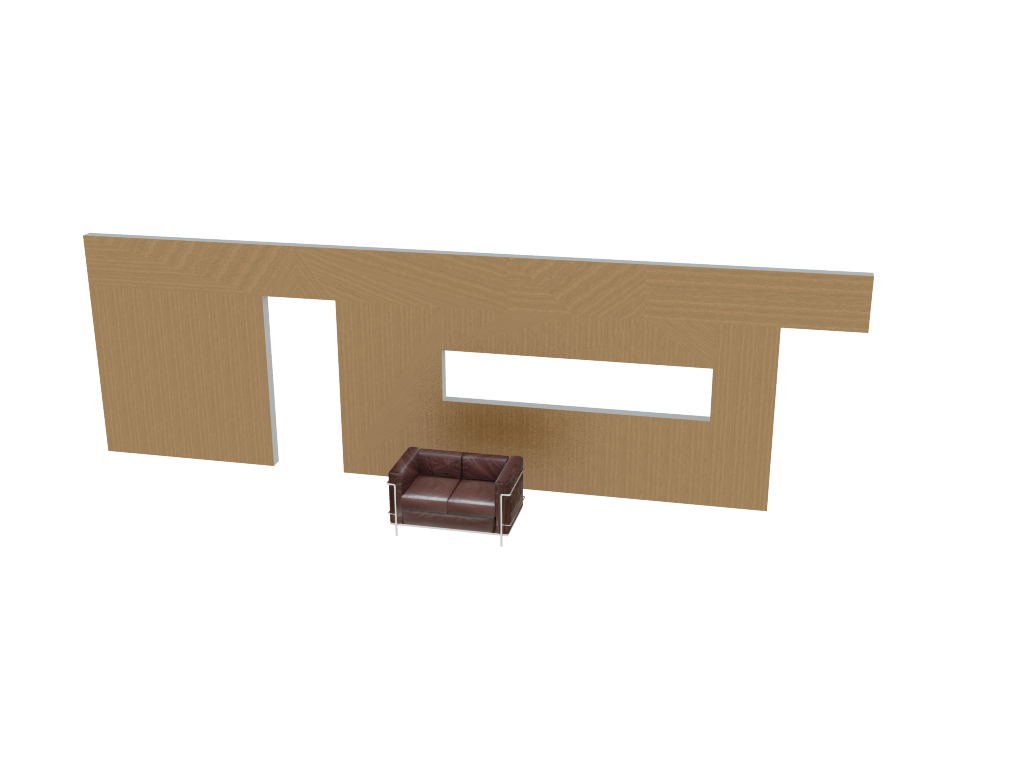
It does planar projection in X, Y or Z axis so for things like your wall it "should" work.
The faces need a texture before applying the UV projection. Choose the axis that is perpendicular to the faces normal.
So for a wall it should be either X or Y.
Size and such is just fine tuning so I won't go in to details here.
The bedspread would need UV unwrapping to map correctly but at least it should look like one continous map with stretching in the parts that doesn't align to the projected axis. Could you share the bedspread and the wall scene so I can see if there is something wrong with the script or just how you use it? -
Edson,
Did you change the pin positions on those textures? If you right click and choose position what happens?
-
@pixero said:
It does planar projection in X, Y or Z axis so for things like your wall it "should" work.
The faces need a texture before applying the UV projection. Choose the axis that is perpendicular to the faces normal.
So for a wall it should be either X or Y.
Size and such is just fine tuning so I won't go in to details here.
The bedspread would need UV unwrapping to map correctly but at least it should look like one continous map with stretching in the parts that doesn't align to the projected axis. Could you share the bedspread and the wall scene so I can see if there is something wrong with the script or just how you use it?the wall model had already benn posted above. here it goes again with the bedspread. you will see that I changed the texture but the problem remains the same.
-
@unknownuser said:
Edson,
Did you change the pin positions on those textures? If you right click and choose position what happens?
all I did was to rotate the texture without scaling it.
-
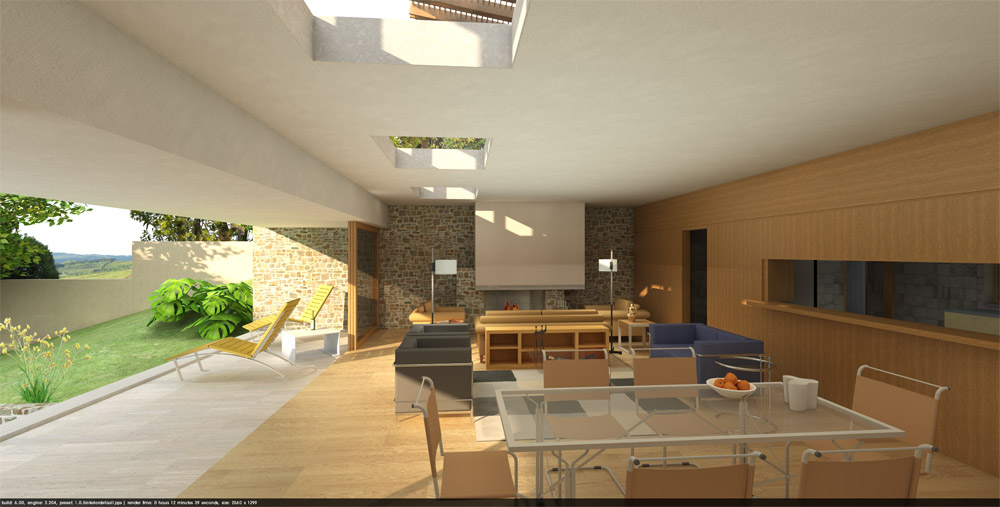
I had to throw that wall away and model it again. no solution worked. thanks, anyway. I learned some more about UV mapping because of this problem.
-
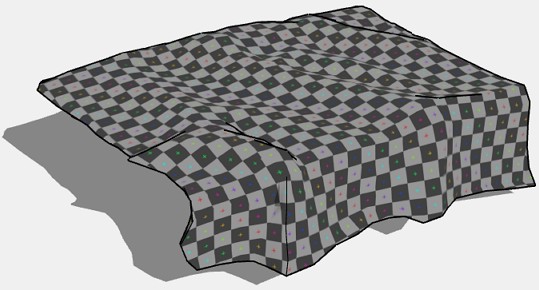
Here's a mapped bedsheet that only needs the material replaced via Entity Info to keep mapping
-
@unknownuser said:
Here's a mapped bedsheet that only needs the material replaced via Entity Info to keep mapping
[attachment=1:1bw55jfn]<!-- ia1 -->Edson_Bedsheet.jpg<!-- ia1 -->[/attachment:1bw55jfn]
[attachment=0:1bw55jfn]<!-- ia0 -->Bedsheet_Mapped.skp<!-- ia0 -->[/attachment:1bw55jfn]
thanks, rich. could you tell me how you did it? which tool was involved? as people say : it is nice to be given the fish but it is much nicer to be taught how to fish it.
-
I'm using Whaat's UV Tools v0.2 to export the UVs as an .obj file. Then in UV Layout 2 I map the texture and save. In SU I reimport the .obj UV map. This then applies the mapping to the normally skewed textures. here's a video I did awhile back showing the workflow between SU and UV LayOut
[flash=800,600:3dh8q0qe]http://www.youtube.com/v/_HdqT_SGbek[/flash:3dh8q0qe]
-
Here is the scene with UVs projected. The bedspread would naturally look better with UVs unwrapped to avoid streching. Also made a copy with separate projections for the sides. That looks a little better but shows a seam where the projections meet. Does the wall look correct in render now?
-
@pixero said:
Here is the scene with UVs projected. The bedspread would naturally look better with UVs unwrapped to avoid streching. Also made a copy with separate projections for the sides. That looks a little better but shows a seam where the projections meet. Does the wall look correct in render now?
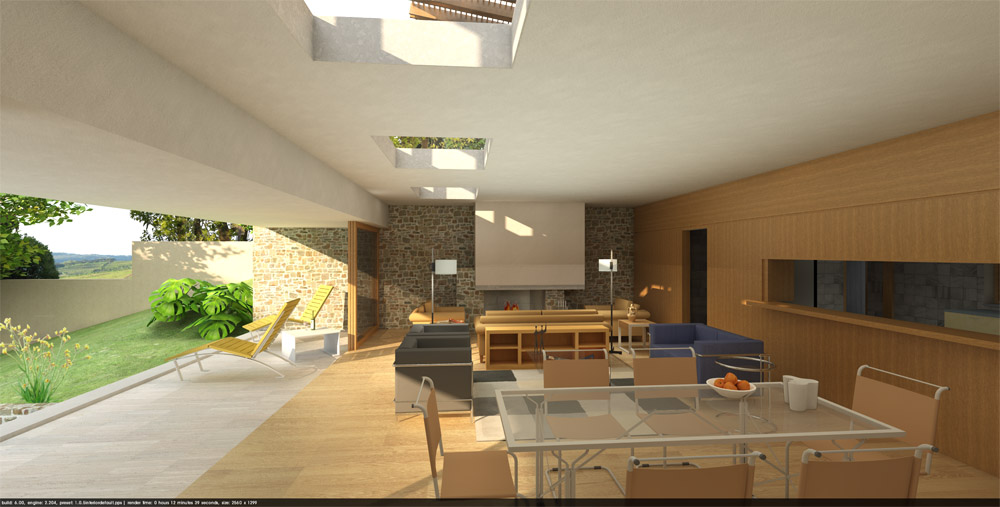
thanks, jan. yes, the wall looks correct now that I remodeled it. I just could not fix the problem related here.
-
@unknownuser said:
I'm using Whaat's UV Tools v0.2 to export the UVs as an .obj file. Then in UV Layout 2 I map the texture and save. In SU I reimport the .obj UV map. This then applies the mapping to the normally skewed textures. here's a video I did awhile back showing the workflow between SU and UV LayOut
a very informative video, rich. I have saved the name of the app for future needs.
-
@pixero said:
You could try my UVprojection script: http://forums.sketchucation.com/viewtopic.php?f=323&t=34552
there is a very good tutorial on the use of UVProjection in conjunction with Artisan:
Sketchup Projection Painting - YouTube
by AprC8Life -
Sweet. I haven't seen it before.
Thanks for the link.



Hello! It looks like you're interested in this conversation, but you don't have an account yet.
Getting fed up of having to scroll through the same posts each visit? When you register for an account, you'll always come back to exactly where you were before, and choose to be notified of new replies (either via email, or push notification). You'll also be able to save bookmarks and upvote posts to show your appreciation to other community members.
With your input, this post could be even better 💗
Register Login


Advertisement