Show us yer desktop ...
-
Go on, I'm a nosey bugger, interested to see what you have as your background.
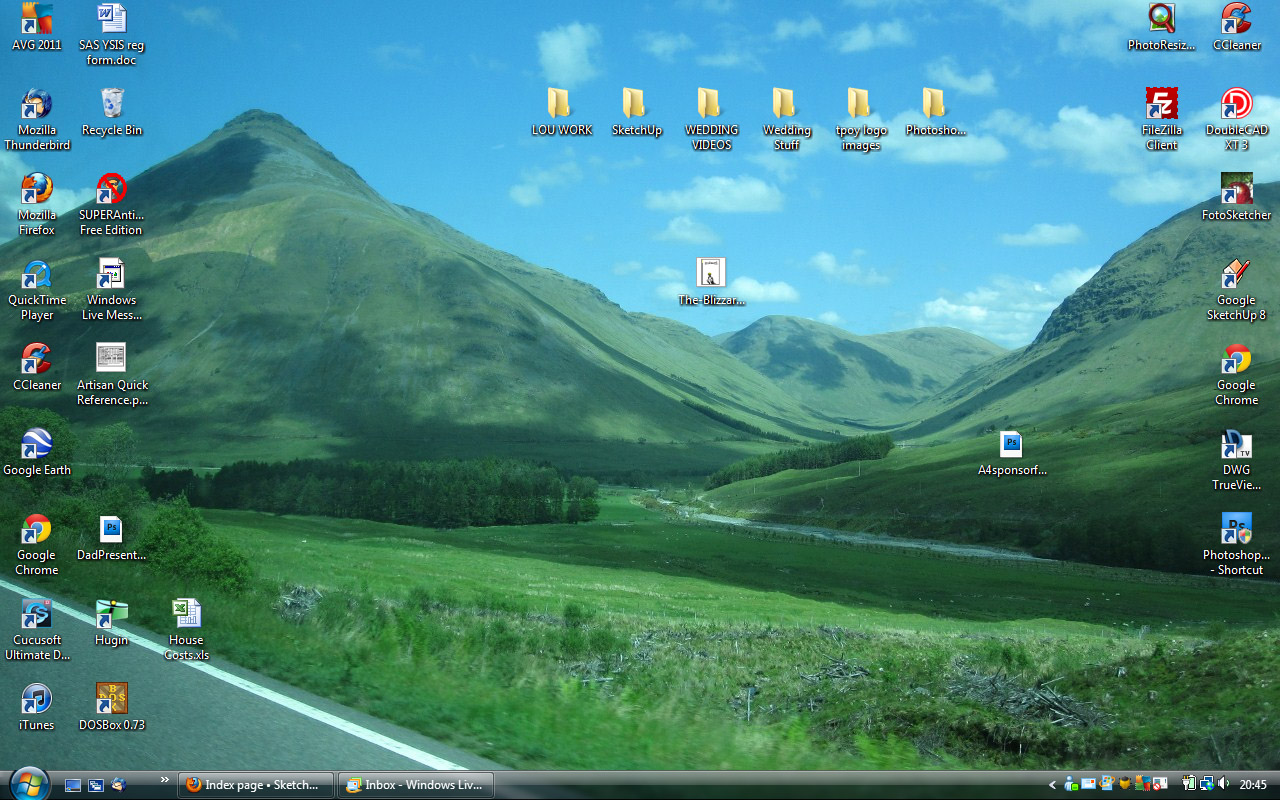
My picture is one I took myself on the way to Ben Nevis. My icons are incredibly boring though....
-
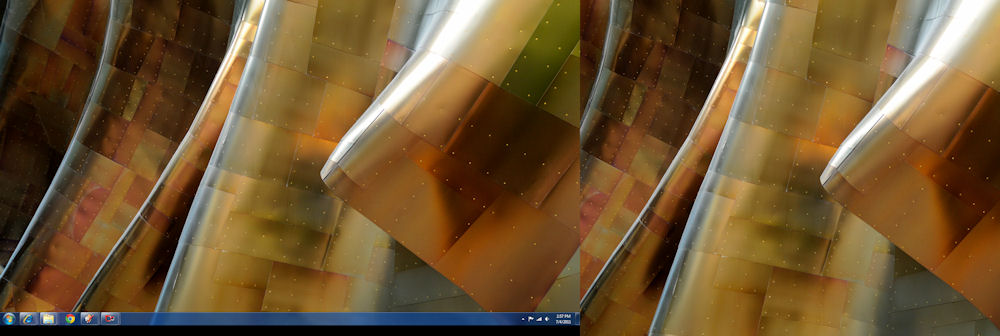
I have dual screens, one 42" and the other 32", no icons.
This is screen grab, reduced as it probably would not fit on anyones screen.

-
No icons?!

-
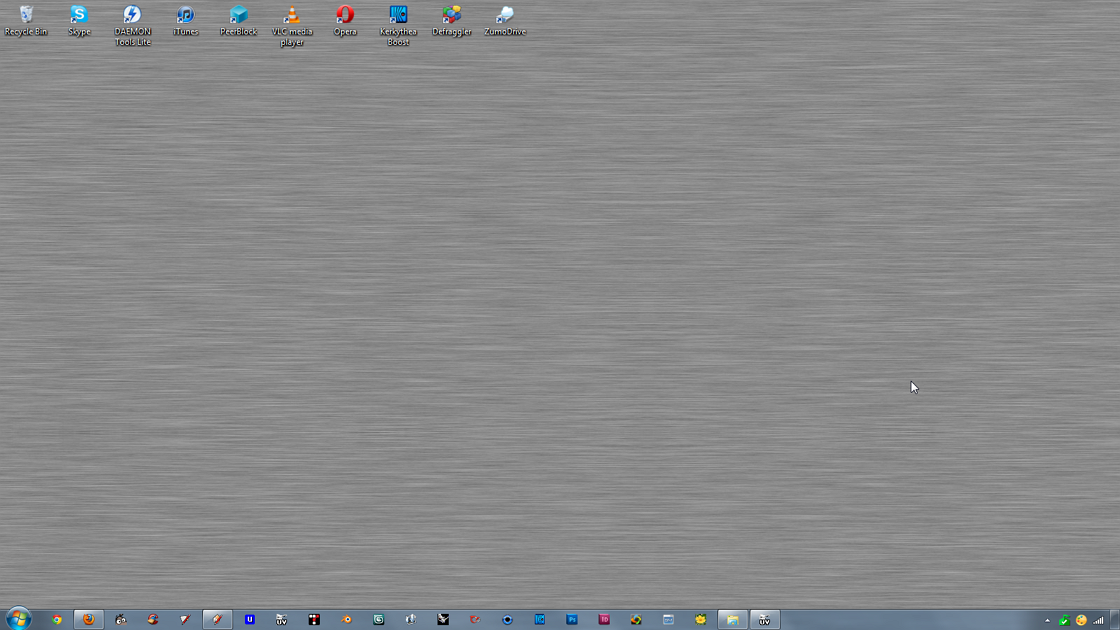
here's mine (dual monitors at 1280x1024)

-
-

-
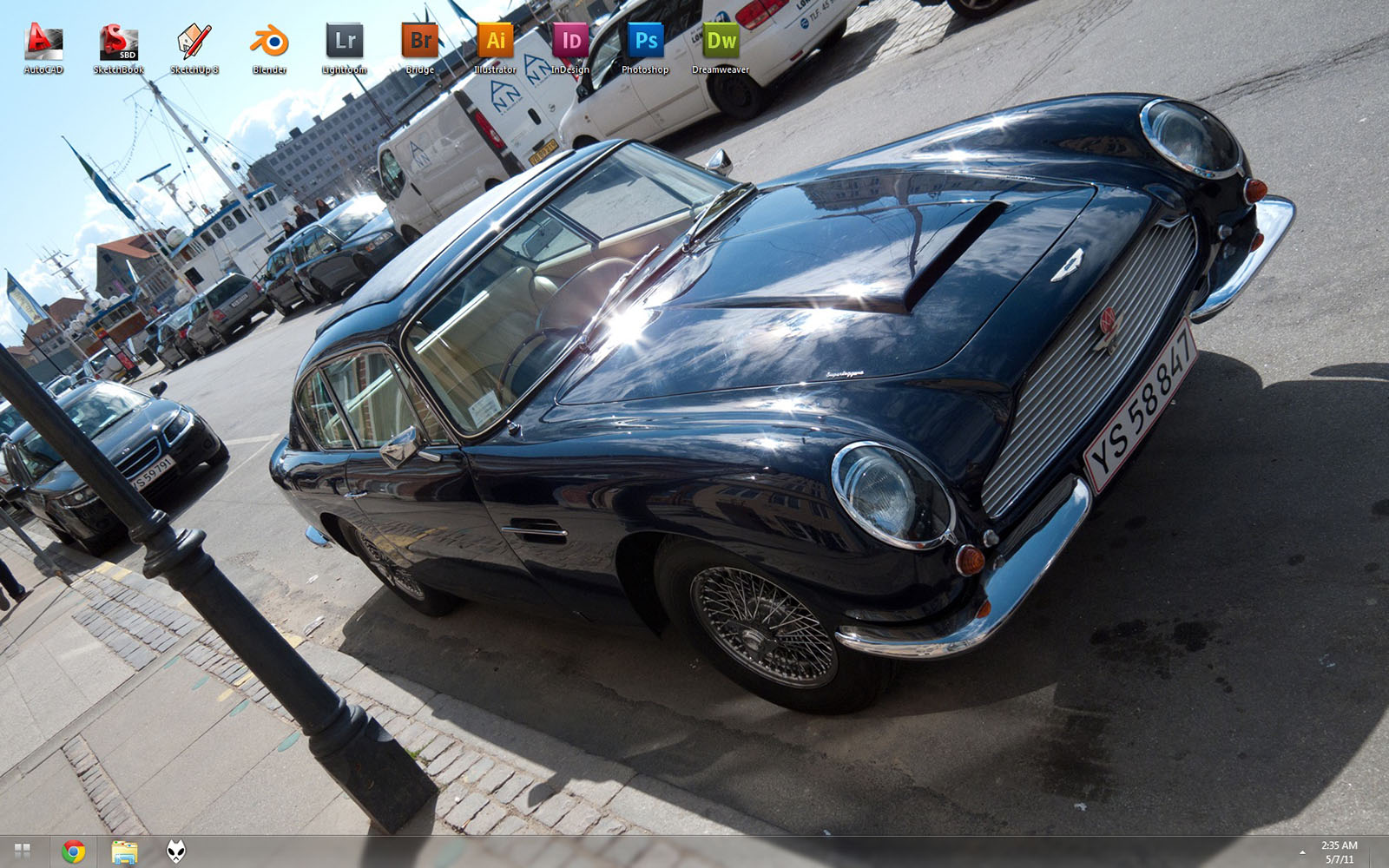
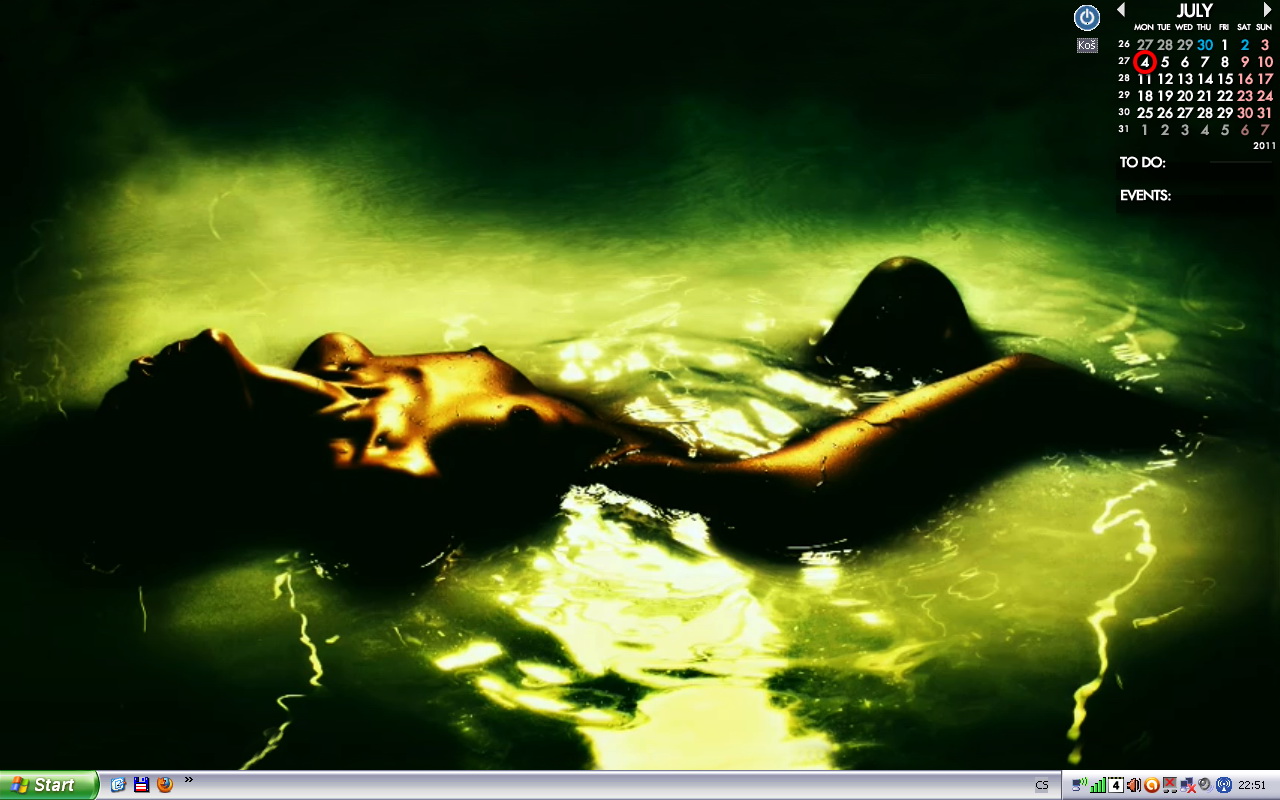
Original size 1680 x 1050
Picture of Aston Martin DB5 [shot by myself]
Icons on auto-hide [Fences Pro] -
what
-
So far, I like jarynzlesa's best.

Here is mine (you asked for it)

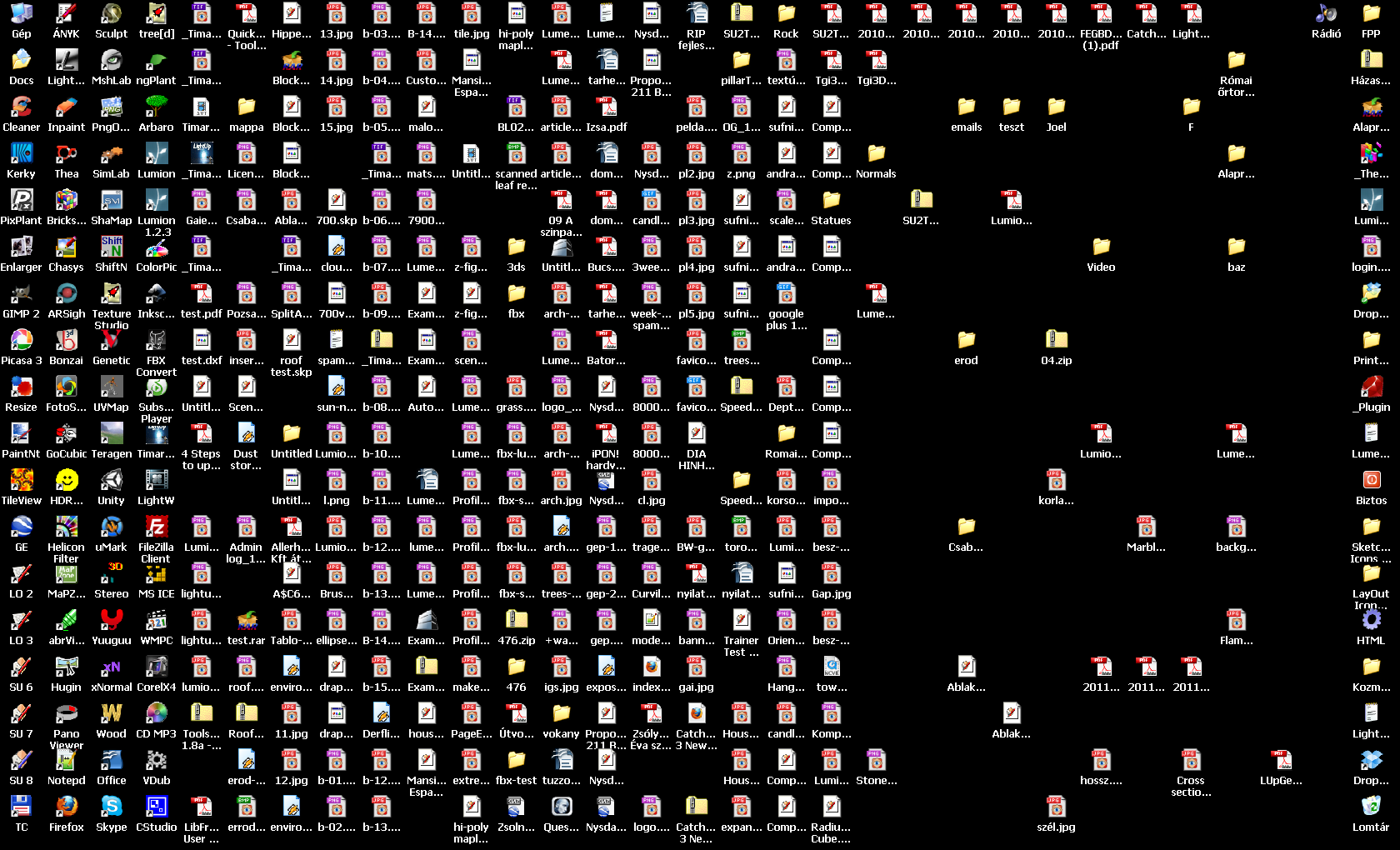
-
Holy crap Gai! You gotta be kidding?!

-
Well, I regularly clean up though so most of the stuff there is just temporary crap.
-
@gaieus said:
So far, I like jarynzlesa's best.
Here is mine (you asked for it)
Holy crap! What fresh hell is that?!

This might be something for you
http://www.stardock.com/products/fences/index.asp -
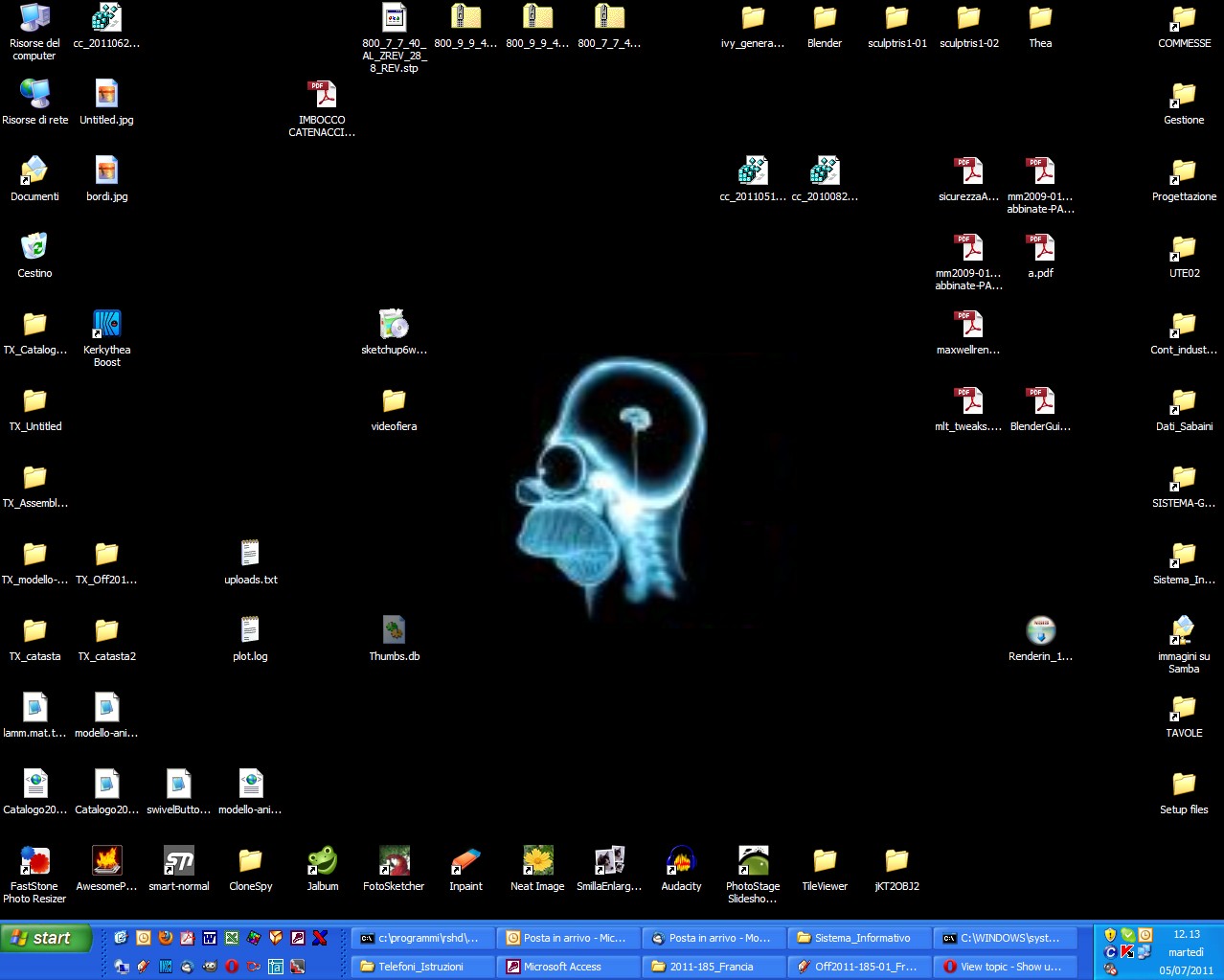
I'm like Csaba! Here's today's Desktop
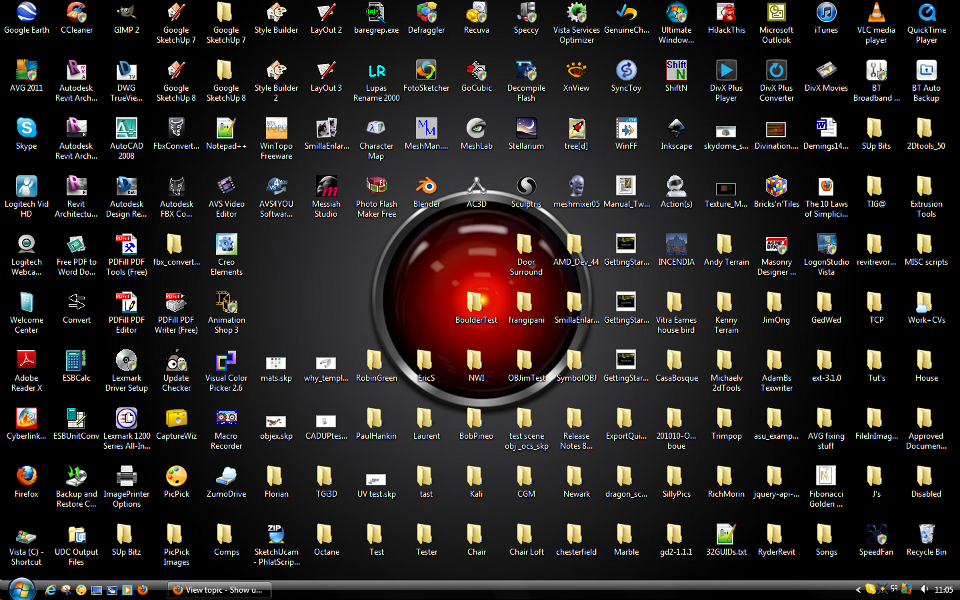 I know where everything is! Or at least HAL does...
 -
This is a fascinating insight into the minds of the ingenius and inept. It's akin to wearing speedos or bermudas.
-
I've quite a mess too...I periodically sort out the icons, but I've always a lot of apps running (usually even two mail clients and two browsers at same time  )
)
-
A blue one for no distraction at the opening!

-
@hfm said:
...This might be something for you
http://www.stardock.com/products/fences/index.aspThanks. I have actually been looking for something like that for long. Currently no budget for the Pro version but even the free looks promising!
-
All you need is Launchy

-
@gaieus said:
@hfm said:
...This might be something for you
http://www.stardock.com/products/fences/index.aspThanks. I have actually been looking for something like that for long. Currently no budget for the Pro version but even the free looks promising!
be careful with it. I tried it out, and after awhile it kept causing faults in explorer.exe... I don't know if they ever fixed that.
-
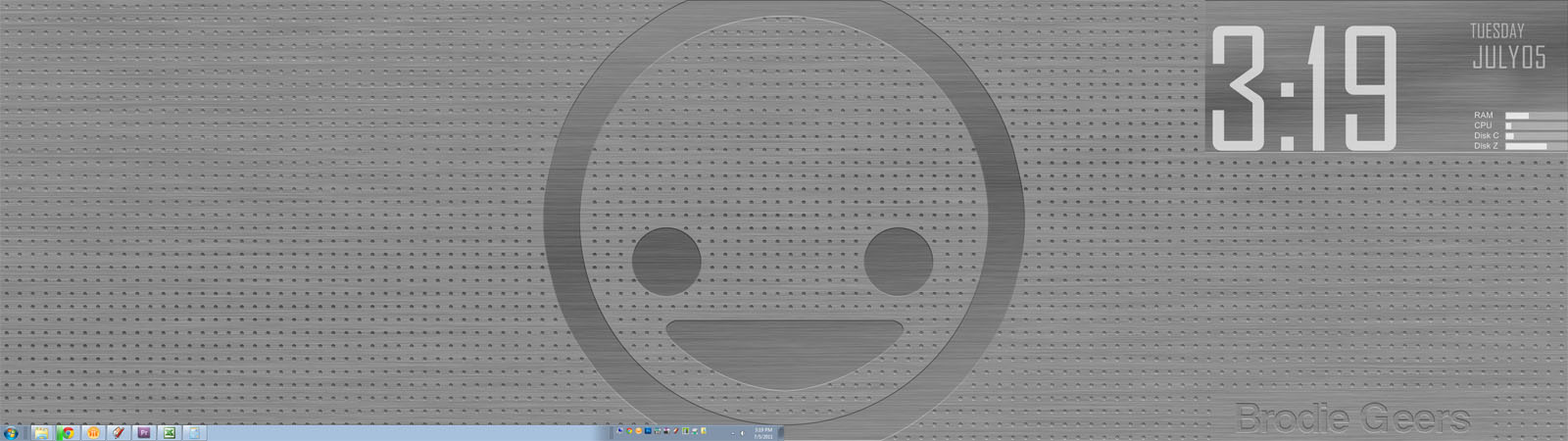
Here's mine. I go for the minimalist look, this is sort of a custom made deal. Made the background in photoshop from a concept I found on Vladstudio. The big face in the middle is basically the Vimeo icon (not that I'm a big vimeo user, I just like the icon). The big ol' clock, date, and computer info are some modified elements using Rainmeter. I have a dual 23.5" monitor setup.
I really liked Launchy in the XP days. Now, Win7 has made it obsolete. Just hit the windows key and start typing your app. I don't really like pinning apps to the taskbar so I created a little folder with the stuff I mostly use and put them in a little home on the right side of the taskbar.
-Brodie










Hello! It looks like you're interested in this conversation, but you don't have an account yet.
Getting fed up of having to scroll through the same posts each visit? When you register for an account, you'll always come back to exactly where you were before, and choose to be notified of new replies (either via email, or push notification). You'll also be able to save bookmarks and upvote posts to show your appreciation to other community members.
With your input, this post could be even better 💗
Register Login


Advertisement