Cello
-
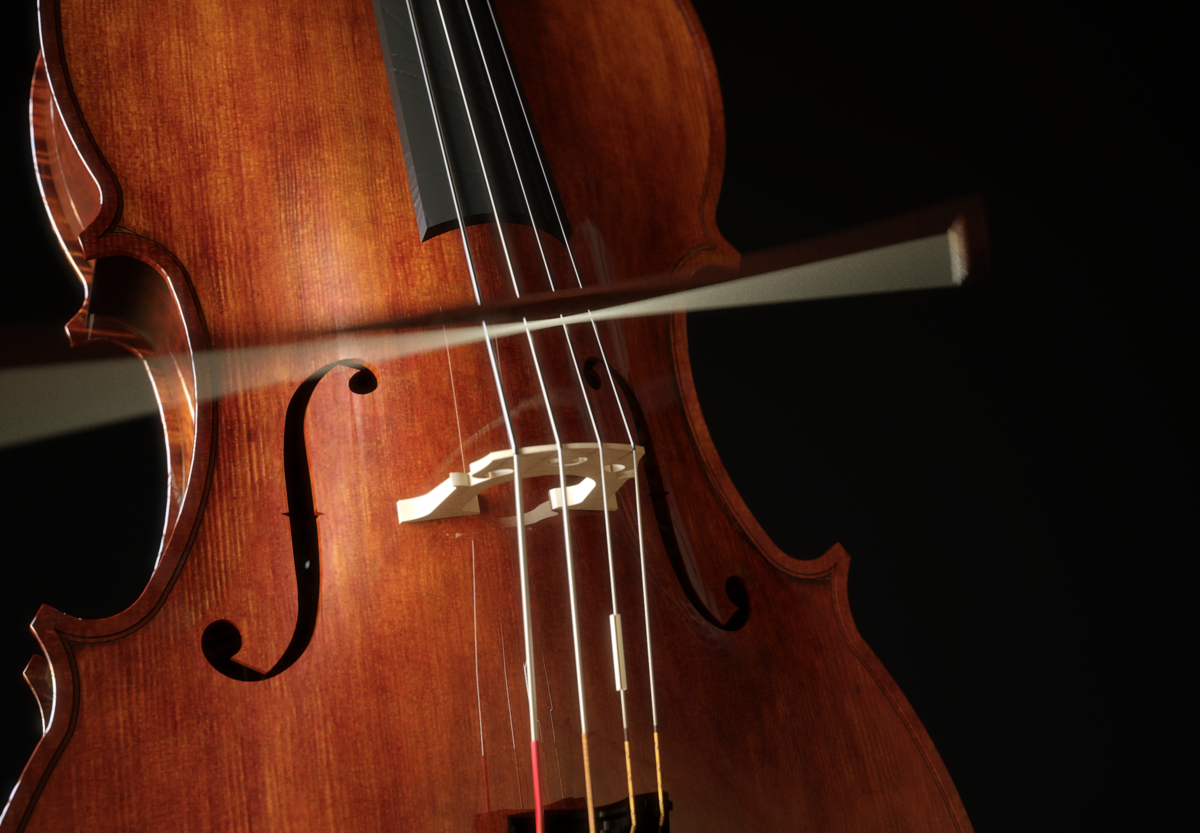
The models are from 3dwarehouse, but were a bit modified, beveled and also added some detail. Completely textured in SU taking textures from a set of a cello's photos and rendered in Thea. Trying out some motion blur+subtle DOF. CRF, vignetting and a very slight glare directly in Thea. Only a little desaturation in post pro.

-
Wow! I love it. You are a master
The most remarcable thing in every render I've seen from you are your textures. You make the objects look so natural!
Just the bridge (don't know the name) looks rare. Is it ivory? -
 Excellent work...as always
-
It's getting to the point now when you could post an actual photograph of a cello and it'd be less convincing 
-
Thanks everybody, much appreciated.
@unknownuser said:
Just the bridge (don't know the name) looks rare. Is it ivory?
Normally the bridge is made with a natural, not varnished maple or platan wood. Here i've used a basswood texture...maybe a bit faint.
-
Absolutely incredible, Massimo!!
-
Thank you Andrew. Cheers.
-
Sweet. I can hear the overtones and harmonics and that bow action is excellent. The bridge almost looks like ivory.
-
Excellent work, as always, Massimo.
-
Glad you like it mitcorb and Fletch.

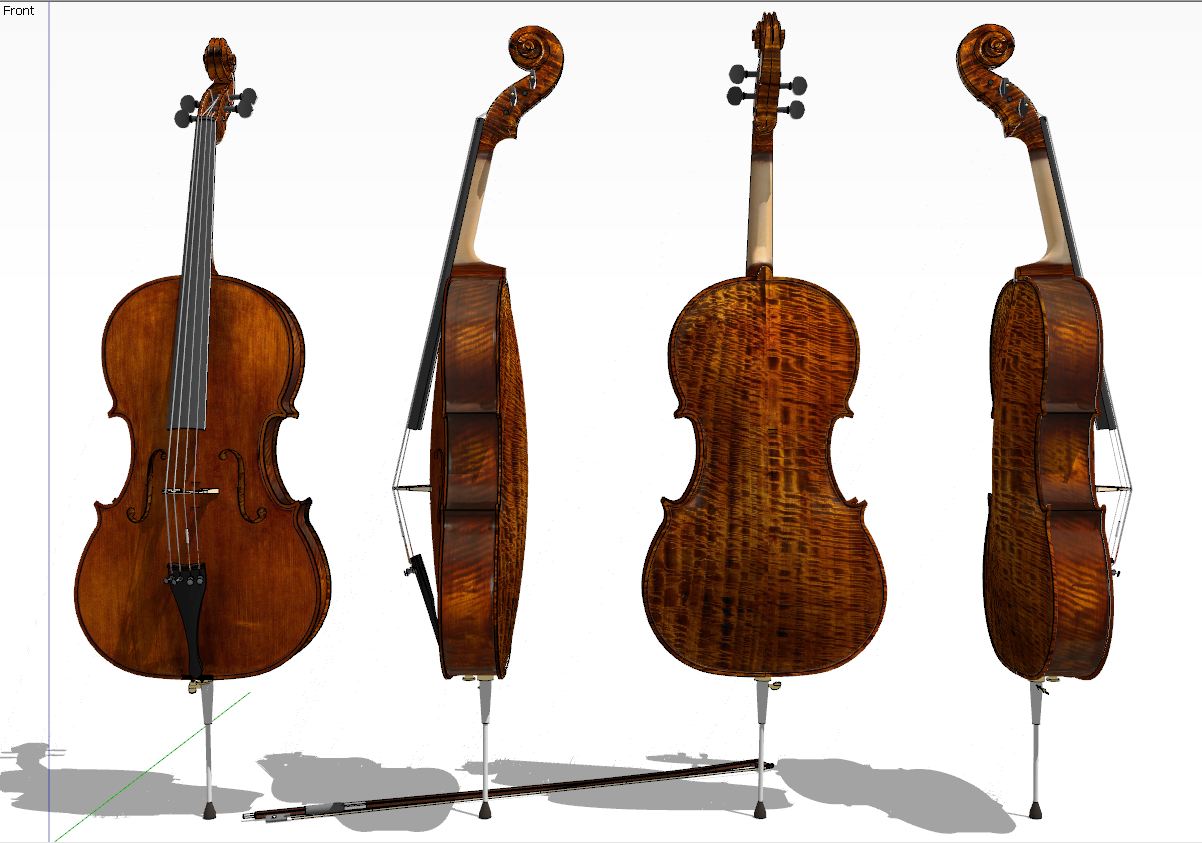
Here you have the entire textured instrument in a SU's screenshot.
-
May I ask how did you model the head?
Or could we see the wire?I tried to make one but with lame results

You gurus always come with a great solution -
Sorry Karina I didn't model it. As I said the models were taken from 3d warehouse. I've only made some changes, bevels, details addition and fully textured the models.
You can find the original model here. -
Not to pick at nits, but is that a reflection artifact in the "f"-port? (And, I am not inventing any obscene terms here)
-
Well you're spying through the keyhole mitcorb...
 The interior material is the same of the exterior, a bit reflective as you can see (I was a bit lazy to apply different mats), so perhaps a normal reflection?
 -
That's stunning!
-
Thank you Rich!
-
just amazing work
 is the motion blur straight from thea? OMG lol
is there a guide to CRFs anywhere? I've been playing all day but still none the wiser
-
@unknownuser said:
is the motion blur straight from thea?
Yeah.
Set an animation (you can watch this tutorial: animating a car) then choose a frame and render it. Play a bit with "frame rate" in the render-->animation panel and with "shutter speed" in camera properties, they both control the motion blur effect. Here I've used 10 frames for the animation with frame rate=20 and shutter speed=10.@unknownuser said:
is there a guide to CRFs anywhere?
Just tick the CRF box in the darkroom panel or in the left panel under display properties-->exposure before, after or during the render and choose a film type you like.
-
@massimo said:
Just tick the CRF box in the darkroom panel or in the left panel under display properties-->exposure before, after or during the render and choose a film type you like.
I know but there's so many!!!
-
I'm afraid you have to try them all... but, seriously, you have many variations of the same film depending of the sensitivity, so start trying the first one of each group because the others have quite similar effects on your image with the exception of the exposure of course. Also you could try this free program called "Motiva real camera", which has the previews of the CRF. The developers cooperate with Giannis and the Thea team.








Hello! It looks like you're interested in this conversation, but you don't have an account yet.
Getting fed up of having to scroll through the same posts each visit? When you register for an account, you'll always come back to exactly where you were before, and choose to be notified of new replies (either via email, or push notification). You'll also be able to save bookmarks and upvote posts to show your appreciation to other community members.
With your input, this post could be even better 💗
Register Login


Advertisement