[Plugin] Compo Spray 1.4.2 Updated
-
Hi,
February 13th 2011: Version 1.4.2.: Bug fixes, resizable dialog, directionnal spray
What's new in v1.4.2.:
- bug fix with destination layer using the PointTool and SelectedSurfacesTool,
- bug fix of random rotation not working using the "Selected Surfaces" shape,
- bug fix of altitude constraints when using the "Selected Faces" shape,
- new "shape" to drop components at vertices of edges or curves,
- new "shape" to evenly drop components at divisions of edges,
- suppressed "OnMouseLeave" function that caused the tools to exit when the mouse left the graphic window,
- dropping components on other components with the point shape is now possible,
- localization files available (German, Danish, French, Portuguese, English, and Spanish as the base set)
- settings to customize the dialog box behaviour (useful for low res screens),
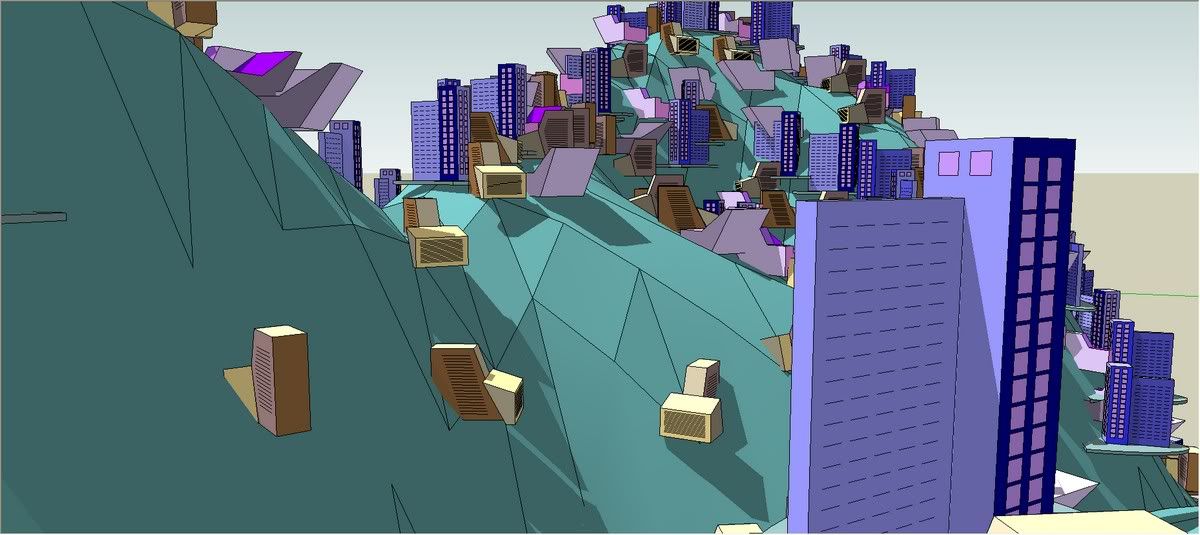
- experimental directional spray tool, so you can populate walls with ivy for instance.
Thanks to the translators: K.F. Blom Balleby, aka Frederik, K. Hauser, aka Charly, E. Mahfuz, Edson, Oxer, Oscar...
Please get the latest version from the PluginStore http://sketchucation.com/pluginstore?pln=compoSpray
PLEASE UNINSTALL PREVIOUS VERSION ON YOUR SYSTEM, IF ANY.
Earlier versions are downloadable here:http://rhin.crai.archi.fr/RubyLibraryDepot/plugin_details.php?id=76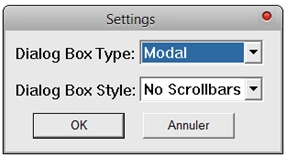
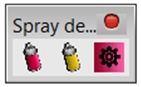
[attachment=1:3tsuvlco]<!-- ia1 -->tbar.jpg[/attachment
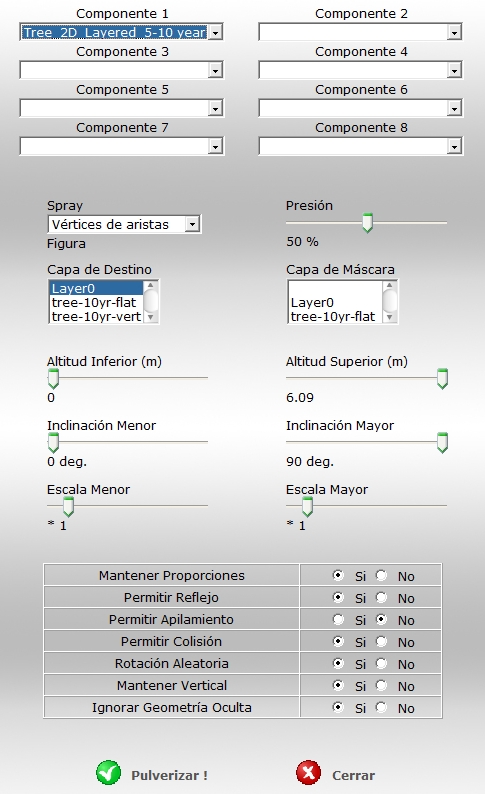
[attachment=0]spanish_dialog.jpg<!-- ia1 -->[/attachment:3tsuvlco]Enjoy, and feel free to report bugs...
-
Great start for 2011!
btw - v1.3 is now obsolete, right? Could you make a note of that in the post for that version - with a link to this. Having multiple versions around makes trouble for users who stumble upon plugins without the knowledge of what's current. ComponentSpray is a very popular plugin and there will be many links around the internet that leads to the v1.3 version thread.
-
Good point TT, done.
-
thank you very much!
Will certainly try and give feedback -
Ooohhh... Looks great, Didier...
Thanks...
-
Simon,
C'est pas clair çà ???
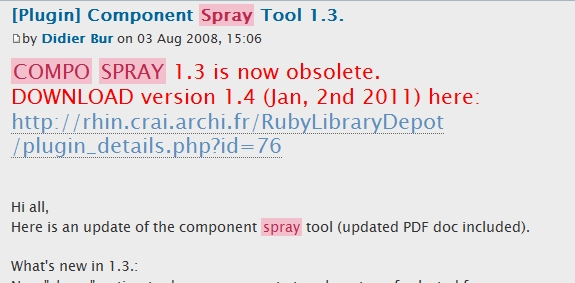
Nouvelle version 1.4, ancienne 1.3 obsolete, plus de fichiers, plus de lien.
-
Hi !
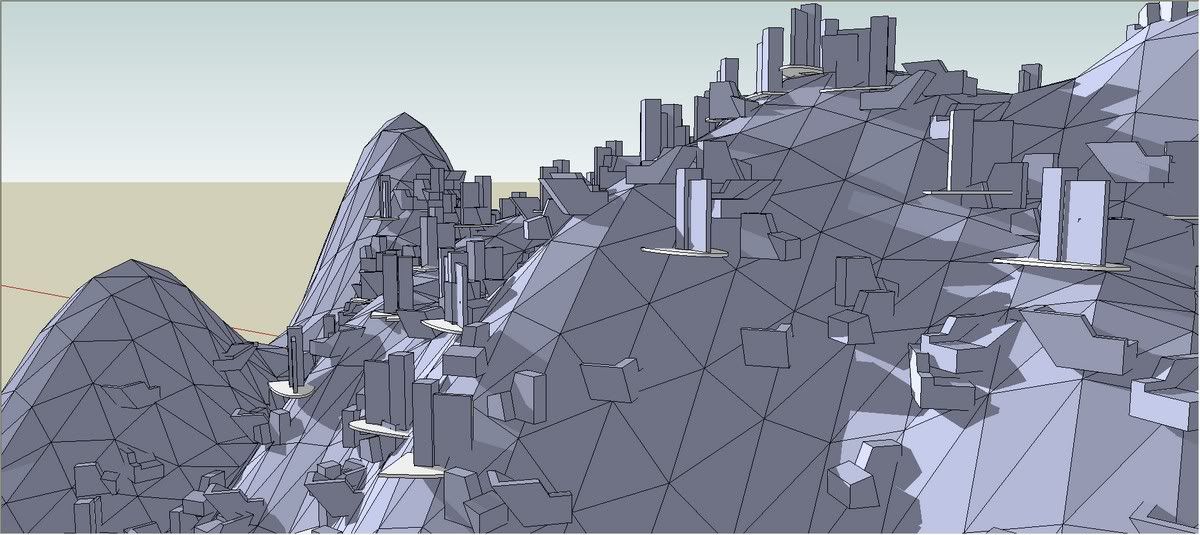
5 minutes try: I love it...
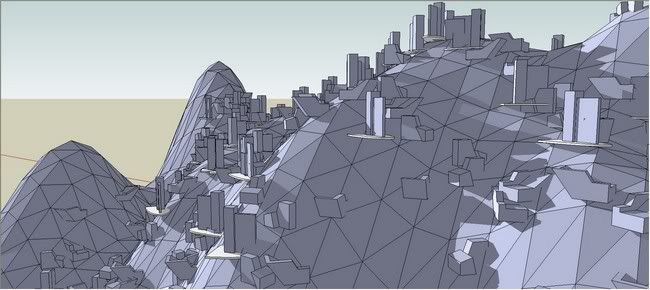
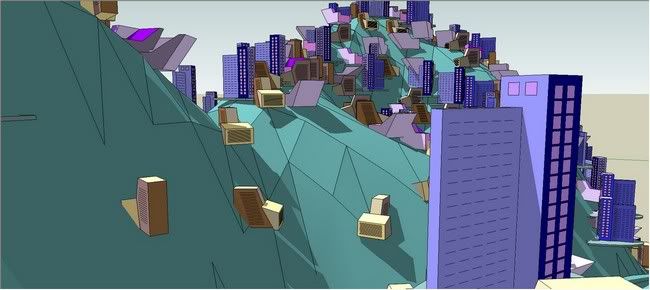
*s
-
OOps! Sorry Didier!
I was watching this link I had bookmarked: [Plugin] Component Spray update
instead of watching on the main Plugin thread: [Plugin] Component Spray Tool 1.3.
Those various links also "Spray" the doubt

++simon
-
Dear Didier,
Thank you so much.
I'm excited to play with this new one.The better presentation I know about Compo Spray was done by takesh h on PushPullbar
Here is a link to his first picture:I hope he is going to do the same for your new version.
@thomthom said:
btw - v1.3 is now obsolete, right? Could you make a note of that in the post for that version - with a link to this...
@didier bur said:
Good point TT, done.
Well
 It is still not very clear IMO
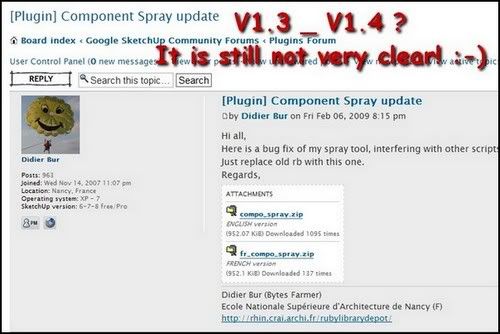
Cheers, simon.
-
Tanks a lot for the update, Didier! I can hardly wait to test it in "hot" action!

-
Thank you Didier!
Please take a look at attached.
The only mode is working is 'point'.
P.S. And sorry if it was disscussed earlier but but this tool would greatly benefit if one could:
1/ work with preselected set of components;
2/ spray on component surfaces;
3/ spray on surfaces placed one above another (example: to spray entourage upnon balconies stacked in a column)
-
-
THX
But It does not work in my PCI know why it does not work
I use it in sketchup8.0
It works well in sketchup7.1 -
@hebeijianke said:
THX
But It does not work in my PC
I [don't] know why it does not work
I use it in sketchup8.0
It works well in sketchup7.1Have you double checked the files are all extracted into the correct Plugin folder/subfolder as directed... AND removed the earlier versions ?
Error messages in Ruby Console?? -
@hebeijianke said:
THX
But It does not work in my PCCan you explain what doesn't work?
Do you get errors?
Are you missing menus?I use SketchUp8 - works for me.
Didier:
Instead of a modal window to set the preferences before you spray, how about leaving the window open so one can adjust the settings while you work?(Also: under OSX Webdialogs aren't true modal - they don't act like they do on Windows.)
(The scrollbars in the webdialog should do away if do addbody { overflow: hidden; }to the CSS. (or was it to the html element...? I think that might depend if you're using a strict doctype or not.) -
I tried to use the Spray feature - clicked on a face and I was warned it'd create 3000 instances. (I had selected a 1x1x1m cube)
I said Cancel to abort the operation - the Ruby Console output:
Error: #<LocalJumpError: unexpected break> (eval):2544:incs_warning'
(eval):2088:incs_n_points' (eval):1560:increate_geometry'
(eval):1488:inonLButtonDown' -
@didier bur said:
Simon,
C'est pas clair çà ???
Nouvelle version 1.4, ancienne 1.3 obsolete, plus de fichiers, plus de lien.
[attachment=0:mz8opdge]<!-- ia0 -->cs13.jpg<!-- ia0 -->[/attachment:mz8opdge]Would be good to have a redirect there as well.
-
I also have trouble making this work with SU 8...

-
@frederik said:
I also have trouble making this work with SU 8...
Like I asked hebeijianke: what specifically is the problem?
It's hard to debug an issue without knowing what the symptoms are.
Exactly what doesn't work as expected and what was expected results/behaviour? -
Not sure if i'm having much luck with 1.4 version either. I'm using Sketchup Pro 6. The old 1.3 version worked great.
Everytime I go to run the script, I select my component to spray, selected faces to spray onto. Other options left alone.
I get a dialoge box saying "1000 trials to drop components done. Continue?". At this point it shows 1% complete on the taskbar, I click continue and get a dailoge "more than 2 minutes remaining to complete. Continue?" as soon as I click I get "more than 4 minutes remaining to complete. Continue?" and so on.... never actually creating any copies, just doubling the time with each click?






Hello! It looks like you're interested in this conversation, but you don't have an account yet.
Getting fed up of having to scroll through the same posts each visit? When you register for an account, you'll always come back to exactly where you were before, and choose to be notified of new replies (either via email, or push notification). You'll also be able to save bookmarks and upvote posts to show your appreciation to other community members.
With your input, this post could be even better 💗
Register Login


Advertisement