[Plugin] Bitmap To Mesh
-
With version 0.2.0 you specify the height your self - either by using the cursor or entering a length in the VCB.
-
thomthom, this is very cool. I can hardly believe you got this to work. I use this in Eon-Software's Vue and love it, now that it can be done on SU is incredible. VERY NICELY DONE!
-
Pretty cool little Plugin. thanks for the update. . .. makes it much easier for us idiots.

-
Thank you for this great plugin.

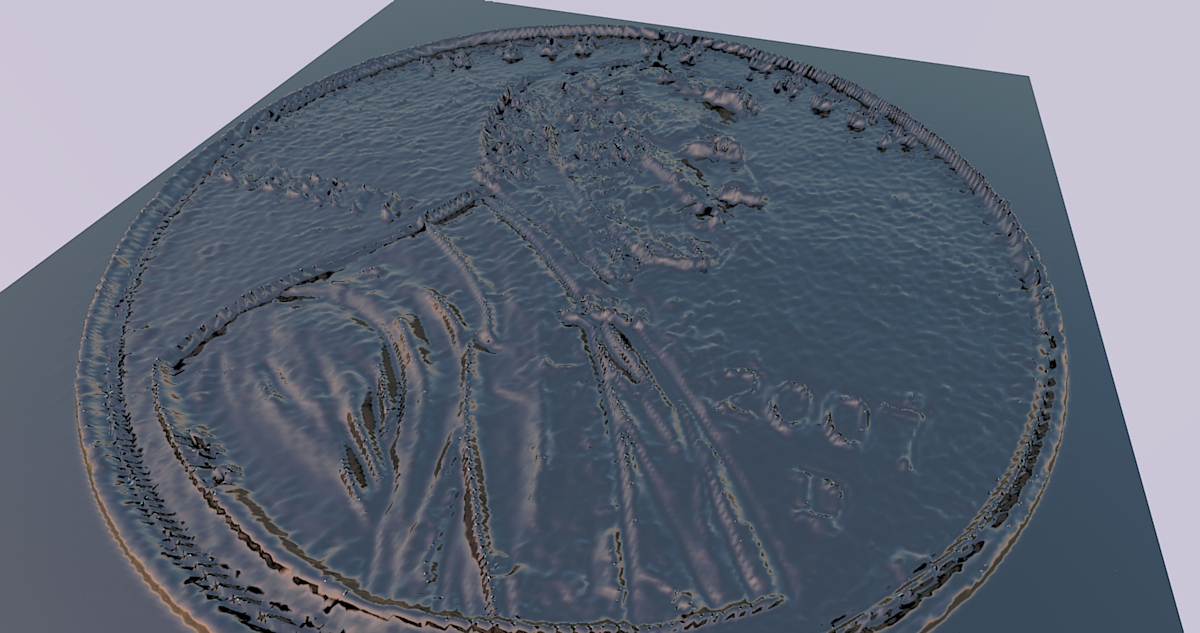
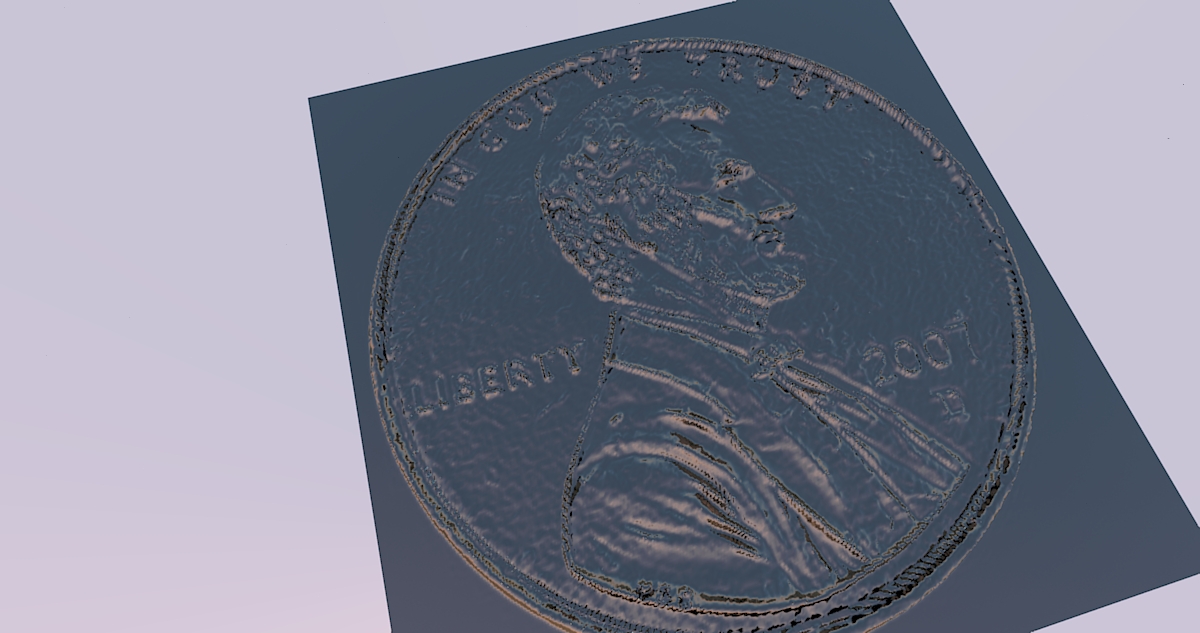
I did a quick test with it on a picture of a friend of mine with minimal pre-processing (just making the background black) and placed it on a norwegian coin.
I think with some more effort, one can achieve much better results.
It do however generate a mesh that is very big. I suppose merging the squares (?) which lie next to each other in the same height, would make it lighter?
-
wow wow wow
where have you been ? man
I looking for such as plug-in
thank you so so much thomthom
you helped me
because I have a lot pictures I want to do it -
@thohan said:
It do however generate a mesh that is very big. I suppose merging the squares (?) which lie next to each other in the same height, would make it lighter?
Yea, it produces a very dense mesh - You can use my Cleanup script to remove edges between coplanar faces.
Nice coin by the way.
-
This plugin is great!
I use Sketchup with Phlatscript plugin to generate code G (2.5 D) to use on my CNC Router, lack a 3D plugin for editing G code on Sketchup.
For 3D and 4D, still use the Artcam,; Now with this plugin can create 3D models from photos, right in Sketchup.
Thank you.
-
Thanks for the awesome plugin!
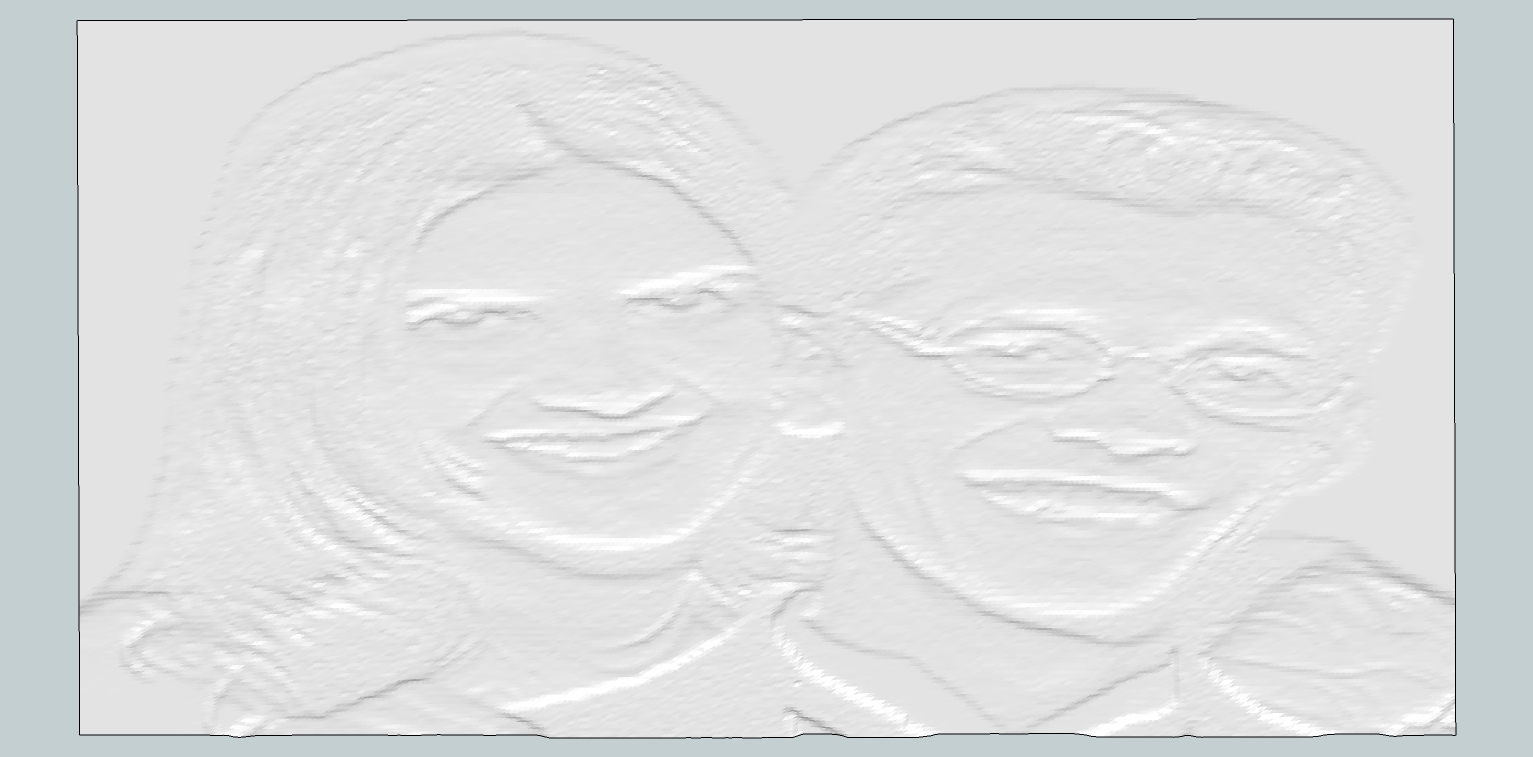
Here is a test result I did.
-
Shaun, that almost looks like a lithophane. Cool.
-
Great Plug-in, thank your gift to make SU plugin to display the thing happen

-
The plugin works with bump mapping. I have no idea about what I am saying, but could it work with normal and displacement maps?
I have no idea about programming, except an unfinished Interactive Fiction game 5 years ago in the "popular" inform 6 language


-
@pichuneke said:
I have no idea about what I am saying, but could it work with normal and displacement maps?
Displacement maps are the same as bump maps - grayscale heightmaps. As for normal maps, I don't really know how they work...
-
@thomthom said:
@pichuneke said:
I have no idea about what I am saying, but could it work with normal and displacement maps?
Displacement maps are the same as bump maps - grayscale heightmaps. As for normal maps, I don't really know how they work...
I have found a lot about normal maps here:
but it's written in chinese, or C++ ...
I don't know if it may interest you, I was spending my time a bit (as I don't understand a single word ) -
excuse my English, Greetings

Thomtom greetings, very good tool for many functions . be possible to add option mesh, giving a percentage between simple and complex mesh, thanks -
@arquitectomaracucho said:
be possible to add option mesh, giving a percentage between simple and complex mesh, thanks
That would be simply resizing the bitmap down - which is much more efficient to do in your favourite image editor than via a Ruby plugin.
-
Just downloaded the plugin an gave it a try.I folowed the promp but nothing is showing up it is saying generating mesh but continues to thnink as if unresponsive.Is my system just too slow or am I doing something wrong. Could someone outline the process.The images you guys posted look great.I allso operate a cnc and would lke very much to use this plugin.
-
What image are you feeding it?
How large?
If you keep the Ruby Console open, do you get error messages? -
@thomthom said:
What image are you feeding it?
How large?
If you keep the Ruby Console open, do you get error messages?
I am using a jepg emage that I exported as a bmp. emage. It is 395x640px.I set the width at 6 5/8" and typed in the depth at 1/8". The ruby console showes Bitmap to mesh.
processing data took:4.6175s
After a few min. console goes blank with a white screen and the curser turns to a hour glass. This is the way it stays. -
For how long?
Can you post the image you're using? -






Hello! It looks like you're interested in this conversation, but you don't have an account yet.
Getting fed up of having to scroll through the same posts each visit? When you register for an account, you'll always come back to exactly where you were before, and choose to be notified of new replies (either via email, or push notification). You'll also be able to save bookmarks and upvote posts to show your appreciation to other community members.
With your input, this post could be even better 💗
Register Login


Advertisement