[Plugin][$] Curviloft 2.0a - 31 Mar 24 (Loft & Skinning)


-
It's quite straightforward to make your new mesh-group in the same 'context' as the selected curve edge[0], in the form
entities=edge.parent.entities group=entities.add_group()
Then the 'group' for the new mesh will be in the same 'context' as the curve's 'edge'...
-
TIG,
The bug is simply that I used model.enntities instead of model.active_entities, which is the current working context.
I cannot rely on edges context, because Curviloft can actually 'borrow' contours from Edges that can be within different groups or components.
fredo
-
Got you...
So just add theactive_toentitiesand it works !!!
Line#198 in
CurviloftGeometry.rb
@top_group = @model.**active_**entities.add_group -
Hi,
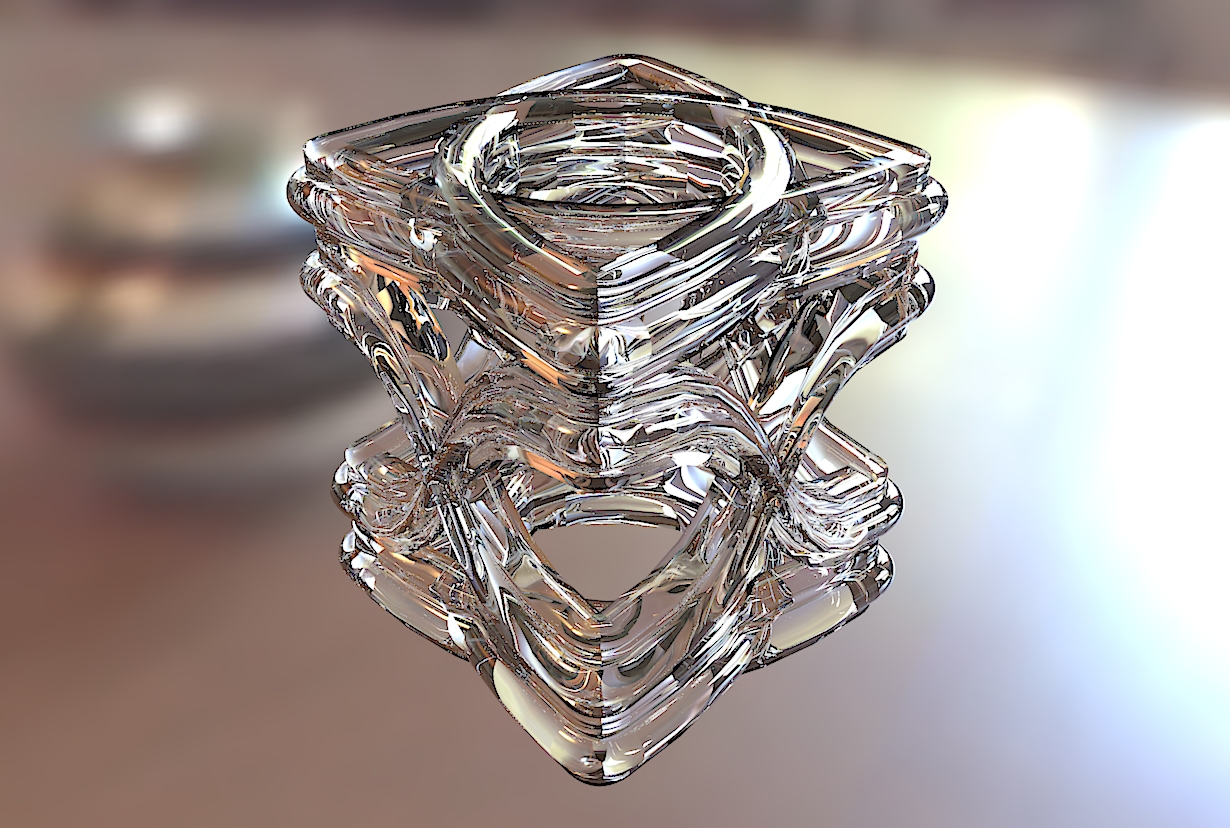
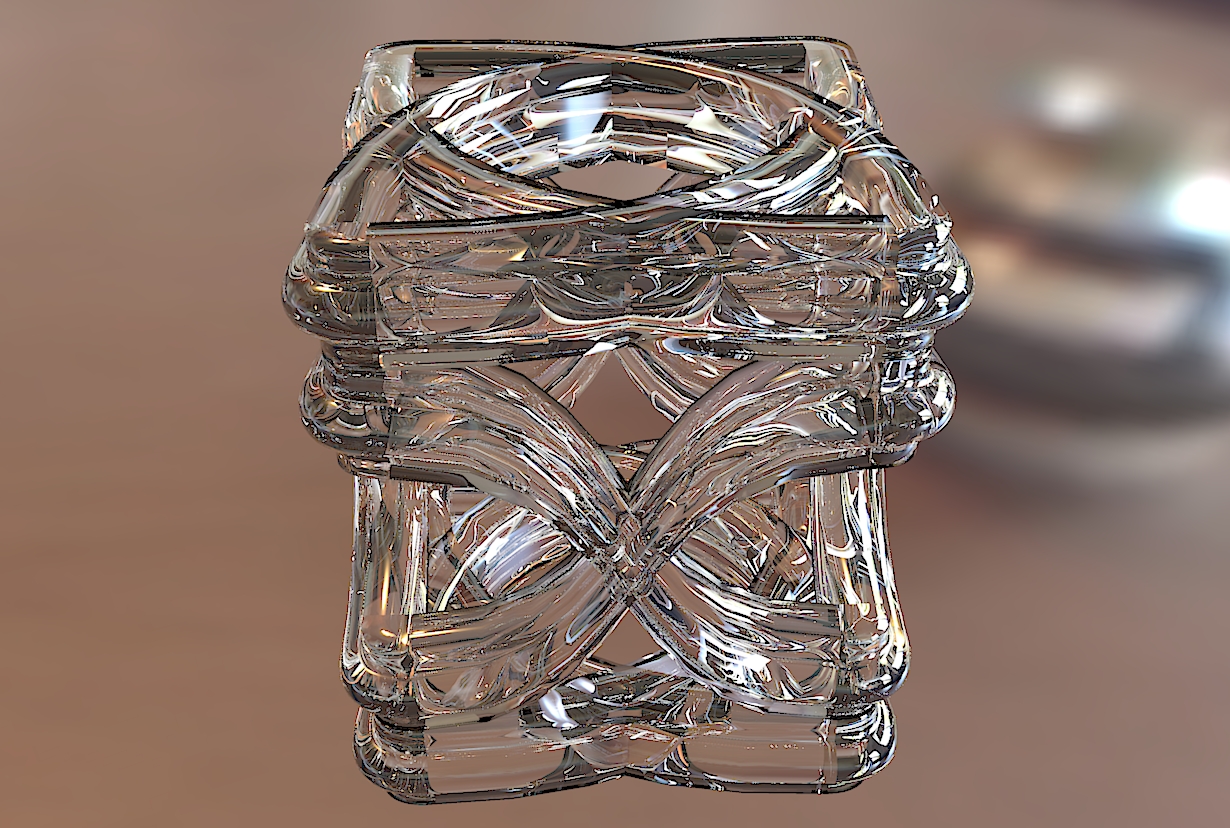
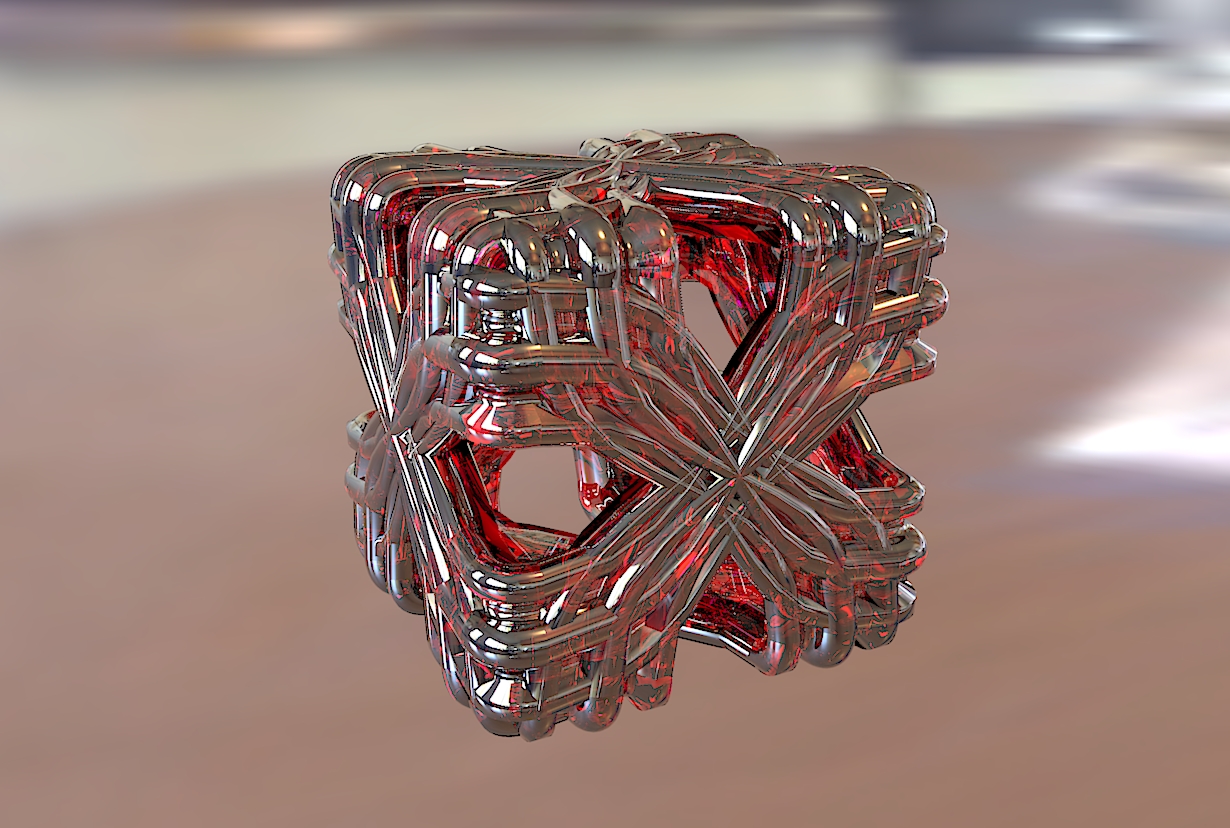
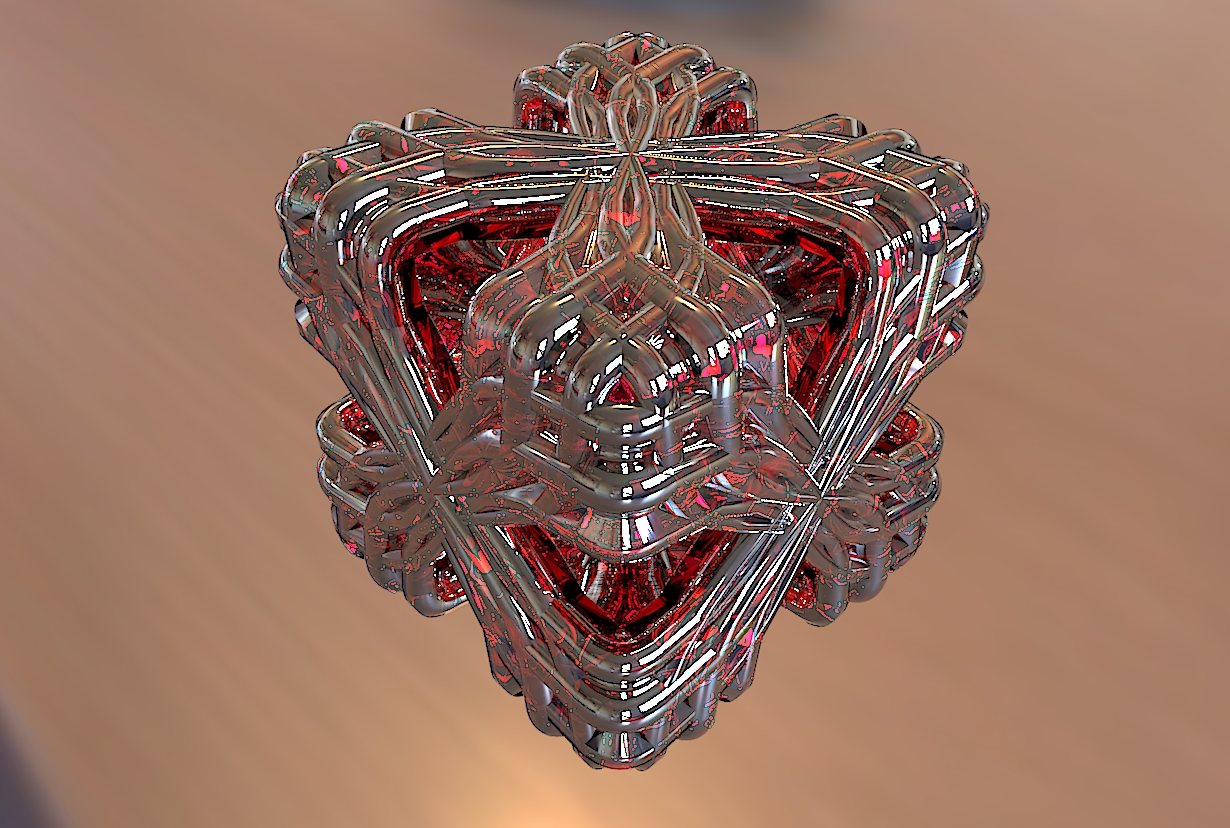
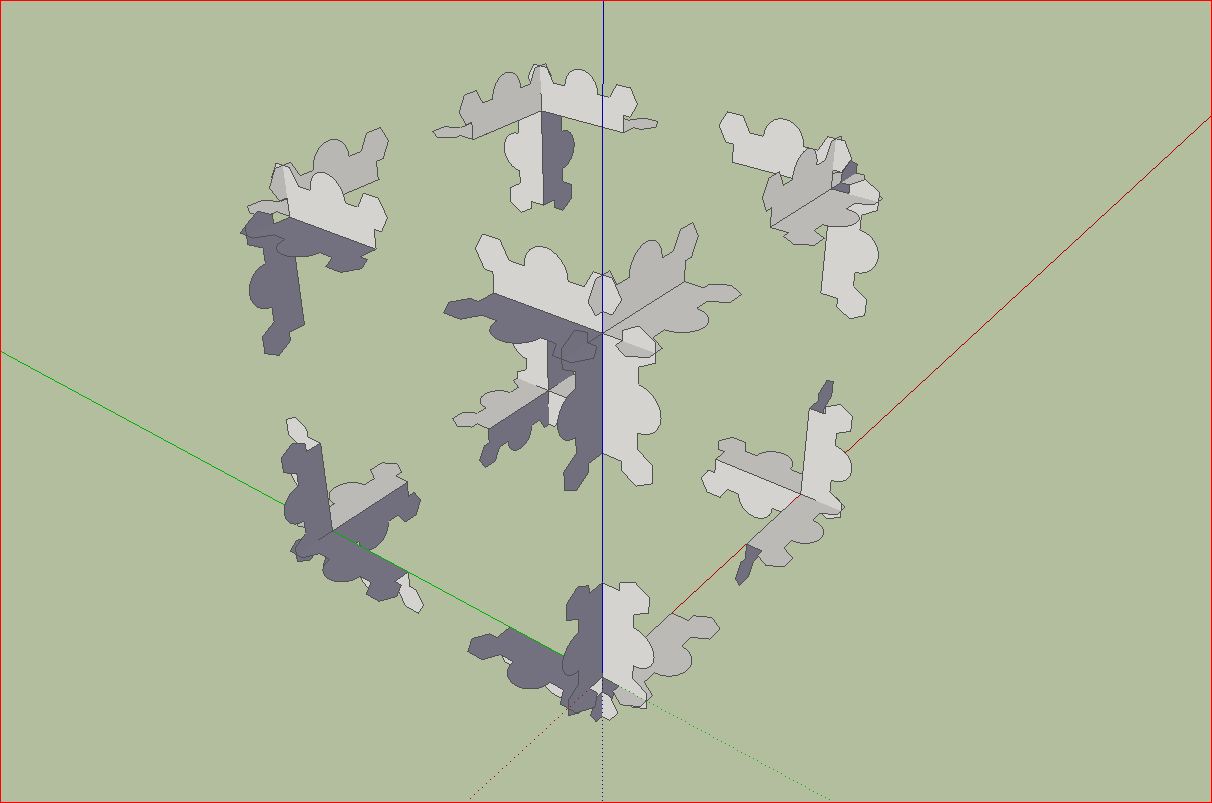
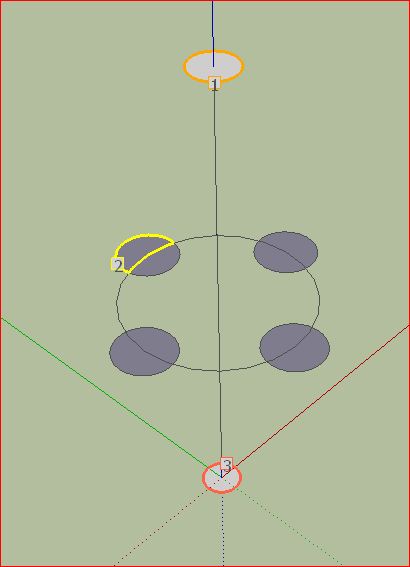
some further simple constructions with Curviloft. The last image show the basi construction.
Charly
Curviloft95 Basic Construction.skp
-
Cool geometric exploration

-
Wow, that's pretty cool.

Who would think that Sketchup could do such a thing with a few click of the mouse.
-
Amazing stuff, Charly
-
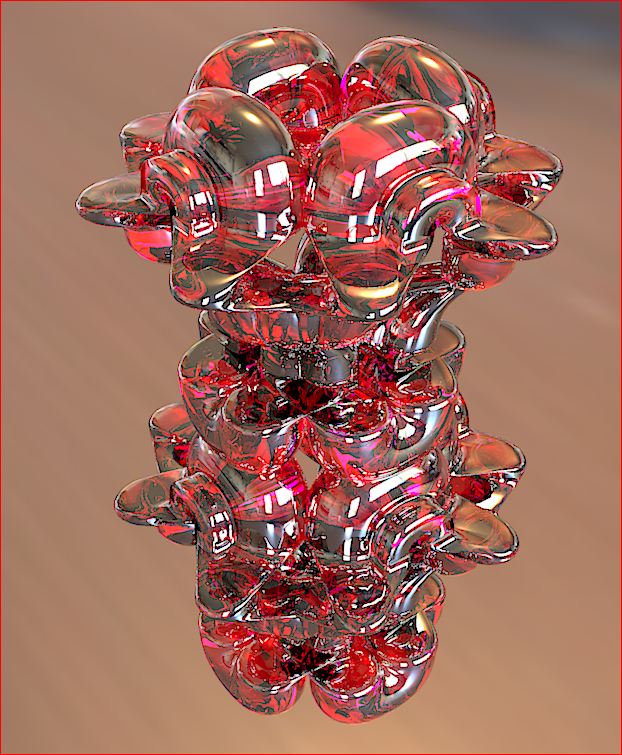
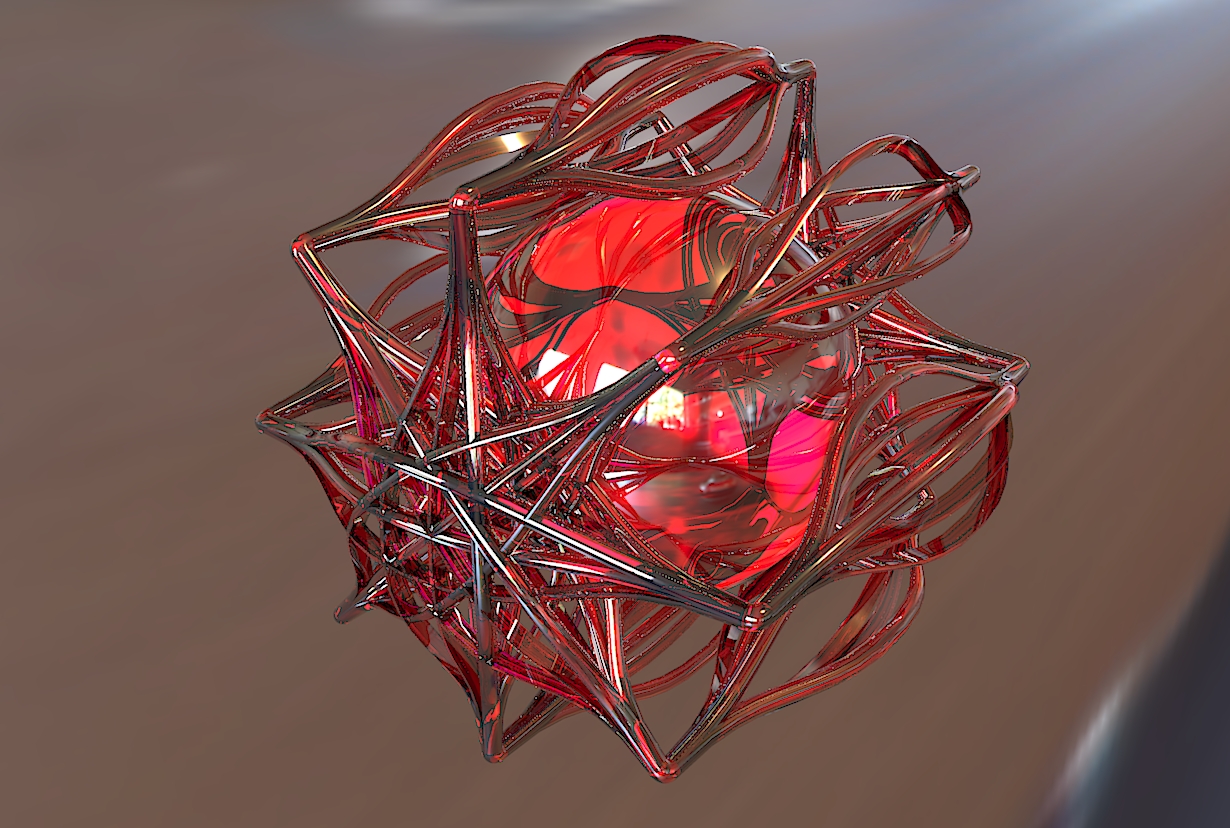
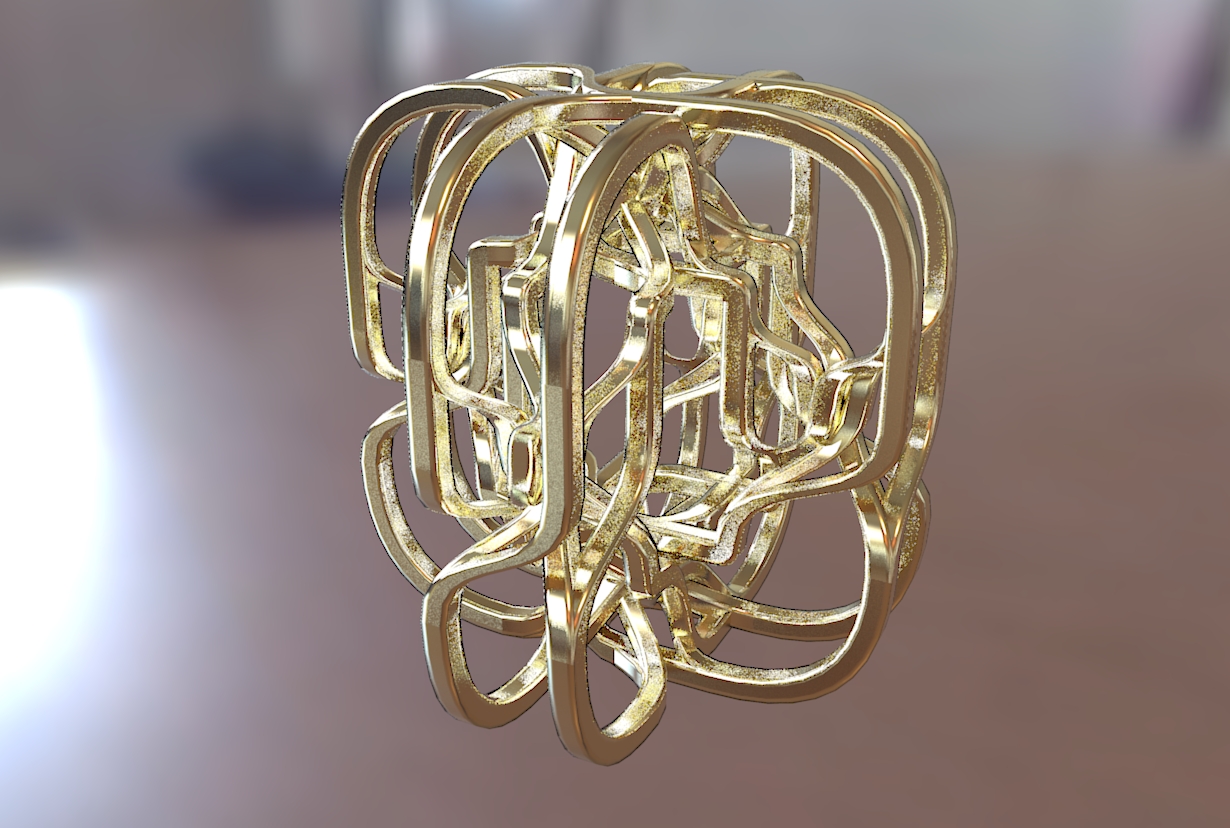
Hi,
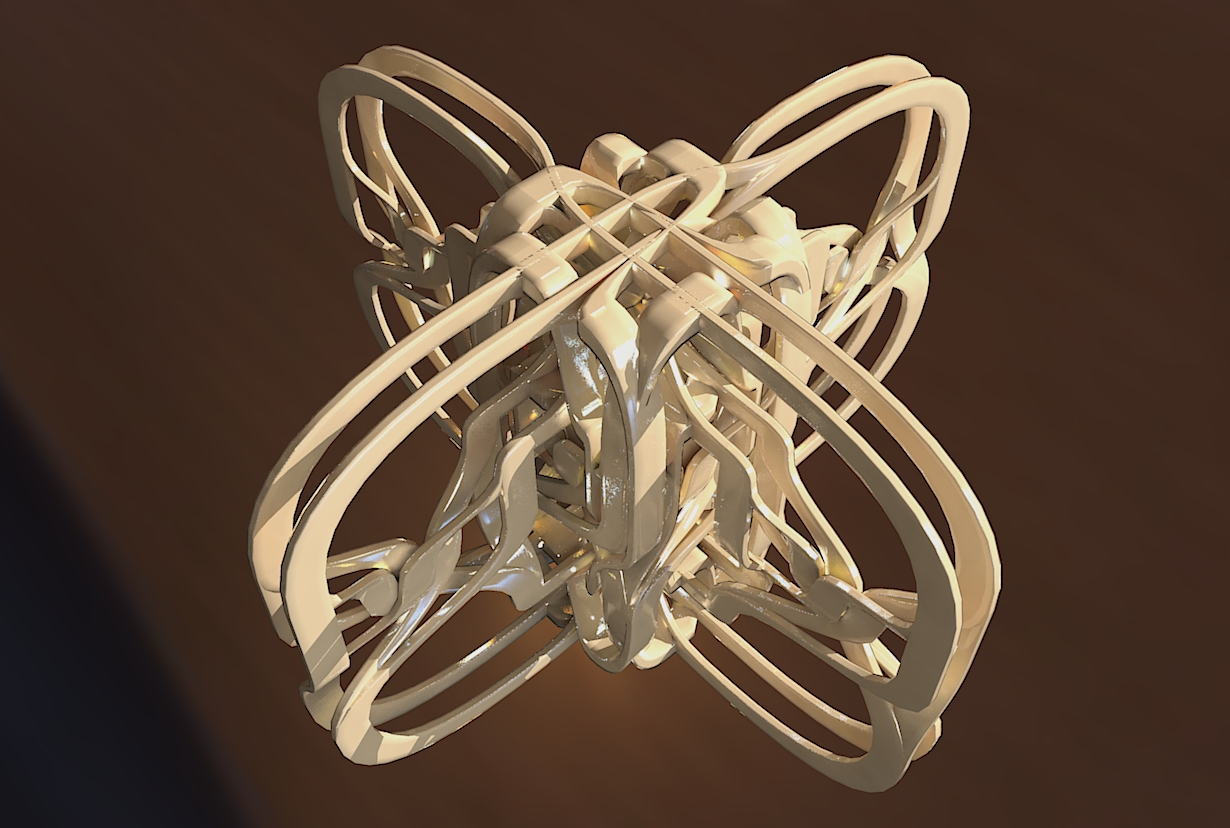
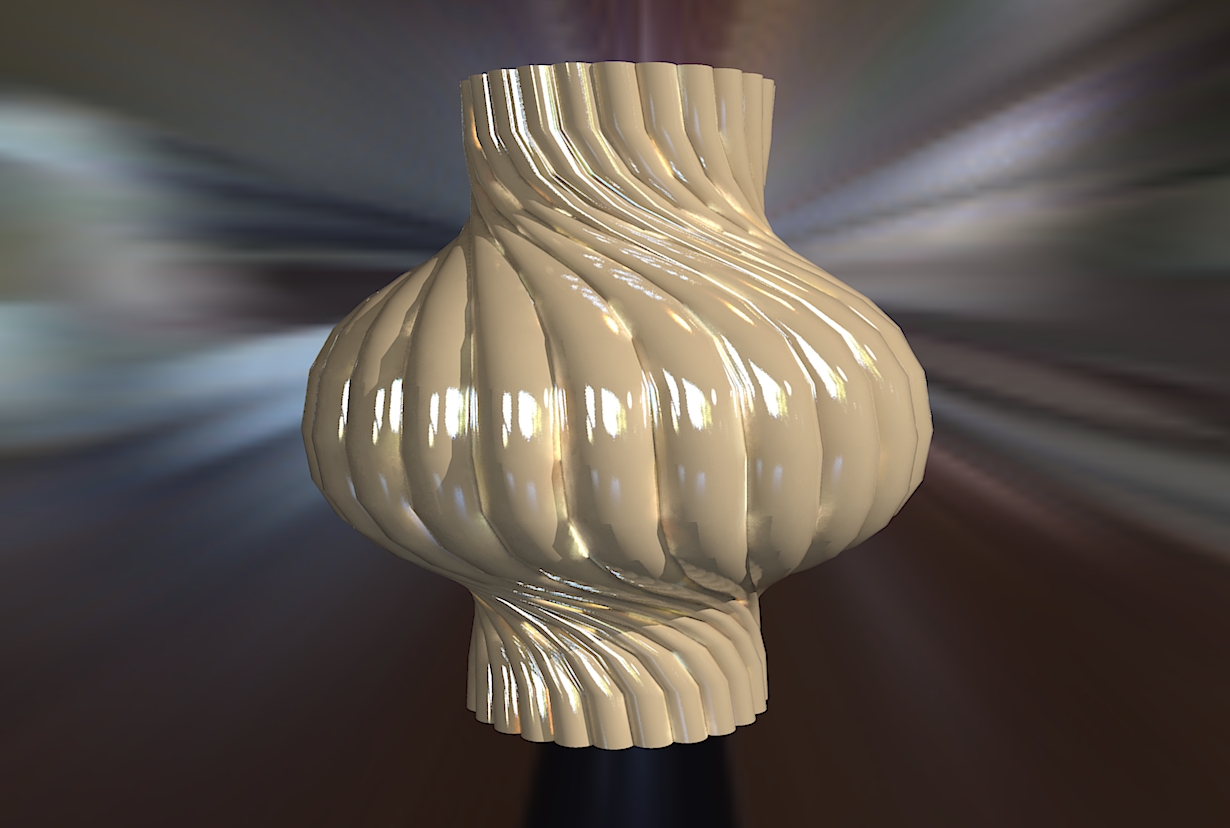
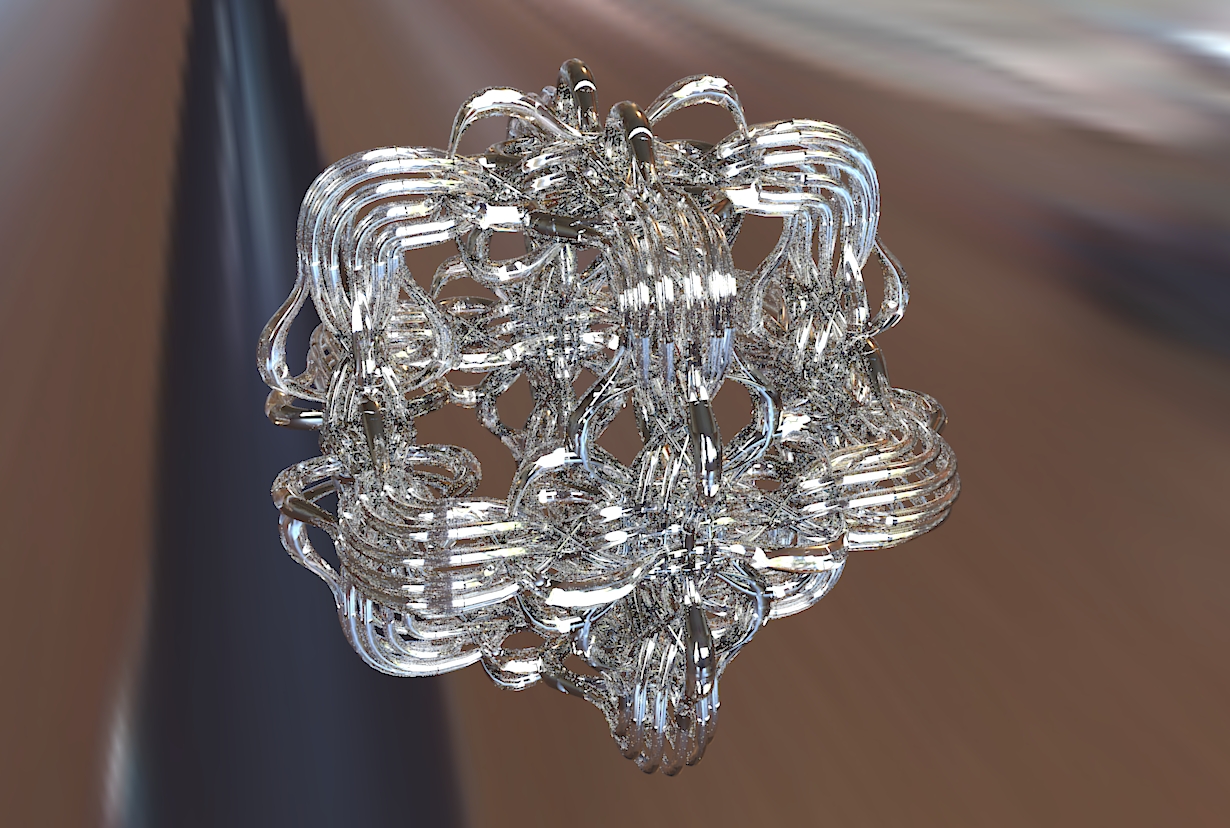
some new curviloft objects.
Charly
-
Wow, this is really cool.
Could you please show the screenshots of the sketchup geos?
Thank you, Sir.
_KN
-
charly2008
can you make juste one tutorial for yours nice jobs -
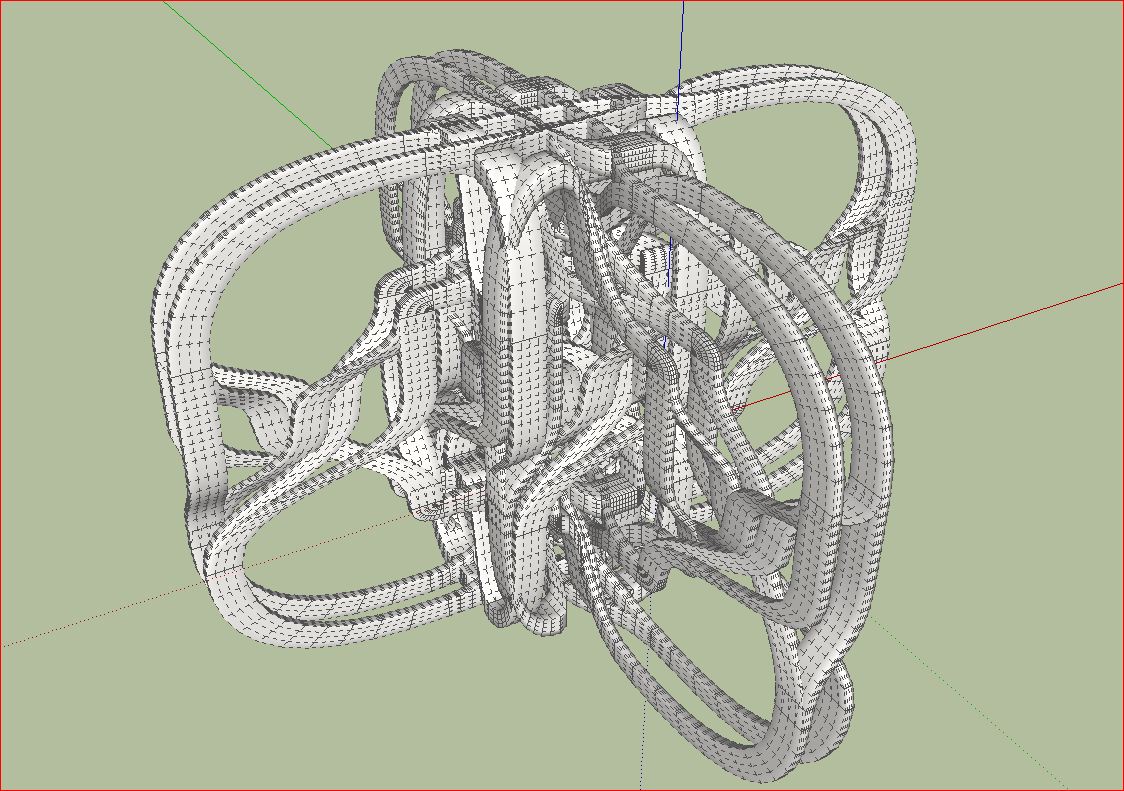
Hi Ken, hi Robert,
at first a few screen shots from SketchUp.
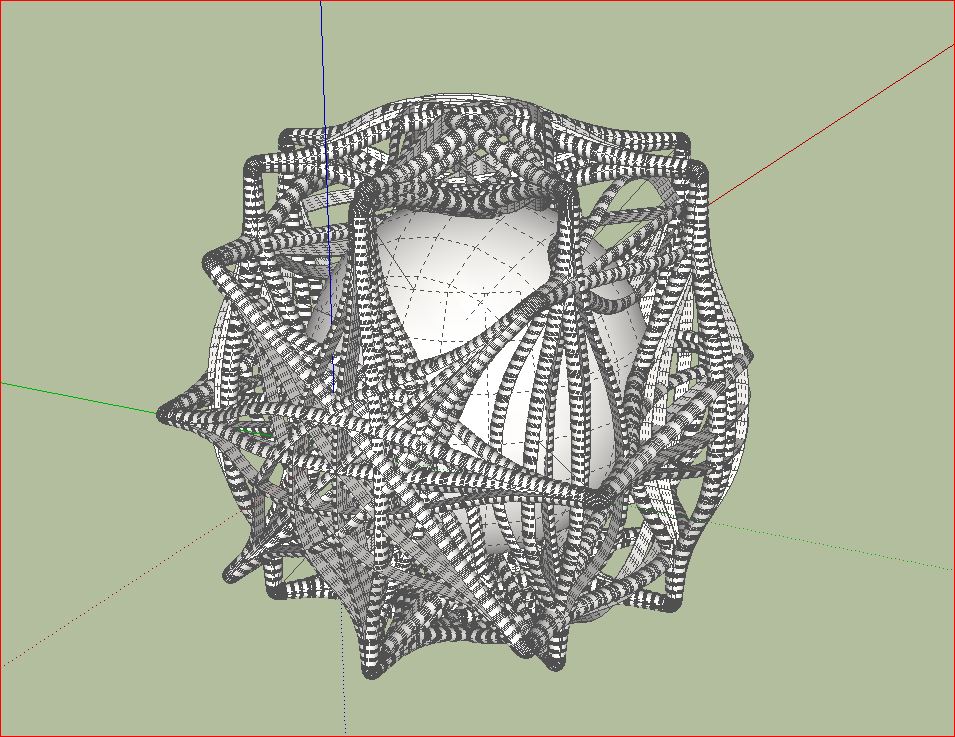
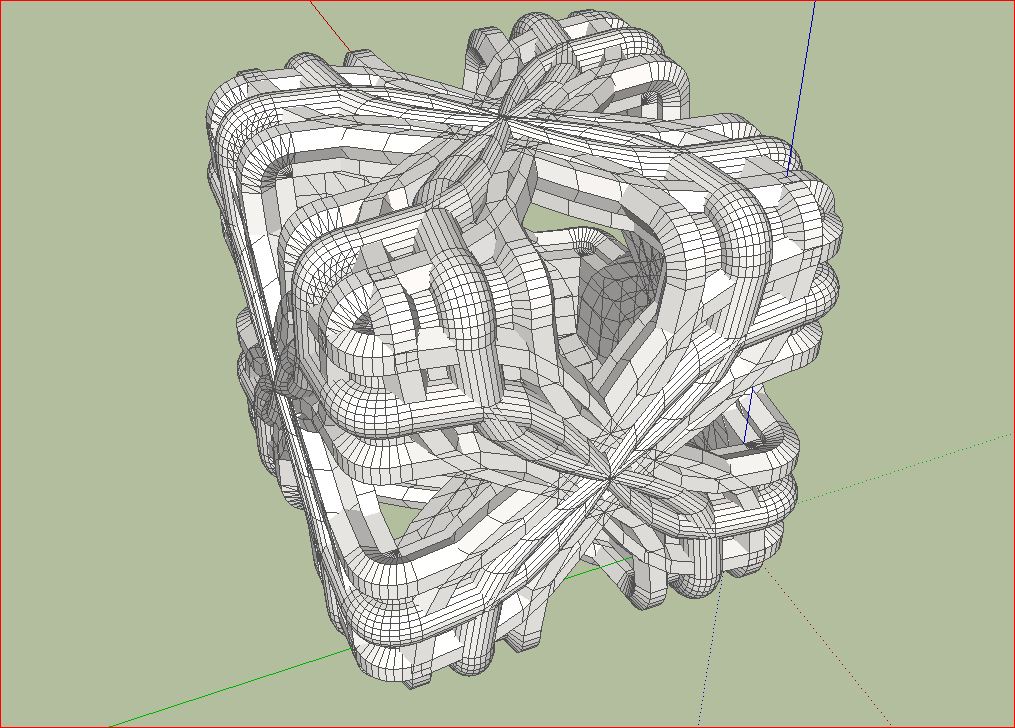
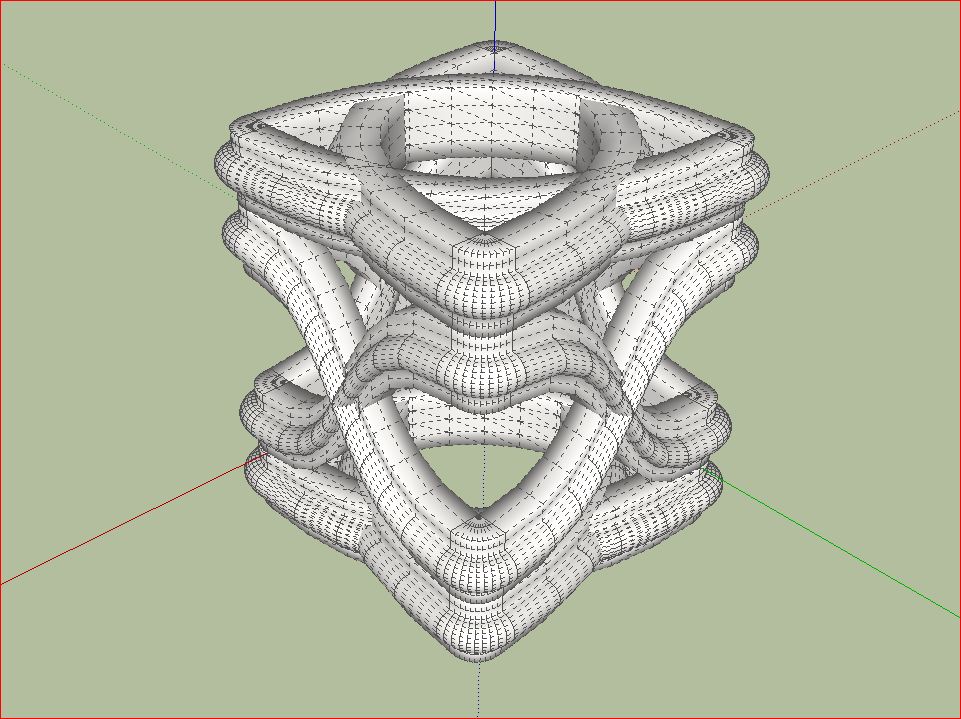
-
You have a great imagination, and I assume your knowledge is less limited than many

I notice in the SKup captures that the geometry is coincident but not intersecting. I did not realize that a render app would tolerate this?
By the way, which render app is it?
-
-
Hi mitcorb,
I use Kerkythea. With Kerkythea I have the most experience. I consider myself still a beginner as regards to rendering. I would recommend anyone to begin with Kerkythea and to study the program thoroughly. This is a good basis for understanding other rendering programs.
Charly
-
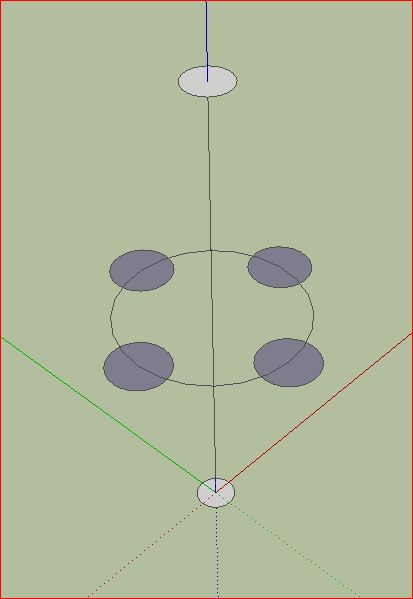
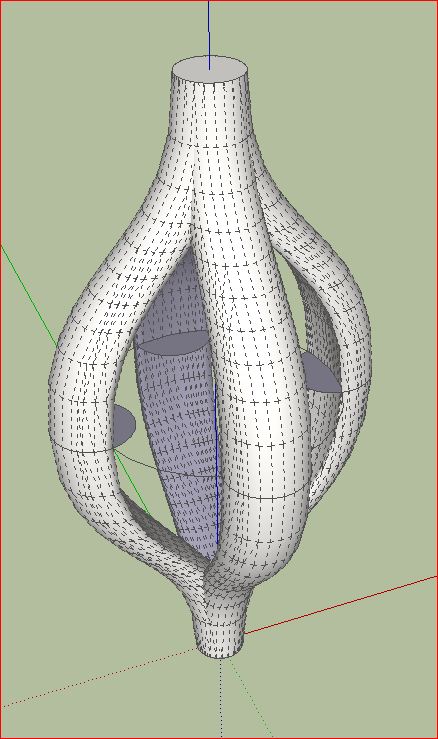
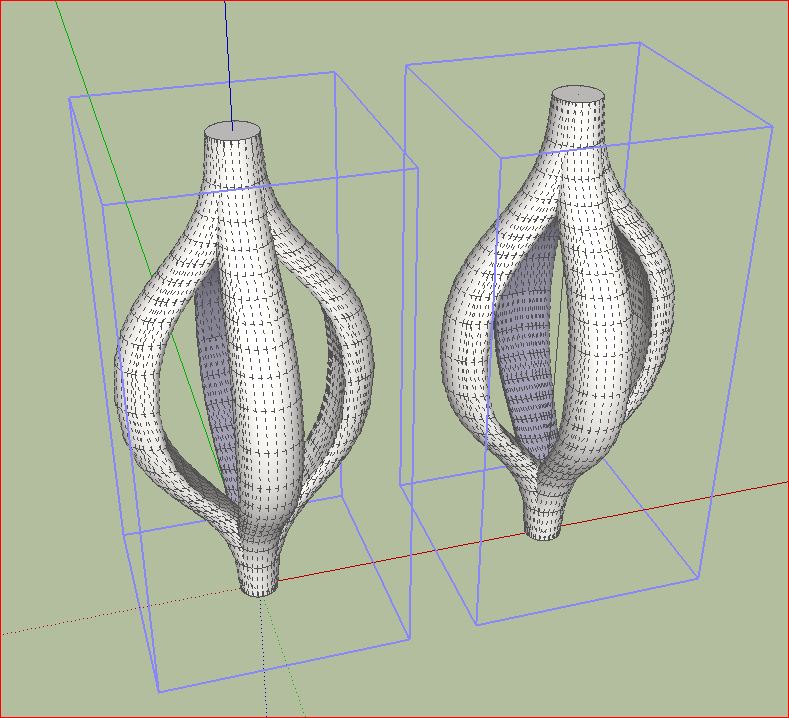
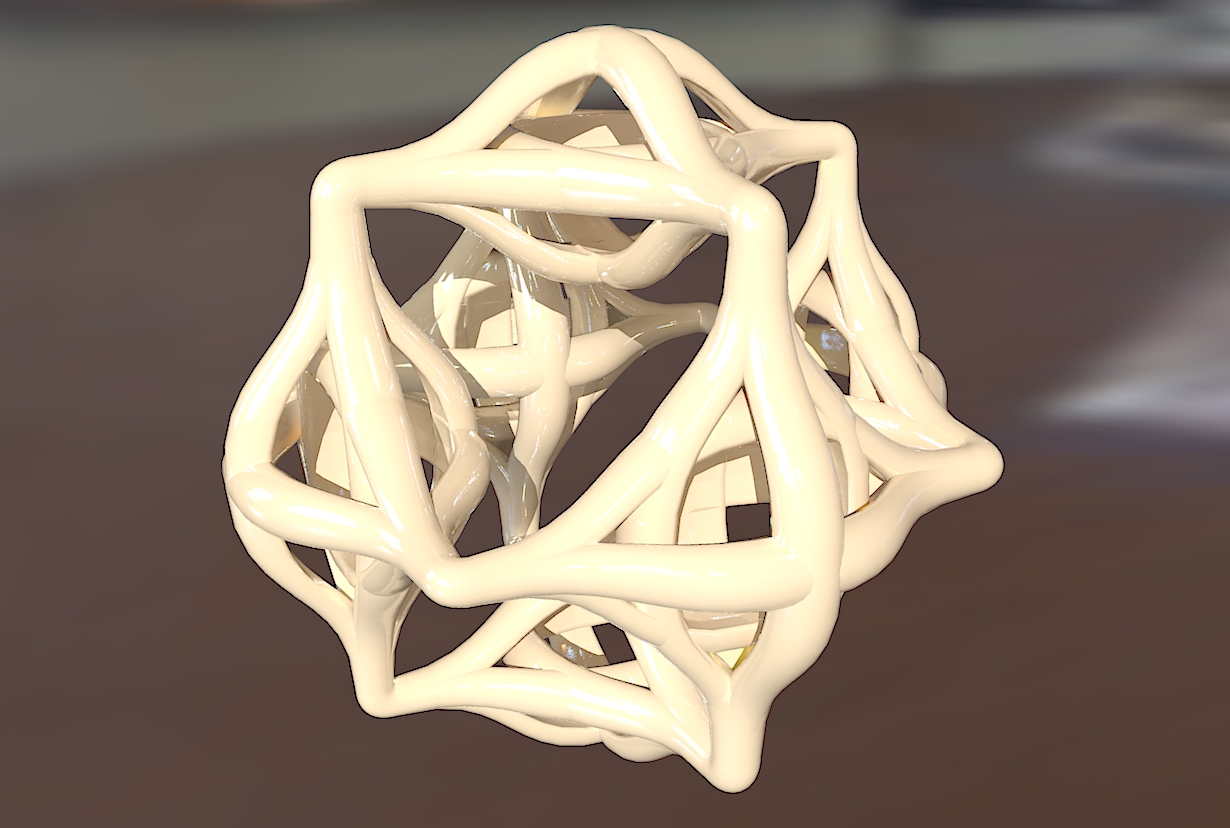
I usually start trying to construct a basic form. Then you can play with the spline Methods. Then make a group and copy them and connect them several times. Make it a group again and use again rotate copy. It is very easy. The result is mostly interesting geometric objects. Useless but nice to see.
I would be very interested in what ideas others user have. Has someone already used it for architectural purposes?
Charly
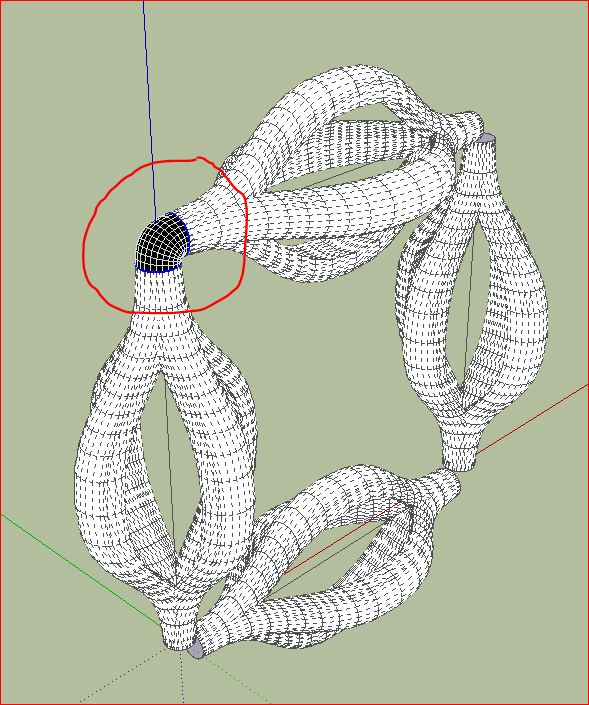
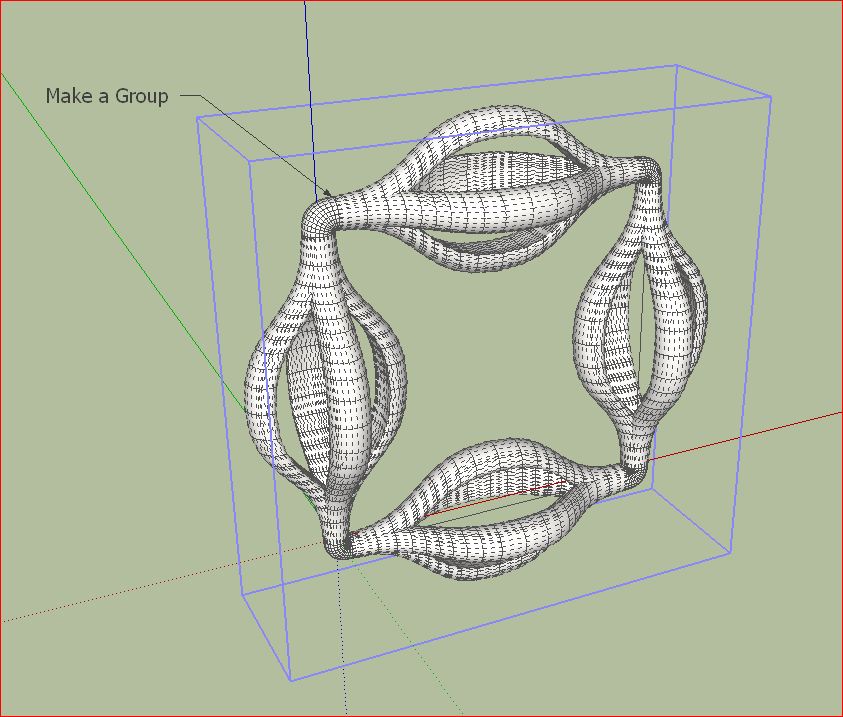
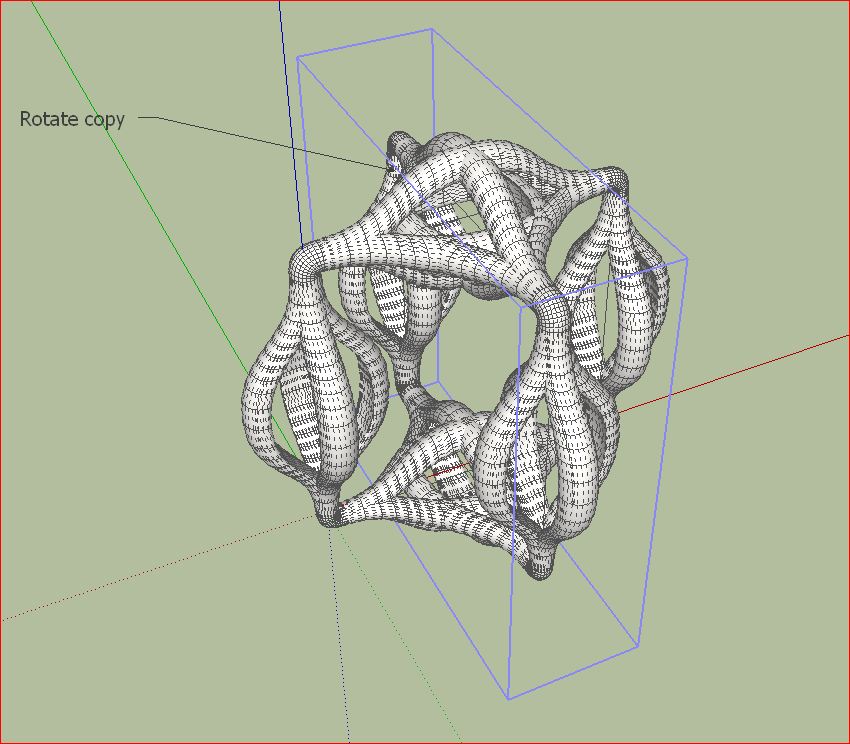
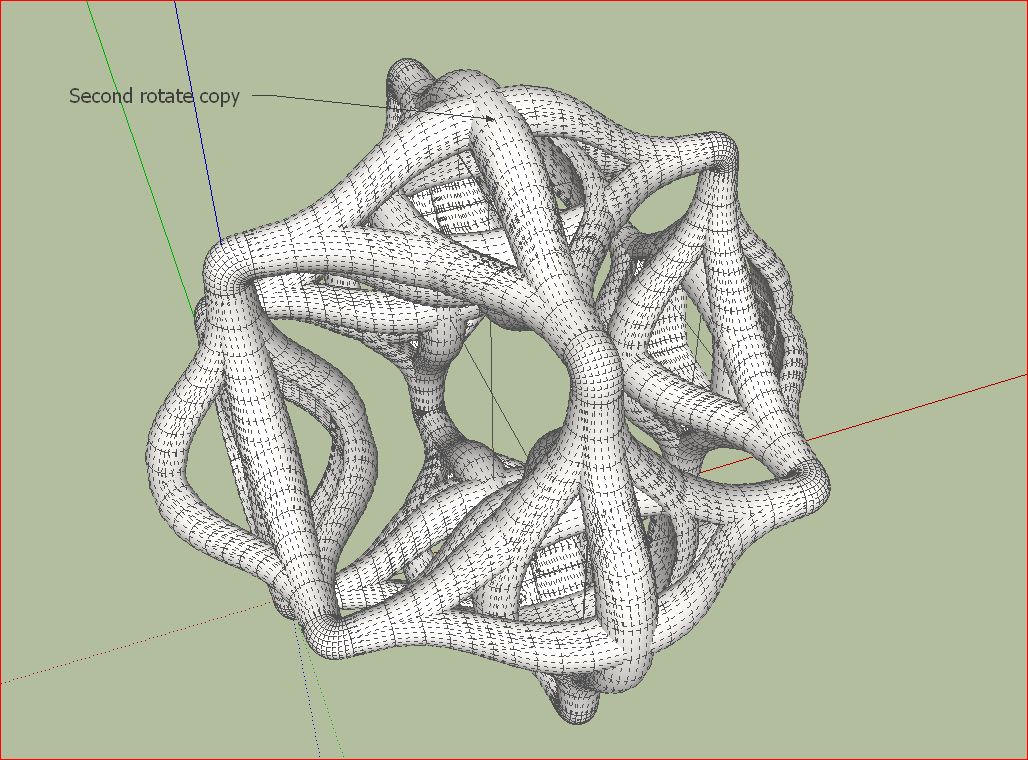
-
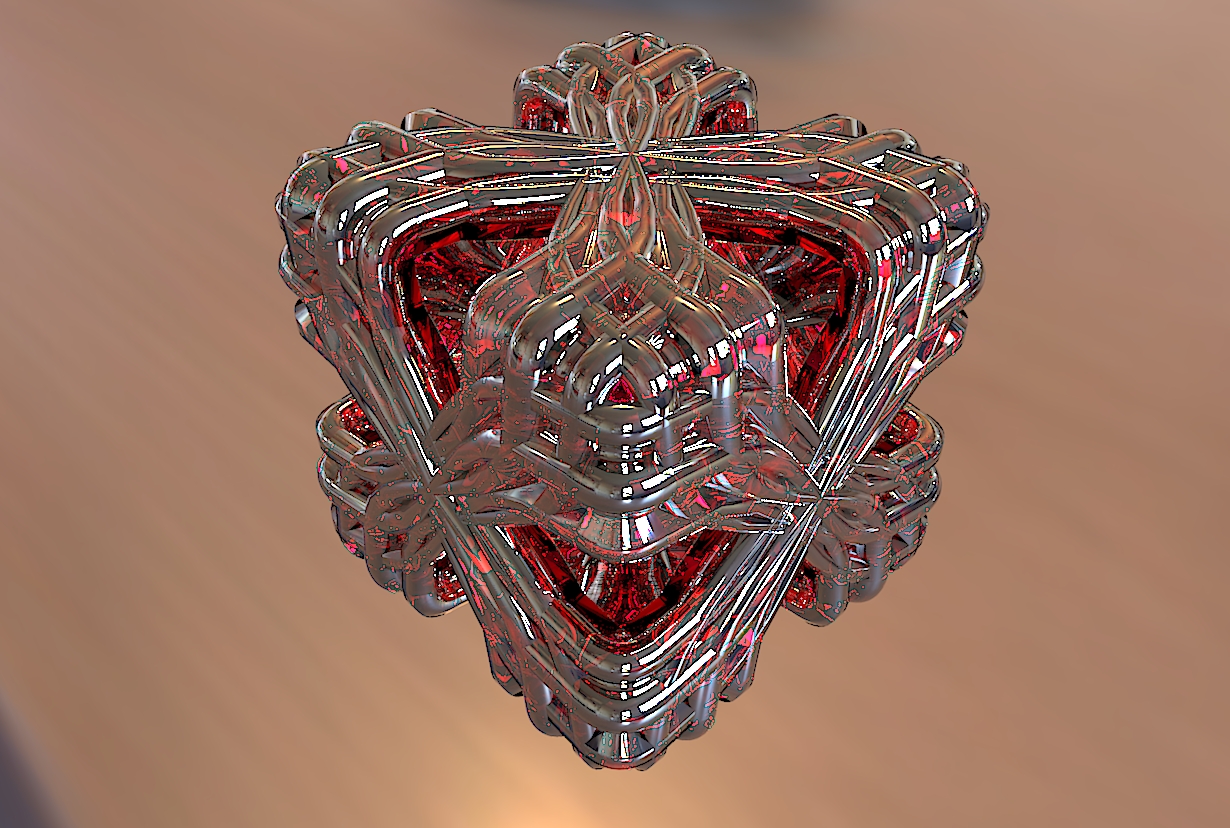
charly thanks for your nice tuto , but i am interresting for this objet
if you can make tuto too ,
-
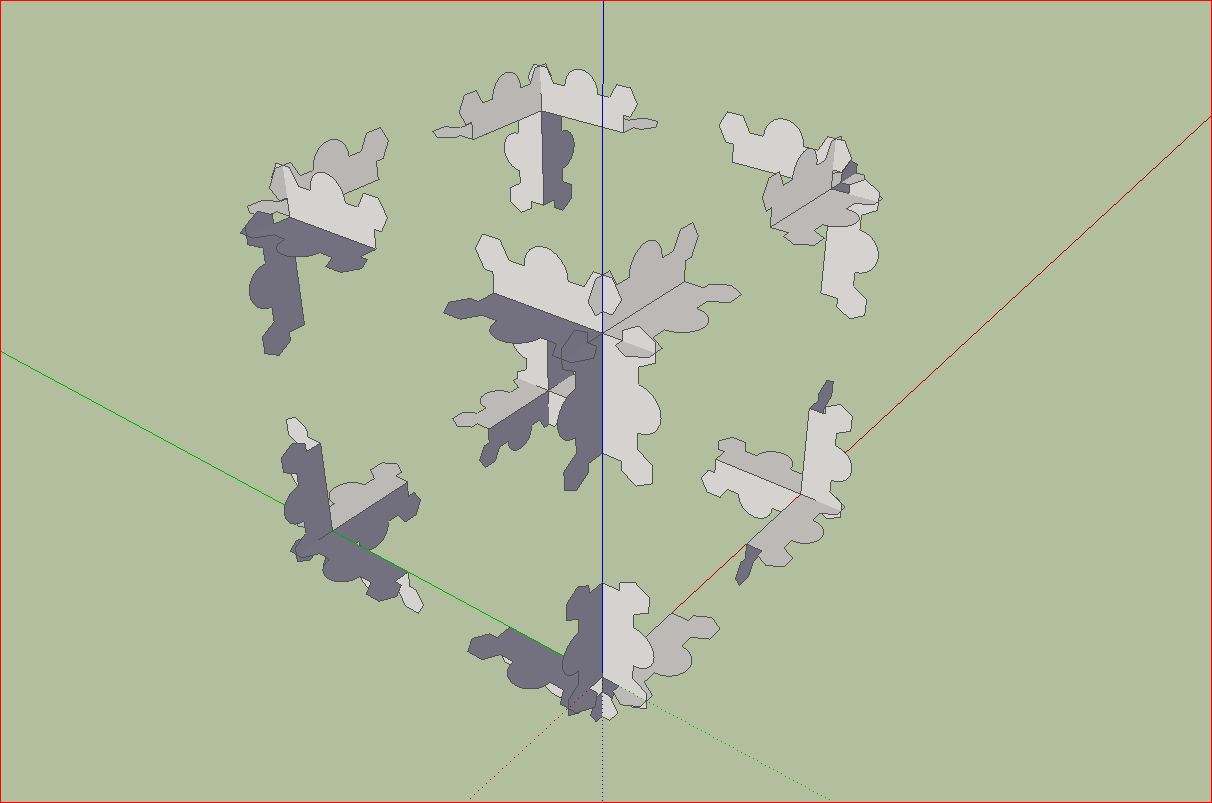
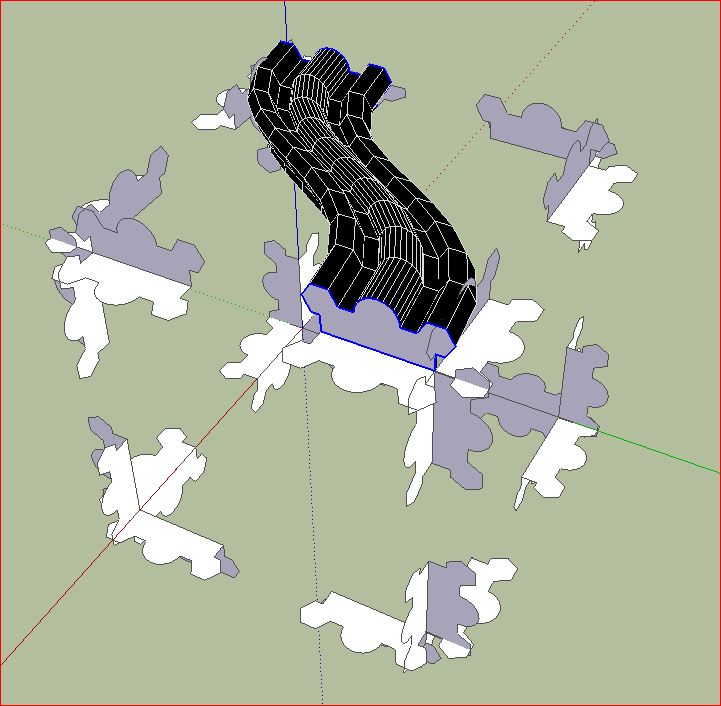
Robert,
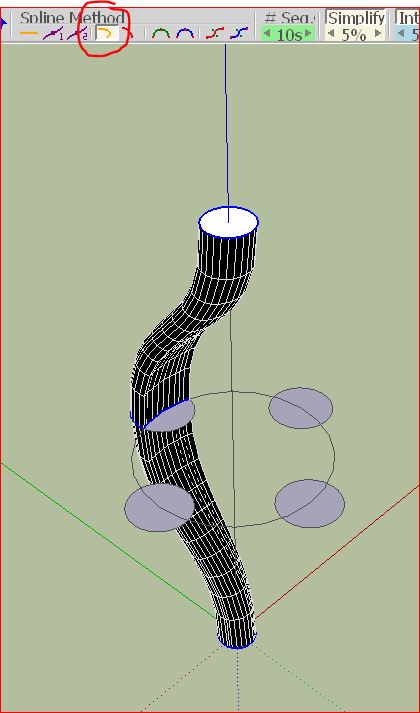
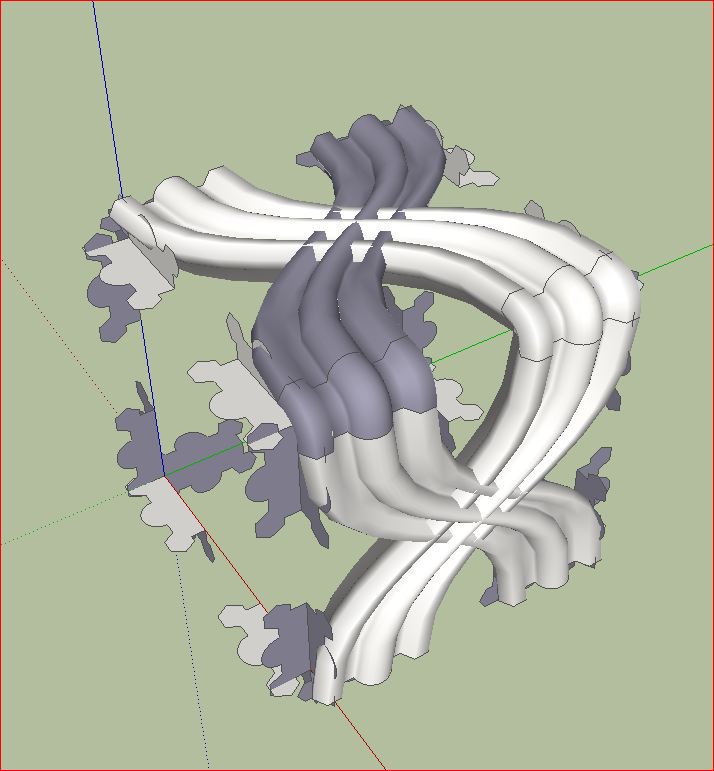
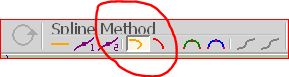
it is very easy. I used this basic construction shown in my post before. Connect the faces as you want and use spline method "junction by orthogonal Betier curves" as shown below.
Charly
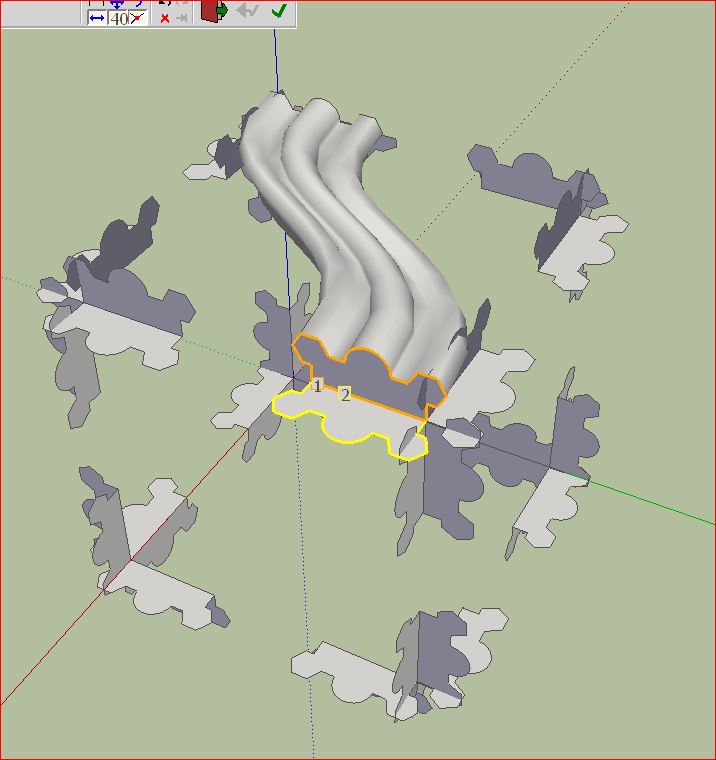
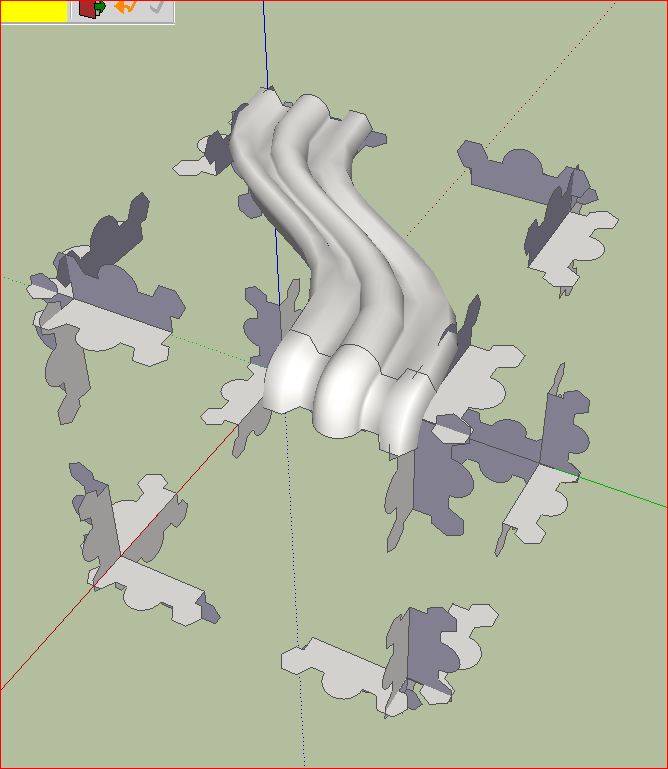
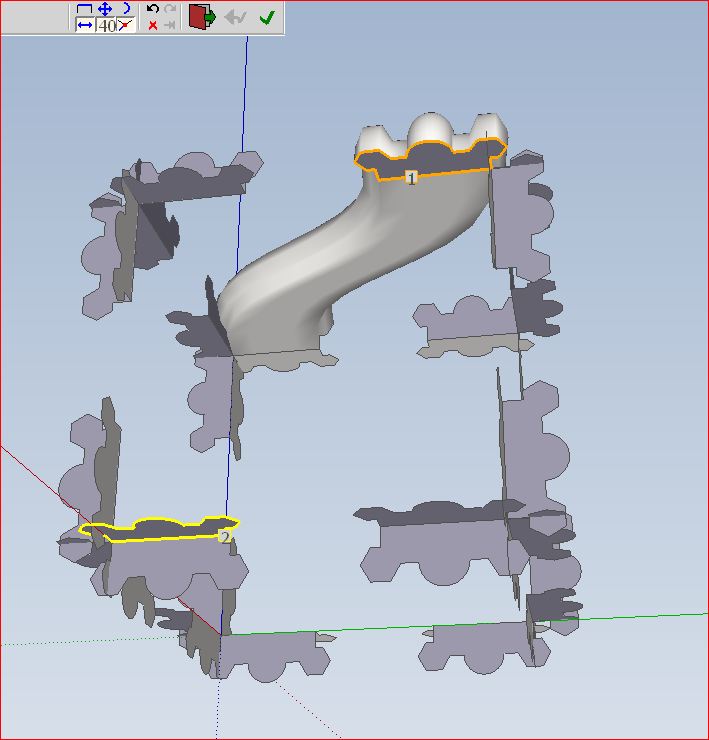
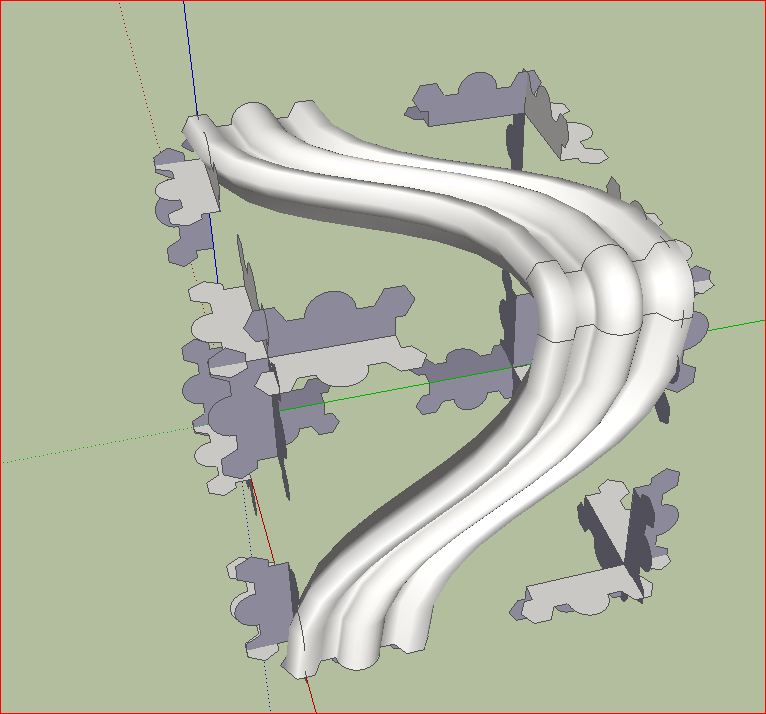
-
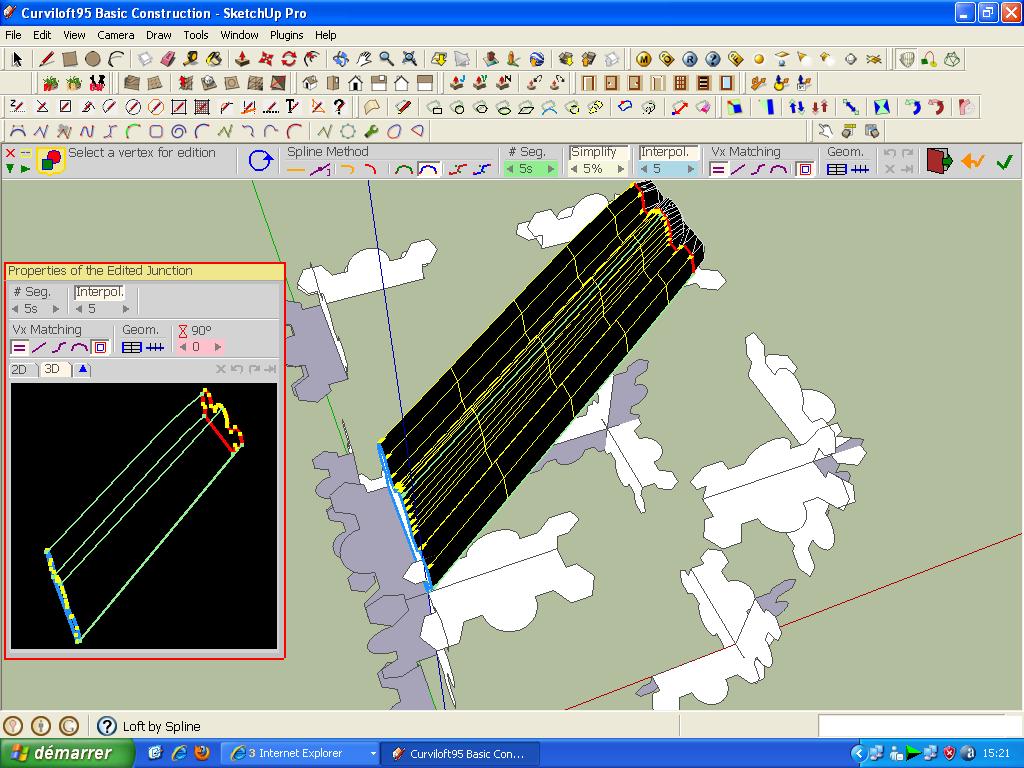
charly thanks for your tuto but i havent cuved form , i dont know why??
look this picture
-
thanks charly , i dont have use spline in curviloft , thanks
-
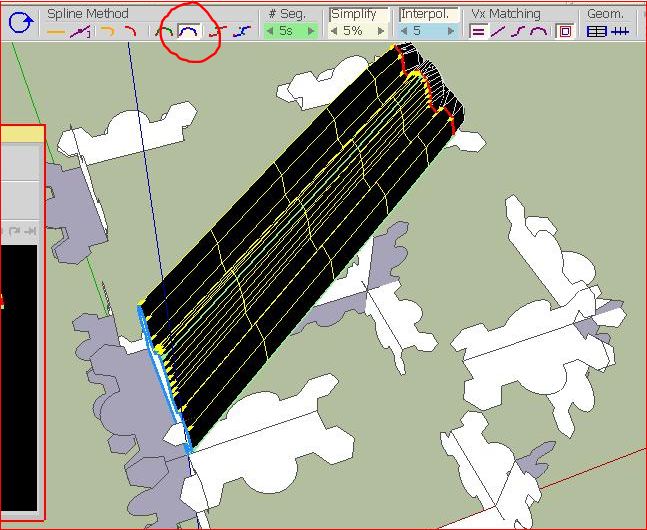
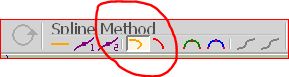
Robert, i think you used a different Spline Method. See images below. The second image shows Junction by Orthogonal Bezier curves.
Charly






Hello! It looks like you're interested in this conversation, but you don't have an account yet.
Getting fed up of having to scroll through the same posts each visit? When you register for an account, you'll always come back to exactly where you were before, and choose to be notified of new replies (either via email, or push notification). You'll also be able to save bookmarks and upvote posts to show your appreciation to other community members.
With your input, this post could be even better 💗
Register Login


Advertisement