Tout terrain! 
Scene 2 et 6 à revoir!
Le texte a pris la poudre d'escampette 
 Offline
Tout terrain!
Scene 2 et 6 à revoir!
Le texte a pris la poudre d'escampette
J'ai un trou, là 
"Simulation d'inférence" Qu'est-ce?
Se "bloquer" sur des des "lignes ou des points chauds"?
huhu
Animation in Sketchup can be made also with many plugs
Sketchyphysics2 
Transformer by D Bur
and the last more exiting 'in french link)Proper animation by Morisdov who mix animation of objects and animation scene
Avec la dernière version; il semble que l'on puisse en mettre autant que l'on veut 
Morisdov 
@unknownuser said:
you may use few scenes as part of a single long leg of a animation part
Seems the cool trick!
MALAISE
@unknownuser said:
I'm pretty sure these are all imports from other apps.
Why not, there is no such many difference than the Solo's Mickey
@unknownuser said:
If I understand your question correctly
I am not sure
From my example exo2 upper
I wish of course the Move rotating Scaling of the big cube to the "little" also in 3 seconds between the 2 Scenes
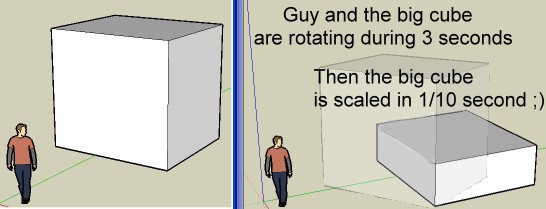
Does it possible to synchronize the Movement of the "proper animation" with the movement of the scenes?
Start --> end of "Proper Animation"
Of course I can reduce the speedy of the "Scene" by Animation / Settinds but that will be too speedy
In another word does it possible to setting "Proper Animation" speed?
In any case your plug is crazy fun ! 
(load the Files then Plugins/ "Start animation observer" and run animation)
(plugin proper_animation of course installed)
Et il n'y a maintenant que "4" mise en position possible?
Bingo! 
On charge bêtement le fichier
puis Menu Plugins "Start animation observer"
Et ensuite "Play Animation" normale!
Merci! Et bravo pour l'animation!
C'est ultra balèze comme plug!
Cela ne marchait pas chez moi, car je ne savais même pas que ce fichu "Start animation observer" existait 
Je ne voyais qu'un truc appelé "transformation" qui n'apparaissait en clic droit qu'après avoir sélectionné quelque chose
Je suis long à la détente
J'ai chargé le plug d'animation du sieur Morisdov (il est bien sous mon clic droit donc chargé)
et ensuite le fichier "Passeur" du sieur MALAISE (situé sur la 2ème page du lien ci-dessus
Si j'ai bien les 8 "pages" qui s'animent normalement par rapport aux positions de la caméra
(de la façon normale) je ne vois absolument rien en rapport avec le nouveau plug d'animation, qui je suppose doit faire bouger la tête de lecture de ce curieux appareil
Qu'est-ce que j'ai raté comme manipulation à faire? 
y a comme un malaise 
You can use the free "Make Human" and make any anatomy and then introduce it in SU
Astonished!
in podium
with biebel_settings.xml
@Biebel : I see no secret inside! It's like your texturing lesson
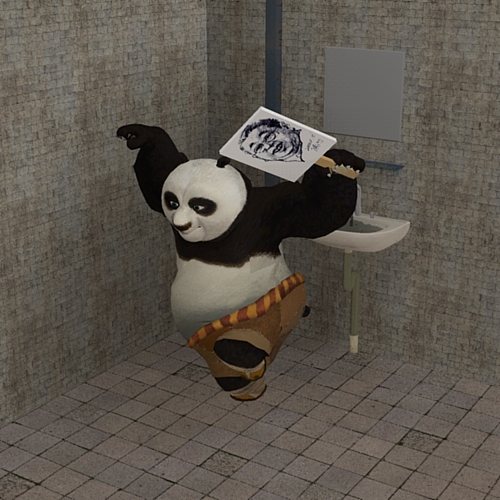
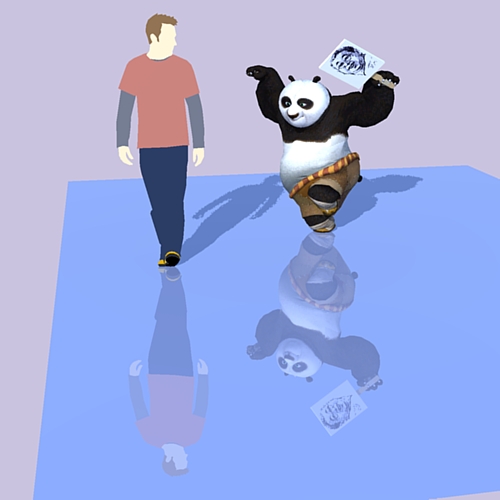
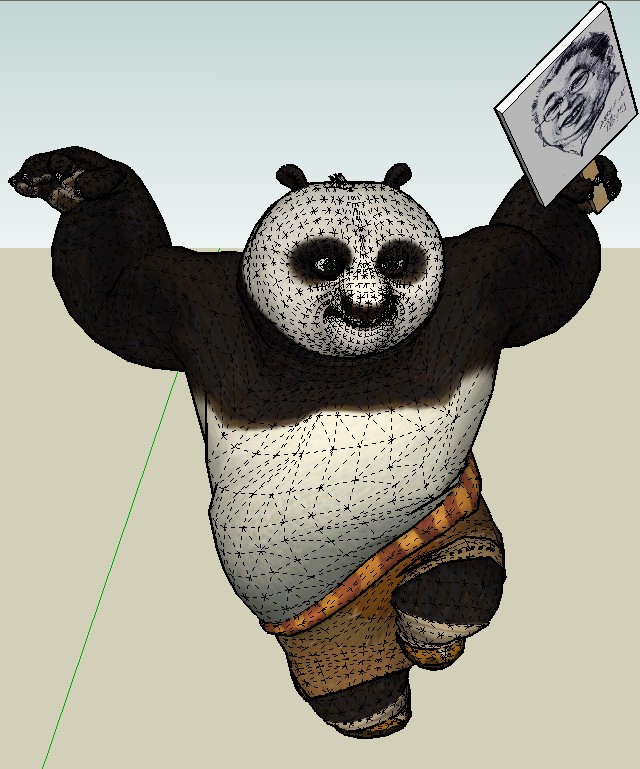
You have a plugin UV Tool by Whaat
Spheric and cylindric projection inside
MAybe this can help you
No really the only ecologic solution is this one and nothing else!
Video